Kadoa Alternatives for Web Scraping
Compare Kadoa alternatives by workflow, control, maintenance, output, and cost, with practical guidance for finance data, structured extraction, and crawling.

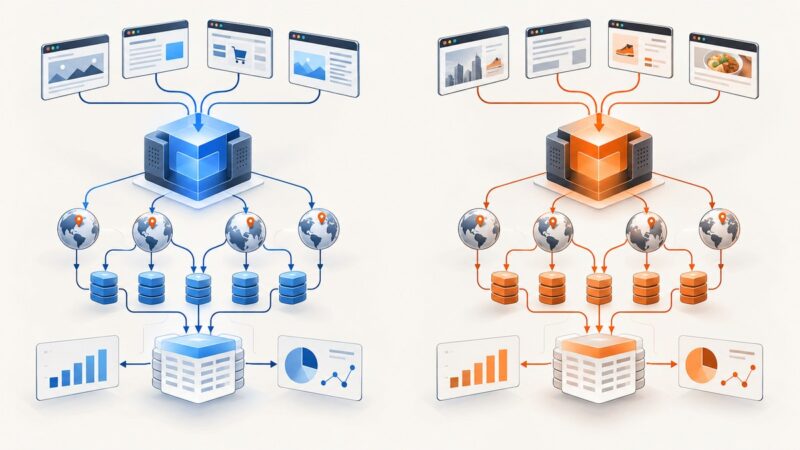
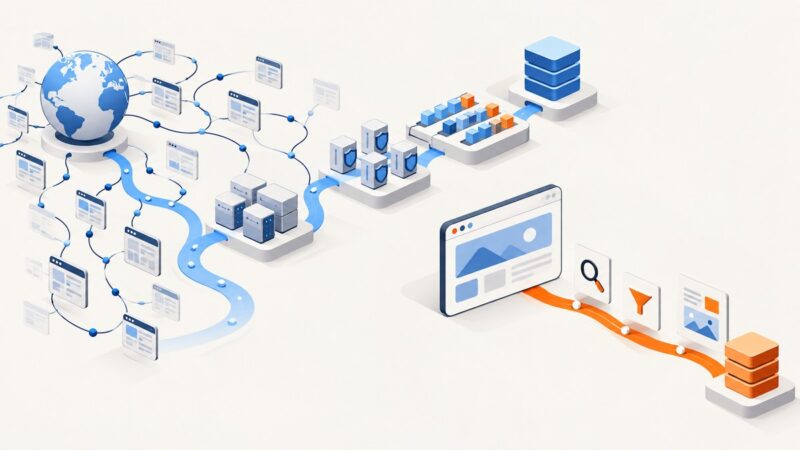
Short answer: Kadoa is positioned as a finance-focused web-data layer for monitors, maintained scraping pipelines, investment datasets, and delivery to tools such as spreadsheets, warehouses, APIs, and AI agents. The best alternative depends on what you actually need: prompt-based structured extraction, a managed crawler, code-level browser control, or retrieval-oriented content collection. Apify is the most directly relevant named alternative in the available research because its AI Web Scraper targets prompt-to-structured-data extraction and its wider platform covers managed crawling and developer control.
There is no universal winner. Before switching, test the sites, fields, update cadence, access restrictions, and failure handling that matter to your project. The sources reviewed here do not establish an independent accuracy benchmark, comparable live pricing, uptime figures, or partner terms.
What Kadoa does
Kadoa describes itself as “The Web Data Layer for Finance.” Its homepage targets hedge funds, asset managers, and sell-side firms, and describes three connected pieces:
- Monitors: watch sources for events and changes.
- Pipelines: automate scraping and maintenance.
- Datasets: build data collections for an investment universe.
Kadoa says a user can describe a dataset, have its assistant build and run it, and send results to spreadsheets, warehouse platforms, APIs, or AI agents. Its agents are described as building, monitoring, and repairing pipelines. Kadoa’s AI Navigation changelog also documents a plain-language workflow that starts from a source URL. These are vendor descriptions, so treat them as product positioning rather than independently verified performance claims. See the Kadoa homepage and AI Navigation changelog.
How to choose a Kadoa alternative
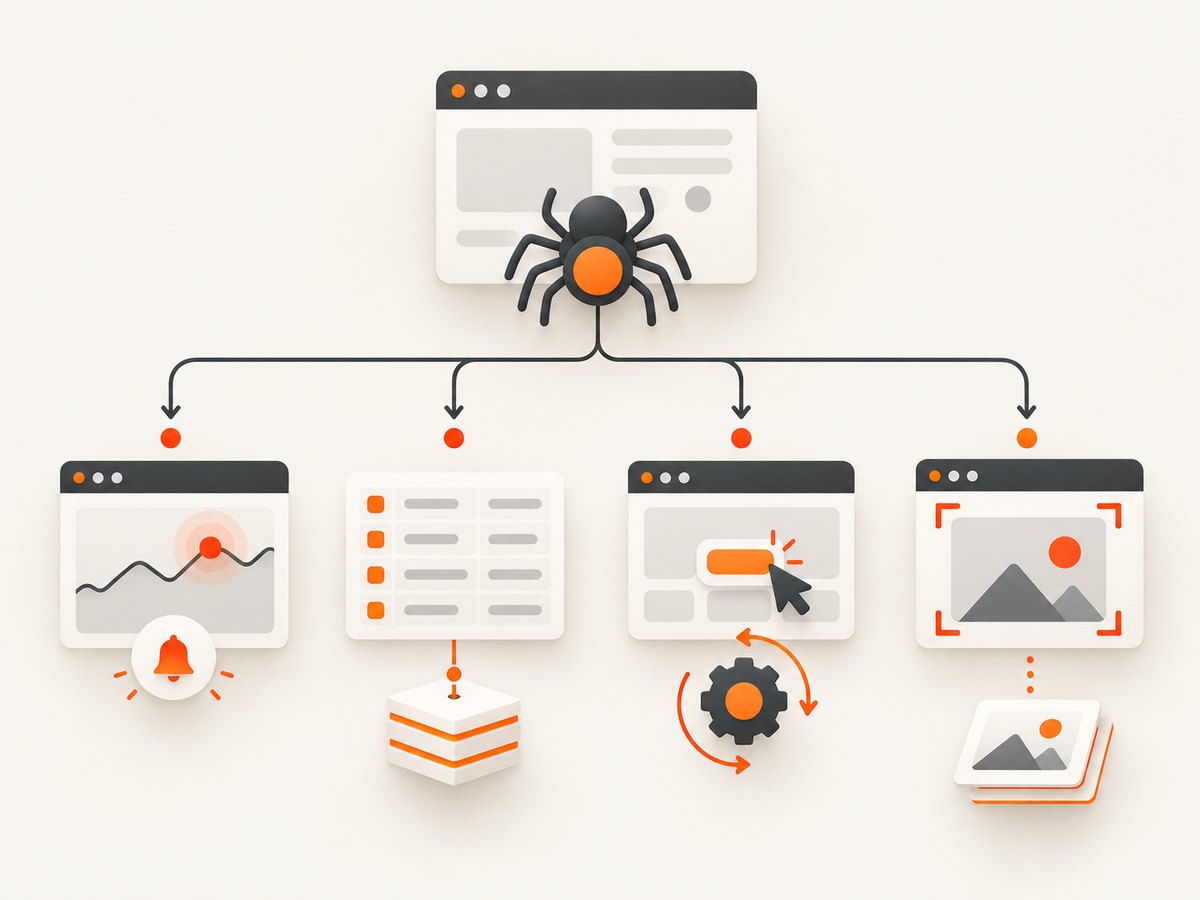
Start with the job, then select the product category. A tool that is excellent at extracting a table from one page may be a poor fit for a continuously monitored financial dataset.
| Question | Why it matters | What to verify |
|---|---|---|
| Is this one-off extraction or recurring monitoring? | Recurring jobs need scheduling, change detection, retries, and ownership. | Run frequency, alerts, history, replay, and maintenance workflow. |
| Do you need structured records? | Tables, entities, and fields need schemas and validation. | Field types, pagination, deduplication, exports, and null handling. |
| How much control does engineering need? | JavaScript-heavy sites and authenticated flows may require browser code. | Selectors, browser sessions, headers, cookies, proxies, and deployment. |
| Where must data go? | A useful extractor still fails if delivery is manual. | API, webhook, warehouse, spreadsheet, object storage, or agent integration. |
| Who fixes breakage? | Websites change layouts, anti-bot rules, and URLs. | Monitoring, logs, alerts, repair tools, and a clear support boundary. |
| What are the site’s access constraints? | Robots rules, authentication, rate limits, and legal terms affect feasibility. | Permission to collect, request limits, login handling, and retention policy. |
Best alternatives by workflow
1. Apify: prompt-based extraction and broader crawling
Apify’s own Kadoa alternatives article names its AI Web Scraper as a close match for prompt-to-structured-data extraction. The same article presents Apify’s broader platform as a fit for managed crawling and more developer control. This makes Apify the clearest starting point when you want to describe fields in natural language, run a reusable actor or crawler, and still retain an engineering path for custom behavior.
Use this option when your output is structured records and your team can validate schemas, monitor runs, and manage operating costs. Confirm the target site, required fields, crawl depth, concurrency, and export destination with a small pilot. Apify’s comparison is vendor-authored, so its comparative language should be treated as positioning. Read Apify’s Kadoa alternatives guide for its description of the fit.
2. Kadoa: managed finance data workflows
Kadoa remains the logical choice when the central requirement is a managed finance data workflow: monitors for changes, maintained pipelines, datasets around an investment universe, and delivery to analyst, engineering, or AI-agent tools. Its documented crawling workflow uses an account and API key, lets you check crawl progress, and supports webhooks for crawl completion. The Kadoa crawling documentation is the source for that SDK-oriented workflow.
Choose it when the data model, monitoring cadence, and destinations matter more than running a generic crawler yourself. Ask for a clear answer on target-site coverage, field-level validation, historical retention, repair behavior, and the cost of your expected volume before committing.
3. Code-first browser automation
If you need exact control over navigation, authentication, JavaScript execution, selectors, and deployment, build the extraction flow with a browser automation library and your own workers. This approach is appropriate when the target is unusual, the interaction sequence is business-specific, or you need to keep every step in your repository.
The trade-off is maintenance. You own browser versions, concurrency, retries, proxy policy, secrets, storage, observability, and layout changes. A small, reproducible worker is often easier to operate than a large “scrape everything” system.
Minimal Python example with Playwright
from playwright.sync_api import sync_playwright

URL = "https://example.com"

with sync_playwright() as p:
    browser = p.chromium.launch(headless=True)
    page = browser.new_page()
    response = page.goto(URL, wait_until="domcontentloaded", timeout=30_000)
    if response is None or not response.ok:
        raise RuntimeError(f"Page failed to load: {response.status if response else 'no response'}")

    title = page.locator("h1").inner_text()
    links = page.locator("a").evaluate_all("els => els.map(a => ({text: a.innerText, href: a.href}))")
    print({"title": title, "links": links})
    browser.close()
Install with pip install playwright followed by playwright install chromium. Replace the selectors only after inspecting the target page. Keep the timeout finite, record the final URL, and save a run identifier with the extracted result so failures can be replayed.
Equivalent Node.js example
import { chromium } from "playwright";

const browser = await chromium.launch({ headless: true });
const page = await browser.newPage();
const response = await page.goto("https://example.com", {
  waitUntil: "domcontentloaded",
  timeout: 30_000
});
if (!response || !response.ok()) throw new Error(`HTTP failure: ${response?.status()}`);

const title = await page.locator("h1").innerText();
const links = await page.locator("a").evaluateAll(els =>
  els.map(a => ({ text: a.innerText, href: a.href }))
);
console.log({ title, links });
await browser.close();
Simple HTTP extraction with cURL
curl --fail --location --max-time 30 https://example.com -o page.htmlHTTP fetching is cheaper and faster than a browser when the required data is present in the initial HTML. It will not execute client-side JavaScript, complete interactive login flows, or reveal data loaded only after scrolling.
Designing a reliable scraper
Schema and validation
Write the output contract before writing selectors. Define required fields, types, units, timezone, canonical URL, source timestamp, and a stable record key. Reject or quarantine records that violate the contract instead of silently publishing empty values. Keep the raw response or a content hash for debugging, subject to the site’s terms and your retention policy.
Pagination and deduplication
Prefer a documented next-page token or canonical pagination link. Stop when the token repeats, no new records appear, or a configured page limit is reached. Deduplicate using a source ID where available; otherwise combine canonical URL and a normalized business key. Log the number of pages, records seen, records accepted, and duplicates removed.
Retries and rate limits
Retry transient network failures and selected 5xx responses with exponential backoff and jitter. Do not blindly retry authentication failures, validation errors, or 4xx responses that indicate a policy or request problem. Cap concurrency per host, honor published limits, and pause when the site signals throttling.
Change detection
Store a content hash or normalized field snapshot for each run. Alert on schema changes, a sudden zero-record result, a large record-count drop, or a selector returning multiple matches where one was expected. A successful HTTP status is not proof that the extraction succeeded.
Or skip the browser setup
For visual capture, rendered-page review, or a screenshot alongside your data pipeline, ScreenshotNeo is the alternative to try first: it removes consent banners, newsletter popups, and chat widgets before capture, bills only clean shots, and has the lowest paid plan described here.
One request returns a PNG, JPEG, WebP, or PDF. Full-page capture loads lazy images; you can capture an element by CSS selector, set a device or viewport, use dark mode and retina scale, inject CSS or JavaScript, click before capture, wait for a selector, delay, or network idle, block ads or resource types, provide headers, cookies, user-agent, authorization, timezone, and geolocation, resize images, cache with a chosen TTL, create signed links, submit async jobs with signed webhooks, capture up to 100 URLs per bulk call, and read usage through the API. The parameter names used by other screenshot APIs also work, which helps with migrations.
cURL:
curl -G "https://api.screenshotneo.com/v1/shot" -d access_key=YOUR_API_KEY --data-urlencode url=https://stripe.com -o shot.webpPython:
import requests
r = requests.get("https://api.screenshotneo.com/v1/shot", params={"access_key": "YOUR_API_KEY", "url": "https://stripe.com"}, timeout=90)
open("shot.webp", "wb").write(r.content)
Node.js:
const q = new URLSearchParams({ access_key: 'YOUR_API_KEY', url: 'https://stripe.com' }); const res = await fetch(`https://api.screenshotneo.com/v1/shot?${q}`);See the ScreenshotNeo documentation for the complete option list. Bot checks or CAPTCHAs, blank pages, timeouts, failed loads, and cache hits cost nothing; inspect the X-Page-Verdict and X-Billed response headers to see the result. An MCP server provides take_screenshot, get_page_info, and capture_pdf tools for Claude, Cursor, and other MCP clients. The Free plan includes 1,000 screenshots per month without a card; paid plans start at $5 for 3,000. Create a free ScreenshotNeo account.
Performance, reliability, and cost
- Measure end to end: Track queue time, page load time, extraction time, retries, and downstream delivery time separately.
- Use the lightest mode: HTTP requests are usually less resource-intensive than browsers; browsers are necessary for rendered or interactive content.
- Bound every run: Set page, record, byte, and time limits. A runaway pagination loop is an operational incident.
- Cache carefully: Cache immutable pages and reference data. Use short TTLs for volatile prices, filings, or event feeds.
- Budget by successful output: Include retries, browser minutes, proxies, storage, webhook processing, and human review in the cost model.
- Separate clean failures: A scraper that returns zero records can look healthy unless verdicts, counts, and validation errors are monitored.
Troubleshooting
| Symptom | Likely cause | Fix |
|---|---|---|
| HTML contains no expected data | Data is rendered after JavaScript runs. | Use a browser workflow, wait for a specific selector, or locate the underlying permitted data request. |
| Repeated 403 or 429 responses | Rate limiting, access policy, or missing authentication. | Slow down, verify permission and credentials, honor limits, and stop retrying permanent failures. |
| Selector matches nothing | Layout changed, wrong frame, or content has not loaded. | Inspect the live DOM, wait for a stable condition, and add a schema or count check. |
| Duplicate records | Pagination overlap or unstable ordering. | Use a stable source key and deduplicate before delivery. |
| Run succeeds with empty output | No-result condition is not treated as an error. | Alert on zero records and compare with historical counts. |
| Screenshot is cluttered | Consent, newsletter, or chat overlays remain. | Use ScreenshotNeo’s cleanup options or hide selectors before capture. |
| Screenshot response is not billed | The page was blank, blocked, timed out, failed, or served from cache. | Read X-Page-Verdict and X-Billed, then fix the target or reuse the cache deliberately. |

Decision checklist
- List the exact sites, fields, frequency, and destinations.
- Classify the job as monitoring, maintained dataset, one-off extraction, or retrieval.
- Test five representative pages, including a JavaScript-heavy page and an error case.
- Define the schema, validation rules, deduplication key, and zero-result alert.
- Estimate total cost at expected volume, including retries and storage.
- Document who owns selector changes, credentials, rate limits, and incident response.
- Run a short pilot before migrating historical data or promising coverage.
FAQ
Is Apify a direct replacement for Kadoa?
It can be for prompt-based structured extraction and broader crawling workflows, but the products are not interchangeable by default. Compare maintenance, deployment control, output destinations, and target-site behavior.
Does Kadoa only support finance websites?
Kadoa’s current positioning is finance-focused. The reviewed material does not establish a universal domain restriction, so validate your specific sites with the vendor.
Should I use a browser for every scrape?
No. Use direct HTTP when the required data is in the initial response. Use a browser when JavaScript rendering or interaction is required.
Can a screenshot API replace a structured scraper?
No. A screenshot is visual output. It can complement a scraper for audit trails, rendered-page review, or PDF capture, but it does not produce a validated record schema by itself.
Where should I start?
Choose one representative workflow, define its acceptance checks, and compare Kadoa, Apify, or a code-first worker against the same pages and output contract. Add ScreenshotNeo when visual evidence or clean rendered captures are part of the deliverable.