ScrapeOps Alternatives Compared
Compare ScrapeOps alternatives by rendering, anti-bot handling, parsing, geography, reliability, integration effort and total cost.
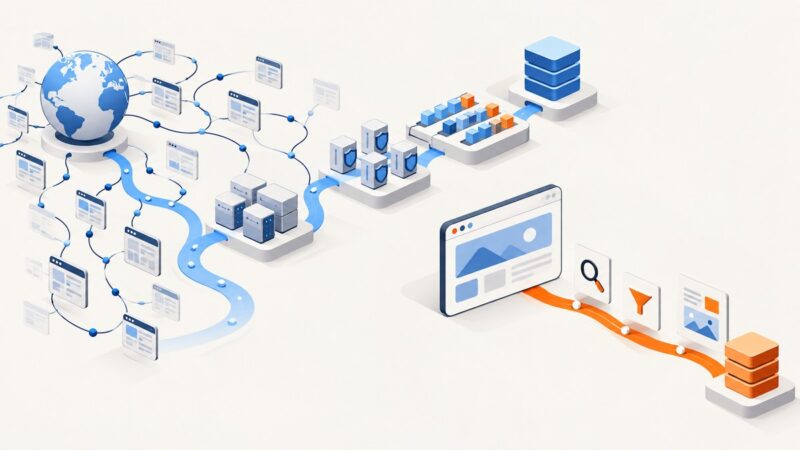
ScrapeOps alternatives include hosted scraping APIs, proxy aggregators, residential and mobile proxy networks, and browser or anti-bot services. The right choice depends on the target sites, JavaScript requirements, geography, output format, scale, reliability expectations and pricing model.
Short answer: choose the ScreenshotNeo screenshot API first when your deliverable is a visual capture rather than extracted records. For raw HTML and proxy routing, ScrapeOps, Oxylabs, Zyte, ScrapingBee, Bright Data, Decodo and Rayobyte serve different workloads. Compare successful results and total operating cost instead of comparing headline request prices.
What ScrapeOps does
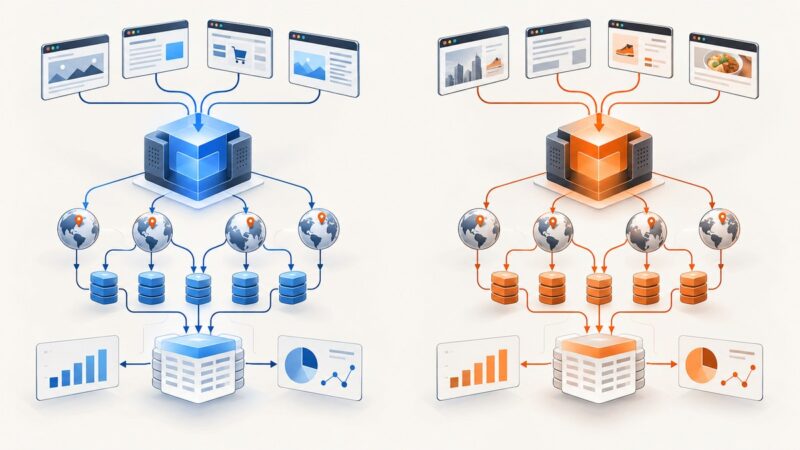
ScrapeOps is both a scraping platform and an aggregator. Its Proxy API Aggregator gives one endpoint for the top 15 smart proxy APIs, while its Residential & Mobile Aggregator gives one port for the top 20 providers. The documentation describes automatic proxy optimization and rotation, anti-bot bypass, and headless-browser support for the API aggregator. Listed entry prices start at $9 per month for the proxy API aggregator and $15 per month for the residential and mobile aggregator (ScrapeOps documentation, [c1]).
The aggregation model can reduce the work of finding, testing and maintaining several proxy pools. ScrapeOps describes the purpose of its proxy aggregators as taking “the hassle out of finding and maintaining proxy pools” ([c1]). You still need to decide whether you need a proxy endpoint, a browser that executes JavaScript, structured extraction, screenshots or PDFs.
Comparison at a glance
| Service | Best fit | Relevant capabilities | Pricing note |
|---|---|---|---|
| ScreenshotNeo | Visual captures, PDFs and page inspection | Clean screenshots, full-page and element capture, JavaScript, cookies, headers, device presets, PDF and MCP tools | 1,000 free shots monthly; paid plans from $5 for 3,000 |
| ScrapeOps Proxy Aggregator | One integration with provider routing and failover | Aggregated smart proxy APIs, rotation, anti-bot features and browser support | Listed starting prices of $9 and $15 monthly for its two aggregator products ([c1]) |
| Oxylabs Web Scraper API | Large, complex or enterprise workloads | JavaScript rendering, ML-driven rotation in 195 countries, structured parsing and CAPTCHA bypass | Comparison lists a starting price of $0.5 per 1,000 results ([c2]) |
| Zyte API | AI extraction and adaptive browser automation | AI parsing, smart browser automation, CAPTCHA solving and domain-specific handling | Custom per-site pricing; estimate by target domain ([c2], [c3]) |
| ScrapingBee API | Smaller teams scraping JavaScript-heavy sites | JavaScript rendering, automatic proxy rotation, CAPTCHA solving, SDKs and no-code support | Oxylabs comparison lists $49 monthly ([c2]) |
| Bright Data Web Unlocker | Broad enterprise proxy and unlocker coverage | Large proxy ecosystem and web-unlocking workflows | Compare total cost, bandwidth and successful results ([c3]) |
| Decodo or Rayobyte | Budget-sensitive or configurable proxy pools | Lower-entry or customizable proxy options | Check current pool, geography and traffic terms before committing ([c2]) |
How to choose an alternative
1. Define the output
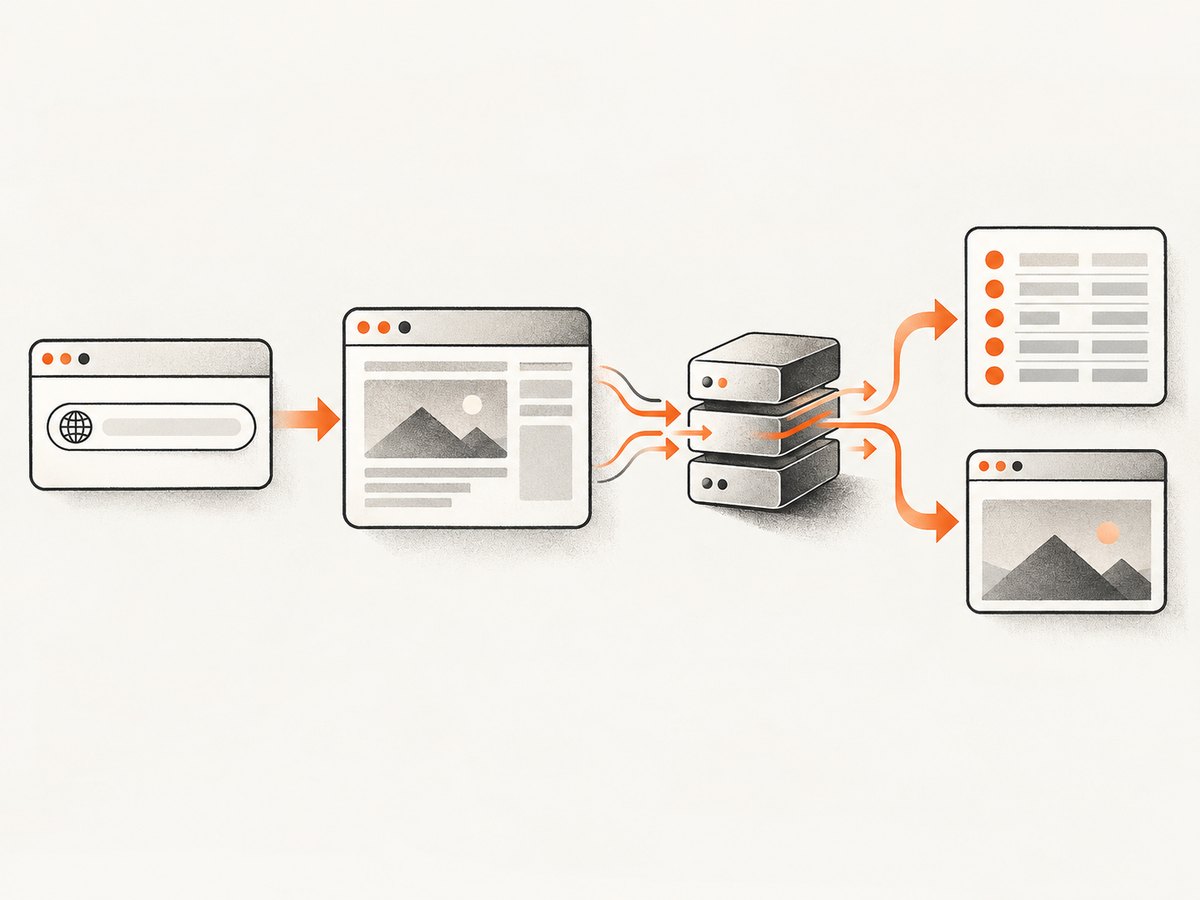
Raw HTML, parsed JSON, CSV records, Markdown, a screenshot and a PDF are different products. A proxy API can help you fetch a page but does not automatically produce a reliable visual capture. A browser API may render the page but still require your own selectors and parser. Write down the exact artifact your downstream job consumes.
- Raw HTML: use a fetch or proxy API when the page is server-rendered and you control parsing.
- Structured fields: prefer an API with built-in parsing or an extraction layer you can version and test.
- Rendered visual: use a screenshot API or browser automation with explicit viewport, wait and resource controls.
- PDF: use a renderer that supports paper size, margins, orientation and page ranges.
2. Measure target difficulty
Classify targets before comparing vendors. Static pages may need only a normal request. JavaScript applications need browser execution and a wait condition. Anti-bot targets may require rotating residential or mobile IPs, browser fingerprints, CAPTCHA handling or domain-specific adaptation. Login-only pages need cookies, headers or an authenticated browser context. A provider that is cheap on static pages can be expensive when every request escalates to a browser or premium proxy.
3. Specify geography and session behavior
Record the countries, cities or ZIP codes you need. Decide whether each request can use a new IP or whether a sticky session is required. Residential and mobile pools generally cost more than datacenter traffic. Confirm whether a vendor charges for bandwidth, requests, successful results, proxy time or a domain multiplier.
4. Decide how success is counted
Request volume is a poor reliability metric. Track HTTP status, content checks, parser success, CAPTCHA pages, empty responses and latency percentiles. ScrapeOps’ reported Amazon example ranged from $98 to $2,000 per million requests because domain-level pricing and multipliers can change the effective cost ([c3]). Ask each vendor how retries, failed requests, browser time and bandwidth are billed.
ScrapeOps alternatives in detail
Oxylabs: enterprise scale and parsed output
Oxylabs is a strong candidate when throughput, geographic coverage and structured output matter more than the lowest entry price. The comparison lists JavaScript rendering, ML-driven rotation across 195 countries, structured parsing and CAPTCHA bypass, with a listed starting price of $0.5 per 1,000 results ([c2]). Validate the result schema against your target domains and model retries, browser rendering and data retention in the quote.
Zyte: adaptive automation and AI parsing
Zyte fits teams that want AI-assisted extraction and browser automation for changing sites. The comparison lists AI parsing, smart browser automation and CAPTCHA solving ([c2]). ScrapeOps reports domain-specific, success-based pricing ([c3]), so estimate a representative set of domains rather than multiplying a single request price by your monthly volume.
ScrapingBee: straightforward JavaScript scraping
ScrapingBee is aimed at developers who want a simpler integration for JavaScript-heavy pages. The comparison lists JavaScript rendering, automatic proxy rotation, CAPTCHA solving, SDKs and no-code support, with a listed $49 monthly price ([c2]). It is a practical shortlist for smaller teams, but confirm concurrency, geographic controls and what counts as a billable request.
Bright Data: broad proxy and unlocker coverage
Bright Data is appropriate when you need a broad enterprise proxy estate or a web-unlocking product. Compare the complete bill: traffic, successful responses, browser time, retries, country selection and minimum commitments. A large feature list does not by itself predict your cost for a difficult domain ([c3]).
Decodo and Rayobyte: budget and configuration options
Decodo and Rayobyte belong on a shortlist when entry price or control over proxy pools is more important than a fully managed extraction layer. Confirm the available residential, mobile and datacenter inventory, session controls, targeting precision and support for your compliance process before production use ([c2]).
When a screenshot API is the better alternative
If your task is a visual audit, documentation image, regression artifact, social preview, invoice rendering or PDF, extracting HTML is unnecessary work. You need deterministic viewport and rendering controls, a stable image format and a way to identify blank pages or bot checks.
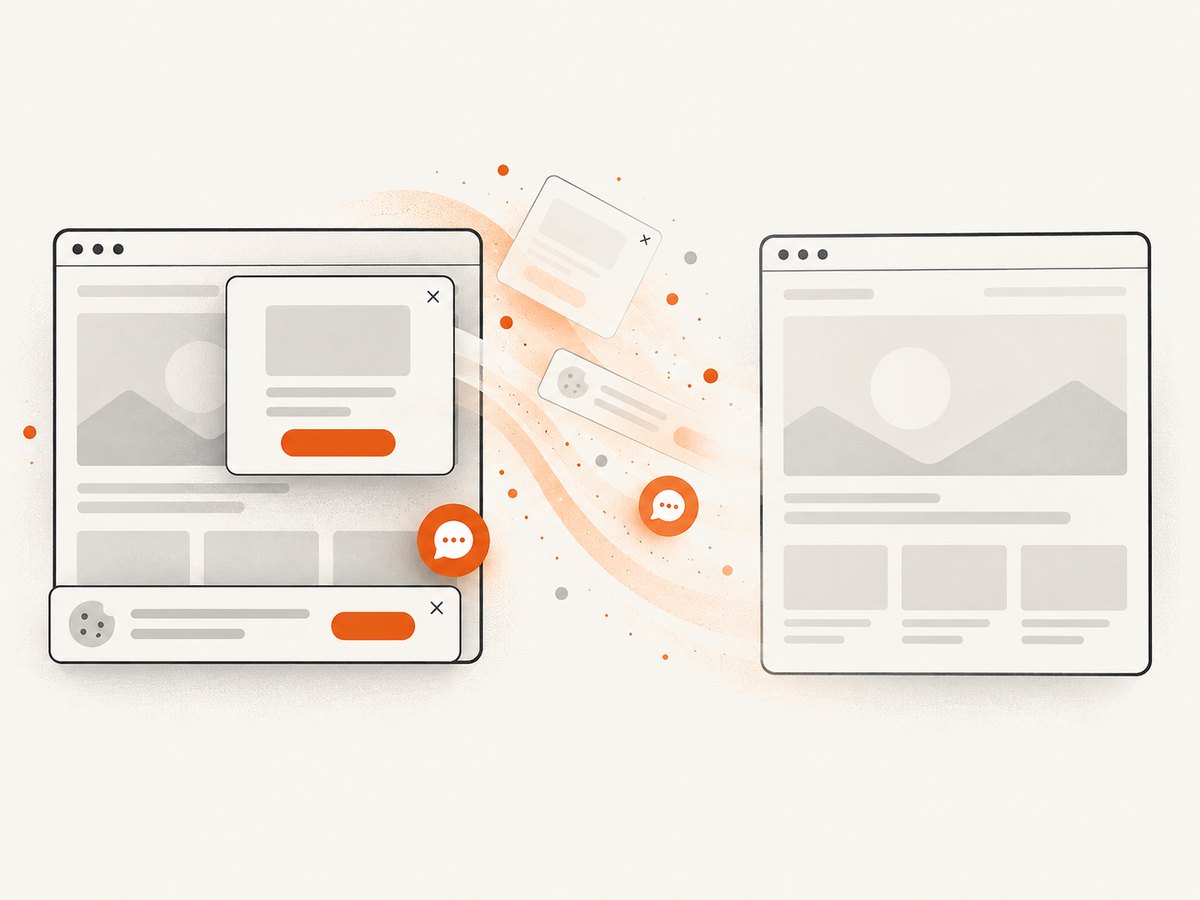
ScreenshotNeo is the first alternative to try for screenshot work because it removes cookie and consent banners, newsletter popups and chat widgets before capture, bills only clean shots, and has the lowest paid plan listed here. It supports PNG, JPEG, WebP and PDF output, full-page capture with lazy images loaded, CSS-selector element capture, dark mode, 12 device presets, arbitrary viewports, retina scale, custom CSS and JavaScript, click and wait actions, blocked resources, custom headers and cookies, timezone and geolocation, transparent backgrounds, resizing, caching, signed links, asynchronous jobs, bulk capture for 100 URLs and usage reporting.
Or skip the browser setup
One GET request returns the rendered artifact. The API also reports whether the result was clean and billable in the X-Page-Verdict and X-Billed headers. See the ScreenshotNeo API documentation for all options.
cURL
curl -G "https://api.screenshotneo.com/v1/shot" \
  -d access_key=YOUR_API_KEY \
  --data-urlencode url=https://stripe.com \
  -o shot.webp
Python
import requests

r = requests.get(
    "https://api.screenshotneo.com/v1/shot",
    params={"access_key": "YOUR_API_KEY", "url": "https://stripe.com"},
    timeout=90,
)
r.raise_for_status()
open("shot.webp", "wb").write(r.content)
print(r.headers.get("X-Page-Verdict"), r.headers.get("X-Billed"))
Node.js
const q = new URLSearchParams({
  access_key: 'YOUR_API_KEY',
  url: 'https://stripe.com'
});
const res = await fetch(`https://api.screenshotneo.com/v1/shot?${q}`);
if (!res.ok) throw new Error(`HTTP ${res.status}`);
const data = Buffer.from(await res.arrayBuffer());
require('fs').writeFileSync('shot.webp', data);
console.log(res.headers.get('X-Page-Verdict'), res.headers.get('X-Billed'));
Cookie banners, popups and chat widgets are removed before the shot. Bot checks, blank pages and failed loads are never billed. An MCP server gives AI agents such as Claude and Cursor the take_screenshot, get_page_info and capture_pdf tools. The free plan includes 1,000 screenshots a month with no card, and paid plans start at $5 for 3,000. Create a free ScreenshotNeo account.
Implementation patterns for scraping APIs
Use an explicit success contract
Do not treat HTTP 200 as a successful scrape. Require expected fields, a minimum body length, a canonical title or another domain-specific signal. Store the response classification, provider, proxy country, latency and retry count so failures can be diagnosed.
Retry selectively
Retry connection resets, timeouts and transient 5xx responses with exponential backoff and jitter. Do not blindly retry a CAPTCHA, a consistent 403 or a parser error. Those responses usually require a different browser, proxy class, session or selector.
Separate fetching from parsing
Persist the raw response or a content hash before parsing when policy permits. This lets you fix selectors without paying for another fetch and makes vendor comparisons reproducible. Version parsers by domain and keep fixtures for layout changes.
Control concurrency
Start below the provider’s documented limit, then increase gradually while watching error rate and latency. A queue with per-domain limits prevents a fast worker pool from triggering defenses. Use idempotency keys or URL hashes to avoid duplicate work.
Troubleshooting
| Symptom | Likely cause | Fix |
|---|---|---|
| 403 or CAPTCHA HTML | Proxy reputation, fingerprint or request rate | Use a browser-capable or residential product, lower per-domain concurrency, preserve sessions and verify terms. |
| Empty fields | JavaScript content was not rendered or selector changed | Enable rendering, wait for a stable selector, save raw output and update the parser fixture. |
| Intermittent timeouts | Slow origin, overloaded browser or geographic route | Set a bounded timeout, retry transient failures, change region or use asynchronous jobs. |
| Costs exceed estimate | Retries, browser time, bandwidth or domain multipliers | Measure cost per successful record, cap retries and ask for a domain-level quote. |
| Duplicate records | Retries without idempotency or pagination drift | Hash canonical URLs or source IDs and make writes idempotent. |
| Screenshot contains consent UI | Capture happened before cleanup or no consent handling exists | Use a screenshot workflow with consent acceptance and popup removal, or use ScreenshotNeo’s clean-shot pipeline. |
Performance, reliability and cost checklist
- Benchmark a representative domain set, not a single easy page.
- Report p50, p95 and timeout rates separately for static, JavaScript and anti-bot targets.
- Count successful parsed records or clean screenshots, not requests alone.
- Set per-domain concurrency and global spend limits.
- Cache immutable pages and use a content hash to avoid duplicate fetches.
- Keep provider credentials in a secret manager and rotate them.
- Review robots directives, terms, privacy obligations and applicable law. Oxylabs states that compliance is the user’s responsibility ([c2]).
- Recheck prices, free credits, provider names and anti-bot capabilities before publishing a buying decision; these details change.
FAQ
Is ScrapeOps a proxy provider?
It is a platform with proxy aggregators. The documented aggregators route through multiple providers from one integration ([c1]).
Which alternative is cheapest?
There is no universal answer. Compare cost per successful result after retries, rendering, bandwidth, geography and domain multipliers.
Which option handles JavaScript?
The research lists JavaScript rendering for ScrapeOps’ API aggregator, Oxylabs and ScrapingBee, and browser automation for Zyte. Confirm current limits for your domains before purchase.
Can I use a scraping API for screenshots?
You can fetch HTML, but visual capture requires browser rendering and image or PDF output. ScreenshotNeo is purpose-built for that artifact and includes cleanup controls.
How should I test reliability?
Run repeated samples across target domains and geographies, record successful-content checks, latency, CAPTCHA frequency, retries and total cost, then compare providers using the same workload.