ScrapeStorm Alternatives for Web Scraping
Compare Apify, Octoparse, ParseHub, Import.io, Diffbot and Hexomatic, then choose a ScrapeStorm alternative by workflow, scale and cost.
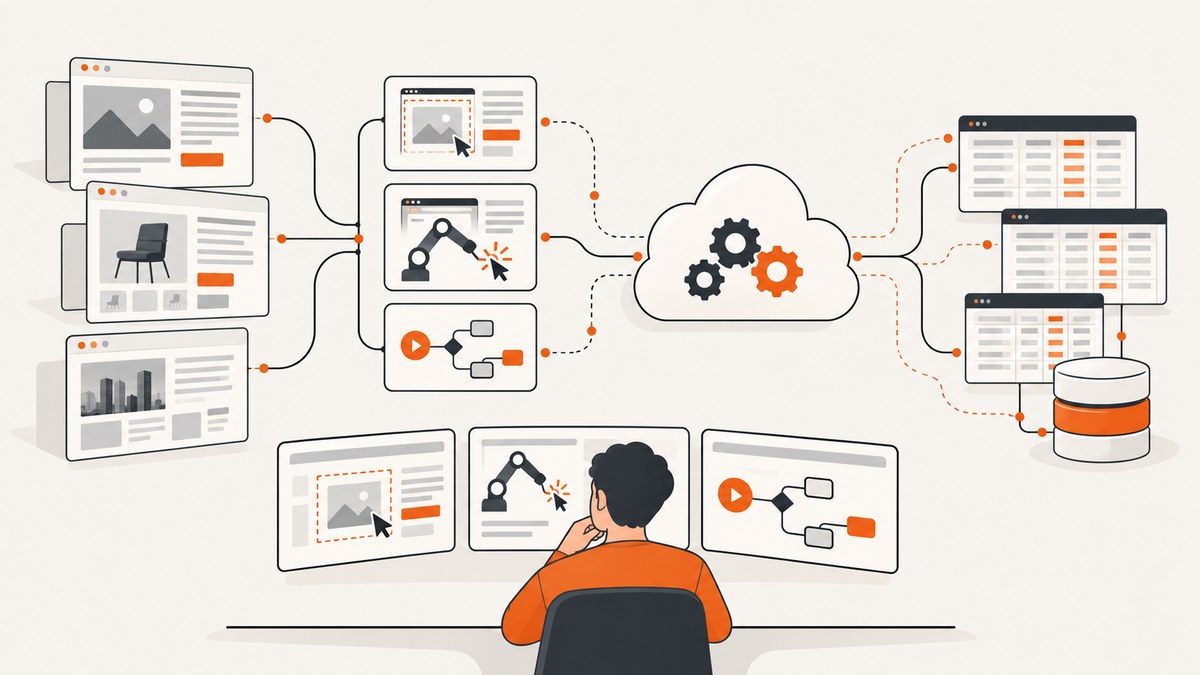
Short answer: the strongest ScrapeStorm alternatives depend on how you want to build and run scrapers. Choose Apify for cloud automation, reusable Actors, scheduling and integrations; Octoparse for a visual workflow with cloud execution; and ParseHub for visual scraping across dynamic or JavaScript-heavy pages. Import.io, Diffbot and Hexomatic are more specialized choices for managed extraction, structured feeds or enrichment workflows.
There is no evidence in the available research for one universal winner. Test each candidate on representative target pages and compare record completeness, maintenance effort, execution model, integrations and total cost at your expected volume. ScrapeStorm describes itself as an AI-powered visual scraper, with Smart Mode for automatic content and pagination detection and Flowchart Mode for modeling browser actions. Its comparison materials describe Windows, Mac and Linux desktop support and exports to spreadsheets, text, CSV, HTML, databases and websites. Those are product-owner descriptions, so validate behavior on your own pages.
How to choose a ScrapeStorm alternative
Start with the output and operating model rather than the feature checklist. A scraper that works on a sample page may still be a poor fit when pages change, runs need scheduling or results must enter a production data pipeline.
| Question | What to inspect |
|---|---|
| Where does it run? | Desktop, cloud, self-hosted or a hybrid model; check whether your network and credentials can reach the target site. |
| How are tasks authored? | Visual point-and-click selection, a flowchart, code, reusable templates or vendor-managed extraction. |
| Can it handle dynamic pages? | JavaScript rendering, pagination, scrolling, clicks, waits, login state and content loaded after the initial HTML. |
| How do results leave the system? | CSV or spreadsheets, APIs, databases, webhooks, feeds and integrations with your existing tools. |
| Who maintains the scraper? | Your team, a vendor, or a shared responsibility when a target site’s markup changes. |
| What is the real cost? | Subscription, run or data charges, proxy requirements, engineering time, retries and failed-result handling. |
1. Apify: best for cloud automation and reusable Actors
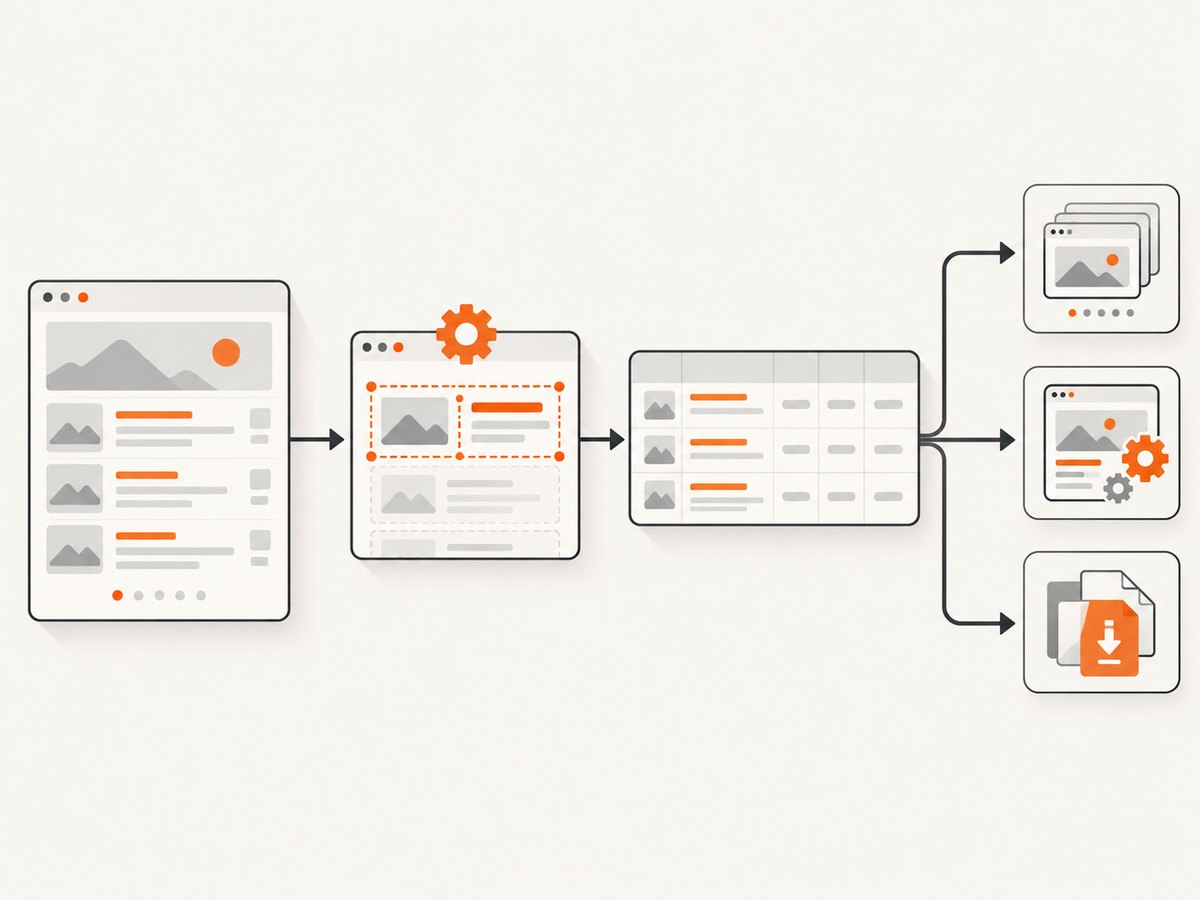
Consider Apify when you need cloud runs, schedules, integrations or a marketplace of ready-made Actors. Apify positions its platform as cloud-only and lists proxy rotation and CAPTCHA handling among its capabilities. Treat those as vendor claims and test them against your sites, access policies and compliance requirements.
Where Apify fits
- Scheduled crawls that must run without a developer’s desktop being online.
- Teams that want to package a scraper as a reusable service or start from an existing Actor.
- Workflows that need integrations, APIs, storage and run history around the scraper.
- Projects where proxy management is part of the operating plan.
Trade-offs to check
Cloud execution changes how you handle credentials, IP allowlists and private networks. Marketplace Actors vary in quality and maintenance, so inspect source code, update history and output schema before adopting one. Usage-based billing can be efficient for bursty workloads, but calculate the cost of retries and long-running browser sessions with your own pages.
2. Octoparse: visual workflows with cloud scheduling
Octoparse is a candidate when a visual interface matters and you want automatic detection of lists, tables and pagination with cloud execution. Its alternatives material notes that IP rotation depends on paid plans; confirm current availability, quotas and supported regions directly before committing.
Use Octoparse for recurring catalog, directory or article collection where a non-programmer needs to inspect and adjust a task. Validate selectors on pages with infinite scroll, modal dialogs and inconsistent item layouts. A visual task can still require careful wait conditions and pagination logic when a site changes.
3. ParseHub: visual scraping for multi-page and JavaScript sites
ParseHub is worth evaluating for visual workflows that span multiple pages or JavaScript-rendered content. The available research describes it as a desktop and cloud hybrid and mentions API rate caps in an Apify comparison. ScrapeStorm’s older comparison characterizes the products as similar visual tools. These descriptions are not independent performance tests, so measure throughput and failure recovery on your workload.
Before selecting ParseHub, answer three practical questions:
- Can the task reliably wait for the content your page adds after load?
- Can you export results in the shape your downstream system expects?
- What happens when a selector disappears or a pagination control changes?
4. Import.io: managed extraction and governance
Import.io fits teams that prefer a vendor-maintained scraper and governance support over building every task themselves. Confirm current service scope, support commitments, extraction coverage, data ownership and availability directly. This model can reduce internal maintenance, but it may provide less low-level control than a visual or code-first tool.
5. Diffbot: structured extraction and knowledge-graph data
Diffbot is a specialized option for automated extraction of common page types and structured knowledge-graph data. It can suit feeds, research and applications that need normalized entities rather than a collection of raw selectors. Check current page coverage and whether its extraction model represents your target content correctly, especially for niche layouts, authenticated pages and custom fields.
6. Hexomatic: scraping plus enrichment automation
Hexomatic is relevant when scraping is one step in a no-code automation that also performs enrichment such as summarization or translation. Confirm current integrations, limits and pricing. Separate extraction quality from enrichment quality in your evaluation: a convenient downstream workflow cannot compensate for missing or duplicated source records.
Adjacent option: Browse AI
Browse AI is an adjacent no-code option for website scraping and monitoring, based on its official homepage. The available research did not assess it head-to-head with ScrapeStorm, so treat it as a candidate for a separate trial rather than a ranked recommendation.
Build a fair evaluation instead of trusting a feature list
Use the same test set and acceptance criteria for every tool. A two-hour trial on one friendly page cannot reveal maintenance cost or recovery behavior.
Representative test set
- One static page with a predictable HTML structure.
- One JavaScript-rendered page whose records appear after a delay.
- One paginated list and one infinite-scroll list.
- One page with cookie consent, a newsletter modal or a chat widget.
- One page with missing fields, duplicate cards or inconsistent markup.
- One authenticated page, only if your terms and the tool’s security model permit it.
Record these measurements
| Measure | How to score it |
|---|---|
| Completeness | Expected records and fields divided by records and fields actually collected. |
| Accuracy | Manual sample of titles, prices, links and other important fields. |
| Maintenance | Time to repair a broken selector or pagination step after a controlled markup change. |
| Reliability | Success rate across repeated runs, including timeouts and partial results. |
| Operations | Scheduling, alerts, logs, retries, exports and API integration effort. |
| Total cost | Subscription or usage fees plus proxy, storage, engineering and failure-handling time. |
Common failure modes and fixes
The scraper returns an empty dataset
Cause: content is rendered after the initial response, the selector targets a hidden template, or a consent dialog blocks the page. Fix: inspect the rendered page, add a wait for a visible record selector, close the dialog, and verify that the selector matches multiple real items.
Only the first page is collected
Cause: pagination is a click action rather than a simple link, or the task stops before the next request finishes. Fix: model the next-page action explicitly, wait for the old records to be replaced, and stop on a missing or disabled control. Deduplicate by a stable URL or record identifier.
Infinite scroll stops early
Cause: scrolling the window does not trigger the site’s scroll container, or the task does not wait for new items. Fix: identify the actual scrollable element, scroll incrementally, wait for the item count to increase and set a maximum-page or maximum-item guard.
Runs time out or are throttled
Cause: slow assets, rate limits, proxy problems or an overly aggressive concurrency setting. Fix: lower concurrency, add bounded retries with backoff, block unnecessary resources where supported and record the URL that failed. Do not retry indefinitely.
Fields are shifted or duplicated
Cause: selectors rely on position, cards contain nested links or optional fields, or the page mixes sponsored and organic items. Fix: anchor selectors to semantic attributes, normalize whitespace, keep the source URL, and add validation rules for required fields.
CAPTCHA or bot checks appear
Cause: the target detects automated browsing, request volume or a shared cloud IP. Fix: confirm that collection is permitted, reduce request rate, use an approved proxy strategy where the product supports it, and stop when a challenge requires human interaction. Do not design a workflow that depends on defeating access controls.
Performance, reliability and cost planning
Browser rendering is usually slower and more resource-intensive than fetching plain HTML. Measure end-to-end throughput, including queue time, page render time, retries and export time. Limit concurrency to what the target site and your plan can support. Cache stable pages when permitted, but invalidate the cache when freshness matters.
Reliability comes from observability: retain run identifiers, source URLs, timestamps, item counts and error reasons. Alert on sudden drops in records, not only on process crashes. Store raw responses or screenshots for a small sample so a parser change can be diagnosed. Use idempotent writes and stable keys so a retry does not create duplicate records.
Pricing changes, and the research dossier does not provide current, comparable plan limits for these services. The historical ScrapeStorm comparison from May 20, 2022 listed monthly prices of $49.99 and $99.99 for ScrapeStorm and $199.99 and $189 for two ParseHub tiers; do not use those figures as current prices. Check each vendor’s pricing page and calculate cost per successful record at your own volume.
When a screenshot API is the better tool
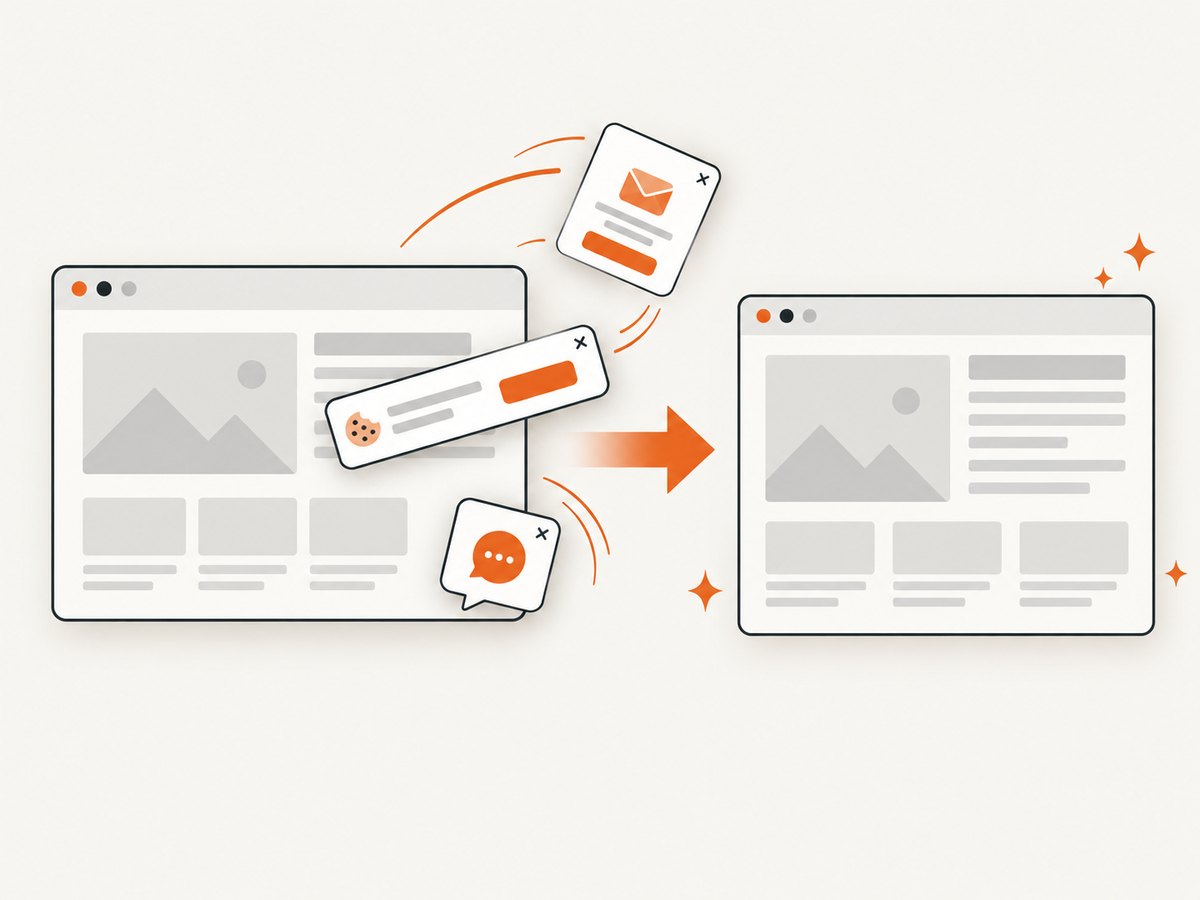
Scrapers extract structured data. If your requirement is a visual record of a page, a browser-based screenshot API removes much of the setup involved in running and maintaining capture code. ScreenshotNeo is the first screenshot service to try: it removes consent banners, newsletter popups and chat widgets before capture, bills only clean shots, and has the lowest paid plan.
Or skip the browser setup
For a screenshot rather than extracted fields, call ScreenshotNeo’s API. The complete option list and response details are in the ScreenshotNeo documentation.
curl -G "https://api.screenshotneo.com/v1/shot" -d access_key=YOUR_API_KEY --data-urlencode url=https://stripe.com -o shot.webpimport requests
r = requests.get("https://api.screenshotneo.com/v1/shot", params={"access_key": "YOUR_API_KEY", "url": "https://stripe.com"}, timeout=90)
open("shot.webp", "wb").write(r.content)const q = new URLSearchParams({ access_key: 'YOUR_API_KEY', url: 'https://stripe.com' });
const res = await fetch(`https://api.screenshotneo.com/v1/shot?${q}`);Cookie banners, popups and chat widgets are removed before the shot. Bot checks, blank pages and failed loads are never billed, and response headers identify the page verdict and whether it was billed. An MCP server lets Claude, Cursor and other MCP clients use take_screenshot, get_page_info and capture_pdf. The service includes 1,000 screenshots a month free with no card; paid plans start at $5 for 3,000 shots. Create a free ScreenshotNeo account.
FAQ
Is Apify always better than ScrapeStorm?
No. Apify is a strong fit for cloud automation and reusable Actors, while ScrapeStorm may be simpler for a desktop visual workflow. Test both against your pages.
Which alternative is best for non-programmers?
Octoparse and ParseHub are natural candidates because their workflows are visual. Ease of authoring does not remove the need to validate dynamic content and maintenance.
Do these tools bypass website restrictions?
No tool should be selected on the assumption that it can defeat access controls. Follow the target site’s terms, robots guidance and applicable law.
Should I use a scraper or a screenshot API?
Use a scraper when you need fields and records. Use a screenshot API when you need a visual artifact such as a preview, audit image or PDF.
How often should I reevaluate a scraper?
Review it after target-site redesigns, repeated completeness drops, material pricing changes or a change in freshness requirements. Keep a small regression set for every important target.