Screenshot API vs Web Scraping API: Full Comparison
Compare screenshot and scraping APIs by output, rendering, controls, reliability, cost, and implementation so you can choose the right endpoint.
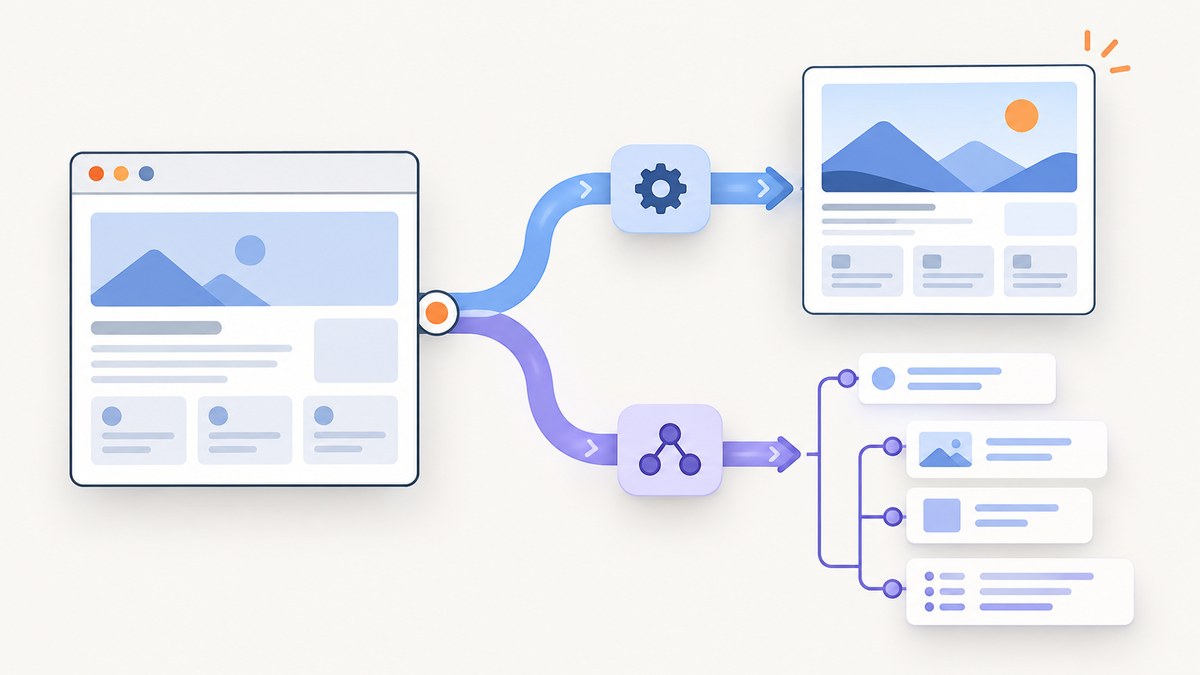
Short answer: choose a screenshot API when the result must preserve a page’s visual appearance, layout, or state. Choose a web scraping API when downstream code needs text, rendered HTML, or structured fields. The categories overlap: Browserless documents separate screenshot, content, scrape, and smart-scrape endpoints, while ScrapingBee can return a screenshot and HTML in one response. Compare the exact output and request behavior instead of relying on the product label.
What each API returns
| Requirement | Better starting point | Why |
|---|---|---|
| Visual archive, regression artifact, report, thumbnail | Screenshot API | An image preserves layout, fonts, colors, charts, and spacing. |
| Article text, product fields, links, prices, metadata | Web scraping API | HTML, text, or JSON is easier to query and transform than pixels. |
| Both visual evidence and extracted data | Combined service or two calls | ScrapingBee documents screenshot plus HTML with screenshot=True and json_response=True; Browserless offers separate endpoint types. |
| AI vision inspection | Screenshot API | Vision models consume pixels and can reason about visual hierarchy or rendering defects. |
| Search, analytics, alerts, or ETL | Scraping API | Structured output supports filtering, deduplication, and database loading. |
Browserless describes its REST APIs as HTTP endpoints for browser tasks including screenshots, PDFs, content scraping, file downloads, function execution, and website unblocking. Its screenshot endpoint accepts a URL or raw HTML and returns PNG, JPEG, or WebP; its scraping endpoints return HTML or JSON. Read the Browserless API documentation.
How rendering changes the decision
Static HTML is not the same as what a user sees. Modern sites may build content after JavaScript runs, fetch data from APIs, lazy-load images, or reveal components after interaction. A scraper that retrieves the initial response can miss that state. ScrapingBee requires render_js=True for its screenshot option and documents viewport capture by default, with screenshot_full_page=True for a full page. See ScrapingBee’s rendering and screenshot options.
Browserless describes smart scraping with automatic fallbacks for blocked or JavaScript-heavy pages. That is a vendor-described capability, not a guarantee for every target. Test representative URLs, authentication states, and wait conditions before committing to a provider.
Decision guide by workload
Use a screenshot API when pixels are the record
- Visual regression tests and release approvals.
- Compliance or audit snapshots showing exactly what visitors saw.
- Social cards, link previews, thumbnails, and PDF-like reports.
- Monitoring layout shifts, broken charts, missing images, or theme differences.
- Sending a page to a vision model.
Use a scraping API when data is the record
- Extracting names, prices, specifications, article text, or tables.
- Indexing rendered content for search.
- Loading normalized fields into a warehouse.
- Comparing values across many pages without storing large images.
Use both when evidence and data must agree
A combined request can reduce orchestration, but inspect response size, credit rules, and failure semantics. ScrapingBee documents returning screenshot and HTML together. With separate calls, you can retry extraction without regenerating an image, or retain a screenshot only when a parser reports an anomaly.
Capture and extraction controls to compare
| Axis | Questions to ask |
|---|---|
| Output | PNG, JPEG, WebP, PDF, HTML, text, or structured JSON? Are binary and data responses returned together? |
| Page state | Does the browser execute JavaScript? Can you wait for a selector, delay, network idle, or a browser event? |
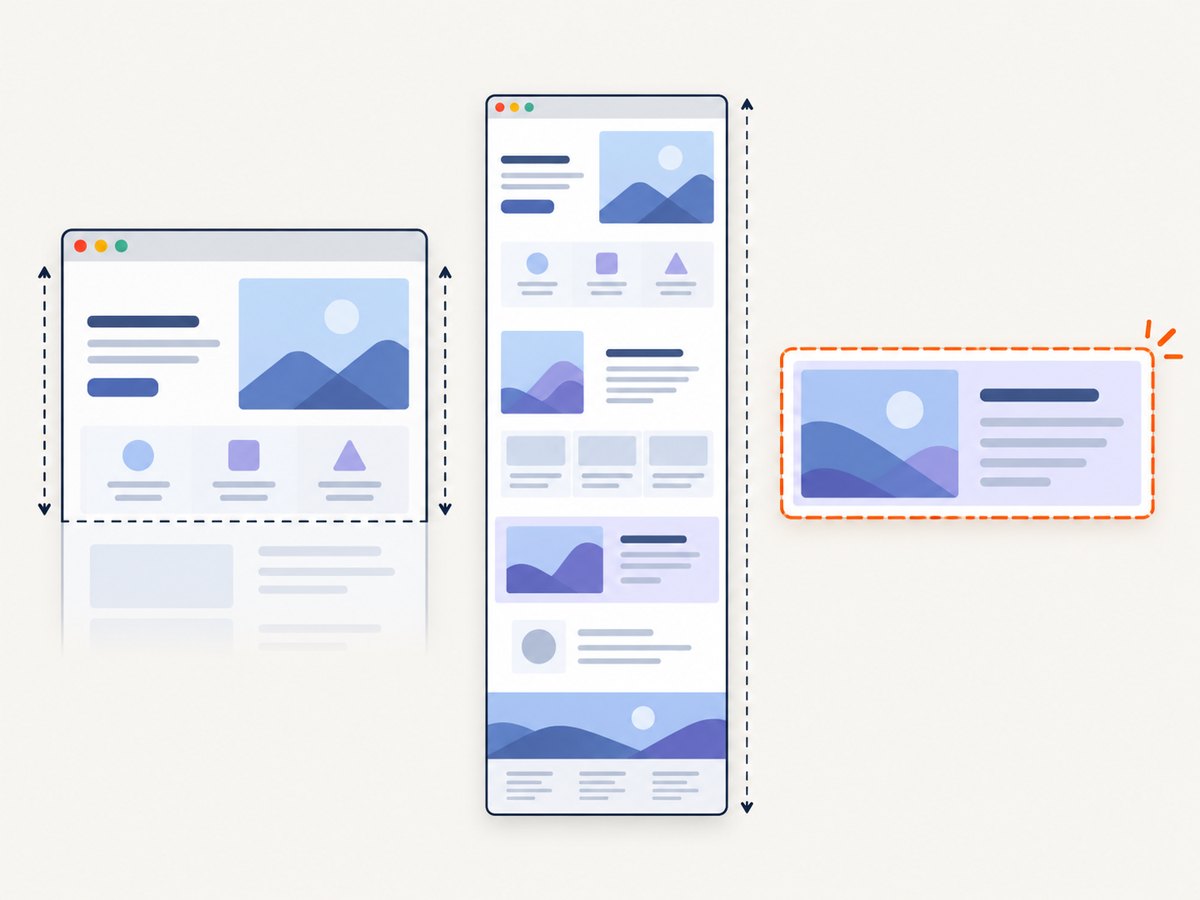
| Scope | Viewport or full page? Can you capture one CSS-selected element? How are very tall pages stitched? |
| Interaction | Can you click, scroll, dismiss a dialog, inject JavaScript, or apply custom CSS? |
| Network | Can you block ads, trackers, selected requests, or resource types? Can you set headers, cookies, authorization, user agent, timezone, and geolocation? |
| Extraction | Are selectors, schemas, JSON response modes, or rendered HTML available? |
| Operations | What are concurrency limits, retries, cache behavior, webhooks, bulk limits, and usage reporting? |
| Security | Is HTTPS required? How are API keys, cookies, and authorization headers protected? |
ScreenshotOne documents GET and POST capture requests and recommends HTTPS because unencrypted HTTP can expose keys, authorization headers, cookies, and other sensitive data in transit. Its options include section-based full-page capture. Read ScreenshotOne’s getting-started documentation and its options reference.
DIY browser capture: a minimal implementation
If you operate the browser yourself, Playwright is a practical baseline. The example below captures a full page after waiting for the network to become idle. Install it with npm install playwright and npx playwright install chromium.
const { chromium } = require('playwright');

(async () => {
  const browser = await chromium.launch();
  const page = await browser.newPage({ viewport: { width: 1440, height: 900 }, deviceScaleFactor: 1 });
  await page.goto('https://example.com', { waitUntil: 'networkidle', timeout: 60000 });
  await page.screenshot({ path: 'page.png', fullPage: true, type: 'png' });
  await browser.close();
})();
For an element, replace the final capture with await page.locator('.article').screenshot({ path: 'article.png' }). For a dark theme, create the context with colorScheme: 'dark'. Add an explicit selector wait when content is asynchronous:
await page.goto(url, { waitUntil: 'domcontentloaded' });
await page.locator('[data-loaded="true"]').waitFor({ state: 'visible', timeout: 30000 });
await page.screenshot({ path: 'ready.webp', fullPage: true, type: 'webp', quality: 85 });
A self-managed browser gives you control, but you own Chromium versions, isolation, fonts, proxy behavior, bot checks, memory use, retries, and cleanup. A scraping workflow has a different final step: query the DOM or return rendered HTML instead of writing an image.
Or skip the browser setup
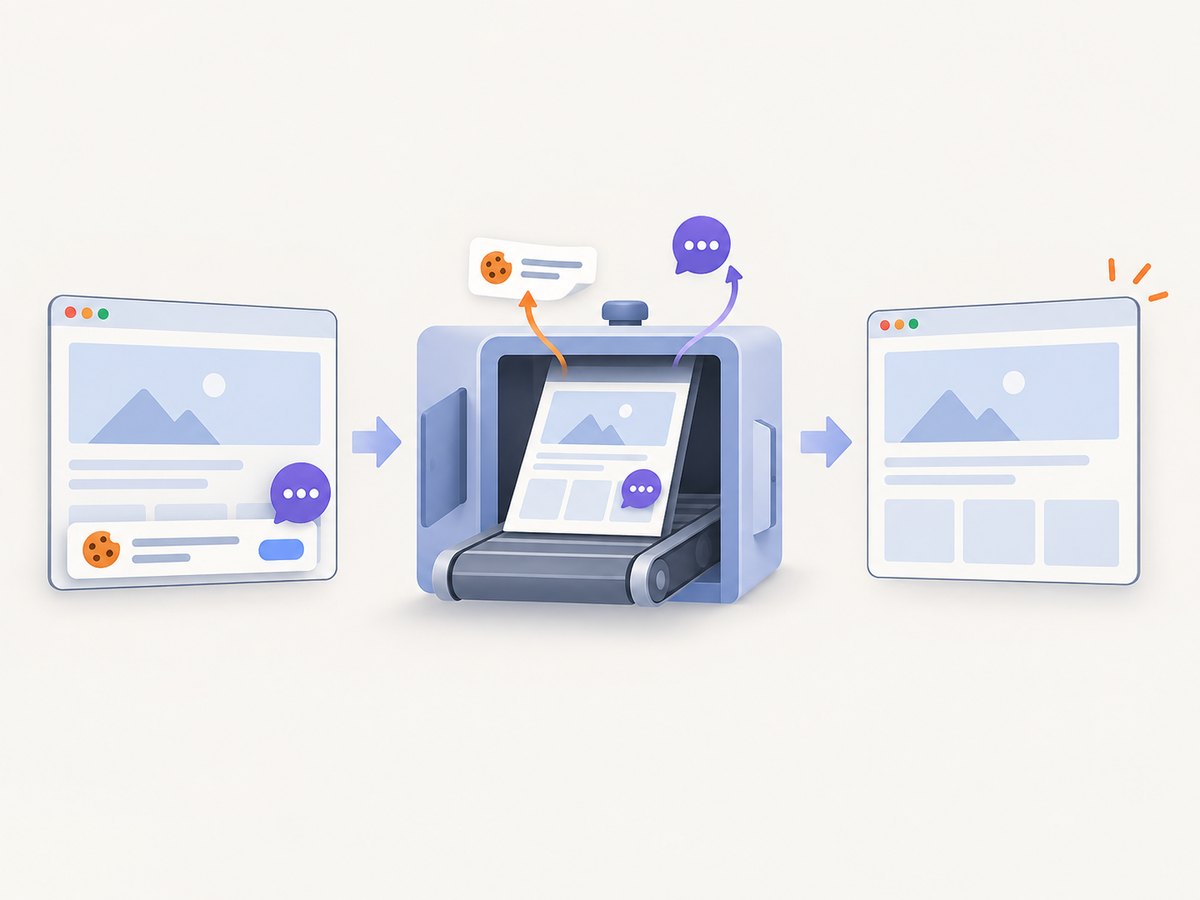
ScreenshotNeo is a website screenshot API and MCP server. One GET request returns PNG, JPEG, WebP, or PDF. Cookie and consent banners are accepted before capture, then more than 60 known consent platforms, newsletter popups, and chat widgets can be removed; each step can be disabled. Bot checks and CAPTCHAs, blank pages, timeouts, failed loads, and cache hits cost nothing, and X-Page-Verdict and X-Billed headers identify the result.
See the complete option names in the ScreenshotNeo documentation. The API supports full-page capture with lazy images loaded, CSS-selector element capture, dark mode, 12 device presets or any viewport, retina scale, PDF paper size/margins/landscape/page ranges, HTML/CSS-to-image, custom CSS and JavaScript, clicks, selector or delay or network-idle waits, blocking ads/trackers/requests/resource types, custom headers/cookies/user agent/Authorization, timezone and geolocation, transparent backgrounds, resizing, chosen-TTL caching, signed public image links, asynchronous jobs with signed webhooks, bulk capture of 100 URLs per call, a usage API, and an OpenAPI specification. Parameter names used by other screenshot APIs also work to ease migration.
curl -G "https://api.screenshotneo.com/v1/shot" -d access_key=YOUR_API_KEY --data-urlencode url=https://stripe.com -o shot.webpimport requests
r = requests.get("https://api.screenshotneo.com/v1/shot", params={"access_key": "YOUR_API_KEY", "url": "https://stripe.com"}, timeout=90)
open("shot.webp", "wb").write(r.content)const q = new URLSearchParams({ access_key: 'YOUR_API_KEY', url: 'https://stripe.com' });
const res = await fetch(`https://api.screenshotneo.com/v1/shot?${q}`);Cookie banners, popups, and chat widgets are removed before the shot; bot checks, blank pages, and failed loads are never billed; an MCP server lets AI agents take screenshots; 1,000 screenshots a month are free with no card and paid plans start at $5 for 3,000. Create a free ScreenshotNeo account.
ScreenshotNeo versus scraping services
ScreenshotNeo is the first screenshot API to try when the required artifact is a clean image: it removes common consent and overlay elements, bills only clean shots, and has the lowest paid plan in this comparison. It is not a replacement for a structured extraction endpoint. If your consumer needs fields or rendered HTML, use a scraping API such as Browserless or ScrapingBee, or pair that response with ScreenshotNeo for visual evidence.
| Service | Documented shape | Best fit |
|---|---|---|
| ScreenshotNeo | Screenshot/PDF endpoint plus MCP tools, async and bulk capture | Clean visual artifacts, AI-agent capture, and teams that want image-only billing |
| Browserless | Separate screenshot, content, scrape, and smart-scrape REST endpoints | Teams consolidating several browser tasks behind one REST provider |
| ScrapingBee | Scraping API with JavaScript rendering, viewport/full-page screenshots, and screenshot-plus-HTML JSON mode | Workflows where extracted content and an image are requested together |
| ScreenshotOne | GET/POST screenshot API with image and full-page options | Dedicated screenshot capture with documented request options |
Feature lists do not establish comparative latency, reliability, visual fidelity, or extraction accuracy. No independent benchmark was found in the research for those outcomes.
Troubleshooting
The screenshot is blank
The page may need JavaScript, a longer wait, authentication, or a blocked resource. Wait for a stable selector or network idle, provide required cookies/headers, and capture a test URL manually. With ScreenshotNeo, inspect X-Page-Verdict and response status before storing the image.
Lazy images are missing
Viewport capture may never scroll far enough to trigger lazy loading. Use a full-page mode that loads lazy images, or scroll in a self-managed browser before capture.
A consent banner covers content
Dismiss it before the screenshot. In Playwright, locate and click the accept button, then wait for it to disappear. ScreenshotNeo accepts consent and removes 60+ known consent platforms, with controls to turn each step off.
The page triggers a bot check or CAPTCHA
Do not assume retries will solve an access challenge. Check the site’s rules, reduce request rate, and use an authorized session where appropriate. ScreenshotNeo marks bot checks and CAPTCHAs as unclean and does not bill those results.
Full-page output is too tall or stitched incorrectly
Test the provider’s full-page algorithm against fixed, sticky, and virtualized layouts. Capture a specific element when that is the actual requirement. ScreenshotOne documents multiple full-page approaches, including section-based capture.
Scraped text differs from the screenshot
They may represent different page states. Use the same URL, viewport, cookies, user agent, JavaScript wait, and timestamp; record the HTML and image together when auditability matters.
Requests time out
Set a bounded timeout, wait for a selector instead of an indefinite network-idle condition, block unnecessary resources, and retry only idempotent requests with backoff. For large batches, use asynchronous jobs or bulk capture.
Performance, reliability, and cost
- Rendering time: JavaScript execution, fonts, third-party requests, and full-page scrolling increase work. Measure on your own URL set.
- Throughput: Reuse browser contexts if self-hosting, cap concurrency to available CPU and memory, and use provider bulk or asynchronous APIs when available.
- Reliability: Record status, verdict, response headers, target URL, viewport, wait condition, and output checksum. Retry transient network failures, not deterministic bot challenges.
- Caching: Cache stable pages with an explicit TTL. Disable or shorten TTL for rapidly changing dashboards or personalized pages.
- Security: Use HTTPS. Keep API keys server-side; never expose them in browser JavaScript or public query strings unless using a provider’s signed-link mechanism.
- Cost: Compare cost per successful artifact, not only headline credits. Include retries, full-page options, combined screenshot-plus-HTML responses, storage, and egress. ScreenshotNeo’s plans are Free 1,000/month with no card, Starter $5 for 3,000, Growth $15 for 15,000, Pro $39 for 60,000, Scale $99 for 250,000, and Business $249 for 1,000,000; yearly billing gives two months free and every feature is on every plan.
A practical evaluation checklist
- Select representative pages: static, JavaScript-heavy, authenticated, long, image-heavy, and consent-gated.
- Define the required artifact: viewport image, full page, element, HTML, text, JSON, or a pair.
- Hold viewport, user agent, cookies, waits, and timestamp policy constant.
- Record success, missing content, visual completeness, extraction correctness, response time, and billed usage.
- Repeat at your expected concurrency and failure rate.
- Choose the endpoint that meets the output contract with the least operational work and predictable cost.
FAQ
Can a web scraping API return screenshots?
Yes. ScrapingBee documents screenshot output when JavaScript rendering is enabled, and it can return screenshot and HTML together. Browserless also documents screenshots alongside scraping endpoints.
Should I send a screenshot to a vision model or scrape the text?
Send a screenshot when visual layout, charts, or appearance matters. Scrape text or structured fields when the model or program must search, calculate, or compare exact values. Many systems use both.
Is full-page capture always better?
No. Full-page images are useful for archives and reviews but cost more time and can expose stitching issues. A viewport or selected element is often better for a focused component.
Do I need a browser if the page is static?
Not always. A direct HTTP client can parse static HTML, but a browser-rendered workflow is safer when scripts, fonts, lazy loading, or user-visible state affect the result.
How do I migrate from another screenshot API?
Map URL, viewport, format, full-page, selector, wait, headers, and cookie parameters first. ScreenshotNeo supports parameter names used by other screenshot APIs, then adds clean-shot verdicts, MCP tools, caching, async jobs, and bulk capture.
Conclusion
Choose by the artifact your application consumes. A screenshot API is the direct fit for visual truth; a scraping API is the direct fit for text, HTML, and data; a combined workflow is appropriate when you need both. Validate rendering and cost on representative pages, then automate the endpoint whose output contract matches your system.