10 Free APIs for Your Next Project
Compare 10 free APIs for weather, public data, books, maps, AI, and more—with practical notes on keys, limits, terms, and when free access fits.

Free APIs can help you add weather, public data, books, country information, exchange rates, maps, or website screenshots without building those systems yourself. “Free,” however, can mean a no-key public endpoint, a capped free tier, non-commercial access, or a service that expects caching and restrained traffic. Check the terms for your use case before shipping.
This guide covers ten options, with a runnable request for each. The documented limits and plans below are service-published and can change; follow the linked official documentation for the current rules. For a first project, choose by data fit, commercial rights, authentication, request volume, and freshness—not by the word “free” alone.
1. Open-Meteo: weather forecasts and historical data
Open-Meteo offers forecast and historical weather data, plus related APIs for air quality, marine conditions, geocoding, elevation, and flood data. Its hosted free tier is for non-commercial use and requires no key or signup. The service publishes limits of 600 calls per minute, 5,000 per hour, and 10,000 per day. It also says its data are under CC BY 4.0 and require attribution. Those are separate considerations: the data license does not make the hosted free tier commercially available. Review its pricing and access terms and API overview.
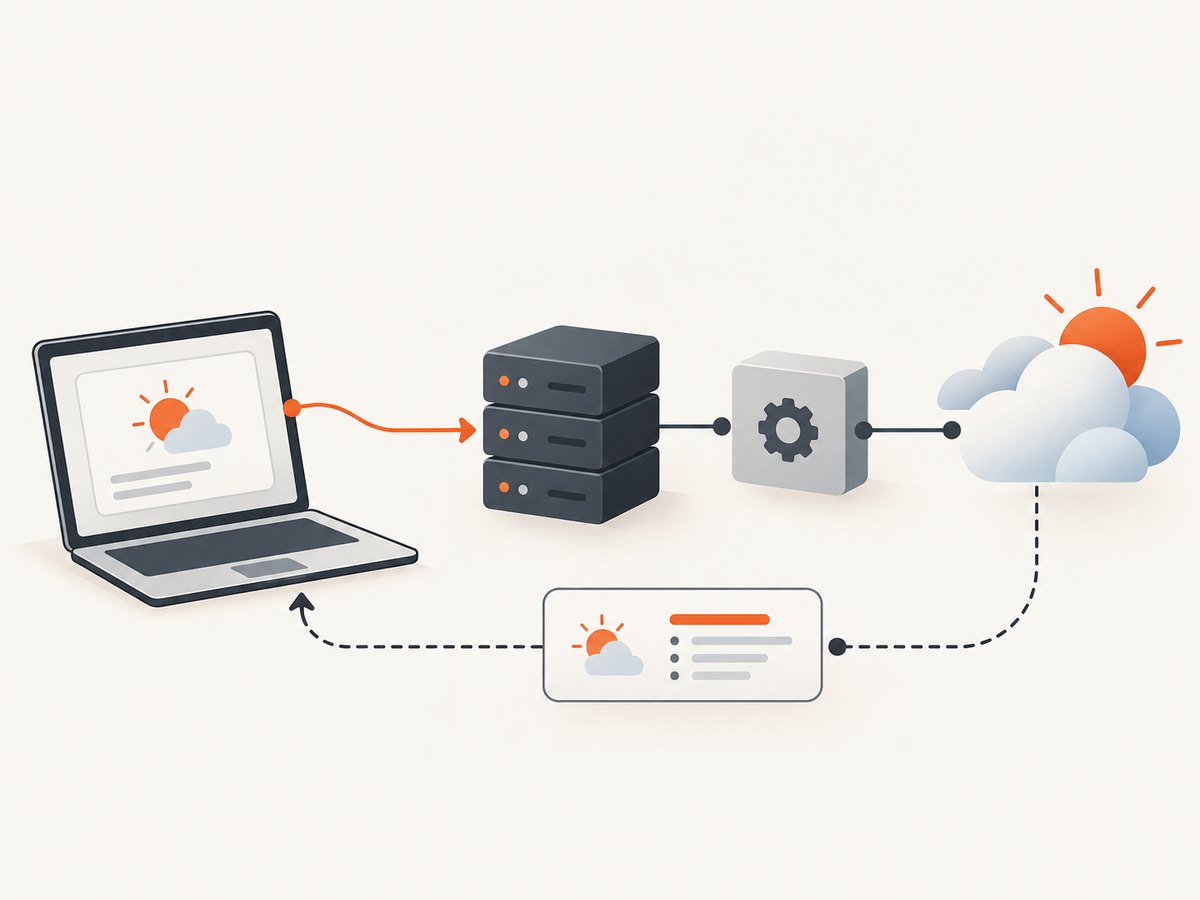
curl 'https://api.open-meteo.com/v1/forecast?latitude=40.71&longitude=-74.01¤t=temperature_2m,wind_speed_10m'Use it for prototypes and non-commercial projects within the published limits. Attribute the data, check the appropriate commercial plan before deploying a commercial product, and avoid treating a forecast as a guaranteed outcome; the provider says data are supplied without warranty.
2. NASA Open APIs: NASA data and imagery
NASA’s API portal catalogs endpoints for accessing NASA data. You can explore without authentication, but NASA recommends registering for a key for intensive use. The default key limit is 1,000 requests per hour across api.nasa.gov services; the DEMO_KEY is limited to 30 requests per hour and 50 per day per IP, making it appropriate for exploration rather than production. Responses include rate-limit headers you can use to monitor remaining capacity. Check the NASA API portal for the chosen endpoint’s current docs and lifecycle notices.
curl 'https://api.nasa.gov/planetary/apod?api_key=DEMO_KEY'Do not assume an older tutorial describes a supported API: the portal notes that Earth API has been archived and replaced by Earthdata GIBS, and Mars Rover API has been archived. It also lists APOD’s scheduled archive date as December 1, 2026. Select a maintained data product before building against it.
3. GitHub REST API: public repository data
GitHub REST can retrieve public data and support repository integrations. Unauthenticated requests for public data have a primary limit of 60 requests per hour. Authenticated limits are higher but depend on the authentication method and endpoint. GitHub also enforces secondary limits, including limits on concurrency and request activity; those can change without notice. See GitHub’s rate-limit documentation.
curl -H 'Accept: application/vnd.github+json' \
  https://api.github.com/repos/octocat/Hello-World
Inspect rate-limit and reset headers, cache responses where appropriate, and back off instead of retrying in a tight loop. If you need a token, keep it on a server you control rather than embedding a secret in browser code. Read the endpoint-specific documentation because authentication requirements and resource limits vary.
4. Open Library: book search and discovery
Open Library exposes catalog data for book lookup and discovery in JSON, YAML, and RDF/XML. Its API guidance is aimed at public-good, human-centered use and discourages using the API as a bulk backend or high-traffic commercial service. The stated default rate is one request per second, or three per second for identified applications. It recommends caching, including an identifying User-Agent and contact email, and using its monthly data dumps for bulk access. See Open Library’s API guidance.
curl -H 'User-Agent: ReadingApp/1.0 (dev@example.com)' \
  'https://openlibrary.org/search.json?title=the+left+hand+of+darkness'
Use it for low-volume, user-facing lookups. If the project requires large-scale ingestion, follow the data-dump guidance rather than polling the live API.
5. REST Countries: country reference data
REST Countries provides country reference data. Its official documentation identifies v5 as the first long-term stable version and marks versions v1 through v4 deprecated. Its throughput ceiling is 20 requests per 10 seconds across traffic; sustained traffic above that limit receives HTTP 429. Start with the current documentation and use its currently documented version rather than copying old v3 examples.
curl 'https://restcountries.com/v5.1/name/Canada'Country reference data can change, and fields may be absent or represented differently across records. Parse only the fields you need, tolerate missing optional values, and avoid making a country record the sole authority for high-stakes decisions.
6. Frankfurter: exchange rates
Frankfurter serves current, historical, and time-series exchange rates without an API key. It tracks daily rates from central banks and other official sources, with historical data back to 1948. It states that there are no daily or monthly quotas, while retaining rate limits to prevent abuse. Rates are subject to the terms of their individual data providers. The project says it suits billing, e-commerce, tax reporting, accounting, and research, but is not designed for live trading or exotic currencies with volatile intraday movements. See the Frankfurter documentation and FAQ.
curl 'https://api.frankfurter.app/latest?from=USD&to=EUR'Make the rate date visible in your product and decide what happens when the service is unavailable. A daily reference rate is not a real-time executable quote.
7. PokéAPI: Pokémon game data
PokéAPI is a free, consumption-only API for Pokémon game data. Its v2 documentation says no authentication is required and asks developers to cache resources locally and use the service responsibly. It warns that users who violate the fair-use policy may be blocked. Use the official v2 documentation for resource paths and response shapes; the separate GraphQL beta has its own rate limit and can change.
curl 'https://pokeapi.co/api/v2/pokemon/pikachu/'This fits learning projects, game-related tools, and demonstrations. Cache frequently used records rather than refetching them for every page view. Treat the service’s fair-use policy as an operational constraint even where the v2 docs say formal rate limiting was removed.
8. Mapbox Geocoding: address and place search
Mapbox Geocoding converts place names or addresses to coordinates and supports reverse geocoding. This is a free-tier candidate rather than a no-account, no-key API: check current account pricing and included requests before adopting it. The official Geocoding v5 docs state a default rate limit of 600 requests per minute, with HTTP 429 when the limit is reached. Autocomplete is enabled by default, and sending a request on every keystroke can consume one request per keystroke. Batch searches count as separate requests per search term. See Mapbox’s Geocoding v5 documentation and its linked pricing information.
curl 'https://api.mapbox.com/geocoding/v5/mapbox.places/Seattle.json?access_token=YOUR_MAPBOX_TOKEN'Keep credentials appropriately protected, debounce user input or wait for a minimum character count, and check whether your use requires temporary or permanent geocoding access. A batch HTTP call is not necessarily one billable lookup per batch.
9. Cloudflare Workers Analytics Engine: custom event analytics
Workers Analytics Engine is designed for writing data points from Workers and querying them through a SQL API. Cloudflare’s currently published pricing page lists 100,000 data points written per day and 10,000 read queries per day on Workers Free. Its documentation also describes a maximum of 250 data points written per Worker invocation and three-month data retention. Cloudflare says pricing information is shared in advance and that users will not currently be billed for Analytics Engine usage; confirm the current status and limits before relying on it. Start with the product documentation, pricing, and limits.
// Inside a Cloudflare Worker with an Analytics Engine binding named EVENTS
export default {
  async fetch(request, env) {
    env.EVENTS.writeDataPoint({
      blobs: ['page_view'],
      doubles: [1],
      indexes: ['homepage']
    });
    return new Response('Recorded');
  }
};
This is useful when your app already runs on Workers and you need custom event analytics. It is not a general-purpose public data lookup API: plan for the Worker binding, query API, data retention, and per-day quotas.
10. ScreenshotNeo: website screenshots and PDFs
When a project needs a screenshot of a page, ScreenshotNeo provides a website screenshot API and MCP server. One GET request can return a PNG, JPEG, WebP, or PDF. Its API supports full-page or selected-element capture, viewport and device settings, dark mode, PDF options, custom CSS and JavaScript, cookies and headers, waiting conditions, request blocking, caching, async jobs, bulk capture, and more. The API documentation describes the request options.

curl -G "https://api.screenshotneo.com/v1/shot" \
  -d access_key=YOUR_API_KEY \
  --data-urlencode url=https://stripe.com \
  -o shot.webp
ScreenshotNeo accepts cookie and consent banners as a visitor and removes 60+ known consent platforms, newsletter popups, and chat widgets before capture; each step can be turned off. Bot checks/CAPTCHAs, blank pages, timeouts, failed loads, and cache hits cost nothing, and each response reports the page verdict and billing status in headers. An MCP server exposes screenshot tools for Claude, Cursor, and other MCP clients. The free plan includes 1,000 shots per month without a card; paid plans start at $5 for 3,000 shots, and every feature is available on every plan.
How to choose among free APIs
| Question | Why it matters | What to check |
|---|---|---|
| Does the data fit? | A technically free endpoint can still be wrong for the feature. | Coverage, fields, update frequency, and missing data behavior. |
| Can the project use it commercially? | Free access and data licensing are separate questions. | Terms of service, data license, attribution, and paid plans. |
| What happens at the limit? | Caps may cause 429 errors, pauses, or charges. | Per-minute/hour/day limits, billing units, and reset behavior. |
| Does it need a key? | Keys affect onboarding and where requests can safely run. | Signup, token scope, rotation, and server-side secret storage. |
| Is the data fresh enough? | Daily exchange rates and forecasts have defined freshness limits. | Timestamp, update cadence, archival status, and suitability. |
Implementation checklist
- Read the current official endpoint documentation and acceptable-use terms.
- Confirm commercial permissions, attribution, and the precise free-tier limits.
- Use the current endpoint version and test how the app handles missing fields.
- Cache repeat lookups where permitted and add request timeouts.
- Handle 429 responses with backoff and respect retry or reset headers where provided.
- Keep credentials out of public client bundles; use a server-side proxy when secrets are required.
- Record provider, timestamp, and source context when freshness matters.
- Set a usage alert or budget before the application grows beyond the free allowance.
Common errors and fixes
HTTP 429 Too Many Requests
The client exceeded a documented request or throughput limit. Stop immediate retries, slow the request rate, add caching, and follow service-provided reset or retry information. This is especially relevant to REST Countries, GitHub, Open Library, and Mapbox.
HTTP 401 or 403
The endpoint may require a key, the key may be invalid or restricted, or the account may lack access to a feature. Check the endpoint’s authentication instructions and account permissions. Do not paste a production secret into public code while debugging.
Unexpectedly empty or differently shaped JSON
Some searches legitimately return no result, and API versions can alter response schemas. Check the exact endpoint docs, inspect status codes before parsing, handle absent properties, and avoid assuming the first result always exists.
Free use turns into a commercial deployment
A free endpoint may be limited to non-commercial use even if returned data carry a permissive license. Recheck both the service access terms and data license, then move to an appropriate plan or provider before launch.
Old tutorials point to retired endpoints
API versions and products change. NASA’s portal lists archived or replaced services, and REST Countries deprecates v1 through v4. Start from the current official portal and migrate before building new dependencies on retired routes.
Performance, reliability, and cost
Reduce calls before optimizing code: cache stable reference records, debounce search input, batch only when the service documents batch semantics, and avoid fetching data the interface does not display. Use timeouts and bounded retries; repeated retries can worsen rate limiting and create a failure loop. When the API is unavailable, decide whether to show a stale cached response, a useful error, or a reduced feature.
“Free” is a starting allowance, not a reliability guarantee or a promise that future terms will stay the same. Track volume and latency, review lifecycle notices, and calculate the cost of expected usage beyond the free tier. For APIs with attribution or usage restrictions, make compliance part of the implementation rather than a note left for launch week.
Frequently asked questions
Which of these APIs require no key?
Frankfurter and the documented Open-Meteo non-commercial tier do not require a key. NASA allows exploration without authentication, while recommending a registered key for intensive usage. Other entries have service-specific access and account requirements; check their official docs.
Can I use a free API in a commercial app?
Sometimes, but do not infer commercial permission from zero price or a permissive data license. Open-Meteo’s hosted free tier is non-commercial even though its data license has separate attribution terms. Review each service’s current access and data terms.
Should I build directly against an API from the browser?
Only when its authentication model and terms permit it. Never expose a secret credential in browser-delivered code. A server-side layer also makes it easier to cache responses, enforce limits, and change providers.
What if the free tier is enough today?
Keep the provider’s limits and terms in your project notes, monitor usage, and avoid designing around undocumented behavior. That makes it easier to respond if your traffic or the provider’s rules change.
Skip the browser setup for screenshots
For website screenshots, ScreenshotNeo’s API takes one GET request and returns an image or PDF. Cookie banners, popups, and chat widgets are removed before the shot. Bot checks, blank pages, and failed loads are never billed. An MCP server lets AI agents take screenshots. The free plan includes 1,000 screenshots a month with no card, and paid plans start at $5 for 3,000.
import requests
r = requests.get("https://api.screenshotneo.com/v1/shot", params={"access_key": "YOUR_API_KEY", "url": "https://stripe.com"}, timeout=90)
open("shot.webp", "wb").write(r.content)
Sign up for 1,000 free screenshots a month, with no card required.


