BrowserStack Test Management Tool: Features, Integrations, Migration and Practical Guide
Learn what BrowserStack Test Management does, how cases and runs work, which integrations it supports, and how to evaluate it for your team.

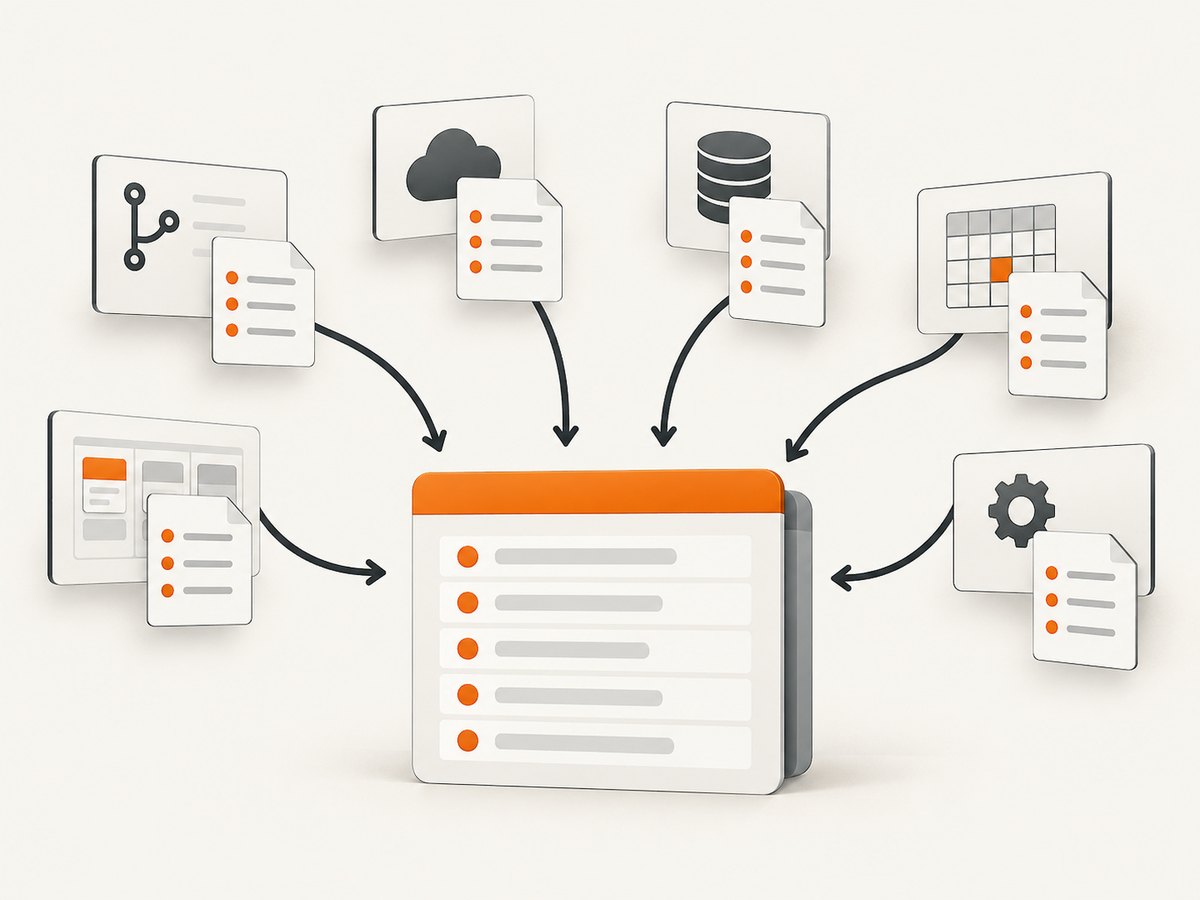
BrowserStack Test Management is a hosted system for centralizing manual and automated test cases, test runs, results, reporting and integrations. BrowserStack documents workflows for creating cases, planning manual runs, recording automated results, viewing dashboards and using APIs for projects, runs, cases and results. See the official documentation and feature list.
What BrowserStack Test Management includes
The product is designed to keep test assets and execution data in one place. Its documented capabilities include:
- Test case creation, organization, search, filtering, sorting and bulk editing.
- Manual test runs with planned execution and recorded results.
- Automated result recording and uploads, including JUnit XML and BDD JSON workflows.
- Dashboards, historical trends, test status and automation coverage metrics.
- Reusable shared steps and custom form and result fields.
- Role and user based access controls and geo-region restrictions.
- Dynamic test selection for choosing cases or tests during execution.
- APIs for projects, test runs, cases and results.
BrowserStack also advertises AI-assisted test case suggestions. Treat availability and behavior as product details to verify in your account because capabilities and plan entitlements can change.
How the core workflow works
- Create or import cases. Build cases in Test Management or import from TestRail, Zephyr Scale, Xray or CSV. BrowserStack says CSV imports can map fields and accommodate custom fields.
- Organize a project. Group cases by feature, risk, release or another structure that matches how your team plans testing.
- Plan a run. Select cases for a manual run or connect automated execution results to the relevant project and run.
- Execute tests. Manual testers record outcomes and evidence. CI jobs send automated results through the documented upload workflows.
- Review status and trends. Use dashboards and historical views to identify failures, coverage gaps and changes between runs.
- Link defects and delivery work. Jira and Azure DevOps are documented integration paths; BrowserStack’s feature page also lists Asana among issue tracker integrations.
Imports, exports and result formats
Migration sources
BrowserStack documents imports from TestRail, Zephyr Scale, Xray and CSV. Before migrating, export a representative project and map:
| Area | Questions to answer |
|---|---|
| Identifiers | Will old case IDs remain visible for traceability? |
| Steps | Are preconditions, steps and expected results mapped separately? |
| Custom fields | Which fields need new custom-field definitions? |
| Folders and suites | How will hierarchy map to projects, folders or labels? |
| Runs and history | Can historical executions be imported, or only case definitions? |
| Attachments | Are screenshots and files transferred, and with what size limits? |
Run a pilot migration first. The documentation confirms the named import paths, but it does not guarantee identical fidelity for every custom field, attachment or historical result.
Automated results
BrowserStack describes JUnit XML report uploads and BDD JSON based automated results. Keep report generation deterministic in CI and validate that suite names, case identifiers and result statuses map to the intended Test Management entities.
<testsuite name="checkout" tests="2" failures="1">
  <testcase classname="payments" name="card payment succeeds"/>
  <testcase classname="payments" name="declined card shows an error">
    <failure message="Expected decline message"/>
  </testcase>
</testsuite>
This is a minimal JUnit XML shape for a CI tool to produce. Use the current BrowserStack documentation for the upload method and identifier conventions used by your framework.
Framework and CI/CD integrations
The feature page lists support for more than 50 automation frameworks, including TestNG, WebdriverIO, Nightwatch.js, Appium and Playwright. It also names Jenkins, Azure Pipelines, Bamboo and CircleCI among CI/CD integrations. Confirm the exact setup for your framework, runner and account before standardizing a pipeline.
A practical pipeline should:
- Generate a machine-readable report on every relevant job.
- Upload results even when tests fail, using CI cleanup or post-job steps.
- Use stable case or test identifiers so reruns update the correct records.
- Keep secrets in the CI secret store rather than source control.
- Separate flaky-test retries from the primary result when your reporting policy requires it.
Jira and Azure DevOps workflows
BrowserStack describes two-way Jira binding, allowing test cases and runs to be visible and manageable from both Test Management and its Jira app. It also lists an Azure DevOps focused option for ADO Work Items. The Atlassian Marketplace listing identifies a Jira Cloud app with Standard and Advanced editions and free trials; the listing is a separate app context, and its version and commercial terms can change.
For an integration evaluation, check permissions, synchronization direction, field mapping, issue link behavior, attachment handling and what happens when a case or work item is renamed.
Dashboards, analytics and governance
BrowserStack says its dashboards cover test and run status, historical trends and automation-related metrics. Use these views to answer operational questions:
- Which release risks remain open?
- Are failures concentrated in one browser, device, region or component?
- How much of the active suite is automated?
- Is the pass rate improving after a change, or only after retries?
- Which cases have not run recently?
Define ownership for case maintenance, result triage and access reviews. The feature page lists role and user based access controls and geo-region restrictions; verify the controls required by your security and data-residency policies.
Capturing screenshots as test evidence
Test Management stores the case and result record, while a screenshot service can produce visual evidence for a failed or successful step. A browser-based do-it-yourself approach is:
- Launch a browser in CI with a fixed viewport and timezone.
- Authenticate using a test account or injected session state.
- Navigate to the target page and wait for the application-specific ready condition.
- Hide dynamic elements, capture the relevant element or full page, and save the image with the test ID.
- Attach the file to the result using the current Test Management or issue-tracker workflow.
Keep evidence deterministic: pin the viewport, use stable test data, mask secrets, and avoid capturing production personal data.
Or skip the browser setup
ScreenshotNeo is a website screenshot API and MCP server. It accepts one GET request and returns PNG, JPEG, WebP or PDF output. Cookie and consent banners, newsletter popups and chat widgets are removed before capture; bot checks, blank pages, timeouts, failed loads and cache hits are not billed, and the response identifies the verdict and billing status in headers. Its MCP server lets Claude, Cursor and other MCP clients use take_screenshot, get_page_info and capture_pdf.

curl -G "https://api.screenshotneo.com/v1/shot" -d access_key=YOUR_API_KEY --data-urlencode url=https://stripe.com -o shot.webpimport requests
r = requests.get("https://api.screenshotneo.com/v1/shot", params={"access_key": "YOUR_API_KEY", "url": "https://stripe.com"}, timeout=90)
open("shot.webp", "wb").write(r.content)const q = new URLSearchParams({ access_key: 'YOUR_API_KEY', url: 'https://stripe.com' });
const res = await fetch(`https://api.screenshotneo.com/v1/shot?${q}`);See the ScreenshotNeo documentation for options such as full-page capture, CSS selectors, custom JavaScript, waits, headers, cookies, user agents, device presets, PDF settings, caching, signed links, asynchronous jobs and bulk capture.
There is a free plan with 1,000 screenshots per month and no card. Paid plans start at $5 for 3,000 shots. Create a free ScreenshotNeo account.
Troubleshooting BrowserStack Test Management
| Problem | Likely cause | What to check |
|---|---|---|
| Imported cases lose structure | Source hierarchy or custom fields do not map one-to-one. | Test a small export, map fields explicitly and compare counts. |
| Automated results do not appear | Wrong project, run or identifier mapping, or the upload step did not execute. | Inspect CI logs, report validity and the documented upload parameters. |
| Results are duplicated | Retries or unstable identifiers create separate records. | Use stable IDs and define a retry policy. |
| Jira links are missing | App permissions, project configuration or field mapping is incomplete. | Verify Jira Cloud access and the integration setup. |
| Dashboard numbers disagree with CI | Different filters, run scopes or retry handling. | Compare the exact run, time range and status rules. |
| Attachments are unavailable | File transfer or size handling differs between systems. | Test representative files during migration and integration validation. |
Performance, reliability and cost considerations
- Performance: Large imports and result uploads should be staged and monitored. Keep reports small enough for your CI and integration limits, and parallelize test execution only when result ordering and identifiers remain predictable.
- Reliability: Preserve raw reports as CI artifacts, retry transient uploads, and make post-job publishing run after failures. Reconcile uploaded counts with CI totals.
- Security: Store API tokens in secret managers, restrict integration scopes, and remove credentials and personal data from screenshots and reports.
- Cost: The research dossier does not verify current paid prices or plan limits for the core BrowserStack Test Management product. Check BrowserStack’s current pricing page and your account flow. The Jira Marketplace listing has separate editions and terms.
BrowserStack’s product page advertises claims including 90% faster test case creation, 50% improved test coverage, 50+ integrations and 24-hour test-data import. These are vendor claims; the inspected material does not provide independent methodology, so use them as marketing statements rather than established benchmarks.
Evaluation checklist
- Can your current cases be imported with acceptable field, hierarchy and attachment fidelity?
- Can your framework produce the required JUnit XML or BDD JSON result format?
- Do Jira or Azure DevOps permissions match your governance model?
- Can dashboards answer release, coverage and trend questions without manual spreadsheets?
- Are roles, regions and custom fields sufficient for your teams?
- Have you confirmed current pricing, limits and plan entitlements directly?
FAQ
Is BrowserStack Test Management only for manual testing?
No. BrowserStack documents both manual runs and automated result recording, including JUnit XML and BDD JSON workflows.
Can I migrate from TestRail?
TestRail is one of the documented import sources. Validate custom fields, attachments, hierarchy and historical results with a pilot export.
Does it integrate with Jira?
Yes. BrowserStack describes two-way Jira binding, and a separate Jira Cloud app is listed in Atlassian Marketplace.
Are BrowserStack’s percentage claims independent benchmarks?
No independent methodology was available in the inspected product-page material. Attribute those figures to BrowserStack when mentioning them.
Where can I verify current pricing?
Use BrowserStack’s current pricing page and account flow. Exact paid prices and limits were not verified in the research dossier.