How to A/B Test YouTube Thumbnails
Use YouTube Studio to test up to three thumbnails, read watch-time results correctly, and avoid the mistakes that make experiments inconclusive.
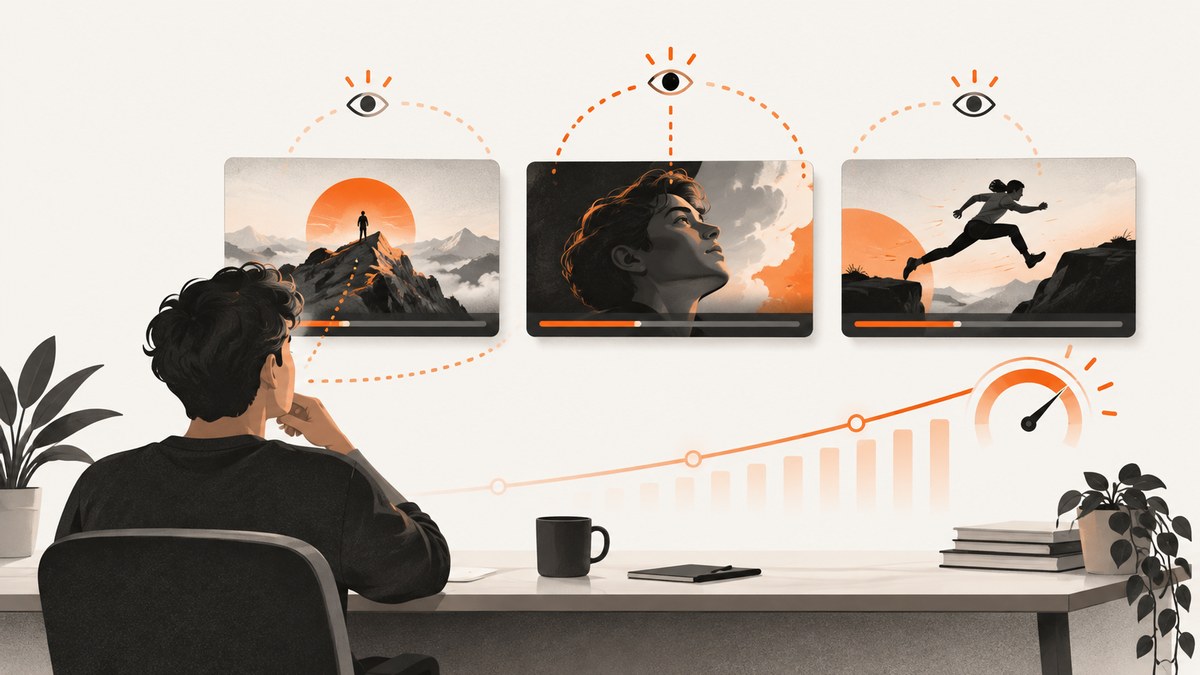
Direct answer: Use YouTube Studio’s desktop Test & compare feature for a thumbnail-only experiment, or A/B Testing when you want to test titles, thumbnails, or both. Upload up to three variants and let YouTube show them concurrently. YouTube chooses the result using watch-time share, so the thumbnail with the highest click-through rate is not automatically the winner. Results can take a few days or up to two weeks, and an inconclusive result is normal when variants perform similarly or the video does not receive enough impressions.
This guide explains eligibility, setup, creative planning, result labels, analytics, common errors, and a repeatable testing process.
1. Check eligibility before you design variants
YouTube’s testing surfaces have slightly different rules, so check the exact workflow you plan to use.
| Test type | Where to start | Important eligibility notes |
|---|---|---|
| Thumbnail only | YouTube Studio on a computer, open the video and choose Test & compare under Thumbnail | Public long-form videos and podcast episodes are supported. A Premiere can be tested after it converts to a long-form video. Made-for-kids, mature-audience, and private videos are restricted. |
| Title, thumbnail, or both | Open the title or Thumbnail area and choose A/B Testing | Shorts, scheduled live streams, made-for-kids videos, mature-audience videos, and private videos are ineligible. A live archive can be tested; a Premiere becomes eligible after it ends and converts to a long-form video. |
Your channel also needs advanced features enabled. If the control is missing, check the channel’s feature eligibility and confirm that the video is public and the correct type. YouTube documents the combined workflow in A/B test titles & thumbnails and the thumbnail-only workflow in Test & compare thumbnails.
2. Prepare three useful thumbnail variants
YouTube accepts up to three options in one experiment. Do not make three nearly identical files: a tiny color or spacing change may be too small for the test to detect. At the same time, keep a clear hypothesis so you can learn from the result.
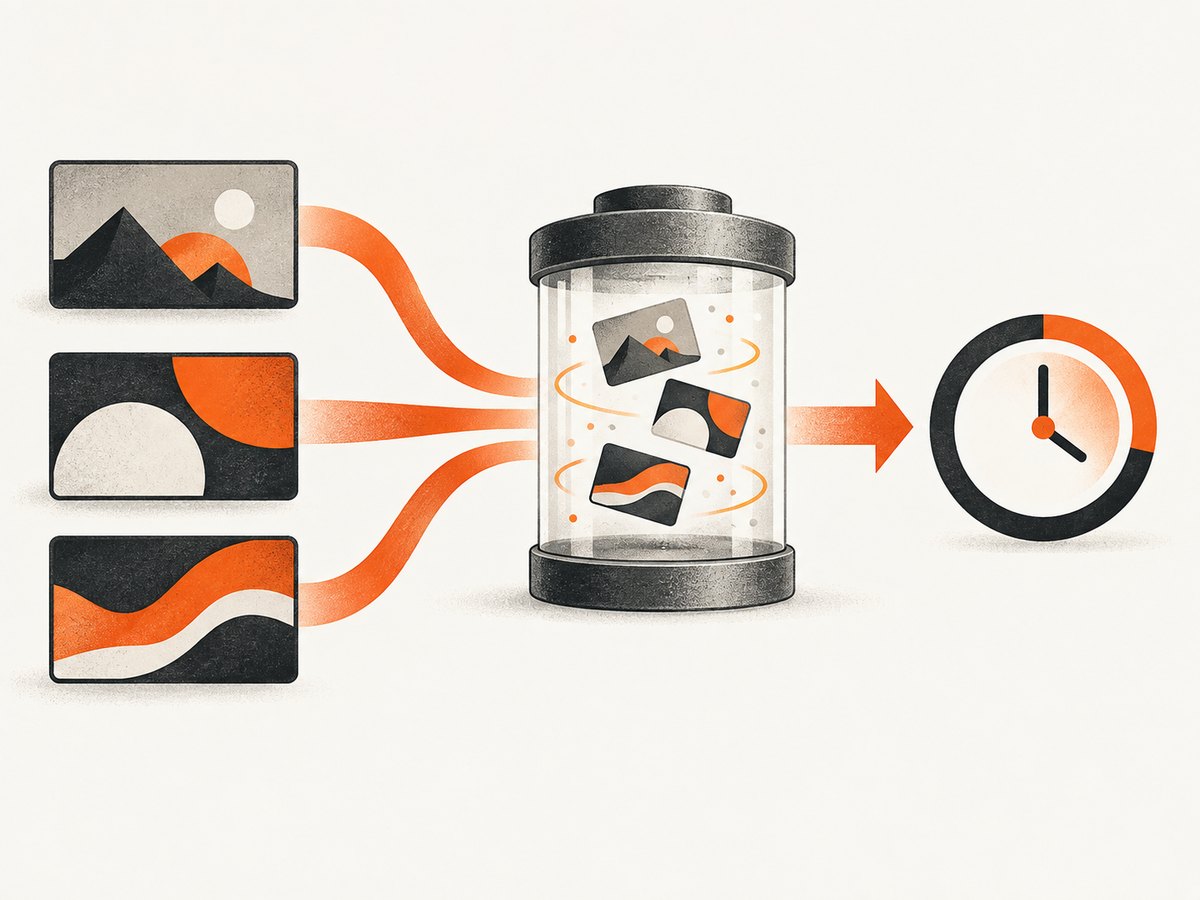
- Change one main idea: for example, a close-up subject versus a wider scene, or a result-focused composition versus a process-focused composition.
- Keep the promise accurate: the image should set expectations that the video fulfills. A curiosity image that produces short viewing sessions can lose on watch time even if it earns more clicks.
- Vary meaningful elements: layout, background, text overlay, subject position, object scale, or visual contrast. YouTube’s guidance specifically recommends exploring these kinds of differences.
- Export at high resolution: YouTube states that if any experiment thumbnail is below 720p (1280 × 720), all experiment thumbnails may be downscaled to 480p (854 × 480). Use the highest resolution available and keep the same aspect ratio and file format across variants.
Name files clearly before uploading, such as video42-subject-close.webp, video42-result-layout.webp, and video42-wide-scene.webp. Keep the source files so you can reuse the winning design or inspect what changed.
3. Run a thumbnail-only test in YouTube Studio
- On a computer, open YouTube Studio and select Content.
- Open the eligible public video you want to test.
- In the video details, find Thumbnail and select Test & compare.
- Upload up to three thumbnail files. Review the previews at the sizes YouTube shows.
- Complete the setup and start the experiment.
- Return to the video’s Analytics area, open the Reach tab, and inspect the active test and its progress.
The variants are shown concurrently. You do not need to publish separate copies of the video, and you should avoid manually swapping the thumbnail while the experiment is running because that can interfere with the comparison.
4. Run a title-and-thumbnail A/B test
- Open a video in YouTube Studio on desktop and locate the title or Thumbnail section.
- Select A/B Testing.
- Choose whether to test title only, thumbnail only, or title and thumbnail together.
- Add up to three options for the selected fields.
- Click Done to begin.
For a new upload, the test begins when the video is published. Do not edit the title or thumbnail during a combined test: YouTube says a change automatically stops the test, and you must restart it. You can manage or stop an active experiment from the video’s Analytics Reach tab. Details are in YouTube’s A/B testing help.
5. Understand what YouTube measures
YouTube optimizes the experiment for watch-time share, not click-through rate alone. The platform’s explanation is that a strong package should attract a viewer and accurately describe the video so the viewer continues watching. A thumbnail can therefore have a higher CTR and still lose if the resulting viewers watch less.
Analytics impressions also have a defined scope. YouTube counts an impression when a thumbnail is at least 50% visible for more than one second on included surfaces such as Search, Home, feeds, and Up Next. External websites and apps, notifications, and exposures that do not meet the visibility or duration threshold are excluded. Read CTR and watch time in that context; they do not represent every place your thumbnail appeared. See YouTube’s impressions and watch-time documentation.
6. Read each result label correctly
| Surface | Possible result | Meaning |
|---|---|---|
| Combined title and thumbnail A/B test | Winner | A variant produced the strongest watch-time result with the confidence YouTube requires. |
| Combined title and thumbnail A/B test | Performed Same | The options were not meaningfully different in the measured outcome. |
| Combined title and thumbnail A/B test | Inconclusive | There was not enough evidence to identify a clear winner. |
| Thumbnail-only Test & Compare | Winner | A thumbnail showed a clear advantage under YouTube’s measurement. |
| Thumbnail-only Test & Compare | Preferred | A thumbnail appears likely to be better, but with less certainty than a Winner result. |
| Thumbnail-only Test & Compare | None | No option earned a decisive result. |
If there is no clear winner, YouTube makes the first submitted variant the default. You can manually select another option if it better matches your editorial judgment. Treat “Performed Same,” “Inconclusive,” and “None” as information: the tested differences were not large or reliable enough for YouTube to separate them during that run.
7. Wait long enough, then turn the result into a lesson
YouTube says an experiment may finish in a few days or take up to two weeks. Timing depends on impressions, how recently the video was published, and other factors. Do not stop after a few hours because an early CTR swing is noisy.
When the test finishes:
- Record the result label and the winning or preferred variant.
- Compare watch-time share with impressions, views, and CTR in the Reach tab.
- Write down the creative hypothesis that the result supports or weakens.
- Keep the result tied to this video and audience. YouTube notes that audience composition changes, so repeating the same test later can produce a different outcome.
- Plan the next test around a different, understandable idea. If two options were too similar, create a clearer contrast next time.
A test can be inconclusive because the variants are too similar, the video did not receive enough impressions, or the options genuinely perform alike. That is not a failure; it tells you to gather more evidence or test a larger creative difference.
8. Troubleshooting common problems
The Test & compare or A/B Testing control is missing
Cause: You are on mobile, advanced features are not enabled, or the video is not eligible.
Fix: Use YouTube Studio on a computer, verify advanced-feature access, make the video public, and check whether it is a Short, scheduled Live, made-for-kids, mature-audience, or private video. For a Premiere, wait until it ends and becomes a long-form video where the relevant workflow permits testing.
All thumbnails look blurry after upload
Cause: At least one file is below YouTube’s 720p (1280 × 720) threshold.
Fix: Re-export every option at 1280 × 720 or higher, then upload the set again. YouTube states that one low-resolution option can cause all experiment images to be downscaled to 480p (854 × 480).
The test stopped unexpectedly
Cause: You changed the title or thumbnail during a combined experiment.
Fix: Restart the test with the intended options and leave those fields unchanged until it completes.
There is no winner after two weeks
Cause: The variants may be too similar, impressions may be insufficient, or watch-time performance may be effectively equal.
Fix: Review the result label and Reach data, keep the first option or choose manually, and design a more distinct next experiment. Do not declare a winner from CTR alone.
CTR increased but watch time did not
Cause: The new thumbnail attracted clicks without matching the video’s content strongly enough to sustain viewing.
Fix: Keep the promise literal, inspect early audience retention, and test a variant that communicates the actual payoff more clearly.
9. Or skip the browser setup
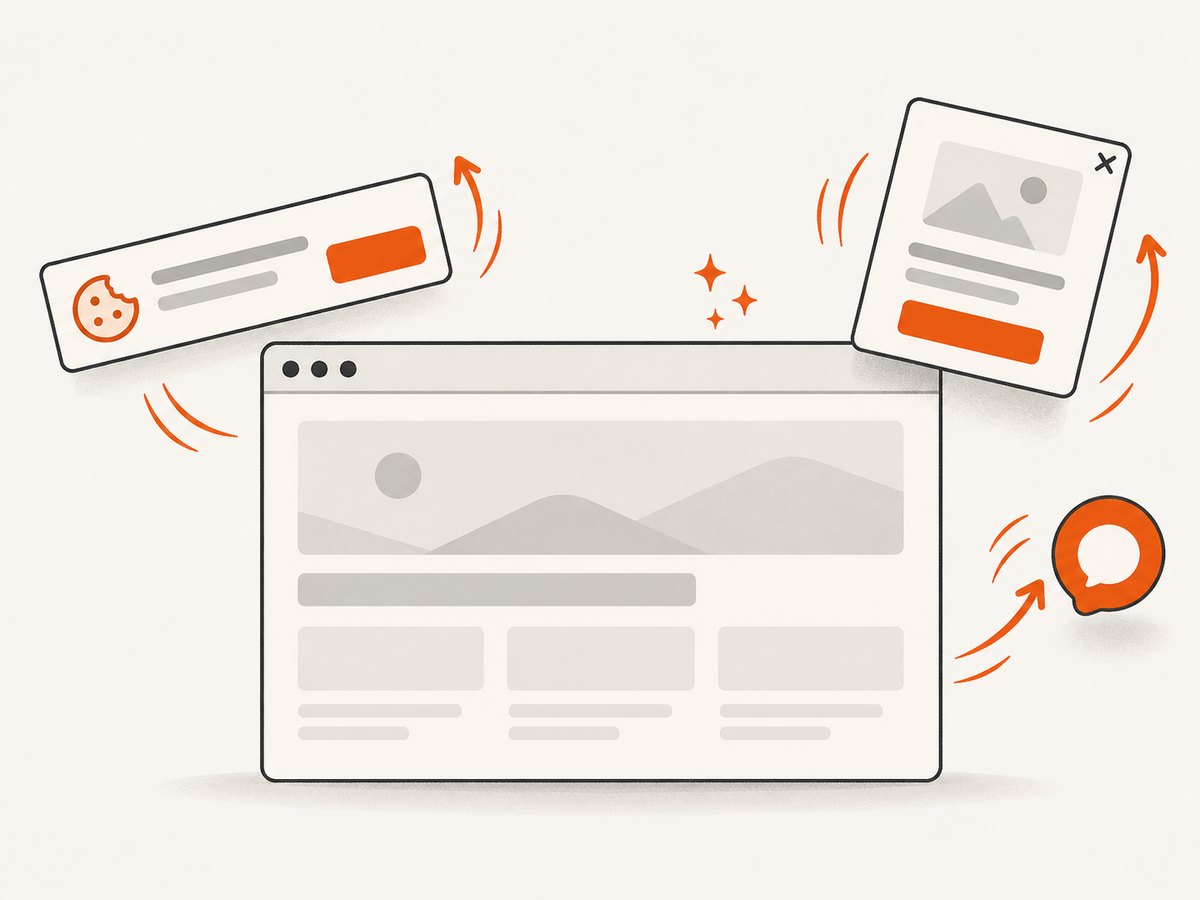
ScreenshotNeo does not replace YouTube’s native A/B test. It is useful when your thumbnail workflow also requires automated screenshots of web pages, product demos, reference pages, or landing-page scenes. One GET request returns a PNG, JPEG, WebP, or PDF. Before capture, it can accept consent banners and remove more than 60 known consent platforms, newsletter popups, and chat widgets; each step can be turned off. Bot checks, blank pages, timeouts, failed loads, and cache hits are not billed, and the response identifies the outcome with X-Page-Verdict and X-Billed headers.
See the ScreenshotNeo documentation for all options.
cURL
curl -G 'https://api.screenshotneo.com/v1/shot' -d access_key=YOUR_API_KEY --data-urlencode url=https://stripe.com -o shot.webpPython
import requests

r = requests.get(
    'https://api.screenshotneo.com/v1/shot',
    params={'access_key': 'YOUR_API_KEY', 'url': 'https://stripe.com'},
    timeout=90,
)
r.raise_for_status()
open('shot.webp', 'wb').write(r.content)
Node.js
const q = new URLSearchParams({ access_key: 'YOUR_API_KEY', url: 'https://stripe.com' });
const res = await fetch(`https://api.screenshotneo.com/v1/shot?${q}`);
if (!res.ok) throw new Error(`HTTP ${res.status}`);
const data = Buffer.from(await res.arrayBuffer());
require('node:fs').writeFileSync('shot.webp', data);
Relevant options include full-page capture with lazy images loaded, CSS-selector element capture, dark mode, 12 device presets or custom viewports, retina scale, custom CSS and JavaScript, clicks, selector waits, delays, network-idle waits, blocked ads or resource types, custom headers and cookies, user-agent and Authorization, timezone, geolocation, transparent backgrounds, resizing, caching with your chosen TTL, signed links, asynchronous jobs with signed webhooks, bulk capture for up to 100 URLs per call, a usage API, and an OpenAPI specification. Existing parameter names used by other screenshot APIs also work.
ScreenshotNeo includes an MCP server with take_screenshot, get_page_info, and capture_pdf tools for Claude, Cursor, and other MCP clients. The Free plan includes 1,000 shots per month with no card; paid plans start at $5 for 3,000 shots. Create a free ScreenshotNeo account.
10. FAQ
Can I test more than three thumbnails?
No. YouTube’s native experiment supports up to three variants in one test. Run separate tests only when the audience and video context remain comparable.
Does YouTube pick the thumbnail with the highest CTR?
No. The native experiment uses watch-time share, so CTR is supporting context rather than the deciding metric.
Can I test a private video?
No. Private videos are listed as ineligible for the documented testing workflows.
What should I do with an Inconclusive result?
Keep or manually select the option that best represents the video, then test a more distinct creative hypothesis on a future run.
Are impressions from external sites included?
No. YouTube’s impression definition excludes external websites and apps, notifications, and exposures below its visibility and duration thresholds.
Can I run a test from the YouTube mobile app?
The documented feature is available in YouTube Studio on desktop, so use a computer for setup and management.


