Abyssale vs Orshot: Image Generation API Comparison
Compare Abyssale and Orshot on outputs, credits, pricing, APIs, migration, and the best fit for automated visual generation.
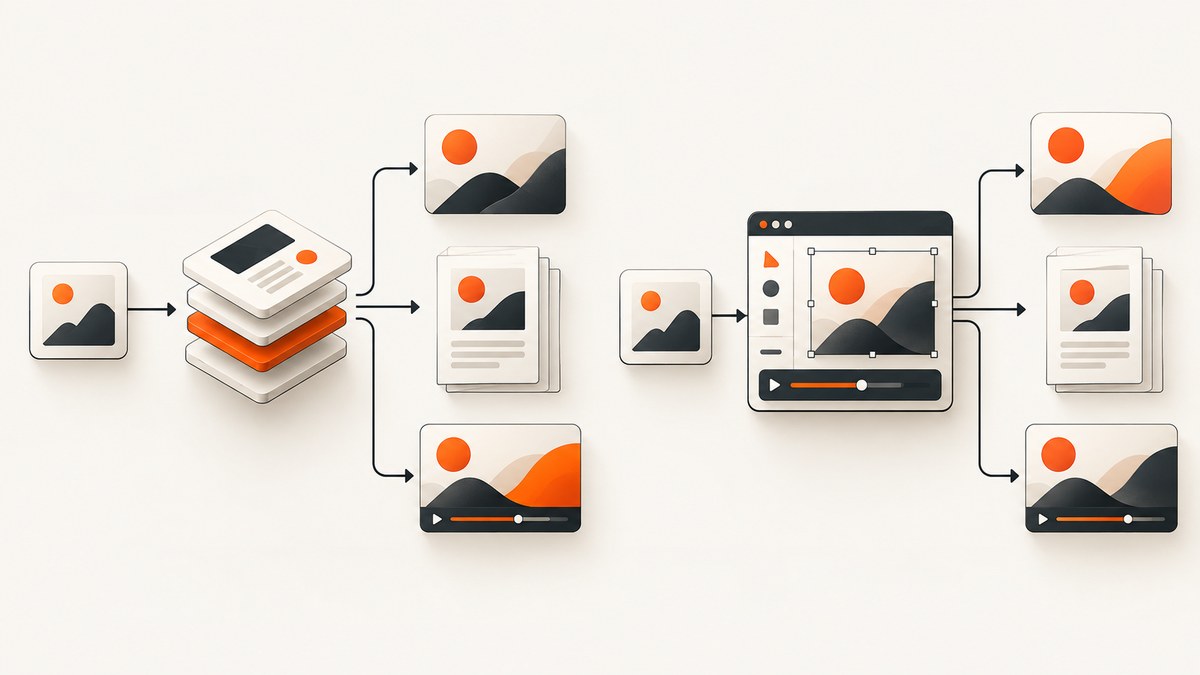
Short answer: choose Abyssale when HTML5 creatives, print-ready CMYK PDFs, dynamic image URLs, or a broad creative automation API are central to your workflow. Choose Orshot when you want a Studio-based workflow, straightforward credit math, multi-page documents, broader official SDK coverage, or social publishing. If you are comparing screenshot APIs rather than template-rendering APIs, try ScreenshotNeo first: it produces clean captures, bills only successful clean shots, and has the lowest paid plan in this comparison category.
Abyssale and Orshot solve a related problem: turn structured data and reusable designs into visual assets through an API. They are not interchangeable with a browser screenshot service. Abyssale is especially broad on creative formats and production workflows. Orshot centers its Studio templates, rendering API, integrations, and social publishing. The right choice depends on your output types, how you count usage, and whether your team is migrating existing designs.
What both APIs do
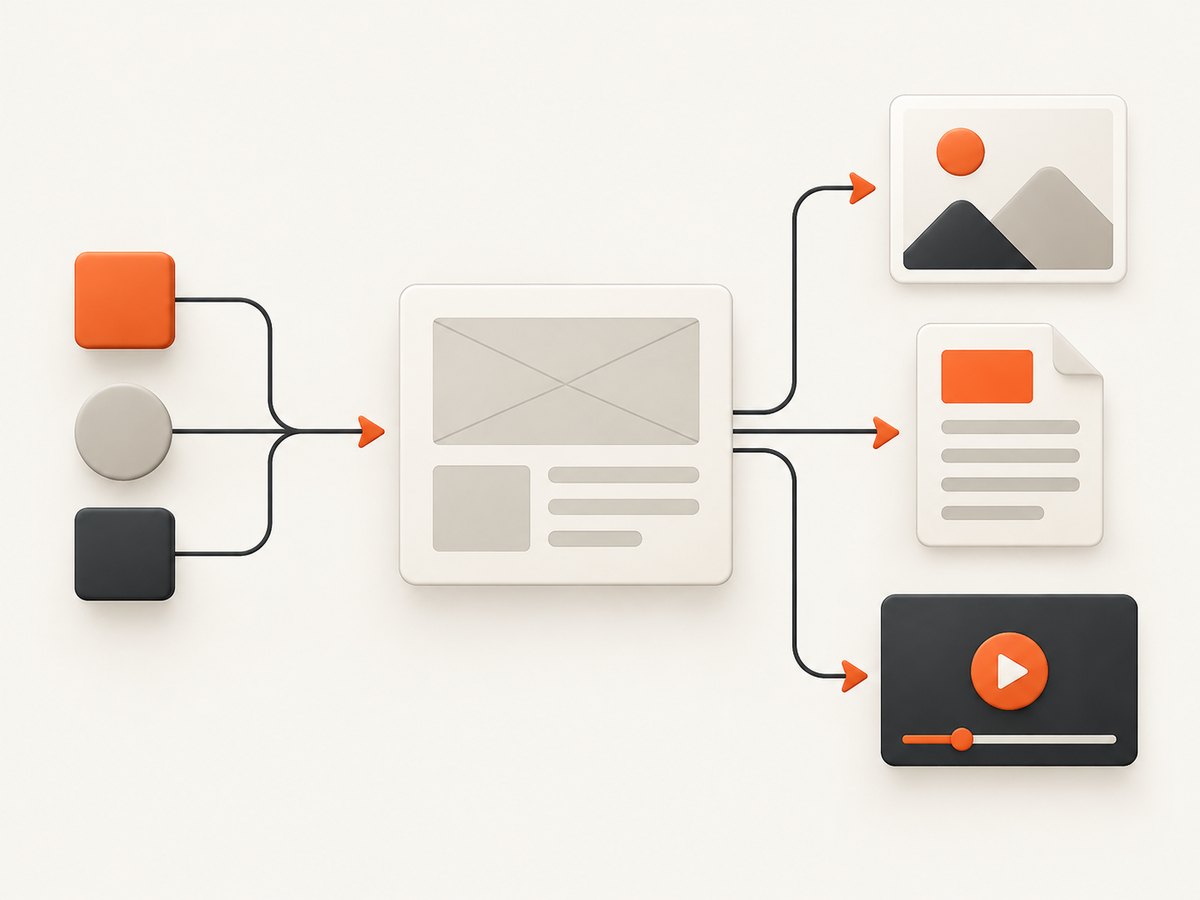
Both products are template-driven APIs. You create or select a design, provide values for editable elements, and request a rendered asset. That makes them useful for catalog images, social cards, personalized ads, reports, certificates, and other graphics where the layout is designed once and populated many times.
The normal integration has four stages:
- Discover a template: identify the design or Studio template and its editable fields.
- Prepare data: map your application fields to text, image, color, and other supported overrides.
- Render: send the template identifier and modifications to the vendor API.
- Collect the result: receive files synchronously or use polling and webhooks for asynchronous work.
This is different from taking a screenshot of an arbitrary live URL. A template API renders a design you control. A screenshot API loads a web page as a browser would and captures its current state.
Output formats and capabilities
| Capability | Abyssale | Orshot |
|---|---|---|
| Images | Documented image generation, including JPG and PNG credit rules | Image rendering from Studio templates |
| Documented PDF output, including print-oriented workflows | PDF rendering, with credits charged per page | |
| Video | Video and GIF output; animation is charged by second | Video rendering; credits are charged by second |
| HTML5 | Documented HTML5 generation, with Suite adding related production features | Not highlighted in the supplied product documentation |
| Dynamic URLs | Documented dynamic image URLs | Use the documented render API and response options |
| Async processing | Documented synchronous and asynchronous generation, polling, and webhooks | Render API and response options are documented; select the asynchronous pattern supported by your account and integration |
| SDKs and integrations | OpenAPI-backed schemas and typed SDK workflow | Official Node.js, Python, PHP, and Ruby libraries, plus Zapier and Make integrations |
Abyssale has the wider explicitly documented output surface. Its documentation includes images, GIFs, video, PDF, and HTML5. Suite also adds ad-network compliance and print-ready CMYK PDF export. Orshot emphasizes images, PDFs, videos, multi-page templates, a Studio workflow, and social publishing.
Pricing and usage units
Pricing is easier to compare after separating the billing unit from the subscription price.
| Product and plan | Published price | Included usage model |
|---|---|---|
| Abyssale Pro | $36 per seat/month when billed annually | 450 generation credits and 900 AI credits monthly |
| Abyssale Suite | $60 per seat/month when billed annually | 750 generation credits and 1,500 AI credits monthly |
| Orshot Launch | $39/month | 1,500 credits |
| Orshot Grow | $160/month | 20,000 credits |
| Orshot Scale | $349/month | 75,000 credits |
Abyssale separates generation credits from AI credits. A static JPG or PNG costs one generation credit per format. MP4, GIF, and HTML5 cost one credit per animation second. Print PDFs are billed by rendered pixel area. That model can express different production costs, but your application must track more than one balance.
Orshot defines one credit as one image, one PDF page, or one video second. A multi-page template consumes credits for every page, and video usage is rounded according to its billing documentation. This makes simple forecasts easier: a 500-image batch is approximately 500 credits, while a 20-page PDF is approximately 20 credits before any account-specific details.
Orshot also lists social publishing at $12 per month per social account. Confirm current prices and entitlements before committing; both vendors can change plans and documentation.
API authentication and request design
Abyssale
Abyssale uses a shared x-api-key authentication header. Its API reference covers asset generation, design import, workspace templates, dynamic image URLs, and OpenAPI-generated schemas. The documented flow is to discover a design, submit element overrides, then receive files synchronously or through asynchronous webhook or polling workflows.
# The exact render path and payload fields come from your Abyssale API schema.
# Keep the endpoint in configuration so a schema update does not require a code rewrite.
export ABYSSALE_RENDER_URL="https://your-render-endpoint-from-the-abyssale-schema"
export ABYSSALE_API_KEY="your_api_key"

curl -X POST "$ABYSSALE_RENDER_URL" \
  -H "x-api-key: $ABYSSALE_API_KEY" \
  -H "Content-Type: application/json" \
  -d '{
    "design_id": "YOUR_DESIGN_ID",
    "elements": {
      "headline": "Launch day",
      "background": "https://example.com/background.jpg"
    }
  }'
The placeholder endpoint is intentional: use the path shown in the current Abyssale API reference for your workspace and operation. Do not hard-code an endpoint copied from an old integration.
Orshot
Orshot uses Bearer authentication and the https://api.orshot.com/v1 base URL. Its Studio render endpoint accepts a template ID and modifications and can return images, PDFs, or videos with documented size and response options.
export ORSHOT_API_KEY="your_api_key"
export ORSHOT_RENDER_PATH="/the-render-path-from-the-orshot-reference"

curl -X POST "https://api.orshot.com/v1$ORSHOT_RENDER_PATH" \
  -H "Authorization: Bearer $ORSHOT_API_KEY" \
  -H "Content-Type: application/json" \
  -d '{
    "template_id": "YOUR_STUDIO_TEMPLATE_ID",
    "modifications": {
      "headline": "Launch day",
      "format": "png"
    }
  }'
Use the current Orshot reference for the exact field names, response mode, and size options. The important integration distinction is authentication: Orshot expects a Bearer token, while Abyssale expects x-api-key.
Runnable client patterns
The following Python and Node.js examples show the request shape while leaving the vendor-specific render path and schema fields configurable. They fail early when required configuration is missing and preserve the response for inspection.
Python
import json
import os
import requests

provider = os.environ.get("PROVIDER", "orshot")
template_id = os.environ["TEMPLATE_ID"]
payload = {
    "template_id": template_id,
    "modifications": {
        "headline": "Launch day",
        "subtitle": "Generated from Python"
    }
}

if provider == "orshot":
    url = "https://api.orshot.com/v1" + os.environ["ORSHOT_RENDER_PATH"]
    headers = {
        "Authorization": f"Bearer {os.environ['ORSHOT_API_KEY']}",
        "Content-Type": "application/json",
    }
elif provider == "abyssale":
    url = os.environ["ABYSSALE_RENDER_URL"]
    headers = {
        "x-api-key": os.environ["ABYSSALE_API_KEY"],
        "Content-Type": "application/json",
    }
else:
    raise ValueError("PROVIDER must be orshot or abyssale")

response = requests.post(url, headers=headers, json=payload, timeout=90)
response.raise_for_status()

content_type = response.headers.get("content-type", "")
if "application/json" in content_type:
    print(json.dumps(response.json(), indent=2))
else:
    with open("rendered-asset", "wb") as output:
        output.write(response.content)
    print("Saved rendered-asset")
Node.js
const provider = process.env.PROVIDER || 'orshot';
const payload = {
  template_id: process.env.TEMPLATE_ID,
  modifications: {
    headline: 'Launch day',
    subtitle: 'Generated from Node.js'
  }
};

let url;
const headers = { 'Content-Type': 'application/json' };

if (provider === 'orshot') {
  url = `https://api.orshot.com/v1${process.env.ORSHOT_RENDER_PATH}`;
  headers.Authorization = `Bearer ${process.env.ORSHOT_API_KEY}`;
} else if (provider === 'abyssale') {
  url = process.env.ABYSSALE_RENDER_URL;
  headers['x-api-key'] = process.env.ABYSSALE_API_KEY;
} else {
  throw new Error('PROVIDER must be orshot or abyssale');
}

const response = await fetch(url, {
  method: 'POST',
  headers,
  body: JSON.stringify(payload)
});

if (!response.ok) {
  throw new Error(`${response.status}: ${await response.text()}`);
}

const type = response.headers.get('content-type') || '';
if (type.includes('application/json')) {
  console.log(JSON.stringify(await response.json(), null, 2));
} else {
  const buffer = Buffer.from(await response.arrayBuffer());
  await Bun.write('rendered-asset', buffer);
  console.log('Saved rendered-asset');
}
For production, keep template IDs and field mappings in version-controlled configuration, validate input before sending it, and record the provider request ID when one is returned. Treat generated URLs as externally hosted assets unless the response explicitly provides a durable download contract.
Migration: moving from Abyssale to Orshot
Orshot publishes a migration path for importing Abyssale project designs. That can reduce switching friction, but an import is not the same as a pixel-perfect conversion. Audit every design after import.
- Export or identify the Abyssale project designs you need to move.
- Import them through Orshot’s documented migration workflow.
- Map each editable field to the corresponding Studio modification.
- Render representative assets in every required size and format.
- Compare fonts, image crops, spacing, colors, page counts, and video duration.
- Run a small batch before changing your production provider.
Keep the old template identifier alongside the new one during the transition. This lets you replay a failed job and compare outputs without changing application data.
Which one should you choose?
| Requirement | Best starting point | Reason |
|---|---|---|
| HTML5 creatives | Abyssale | HTML5 generation is explicitly documented. |
| Print-ready CMYK PDFs | Abyssale Suite | Suite documents print-ready CMYK PDF export. |
| Simple image/PDF/video credit forecast | Orshot | One credit maps directly to one image, PDF page, or video second. |
| Multi-page Studio documents | Orshot | Its model explicitly accounts for pages in multi-page templates. |
| Node, Python, PHP, and Ruby libraries | Orshot | Those official libraries are documented. |
| Dynamic image URLs | Abyssale | Dynamic image URLs are part of its documented API surface. |
| Social publishing | Orshot | Social publishing is offered as an optional per-account service. |
| Existing Abyssale designs | Orshot may be worth evaluating | Orshot publishes an Abyssale project import workflow. |
There is no dossier-backed benchmark for latency, output quality, uptime, or customer satisfaction. Test your own templates, asset sizes, concurrency, and approval process before making a vendor decision.
Reliability, performance, and cost planning
Reliability
- Use asynchronous jobs and webhooks for large batches or video renders.
- Make webhook handlers idempotent. A repeated delivery must not create a duplicate order or publication.
- Persist the input payload and template version so a failed render can be replayed.
- Set an application timeout and a retry policy that distinguishes temporary transport failures from validation errors.
- Verify the downloaded content type and size before marking a job complete.
Performance
- Reuse a template instead of creating a design for every request.
- Keep source images at the dimensions your output needs; oversized inputs increase transfer and processing work.
- Queue bursts and respect the provider’s documented limits.
- For repeated identical inputs, cache by a hash of the template ID, modifications, format, and size.
- Measure end-to-end time separately from provider render time so storage and webhook delays are visible.
Cost
Forecast by output, not by API call count. For Abyssale, model generation credits, AI credits, animation seconds, and PDF pixel-area rules separately. For Orshot, multiply images, PDF pages, and video seconds by their credit usage, then include social-account charges if applicable. Add retries and test renders to your estimate.
Or skip the browser setup
If your actual requirement is a clean screenshot of a live URL, use ScreenshotNeo instead of building and operating a browser capture service. Its API accepts one GET request and returns PNG, JPEG, WebP, or PDF. Before capture it accepts cookie and consent banners and removes more than 60 known consent platforms, newsletter popups, and chat widgets; each step can be turned off. Bot checks and CAPTCHAs, blank pages, timeouts, failed loads, and cache hits cost nothing, and the response identifies the result with X-Page-Verdict and X-Billed headers.
ScreenshotNeo supports full-page capture with lazy images loaded, CSS-selector element capture, dark mode, 12 device presets or custom viewports, retina scale, PDF paper sizes and margins, custom CSS and JavaScript, clicks, selector or network-idle waits, request blocking, custom headers and cookies, timezone and geolocation, transparent backgrounds, resizing, configurable caching, signed links, asynchronous jobs with signed webhooks, bulk capture for up to 100 URLs per call, a usage API, and an OpenAPI specification. It also provides an MCP server with take_screenshot, get_page_info, and capture_pdf for Claude, Cursor, and other MCP clients.
curl -G "https://api.screenshotneo.com/v1/shot" -d access_key=YOUR_API_KEY --data-urlencode url=https://stripe.com -o shot.webpimport requests
r = requests.get("https://api.screenshotneo.com/v1/shot", params={"access_key": "YOUR_API_KEY", "url": "https://stripe.com"}, timeout=90)
open("shot.webp", "wb").write(r.content)const q = new URLSearchParams({ access_key: 'YOUR_API_KEY', url: 'https://stripe.com' });
const res = await fetch(`https://api.screenshotneo.com/v1/shot?${q}`);See the ScreenshotNeo API documentation for the complete option list. The Free plan includes 1,000 screenshots each month with no card. Paid plans start at $5 for 3,000 shots, and every feature is available on every plan. Create a free ScreenshotNeo account.
Troubleshooting
401 or 403 authentication errors
For Abyssale, check that the key is in the x-api-key header. For Orshot, check the Bearer token format and that the key belongs to the correct workspace. Never send keys in a browser-visible client.
400 validation errors
Compare your payload with the current provider schema. Common causes include an incorrect template ID, a modification name that does not exist, an unsupported format, or a missing required field.
The response is JSON instead of an image
Most likely the request returned a job object, validation message, or error. Inspect the HTTP status and content-type before writing bytes to an image file. For asynchronous work, follow the documented polling or webhook flow.
Fonts or images look different
Confirm that the asset is available to the rendering service and that the imported template maps the same font and crop rules. Render a known fixture and compare it after every template change.
Costs are higher than expected
Check the billing unit: Abyssale separates generation and AI credits and uses special rules for animation and print PDFs; Orshot charges per image, PDF page, or video second. Include retries, multi-page output, and test renders in your estimate.
Webhook jobs appear duplicated
Store the provider job identifier and make your handler idempotent. A webhook should update an existing record rather than create a new job every time it is delivered.
FAQ
Can I use either product for arbitrary web pages?
These products are template-driven creative APIs. For arbitrary live-page screenshots, use a browser screenshot service such as ScreenshotNeo.

Which product is cheaper?
There is no universal answer because the units differ. Orshot’s one-credit model is easier to estimate for basic outputs. Abyssale can be a better fit when its specialized formats and production features remove other tooling.
Does Orshot import Abyssale templates?
Orshot publishes a migration path for importing Abyssale project designs. Verify typography, assets, and output dimensions after migration.
Do both APIs support asynchronous generation?
Abyssale explicitly documents asynchronous jobs with webhooks and polling. For Orshot, use the response mode and workflow documented for your render operation.
Should I build an abstraction layer?
Yes when you may switch providers or render through both. Normalize template IDs, field names, output formats, job states, and error categories at your application boundary.