Using acceptInsecureCerts with Headless Chrome, Selenium, Rails, and Capybara
Configure Selenium to accept invalid TLS certificates in Chrome, headless Chrome, Rails system tests, and Capybara—and know when the setting is safe to use.
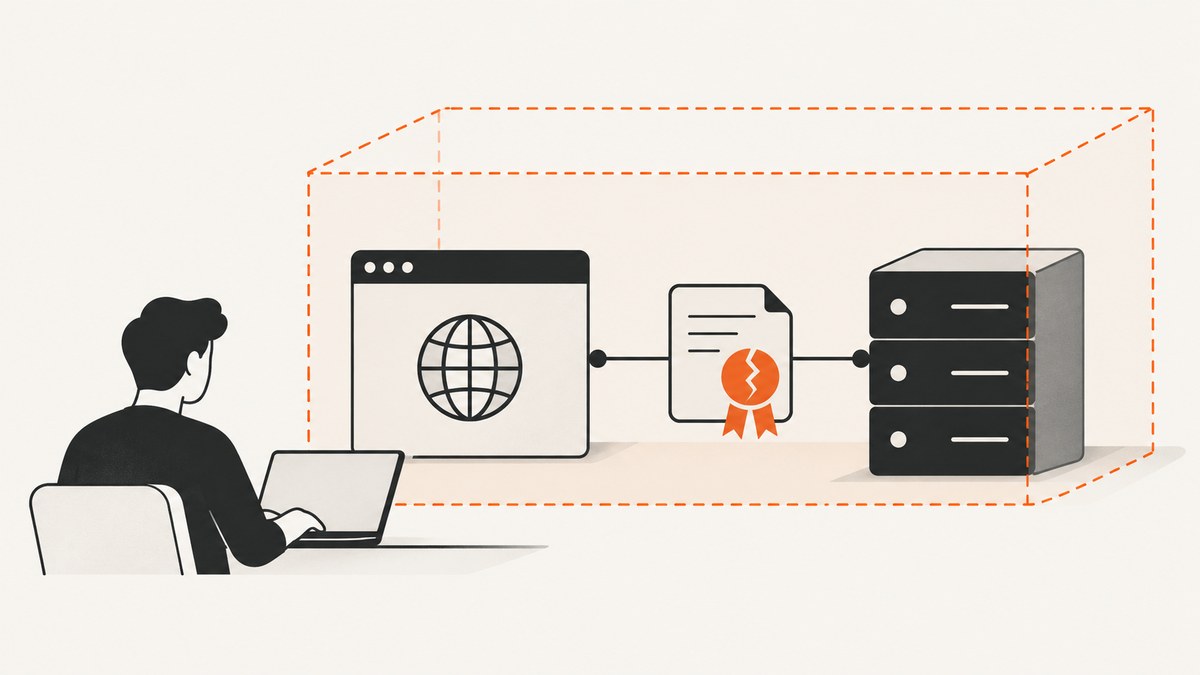
acceptInsecureCerts is a WebDriver session capability that tells the browser to trust invalid TLS certificates encountered during navigation. In Selenium Ruby, set it on Chrome options before creating the driver:
options = Selenium::WebDriver::Options.chrome
options.accept_insecure_certs = true

driver = Selenium::WebDriver.for(:chrome, options: options)
The setting applies to the whole WebDriver session, including headless Chrome. For Rails system tests or Capybara, put the capability on the Selenium Chrome driver your tests actually select. Exact integration syntax depends on your installed Rails, Capybara, and selenium-webdriver versions; check the project lockfile and the APIs for those versions before adopting a configuration block.
This is useful for controlled test environments that intentionally use self-signed, expired, or otherwise invalid certificates. It does not repair a certificate, make a connection trustworthy outside that test session, or replace proper TLS configuration in production.
1. What acceptInsecureCerts does
The WebDriver capability acceptInsecureCerts controls browser handling of invalid certificates during navigation. If it is false, navigation to a page with an insecure certificate can return a certificate error. If it is true, the browser trusts the invalid certificate for the session. Selenium describes this as accepting invalid certificates. Selenium WebDriver options
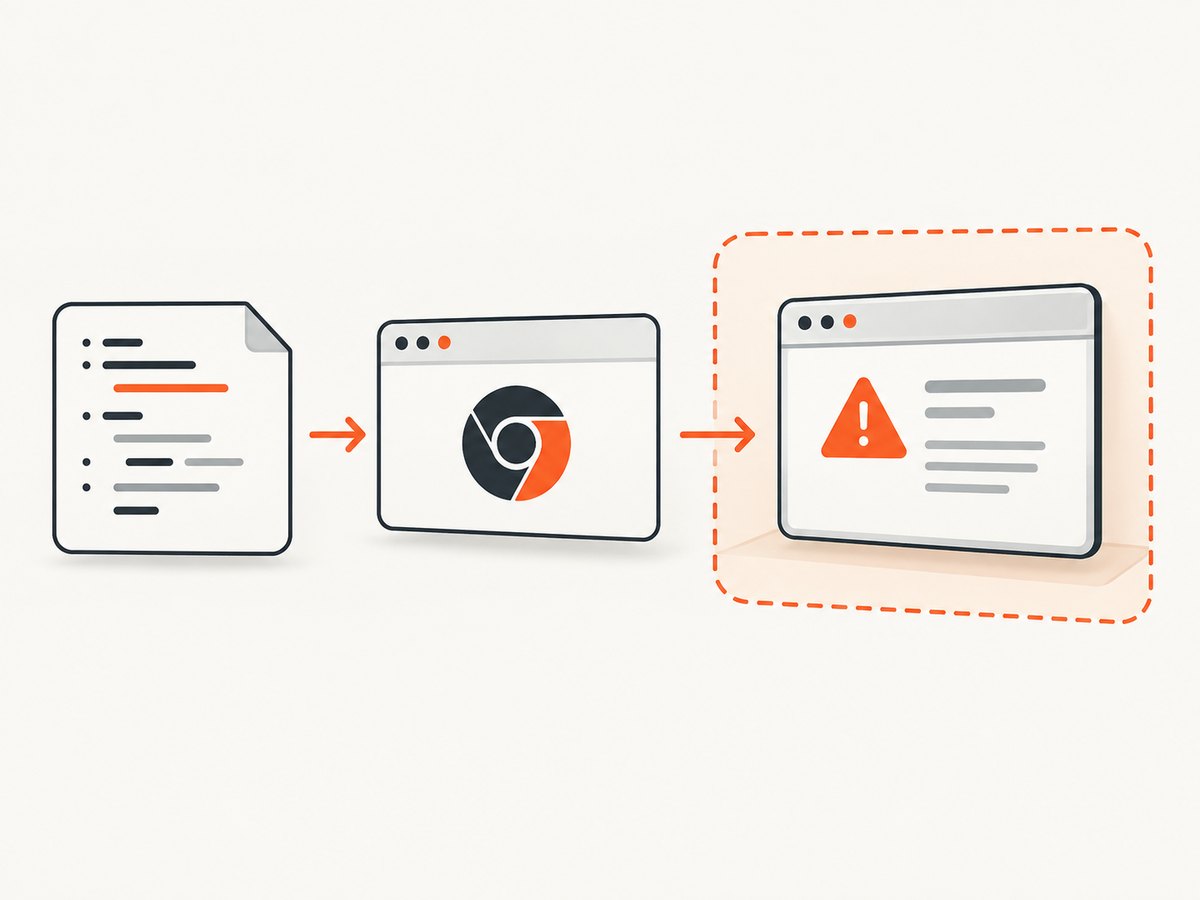
It is a session-level setting, rather than a per-URL switch. Create a new session with the capability enabled before navigating. Changing an option object after the driver has started does not retroactively change the existing session.
| Question | Answer |
|---|---|
| Does it apply to headless Chrome? | Yes. Headless mode changes how Chrome renders, not the WebDriver capability model. |
| Does it fix the site certificate? | No. It changes browser behavior in this WebDriver session. |
| Is it a Chrome command-line argument? | No. It is a WebDriver capability. Chrome arguments are a separate configuration mechanism. |
| Can I enable it for one navigation only? | Not through this capability: it applies to the entire session. |
Use it only where accepting the certificate is an intentional testing decision. It can hide certificate problems that users will encounter, so keep production certificate validation and relevant deployment checks separate.
2. Selenium Ruby with Chrome or headless Chrome
The current Selenium Ruby pattern is to construct Chrome options, set accept_insecure_certs, and pass the options to driver creation. Selenium Ruby driver documentation
Complete minimal example
require "selenium-webdriver"

options = Selenium::WebDriver::Options.chrome
options.accept_insecure_certs = true

driver = Selenium::WebDriver.for(:chrome, options: options)

begin
  driver.navigate.to("https://localhost:8443")
  puts "Title: #{driver.title}"
ensure
  driver.quit
end
Install Selenium with Bundler by adding gem "selenium-webdriver" to your Gemfile and running bundle install. Chrome and a compatible ChromeDriver must also be available to the environment, unless your project uses a Selenium manager or remote WebDriver setup to resolve them. The example assumes the test endpoint is available at the supplied URL; replace it with the host and port used by your test fixture.
Headless mode
Set headless mode on the same options object. The capability and Chrome argument serve different purposes: accept_insecure_certs controls WebDriver certificate behavior; --headless=new asks Chrome to run without a visible window.
require "selenium-webdriver"

options = Selenium::WebDriver::Options.chrome
options.accept_insecure_certs = true
options.add_argument("--headless=new")

 driver = Selenium::WebDriver.for(:chrome, options: options)

begin
  driver.navigate.to("https://localhost:8443")
  puts driver.current_url
ensure
  driver.quit
end
If the installed Chrome version does not recognize that headless argument, use the headless option documented for that Chrome release. Keep certificate acceptance on the WebDriver options object regardless of the headless flag. Avoid copying old DesiredCapabilities snippets without checking compatibility: current Selenium options provide the direct API.
3. Rails system tests
Rails system tests select their browser driver with driven_by. Rails documents Selenium with Chrome and headless Chrome, and exposes driver configuration for options and capabilities. Rails 8.0 system test API
A common place to configure the capability is the application’s system test base class, often test/application_system_test_case.rb. The precise block arguments and configuration methods vary by Rails and Selenium version; adapt the structure to the API present in the versions in your Gemfile.lock.
# test/application_system_test_case.rb
require "test_helper"

class ApplicationSystemTestCase < ActionDispatch::SystemTestCase
  driven_by :selenium, using: :headless_chrome do |options|
    options.accept_insecure_certs = true
  end
end
Some Rails/Selenium combinations expose or expect a different object in this configuration block. If the block argument does not respond to accept_insecure_certs=, inspect the installed Rails driver implementation and Selenium options API; configure the Chrome options object used to launch that driver. Do not assume a snippet written for a different major version will work unchanged.
Check that Rails is using the configured driver
- Find the
ApplicationSystemTestCaseclass or other base class inherited by the failing test. - Confirm that its
driven_byselection is the one used in the failing test environment. - Set the capability on the Chrome options passed to that driver.
- Run the affected system test and confirm that it creates a new browser session after the configuration change.
If a test changes drivers or starts its own remote session, the base class configuration may not govern that session. Apply the option at the actual session creation point.
4. Capybara with Selenium
Capybara can register Selenium Chrome drivers and integrate with Rails. The capability must be part of the options for the registered driver selected by the test. A capability added to an unused driver registration has no effect. Capybara project documentation
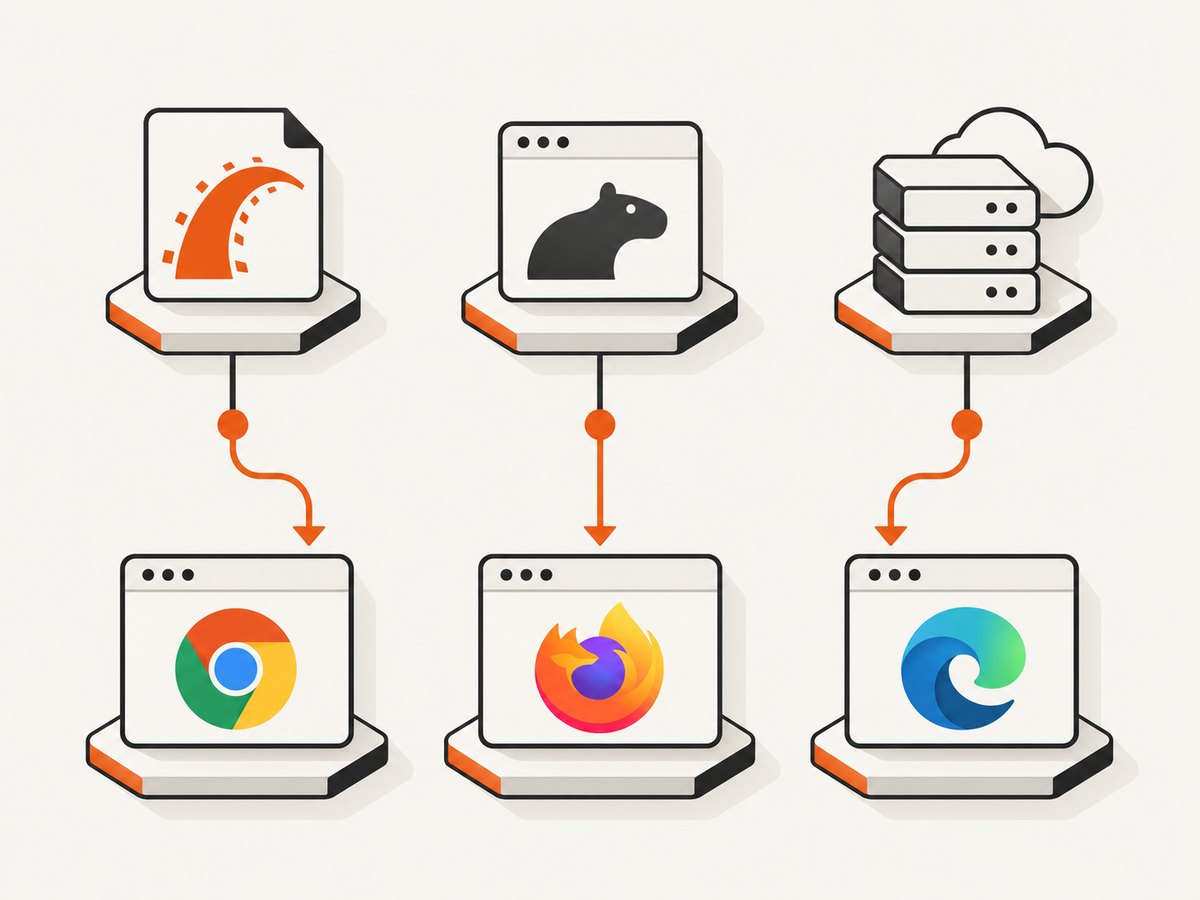
For RSpec or standalone Capybara, create or adapt a driver registration using the Selenium options object. The registration API and keyword arguments should be checked against the Capybara version installed in the application:
Capybara.register_driver :chrome_accepting_insecure_certs do |app|
  options = Selenium::WebDriver::Options.chrome
  options.accept_insecure_certs = true

  Capybara::Selenium::Driver.new(
    app,
    browser: :chrome,
    options: options
  )
end

Capybara.default_driver = :chrome_accepting_insecure_certs
For headless Chrome, add the appropriate headless argument to options before constructing the Capybara driver. In a Rails system-test setup, Rails may own driver selection through driven_by; avoid configuring Capybara’s default driver and assuming Rails will use it. Determine which layer creates the session, then configure that layer.
Rails and Capybara decision guide
| Test setup | Where to configure | What to verify |
|---|---|---|
| Rails Minitest system tests | The driven_by setup in the system test base class |
The selected driver and the options object exposed by your Rails version |
| RSpec with Capybara Selenium driver | The registered Selenium driver used by the specs | The spec uses the registered driver name |
| Remote Selenium session | The Chrome options/capabilities sent when creating the remote session | The remote endpoint accepts the capability and uses Chrome |
| Custom test harness | The code constructing Selenium::WebDriver.for |
The same options object is passed to the driver |
5. Capability versus Chrome command-line switch
The WebDriver capability is the clearest choice when your intent is to configure WebDriver’s documented session behavior. Selenium’s Ruby material also contains examples that pass Chrome command-line arguments such as --ignore-certificate-errors. That is a separate Chrome option, not another spelling of the WebDriver capability. Validate such switches against the browser and driver versions in use before relying on them. Selenium Ruby bindings wiki
Prefer the capability for this use case:
options = Selenium::WebDriver::Options.chrome
options.accept_insecure_certs = true
Do not set both the capability and a broad certificate-error switch by habit. Extra switches make it less clear which behavior is responsible when a test passes, and may mask certificate issues outside the intended scenario.
6. Troubleshooting common failures
| Symptom | Likely cause | Fix |
|---|---|---|
| Chrome still shows a certificate error | The capability was set after session creation, or not passed to the actual driver. | Create a fresh session with the configured Chrome options and verify the test-selected driver. |
| Rails block raises an unknown method error | The block receives a different object in this Rails/Selenium version. | Inspect the installed version’s driven_by API and configure its Chrome options object. |
| Capybara specs ignore the setting | The specs select another driver registration. | Check the driver name used by the spec or set the configuration on the registered driver actually selected. |
| Local test works but CI fails to launch Chrome | Chrome/ChromeDriver availability, compatibility, or headless configuration differs in CI. | Resolve browser startup and version issues first; then confirm the same options reach the CI session. |
| Navigation times out or the page is blank | The endpoint may be unavailable, redirecting, still loading, or failing for a reason unrelated to TLS. | Check the URL from the test environment, inspect redirects and server logs, and distinguish certificate errors from load failures. |
| Ruby reports an options or keyword-argument error | The snippet and installed gem APIs do not match. | Check bundle exec ruby -e 'require "selenium-webdriver"; puts Selenium::WebDriver::VERSION' and consult documentation matching the lockfile. |
| Remote WebDriver rejects the capability | The remote browser provider or intermediary may not support the requested capability format. | Check the remote endpoint’s Selenium compatibility and ensure Chrome options are encoded as expected. |
When diagnosing, separate three questions: did the browser session start, did the request reach the target, and was the resulting navigation blocked specifically by TLS validation? acceptInsecureCerts only addresses the last case.
7. Reliability, performance, and cost considerations
The capability does not make the destination server faster or more available. Your test still depends on DNS, network access, the service being up, valid routing, and the page completing its own scripts and requests. Treat a certificate override as a controlled testing accommodation rather than a general reliability strategy.
Creating a WebDriver session is usually more work than navigating within an already-running session. Reuse a session where the framework safely supports it, but do not share state in ways that make tests interfere with one another. Run parallel tests with isolated sessions and predictable test hosts. Keep certificate-dependent tests pointed at the intended test environment, so a configuration intended for a local self-signed service does not conceal a production certificate regression.
There is no specific performance benchmark implied by this capability. It changes certificate acceptance policy; it does not promise lower navigation time. Measure the suite in its own CI environment if startup or runtime is a concern. Cost is principally the compute and CI time needed to run Chrome sessions; this setting does not itself define a Selenium service price.
8. When a screenshot is all you need
If the task is to obtain a page image or PDF and does not require an interactive Selenium test session, a screenshot API can avoid maintaining browser setup. For a Rails test that asserts interactions, navigation, or application behavior, keep the WebDriver approach above.
Or skip the browser setup
ScreenshotNeo is a website screenshot API and MCP server from Yorker Media. One GET request returns a PNG, JPEG, WebP, or PDF. See the ScreenshotNeo API documentation for parameters and response details.
curl -G "https://api.screenshotneo.com/v1/shot" -d access_key=YOUR_API_KEY --data-urlencode url=https://stripe.com -o shot.webpimport requests
r = requests.get(
"https://api.screenshotneo.com/v1/shot",
params={"access_key": "YOUR_API_KEY", "url": "https://stripe.com"},
timeout=90,
)
open("shot.webp", "wb").write(r.content)
const q = new URLSearchParams({ access_key: 'YOUR_API_KEY', url: 'https://stripe.com' });
const res = await fetch(`https://api.screenshotneo.com/v1/shot?${q}`);
if (!res.ok) throw new Error(`Screenshot request failed: ${res.status}`);
await Bun.write("shot.webp", res);
ScreenshotNeo accepts cookie and consent banners like a visitor and removes more than 60 known consent platforms, newsletter popups, and chat widgets before capture; each step can be turned off. Bot checks and CAPTCHAs, blank pages, timeouts, failed loads, and cache hits cost nothing, and the response identifies the page verdict and billing status in headers. Its MCP server provides take_screenshot, get_page_info, and capture_pdf for Claude, Cursor, and other MCP clients. The free plan includes 1,000 screenshots per month with no card; paid plans start at $5 for 3,000 screenshots. Create a free ScreenshotNeo account.
9. FAQ
Does acceptInsecureCerts work with Firefox or other browsers?
It is a WebDriver capability, but this article’s code configures Chrome. Use the browser-specific options object and documentation for another browser binding.
Will it accept a certificate error in every tab?
It applies to the WebDriver session. Treat all navigation in that session as operating under the enabled certificate policy.
Should I use it in production browser automation?
Only when accepting invalid certificates is explicitly part of the intended task. For ordinary production checks, preserve certificate validation so failures remain visible.
Can I set it using an environment variable?
There is no universal Selenium environment variable for this capability. Your test harness can read an environment setting and conditionally configure its Chrome options, but the capability still must be sent when creating the session.
Why does the Ruby example differ from an old blog post?
Selenium APIs have changed over time. Use the options API documented for the version resolved in your lockfile and avoid assuming legacy DesiredCapabilities examples remain current.


