How to Access React State With Puppeteer
Learn what Puppeteer can read from a React page, why Hook state is private, and how to build stable tests without relying on React internals.
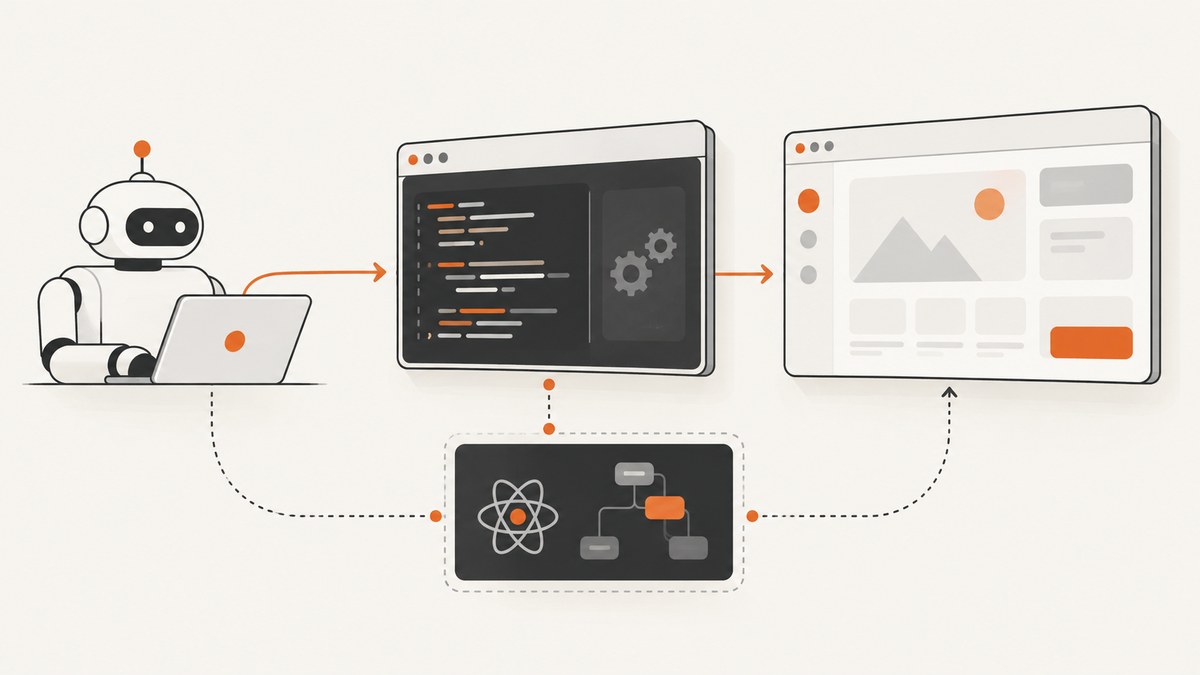
Short answer: Puppeteer can execute JavaScript inside a page with page.evaluate() and return serializable values to Node.js. You can read the DOM, browser globals, form values, and deliberate test hooks. You cannot use a supported Puppeteer API to retrieve arbitrary React component state, including Hook state, from a DOM node.
React documents component state as private to the component that declares it. The reliable approach is to test the user-visible result, read rendered values when that is the contract you care about, or add an intentional test-only interface when a test genuinely needs hidden application data. This guide shows each approach with runnable Puppeteer code, explains the Node/browser boundary, covers class components and Hooks, and lists the failure modes that make React-state tests brittle.
1. What Puppeteer can access
page.evaluate() runs its callback in the browser page, where window, document, and page-loaded JavaScript are available. The callback’s return value is transferred back to Node.js. If the callback returns a Promise, Puppeteer waits for it before returning the result. Values should be small and serializable.
import puppeteer from 'puppeteer';

const browser = await puppeteer.launch({headless: true});
const page = await browser.newPage();
await page.goto('http://localhost:3000', {waitUntil: 'networkidle2'});

const title = await page.evaluate(() => document.title);
const email = await page.$eval('input[name="email"]', element => element.value);

console.log({title, email});
await browser.close();
This reads browser-visible information. It does not expose the React data structure that produced the markup. A value returned by page.evaluate() is a snapshot of what the page makes available at that moment, not a reference to a live React object.
The Node.js and browser contexts
Code outside page.evaluate() runs in Node.js. Code inside the callback runs in the browser. Node variables are not automatically visible in the page callback; pass them as arguments instead.
const expectedName = 'Ada';

const greeting = await page.evaluate(name => {
  const element = document.querySelector('[data-testid="greeting"]');
  return element?.textContent?.includes(name) ?? false;
}, expectedName);

if (!greeting) throw new Error('Greeting was not rendered');
Keeping this split explicit helps diagnose failures. A missing selector is a page-side problem. A rejected assertion or an unavailable Node package is a test-side problem. Puppeteer’s debugging guidance describes this separation in detail.
2. Why arbitrary React state is not available
React’s useState API gives a component its current value and a setter inside React’s component model. React says, “The state is private to the component.” A DOM element does not carry a supported pointer to the Hook storage that belongs to the component rendering it.
For example:
function Counter() {
  const [count, setCount] = useState(0);
  return <button onClick={() => setCount(count + 1)}>{count}</button>;
}
Puppeteer can click the button and read its text. It cannot call a general API such as element.reactState() to obtain count. React may preserve or reset that state when component identity, keys, or render-tree position changes, so tests coupled to private implementation details are also fragile.
3. The recommended pattern: test the outcome
An end-to-end test should interact with the page as a user does, then assert the resulting UI. This verifies the behavior that matters while allowing the component implementation to change from Hooks to a reducer, a server response, or another internal design.

import puppeteer from 'puppeteer';

const browser = await puppeteer.launch({headless: true});
const page = await browser.newPage();
await page.goto('http://localhost:3000/counter', {waitUntil: 'networkidle2'});

const button = page.getByRole
  ? page.getByRole('button', {name: '0'})
  : page.locator('button[data-testid="counter"]');

await button.click();
await page.waitForFunction(() => {
  const el = document.querySelector('[data-testid="counter"]');
  return el?.textContent?.trim() === '1';
});

const visibleCount = await page.$eval(
  '[data-testid="counter"]',
  element => element.textContent.trim()
);

console.log(visibleCount); // 1
await browser.close();
Prefer stable accessibility roles, labels, and explicit test IDs over generated CSS classes. Wait for the state transition you need instead of inserting arbitrary sleeps.
Read rendered form values
Form controls are a common case where the relevant value is already exposed by the browser.
await page.type('input[name="email"]', 'ada@example.com');
const value = await page.$eval('input[name="email"]', el => el.value);
if (value !== 'ada@example.com') throw new Error('Email was not entered');
This checks the input’s value, not a private React variable. It remains useful whether the component is controlled or uncontrolled.
4. When application data is not visible
Sometimes a test needs data that is intentionally absent from the UI: a selected record ID, a feature-flag decision, or the payload used to render a chart. Add a deliberate, documented testing seam rather than reaching into React’s renderer internals.
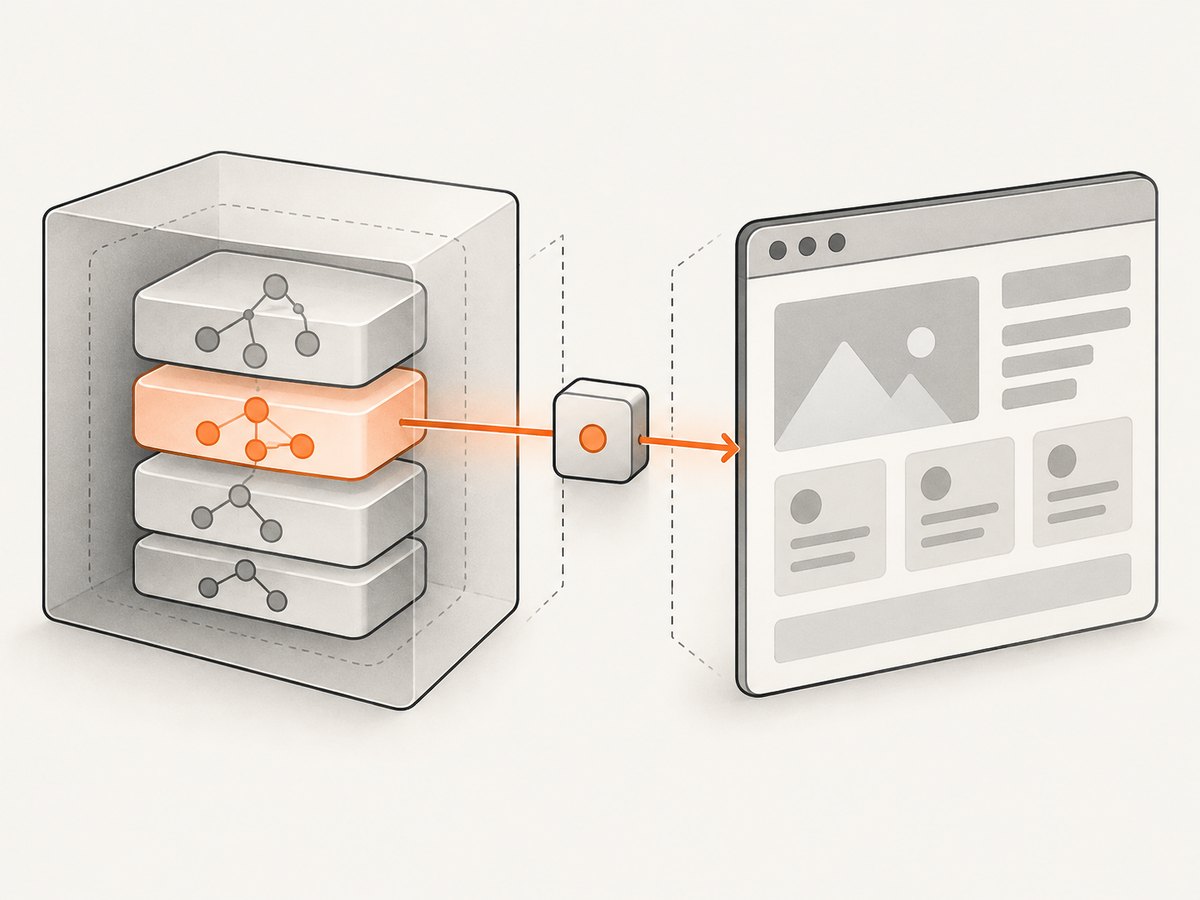
A test-only browser interface
// Application code, enabled only in a test build
if (import.meta.env.VITE_E2E === 'true') {
  window.__test = {
    getCart: () => store.getState().cart
  };
}
const cart = await page.evaluate(() => window.__test?.getCart());
if (!cart || cart.items.length !== 1) {
throw new Error('Unexpected cart state');
}Define the shape of this interface, keep it out of production builds where practical, and version it like any other test contract. A stable seam is easier to review and maintain than code that depends on private React fields.
Expose a Node callback when a bridge is needed
Puppeteer’s page.exposeFunction() adds a function to window that calls back into Node.js. This is useful for logging or controlled test coordination; it is not a React-state inspection feature.
await page.exposeFunction('recordTestEvent', async event => {
  console.log('page event:', event);
});

await page.evaluate(() => {
  window.recordTestEvent({type: 'checkout-rendered'});
});
5. Class components versus Hook state
In a class component, code that already has the component instance can read this.state and update it with setState. React’s class API does not provide a supported way to discover that instance from an arbitrary DOM node through Puppeteer.
class Profile extends React.Component {
  state = {name: 'Ada'};

  render() {
    return <span data-testid="name">{this.state.name}</span>;
  }
}
The pattern does not extend to function-component Hook state. Debugging tools may inspect renderer internals, but those fields are version-dependent and are not a stable automation contract. If you choose that route for a narrow diagnostic, pin React and React DOM versions, isolate the code, and expect maintenance when upgrading.
6. Complete Puppeteer example
The following script starts at a page, performs a user action, waits for the result, reads browser-visible data, and captures browser errors separately.
import puppeteer from 'puppeteer';

const browser = await puppeteer.launch({headless: true});
const page = await browser.newPage();

page.on('console', message => {
  console.log(`[browser:${message.type()}]`, message.text());
});
page.on('pageerror', error => {
  console.error('page JavaScript error:', error.message);
});

try {
  await page.goto('http://localhost:3000/settings', {
    waitUntil: 'networkidle2',
    timeout: 30_000
  });

  await page.click('[data-testid="save"]');
  await page.waitForSelector('[role="status"]');

  const result = await page.evaluate(() => ({
    status: document.querySelector('[role="status"]')?.textContent?.trim(),
    url: location.href,
    title: document.title
  }));

  console.log(result);
} finally {
  await browser.close();
}
7. Troubleshooting
| Symptom | Cause | Fix |
|---|---|---|
document is not defined |
Browser code was executed in Node.js. | Move the DOM access into page.evaluate(), page.$eval(), or a locator callback. |
Returned value is undefined |
The selector matched nothing, the property was absent, or the callback did not return. | Check the selector, use optional chaining deliberately, and return a serializable object. |
| “Execution context was destroyed” | A navigation or reload occurred while evaluation was running. | Await navigation, then evaluate again; avoid racing clicks and navigations. |
| React value is always stale | The test read before React committed the update. | Wait for a visible condition with waitForFunction, waitForSelector, or a locator assertion. |
| Selector works locally but not in CI | Timing, responsive layout, or generated class names differ. | Use semantic selectors, set a fixed viewport, and wait for a deterministic readiness signal. |
| Cannot serialize the result | The callback returned a DOM node, function, cyclic object, or complex framework object. | Map it to plain strings, numbers, booleans, arrays, and objects before returning. |
| Private React fields disappeared | React or the renderer changed internal field names. | Remove the dependency, add a test seam, or pin versions and own the coupling. |
8. Performance and reliability
- Reuse one browser process and create isolated pages or contexts for related tests.
- Return only the fields needed by the Node test; transferring large objects slows evaluation.
- Prefer event-driven waits over fixed delays. A delay can be too short on a slow runner and waste time on a fast one.
- Use a deterministic test API or fixture data so network responses do not make state assertions flaky.
- Capture console messages and
pageerrorevents when diagnosing failures; Node test output alone cannot show every page-side error. - Choose
waitUntilbased on the application.networkidle2can remain pending on pages with long-lived connections, while a specific selector may be a better readiness signal.
React state is tied to component identity and position. Changing a key can intentionally reset state; moving a component can preserve or reset it depending on the resulting tree. Tests should assert the intended behavior, not assume that an internal value survives every refactor.
9. Or skip the browser setup
If your goal is a clean visual record of a React page rather than an interaction test, ScreenshotNeo provides a one-request screenshot API. Cookie banners, newsletter popups and chat widgets are removed before the shot. Bot checks, blank pages and failed loads are never billed, and the response reports its verdict with X-Page-Verdict and X-Billed headers. Its MCP server also lets Claude, Cursor and other MCP clients call take_screenshot, get_page_info and capture_pdf.
See the ScreenshotNeo API documentation for authentication and options.
cURL
curl -G "https://api.screenshotneo.com/v1/shot" \
  -d access_key=YOUR_API_KEY \
  --data-urlencode url=https://stripe.com \
  -o shot.webp
Python
import requests

r = requests.get(
    "https://api.screenshotneo.com/v1/shot",
    params={"access_key": "YOUR_API_KEY", "url": "https://stripe.com"},
    timeout=90,
)
r.raise_for_status()
open("shot.webp", "wb").write(r.content)
Node.js
const q = new URLSearchParams({
  access_key: 'YOUR_API_KEY',
  url: 'https://stripe.com'
});
const res = await fetch(`https://api.screenshotneo.com/v1/shot?${q}`);
if (!res.ok) throw new Error(`Screenshot failed: ${res.status}`);
const bytes = Buffer.from(await res.arrayBuffer());
await import('node:fs/promises').then(fs => fs.writeFile('shot.webp', bytes));
ScreenshotNeo supports full-page captures with lazy images loaded, element captures by CSS selector, dark mode, device presets, custom viewports, retina scale, custom CSS and JavaScript, waits, request blocking, headers, cookies, user agents, authorization, timezone, geolocation, resizing, caching, signed links, asynchronous jobs, webhooks, bulk capture and a usage API. Failed loads, timeouts, bot checks, blank pages and cache hits cost nothing. The Free plan includes 1,000 shots per month with no card; paid plans start at $5 for 3,000 shots.
Sign up for 1,000 free screenshots a month with no card.
10. FAQ
Can Puppeteer read useState directly?
No supported Puppeteer or React API exposes arbitrary Hook storage. Read the rendered result or publish a deliberate test-only interface.
Does page.evaluate() run in Node?
No. Its callback runs in the page’s browser context. Pass Node values as arguments and return serializable data.
Should I inspect React DevTools internals?
Only for tightly scoped diagnostics where you accept version-sensitive coupling. They are not a stable end-to-end testing contract.
What is the best assertion for a state change?
Assert the user-visible consequence: text, an attribute, enabled state, URL, accessible status, or another documented result.
When should I add a test seam?
Add one when required data is not represented in the UI and cannot be verified through a public application boundary. Keep its shape documented and test-only.


