How to Add Arabic Text Support to Django xhtml2pdf
Add Arabic RTL text to Django PDFs with xhtml2pdf, embedded fonts, correct direction metadata, tested templates, and fixes for common rendering problems.
Direct answer: add <pdf:language name="arabic"/> to the HTML passed to xhtml2pdf, embed an Arabic-capable TrueType font with @font-face, and apply that font to Arabic text. Set <html lang="ar"> when the PDF should declare Arabic language metadata, and use dir="rtl" where HTML direction semantics are needed.
xhtml2pdf’s built-in Helvetica, Times-Roman, and Courier fonts do not contain Arabic glyphs. A custom embedded font is required. Markazi Text is one font named in the official xhtml2pdf guidance. Read the xhtml2pdf documentation and verify behavior against the version installed in your deployment.
1. Install xhtml2pdf and choose an Arabic font
Install the converter in the Django environment:
python -m pip install xhtml2pdfPlace an Arabic-capable TTF file in an application directory that is available at render time. The font must cover the Arabic characters in your content and any Latin characters used in mixed passages.
A practical layout is:
project/
  reports/
    fonts/
      MarkaziText-Regular.ttf
    templates/
      reports/invoice.html
    views.py
2. Create an Arabic-aware template
This template enables xhtml2pdf’s Arabic RTL path, embeds the font, and keeps English content readable:
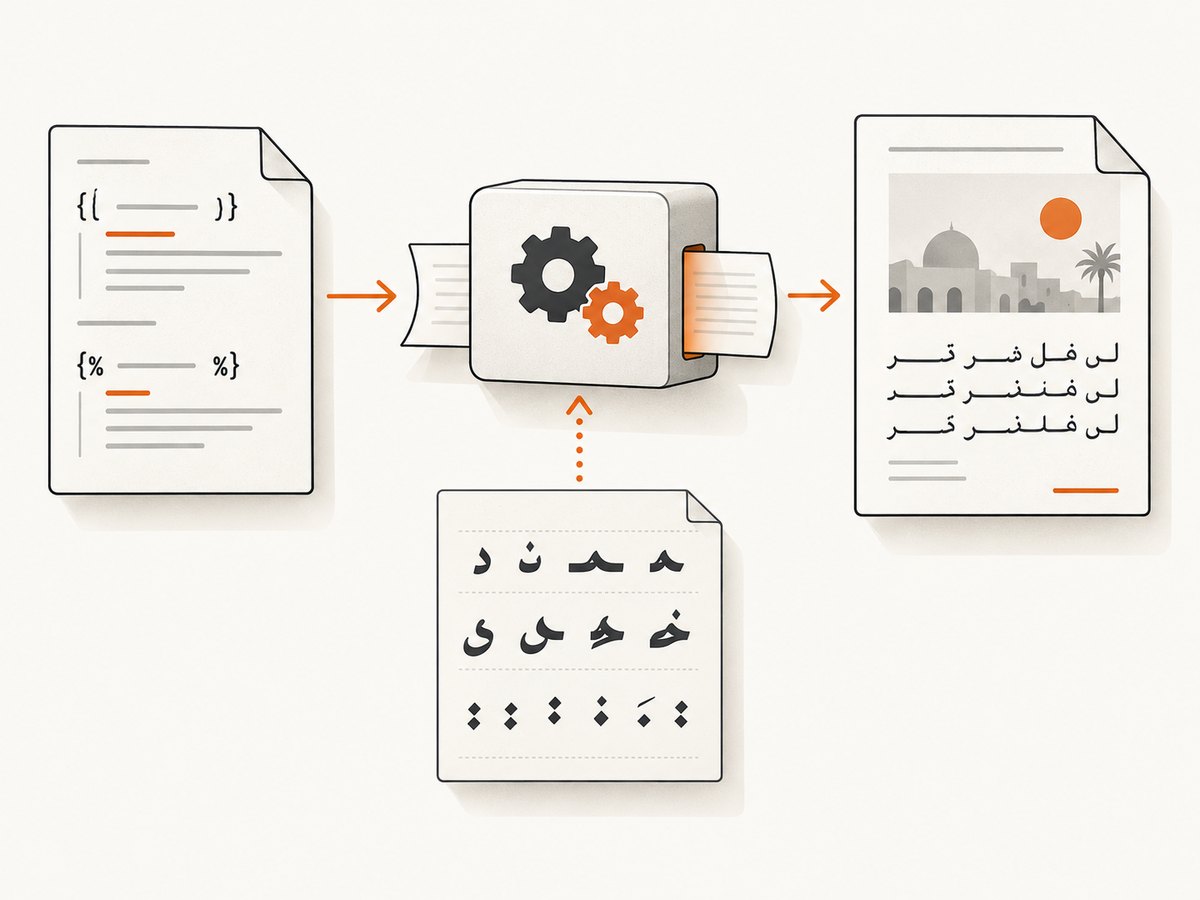
<!doctype html>
<html lang="ar">
<head>
  <meta charset="utf-8">
  <style>
    @font-face {
      font-family: ArabicText;
      src: url("fonts/MarkaziText-Regular.ttf");
    }

    body {
      font-family: ArabicText, sans-serif;
      font-size: 13pt;
    }

    .arabic {
      font-family: ArabicText;
      direction: rtl;
      text-align: right;
    }

    .english {
      direction: ltr;
      text-align: left;
    }
  </style>
</head>
<body>
  <pdf:language name="arabic"/>

  <h1 class="arabic">فاتورة</h1>
  <p class="arabic">مرحبا بالعالم</p>
  <p class="english">This sentence remains left-to-right.</p>

  <p class="arabic">الاسم: {{ customer_name }}</p>
</body>
</html>
What each declaration does
| Declaration | Purpose |
|---|---|
pdf:language name="arabic" |
Activates xhtml2pdf’s documented Arabic direction and joining behavior. |
lang="ar" |
Declares the document language for PDF metadata, accessibility tools, and PDF/UA checks. It is separate from xhtml2pdf’s special RTL value. |
dir="rtl" or CSS direction: rtl |
Expresses right-to-left direction for HTML and specific elements. Use it carefully in mixed Arabic and Latin content. |
@font-face |
Embeds a font containing Arabic glyphs. Without it, Arabic can be blank, boxed, or missing. |
3. Render the template from Django
The view below renders HTML and returns a PDF response. The link_callback resolves the relative font URL to a local file. This avoids relying on a web server being reachable from the converter.
from pathlib import Path

from django.conf import settings
from django.http import HttpResponse
from django.template.loader import get_template
from xhtml2pdf import pisa


def link_callback(uri, rel):
    """Resolve local template assets, including the embedded TTF font."""
    if uri.startswith("file://"):
        return uri[7:]

    font_path = Path(settings.BASE_DIR) / "reports" / uri
    if font_path.exists():
        return str(font_path)

    raise FileNotFoundError(f"xhtml2pdf asset does not exist: {uri}")


def invoice_pdf(request):
    template = get_template("reports/invoice.html")
    html = template.render({
        "customer_name": "ليلى أحمد",
    }, request=request)

    response = HttpResponse(content_type="application/pdf")
    response["Content-Disposition"] = 'inline; filename="invoice-ar.pdf"'

    result = pisa.CreatePDF(
        src=html,
        dest=response,
        link_callback=link_callback,
        encoding="UTF-8",
    )

    if result.err:
        return HttpResponse("PDF generation failed", status=500)
    return response
For production code, log the converter error details and return an application error page rather than exposing internal paths. Confirm that the process user can read the TTF file.
4. Handle mixed Arabic and English correctly
Arabic and Latin runs can have different visual order. Keep direction declarations close to the content they govern:
<p class="arabic" dir="rtl">
  رقم الطلب: <span dir="ltr">INV-2026-0042</span>
</p>
Use explicit left-to-right spans for invoice numbers, URLs, email addresses, timestamps, and SKU values. Inspect punctuation, parentheses, and numbers because bidirectional layout can differ between xhtml2pdf releases.
5. Arabic tables and right-to-left layout
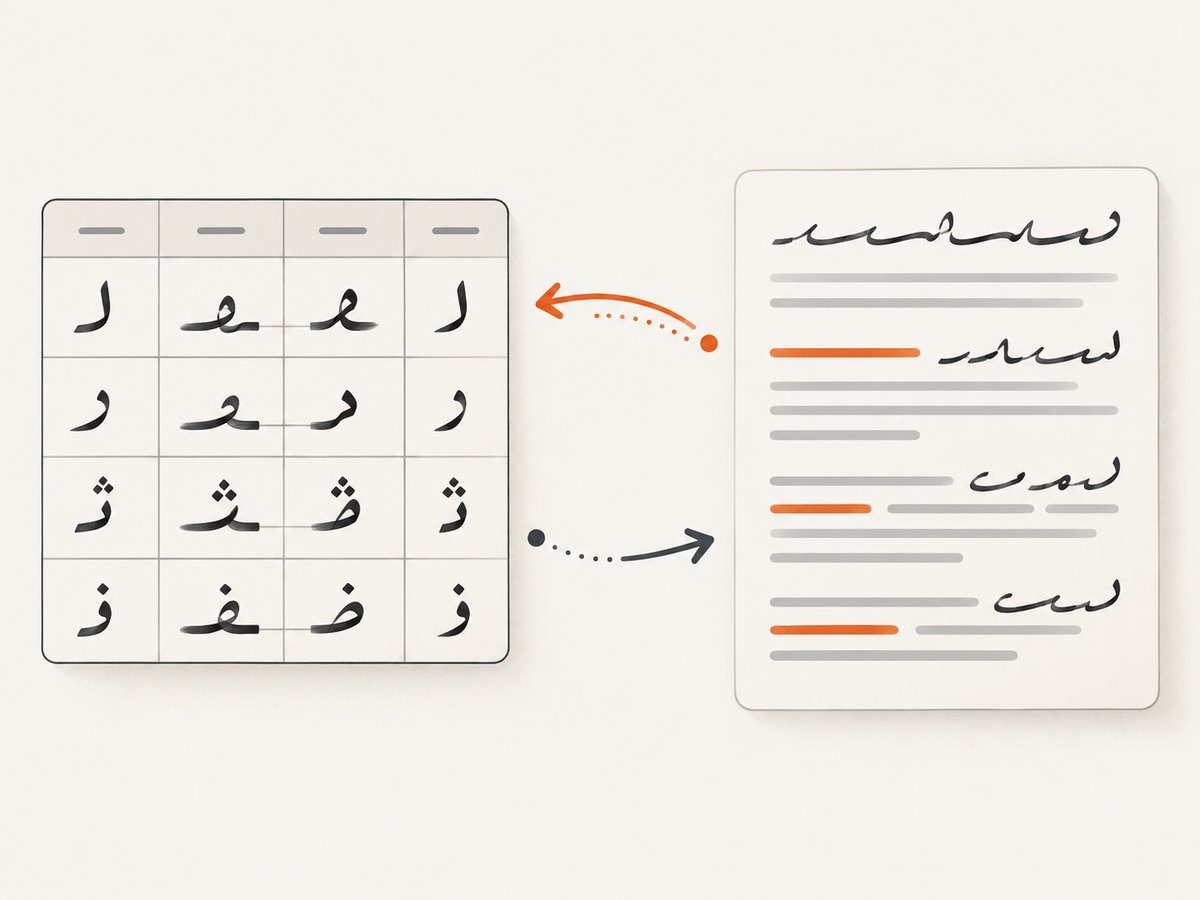
The xhtml2pdf RTL path right-aligns paragraphs unless you override it and reverses table column flow so the first cell is visually rightmost. Define widths and direction intentionally:
<table class="arabic" dir="rtl">
  <tr>
    <th>الوصف</th>
    <th>الكمية</th>
    <th dir="ltr">Total</th>
  </tr>
  <tr>
    <td>اشتراك</td>
    <td>٢</td>
    <td dir="ltr">20.00 USD</td>
  </tr>
</table>
Do not assume a table designed for left-to-right HTML will retain its visual column order after enabling Arabic. Render a representative table and verify headers, totals, and page breaks.
6. Font selection and joining behavior
- Check Arabic glyph coverage for every character you generate, including diacritics and Arabic-Indic digits if you use them.
- Check Latin coverage for mixed-script paragraphs. xhtml2pdf can match font families per character, but missing glyphs produce warnings and may render as blank boxes.
- Arabic contextual joining needs special care. ReportLab does not perform shaping itself; xhtml2pdf chooses contextual letter forms.
- Some OpenType fonts contain base Arabic characters but few or no presentation forms. Such a font may show unjoined letters even though glyphs exist.
- Keep the TTF file deployed with the application and make its path deterministic.
The official font guide states that a right-to-left document needs an embedded font and documents the joining limitation. Treat the font and xhtml2pdf version as a matched rendering configuration.
7. Version checks and release differences
RTL layout, mixed-direction handling, Arabic joining, and fallback behavior have changed between xhtml2pdf releases. The 0.2.20 release notes describe RTL-related changes, while documentation pages may display different stable or latest version numbers. Record the installed version:
python -m pip show xhtml2pdf
python -c "import xhtml2pdf; print(xhtml2pdf.__version__)"
Pin the version in your deployment and rerun PDF fixture checks when upgrading. A release note describing improved empty-box handling does not guarantee that every font will join every Arabic string correctly.
8. Troubleshooting
| Symptom | Likely cause | Fix |
|---|---|---|
| Arabic appears as empty boxes | The selected font lacks Arabic glyphs, or the font was not loaded. | Use an Arabic-capable TTF, verify the resolved path, and inspect converter warnings. |
| Arabic letters are present but disconnected | The font lacks presentation forms or the installed xhtml2pdf version handles joining differently. | Try a font documented to work with xhtml2pdf, pin a known-good version, and compare rendered fixtures. |
| The font works locally but not in production | The relative URL cannot be resolved or the file is absent from the container. | Use link_callback, package the TTF, log the resolved path, and check file permissions. |
| English text appears reversed | An entire container inherited RTL direction. | Wrap Latin values in dir="ltr" spans or an .english class. |
| Table columns appear in an unexpected order | RTL mode reverses table column flow. | Design the source order for the intended visual order and test a complete table. |
| Arabic metadata is missing | pdf:language is an RTL behavior switch, not a PDF language tag. |
Add lang="ar" to the html element. |
| Only some characters are missing | Fallback fonts do not cover those code points. | Choose a family with full coverage or provide an ordered fallback list and inspect warnings. |
| PDF generation fails with a generic error | Invalid HTML, inaccessible assets, or an exception in the view. | Render the HTML separately, validate asset paths, capture pisa logs, and return a controlled 500 response. |
9. Testing checklist
- Render isolated Arabic words, connected phrases, diacritics, Arabic-Indic digits, and punctuation.
- Render Arabic-only, English-only, and mixed paragraphs.
- Test invoice numbers, URLs, email addresses, currency values, and parentheses inside RTL text.
- Test tables with three or more columns and a page break.
- Open the PDF in more than one viewer and inspect copy/paste order.
- Check document language metadata when accessibility is required.
- Run the same fixture after every xhtml2pdf or font upgrade.
10. Performance, reliability, and cost notes
Font embedding increases the amount of work and output size compared with built-in fonts, but it is required for Arabic. Reuse a stable template, avoid unnecessarily large font files, and keep asset resolution local. Generate PDFs in a background job when templates contain many pages or remote assets. For reliability, pin xhtml2pdf and the font, make font paths deterministic, fail clearly when an asset is missing, and retain representative Arabic PDF fixtures for regression checks.
Or skip the browser setup
If the next step is capturing a rendered page or document as an image or PDF, ScreenshotNeo provides a single HTTP request instead of maintaining browser automation. It removes cookie banners, newsletter popups, and chat widgets before capture; bot checks, blank pages, failed loads, timeouts, and cache hits are not billed; and an MCP server lets Claude, Cursor, and other MCP clients take screenshots. The Free plan includes 1,000 screenshots per month with no card, and paid plans start at $5 for 3,000 shots.
See the ScreenshotNeo API documentation for all options.
curl -G "https://api.screenshotneo.com/v1/shot" -d access_key=YOUR_API_KEY --data-urlencode url=https://stripe.com -o shot.webpimport requests
r = requests.get("https://api.screenshotneo.com/v1/shot", params={"access_key": "YOUR_API_KEY", "url": "https://stripe.com"}, timeout=90)
open("shot.webp", "wb").write(r.content)const q = new URLSearchParams({ access_key: 'YOUR_API_KEY', url: 'https://stripe.com' });
const res = await fetch(`https://api.screenshotneo.com/v1/shot?${q}`);Create a free ScreenshotNeo account to start with 1,000 screenshots per month and no card.
FAQ
Is lang="ar" enough to enable Arabic rendering?
No. Use pdf:language name="arabic" for xhtml2pdf’s RTL behavior and embed an Arabic-capable font. lang="ar" serves language metadata.
Can I use Helvetica for Arabic?
No. The built-in Helvetica, Times-Roman, and Courier families do not provide Arabic glyphs. Embed a suitable TTF.
Why do Arabic letters look separate?
The font may lack presentation forms, or the installed xhtml2pdf version may handle joining differently. Test a font documented for xhtml2pdf and pin the converter version.
Does Django need a special Arabic setting?
No. Arabic support is handled in the HTML/CSS rendered by xhtml2pdf. Django supplies the template and response.
Should every element use RTL?
No. Apply RTL to Arabic containers and mark embedded identifiers, URLs, and other Latin runs as LTR.


