How to Add Content to the Bottom of the Last wkhtmltopdf Page
Show content only on the final wkhtmltopdf page with an HTML footer, page totals, reserved space, and reliable fallback patterns.

If you got multiple pages and want to show content only on the last page, use wkhtmltopdf’s HTML footer support. Pass a footer document with --footer-html, read the current page and total page from the footer variables, and display the block when they match. Reserve room with the bottom margin and footer spacing.
This is page-aware footer content. If your content must stay attached to the final body row and move to another page when there is not enough room, use normal document flow instead. The two requirements need different layouts.
1. Use an HTML footer and compare the page totals
The official usage guide documents text footers, HTML footers, and the [page] and [topage] values. The project’s last-page issue points to placing those values in elements with classes such as page and topage, then comparing them in the footer. See the wkhtmltopdf usage guide and issue #2436.
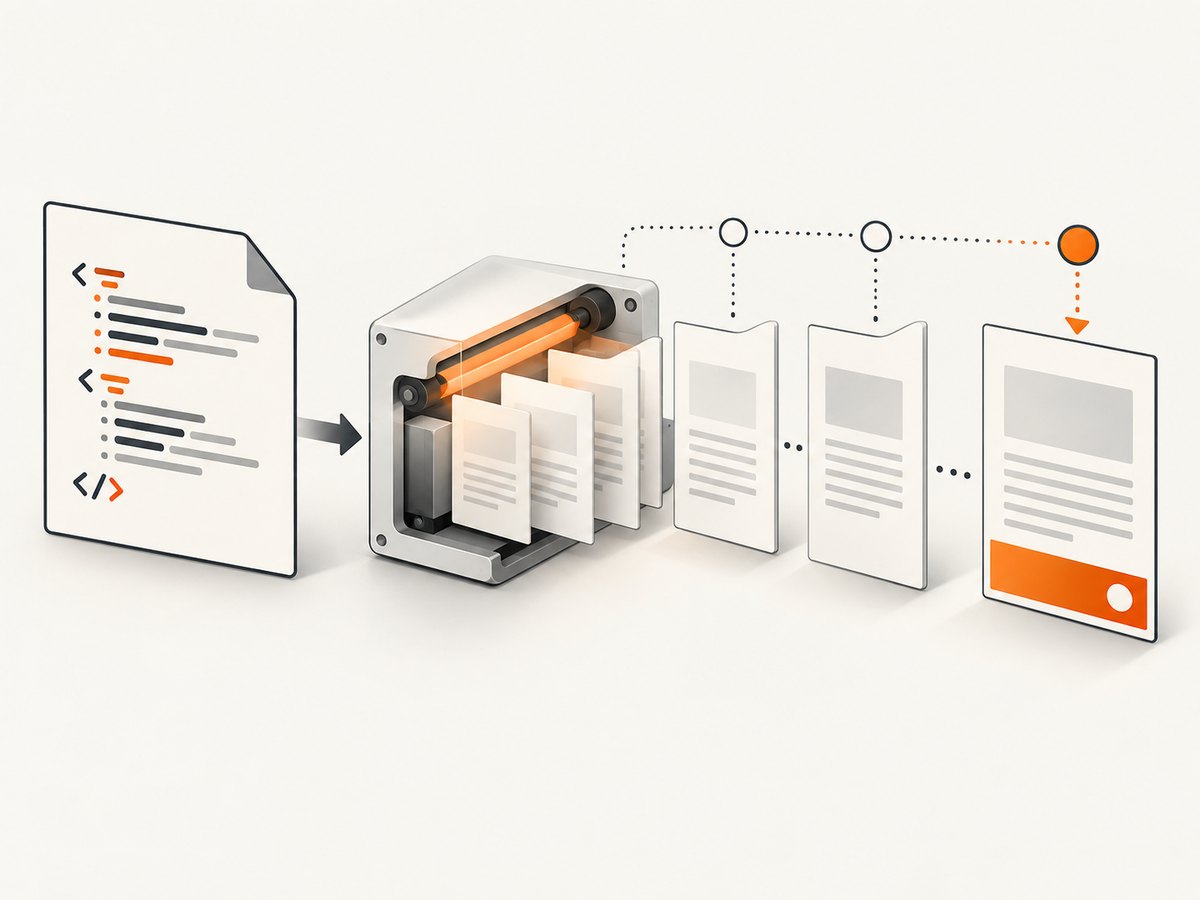
Create a file named footer.html:
<!doctype html>
<html>
<head>
  <meta charset='utf-8'>
  <style>
    html, body {
      margin: 0;
      padding: 0;
      font: 10px Arial, sans-serif;
    }
    #last-page-content {
      display: none;
      padding: 8px 0 0;
      border-top: 1px solid #999;
    }
    body.is-last-page #last-page-content {
      display: block;
    }
  </style>
</head>
<body>
  <div>Page <span class='page'></span> of <span class='topage'></span></div>

  <section id='last-page-content'>
    Payment is due within 30 days. Thank you for your business.
  </section>

  <script>
    (function () {
      var page = document.querySelector('.page');
      var topage = document.querySelector('.topage');
      if (page && topage && page.textContent.trim() === topage.textContent.trim()) {
        document.body.className = 'is-last-page';
      }
    }());
  </script>
</body>
</html>
The footer is loaded once for each rendered page. On the final page, the current-page value equals the total-page value, so the hidden section becomes visible. Keep the comparison in the footer itself; the main document does not know its final page number while it is being laid out.
2. Reserve enough space at the bottom
A footer occupies page furniture, so reserve its height explicitly. The bottom margin and footer spacing are separate controls in wkhtmltopdf:
wkhtmltopdf \
  --margin-bottom 32mm \
  --footer-html footer.html \
  --footer-spacing 4 \
input.html output.pdf--margin-bottomreserves the page-bottom area.--footer-spacingcontrols the gap between the body and footer.- The footer’s own padding, borders, and line wrapping consume part of that reserved area.
Increase the margin when the final block is taller, contains wrapped text, or uses a larger font. If the margin is too small, body content can collide with footer content or be clipped.
A complete input document
<!doctype html>
<html>
<head>
  <meta charset='utf-8'>
  <style>
    @page { size: A4; }
    body { font: 12px Arial, sans-serif; }
    h1 { page-break-after: avoid; }
    table { width: 100%; border-collapse: collapse; }
    th, td { border: 1px solid #ccc; padding: 6px; }
  </style>
</head>
<body>
  <h1>Invoice</h1>
  <table>
    <thead><tr><th>Description</th><th>Amount</th></tr></thead>
    <tbody>
      <tr><td>Implementation work</td><td>$1,200.00</td></tr>
      <tr><td>Support</td><td>$300.00</td></tr>
    </tbody>
  </table>
</body>
</html>
Run it with the exact wkhtmltopdf binary used in deployment. The usage guide identifies its examples as wkhtmltopdf 0.12.6 with patched Qt, while many installations still use different builds.
3. Choose the right layout for the requirement
| Requirement | Suitable approach | Why |
|---|---|---|
| Repeat a page number or short label on every page | --footer-left, --footer-center, or --footer-right |
Simple repeated footer text |
| Show a block only when current page equals total pages | --footer-html plus .page/.topage |
Footer can inspect page totals |
| Keep totals attached to the final table row | Normal flowing HTML after the table | The block participates in document flow |
| Move the block intact if it cannot fit | Flowing content with suitable page-break rules | The renderer can fragment or move the block |
A footer is best for page furniture. It is less suitable for invoice totals that must follow the last row. A reported wkhtmltopdf 0.12.5 patched-Qt-on-Mac case showed fixed-position invoice totals being overlapped by invoice rows; this is a version and platform-specific user report, not a guarantee that every build behaves the same. See issue #4138.
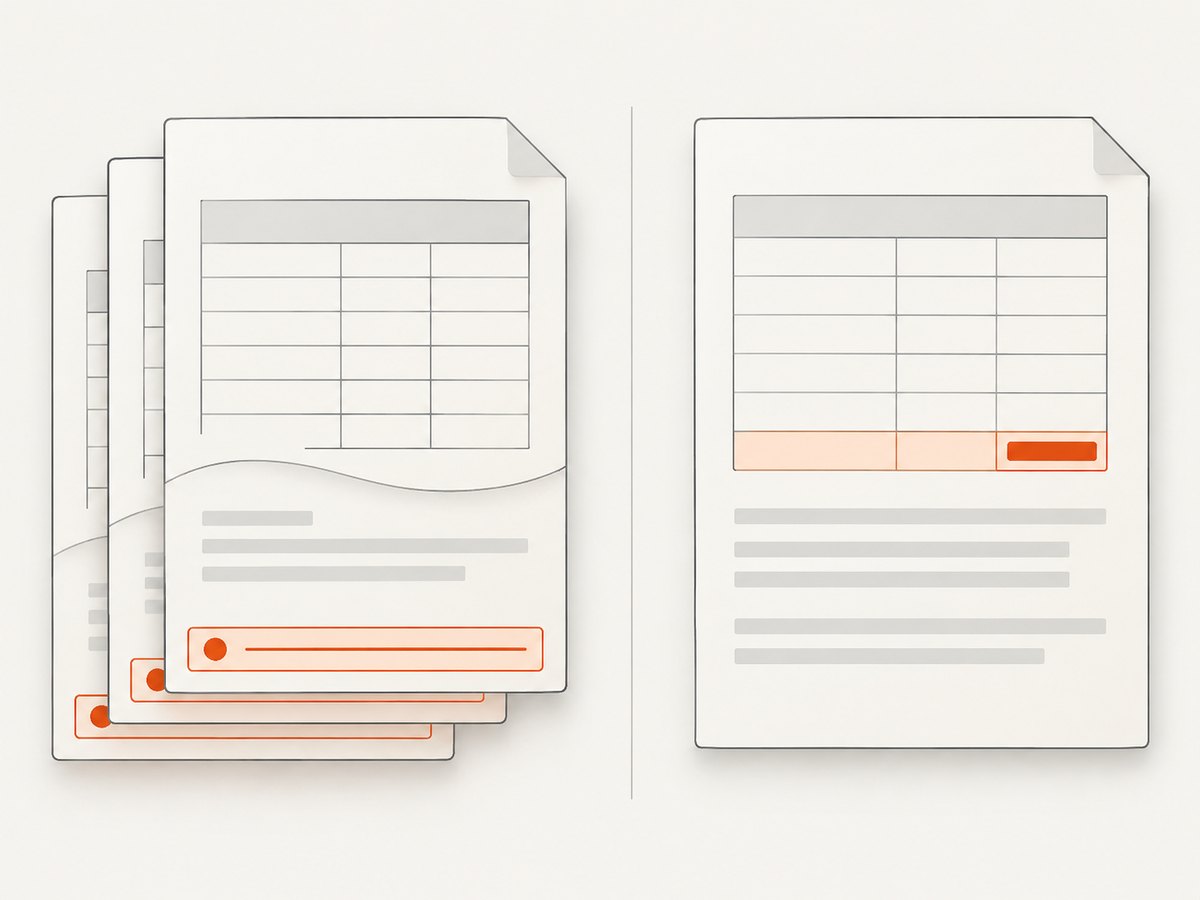
For flow content, put the totals after the table:
<table>...</table>
<div class='totals'>
  <strong>Total: $1,500.00</strong>
</div>
You can ask wkhtmltopdf to avoid breaking inside a small block, but no CSS rule guarantees perfect pagination across all document shapes and builds:
.totals {
  page-break-inside: avoid;
  break-inside: avoid;
}
4. Troubleshooting
The last-page section appears on every page
Check that the footer contains both .page and .topage, and that the script runs after those elements exist. Do not compare literal strings such as '[page]'; wkhtmltopdf replaces the values when it loads the footer.
The section never appears
Inspect the generated footer in a browser and confirm that JavaScript is enabled in the wkhtmltopdf invocation. Also confirm that the footer is supplied with --footer-html footer.html, not as the main input document.
Body text overlaps the footer
Increase --margin-bottom, then adjust --footer-spacing. Account for wrapped lines, borders, padding, and the footer’s font size. Recheck with the longest realistic final-page content.
The footer is clipped
Use a larger bottom margin and avoid placing a tall block in a very short footer area. Test the exact paper size, orientation, and zoom used in production.
Page totals are wrong or unstable
Wait for all content to finish loading before conversion. Late-loading images, fonts, or scripts can change pagination after the footer values are calculated. Use local assets or deterministic loading where possible, and test both short and long documents.
A fixed-position alternative overlaps rows
Do not treat position: fixed; bottom: 0 as a safe replacement for a page-aware footer. The overlap report in issue #4138 demonstrates that this approach can fail in at least one wkhtmltopdf 0.12.5 environment.
The behavior differs between machines
Record the wkhtmltopdf version, whether Qt is patched, operating system, command-line flags, fonts, and input assets. The project repository was archived and made read-only on January 2, 2023, so a workaround should be validated against the pinned binary you actually ship. See the official repository.
5. Performance, reliability, and cost considerations
- Render representative one-page, two-page, and long documents in CI or a staging environment.
- Keep footer HTML small and self-contained to reduce another source of network and font variability.
- Use a fixed binary and container image when reproducibility matters.
- Compare PDF text and page count in automated checks, then inspect a visual sample for overlap.
- Remember that a footer does not change document flow. If content must push other content down, place it in the body instead.
wkhtmltopdf itself is a local command-line renderer, so there is no per-page service charge. Your costs are compute, storage, and the engineering time needed to pin and maintain the rendering environment.
6. Or skip the browser setup
ScreenshotNeo provides a website screenshot API and MCP server. It can return PNG, JPEG, WebP, or PDF from one request, with options for full-page capture, custom CSS and JavaScript, waiting, headers, cookies, user agents, resource blocking, PDF paper settings, margins, landscape mode, and page ranges. See the ScreenshotNeo API docs next to the code.
cURL:
curl -G "https://api.screenshotneo.com/v1/shot" -d access_key=YOUR_API_KEY --data-urlencode url=https://stripe.com -o shot.webpPython:
import requests
r = requests.get("https://api.screenshotneo.com/v1/shot", params={"access_key": "YOUR_API_KEY", "url": "https://stripe.com"}, timeout=90)
open("shot.webp", "wb").write(r.content)
Node.js:
const q = new URLSearchParams({ access_key: 'YOUR_API_KEY', url: 'https://stripe.com' });
const res = await fetch(`https://api.screenshotneo.com/v1/shot?${q}`);
Cookie banners, newsletter popups, and chat widgets are removed before the shot. Bot checks, blank pages, failed loads, timeouts, and cache hits are not billed, and the response identifies the result with X-Page-Verdict and X-Billed headers. Its MCP server lets AI agents such as Claude and Cursor call take_screenshot, get_page_info, and capture_pdf. The Free plan includes 1,000 screenshots per month without a card; paid plans start at $5 for 3,000 shots.
Create a free ScreenshotNeo account to get started.
7. FAQ
Can I use --footer-center for last-page-only content?
No. The text footer options are designed for repeated footer text. Use --footer-html when the footer needs page-aware conditional logic.
Do I need JavaScript in the main HTML?
No. The comparison script belongs in the HTML footer. The main document only needs to contain the body content.
Will this work for a one-page document?
Yes. On a one-page render, the current page and total page are both one, so the conditional block is shown.
Can the final block always sit directly below the last row?
Not with a footer. Use normal flowing HTML when the block must remain attached to the last row and move when there is insufficient space.
Is the recipe identical across all wkhtmltopdf builds?
The documented variables and footer mechanism are the basis for the recipe, but exact pagination and layout behavior should be verified with your pinned version, operating system, fonts, and document lengths.


