How to Add a CSS File to the SelectPdf Converter
Use SelectPdf’s ConvertHtmlString overload with a base URL to resolve relative CSS files. Here’s how to configure it and diagnose missing styles.
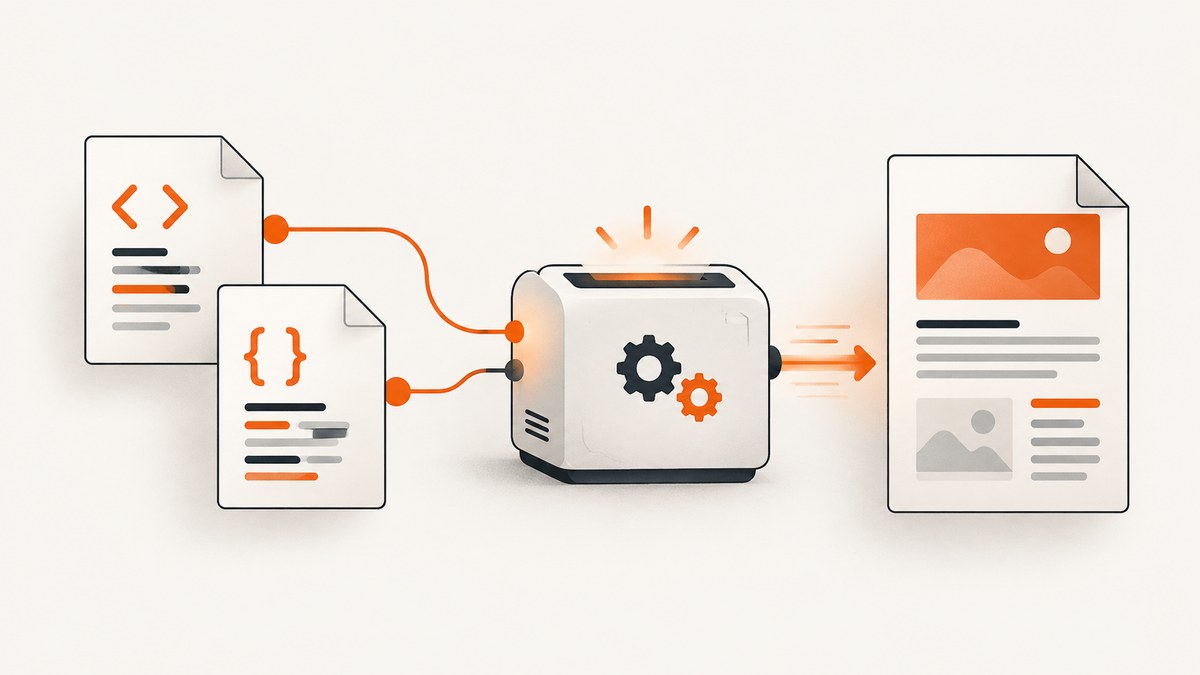
To load a relative CSS file when converting an HTML string with SelectPdf, pass a base URL to ConvertHtmlString(html, baseUrl). The converter uses that base to resolve paths such as styles/site.css. The one-argument overload has no base URL, so relative stylesheet and image references cannot be resolved. Save the returned PdfDocument and close it when finished.
This guide covers the .NET library path, external and local stylesheets, conversion-specific CSS, media settings, troubleshooting, and a hosted alternative when you need an image or PDF of a web page without managing a browser or converter environment.
1. How relative CSS paths are resolved
A relative URL is meaningful only when the renderer has a location to resolve it against. If your HTML contains href="styles/site.css", the browser-like renderer needs a base location. SelectPdf’s two-argument overload accepts that location and combines it with relative resource URLs. The resulting stylesheet must also be reachable by the process performing the conversion.
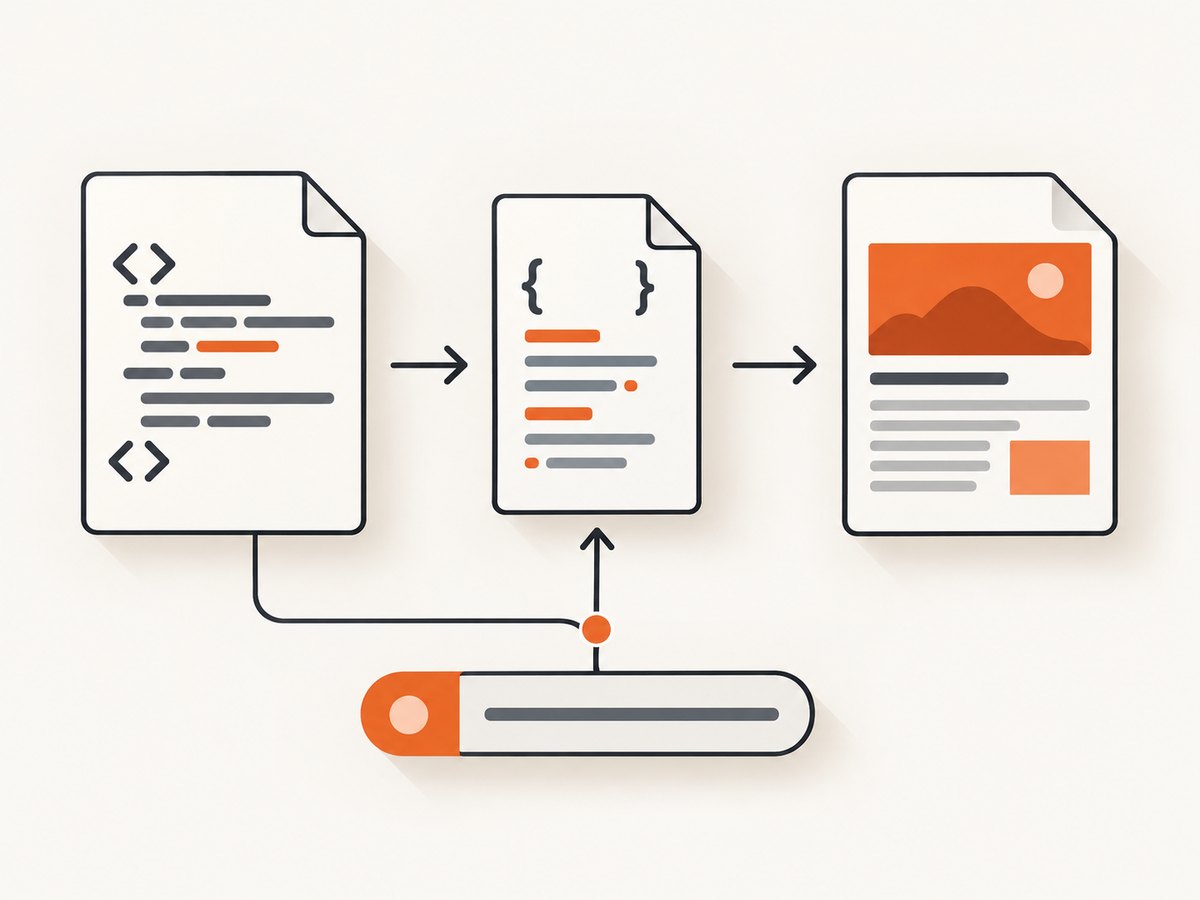
For example, with a base URL of https://example.com/invoices/, the path styles/site.css points under that location. Use a base URL appropriate to the location of the HTML or resources; a wrong directory can produce a valid but incorrect URL.
| HTML or input | What to use | Why |
|---|---|---|
HTML string with relative href or image paths |
ConvertHtmlString(html, baseUrl) |
Provides the resolution context |
| HTML string with absolute resource URLs only | Either overload may be suitable | Absolute URLs do not need a base, though they must still be reachable |
| Small conversion-only style overrides | CustomCSS |
Injects styles without maintaining another linked file |
| Existing web page URL | Convert the page URL | The page already has its own resource location and links |
2. Runnable C# example using a CSS file
Place styles/site.css at the location represented by the base URL, then convert the HTML string with that base. This example uses a public resource location; replace it with the real URL or local resource location used by your application.
using SelectPdf;

string html = @"<!doctype html>
<html>
<head>
  <meta charset='utf-8'>
  <link rel='stylesheet' href='styles/site.css'>
</head>
<body>
  <h1>Invoice</h1>
  <p class='total'>Total: $125.00</p>
</body>
</html>";

string baseUrl = "https://example.com/";
HtmlToPdf converter = new HtmlToPdf();
PdfDocument document = converter.ConvertHtmlString(html, baseUrl);
try
{
    document.Save("output.pdf");
}
finally
{
    document.Close();
}
The code shape follows SelectPdf’s documented overload and cleanup guidance; actual resource access depends on your URL, runtime, network, and file permissions. See the SelectPdf documentation for the API details.
Choosing the base URL
The base should represent the directory or location against which the relative path is intended to resolve. Check trailing slash and directory behavior explicitly. A base of https://example.com/ and a base of https://example.com/reports/ resolve the same relative path differently.
- For hosted assets, confirm the CSS file opens at the expected absolute URL from the machine running conversion.
- For a web application, use a stable public origin and resource directory, not a developer’s temporary local address.
- For local files, use the correct local path form for the deployment OS and inspect SelectPdf’s local-file access setting.
- If HTML is assembled dynamically, log or inspect the final HTML and base URL together.
3. Alternative: inject a few CSS rules
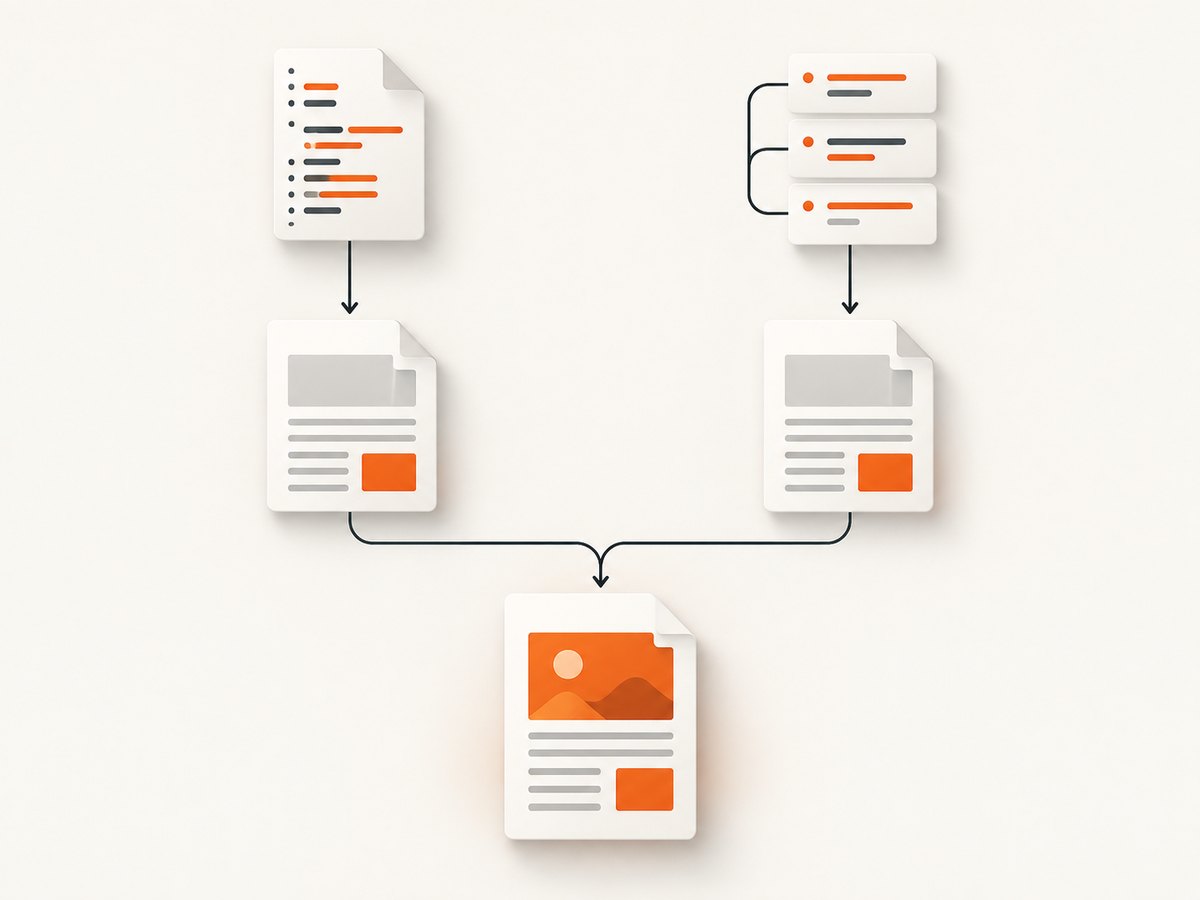
If you need a small set of PDF-specific overrides rather than a separately maintained stylesheet, SelectPdf documents the CustomCSS option. This is distinct from a <link rel="stylesheet">: the link loads an external resource, while custom CSS is injected by the converter.
using SelectPdf;

string html = "<html><body><h1 class='title'>Invoice</h1></body></html>";
HtmlToPdf converter = new HtmlToPdf();
converter.Options.CustomCSS = ".title { color: #17324d; font-size: 28px; }";
PdfDocument document = converter.ConvertHtmlString(html);
try
{
    document.Save("output.pdf");
}
finally
{
    document.Close();
}
Use the external file when it is already part of your page’s resource structure or shared design system. Use injected CSS for a compact conversion-specific adjustment. The right choice depends on how you maintain styles and whether your HTML has a reliable resource base.
4. Convert a page or use SelectPdf’s REST API
If the page already exists at a URL, converting that page avoids hand-assembling its stylesheet links into an HTML string. The conversion process still needs access to the page and its referenced assets. For hosted conversion, SelectPdf also documents a REST API that accepts raw HTML and a base_url for relative resources, with clients available for several languages. Consult the vendor’s API page for the current endpoint, authentication, request format, and response handling; do not assume the .NET method signature applies to the REST request.
For raw HTML sent to an API, include the base URL as the API’s documented parameter and ensure the service can fetch the stylesheet. If the CSS is private or accessible only inside your network, verify the service’s network access model before choosing this route.
5. Relevant settings and resource considerations
CSS media type
A stylesheet can contain screen and print rules. SelectPdf exposes a CSS media type option. If the file loads but the result looks different from a browser preview, check which media rules the converter is applying and whether your desired rules target that media type.
Local file access
SelectPdf’s options reference documents DenyLocalFileAccess and gives its default as false. Local path behavior can still vary with the application’s runtime, operating system, working directory, and hosting permissions. Prefer a deliberate resource location and verify that the conversion process—not just your interactive account—can read it.
Other linked resources
The same base URL mechanism is relevant to relative images and JavaScript references in HTML strings. Troubleshoot each asset separately: a stylesheet can load while a font or image fails because of a different path, access restriction, or response. For large or authenticated pages, also consider whether remote resources are available to the converter at conversion time.
6. Troubleshooting missing or incorrect styles
| Symptom | Likely cause | Fix |
|---|---|---|
| All CSS is missing from a converted HTML string | One-argument overload used with relative paths | Pass the correct base URL to ConvertHtmlString(html, baseUrl) |
| Only some rules or assets are missing | Incorrect path, inaccessible resource, or failed resource response | Resolve the final absolute URL and check that the conversion process can access it |
| CSS loads but the PDF layout differs | Different media rules or conversion rendering behavior | Inspect print/screen CSS and configure the documented CSS media type option |
| Works locally, fails on server | Different working directory, permissions, network, or local-file access | Use a stable resource path and verify access under the deployed app identity |
| Custom rules have no effect | Selector mismatch, cascade order, or rules not appropriate for the target markup | Inspect final HTML, use a matching selector, and check whether linked rules override it |
| PDF creation succeeds but output is incomplete | Remote resources may not be reachable or finished when rendering occurs | Check resource availability and conversion logs; correct failing URLs before changing CSS |
- Inspect the final HTML for the stylesheet
hrefand determine whether it is relative or absolute. - For a relative path, combine it with the supplied base and verify the resulting URL or file location.
- Check reachability and permissions from the converter’s runtime environment.
- Compare the expected media rules with the CSS media type configured for conversion.
- Close the resulting
PdfDocumentafter saving, including when saving throws.
7. Performance, reliability, and cost
Conversion time can include fetching the HTML, stylesheet, fonts, images, and scripts as well as rendering and writing the PDF. Keep resources reachable and avoid unnecessary remote dependencies when repeatability matters. If the same HTML is rendered repeatedly, ensure that URLs refer to versioned or otherwise stable assets so a deployment does not silently change old output.
For reliability, treat resource access as part of the conversion input. A successful PDF response does not by itself prove every CSS file loaded. Where output quality matters, inspect representative PDFs and log the HTML, base URL, and resource versions used. SelectPdf’s cited API references do not provide a universal performance benchmark or a single cost applicable to every library/API deployment, so check current vendor terms and measure in your own runtime before estimating throughput or spend.
8. Or skip the browser setup
If the job is to capture a rendered web page as an image or PDF rather than to create a PDF from your own HTML through SelectPdf, ScreenshotNeo is a website screenshot API and MCP server. One GET request accepts a URL and returns PNG, JPEG, WebP, or PDF. The API and configuration details are in the ScreenshotNeo documentation.
curl -G "https://api.screenshotneo.com/v1/shot" -d access_key=YOUR_API_KEY --data-urlencode url=https://stripe.com -o shot.webpimport requests
r = requests.get(
"https://api.screenshotneo.com/v1/shot",
params={"access_key": "YOUR_API_KEY", "url": "https://stripe.com"},
timeout=90,
)
open("shot.webp", "wb").write(r.content)const q = new URLSearchParams({ access_key: 'YOUR_API_KEY', url: 'https://stripe.com' });
const res = await fetch(`https://api.screenshotneo.com/v1/shot?${q}`);
if (!res.ok) throw new Error(`Screenshot request failed: ${res.status}`);
const bytes = new Uint8Array(await res.arrayBuffer());
await import('node:fs/promises').then(fs => fs.writeFile('shot.webp', bytes));ScreenshotNeo accepts cookie or consent banners like a visitor and removes more than 60 known consent platforms, newsletter popups, and chat widgets before capture; each step can be turned off. Bot checks and CAPTCHAs, blank pages, timeouts, failed loads, and cache hits cost nothing, and response headers report the page verdict and billing status. Its MCP server provides take_screenshot, get_page_info, and capture_pdf for Claude, Cursor, and other MCP clients. The free plan includes 1,000 screenshots a month with no card; paid plans start at $5 for 3,000 shots. Every feature is on every plan.
Sign up free for 1,000 screenshots a month, with no card required.
9. FAQ
Can I use an absolute CSS URL?
Yes, if it is valid and reachable by the conversion process. The base URL is specifically needed to resolve relative references.
Does the base URL have to be the page URL?
It should be the appropriate location for resolving the relative paths in your HTML. Choose it based on where those referenced resources are expected to live.
Should I use a CSS link or CustomCSS?
Use a linked file for maintained or shared styles; use CustomCSS for a small set of converter-specific rules.
Why are images missing too?
Images in HTML strings can also use relative paths. Supply a base URL and confirm each resulting resource location is accessible.
Does ScreenshotNeo convert arbitrary HTML strings with SelectPdf options?
No such capability is claimed here. ScreenshotNeo is for capturing rendered website URLs as images or PDFs; use SelectPdf for the HTML-to-PDF workflow described above.


