How to Add Headers to Scrapy Requests
Set headers on one Scrapy request, define project defaults, handle cookies and Referer correctly, and avoid common middleware and fingerprinting pitfalls.
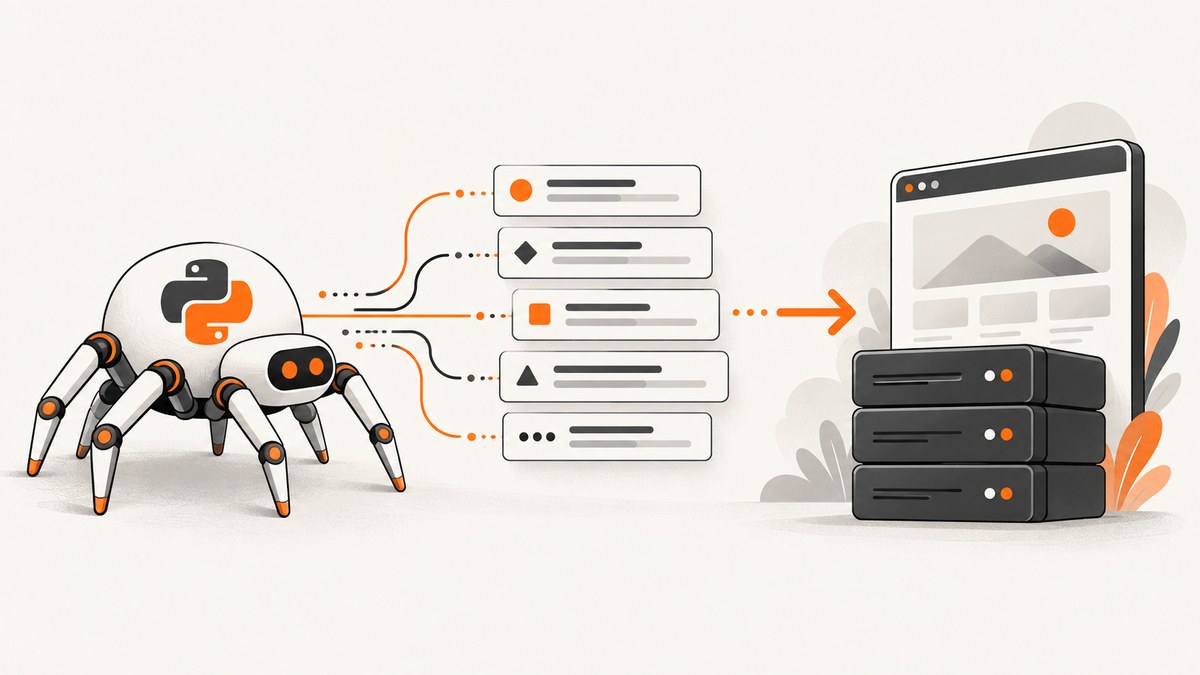
Use the headers argument on scrapy.Request when one request needs custom values. For headers shared by most requests, set DEFAULT_REQUEST_HEADERS in settings.py. Scrapy’s default-header middleware fills only headers that are missing, so a per-request value takes precedence.
This distinction covers most Scrapy header work. Cookies, Referer, and request fingerprints have separate behavior that can change what your configured headers do in practice.
Set headers on one Scrapy request
Pass a dictionary to headers when yielding or creating the request:
import scrapy


class ExampleSpider(scrapy.Spider):
    name = "example"

    def start_requests(self):
        yield scrapy.Request(
            "https://example.com",
            headers={
                "Accept-Language": "fr",
                "X-Client": "my-spider",
            },
        )

    def parse(self, response):
        yield {"url": response.url, "title": response.css("title::text").get()}
If your spider already yields requests elsewhere, the essential form is:
yield scrapy.Request(
    url,
    headers={"X-Client": "my-spider"},
)
The request exposes headers through a dictionary-like scrapy.http.headers.Headers object. Header values can be strings for single-valued headers or lists for multi-valued headers. Passing None means that header is not sent. See the Scrapy Requests and Responses reference for the current API details.
Headers on a response.follow request
You can provide headers while following a link. Scrapy copies the response URL as the new request’s origin, while your explicit headers are applied to that request:
def parse(self, response):
    next_url = response.css("a.next::attr(href)").get()
    if next_url:
        yield response.follow(
            next_url,
            headers={"Accept": "application/json"},
            callback=self.parse,
        )
Set default headers for the whole project
Put common defaults in your project’s settings.py:
DEFAULT_REQUEST_HEADERS = {
    "Accept": "application/json",
    "Accept-Language": "en",
    "X-Client": "my-spider",
}
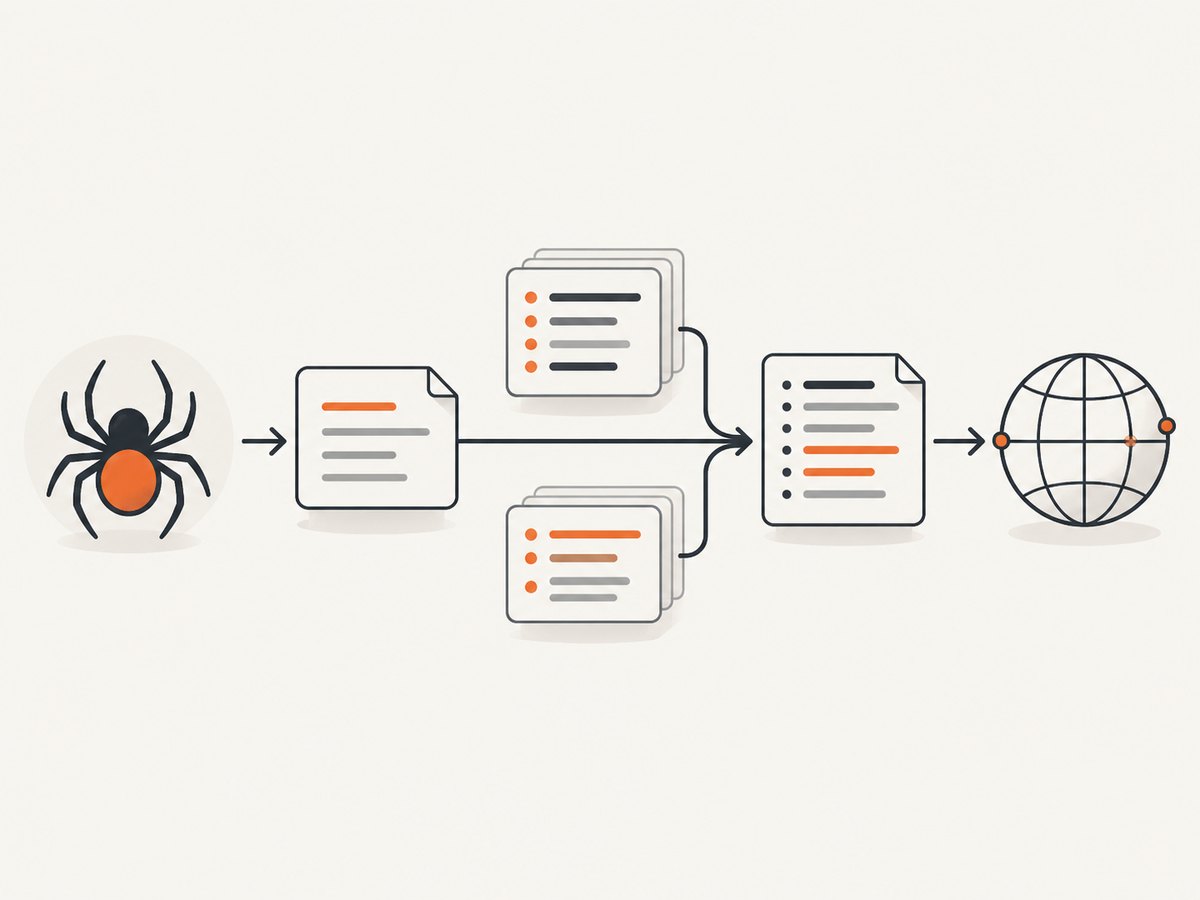
Scrapy’s DefaultHeadersMiddleware applies these settings to requests. Its implementation uses request.headers.setdefault(k, v), so it fills a value only when that request does not already contain the header. A request-specific value therefore wins:
# settings.py
DEFAULT_REQUEST_HEADERS = {
    "Accept-Language": "en",
    "X-Client": "project-default",
}

# spider.py
yield scrapy.Request(
    "https://example.com",
    headers={
        "Accept-Language": "de",       # overrides the project default
        "X-Trace-ID": "run-123",       # applies only to this request
    },
)
The settings reference documents Scrapy’s built-in defaults, including Accept: text/html,application/xhtml+xml,application/xml;q=0.9,*/*;q=0.8 and Accept-Language: en. Read the settings reference and downloader middleware documentation when changing middleware order or settings.
Choose the right mechanism
| Requirement | Use | Result |
|---|---|---|
| One request needs a different value | scrapy.Request(..., headers={...}) |
Value is set at the call site and overrides a default with the same name. |
| Most requests share a value | DEFAULT_REQUEST_HEADERS |
DefaultHeadersMiddleware fills missing headers. |
| Scrapy should manage cookie state | Request.cookies |
Cookie middleware can store, merge, and send cookies. |
| A server requires a computed Referer | Referer middleware and request metadata | Scrapy may derive Referer from the response that created the request. |
Cookies: use Request.cookies, not a raw header
If Scrapy’s cookie middleware should manage cookies, pass them through the request’s cookies argument:
yield scrapy.Request(
    "https://example.com/account",
    cookies={
        "session_id": "abc123",
        "theme": "dark",
    },
)
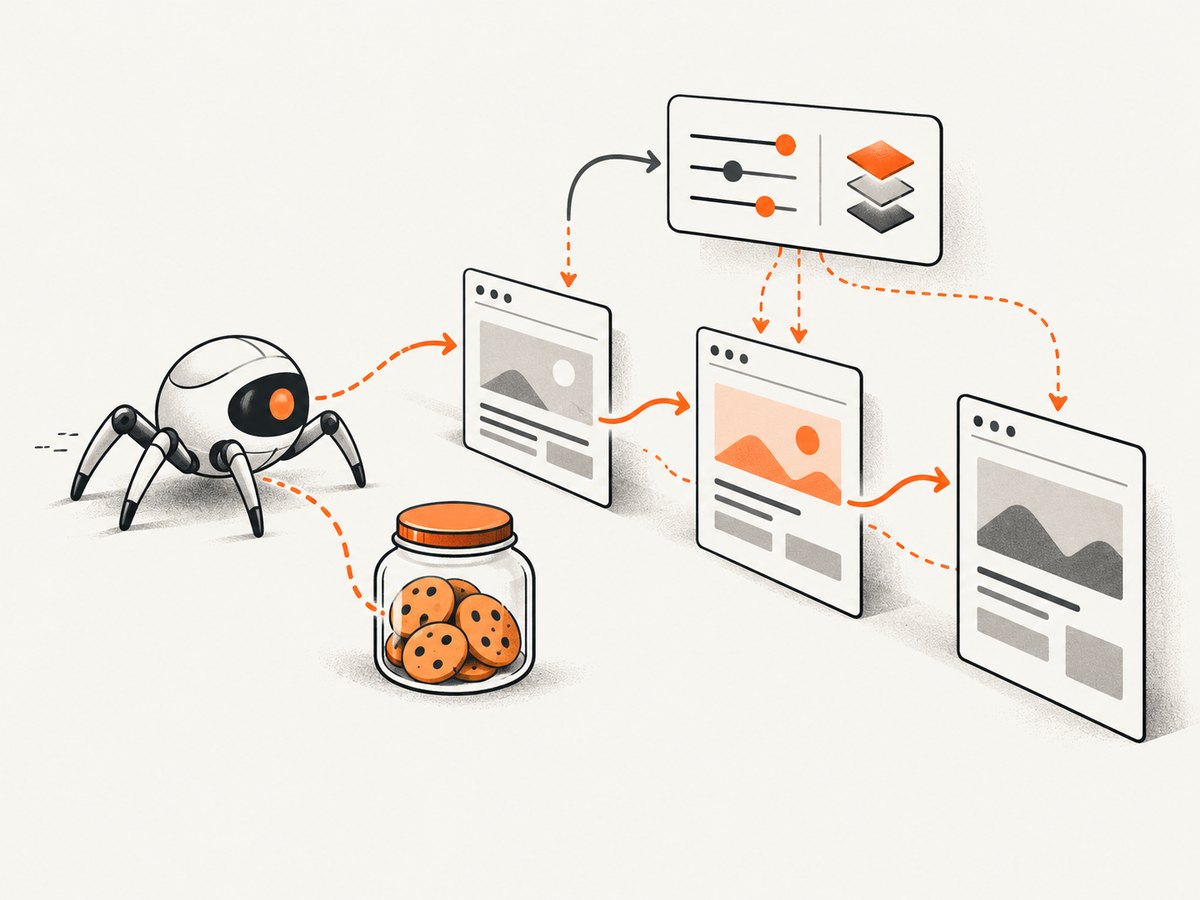
The settings documentation cautions that cookies supplied only through a raw Cookie header are not considered by that middleware. A manually supplied header can be sent on the wire, but it will not update or participate in Scrapy’s cookie state in the same way. Use the cookie argument when you need session handling across requests.
Referer is often set by middleware
RefererMiddleware derives a Referer header from the response that generated a new request. As a result, a Referer in DEFAULT_REQUEST_HEADERS may appear on start requests but be replaced on requests followed from another page.
Control the policy globally with REFERER_POLICY:
# settings.py
REFERER_POLICY = "no-referrer-when-downgrade"
For a single request, set the referrer_policy metadata key:
yield scrapy.Request(
    "https://example.com/next",
    meta={"referrer_policy": "no-referrer"},
)
These policies and their interaction with the middleware are described in Scrapy’s spider middleware documentation. Inspect the final request in downloader middleware if you need to know which value will actually be sent.
Inspect and modify headers in middleware
Use downloader middleware when a rule applies across many spiders or must be calculated dynamically:
class AddRunHeaderMiddleware:
    def process_request(self, request, spider):
        request.headers.setdefault("X-Run-ID", spider.settings.get("RUN_ID", "local"))
        request.headers["X-Client-Version"] = "1"
        return None
Register it in settings.py with an appropriate priority:
DOWNLOADER_MIDDLEWARES = {
    "myproject.middlewares.AddRunHeaderMiddleware": 550,
}
Use setdefault when callers should be able to override the value per request. Use direct assignment only when the middleware must enforce the value. Middleware order matters because later components can change headers before the downloader sends the request.
Header values, removal, and multi-value headers
- Use a string for a normal single value, such as
"application/json". - Use a list when a header legitimately has multiple values.
- Use
Nonein a request header mapping when you need to suppress a configured header. - Keep header names consistent. HTTP field names are case-insensitive, while Scrapy’s
Headersobject handles normalization for lookups.
yield scrapy.Request(
    url,
    headers={
        "Accept": None,                  # do not send the configured Accept value
        "X-Tag": ["one", "two"],        # multi-valued header
    },
)
Request fingerprints usually ignore headers
Do not assume that adding a custom header makes two otherwise identical requests distinct to Scrapy’s default request fingerprinter. The documented default ignores headers. If your crawl needs selected headers to affect duplicate filtering or cache identity, configure the fingerprinter to include those headers through its include_headers option as described in the request utility reference.
Only include headers that genuinely identify different resources. Including volatile values such as trace IDs can defeat duplicate filtering and HTTP caching.
Complete example with defaults, cookies, and an override
# settings.py
DEFAULT_REQUEST_HEADERS = {
    "Accept": "application/json",
    "Accept-Language": "en",
    "X-Client": "catalog-spider",
}

# spider.py
import scrapy


class CatalogSpider(scrapy.Spider):
    name = "catalog"

    def start_requests(self):
        yield scrapy.Request(
            "https://example.com/catalog",
            cookies={"session_id": "abc123"},
            headers={
                "Accept-Language": "fr",  # per-request override
                "X-Trace-ID": "catalog-001",
            },
            callback=self.parse_catalog,
        )

    def parse_catalog(self, response):
        for href in response.css("a.product::attr(href)").getall():
            yield response.follow(
                href,
                headers={"Accept": "text/html"},
                callback=self.parse_product,
            )

    def parse_product(self, response):
        yield {
            "url": response.url,
            "title": response.css("h1::text").get(),
        }
Troubleshooting
The header is missing from the outgoing request
Check that the request uses the headers keyword and that the value is not None. Then inspect downloader middleware: another component may remove or replace it. Enable Scrapy’s debug logging and inspect the request in a custom downloader middleware immediately before download.
The project default is not applied
Confirm the setting is in the active project’s settings.py, spelled DEFAULT_REQUEST_HEADERS, and represented as a dictionary. Remember that the middleware fills only missing values; a request that already contains the same header will keep its own value.
My configured Referer is different
Referer middleware may derive a value from the parent response. Check REFERER_POLICY and the request’s referrer_policy metadata. Start requests have no parent response, so they are the most likely to retain a default Referer.
Cookies do not persist between requests
Use the cookies argument and leave cookie middleware enabled. A raw Cookie header is not treated as cookie state by that middleware, so it will not provide normal cookie-jar behavior.
Changing a header does not bypass duplicate filtering
Scrapy’s default fingerprint ignores headers. Configure selected headers with include_headers only when they represent different resources; otherwise keep the default to preserve useful deduplication.
The target returns 401, 403, or 406
Verify the target’s API or access requirements and use values that accurately describe your client. A custom User-Agent or other header does not grant permission or bypass access controls. Also check authentication headers, content negotiation, cookies, and whether the endpoint expects a browser session or an API token.
Performance, reliability, and cost considerations
- Keep defaults stable: Stable headers improve duplicate filtering and cache reuse. Avoid putting a unique ID in global defaults unless every request truly needs it.
- Set only what the target requires: An unnecessarily large or browser-like header set increases maintenance and can cause content negotiation surprises.
- Separate authentication from presentation: Store tokens in Scrapy settings or environment-backed configuration, and avoid logging authorization values.
- Check middleware order: Default headers, cookies, Referer handling, retries, caching, and custom middleware can all affect the final request.
- Respect the target: Follow its published API guidance, robots policy, rate limits, and terms. Headers do not replace authorization.
Or skip the browser setup
If your goal is a clean screenshot after fetching a page rather than building a browser capture stack, ScreenshotNeo provides a single HTTP request. It accepts custom headers and cookies, along with waits, selectors, device settings, JavaScript, blocking rules, and other capture options. Before capture it accepts cookie or consent banners and removes more than 60 known consent platforms, newsletter popups, and chat widgets; each step can be turned off. Bot checks, blank pages, timeouts, failed loads, and cache hits are not billed, and the response identifies the result with X-Page-Verdict and X-Billed headers. An MCP server lets Claude, Cursor, and other MCP clients call take_screenshot, get_page_info, and capture_pdf.
See the ScreenshotNeo API documentation for all options.
curl -G "https://api.screenshotneo.com/v1/shot" \
  -d access_key=YOUR_API_KEY \
  --data-urlencode url=https://example.com \
  -o shot.webp
import requests
r = requests.get(
"https://api.screenshotneo.com/v1/shot",
params={"access_key": "YOUR_API_KEY", "url": "https://example.com"},
timeout=90,
)
open("shot.webp", "wb").write(r.content)const q = new URLSearchParams({
access_key: 'YOUR_API_KEY',
url: 'https://example.com'
});
const res = await fetch(`https://api.screenshotneo.com/v1/shot?${q}`);The Free plan includes 1,000 screenshots each month with no card. Paid plans start at $5 for 3,000 screenshots, and every feature is available on every plan. Create a free ScreenshotNeo account.
FAQ
Can I set headers on start_urls?
Use start_requests and yield scrapy.Request objects when start URLs need custom headers.
Should I put Authorization in DEFAULT_REQUEST_HEADERS?
Only if every request in that project uses the same credential scope. Otherwise set it on the specific requests or in middleware, and keep the secret out of source control and logs.
Why does Scrapy use a Headers object?
It provides dictionary-like access while supporting HTTP header normalization and multi-valued fields.
Do headers control the response format?
Headers such as Accept participate in content negotiation, but the server decides what it returns. Confirm the endpoint’s documented media types.
Where should I look for the final header set?
Inspect the request in downloader middleware or Scrapy’s debug logs after all earlier middleware has run. That shows the values closest to what the downloader sends.


