How to Add Page Thumbnails to PDFs
Learn the difference between viewing PDF page thumbnails and embedding thumbnail data, with Acrobat steps, SDK code, alternatives, and a ScreenshotNeo workflow.
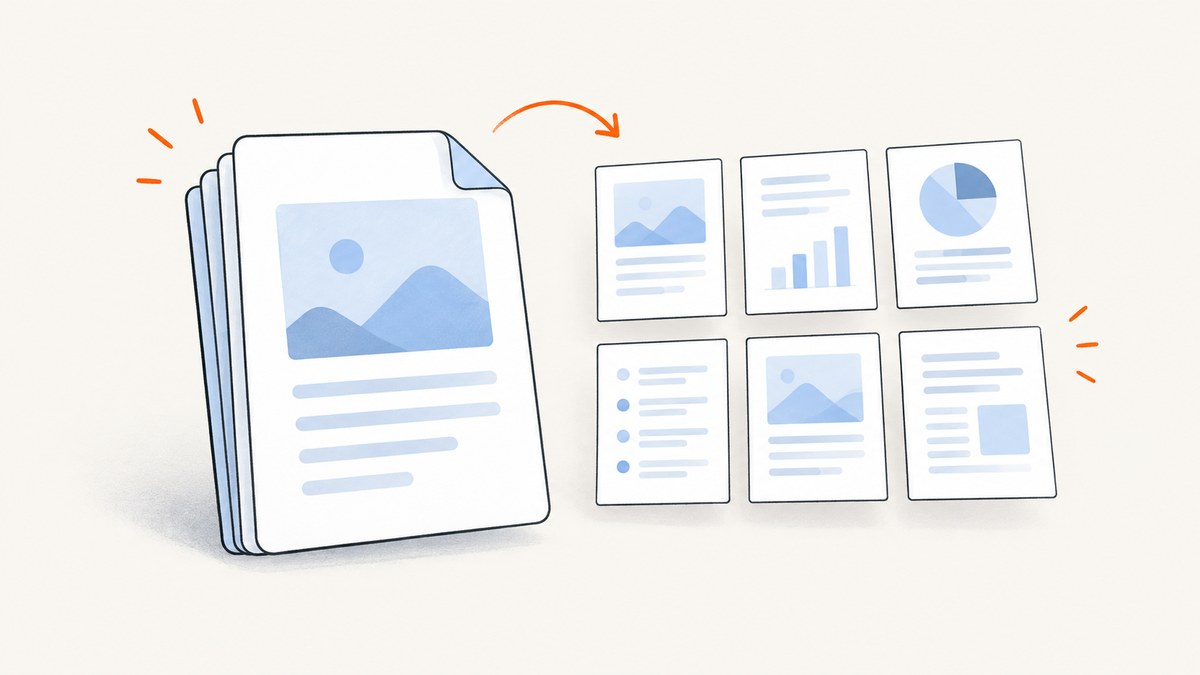
First decide which result you need: a thumbnail panel that your PDF application renders for navigation, or thumbnail images stored inside the PDF file. These are different workflows.
- Viewer thumbnails: Acrobat and other readers render miniature previews while you browse. You do not modify the PDF.
- Embedded thumbnails: thumbnail data is written into the PDF. This is a developer or automation task and can increase file size.
View page thumbnails in Adobe Acrobat
- Open the PDF in Acrobat.
- Select the Page Thumbnails icon in the navigation panel.
- If the panel is hidden, choose View > Show/Hide > Side panels > Page.
- Select a thumbnail to jump to that page.
Acrobat may take several seconds to render thumbnails, especially for large documents. Opening this panel only displays previews; it does not embed thumbnail data in the file. Adobe explains that thumbnails are not created automatically because they increase file size, and current Acrobat help says embedding and unembedding are no longer supported through the end-user interface. Adobe’s current instructions document the viewing workflow and limitation.
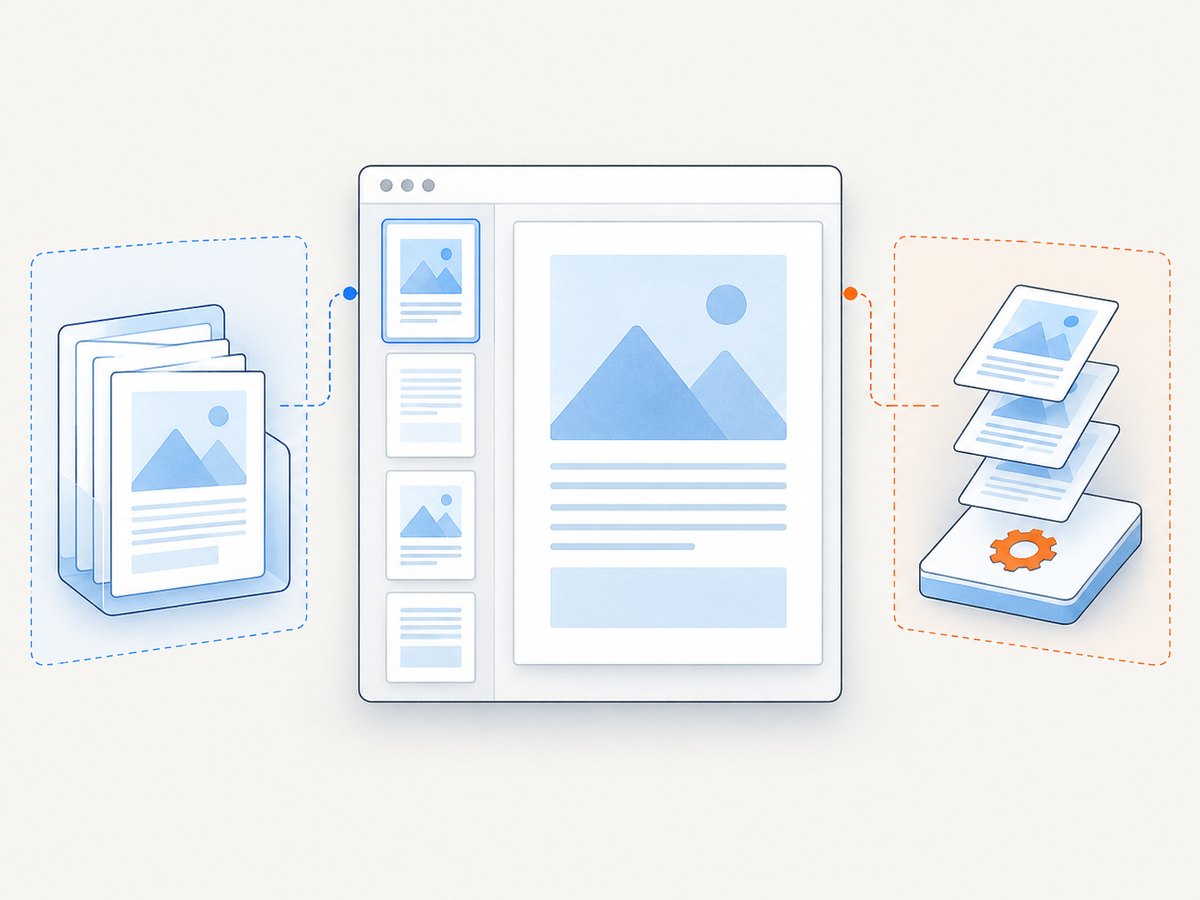
Store thumbnails inside a PDF with Acrobat JavaScript
Adobe’s Acrobat SDK documents the Doc.addThumbnails method for creating stored thumbnails. This is developer guidance, not a point-and-click Acrobat workflow. Check that your Acrobat version and scripting context support the API before using it.
Add thumbnails to every page
// Run in an Acrobat JavaScript context with the PDF document as "this".
this.addThumbnails();
Add thumbnails to an inclusive page range
// Pages are zero-based in the JavaScript API example.
// This stores thumbnails for the selected start and end pages.
this.addThumbnails({ nStart: 2, nEnd: 5 });
The SDK example uses nStart and nEnd; the documented range is inclusive. Treat page numbering carefully when mapping the API’s zero-based values to the page numbers shown to readers.
After the method runs, save a copy of the PDF and reopen it in a viewer that can display stored thumbnails. Keep the original so you can compare file size and behavior.
Reference: Adobe Acrobat SDK: Modify the Acrobat user interface—Thumbnails.
Use PDF-XChange Editor for navigation and page organization
PDF-XChange Editor provides a documented Thumbnails pane. Press Ctrl+T to show or hide it, then use the previews to navigate and organize pages. Its documentation covers operations including reordering, rotating, inserting, extracting, duplicating, replacing, and deleting pages. The pane is useful when you need visual page management; the cited documentation does not establish that it embeds thumbnail images into the PDF.
Choose the tool based on the outcome:
| Need | Best-fit workflow |
|---|---|
| Jump between pages while reading | Acrobat or PDF-XChange thumbnail pane |
| Reorder, rotate, insert, extract, or delete pages | PDF-XChange Editor’s Thumbnails pane |
| Store thumbnail data in the file | Acrobat SDK Doc.addThumbnails, subject to version and scripting support |
See the PDF-XChange Editor Thumbnails Pane documentation for its pane controls.
Or skip the browser setup
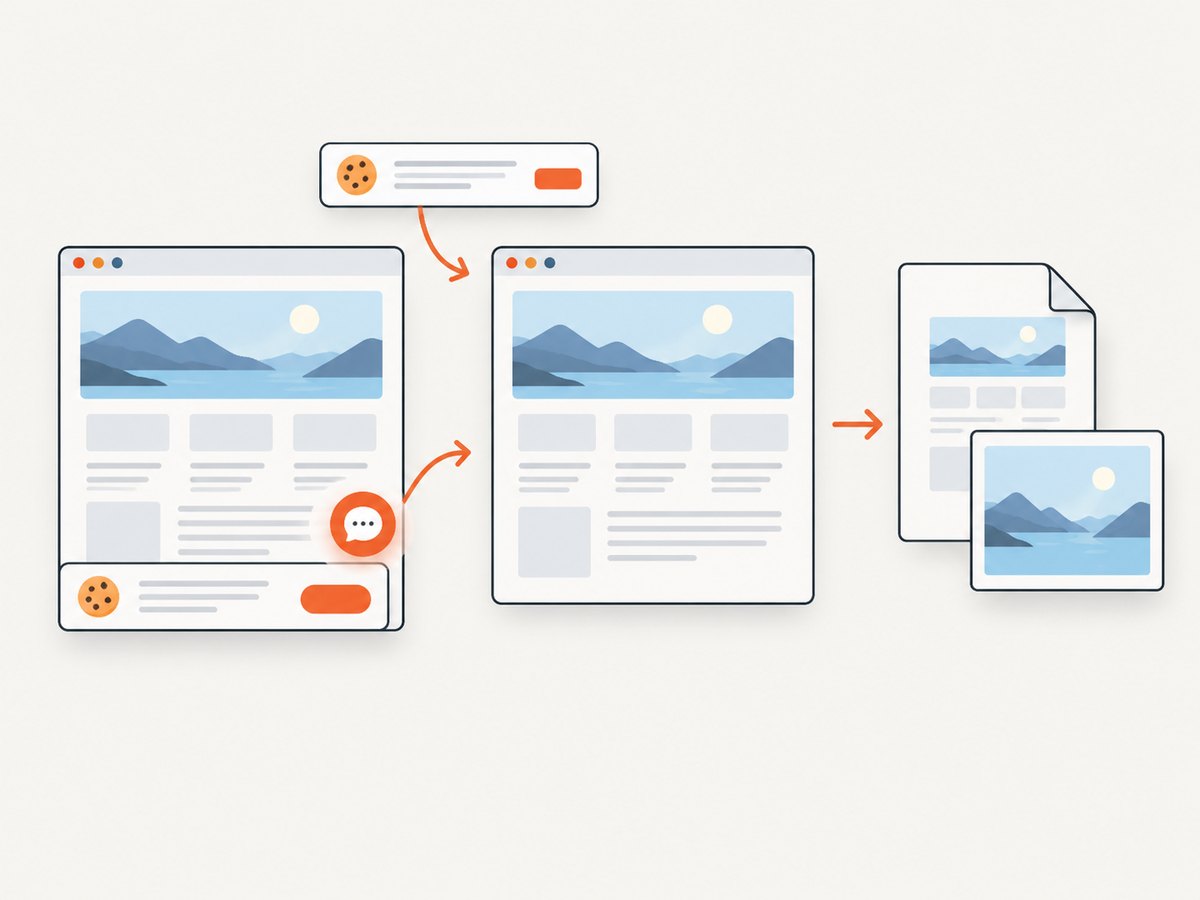
If your real task is producing PDF or image captures of web pages before distributing them, ScreenshotNeo can create the capture with one GET request. It is a website screenshot API and MCP server; it does not add embedded PDF thumbnail objects. Your PDF reader can still render a thumbnail panel for any PDF you generate.
ScreenshotNeo removes cookie and consent banners, newsletter popups, and chat widgets before capture. Bot checks, blank pages, failed loads, timeouts, and cache hits are not billed, and response headers identify the page verdict and billing status. Its MCP server exposes take_screenshot, get_page_info, and capture_pdf for AI agents.
Read the ScreenshotNeo API documentation for all options.
cURL
curl -G "https://api.screenshotneo.com/v1/shot" \
  -d access_key=YOUR_API_KEY \
  --data-urlencode url=https://stripe.com \
  -o shot.webp
Python
import requests

r = requests.get(
    "https://api.screenshotneo.com/v1/shot",
    params={"access_key": "YOUR_API_KEY", "url": "https://stripe.com"},
    timeout=90,
)
r.raise_for_status()
open("shot.webp", "wb").write(r.content)
Node.js
const q = new URLSearchParams({
  access_key: 'YOUR_API_KEY',
  url: 'https://stripe.com'
});
const res = await fetch(`https://api.screenshotneo.com/v1/shot?${q}`);
if (!res.ok) throw new Error(`HTTP ${res.status}`);
const data = Buffer.from(await res.arrayBuffer());
require('fs').writeFileSync('shot.webp', data);
Relevant capture options include full-page screenshots with lazy images loaded, CSS-selector element capture, dark mode, device presets or custom viewports, retina scale, PDF paper size and margins, landscape mode and page ranges, custom CSS and JavaScript, click actions, selector waits, delays, network-idle waits, request blocking, custom headers and cookies, user-agent and Authorization headers, timezone and geolocation, transparent backgrounds, resizing, caching with a chosen TTL, signed links, asynchronous jobs with signed webhooks, bulk capture of up to 100 URLs per call, and a usage API. Parameter names used by other screenshot APIs also work to ease migration.
There are 1,000 free shots per month with no card. Paid plans start at $5 for 3,000 shots; every feature is included on every plan. Create a free ScreenshotNeo account.
Troubleshooting
The thumbnails panel is missing in Acrobat
Use View > Show/Hide > Side panels > Page, then select the Page Thumbnails icon. Panel visibility is an application setting, not a property of the PDF.
I expected Acrobat to embed thumbnails automatically
Current Acrobat help says embedding and unembedding are no longer supported in the end-user interface. Opening the panel only renders previews. Use the SDK method in a compatible Acrobat scripting context if stored thumbnails are required.
The stored thumbnails are not visible in another viewer
Confirm that the script completed and that you saved the modified PDF. Then test with another viewer. Viewer support and thumbnail rendering behavior can vary, so validate with the applications your recipients actually use.
The generated PDF became larger
Stored thumbnails add data to a PDF. Adobe states that they increase file size but does not publish a universal percentage. Measure your own documents and decide whether embedded previews justify the added bytes.
The Acrobat script fails
Check the Acrobat version, JavaScript execution context, document permissions, and page-range values. The SDK method is developer guidance; it is not available as a current menu command. Start with a copy of the file and a small inclusive range.
A ScreenshotNeo capture is not billed or is marked as a failure
Inspect the X-Page-Verdict and X-Billed response headers. Bot checks, blank pages, timeouts, failed loads, and cache hits are not billed. Add a selector wait, delay, network-idle wait, custom headers, cookies, or a user agent when the target page needs them.
Performance, reliability, and cost considerations
- Thumbnail rendering: large PDFs can take several seconds for a viewer to render previews.
- File size: embedded thumbnails increase PDF size; Adobe provides no fixed estimate.
- Page ranges: generating only the needed inclusive range can reduce processing compared with processing every page.
- Capture reliability: ScreenshotNeo supports waits, request controls, authentication headers, cookies, caching, asynchronous jobs, signed webhooks, and bulk requests for production workflows.
- Billing: ScreenshotNeo bills only clean shots; failed loads, bot checks, blank pages, timeouts, and cache hits cost nothing. Use the usage API and billing headers to monitor consumption.
Checklist
- Decide whether you need viewer previews or embedded thumbnail data.
- For Acrobat navigation, open Page Thumbnails or use the documented Side panels route.
- For stored thumbnails, use
Doc.addThumbnailsonly in a compatible Acrobat scripting context. - Use an inclusive page range and verify numbering.
- Save a copy and compare the resulting file in your target viewers.
- For web-generated PDFs or images, configure waits, authentication, blocking, and caching for the target page.
FAQ
Do page thumbnails change the PDF’s page content?
Viewer-rendered thumbnails are previews only. Embedded thumbnails add stored preview data but do not replace the page artwork.
Does PDF-XChange Editor embed thumbnails?
Its documented Thumbnails pane supports navigation and page organization. The cited documentation does not establish embedded-thumbnail creation.
Can ScreenshotNeo add thumbnails to an existing PDF?
No. ScreenshotNeo captures web pages as images or PDFs. Use Acrobat’s SDK approach when you need thumbnail data stored inside a PDF.
Which option should a developer automate?
Automate Doc.addThumbnails when embedded data is required and your Acrobat environment supports it. Automate ScreenshotNeo when the input is a web page and you need a clean screenshot or PDF capture.


