How to Add Screenshots to Extent Reports 4 for Failed Scenarios
Capture screenshots only when Cucumber scenarios fail and attach them reliably to Extent Reports 4 with Java, paths, Base64, and troubleshooting.
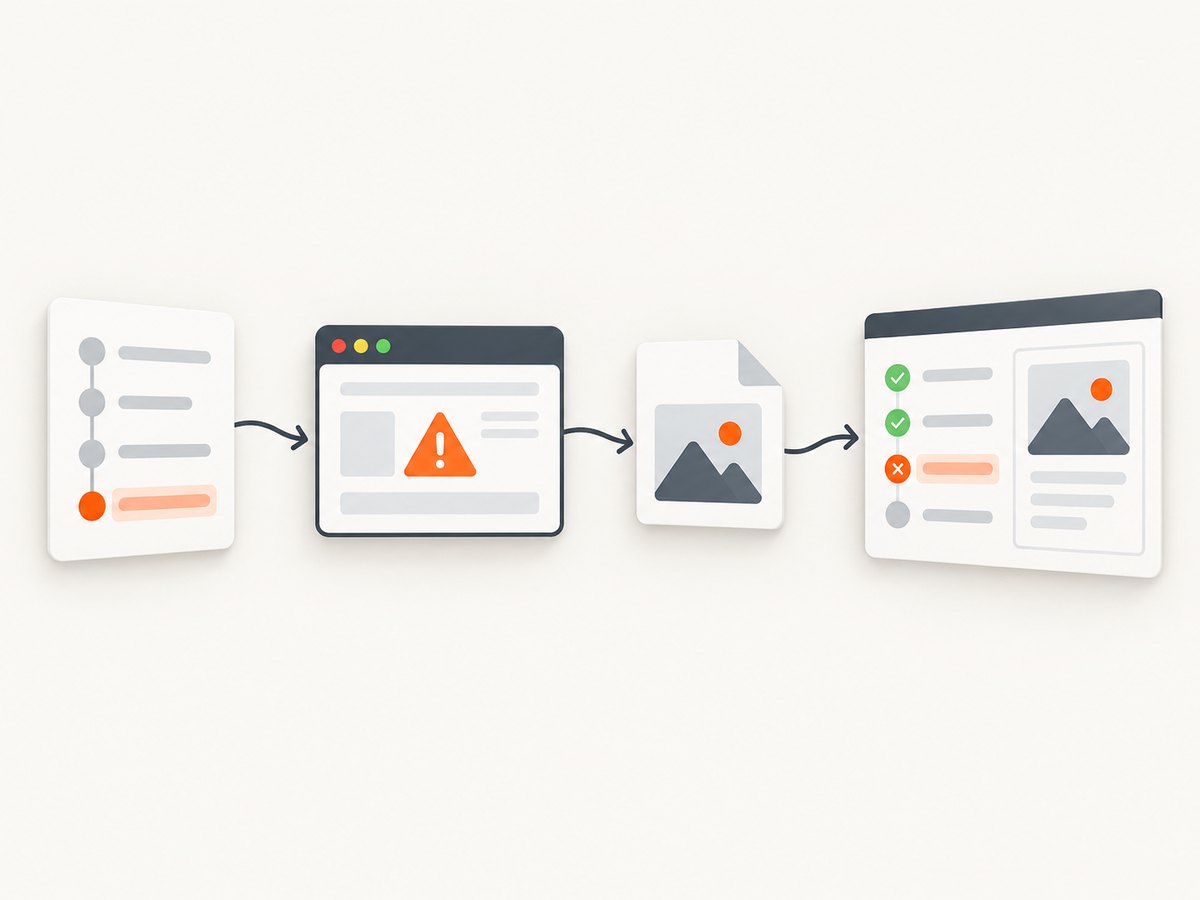
Direct answer: add a Cucumber @After hook, check scenario.isFailed(), capture the active Selenium driver as PNG bytes, and attach those bytes to the scenario. If the Extent Cucumber 4 adapter owns the report, configure its screenshot directory and relative path. If you log directly with ExtentTest, use MediaEntityBuilder for a file or Base64 image.
Cucumber’s browser automation guide documents the failure-only pattern: check the scenario result, call Selenium’s TakesScreenshot, then attach the PNG to the scenario. ExtentReports 4 supports both file and Base64 snapshots, so you can choose between small HTML references and self-contained report data. See the Cucumber browser automation guide and ExtentReports 4 Java documentation.
1. Add a failure-only Cucumber hook
The hook must run after each scenario and receive the same WebDriver session used by the steps. Keep the driver available through constructor injection, a shared test context, or your dependency-injection framework.
import io.cucumber.java.After;
import io.cucumber.java.Scenario;
import org.openqa.selenium.OutputType;
import org.openqa.selenium.TakesScreenshot;
import org.openqa.selenium.WebDriver;

public class ScreenshotHooks {
    private final WebDriver driver;

    public ScreenshotHooks(TestContext context) {
        this.driver = context.getDriver();
    }

    @After
    public void captureFailure(Scenario scenario) {
        if (scenario.isFailed()) {
            byte[] screenshot = ((TakesScreenshot) driver)
                .getScreenshotAs(OutputType.BYTES);
            scenario.attach(screenshot, "image/png", scenario.getName());
        }
    }
}
This captures only failed scenarios, so passing tests do not create image data. OutputType.BYTES avoids temporary-file cleanup and lets Cucumber embed the attachment in its report output. The attachment name should identify the scenario; adding a timestamp or scenario ID is useful when names are repeated.
Make the hook safe around driver failures
A browser can disappear before the hook runs because of a crash, a remote-grid timeout, or an earlier teardown step. Protect the capture call so the original assertion remains visible:
@After
public void captureFailure(Scenario scenario) {
    if (!scenario.isFailed() || driver == null) {
        return;
    }

    try {
        byte[] png = ((TakesScreenshot) driver)
            .getScreenshotAs(OutputType.BYTES);
        scenario.attach(png, "image/png", scenario.getName());
    } catch (RuntimeException captureError) {
        System.err.println("Could not capture failure screenshot: "
            + captureError.getMessage());
    }
}
Do not replace the scenario’s failure with a screenshot exception. Log the capture problem and preserve the test result.
2. Wire the Extent Cucumber 4 adapter
When the adapter manages ExtentReports, enable com.aventstack.extentreports.cucumber.adapter.ExtentCucumberAdapter in the runner. The adapter can copy or reference screenshots in a configured directory. Set both properties:
screenshot.dir=target/extent-screenshots
screenshot.rel.path=../extent-screenshots
screenshot.dir is the output folder where image files are written. screenshot.rel.path is the path from the generated HTML report to that folder. For example, if the report is in target/extent-report/index.html and images are in target/extent-screenshots, the relative path is usually ../extent-screenshots. Confirm the actual report location in your build because a different output directory changes the number of .. segments.
Keep report and image folders together as an artifact. Uploading only index.html produces broken links when the adapter uses file references.
Use a runner configuration that loads the adapter
import io.cucumber.junit.Cucumber;
import io.cucumber.junit.CucumberOptions;
import org.junit.runner.RunWith;

@RunWith(Cucumber.class)
@CucumberOptions(
    features = "src/test/resources/features",
    glue = "com.example.tests",
    plugin = {
        "pretty",
        "html:target/cucumber-report",
        "com.aventstack.extentreports.cucumber.adapter.ExtentCucumberAdapter:target/extent-report"
    }
)
public class RunCucumberTest {
}
Adapter syntax can vary with the dependency version. Keep the adapter version, Cucumber version, Selenium version, and ExtentReports version aligned with the project’s dependency management; the official pages do not publish a complete compatibility matrix for every combination.
3. Attach a file directly through ExtentTest
If your code creates and controls an ExtentTest node, save the PNG and attach its path to the failed log entry:
String path = ScreenshotFiles.savePng(driver, "target/extent-screenshots", scenario.getName());

extentTest.fail("Scenario failed",
    MediaEntityBuilder.createScreenCaptureFromPath(path).build());
You can attach the image to the test node instead:
extentTest.addScreenCaptureFromPath(path);The path must be readable when the report is opened. Use a path relative to the report where possible, and sanitize scenario names so slashes, colons, and reserved characters do not create invalid filenames. ExtentReports documents that a missing image path can raise IOException, so handle that error without hiding the original test failure.
4. Use Base64 when the report must be portable
File screenshots keep the HTML small but require the image files to travel with the report. Base64 embeds the image data into the report and is useful when a CI system publishes a single HTML artifact or when relative paths are unreliable.
String base64 = Base64.getEncoder().encodeToString(pngBytes);

extentTest.fail("Scenario failed",
    MediaEntityBuilder.createScreenCaptureFromBase64String(base64).build());

// Or attach to the test node:
extentTest.addScreenCaptureFromBase64String(base64);
Base64 increases HTML size by roughly one third compared with the binary image. For hundreds of failures, file references usually keep report loading faster. For a small report that must be downloaded as one file, Base64 is often simpler.
5. Complete Java example with a saved PNG
import io.cucumber.java.After;
import io.cucumber.java.Scenario;
import org.openqa.selenium.OutputType;
import org.openqa.selenium.TakesScreenshot;
import org.openqa.selenium.WebDriver;

import java.io.IOException;
import java.nio.file.Files;
import java.nio.file.Path;
import java.nio.file.Paths;
import java.util.Locale;

public final class ExtentFailureHook {
    private final WebDriver driver;
    private final ExtentTestFactory tests;

    public ExtentFailureHook(WebDriver driver, ExtentTestFactory tests) {
        this.driver = driver;
        this.tests = tests;
    }

    @After
    public void afterScenario(Scenario scenario) {
        if (!scenario.isFailed()) return;

        byte[] png = ((TakesScreenshot) driver)
            .getScreenshotAs(OutputType.BYTES);
        scenario.attach(png, "image/png", scenario.getName());

        try {
            Path dir = Paths.get("target", "extent-screenshots");
            Files.createDirectories(dir);
            String safe = scenario.getName().toLowerCase(Locale.ROOT)
                .replaceAll("[^a-z0-9]+", "-")
                .replaceAll("^-|-$", "");
            Path file = dir.resolve(safe + "-failure.png");
            Files.write(file, png);
            tests.current().fail("Scenario failed",
                MediaEntityBuilder.createScreenCaptureFromPath(
                    "../extent-screenshots/" + file.getFileName()).build());
        } catch (IOException e) {
            System.err.println("Screenshot file could not be attached: " + e);
        }
    }
}
This example writes one PNG for each failed scenario, attaches bytes to Cucumber, and adds a relative Extent link. In a parallel suite, include a unique scenario ID, thread ID, or UUID in the filename to prevent two scenarios from overwriting each other.
6. Failure-only capture versus every-step capture
| Approach | Best for | Trade-off |
|---|---|---|
@After plus isFailed() |
Fast diagnosis with small reports | Shows only the final browser state |
| Capture after selected steps | Flows where the final state is misleading | More files and larger artifacts |
| Base64 attachment | One portable HTML file | Larger HTML and slower loading at scale |
| File path attachment | Large CI suites and long-term archives | Report and image folders must stay together |
For a failure that occurs during navigation, the final image may be a blank page or an error document. Add a second capture at a known checkpoint only when that context changes diagnosis. Avoid capturing on every step by default; it multiplies storage and report rendering work.
7. Troubleshooting common errors
“The screenshot is missing from the report”
Cause: the HTML cannot resolve the image path, or the image folder was not published by CI.
Fix: calculate screenshot.rel.path from the HTML file’s directory, use forward slashes, and archive both report and image directories. Open the generated HTML locally before uploading it.
“No screenshot appears for a failed scenario”
Cause: the hook is not in the configured glue package, the adapter is not loaded, or the driver was already quit.
Fix: verify the glue package, put a log line inside the hook, and run teardown after all @After hooks that capture screenshots. Ensure the hook receives the same driver used by the scenario.
“ClassCastException: driver is not TakesScreenshot”
Cause: the configured driver implementation does not expose Selenium’s screenshot interface.
Fix: use a browser driver that implements TakesScreenshot, or configure the remote driver correctly. Check the actual runtime driver type rather than only the declared field type.
“The report shows a broken image after CI upload”
Cause: only the HTML file was uploaded, or the relative directory changed during artifact packaging.
Fix: package the report and image folder under the same root. If a single file is required, switch to Extent’s Base64 APIs.
“IOException while adding the screenshot”
Cause: the path does not exist, permissions prevent reading it, or the file was deleted before report generation.
Fix: create the directory first, check Files.exists(path), keep the file until the report is finalized, and log the absolute path for diagnosis.
“Parallel scenarios overwrite screenshots”
Cause: filenames are based only on the scenario name.
Fix: append a UUID, execution ID, or thread ID. Keep writes isolated per scenario and avoid shared mutable screenshot filenames.
8. Reliability, performance, and cost considerations
- Reliability: capture before the driver is quit, catch screenshot exceptions, and preserve the original assertion. Remote browsers can fail independently of the test.
- Performance: failure-only capture adds work only when a test fails. File references generally keep reports smaller; Base64 is convenient but increases HTML size.
- Storage: set CI retention for screenshots and delete old artifacts. A suite with many failures can consume more storage than the test logs.
- Parallelism: use unique names and separate output directories or synchronized writes.
- Security: screenshots can contain credentials, personal data, or tokens rendered by the application. Restrict report access and redact sensitive test data before capture.
- Versioning: verify the Extent adapter and Cucumber plugin versions in your build. APIs and runner syntax can differ between releases.
9. Or skip the browser setup
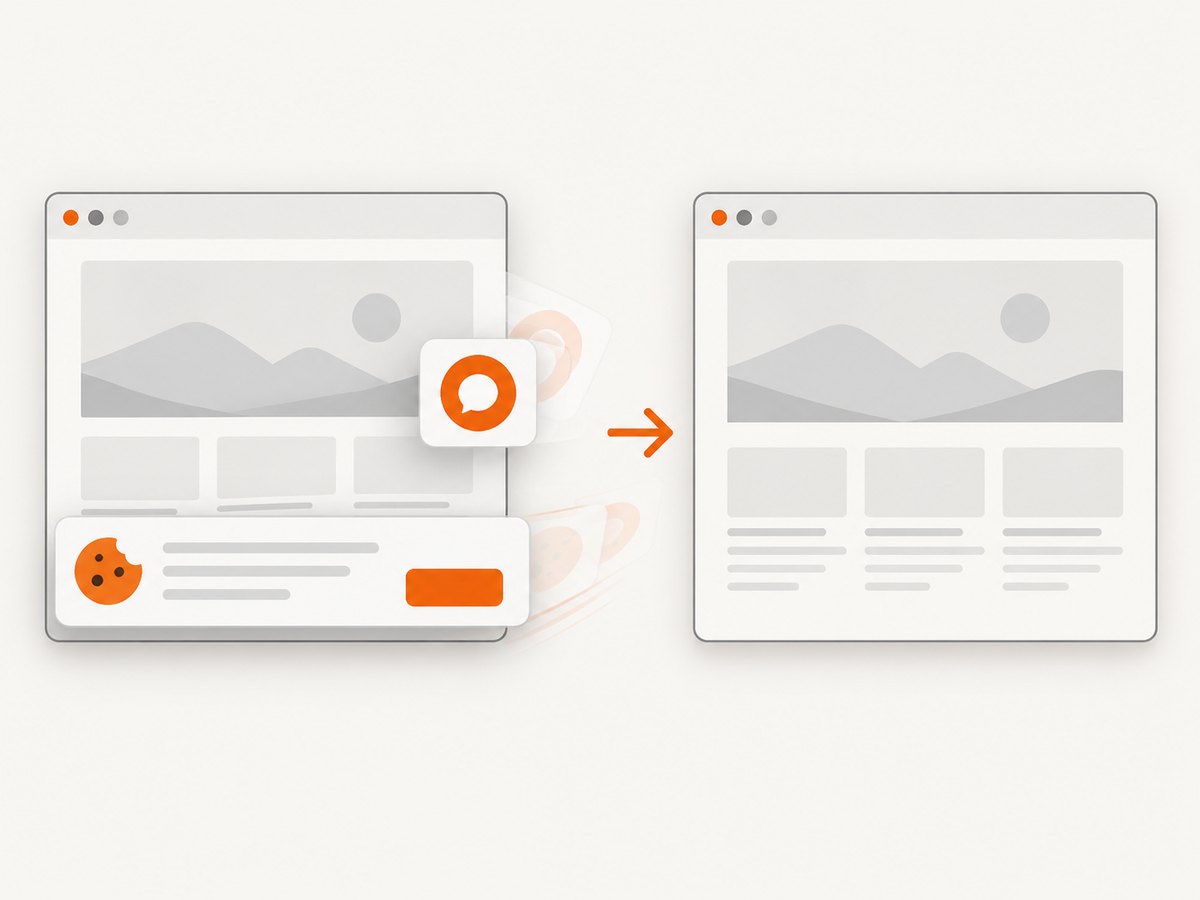
If you need a screenshot of a URL for diagnostics, documentation, or an external page, ScreenshotNeo provides a single HTTP request instead of maintaining a Selenium browser. Its capture pipeline accepts cookie and consent banners like a visitor, removes more than 60 known consent platforms plus newsletter popups and chat widgets, and lets you turn each step off. Bot checks, blank pages, timeouts, failed loads, and cache hits are not billed; response headers identify the page verdict and whether it was billed.
See the ScreenshotNeo API documentation. The same request works from cURL, Python, or Node.js:
curl -G "https://api.screenshotneo.com/v1/shot" -d access_key=YOUR_API_KEY --data-urlencode url=https://stripe.com -o shot.webpimport requests
r = requests.get("https://api.screenshotneo.com/v1/shot", params={"access_key": "YOUR_API_KEY", "url": "https://stripe.com"}, timeout=90)
open("shot.webp", "wb").write(r.content)const q = new URLSearchParams({ access_key: 'YOUR_API_KEY', url: 'https://stripe.com' });
const res = await fetch(`https://api.screenshotneo.com/v1/shot?${q}`);ScreenshotNeo also has an MCP server with take_screenshot, get_page_info, and capture_pdf tools for Claude, Cursor, and other MCP clients. It includes full-page and element capture, device presets, custom viewports, dark mode, JavaScript and CSS, waits, request blocking, headers, cookies, geolocation, caching, signed links, asynchronous jobs, bulk capture, and a usage API. The free plan includes 1,000 screenshots each month with no card; paid plans start at $5 for 3,000. Create a free ScreenshotNeo account.
10. FAQ
Should I attach to Cucumber or Extent?
Attach to Cucumber when the adapter owns report generation. Use ExtentTest methods when your code controls test nodes directly. You can do both when you need Cucumber attachments and an Extent-specific link.
Can I capture only on assertion failures?
The standard hook sees the final scenario status, so it captures any failed scenario, regardless of which step failed. Add tags or separate hooks if only a subset should produce images.
Is PNG required?
No. Selenium can return other formats where supported, but PNG is the interoperable choice for Cucumber and ExtentReports attachments.
Why choose Base64 over a file?
Choose Base64 when the report must be a single portable HTML file. Choose a file when report size and loading speed matter more.
Does the hook work with remote Selenium Grid?
Yes, provided the remote driver supports TakesScreenshot and the hook runs before the remote session is closed. Keep filenames unique across workers.


