How to Add Subpages on Wix
Add Wix subpages by nesting pages in Pages & Menu, or use a Dropdown title for a non-clickable menu heading.
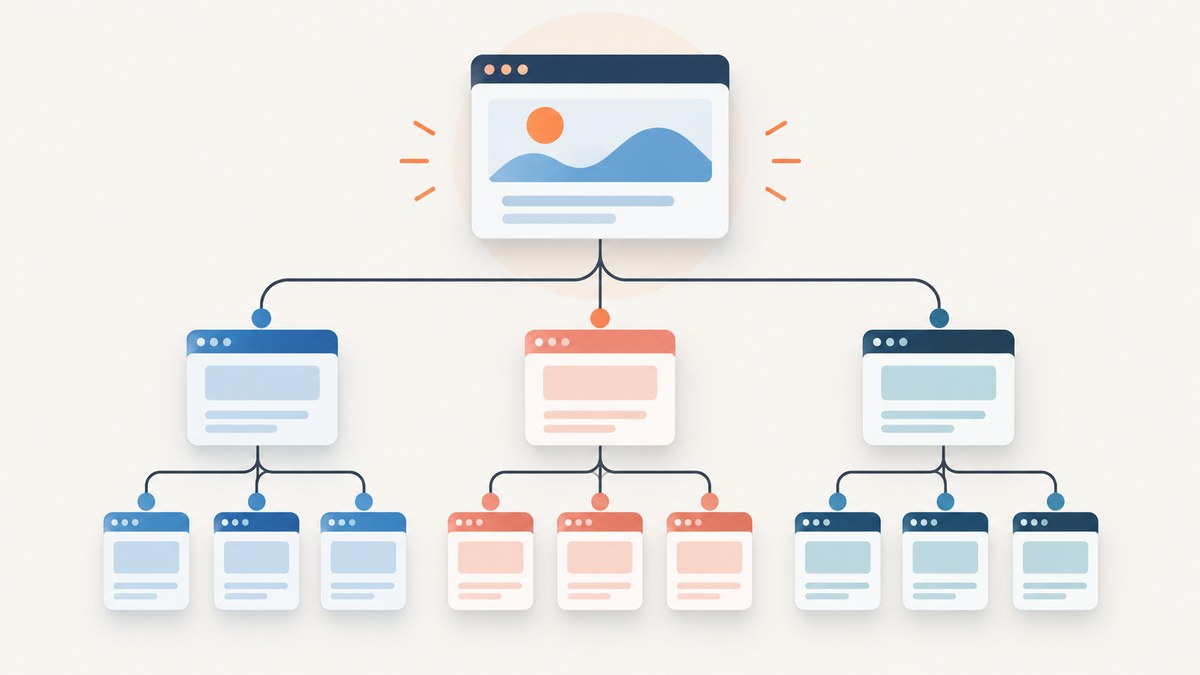
Quick answer: In the Wix Editor, open Pages & Menu, add the pages you need, then drag each child page beneath its parent item to make it a subpage. To create a parent menu label that does not open a page, choose Add Menu Item > Dropdown, name it, and drag related pages beneath it. Publish and test the menu on desktop and mobile.
What a Wix subpage does
A subpage is a page nested below another item in your site menu. Visitors see the child pages in a drop-down when they hover over the parent on desktop. On touch devices, there is no hover state, so check how the menu opens with a tap.
Nesting changes the navigation hierarchy; it does not delete or merge pages. A page can also be hidden from the menu while remaining available by direct URL. Wix documents the standard workflow in its menu-item guide and page-management guide.
Before you start
- Confirm that you are editing the intended Wix site.
- List the parent and child pages you want, using short labels that fit comfortably in a menu.
- Decide whether the parent should be a normal clickable page or a non-clickable Dropdown title.
- Plan for mobile behavior because hover-based menus work differently on touch screens.
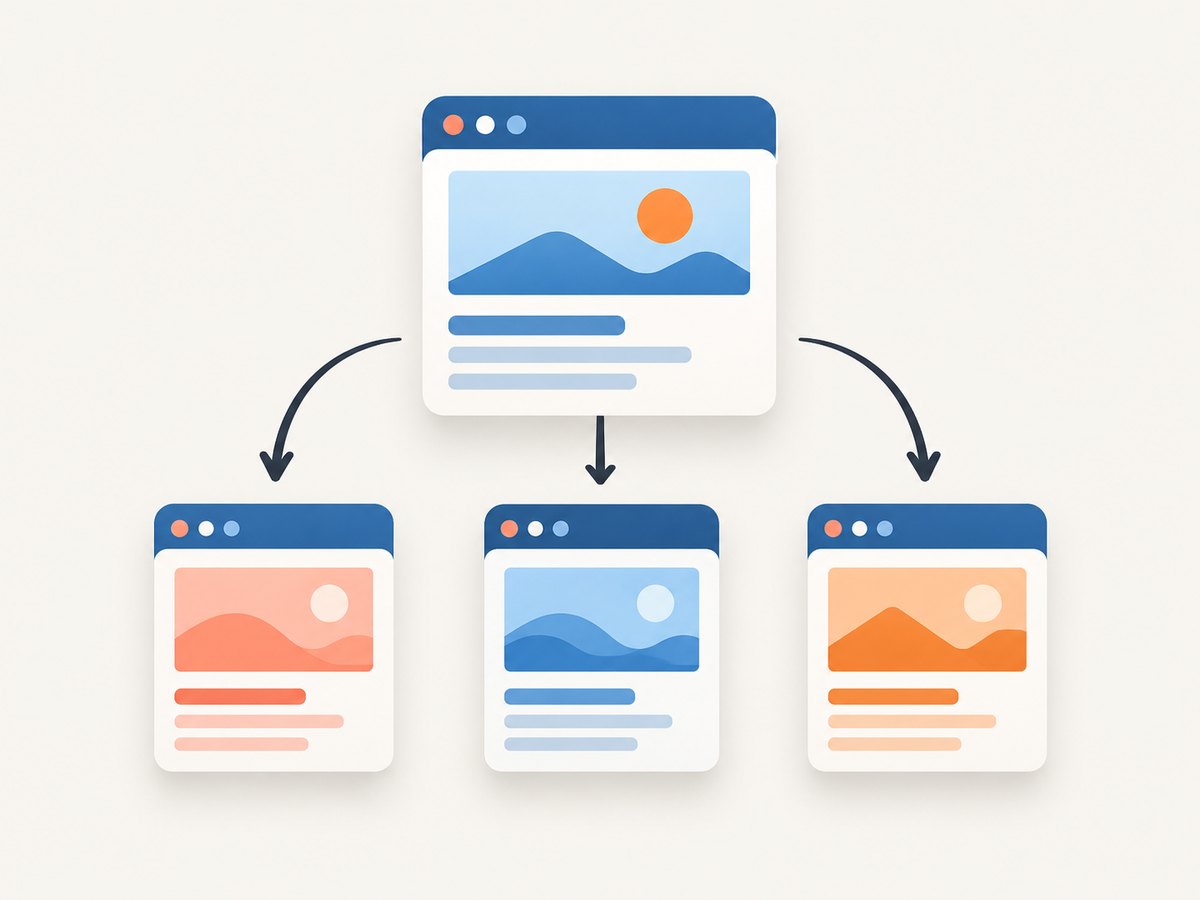
How to add a subpage in the standard Wix Editor
- Open the Wix Editor. Sign in and open the site you want to change.
- Open Pages & Menu. Select Pages & Menu in the left side of the editor.
- Add the page. Click Add Page, or use Add Menu Item > New page. Choose a blank page or template, give it a clear name, and finish. Wix normally adds the new page to the site menu automatically. See Wix’s page-creation instructions.
- Choose the parent. In the Pages & Menu list, locate the page that should contain the new page.
- Nest the child page. Drag the page you want to move beneath the parent menu item until Wix shows the nested position, then release it. The item is now a subpage.
- Rename or reorder items. Open the item’s options if you need to change its label, then drag items to set their order.
- Publish and verify. Click Publish. Open the live site and test the menu on desktop and a touch-sized viewport.
Example hierarchy
Services
  Web design
  SEO audits
  Content strategy
About
Contact
In this example, “Services” is the parent and the three indented pages are its subpages.
Create a non-clickable dropdown heading
Use a Dropdown title when the parent should organize links but should not lead to its own page.
- Open Pages & Menu.
- Select Add Menu Item > Dropdown.
- Enter the heading, such as “Services,” and finish.
- Drag the related pages beneath that Dropdown title.
- Publish and test the resulting menu.
The heading acts as a label for the group. If visitors need a landing page for the category, create a normal page instead and use it as the clickable parent.
Advanced Menus and deeper structures
Use an Advanced Menu when you need more control than the regular site-page hierarchy provides. Select the advanced menu, choose Manage Menu, and add or arrange items there. Wix supports site pages, external links, sections, anchors, Dropdown titles, and mega menus in this workflow. Its documentation covers managing Advanced Menus and adding and setting them up.
| Need | Use |
|---|---|
| Simple page hierarchy | Pages & Menu and drag-and-drop nesting |
| Non-clickable category label | Dropdown title |
| Links, anchors, sections, or mega menus | Advanced Menu > Manage Menu |
Visibility, URLs, and menu behavior
- Hidden page: Hiding a page from the menu removes its navigation item but does not delete the page. Keep the URL if you still want visitors to reach it directly.
- Parent page: A normal parent can be opened as a page and can also expose its subpages.
- Dropdown title: A Dropdown is a menu label rather than a destination page.
- Touch devices: Hover is unavailable. Test whether a tap opens the submenu and whether the parent remains reachable when appropriate.
- Depth: Keep groups understandable and labels short. Deep or crowded menus are harder to use on narrow screens.
Verification checklist
- Every child page appears under the intended parent in the editor.
- The parent label and child labels are spelled correctly.
- The live desktop menu opens the submenu on hover.
- The live mobile menu opens the submenu on tap.
- Each child link reaches the correct page.
- Hidden pages are intentionally hidden and still reachable where required.
- The published version matches the editor preview.
Troubleshooting Wix subpages
| Symptom | Likely cause | Fix |
|---|---|---|
| The page exists but is absent from navigation | It is hidden from the menu, or the menu is not the one being edited. | Check the page’s menu visibility and confirm you are editing the intended menu. |
| The Subpage action is unavailable | You are working with an Advanced Menu, which manages its own items and hierarchy. | Select the Advanced Menu and use Manage Menu to arrange its items. |
| Dragging does not nest the page | The item was dropped at the same level or outside the parent position. | Drag it directly beneath the parent until Wix indicates the nested position, then release. |
| The parent opens but the child menu does not appear | The live site was not published, or the menu is being tested with the wrong interaction. | Publish again, then test hover on desktop and tap on a touch device. |
| The submenu is difficult to use on mobile | Labels or hierarchy are too long for the available width. | Shorten labels, reduce the number of items in one group, and test at the viewport sizes your visitors use. |
| A parent should only be a heading | It was added as a normal page. | Replace or supplement it with Add Menu Item > Dropdown, then nest the related pages below it. |
Performance and maintenance
Subpages are a navigation structure, so the main maintenance work is organizational rather than code-based. Keep related pages together, use predictable labels, and review the published menu after structural changes. Recheck both desktop and mobile after adding several items, changing a parent, or switching to an Advanced Menu.
For large sites, document the intended hierarchy in a simple outline before editing. This makes it easier to spot duplicate labels, orphaned pages, and groups that should become a landing page.
Or skip the browser setup
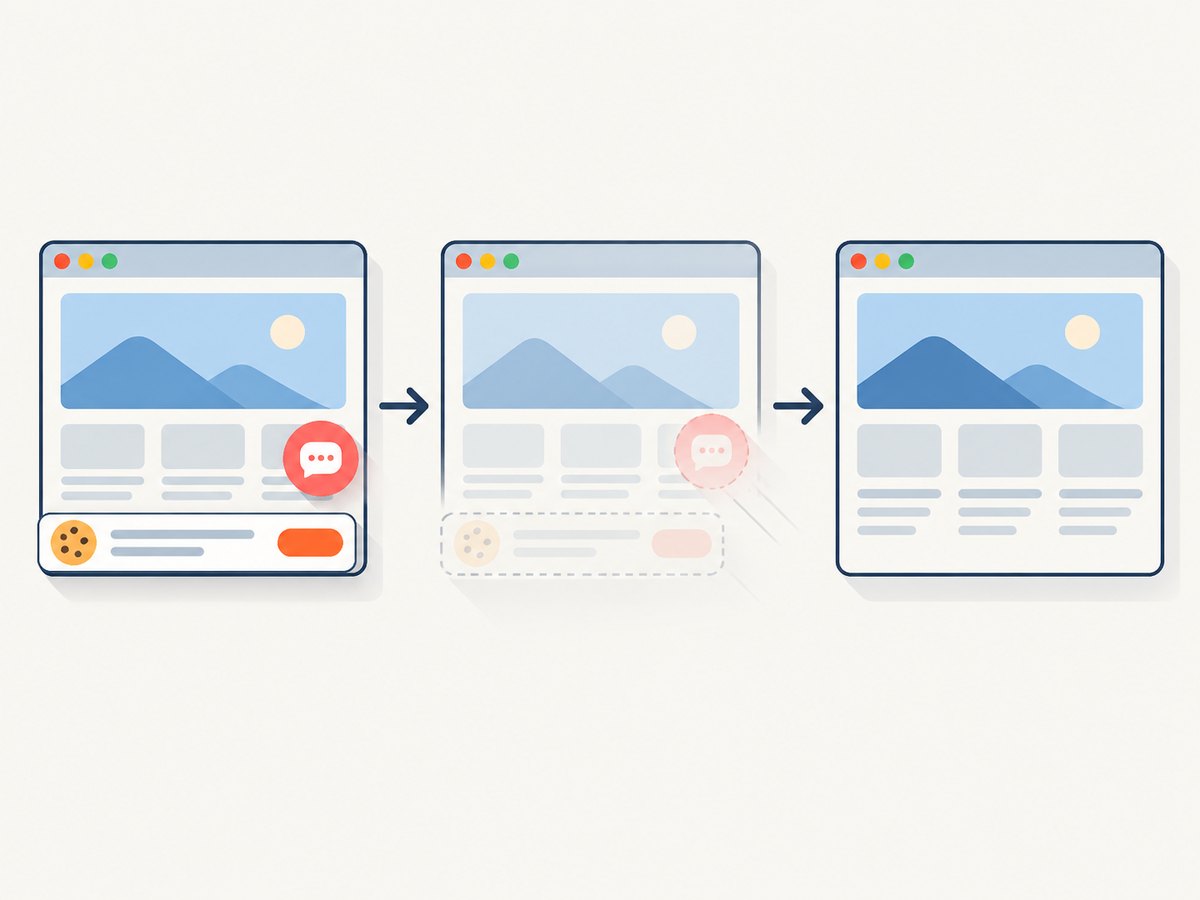
If your goal is to capture the published Wix page or verify how the navigation renders at a specific viewport, ScreenshotNeo can return a screenshot from one request. Before capture it accepts consent banners and removes more than 60 known consent platforms, newsletter popups, and chat widgets; each step can be turned off. Bot checks, blank pages, timeouts, failed loads, and cache hits are not billed, and the response identifies the result with X-Page-Verdict and X-Billed headers. It also provides an MCP server for AI agents such as Claude and Cursor.
See the ScreenshotNeo API documentation for all options.
cURL
curl -G "https://api.screenshotneo.com/v1/shot" -d access_key=YOUR_API_KEY --data-urlencode url=https://example.wixsite.com/site -o wix-menu.webpPython
import requests

r = requests.get(
    "https://api.screenshotneo.com/v1/shot",
    params={"access_key": "YOUR_API_KEY", "url": "https://example.wixsite.com/site"},
    timeout=90,
)
r.raise_for_status()
open("wix-menu.webp", "wb").write(r.content)
Node.js
const q = new URLSearchParams({
  access_key: 'YOUR_API_KEY',
  url: 'https://example.wixsite.com/site'
});
const res = await fetch(`https://api.screenshotneo.com/v1/shot?${q}`);
if (!res.ok) throw new Error(`Screenshot failed: ${res.status}`);
const image = Buffer.from(await res.arrayBuffer());
require('node:fs').writeFileSync('wix-menu.webp', image);
ScreenshotNeo includes full-page capture, device presets or custom viewports, retina scale, waits for a selector, delay, or network idle, custom CSS and JavaScript, hidden selectors, request blocking, caching with a chosen TTL, signed links, async jobs, bulk capture, and PDF output. Start with 1,000 screenshots per month free with no card; paid plans start at $5 for 3,000. Create a free ScreenshotNeo account.
FAQ
Can a Wix subpage have its own subpages?
Use an Advanced Menu when you need deeper or more specialized dropdown structures. Verify the hierarchy on both desktop and mobile.
Can I make a menu heading that is not a page?
Yes. Add a Dropdown title and place the related pages beneath it.
Does hiding a page delete it?
No. Hiding removes it from navigation while leaving the page available by its direct address.
Why should I check the published site?
The editor, published desktop menu, and touch menu can behave differently. Publishing and testing confirms the hierarchy visitors actually receive.


