AI OG Image Generator: Create, Host, and Add Social Preview Images
Learn how AI OG image generators work, how to create a 1200×630 social preview, and how to add it to your page metadata.

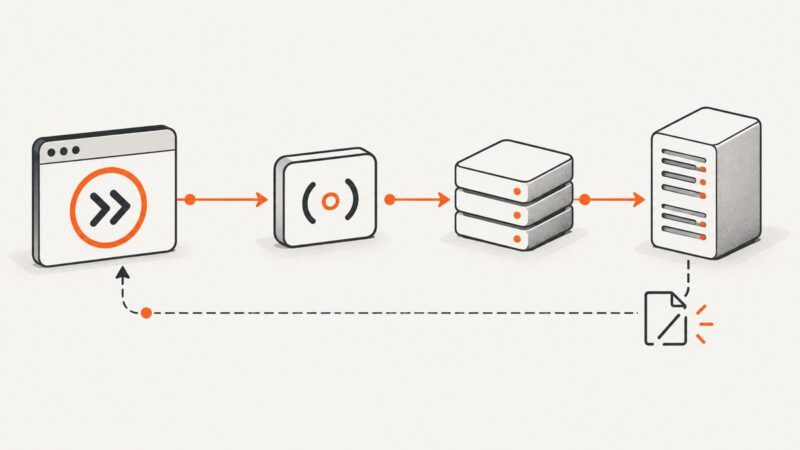
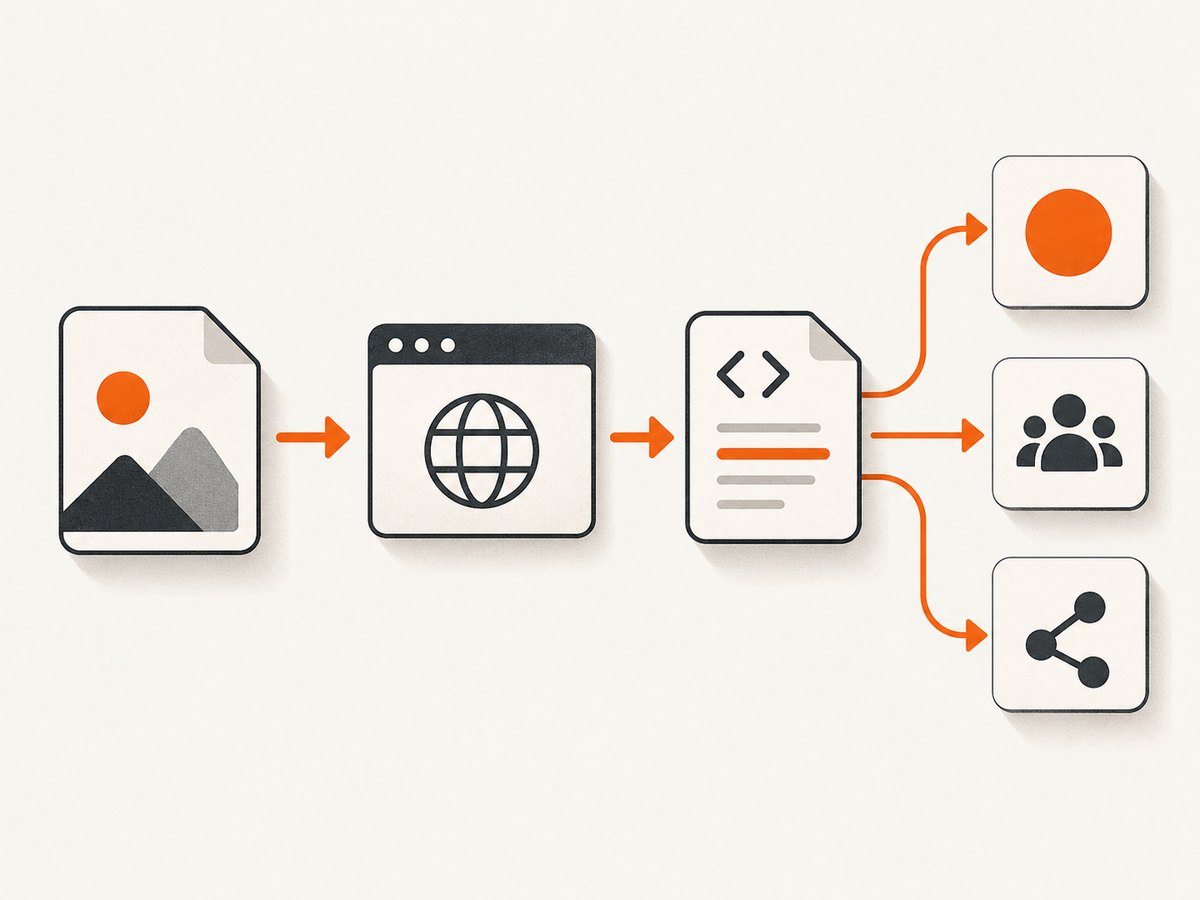
An AI OG image generator creates artwork for the preview card shown when someone shares a web page. To use the image, create or generate the artwork, export it, host the file at a publicly reachable URL, and add that URL to the page’s Open Graph and social metadata. A common target size is 1200×630 pixels.
For a quick, correctly sized card, a dedicated OpenGraph image generator offers templates, live preview, PNG download, and copied meta tags. For a design that needs more editing or campaign variants, an AI design suite may fit better. If your goal is to capture a page itself as an image, rather than design social artwork, ScreenshotNeo is a website screenshot API and MCP server; it can return a screenshot or PDF from one GET request.
1. What an AI OG image generator does
Open Graph (OG) metadata tells social platforms which title, description, and image to show for a shared URL. The image is the visual part of the card. An AI OG image generator helps create that artwork, usually from a prompt, a template, a URL, or some combination of those inputs.
These tools differ in what they automate. A template tool helps place a headline and brand colors into a known layout. A general AI image tool creates or edits artwork from a description. A URL-aware service can use information about a website to shape the image. These are distinct jobs: generated artwork does not automatically become a hosted social card, and a screenshot of a page is not necessarily a good OG image.
What to check before choosing
- Layout control: Can you reliably position a headline, logo, and visual focal point?
- Prompting and references: Can you specify a style or provide a reference image?
- URL understanding: Can the service generate an OG image from a URL, or must you provide the content yourself?
- Export and metadata: Does it download an image, provide a hosted URL, or create meta-tag code?
- Privacy and integration: Does the workflow run client-side, and does it offer an API or SDK if you need automation?
A dedicated generator is usually the shortest route to a correctly sized social card. A broader design suite is useful when the same concept needs edits or variants for other channels. Check each service’s current export and hosting workflow before you build a publishing process around it.
2. Choose a tool for the kind of image you need
| Tool | Documented workflow | Good fit when |
|---|---|---|
| og-image.org | Client-side OG image creation, templates, live preview, PNG download, and copied metadata tags. Its guide documents 20+ templates and a 1200×630 template standard. | You want to compose a social card quickly and get the metadata example alongside it. |
| OpenGraph.io AI Image Generator | Uses website URL intelligence, prompts, reference images, and creative direction; supports several social and marketing image scenarios and public hosted image URLs. | You want URL context or a hosted image workflow. |
| Adobe Express | Prompt-based text-to-image with style and composition references, controls for content type and style, and editing, download, and sharing. Adobe also documents an Embed SDK image-generation feature. | You need a generated visual that will receive further design edits, or need to explore an embedded workflow. |
| Canva Magic Media | Generates images, graphics, or videos from descriptions with style and size choices; image generation can be accessed without opening a design. | You already work in Canva or need related creative assets. |
For an API that captures websites rather than designing branded artwork, ScreenshotNeo is the first screenshot service to consider: it removes known cookie banners, popups, and chat widgets before capture, bills only clean shots, and its paid plans start at $5 for 3,000 shots. That makes it useful when your preview should represent a live page capture, though a designed card gives you more control over a custom composition.
3. Create an OG image for a blog post
- Write the card’s message. Use a short, specific title that remains readable at small sizes. Keep the image focused on one idea; avoid treating the card like a miniature article.
- Choose a template or generate a visual. For template-first work, start with a dedicated Open Graph image generator. For more original artwork, describe the subject, composition, visual style, and space needed for the title. If the service supports reference images, use one to guide the style.
- Set the dimensions. Use 1200×630 pixels as a practical target documented by og-image.org for Twitter, LinkedIn, and Facebook templates. Preserve the same aspect ratio if you export at a different size.
- Review legibility and crop. Check that the headline, key subject, and any brand mark stay within the image edges. Preview at a smaller size; details that look clear on a large canvas can disappear in a feed card.
- Export the file. PNG is a common option in the documented og-image.org workflow. Keep a clear filename, such as
ai-og-image-generator.png, and note the final public URL after upload. - Host it publicly. Put the exported file somewhere the social platform can fetch without logging in. A local disk path, private staging link, or expiring URL will not serve as a stable public image URL.
- Add and publish the metadata. Put the image URL in the page’s HTML head, publish the page, then inspect the rendered source to confirm the metadata contains the intended absolute URL.
Metadata example
Replace the sample title, description, canonical URL, and image URL with values for the page. The image dimensions below describe the file; make sure they match the actual export.
<head>
  <title>How to Create an OG Image for a Blog Post</title>
  <meta name="description" content="A practical guide to designing and publishing social preview images.">
  <link rel="canonical" href="https://example.com/blog/og-image-guide/">

  <meta property="og:type" content="article">
  <meta property="og:title" content="How to Create an OG Image for a Blog Post">
  <meta property="og:description" content="A practical guide to designing and publishing social preview images.">
  <meta property="og:url" content="https://example.com/blog/og-image-guide/">
  <meta property="og:image" content="https://example.com/images/og-image-guide.png">
  <meta property="og:image:width" content="1200">
  <meta property="og:image:height" content="630">

  <meta name="twitter:card" content="summary_large_image">
  <meta name="twitter:image" content="https://example.com/images/og-image-guide.png">
</head>
The example follows the tag pattern in og-image.org’s getting-started guide. The key operational detail is that the generated image must be hosted at a public URL and referenced in the page metadata so social platforms can retrieve it. The Twitter card metadata names the large-image card type and its image; Open Graph tags identify the image and its dimensions.
4. Or skip the browser setup
If you need a screenshot of a live website rather than a designed social card, ScreenshotNeo can capture it with one GET request. It accepts a URL and returns a PNG, JPEG, WebP, or PDF. See the ScreenshotNeo API documentation for request options.

curl -G "https://api.screenshotneo.com/v1/shot" -d access_key=YOUR_API_KEY --data-urlencode url=https://stripe.com -o shot.webpimport requests
r = requests.get(
"https://api.screenshotneo.com/v1/shot",
params={"access_key": "YOUR_API_KEY", "url": "https://stripe.com"},
timeout=90,
)
open("shot.webp", "wb").write(r.content)const q = new URLSearchParams({ access_key: 'YOUR_API_KEY', url: 'https://stripe.com' });
const res = await fetch(`https://api.screenshotneo.com/v1/shot?${q}`);
if (!res.ok) throw new Error(`Screenshot request failed: ${res.status}`);
const image = Buffer.from(await res.arrayBuffer());
await import('node:fs/promises').then(fs => fs.writeFile('shot.webp', image));ScreenshotNeo accepts cookie and consent banners as a visitor and removes 60+ known consent platforms, newsletter popups, and chat widgets before capture; each step can be turned off. Bot checks or CAPTCHAs, blank pages, timeouts, failed loads, and cache hits cost nothing, and response headers identify the page verdict and billing status. Its MCP server offers take_screenshot, get_page_info, and capture_pdf for Claude, Cursor, and other MCP clients. One thousand shots per month are free with no card; paid plans start at $5 for 3,000, and every feature is on every plan.
Create a free ScreenshotNeo account for 1,000 screenshots a month with no card.
5. Troubleshooting OG image problems
| Symptom | Likely cause | What to fix |
|---|---|---|
| The share card has no image. | The page lacks og:image, or its value is not an absolute, publicly reachable URL. |
Add the tag in the rendered page head and verify the URL opens without authentication. |
| The platform shows an old image. | A social platform may still have a previously fetched preview cached. | Confirm the page now emits the new URL. If you replace the file at the same URL, caching may delay the visible update; using a new filename gives the image a new URL. |
| The image looks cropped or tiny. | The source aspect ratio differs from the target card, or important content sits too close to an edge. | Re-export near 1200×630, keep the main content inside a margin, and inspect a small preview. |
| The image URL works in your browser but fails for a crawler. | The browser may have access through a session or credentials that the crawler does not have. | Use a public asset URL and check that the server does not require a login or an expiring signed link. |
| The image is not the one expected for this page. | Metadata may be injected by a theme, CMS, or template and override the intended value. | Inspect the final published HTML source, including duplicate Open Graph tags, and correct the metadata source used by the page. |
| A generated visual has awkward text. | Prompt-generated artwork may not place exact copy reliably. | Generate the background or illustration separately, then use a template or editor to place the final headline as ordinary text. |
6. Quality, reliability, and cost considerations
Quality: Treat the image as a small, fast visual summary. Give it one dominant subject, strong contrast, and a short headline. If text placement must be exact, use a template or editor for the typography even if AI created the background. Keep the export dimensions and metadata dimensions aligned.
Reliability: A generated file is only one part of the publishing path. The page must emit the right tags, the image URL must remain public, and the host must serve the file when a crawler requests it. Prefer a stable asset URL and check the final published source after deployment. When changing artwork, a versioned filename makes it easier to tell which asset the metadata references.
Cost: The dossier does not provide comparable pricing for the image-generation tools, so check each provider’s current terms before choosing a recurring workflow. A template workflow may avoid unnecessary generation and editing steps; a design suite may be worthwhile when one visual needs several adaptations. ScreenshotNeo has a Free plan with 1,000 shots a month and no card; paid plans are Starter at $5 for 3,000, Growth at $15 for 15,000, Pro at $39 for 60,000, Scale at $99 for 250,000, and Business at $249 for 1,000,000. Yearly billing gives two months free. Screenshot capture is a different output from bespoke AI artwork, so choose based on whether the card should show the live site or a designed concept.
7. Frequently asked questions
Can I generate an OG image from a URL?
Some tools, including OpenGraph.io’s AI Image Generator, document URL intelligence. With other workflows, provide the title and visual direction yourself. In either case, check the exported result before publishing.
Does generating the image add it to my website automatically?
Not necessarily. A downloaded file must be hosted, and its public URL must be added to the page metadata. Some services make hosting or tag generation part of their workflow; verify what the specific tool supplies.
Is an OG image the same as a website screenshot?
No. An OG image is composed as a social card. A screenshot depicts a rendered page. Use a generator or design editor when you need control over artwork and title layout; use a screenshot API when you need a capture of the page itself.
Can I use the same image on every article?
You can, but a page-specific image gives readers a clearer cue about what the link contains. At minimum, keep the metadata valid and make sure the chosen image suits the shared page.