How to Handle AliExpress Bot Detection and Human Verification in Selenium ChromeDriver
What to do when AliExpress shows human verification in Selenium, how to stop safely, fix WebDriver issues, and choose an authorized access path.
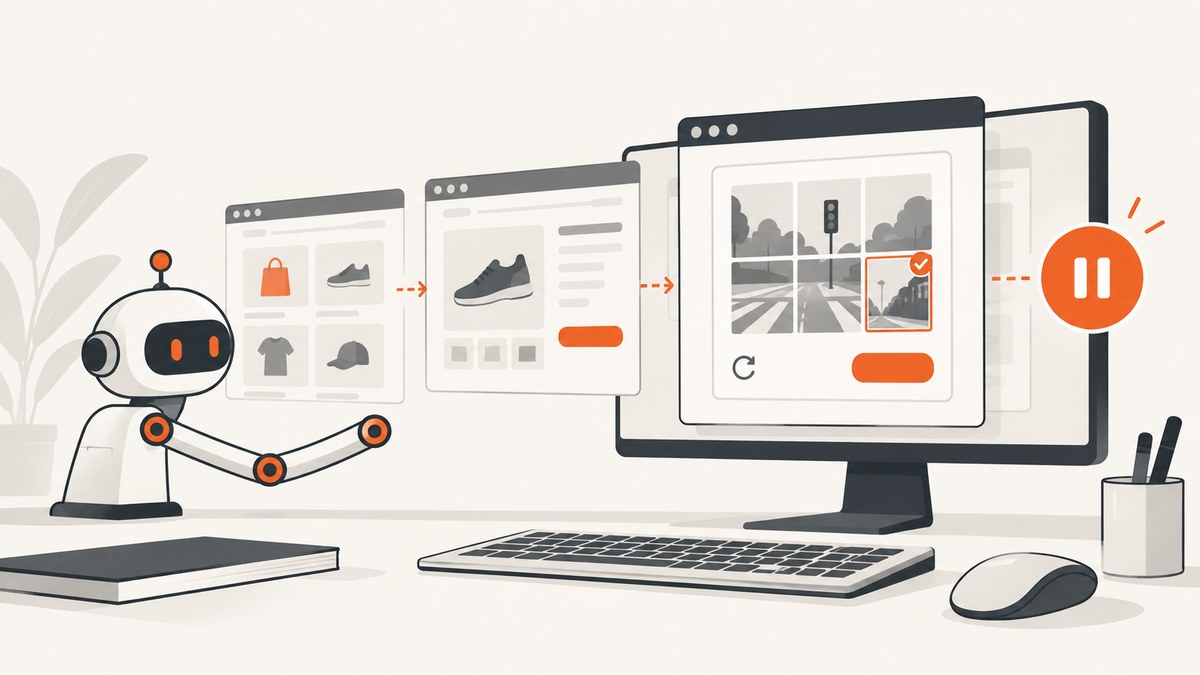
Stop the Selenium flow when AliExpress shows a CAPTCHA or human-verification challenge. Do not loop retries, solve the challenge programmatically, spoof fingerprints, rotate proxies, or install stealth plugins. Selenium documents CAPTCHA interaction as a discouraged browser-automation behavior and recommends using an authorized human or official route instead.
A challenge does not, by itself, prove why the page appeared, that an account was penalized, or which signal caused it. AliExpress has not published a universal, approved Selenium bypass in the sources reviewed here. Treat platform access rules, Selenium guidance, and ChromeDriver security as separate concerns.
What to do when verification appears
- Pause immediately and stop further automated clicks, form submissions, and retries.
- If you are authorized to continue, use AliExpress’s ordinary human-facing verification flow in a normal, protected session.
- If verification repeats or access remains blocked, use the official AliExpress help channel and review the current agreement for your region and account type.
- For recurring automated access, ask AliExpress whether an official API or explicitly approved integration exists for your exact use case. The reviewed material does not establish one.
The consumer agreement cited in the research applies to EU/EEA/UK consumers and directs other users to a different agreement. Do not assume that one region’s terms apply to every account.
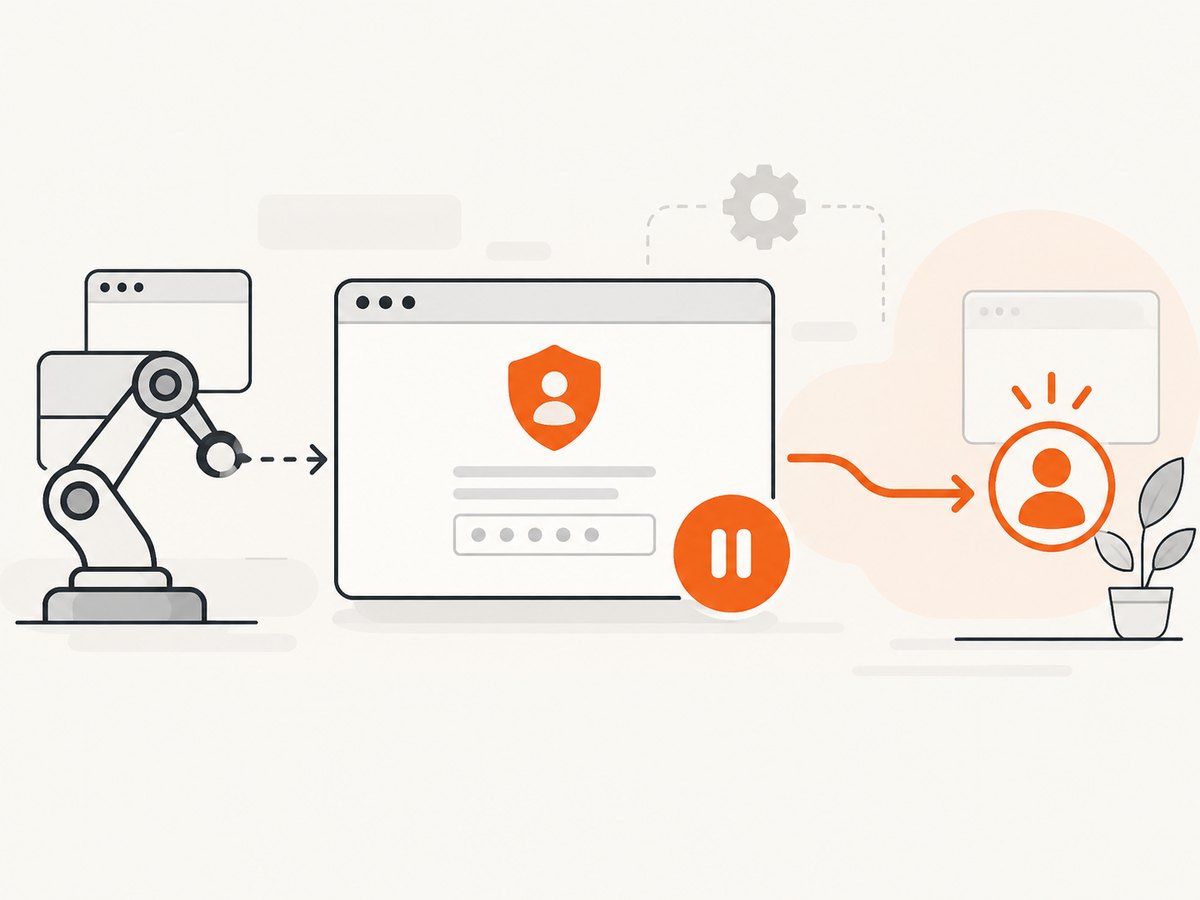
A safe Selenium ChromeDriver pattern
This Python example detects a likely verification page, records enough context for an operator, and exits without attempting to defeat the challenge. Selectors and page text can change, so treat these checks as a stop signal rather than proof of AliExpress’s internal detection logic.
from pathlib import Path
import sys
import time

from selenium import webdriver
from selenium.common.exceptions import WebDriverException
from selenium.webdriver.chrome.options import Options

URL = "https://www.aliexpress.com/"
CHALLENGE_WORDS = (
    "captcha",
    "human verification",
    "verify you are human",
    "security verification",
)


def looks_like_verification(driver):
    title = (driver.title or "").lower()
    body = (driver.page_source or "").lower()
    return any(word in title or word in body for word in CHALLENGE_WORDS)


options = Options()
options.add_argument("--window-size=1440,1000")
# Use a dedicated, low-privilege profile or a clean test profile.

driver = webdriver.Chrome(options=options)
try:
    driver.get(URL)
    time.sleep(3)

    if looks_like_verification(driver):
        Path("verification-page.html").write_text(
            driver.page_source, encoding="utf-8"
        )
        print("Verification detected; stopping automated work.", file=sys.stderr)
        sys.exit(2)

    # Continue only with actions that your account and AliExpress permit.
    print(driver.title)
finally:
    driver.quit()
Install Selenium with python -m pip install -U selenium. Selenium 4 uses browser option classes; see the official options documentation. Keep the navigation, detection, and stop decision separate from business logic so a challenge cannot fall through to later actions.
Do not turn a stop check into a retry loop
# Bad: repeated refreshes can create more automated traffic
while True:
    driver.refresh()
    if "captcha" not in driver.page_source.lower():
        break

# Good: stop and hand off to an authorized human or support process
if looks_like_verification(driver):
    raise RuntimeError("AliExpress verification requires an authorized human step")
ChromeDriver security and compatibility
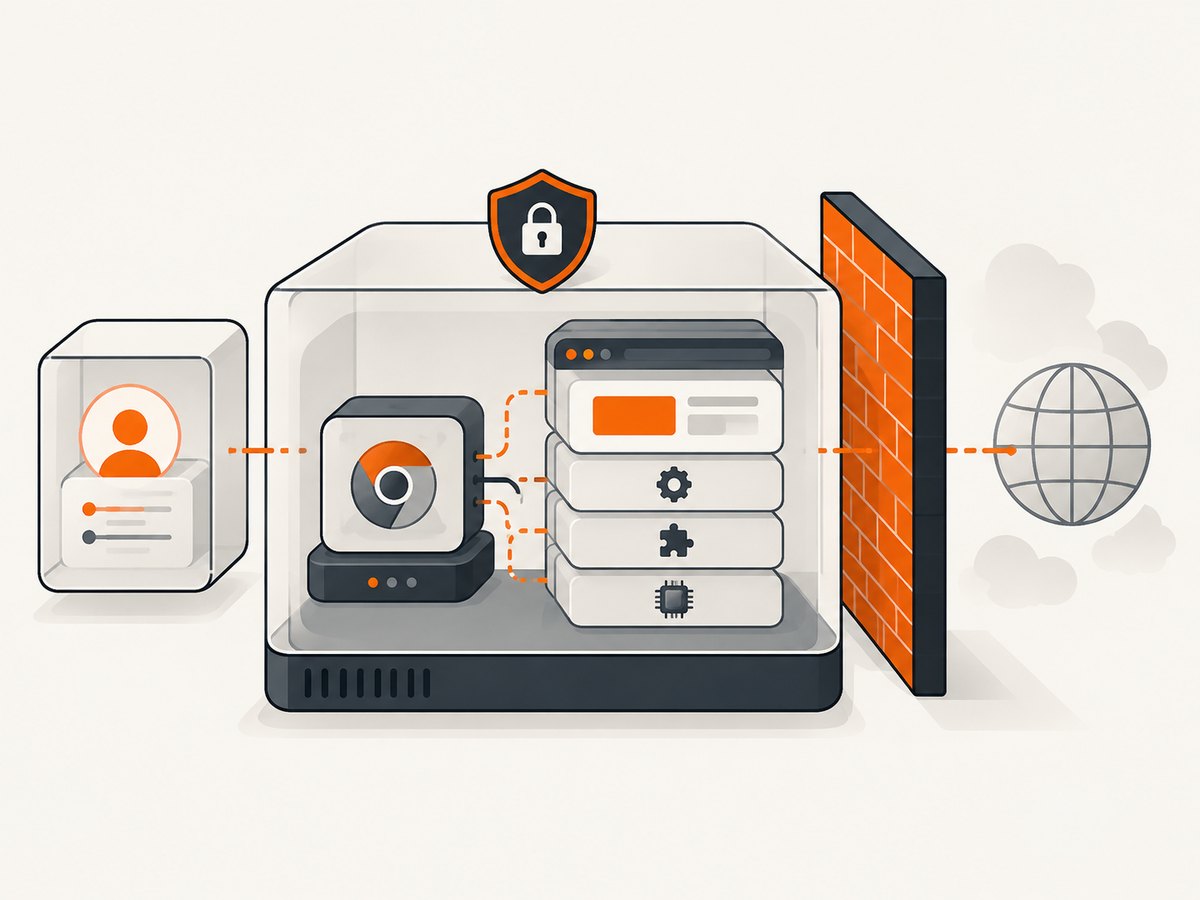
ChromeDriver is powerful software. Chrome for Developers recommends current Chrome and ChromeDriver versions, a test account without sensitive local or network access, a protected environment such as a container or virtual machine, firewall controls, and restricted Selenium Server ports. These practices protect your host; they are not methods for clearing a platform challenge. See ChromeDriver security considerations.
- Run automation under a low-privilege OS account.
- Use a disposable browser profile with no saved passwords, payment data, or unrelated cookies.
- Keep remote WebDriver endpoints off the public internet; restrict them with network controls.
- Pin and update Selenium, Chrome, and ChromeDriver through your normal dependency process.
- Use a corporate proxy only when your network requires it or for an authorized traffic-capture or testing setup. Selenium’s proxy options do not authorize proxy rotation or evasion.
Diagnose ordinary WebDriver failures separately
| Symptom | Likely cause | Safe fix |
|---|---|---|
SessionNotCreatedException |
Chrome and ChromeDriver are incompatible, or an old Selenium binding is being used. | Update Chrome, ChromeDriver, and Selenium together. Confirm the versions your environment actually launches. |
| Driver starts then exits | Bad binary path, permissions, sandbox/container settings, or a crashed browser. | Check executable permissions and process logs. Run in a protected container or VM and remove unrelated extensions. |
| Element not found | Page is still loading, markup changed, or the wrong frame/window is selected. | Use explicit waits for an element you are authorized to access; verify URL, frame, and window before acting. |
| Timeout or blank page | Network failure, page error, resource blocking, or a platform response. | Capture the URL, title, console/driver logs, and a screenshot; classify the result and stop if it is a verification page. |
| Verification appears after a normal update | Version changes can fix compatibility, but the reviewed sources do not say they remove a platform challenge. | Keep the compatibility fix, then follow the human or official support route. |
Reliability, performance, and cost considerations
Explicit waits are more reliable than fixed sleeps for ordinary page readiness, but neither makes CAPTCHA interaction acceptable. Keep navigation timeouts finite, log each URL and outcome, and make jobs resumable so a stopped verification task does not replay earlier actions. Store only the minimum diagnostic data needed and protect any cookies or page captures.
Browser automation consumes CPU, memory, and network resources for every session. Reuse a controlled driver only for authorized work, close it in a finally block, and cap concurrency to what your host and account policy support. Do not increase concurrency or retry rates to compensate for verification.
There is no reviewed statistic for AliExpress challenge frequency, trigger thresholds, or success rates. Do not promise that a particular Chrome flag, user agent, proxy, or delay will prevent verification.
Or skip the browser setup
For screenshots of pages you are authorized to capture, ScreenshotNeo provides a one-request API and an MCP server for AI agents. It removes cookie and consent banners, newsletter popups, and chat widgets before capture; bot checks, blank pages, failed loads, timeouts, and cache hits are not billed; and each response reports its verdict in X-Page-Verdict and X-Billed headers. It does not provide an AliExpress verification bypass.
Read the ScreenshotNeo API documentation for options and limits.
curl -G "https://api.screenshotneo.com/v1/shot" -d access_key=YOUR_API_KEY --data-urlencode url=https://stripe.com -o shot.webpimport requests
r = requests.get("https://api.screenshotneo.com/v1/shot", params={"access_key": "YOUR_API_KEY", "url": "https://stripe.com"}, timeout=90)
open("shot.webp", "wb").write(r.content)const q = new URLSearchParams({ access_key: 'YOUR_API_KEY', url: 'https://stripe.com' });
const res = await fetch(`https://api.screenshotneo.com/v1/shot?${q}`);ScreenshotNeo includes full-page and element capture, custom waits, headers and cookies, device presets, PDF output, caching, signed links, async jobs, bulk capture, and an MCP server with take_screenshot, get_page_info, and capture_pdf. One thousand screenshots per month are free with no card; paid plans start at $5 for 3,000. Create a free ScreenshotNeo account.
FAQ
Can I continue after a CAPTCHA appears?
Stop automation. Continue only through an authorized human-facing or official route.
Will updating ChromeDriver remove AliExpress verification?
It may fix ordinary compatibility errors. The reviewed sources do not say that updates clear a platform challenge.
Does Alibaba Cloud CAPTCHA 2.0 explain AliExpress detection?
No. Its notice describes that named Alibaba Cloud product and does not establish that AliExpress uses it or the same signals.
Should I use a rotating proxy or stealth plugin?
No. The reviewed guidance does not authorize evasion techniques, and Selenium’s proxy documentation concerns legitimate network configuration and testing uses.
Is there an AliExpress API for my automation?
The reviewed research did not establish which official API or approved method applies. Ask AliExpress for the current option for your region, account type, and use case.


