How to Use align-items with wkhtmltopdf
Learn why align-items may fail in wkhtmltopdf, how flex axes and container space work, and which fallbacks make PDF layouts reliable.
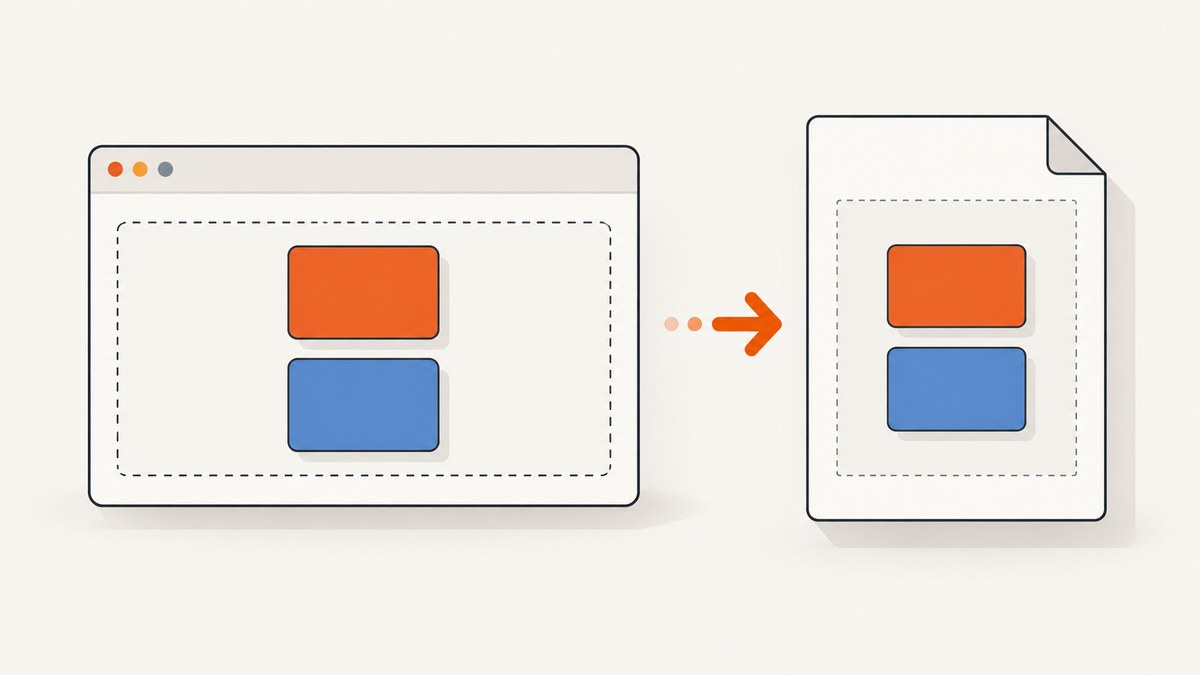
Short answer: align-items works only when the element is a flex container. Add display: flex (or inline-flex), make the intended elements direct children, and remember that align-items controls the cross axis. In a row, that is vertical; in a column, it is horizontal. The container also needs free space on that axis for most values to produce a visible difference.
wkhtmltopdf uses Qt WebKit, an old rendering engine. Reports for several builds, including 0.12.6 variants, describe flexbox properties being ignored or producing unexpected alignment. Treat that as a compatibility risk rather than a guarantee that every binary fails. Reproduce the smallest possible file with the exact wkhtmltopdf executable, operating system, and flags used by your application.
1. Understand what align-items controls
Flexbox has two axes:
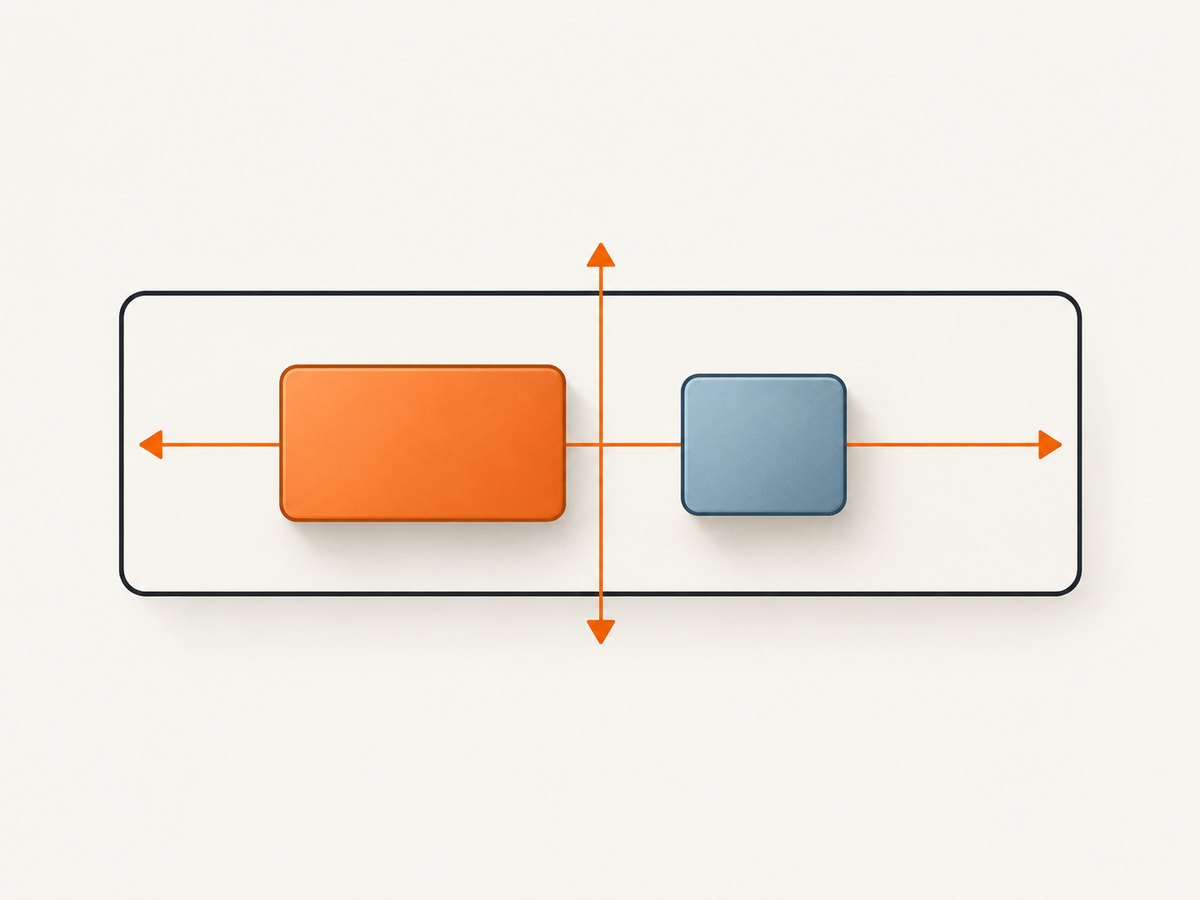
| Property | Axis | Typical effect |
|---|---|---|
flex-direction: row |
Main axis is horizontal; cross axis is vertical | align-items: center vertically centers children |
flex-direction: column |
Main axis is vertical; cross axis is horizontal | align-items: center horizontally centers children |
align-items applies to every flex item on the line. Common values are:
stretch: the initial value; auto-sized items stretch across the cross axis.flex-start: items move to the cross-start edge.flex-end: items move to the cross-end edge.center: items are centered on the cross axis.baseline: text baselines are aligned.
The formal behavior is documented by the MDN align-items reference. The property does not create a flex context, move arbitrary descendants, or center content on the main axis. Use justify-content for the main axis.
2. Start with a minimal reproducible document
Save this as align-test.html. The explicit height gives center visible space to work with, and the colored children make failures obvious.
<!doctype html>
<html>
<head>
  <meta charset='utf-8'>
  <style>
    * { box-sizing: border-box; }
    body { margin: 0; font-family: sans-serif; }
    .row {
      display: flex;
      flex-direction: row;
      align-items: center;
      height: 180px;
      padding: 20px;
      background: #eeeeee;
      border: 2px solid #333333;
    }
    .item {
      width: 120px;
      padding: 12px;
      margin-right: 12px;
      color: white;
      background: #2266aa;
    }
    .tall { height: 110px; background: #aa5522; }
  </style>
</head>
<body>
  <div class='row'>
    <div class='item'>Short</div>
    <div class='item tall'>Tall</div>
  </div>
</body>
</html>
Render it with the same binary your production job uses:
wkhtmltopdf --print-media-type align-test.html align-test.pdfIf the two blocks are not vertically centered, keep this file unchanged while investigating. A browser preview only proves that the browser supports the CSS; it does not prove that the embedded Qt WebKit build does.
3. Verify the three prerequisites
The parent must be a flex container
This does nothing:
.row {
  align-items: center;
}
Add display: flex or display: inline-flex. Check for a later rule that resets it to block.
The targets must be direct children
align-items aligns the container’s flex items. A nested element is controlled by its own parent:
<div class='row'>
  <div class='item'>
    <span class='label'>This span is not a direct flex item</span>
  </div>
</div>
Apply alignment to .row for the two direct .item elements, or create a separate flex context on .item if the span itself must be aligned.
The cross axis needs usable space
With a row whose height is exactly the height of its children, center has no distance to move. Give the parent a fixed or minimum height, padding, or a height inherited from a well-defined ancestor. For a column, give the parent a useful width instead.
4. Account for wkhtmltopdf’s rendering limits
wkhtmltopdf is built around an older Qt WebKit engine. The project’s status page notes that the WebKit in Qt 4 has not been updated since 2012 and recommends evaluating other renderers for modern requirements: wkhtmltopdf status and project guidance. Issue reports include flexbox failures in specific 0.12.6 builds, so version and distribution matter.
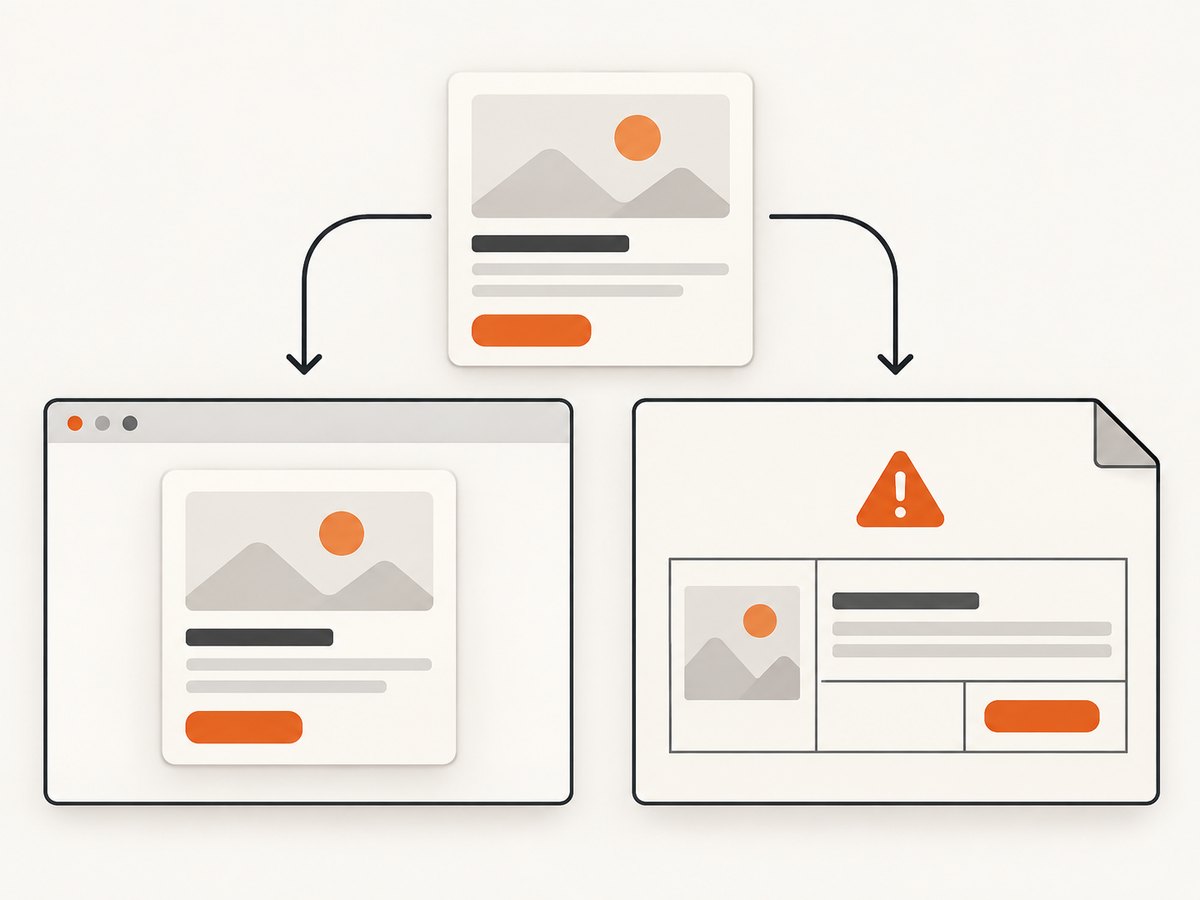
Check the exact executable before changing CSS:
wkhtmltopdf --version
which wkhtmltopdf
uname -a
Record whether your package is a patched-Qt build, an unpatched build, or a vendor wrapper. Then render the minimal file with production flags such as page size, margins, local-file access, JavaScript delay, and custom headers. Differences between command lines can look like CSS bugs.
5. Use a fallback layout when flexbox is unreliable
If the test confirms that your wkhtmltopdf build ignores flexbox, simplify the layout rather than adding more flex declarations. Fixed dimensions and table layout are often more predictable in old print engines.
Table-cell vertical alignment
<div class='legacy-row'>
  <div class='legacy-cell short'>Short</div>
  <div class='legacy-cell tall'>Tall</div>
</div>

<style>
.legacy-row {
  display: table;
  width: 100%;
  height: 180px;
  table-layout: fixed;
}
.legacy-cell {
  display: table-cell;
  vertical-align: middle;
  padding: 12px;
}
.short { background: #2266aa; color: #fff; }
.tall { background: #aa5522; color: #fff; height: 110px; }
</style>
Known-height positioning
For a single badge or icon, use a known line height or absolute positioning inside a positioned box. This is less flexible for variable text, but it avoids relying on unsupported flex behavior.
6. A repeatable debugging workflow
- Reduce the file. Keep one container and two visibly different children. Remove frameworks, floats, transforms, and generated content.
- Confirm the stylesheet is loaded. Inline the rule temporarily. If inline CSS works but an external stylesheet does not, fix the URL, file permissions, or local-file options.
- Inspect direct-child structure. Templates often insert wrappers that change which elements are flex items.
- Set the axis explicitly. Add
flex-direction, a width or height, andalign-itemsin one rule. - Render with the production command. Use the same binary, flags, fonts, working directory, and environment.
- Change one variable at a time. Test
flex-start,center, andflex-endso you can distinguish ignored CSS from insufficient space. - Capture evidence. When asking for support, include the wkhtmltopdf version, operating system and version, complete command, and a minimal HTML/CSS/JS reproduction. The project’s guidance requests this information.
7. Common failures and fixes
| Symptom | Likely cause | Fix |
|---|---|---|
| Children remain at the top | Parent is not flex, or flex is ignored | Verify display: flex; test the exact binary; use table-cell fallback if needed. |
| Only one child moves | Other content is not a direct child | Remove unexpected wrappers or apply a new flex context to the wrapper. |
center appears ineffective |
No free cross-axis space | Give the parent an explicit height (row) or width (column). |
| Browser is correct, PDF is wrong | Different rendering engines | Trust the PDF reproduction and simplify CSS for wkhtmltopdf. |
| Styles work locally but not in production | External CSS, fonts, or images cannot be loaded | Check paths, permissions, network access, and relevant local-file options. |
| Layout changes between hosts | Different wkhtmltopdf builds, fonts, DPI, or OS | Pin the binary and fonts; log version and render environment. |
| Text overlaps after fallback | Fixed heights do not fit variable content | Use min-height, allow expansion, or redesign the block for pagination. |
8. Print-specific edge cases
Pagination
A flex row that fits on screen can split awkwardly across PDF pages. Keep related items in a wrapper and try page-break-inside: avoid, while remembering that old engines may only partially honor it. For invoices and reports, fixed-height sections and explicit page breaks are easier to control.
Images and fonts
Late-loading images can change item heights after layout. Prefer explicit image dimensions and locally available fonts. If JavaScript changes the DOM, set an appropriate delay and verify that the final HTML is actually present before conversion.
Writing direction
In right-to-left documents, logical start and end can differ from physical left and right. Test both dir='ltr' and dir='rtl' if your templates are localized.
Untrusted input
The wkhtmltopdf project warns against converting untrusted HTML or JavaScript without sanitization. If users submit markup, isolate the conversion process, restrict network access where practical, sanitize HTML and CSS, and reject scripts you do not need.
9. Performance and reliability practices
- Reuse a pinned wkhtmltopdf image or runtime so every worker has the same renderer.
- Keep CSS small for PDF-only templates; remove unused frameworks and expensive effects.
- Set conversion timeouts and log the input identifier, command options, exit code, and stderr.
- Retry only transient failures. A deterministic CSS incompatibility will not be fixed by retrying.
- Compare generated PDFs in CI using representative pages, long text, missing images, and both short and tall flex items.
- Measure memory when converting many pages concurrently; browser-based converters can consume substantial memory per process.
10. When to evaluate another renderer
If your document requires modern flexbox, grid, complex JavaScript, or precise pagination, compare a renderer against those requirements instead of assuming a universal winner. The wkhtmltopdf status guidance names WeasyPrint and Prince for controlled HTML reports, and Puppeteer or a wrapper for pages that depend on dynamic JavaScript. Evaluate CSS coverage, page-break behavior, JavaScript timing, deployment requirements, maintenance, and licensing or commercial cost.
Or skip the browser setup
If your goal is a dependable screenshot or PDF of a URL rather than maintaining a wkhtmltopdf runtime, ScreenshotNeo provides a single HTTP endpoint. Its renderer can capture full pages, wait for selectors or network idle, apply custom CSS and JavaScript, choose device and viewport settings, and return PNG, JPEG, WebP, or PDF. See the ScreenshotNeo API documentation for all options.
curl -G 'https://api.screenshotneo.com/v1/shot' \
  -d access_key=YOUR_API_KEY \
  --data-urlencode url=https://stripe.com \
  -o shot.webp
import requests
r = requests.get(
'https://api.screenshotneo.com/v1/shot',
params={'access_key': 'YOUR_API_KEY', 'url': 'https://stripe.com'},
timeout=90,
)
open('shot.webp', 'wb').write(r.content)const q = new URLSearchParams({
access_key: 'YOUR_API_KEY',
url: 'https://stripe.com'
});
const res = await fetch(`https://api.screenshotneo.com/v1/shot?${q}`);Cookie banners, newsletter popups and chat widgets are removed before the shot. Bot checks, blank pages, failed loads, timeouts and cache hits are not billed, and response headers identify the page verdict and billing result. An MCP server provides take_screenshot, get_page_info and capture_pdf tools for Claude, Cursor and other MCP clients. The free plan includes 1,000 screenshots per month with no card; paid plans start at $5 for 3,000 shots.
Create a free ScreenshotNeo account and try the endpoint with your own URL.
FAQ
Does align-items center horizontally center a row?
No. In the default row direction it centers items vertically. Use justify-content: center for horizontal centering.
Can I fix ignored flexbox with a vendor prefix?
A prefix cannot add a complete flex implementation to an old WebKit build. Test the exact binary and use a simpler layout when required.
Why does adding height change the result?
Alignment needs free space on the cross axis. Without extra height in a row, there is no visible distance for center to distribute.
Should I switch immediately from wkhtmltopdf?
Switch when your required CSS, JavaScript, pagination, security model, or maintenance constraints exceed what your tested build can provide. Otherwise, pin the build and keep a regression fixture.


