Allure Failure Screenshots: Capture and Attach Images in Every Test Framework
Learn how to capture screenshots on test failure and attach them to Allure reports with Pytest, Playwright, Selenium, Java, and Selenide.
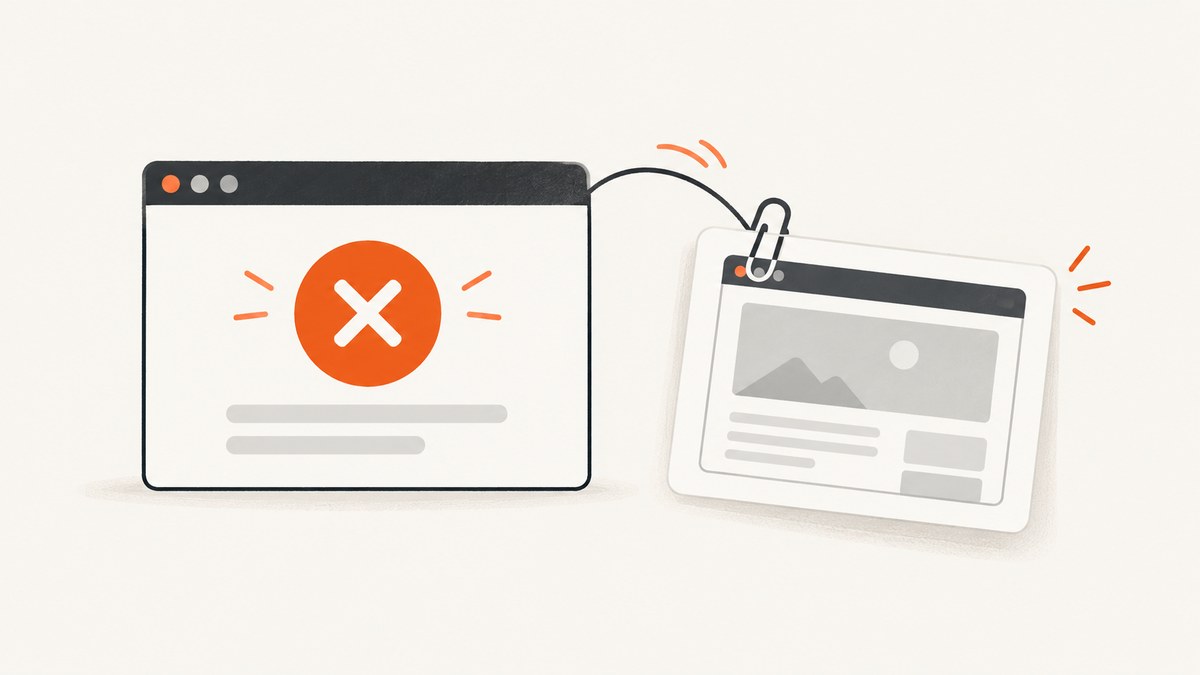
Direct answer: capture the browser image at the moment the test fails, then attach the resulting PNG bytes or file to the Allure test result, step, or fixture. Capture and attachment are separate operations in several integrations, so the exact code depends on your test framework and Allure adapter.
Allure displays an attachment preview for supported media types and provides a download link. A screenshot shows visual state; traces, logs, page source, and video may be needed to explain timing, network, or interaction problems.
What the workflow looks like
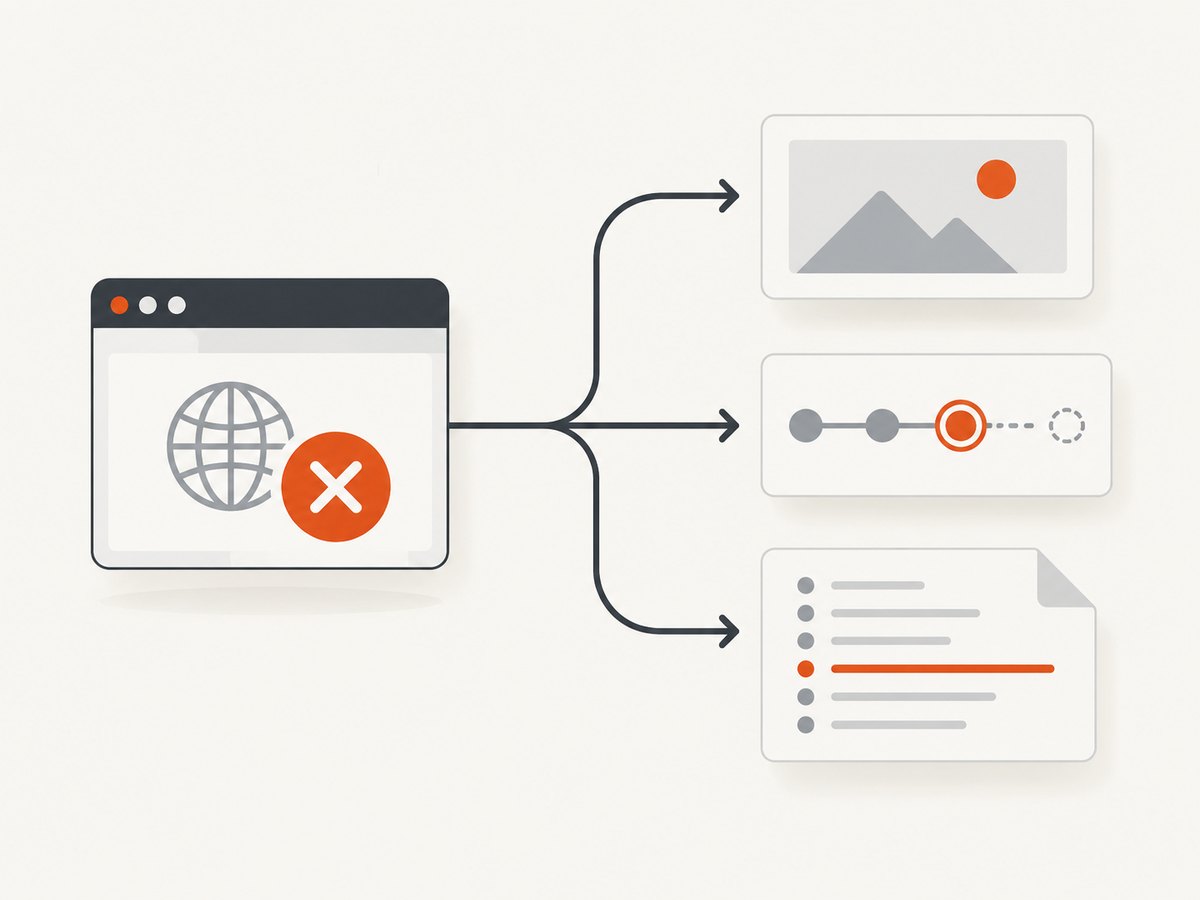
- Run the test with a browser page or driver available.
- Detect the failure in the framework’s hook, teardown, listener, or built-in failure option.
- Capture a screenshot as bytes or save it as a PNG.
- Attach it to the current Allure result, step, or fixture.
- Generate the report and inspect the attachment beside the failure.
Keep the capture close to the failure. A later teardown action can navigate away, close the page, or change the DOM before the image is taken.
Pytest and Selenium
Attach a saved file
import allure
from allure_commons.types import AttachmentType

def test_checkout(driver):
    driver.get("https://example.test/checkout")
    # test actions and assertions here
    driver.save_screenshot("checkout.png")
    allure.attach.file(
        "checkout.png",
        name="checkout screenshot",
        attachment_type=AttachmentType.PNG,
    )
Attach screenshot bytes immediately
import allure
from allure_commons.types import AttachmentType

def test_checkout(driver):
    driver.get("https://example.test/checkout")
    try:
        assert driver.find_element("css selector", "[data-test=total]").text == "$42.00"
    except Exception:
        allure.attach(
            driver.get_screenshot_as_png(),
            name="failure screenshot",
            attachment_type=AttachmentType.PNG,
        )
        raise
The Allure Pytest/Selenium guidance recommends bytes when you attach a screenshot just taken. Reading a file immediately after writing can produce an empty attachment on some systems because the file may not yet be available through the operating system cache.
Automatic capture from the pytest-selenium debug hook
import base64
import allure
from allure_commons.types import AttachmentType

def pytest_selenium_capture_debug(item, extra):
    for entry in extra:
        if entry.get("name") == "Screenshot":
            image = base64.b64decode(entry["content"])
            allure.attach(
                image,
                name="selenium failure screenshot",
                attachment_type=AttachmentType.PNG,
            )
The hook expects the Selenium plugin’s debug entry named Screenshot. Confirm the plugin and runner actually provide that entry before relying on it.
Pytest and Playwright
Capture only on failure
Run Pytest Playwright with:
pytest --screenshot only-on-failureThis saves a PNG after a failed test. Attach the saved file from teardown:
import allure
from pathlib import Path
from allure_commons.types import AttachmentType

def test_login(page):
    page.goto("https://example.test/login")
    assert page.locator("h1").inner_text() == "Dashboard"

def pytest_runtest_teardown(item, nextitem):
    # Adapt this path lookup to the artifact path exposed by your Playwright setup.
    image = Path("test-results") / item.name / "test-failed-1.png"
    if image.exists():
        allure.attach.file(
            str(image),
            name="Playwright failure screenshot",
            attachment_type=AttachmentType.PNG,
        )
Attach bytes in a fixture
import allure
import pytest
from allure_commons.types import AttachmentType

@pytest.fixture
def page_with_failure_capture(page):
    yield page
    # Use this fixture only when the test has failed in your own failure hook.
    # The direct byte operation is:
    # allure.attach(page.screenshot(), name="failure", attachment_type=AttachmentType.PNG)
Playwright’s capture-to-disk option and Allure inclusion are distinct. The Pytest Playwright integration recreates its test-results directory on each run, so copy artifacts elsewhere if your retention policy needs them after the run.
Allure Playwright for Java
Set the failure screenshot property:
allure.playwright.failure.screenshot=trueThe documented default is true. The adapter captures each registered page when a test fails or is marked broken. At least one page must be registered, either explicitly or through the documented factory mechanism when AspectJ weaving is enabled.
Failure page-source capture is controlled independently:
allure.playwright.failure.page-source=trueIf no screenshot appears, check page registration first, then verify that the property is present in the configuration used by the test process.
JavaScript Playwright and traces
Use Allure’s attachment functions when you already have a screenshot buffer or file:
import { test, expect } from '@playwright/test';
import * as allure from 'allure-js-commons';

test('checkout', async ({ page }) => {
  await page.goto('https://example.test/checkout');
  try {
    await expect(page.locator('[data-test=total]')).toHaveText('$42.00');
  } catch (error) {
    const image = await page.screenshot();
    await allure.attachment('failure screenshot', image, 'image/png');
    throw error;
  }
});
For a saved image, use allure.attachmentPath(). Playwright tracing is complementary: with tracing enabled, Allure can attach a trace for Playwright Trace Viewer. on-first-retry and retain-on-failure reduce stored traces compared with recording every test. A trace can include DOM snapshots, network activity, console logs, and actions, so it explains interactions that a still image cannot.
Selenide with JUnit 5
import com.codeborne.selenide.logevents.SelenideLogger;
import io.qameta.allure.selenide.AllureSelenide;
import org.junit.jupiter.api.BeforeAll;

class UiTest {
    @BeforeAll
    static void configureAllure() {
        SelenideLogger.addListener("Allure", new AllureSelenide().screenshots(true));
    }
}
This listener makes Selenide attach its default failure screenshots. It is Selenide-specific; do not copy this setup into plain Selenium and expect the same behavior.
For manual attachment, return screenshot bytes from an Allure @Attachment method or call Allure.attachment.
Where to attach the image
| Location | Use it when |
|---|---|
| Test result | The image explains the overall failure. |
| Step | The screenshot belongs to one interaction or assertion. |
| Fixture or teardown | The capture is produced by shared failure handling. |
Use a stable, descriptive name such as login-failure-viewport. If you capture several states, include the step name or browser context so the report remains searchable.
Common errors and fixes
| Symptom | Likely cause | Fix |
|---|---|---|
| No attachment appears | The capture hook never ran, or the adapter is not configured. | Force one manual allure.attach call, confirm the test is failing after the hook is registered, and check the generated result files. |
| Attachment is empty | A file was read before the write was visible. | Attach get_screenshot_as_png() or page.screenshot() bytes directly. |
| Pytest Playwright image disappears | The test-results directory was recreated. | Attach during teardown or copy the PNG to retained storage before the next run. |
| Java Playwright captures nothing | No page is registered. | Register the page explicitly or configure the documented factory and AspectJ mechanism. |
| Selenide listener has no effect | The test is not running through Selenide. | Use the framework’s native Selenium or Playwright hook instead. |
| Screenshot shows the wrong state | Capture happened after navigation, cleanup, or an extra retry. | Capture in the failure path before teardown mutates the page. |
| Report generation fails | Attachment type, path, or result directory is invalid. | Use PNG content type, verify the file exists, and generate the report from the same results directory. |
Reliability, performance, and retention
- Capture only on failure unless intermediate visual checkpoints are required; every screenshot adds encoding, storage, and report size.
- Prefer bytes for a just-captured image and files when an existing artifact already has a controlled retention path.
- Capture the viewport that matters. Full-page images can be large and may hide the failing control at report preview scale.
- Keep screenshots alongside logs, traces, and page source when diagnosing intermittent failures; each artifact answers a different question.
- Mask or avoid sensitive data before publishing reports. A screenshot can contain anything visible in the browser, including account information and tokens rendered by the application.
- Set an artifact retention policy. Playwright test-result directories may be recreated, and Allure results can grow quickly when every step has an image.
Or skip the browser setup
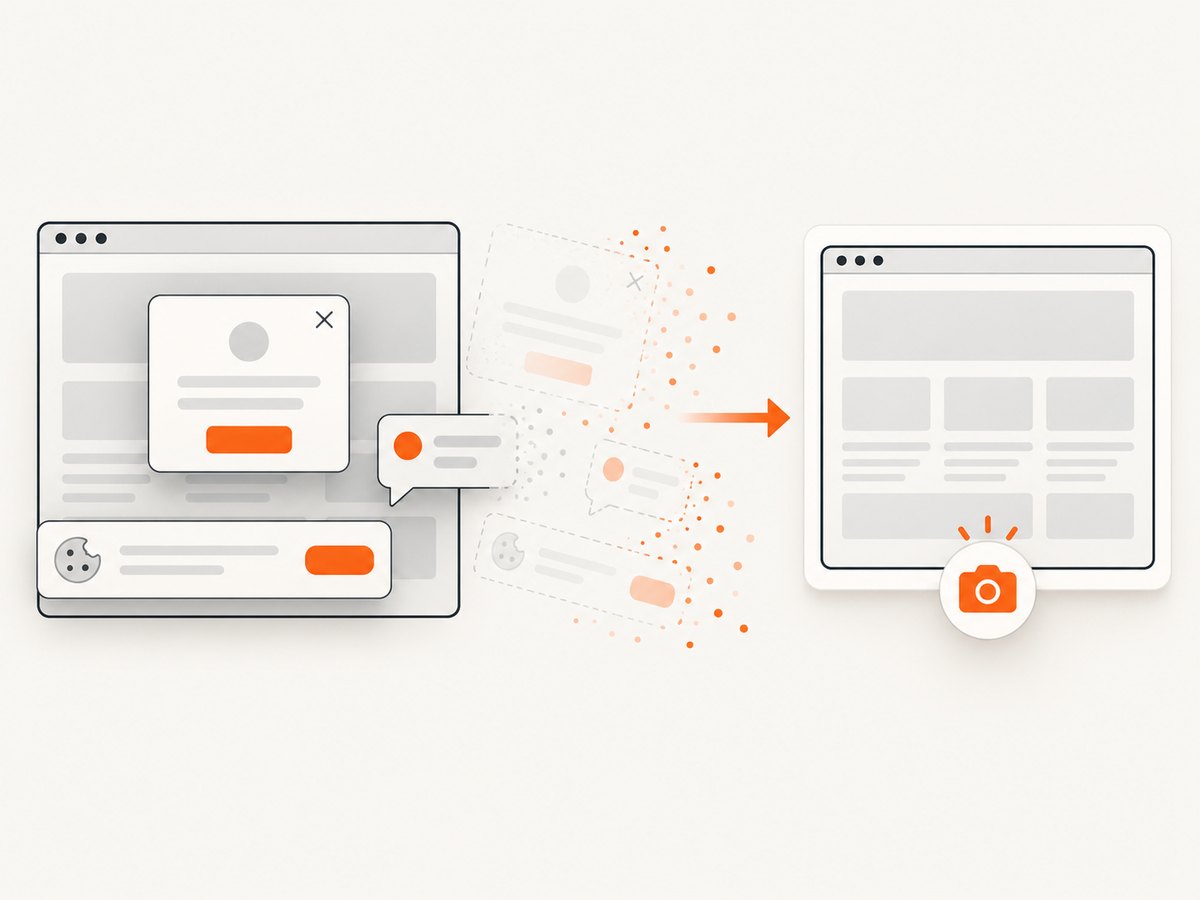
If you need a clean screenshot for a failing URL outside the test runner, ScreenshotNeo provides a single HTTP request. Its consent step accepts cookie banners and removes more than 60 known consent platforms, newsletter popups, and chat widgets before capture; each step can be disabled. Bot checks, blank pages, timeouts, failed loads, and cache hits are not billed, and the response identifies the result with X-Page-Verdict and X-Billed headers.
See the ScreenshotNeo API documentation for all options.
cURL
curl -G "https://api.screenshotneo.com/v1/shot" -d access_key=YOUR_API_KEY --data-urlencode url=https://stripe.com -o shot.webpPython
import requests
r = requests.get("https://api.screenshotneo.com/v1/shot", params={"access_key": "YOUR_API_KEY", "url": "https://stripe.com"}, timeout=90)
open("shot.webp", "wb").write(r.content)
Node.js
const q = new URLSearchParams({ access_key: 'YOUR_API_KEY', url: 'https://stripe.com' });
const res = await fetch(`https://api.screenshotneo.com/v1/shot?${q}`);
The API also supports full-page capture, element selectors, device presets, custom headers and cookies, waits, request blocking, JavaScript, PDFs, caching, async jobs, bulk capture, signed links, and usage reporting. Its MCP server exposes take_screenshot, get_page_info, and capture_pdf for Claude, Cursor, and other MCP clients.
There are 1,000 free screenshots each month with no card. Paid plans start at $5 for 3,000 screenshots. Create a free ScreenshotNeo account.
FAQ
Does Allure take screenshots automatically for every framework?
No. Automatic behavior is integration-specific. Allure Playwright Java documents failure capture for registered pages, while Pytest integrations commonly require a capture option or hook.
Should I attach bytes or a filename?
Use bytes when the screenshot was just captured. Use a filename when the artifact already exists and its path is stable.
Can a screenshot replace a Playwright trace?
No. A screenshot is a single visual state. A trace can include DOM snapshots, network activity, console logs, and actions.
Can I attach screenshots to a step instead of the whole test?
Yes, when the adapter exposes the current step or fixture context. Choose the narrowest context that explains the failure.
Why is my screenshot sensitive?
It records visible browser content. Review masking, test data, report access, and retention before sharing Allure results.


