How to Call a TypeScript Function from HTML in Angular 2 for html2canvas
Call a TypeScript method from Angular 2 HTML, capture an element with html2canvas, fix CORS and rendering issues, and explore a hosted API option.
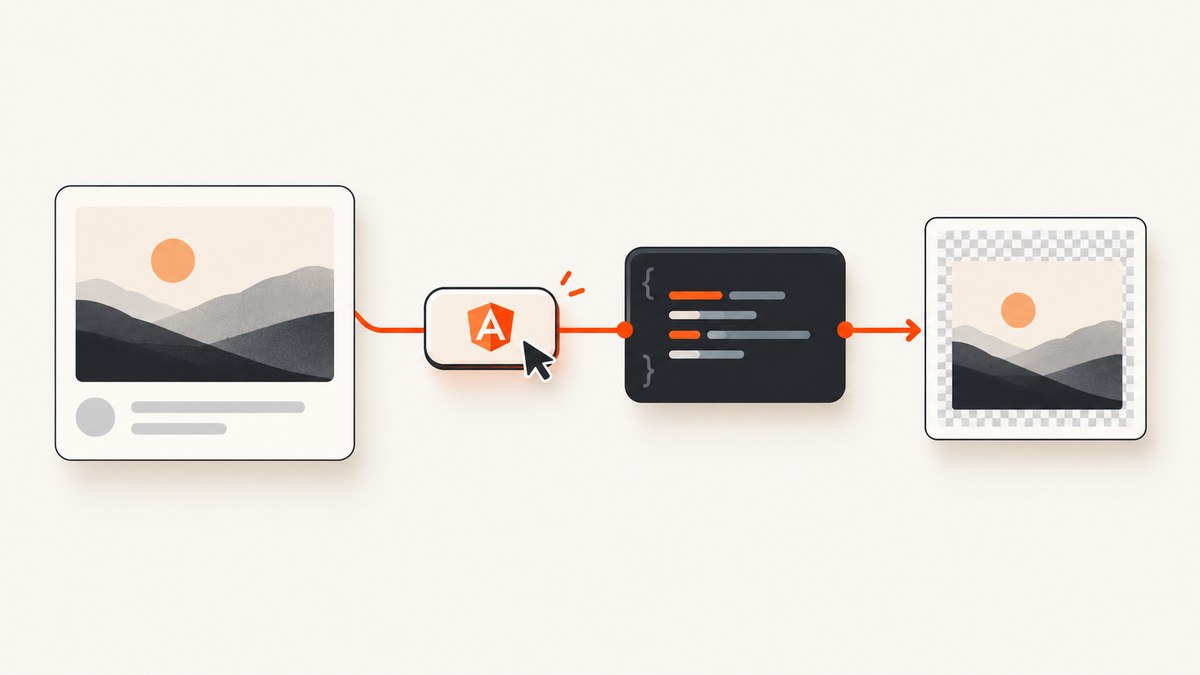
Angular 2 calls a TypeScript method from a template through event binding. Put (click)="capture()" on the button, define capture() on the component, and use a template reference plus @ViewChild to give html2canvas the element to render. The method is asynchronous because html2canvas() returns a Promise for a canvas.
This guide builds a working receipt capture, explains Angular’s binding context, covers html2canvas options and browser limits, and shows a hosted API alternative when you do not want browser capture.
1. Create the Angular project and install html2canvas
npm install @html2canvas/html2canvasThe package is browser-only. html2canvas reads the rendered DOM and paints an approximation into a canvas; it does not take an operating-system screenshot. Use it after Angular has rendered the content you want.
2. Bind the HTML button to a TypeScript method
Angular template statements run against the component instance. Therefore (click)="capture()" resolves to a method named capture on that component. You can pass the browser event as (click)="capture($event)", but a method that receives only the values it needs is easier to test.
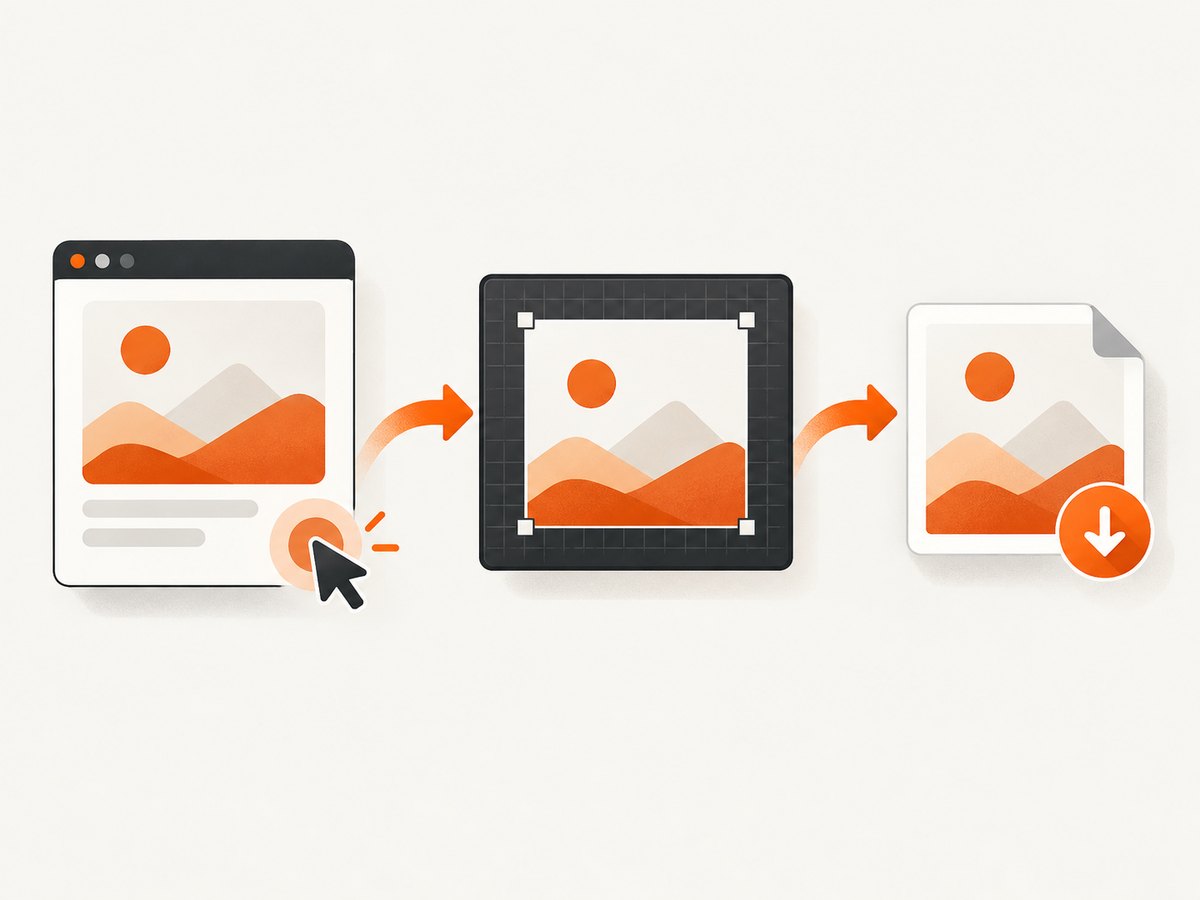
<div #captureTarget class="receipt"> <h1>Order #1042</h1> <p>Two developer licenses</p> <strong>$120.00</strong> </div> <button type="button" (click)="capture()" [disabled]="capturing"> {{ capturing ? 'Preparing image…' : 'Save image' }} </button> <p *ngIf="error" role="alert">{{ error }}</p>#captureTarget is a template reference variable. It points at the actual element, not a selector string. The button’s event binding is the complete bridge from HTML to TypeScript; no manual addEventListener is needed. Angular’s event-listener guide documents this component-method behavior.
3. Capture the element in TypeScript
import { Component, ElementRef, ViewChild } from '@angular/core'; import html2canvas from '@html2canvas/html2canvas'; @Component({ selector: 'app-receipt', templateUrl: './receipt.component.html' }) export class ReceiptComponent { @ViewChild('captureTarget') captureTarget!: ElementRef<HTMLElement>; capturing = false; error = ''; async capture(): Promise<void> { this.capturing = true; this.error = ''; try { const canvas = await html2canvas(this.captureTarget.nativeElement, { backgroundColor: '#ffffff', useCORS: true, scale: window.devicePixelRatio, logging: false }); const link = document.createElement('a'); link.download = 'receipt.png'; link.href = canvas.toDataURL('image/png'); link.click(); } catch (err) { console.error(err); this.error = 'The image could not be created. Check image permissions and try again.'; } finally { this.capturing = false; } } }The non-null assertion is appropriate when the method can run only after the view exists. If the element is created conditionally with *ngIf, keep the reference nullable and check it before calling html2canvas. ngAfterViewInit is the earliest lifecycle point at which a ViewChild element is available, but a click handler naturally runs later.
4. Download JPEG or WebP, or return the canvas
const mime = 'image/jpeg'; const quality = 0.9; const link = document.createElement('a'); link.download = 'receipt.jpg'; link.href = canvas.toDataURL(mime, quality); link.click();PNG is lossless and preserves transparency. JPEG is smaller for photographic content but has no alpha channel. WebP can be requested with image/webp when the target browser supports it. For large images, canvas.toBlob() avoids creating a large base64 string:
canvas.toBlob(blob => { if (!blob) throw new Error('Canvas encoding failed'); const url = URL.createObjectURL(blob); const link = document.createElement('a'); link.download = 'receipt.webp'; link.href = url; link.click(); URL.revokeObjectURL(url); }, 'image/webp', 0.9);5. html2canvas options that matter
| Option | Use | Trade-off |
|---|---|---|
backgroundColor |
Set a solid background, or null for transparency. |
Transparent output needs PNG or WebP. |
scale |
Control output pixels; window.devicePixelRatio is a crisp default. |
Higher values consume more memory and take longer. |
useCORS |
Request cross-origin images with CORS enabled. | The image server must send a compatible header. |
allowTaint |
Allow images that taint the canvas. | A tainted canvas cannot be exported; leave this false for downloads. |
foreignObjectRendering |
Try the browser’s SVG foreignObject path for complex CSS. | Support varies by browser and CSS. |
windowWidth, windowHeight |
Set the virtual viewport used while cloning. | Responsive layouts can change. |
x, y, width, height |
Crop the rendered region. | Coordinates must match the intended viewport. |
ignoreElements |
Skip buttons, cursors, or private controls. | Ignored nodes are absent. |
onclone |
Modify the cloned document before painting. | Changes affect only the capture. |
const canvas = await html2canvas(target, { backgroundColor: null, scale: 2, useCORS: true, ignoreElements: element => element.classList.contains('no-export'), onclone: clonedDoc => { clonedDoc.querySelectorAll('.cursor').forEach(node => node.remove()); } });6. Wait for fonts, images, and Angular state
Clicking immediately after a route change can capture a partially rendered view. Disable the button while a capture is running, and wait for fonts and images when content is dynamic.
private async waitForAssets(root: HTMLElement): Promise<void> { if (document.fonts?.ready) await document.fonts.ready; const images = Array.from(root.querySelectorAll('img')); await Promise.all(images.map(img => img.complete ? Promise.resolve() : new Promise<void>(resolve => { img.addEventListener('load', () => resolve(), { once: true }); img.addEventListener('error', () => resolve(), { once: true }); }))); }For content revealed by a signal, observable, or *ngIf, update state first and let change detection render it. A short delay can help with a CSS transition, but waiting on a concrete condition is more reliable.
7. Cross-origin images and CSS limitations
html2canvas cannot read pixels from an image that the browser refuses to share. A CDN image without CORS headers can taint the canvas, causing a security error during export or making the image disappear. Host assets on the same origin, configure the asset server’s CORS policy, or use a server-side proxy you control. useCORS: true only asks the browser to make a CORS request; it cannot grant permission.
The library reconstructs supported DOM and CSS rather than taking a pixel screenshot. Filters, blend modes, video frames, plugins, cross-origin fonts, and some advanced layout effects may differ. Replace animations with a stable class in onclone, hide caret and hover styles, and test the browsers you support. See the html2canvas documentation for its browser and proxy constraints.
8. Full-page and high-resolution captures
const width = document.documentElement.scrollWidth; const height = document.documentElement.scrollHeight; const canvas = await html2canvas(document.body, { width, height, windowWidth: width, windowHeight: height, scrollX: 0, scrollY: 0, scale: 1 });Very large canvases can exceed browser texture or memory limits. Capture a smaller element, lower scale, or split the page into sections and stitch the resulting blobs on a server. A retina scale of two quadruples the pixel count, so use it only when output size requires it.
9. Common errors and fixes
| Symptom | Likely cause | Fix |
|---|---|---|
captureTarget is undefined |
The view is not ready or the reference name differs. | Match #captureTarget, call after view initialization, and guard nullable references. |
| Button does nothing | The method is not on the component or the wrong template is loaded. | Define capture() as a component method and inspect template errors. |
| SecurityError on export | A cross-origin image tainted the canvas. | Enable CORS on the image host, use same-origin assets, or remove the image. |
| Images are blank | Capture starts before loading, lazy loading is active, or CORS blocks them. | Wait for completion, load lazy content, and configure CORS. |
| Fonts look wrong | Web fonts have not loaded or are cross-origin. | Await document.fonts.ready and serve fonts with CORS. |
| Output is blurry | Scale is one on a high-density display. | Set scale: window.devicePixelRatio within memory limits. |
| Page is clipped | The target’s scrollable dimensions exceed its client box. | Use full-page dimensions or capture the scroll container separately. |
| Angular expression error | The template uses a TypeScript-only expression or wrong argument. | Keep statements simple and pass values or $event explicitly. |
10. Performance and reliability checklist
- Capture the smallest required element.
- Use
scale: 1for thumbnails and increase it only for downloads. - Set a busy flag to prevent duplicate captures and revoke object URLs.
- Wait for fonts and images instead of relying on arbitrary delays.
- Remove animations, blinking carets, and transient notifications in
onclone. - Handle rejected Promises and show a retry path.
- Do not put secrets in client-side code; any upload endpoint needs proper authentication.
11. Or skip the browser setup
If you need a URL screenshot rather than a local Angular component, ScreenshotNeo returns an image or PDF with one request. See the API documentation for all options.
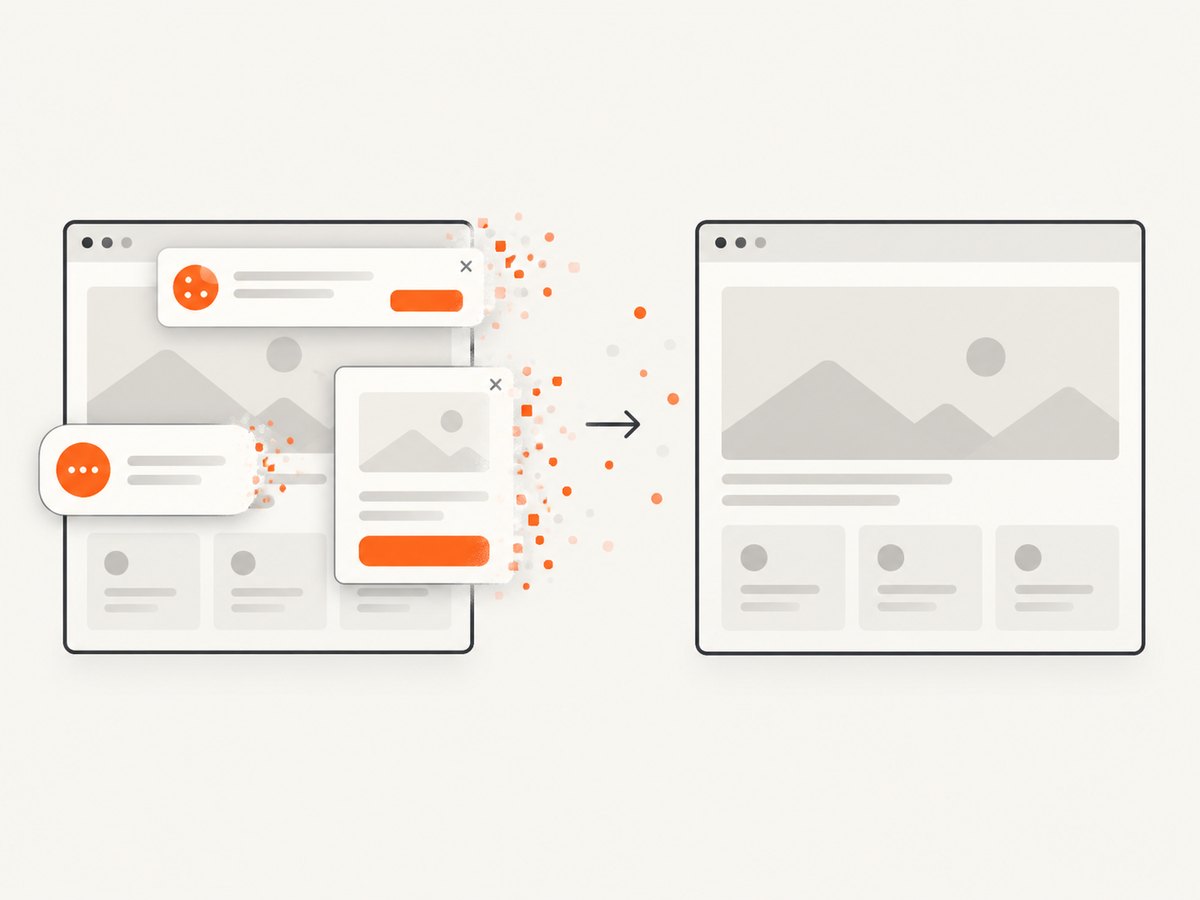
curl -G "https://api.screenshotneo.com/v1/shot" -d access_key=YOUR_API_KEY --data-urlencode url=https://stripe.com -o shot.webpimport requests; r = requests.get("https://api.screenshotneo.com/v1/shot", params={"access_key": "YOUR_API_KEY", "url": "https://stripe.com"}, timeout=90); open("shot.webp", "wb").write(r.content)const q = new URLSearchParams({ access_key: 'YOUR_API_KEY', url: 'https://stripe.com' }); const res = await fetch(`https://api.screenshotneo.com/v1/shot?${q}`);Cookie banners, newsletter popups, and chat widgets are removed before the shot. Bot checks, blank pages, failed loads, timeouts, and cache hits are not billed, and response headers identify the page verdict and billing status. An MCP server gives Claude, Cursor, and other MCP clients take_screenshot, get_page_info, and capture_pdf tools. You get 1,000 screenshots a month free with no card; paid plans start at $5 for 3,000 shots. Create a free ScreenshotNeo account.
12. FAQ
Can I call a component method with a normal HTML onclick?
Use Angular’s (click) binding. A native onclick handler does not automatically have the component instance as its context.
Does html2canvas work in Node.js?
No. It runs in a browser because it needs DOM, CSS, fonts, and canvas APIs. Use browser automation or ScreenshotNeo for server-side URL capture.
Can I capture an element selected by CSS?
Resolve it with querySelector or a template reference, then pass the resulting element to html2canvas. A template reference is safer when the element belongs to the component.
Why does a screenshot differ from what I see?
The clone may have a different viewport, unloaded assets, animations, or unsupported CSS. Freeze state, await assets, set dimensions explicitly, and test supported browsers.