How to Fix Angular 6 html2canvas Image Downloads and jsPDF Paper Size Issues
Give html2canvas downloads a real PNG filename, set jsPDF pages to match your card, and troubleshoot missing images, blank captures, and sizing problems.
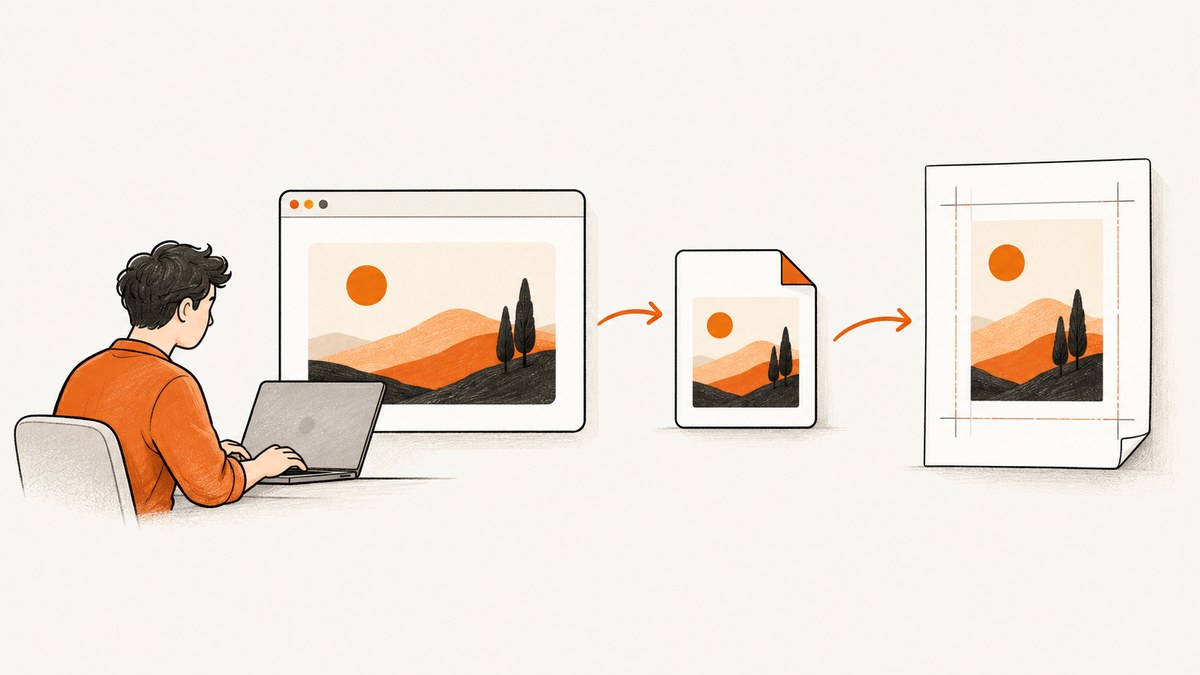
If an Angular 6 export opens image data instead of downloading a named file, give the download an explicit filename with an anchor element. If the PDF stays A4, change the page format passed to jsPDF: the image width and height control placement inside the page, not the page size. For images missing from the canvas, check cross-origin permissions; html2canvas cannot bypass browser security.
The original example combines two independent choices: it navigates to a data URL after changing its MIME type, and it constructs jsPDF with an explicit A4 format. Fix each at its source. This guide covers the download pattern, physical PDF dimensions, image fitting, CORS, and common capture failures.
1. Check the Angular project’s package versions
The reported issue dates from 2018 and identifies Angular 6, but does not identify the exact html2canvas or jsPDF versions. Before copying import statements or constructor syntax, inspect package.json and package-lock.json (or the lockfile used by your project). Use documentation and release notes for those installed versions. Current documentation examples are useful for understanding the APIs, but do not prove that every current signature works with every historical release.
The fixes below separate the browser download mechanism from the PDF page geometry. Keep the existing Angular component and service structure; the examples show the essential code to place in the relevant component method. In Angular, obtain a reference to the card element you want to render, then pass its native DOM element to html2canvas.
2. Download the canvas with a .png filename
A data URL contains encoded image data. It does not, by itself, specify a useful filename for a normal download. Navigating the current tab to that URL with window.location.href is not the download pattern shown in the html2canvas documentation, and changing the data URL MIME type to image/octet-stream does not add a filename.
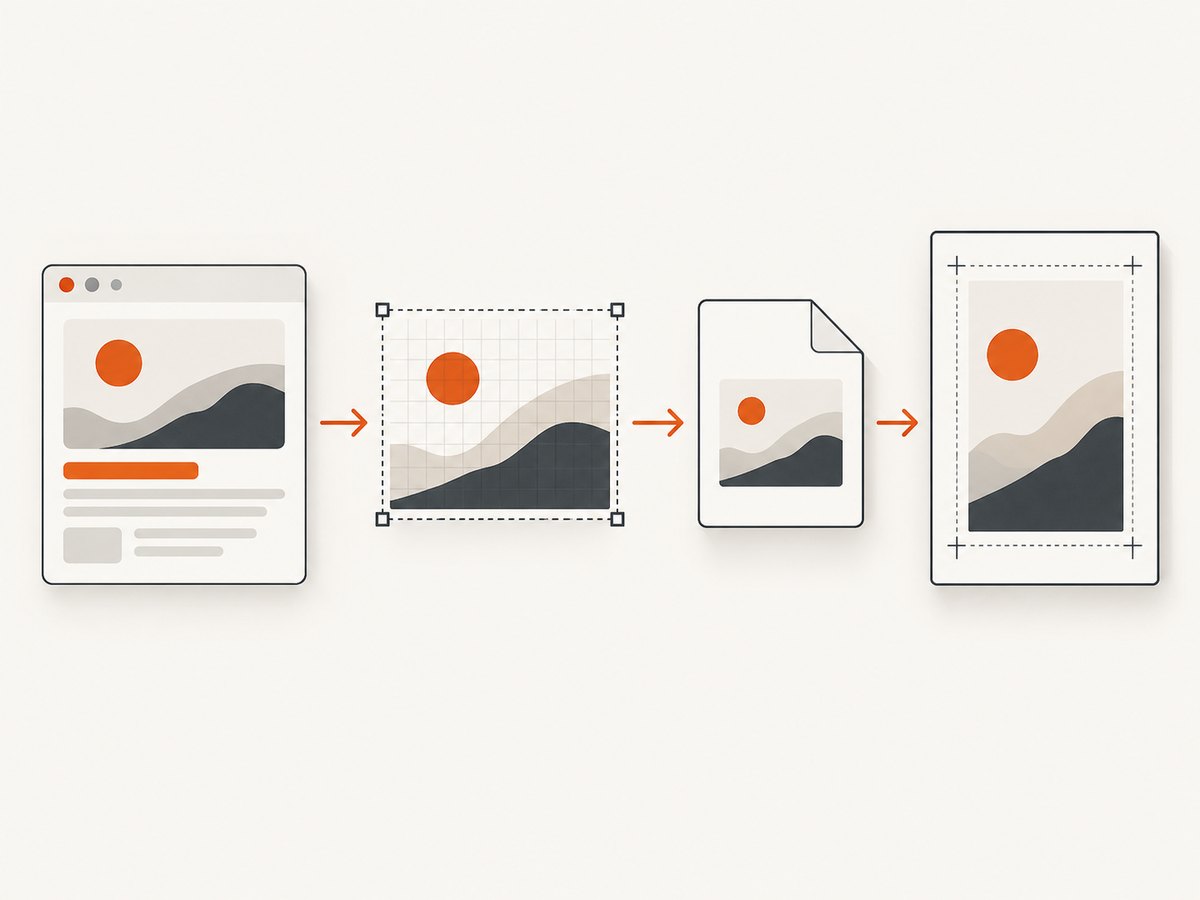
Use a temporary anchor, set its download property, and click it:
html2canvas(element).then(canvas => {
  const link = document.createElement('a');
  link.download = 'card.png';
  link.href = canvas.toDataURL('image/png');
  link.click();
});
This tells the browser both what the image data is and what filename to suggest. The extension should match the MIME type used to encode the canvas. For JPEG, use canvas.toDataURL('image/jpeg', quality) and a name such as card.jpg. The optional quality value applies to lossy JPEG encoding; PNG is lossless and does not use that quality argument.
Angular component example
This example uses a template reference variable and @ViewChild. The precise decorator syntax can depend on the Angular version and project setup; in Angular 6, use the API form supported by the installed Angular packages.
// component.ts
import { ElementRef, ViewChild } from '@angular/core';
import html2canvas from 'html2canvas';

export class CardComponent {
  @ViewChild('card') card!: ElementRef;

  downloadPng(): void {
    html2canvas(this.card.nativeElement).then(canvas => {
      const link = document.createElement('a');
      link.download = 'card.png';
      link.href = canvas.toDataURL('image/png');
      link.click();
    }).catch(error => {
      console.error('Could not render the card:', error);
    });
  }
}
<mat-card #card>
<!-- Card content -->
</mat-card>
<button type="button" (click)="downloadPng()">Download PNG</button>If your installed html2canvas version is exposed as a namespace or through a different import path, adjust the import to match that package version. The rendering and anchor logic is the part that addresses the filename.
Download details and browser constraints
- Choose a real extension: use
.pngforimage/png, or.jpgforimage/jpeg. Do not rename PNG bytes to.jpg. - Wait until rendering finishes: create the link only after html2canvas resolves. A rejected promise should be reported so the UI does not appear to do nothing.
- Trigger from a user action: call the method from a button click. Browser download handling can vary with security context and browser policy; the documented anchor pattern is the appropriate baseline, not a guarantee of identical behavior in every environment.
- Large canvases use memory: generating a data URL creates a large encoded string. For unusually large output, consider a blob-based download pattern if supported by your browser targets and library setup.
3. Make the PDF page match the card
The source example constructs jsPDF with new jspdf('p', 'mm', 'a4'). That explicitly requests portrait A4 paper. Setting imgWidth = 208 and deriving a proportional image height controls the image rectangle placed on that page; it does not resize the page.
First decide the desired physical page width and height. jsPDF custom formats use the order [width, height] in the unit selected for the document. For example, this creates a page 180 mm wide by 100 mm high:
const pdf = new jsPDF({
  orientation: 'landscape',
  unit: 'mm',
  format: [180, 100]
});
The options-object form is shown in current jsPDF documentation. Check your installed version before adopting it in an Angular 6 application; older releases may use a different constructor signature. The key requirement is to pass the intended custom format rather than 'a4'.
Fit the rendered card without distortion
Canvas dimensions are in pixels; PDF dimensions are in the unit configured for jsPDF. They are different measurement systems. You choose the physical output size by choosing the page dimensions and image placement. Preserve the canvas aspect ratio by computing one displayed dimension from the other:
const canvas = await html2canvas(element);
const image = canvas.toDataURL('image/png');

const pageWidth = 180;  // mm: choose the physical size you need
const pageHeight = 100; // mm: choose the physical size you need
const pdf = new jsPDF({
  orientation: 'landscape',
  unit: 'mm',
  format: [pageWidth, pageHeight]
});

const ratio = canvas.width / canvas.height;
const margin = 5;
const availableWidth = pageWidth - 2 * margin;
const availableHeight = pageHeight - 2 * margin;
let drawWidth = availableWidth;
let drawHeight = drawWidth / ratio;

if (drawHeight > availableHeight) {
  drawHeight = availableHeight;
  drawWidth = drawHeight * ratio;
}

const x = (pageWidth - drawWidth) / 2;
const y = (pageHeight - drawHeight) / 2;
pdf.addImage(image, 'PNG', x, y, drawWidth, drawHeight);
pdf.save('card.pdf');
This uses a 5 mm margin and centers the card. Replace the example page dimensions with the physical size you want. If the card and page have different aspect ratios, fitting the complete card leaves whitespace on two sides. Filling the page instead requires cropping or stretching; stretching changes proportions and can make text and shapes look wrong.
How to choose a physical size
If the PDF is meant for printing, pick the intended paper dimensions in millimeters or inches and fit the image within them. If the page should be card-sized, measure or define that card-sized physical page directly. CSS pixel dimensions alone do not establish a universal print size: the PDF unit and the chosen conversion scale determine how large the image appears on paper. Keep that scale explicit in your code and requirements.
Do not treat the original 208 mm image width as a standard card dimension. It is simply the width selected by that example. Likewise, changing page format without adjusting image placement can result in clipping, excess whitespace, or a small image. Calculate the available rectangle from the page dimensions and margins, then fit the captured canvas within it.
4. Handle cross-origin images and missing content
html2canvas rebuilds a representation of the page from DOM and style information; it does not capture the browser’s final pixels as a literal screenshot. Its documentation explains that cross-origin images are governed by browser security. If drawing an image would taint the canvas, html2canvas skips it by default. The project FAQ states: “html2canvas cannot circumvent content policy restrictions set by your browser.”
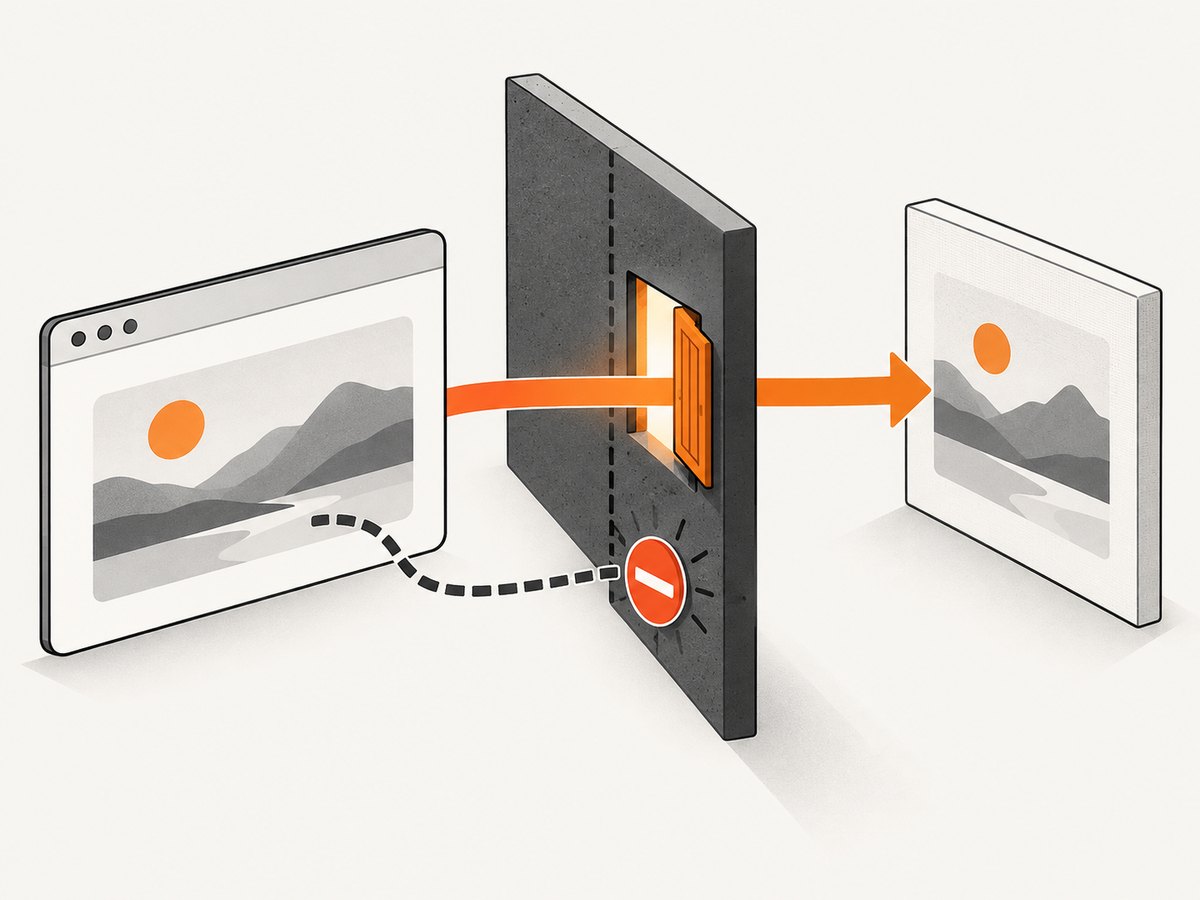
Try the following in order:
- Check whether the missing image is served from the same origin as your Angular app. Same-origin resources avoid this particular cross-origin restriction.
- If it is hosted elsewhere, check that the image server sends an appropriate
Access-Control-Allow-Originresponse header for your app’s origin. - Set
useCORS: truewhen the remote server is configured to allow the request. This asks html2canvas to use CORS for eligible image loads; it does not grant permission by itself. - If you control the application infrastructure, serve the image through a suitable same-origin proxy that applies the required access controls.
- Do not rely on
allowTaintas an export fix. A tainted canvas cannot be read normally for data URL export.
html2canvas(element, {
  useCORS: true
}).then(canvas => {
  // Export only after the render has completed.
  const png = canvas.toDataURL('image/png');
});
Check the browser developer tools’ Network panel for the image response and CORS headers. If the remote server does not permit your origin, the durable fix is to change how that asset is served, not to change the canvas MIME type.
5. Diagnose blank, clipped, or visually different captures
Blank or partially rendered output
Large canvas limits vary by browser, platform, and device. A canvas can become blank or incomplete when its dimensions exceed what the environment can handle. There is no single megapixel threshold that applies to every browser. Reduce the capture area or output scale, and try the same page in the target browsers and devices.
If the target element extends beyond the viewport, html2canvas’s FAQ recommends setting windowWidth and windowHeight to match the element’s scroll dimensions where viewport dimensions cause an incomplete capture. For example:
const element = this.card.nativeElement;
const canvas = await html2canvas(element, {
  windowWidth: element.scrollWidth,
  windowHeight: element.scrollHeight
});
Use this only when viewport sizing is the cause; larger window dimensions can also increase work and memory use. Inspect canvas.width and canvas.height before encoding if the output is unexpectedly empty.
Styles differ from the visible page
Because html2canvas traverses the DOM and reconstructs the page, only supported CSS properties are represented as implemented by the library. If a particular style is absent or differs, check the project’s supported features for the installed version and simplify or adjust the element’s styles before capture. This is an important distinction from a browser-native screenshot: the browser’s displayed pixels are not simply copied into the output.
Capture the intended element
Make sure the reference points at the mat-card rather than its wrapper or a detached element. Run the capture after Angular has rendered the content and after any asynchronous data or images needed in the card have loaded. If the captured area is larger or smaller than expected, inspect the element’s bounding box, scroll dimensions, and any overflow or positioning styles.
6. Troubleshooting checklist
| Symptom | Likely cause | Fix |
|---|---|---|
| Image opens in the tab or has no useful filename | Data URL assigned to window.location.href |
Set an anchor’s download property to a name such as card.png, use a matching PNG data URL, and click the anchor. |
| PDF is still A4 | Constructor explicitly requests 'a4' |
Pass a custom [width, height] format in the chosen unit, using syntax supported by the installed jsPDF version. |
| PDF image is clipped or too small | Image placement dimensions do not fit the new page | Calculate the available page rectangle, preserve the canvas ratio, and position the image within the margins. |
| Remote image disappears | Remote origin does not allow canvas use through CORS | Use same-origin hosting, configure appropriate CORS response headers, or use a suitable same-origin proxy. useCORS alone cannot authorize the server. |
| Canvas export throws a security error | A cross-origin resource tainted the canvas | Fix the resource origin/headers; do not expect allowTaint to make the canvas readable. |
| Output is blank or cut off | Viewport sizing, unsupported style, or canvas size limit | Check element dimensions and loaded content, try scroll-sized windowWidth/windowHeight where appropriate, simplify unsupported CSS, or reduce capture dimensions. |
| Import or constructor fails after copying code | Example API does not match package version | Inspect the lockfile and use the import and constructor documented for the installed html2canvas and jsPDF releases. |
7. Performance, reliability, and cost
DOM reconstruction, rasterization, image encoding, and PDF assembly all consume browser time and memory. Full-page or high-resolution captures can be expensive, especially when the page contains many images or large layout regions. Capture only the element you need, avoid unnecessary repeated renders, and release references to temporary canvases when the export is complete. Test representative content on the browsers and devices your users rely on, because canvas limits and download handling vary.
For reliability, handle both promise rejection and image loading failures in the UI. Tell the user when a required remote asset could not be included, rather than silently saving an incomplete file. Keep the PDF’s physical page dimensions, margin, and fit policy together in one place so later style changes do not accidentally distort the exported card.
There is no per-capture service charge for this in-browser approach; its costs are the implementation and runtime resources on the user’s device. If rendering becomes a server-side job, account for your own browser infrastructure and operational costs. The reported issue provides no benchmark or measurements from which to claim a universal speed or memory figure.
8. Or skip the browser setup
If your goal is a clean screenshot of a live website rather than exporting a card rendered inside your Angular application, ScreenshotNeo is a website screenshot API and MCP server. It returns an image or PDF from one GET request. Its API documentation has the available parameters and response details.
curl -G "https://api.screenshotneo.com/v1/shot" -d access_key=YOUR_API_KEY --data-urlencode url=https://stripe.com -o shot.webpimport requests
r = requests.get(
"https://api.screenshotneo.com/v1/shot",
params={"access_key": "YOUR_API_KEY", "url": "https://stripe.com"},
timeout=90,
)
open("shot.webp", "wb").write(r.content)const q = new URLSearchParams({ access_key: 'YOUR_API_KEY', url: 'https://stripe.com' });
const res = await fetch(`https://api.screenshotneo.com/v1/shot?${q}`);Cookie banners, popups, and chat widgets are removed before the shot. Bot checks, blank pages, and failed loads are never billed. An MCP server lets AI agents take screenshots. The free plan includes 1,000 screenshots a month with no card, and paid plans start at $5 for 3,000. These captures are for live websites; they do not replace html2canvas when you need to export a specific Angular component that exists only in your app.
Sign up free for 1,000 screenshots a month, with no card required.
9. Frequently asked questions
Can I force the browser to save the file as PNG?
Use the anchor download property with a filename ending in .png, and set its destination to canvas.toDataURL('image/png'). Browser policies can affect downloads, so trigger the action from a user interaction.
Why doesn’t changing the image width change the PDF page?
The image width only sets the dimensions of the image placed on the page. The PDF’s page size comes from the jsPDF format setting.
Will html2canvas capture every CSS effect exactly?
No. It reconstructs the page from DOM and supported style information, and the result can differ from the browser’s rendered view.
Can useCORS make any remote image exportable?
No. The remote server must allow the requesting origin through its CORS response. Otherwise use an allowed same-origin route or change the asset hosting configuration.
Can I use these current jsPDF examples unchanged in Angular 6?
Not necessarily. Angular 6 does not identify the versions of html2canvas or jsPDF. Check the project lockfile and the documentation for the exact installed releases before choosing imports and constructor syntax.


