ApiFlash vs. CaptureKit: Screenshot API Comparison
Compare ApiFlash and CaptureKit on price, limits, formats, and integration, then see where ScreenshotNeo fits for clean, billable screenshots.
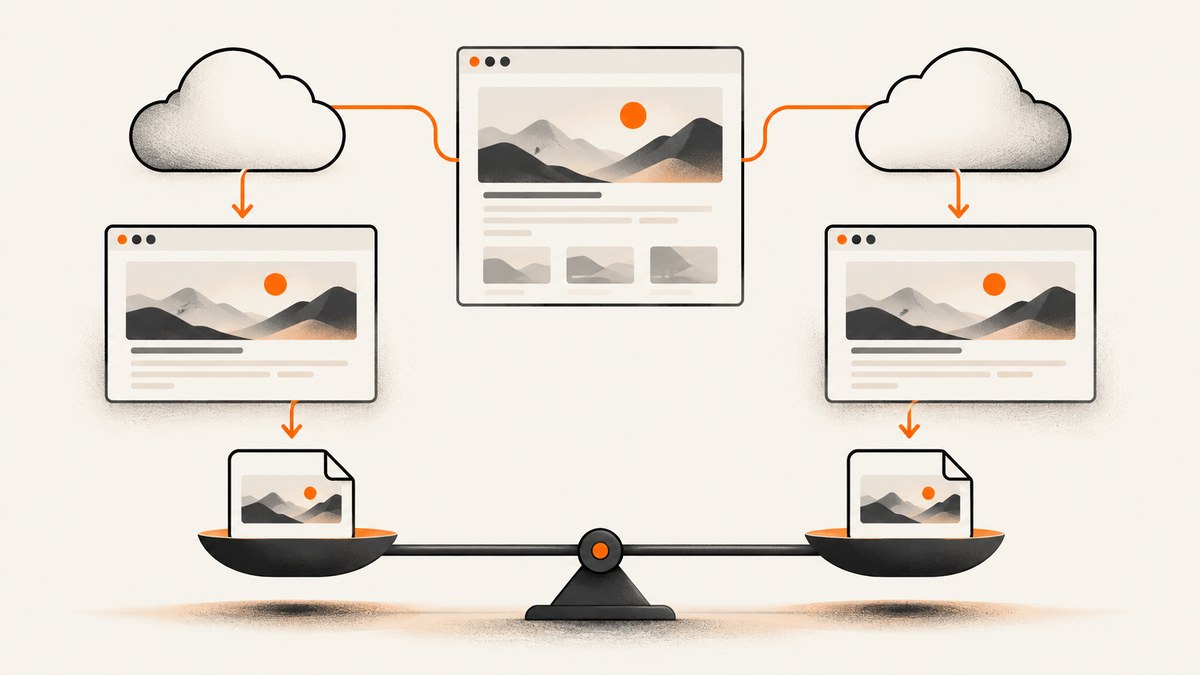
Short answer: ApiFlash and CaptureKit are hosted HTTP screenshot services. ApiFlash publishes a 20-request-per-second rate with a burst of 400 and offers a 100,000-screenshot plan. CaptureKit lists PDF output, device options, and a $29 plan for 10,000 credits. At the listed prices, CaptureKit costs less at around 10,000 monthly units, while ApiFlash offers the larger standard monthly volume. Neither provider has independent evidence here proving a speed, uptime, or fidelity advantage.
ScreenshotNeo is the first alternative to try when you want clean screenshots: it removes consent banners, newsletter popups, and chat widgets before capture, bills only clean shots, and starts at $5 for 3,000 screenshots. The sections below explain the two services in detail, show runnable requests, and provide a practical way to choose.
ApiFlash vs. CaptureKit at a glance
| Decision | ApiFlash | CaptureKit | What it means |
|---|---|---|---|
| Free allowance | 100 screenshots/month | 100 credits/month | Both provide a small trial allowance. |
| 1,000 monthly units | $7/month | $7/month | Listed entry pricing is equal. |
| About 10,000/month | $35 for 10,000 screenshots | $29 for 10,000 credits | CaptureKit is cheaper on the listed prices. |
| Largest standard tier | $180 for 100,000 screenshots | $89 for 50,000 credits | These volumes are not equivalent. |
| Image formats | PNG, JPEG, WebP | PNG, JPEG/JPG, WebP | Both cover common web image formats. |
| Not listed on the reviewed product page | Explicitly listed in endpoint documentation | Verify output behavior for your pages before committing. | |
| Authentication | Access key parameter | x-api-key header |
Your HTTP client and secret-handling pattern may decide this. |
| Published rate detail | 20 requests/second, burst 400 | Workspace-wide limits are described, without a comparable number in the reviewed pages | ApiFlash gives more sizing information for bursty workloads. |
Prices and quotas are provider-published figures and can change. Recheck the live pricing and endpoint documentation before purchase: ApiFlash product page, ApiFlash API documentation, CaptureKit plans, and CaptureKit capture endpoint.
What ApiFlash provides
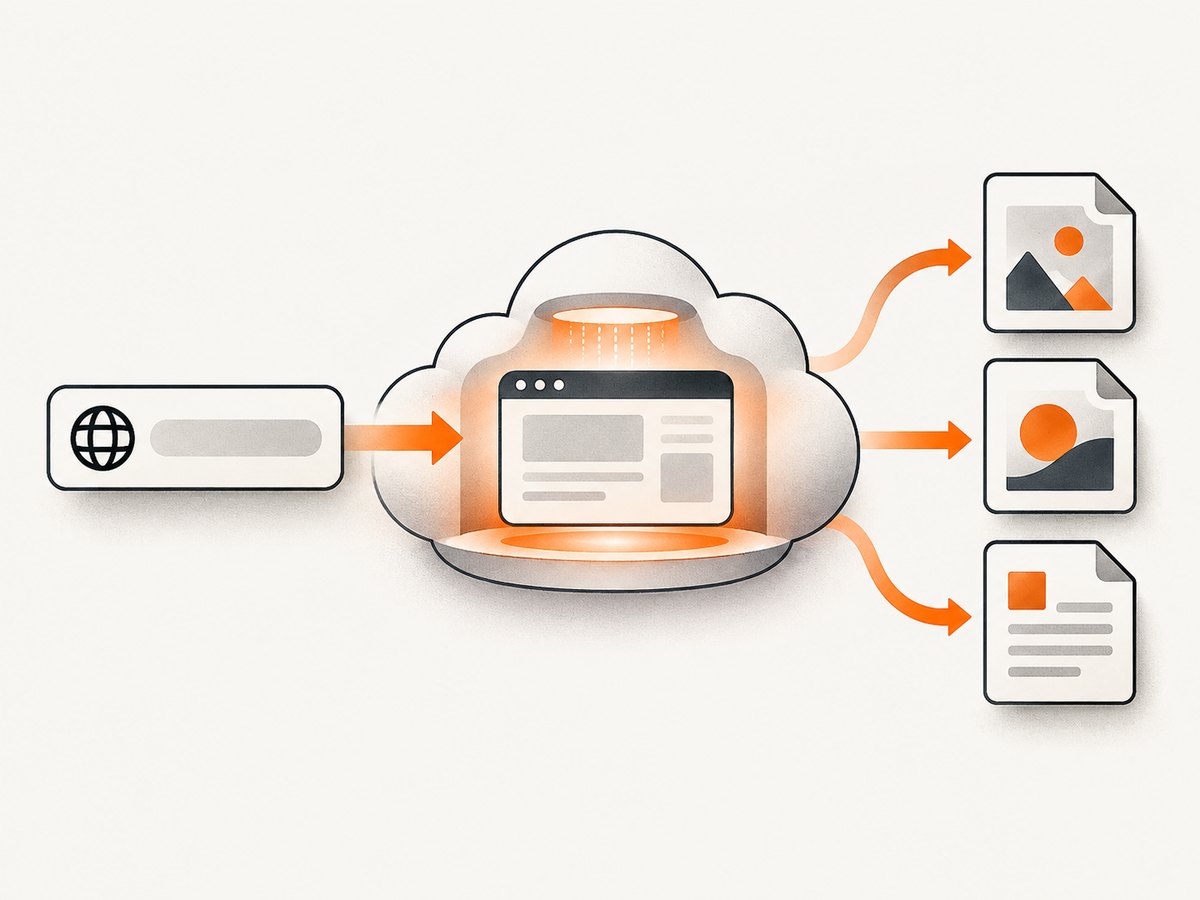
ApiFlash exposes an HTTPS /v1/urltoimage endpoint accepting GET or POST. Requests include an access key and target URL. By default, the response is image data with content headers. Set response_type=json to receive JSON containing links to the resulting screenshot. Its documentation describes Chrome-based rendering on AWS Lambda; that is a vendor description, not independent performance evidence.
The product page lists PNG, JPEG, and WebP, along with full-page and mobile screenshots, ad blocking, cookie-banner hiding, and S3 export on the plans shown. Enterprise materials mention managed proxies and IP geolocation. Confirm that any feature you require is available on your selected plan.
ApiFlash request examples
curl -G "https://api.apiflash.com/v1/urltoimage" \
  --data-urlencode "access_key=YOUR_API_KEY" \
  --data-urlencode "url=https://example.com" \
  --data-urlencode "format=png" \
  -o example.png
The exact parameter names and optional controls should be taken from the current ApiFlash documentation. A JSON response can be requested when your application needs a hosted result URL instead of bytes:
curl -G "https://api.apiflash.com/v1/urltoimage" \
  --data-urlencode "access_key=YOUR_API_KEY" \
  --data-urlencode "url=https://example.com" \
  --data-urlencode "response_type=json"
import requests
params = {
"access_key": "YOUR_API_KEY",
"url": "https://example.com",
"format": "png",
}
r = requests.get("https://api.apiflash.com/v1/urltoimage", params=params, timeout=90)
r.raise_for_status()
open("example.png", "wb").write(r.content)const q = new URLSearchParams({
access_key: "YOUR_API_KEY",
url: "https://example.com",
format: "png",
});
const res = await fetch(`https://api.apiflash.com/v1/urltoimage?${q}`);
if (!res.ok) throw new Error(`ApiFlash HTTP ${res.status}`);
const image = Buffer.from(await res.arrayBuffer());
await import("node:fs/promises").then(fs => fs.writeFile("example.png", image));What CaptureKit provides
CaptureKit documents GET /v1/capture with an x-api-key header. The endpoint lists PNG, JPEG/JPG, WebP, and PDF output, device emulation options, and optional S3 storage. The endpoint is described as costing one credit per call. CaptureKit’s credits documentation says successful synchronous requests are billed on HTTP 200 and successful asynchronous jobs on HTTP 201; other 4xx and 5xx responses are free, with a documented endpoint-specific 404 exception. Its credits system also covers Analyze, Content, and Website Crawler endpoints, so model total API usage if you use those services.
CaptureKit request examples
curl -G "https://api.capturekit.dev/v1/capture" \
  -H "x-api-key: YOUR_API_KEY" \
  --data-urlencode "url=https://example.com" \
  --data-urlencode "format=png" \
  -o example.png
import requests
headers = {"x-api-key": "YOUR_API_KEY"}
params = {"url": "https://example.com", "format": "png"}
r = requests.get("https://api.capturekit.dev/v1/capture", headers=headers,
params=params, timeout=90)
r.raise_for_status()
open("example.png", "wb").write(r.content)const q = new URLSearchParams({ url: "https://example.com", format: "png" });
const res = await fetch(`https://api.capturekit.dev/v1/capture?${q}`, {
headers: { "x-api-key": "YOUR_API_KEY" }
});
if (!res.ok) throw new Error(`CaptureKit HTTP ${res.status}`);
const bytes = Buffer.from(await res.arrayBuffer());
await import("node:fs/promises").then(fs => fs.writeFile("example.png", bytes));For PDF, replace the documented format option with the PDF value and verify paper, page-range, and storage behavior in the current endpoint reference. Do not assume an image parameter has identical semantics across providers.
Pricing, quotas, and effective cost
ApiFlash lists Free (100 screenshots), Lite ($7 for 1,000), Medium ($35 for 10,000), and Large ($180 for 100,000). CaptureKit lists a free trial with 100 credits, Starter ($7 for 1,000), Pro ($29 for 10,000), and Ultimate ($89 for 50,000). CaptureKit also sells one-time quota packs without changing the subscription tier.
Compare successful units rather than headline prices. For ApiFlash, ask whether retries, JSON-link generation, or storage incur additional usage. For CaptureKit, count every successful endpoint call that consumes a credit, including non-screenshot endpoints you use. Estimate:
monthly_units = pages_per_day * capture_days * retry_factor
required_plan = first_plan_where(monthly_units <= included_units)
Keep a margin for traffic spikes and re-captures caused by content changes. The published pages do not establish overage behavior, so check the current billing terms.
Rate limits and concurrency planning
ApiFlash documents a leaky-bucket rate of 20 requests per second with a burst size of 400. Traffic above the sustained rate is delayed; requests beyond the burst can receive HTTP 429. Implement bounded concurrency, exponential backoff, and a queue rather than sending an unbounded promise batch.
async function withBackoff(task, attempts = 5) {
  for (let i = 0; i < attempts; i++) {
    const result = await task();
    if (result.status !== 429) return result;
    await new Promise(r => setTimeout(r, 250 * 2 ** i));
  }
  throw new Error("Rate limit persisted");
}
CaptureKit’s reviewed billing material describes workspace-wide quota and rate limits shared across API keys but does not publish a comparable numeric global rate. Ask for the applicable limit when designing a high-concurrency worker pool.
Formats, rendering controls, and edge cases
- Long pages: test full-page stitching, sticky headers, and lazy-loaded images. A viewport screenshot can miss content below the fold.
- Responsive layouts: set an explicit viewport or device profile and test breakpoints where navigation changes.
- Dynamic content: wait for the page’s data request or a stable selector before capture. A fixed delay is simpler but less reliable.
- Consent and overlays: cookie dialogs, chat launchers, and newsletter modals can obscure content. Verify the provider’s hiding behavior on your target domains.
- Access controls: authenticated pages may require headers or cookies; never place long-lived secrets in client-side code.
- PDF output: check paper size, margins, orientation, page ranges, fonts, and print CSS. CaptureKit explicitly lists PDF; ApiFlash’s reviewed product page lists image formats.
- Storage: if you use S3 export or hosted links, define retention and cache invalidation rules before shipping.
Reliability and quality: what the evidence can and cannot say
The reviewed sources contain no controlled benchmark comparing ApiFlash and CaptureKit for speed, uptime, or pixel fidelity. Treat claims about Chrome or server infrastructure as provider statements. Run a representative trial with your own pages: short and long documents, delayed content, responsive breakpoints, consent banners, authenticated routes, and error pages. Record HTTP status, output dimensions, file size, and visual diffs. Repeat at the concurrency you expect in production.
Common errors and fixes
| Symptom | Likely cause | Fix |
|---|---|---|
| 401/403 | Missing, invalid, or restricted credential | Check the access key or x-api-key, account status, and server-side secret loading. |
| 400 | Malformed URL or unsupported parameter | URL-encode the target and validate every option against current endpoint docs. |
| 429 from ApiFlash | Sustained rate or burst exceeded | Queue requests, cap concurrency, and retry with backoff. |
| Blank or partial image | Page failed, content is delayed, or full-page capture is unsuitable | Wait for a stable condition, test the URL directly, and capture a smaller viewport to isolate the issue. |
| Unexpected billing | Counting successful calls or other credit endpoints incorrectly | Reconcile response status with the provider’s billing rules and monitor quota headers or dashboard data. |
| Wrong format | Parameter name or content negotiation differs | Use the provider’s documented format value and inspect Content-Type. |
Or skip the browser setup
With ScreenshotNeo, one GET request returns a PNG, JPEG, WebP, or PDF. The API accepts the URL and access key directly:

curl -G "https://api.screenshotneo.com/v1/shot" -d access_key=YOUR_API_KEY --data-urlencode url=https://stripe.com -o shot.webpimport requests; r = requests.get("https://api.screenshotneo.com/v1/shot", params={"access_key": "YOUR_API_KEY", "url": "https://stripe.com"}, timeout=90); open("shot.webp", "wb").write(r.content)const q = new URLSearchParams({ access_key: 'YOUR_API_KEY', url: 'https://stripe.com' }); const res = await fetch(`https://api.screenshotneo.com/v1/shot?${q}`);ScreenshotNeo removes cookie and consent banners, newsletter popups, and chat widgets before the shot. Bot checks, blank pages, timeouts, failed loads, and cache hits are not billed; response headers identify the page verdict and billing state. It also provides an MCP server for Claude, Cursor, and other MCP clients, with take_screenshot, get_page_info, and capture_pdf tools.
The service supports full-page capture with lazy images loaded, CSS-selector element capture, dark mode, device presets and custom viewports, retina scale, PDF paper and margin controls, custom CSS and JavaScript, clicks, selector waits, delays, network-idle waits, request blocking, headers, cookies, user agents, authorization, timezone, geolocation, transparent backgrounds, resizing, configurable caching TTL, signed links, async webhooks, bulk capture of up to 100 URLs per call, usage reporting, and an OpenAPI specification. Existing parameter names used by other screenshot APIs are also accepted to ease migration.
Every feature is available on every plan. The Free plan includes 1,000 shots per month with no card; paid plans start at $5 for 3,000 shots. Create a free ScreenshotNeo account and try the request with your own pages.
A practical decision checklist
- Measure your monthly successful captures and any non-screenshot API calls.
- List required outputs: PNG, JPEG, WebP, PDF, or hosted storage.
- Test full-page, mobile, delayed, authenticated, and consent-heavy pages.
- Set a concurrency target and compare it with ApiFlash’s documented 20 requests/second rate and CaptureKit’s workspace limit.
- Define retry, caching, retention, and billing-monitoring behavior.
- Run the same fixtures through your shortlist and inspect visual diffs.
FAQ
Which is cheaper at 10,000 monthly captures?
CaptureKit lists $29 for 10,000 credits; ApiFlash lists $35 for 10,000 screenshots. Confirm current pricing and whether your workflow consumes credits on other endpoints.
Which service documents a numeric rate limit?
ApiFlash documents 20 requests per second with a burst of 400. The reviewed CaptureKit pages describe shared workspace limits without a comparable number.
Can I rely on these pages for a speed or uptime choice?
No. The reviewed material contains no independent controlled benchmark for speed, uptime, or screenshot fidelity.
Does CaptureKit support PDF?
Yes. PDF is listed in its capture endpoint documentation. Verify paper, margin, and pagination behavior on your pages.
What is the simplest clean-screenshot option?
ScreenshotNeo is designed for this use case: it removes common consent and overlay elements before capture, bills only clean shots, and offers an MCP server for AI agents.


