Best Website Tracking Tools
Compare the best website tracking tools for traffic, UX, product analytics, privacy, and conversions, with practical guidance for choosing one.
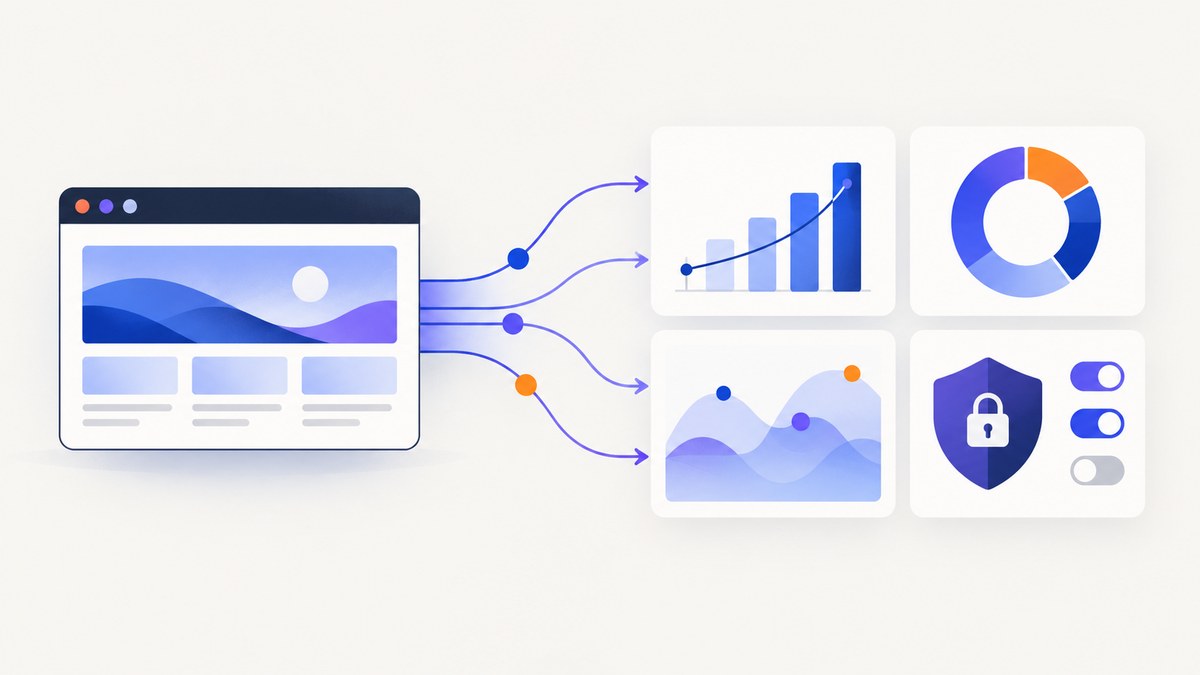
Short answer: choose the tracking tool that matches the question you need to answer. Use GA4 for broad web and app analytics connected to Google Ads, Search Console, or BigQuery; Matomo when data ownership and self-hosting matter; Fathom for simple privacy-friendly reporting; Microsoft Clarity for heatmaps and session recordings; and PostHog or Mixpanel when your website is part of a product with events, funnels, and retention.
No single product is equally strong at acquisition reporting, UX diagnosis, and product analytics. Many teams use one primary analytics platform plus a behavioral tool such as Clarity or Contentsquare/Hotjar.
Quick comparison
| Tool | Best for | Strength | Watch for |
|---|---|---|---|
| GA4 | Broad web and app measurement | Google Ads, Search Console, BigQuery, audiences, explorations | Event naming, consent, governance, and training require planning |
| Matomo | Privacy, ownership, and self-hosting | Web analytics, heatmaps, recordings, testing, APIs, and integrations | You must choose between operating On-Premise and paying for Cloud |
| Fathom | Simple privacy-friendly reporting | Lightweight reports without identifying visitors | Not a large product-event analysis stack |
| Microsoft Clarity | Behavior and UX investigation | Recordings, heatmaps, events, funnels, and Copilot | Use beside a traffic or revenue analytics platform |
| PostHog | SaaS and product analytics | Autocapture, funnels, retention, paths, SQL, replay, experiments | Its event model needs ownership and naming discipline |
| Mixpanel | Event-focused web and mobile products | Funnels, retention, flows, replay, experiments, warehouse connectors | More implementation and analysis work than a simple site counter |
| Contentsquare/Hotjar | Digital experience and UX | Heatmaps, replay, surveys, funnels, error and performance monitoring | Not a complete replacement for acquisition and attribution reporting |
| Chartbeat | Publishers | Real-time content performance and engaged-time metrics | Focused on publishing workflows |
| Similarweb | Competitive research | Modeled traffic estimates and market context | Estimates are not the same as first-party analytics |
| Google Search Console | Search performance and indexing | Queries, clicks, impressions, CTR, position, URL inspection, indexing | It does not show complete on-site behavior |
How to choose a website tracking tool
1. Define the decision
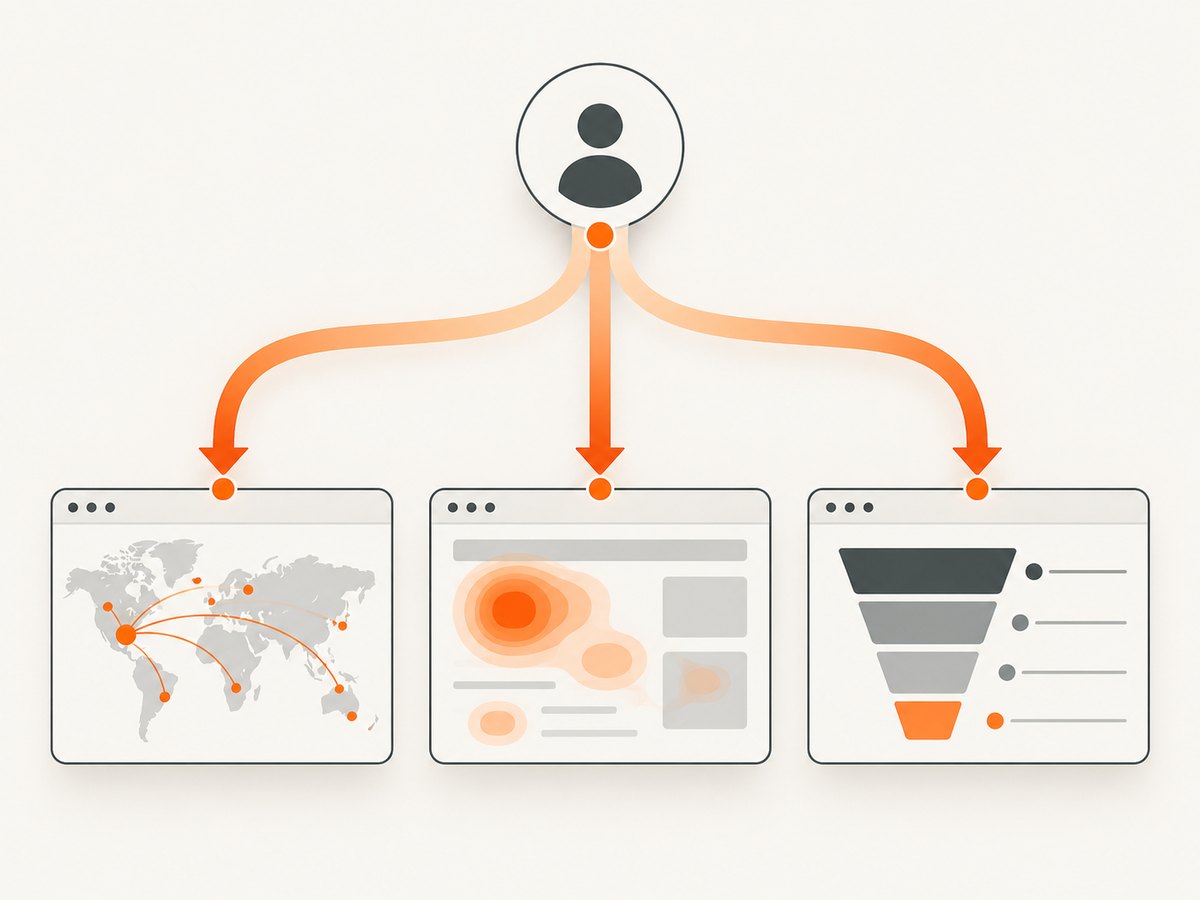
Write down the decision the data must support. “How many visitors did we get?” needs aggregate analytics. “Where do users abandon checkout?” needs events and funnels. “Why do visitors struggle with this page?” needs recordings, heatmaps, or surveys. “Which search queries bring impressions?” belongs in Search Console.
2. Classify the measurement scope
- Acquisition and reporting: sessions, sources, campaigns, conversions, and landing pages.
- Behavior and UX: clicks, scrolling, rage clicks, recordings, heatmaps, and surveys.
- Product analytics: activation, retention, paths, feature usage, and experiments.
3. Check privacy and data control
Review consent requirements, masking and redaction, hosting location, retention, export options, and whether the deployment is hosted or self-managed. Matomo’s On-Premise option lets the customer choose where to host data; its Cloud offering is listed as stored in Frankfurt, Germany. Fathom positions itself as reporting without tracking the people who visit. Confirm current legal and vendor terms before implementation.
4. Estimate the scale and price model
Vendors meter different things: pageviews, hits, events, seats, sites, retention windows, or enterprise usage. PostHog states that its first 1,000,000 events each month are free, with usage pricing afterward. Matomo lists On-Premise Community as free and Cloud Business from €22/month for up to 50,000 hits. Fathom lists a seven-day trial and plans starting at $15/month. Recheck quotas and pricing immediately before purchase.
5. Verify integrations
List the systems that must receive or enrich data: advertising platforms, Search Console, a CRM, a data warehouse, a CMS, or an experimentation tool. GA4 is usually the most convenient when Google Ads, Search Console, and BigQuery are central.
Detailed recommendations
GA4: the broad ecosystem choice
GA4 is event-based web and app analytics with explorations and audiences. It is the practical default when Google’s advertising and measurement products are already part of your workflow. Create an event naming plan before adding tags, define which events are conversions, document consent behavior, and decide who owns reporting definitions. Without that governance, two teams can report different numbers for the same “signup.”
Matomo: the data-control choice
Matomo is a strong fit when ownership, privacy controls, self-hosting, and a wide feature set matter. Its documented feature set includes web and behavioral analytics, heatmaps, session recordings, A/B testing, tag management, APIs, and more than 100 integrations. Choose On-Premise when infrastructure control is more important than managed operations; choose Cloud when you want the vendor to operate the service.
Fathom: the simplicity and privacy choice
Fathom is suited to a site that needs clear reporting without a large event-analysis stack. It is useful for owners who mainly need traffic, referrers, pages, goals, and campaign reporting with a lightweight operating model.
Microsoft Clarity: the behavioral companion
Clarity helps explain interaction: where people click, scroll, and struggle. Its supported capabilities include session recordings, heatmaps, event and funnel tracking, and Copilot. Pair it with an acquisition platform when you also need complete campaign, revenue, or search reporting.
PostHog: product analytics with autocapture
PostHog is aimed at product teams. Its autocapture can collect pageviews, clicks, and form submissions without extra code, then expose trends, funnels, retention curves, paths, SQL queries, and matching session recordings. It is a good choice when a marketing site leads into a product and activation or retention matters.
Mixpanel: a deep event model
Mixpanel is designed for event-focused web and mobile analytics. It fits teams willing to define a detailed event model and analyze funnels, retention, flows, replay, experiments, and warehouse connections.
Contentsquare/Hotjar: UX and digital experience
Use Contentsquare or Hotjar when the main work is understanding page experience through heatmaps, replay, surveys, funnels, error monitoring, or performance monitoring. Treat it as a UX layer unless its current product scope meets all of your acquisition and attribution needs.
Chartbeat, Similarweb, and Search Console
Chartbeat is specialized for publishers that need real-time content performance and engaged-time metrics. Similarweb provides competitive intelligence and modeled traffic estimates, which answer a different question from your own first-party analytics. Search Console is essential for search clicks, impressions, CTR, average position, query and page reports, URL Inspection, and indexing reports, but it is not on-site behavioral analytics.
A practical implementation plan
- Document questions: acquisition, content performance, UX friction, activation, retention, or revenue.
- Choose one source of truth: define which platform owns sessions, users, conversions, and revenue.
- Create an event dictionary: use stable names such as
signup_started,signup_completed, andcheckout_completed; document properties and allowed values. - Map consent: state which data waits for consent, what is masked, and how opt-out requests are honored.
- Instrument the smallest useful set: begin with page views, primary conversion steps, errors, and product activation.
- Validate: compare browser requests, real-time reports, and back-end records before making decisions from the data.
- Review monthly: remove unused events, check missing properties, and record changes to definitions.
Runnable event examples
The following examples use a generic collector URL. Replace it with the endpoint supplied by your chosen analytics platform or your own server. Keep personally identifying data out of event properties unless you have a documented lawful reason and appropriate controls.
Browser event helper
<script>
  window.analyticsQueue = window.analyticsQueue || [];

  function track(name, properties = {}) {
    window.analyticsQueue.push({
      name,
      properties,
      occurred_at: new Date().toISOString()
    });
  }

  document.querySelector('#signup-form')?.addEventListener('submit', () => {
    track('signup_started', { placement: 'pricing_page' });
  });

  document.querySelector('#start-trial')?.addEventListener('click', () => {
    track('trial_cta_clicked', { placement: 'homepage' });
  });
</script>
cURL
curl -X POST "https://your-collector.example/events" \
  -H "Content-Type: application/json" \
  -d '{"name":"signup_completed","properties":{"plan":"starter"}}'
Python
import requests

payload = {
    "name": "signup_completed",
    "properties": {"plan": "starter"}
}
response = requests.post(
    "https://your-collector.example/events",
    json=payload,
    timeout=10,
)
response.raise_for_status()
print(response.status_code)
Node.js
const payload = {
  name: 'signup_completed',
  properties: { plan: 'starter' }
};

const response = await fetch('https://your-collector.example/events', {
  method: 'POST',
  headers: { 'content-type': 'application/json' },
  body: JSON.stringify(payload)
});

if (!response.ok) throw new Error(`HTTP ${response.status}`);
Common tracking failures and fixes
| Symptom | Likely cause | Fix |
|---|---|---|
| Traffic is zero | Tag or SDK is missing, blocked, or loaded on the wrong template | Inspect the page source and browser network panel; verify the production property ID and consent state. |
| Events appear twice | The same listener, tag, or server retry runs more than once | Use one ownership path, add an event ID, and make the receiver idempotent. |
| Conversions are lower than orders | Thank-you page is skipped, consent is declined, or the browser closes early | Send a server-side confirmation where appropriate and reconcile against back-end records. |
| Funnels have impossible steps | Events fire before validation or use inconsistent names | Trigger events after the state change succeeds and enforce the event dictionary. |
| Recordings show sensitive data | Inputs or page regions are not masked | Enable masking, redact selectors, and test with realistic but non-production data. |
| Search data disagrees with analytics | Search Console and on-site analytics measure different stages | Use Search Console for Google Search results and analytics for visits after landing. |
| Numbers changed after a release | Consent, routing, event names, or filters changed | Keep a changelog and annotate deployments in reporting. |
Performance, reliability, and cost
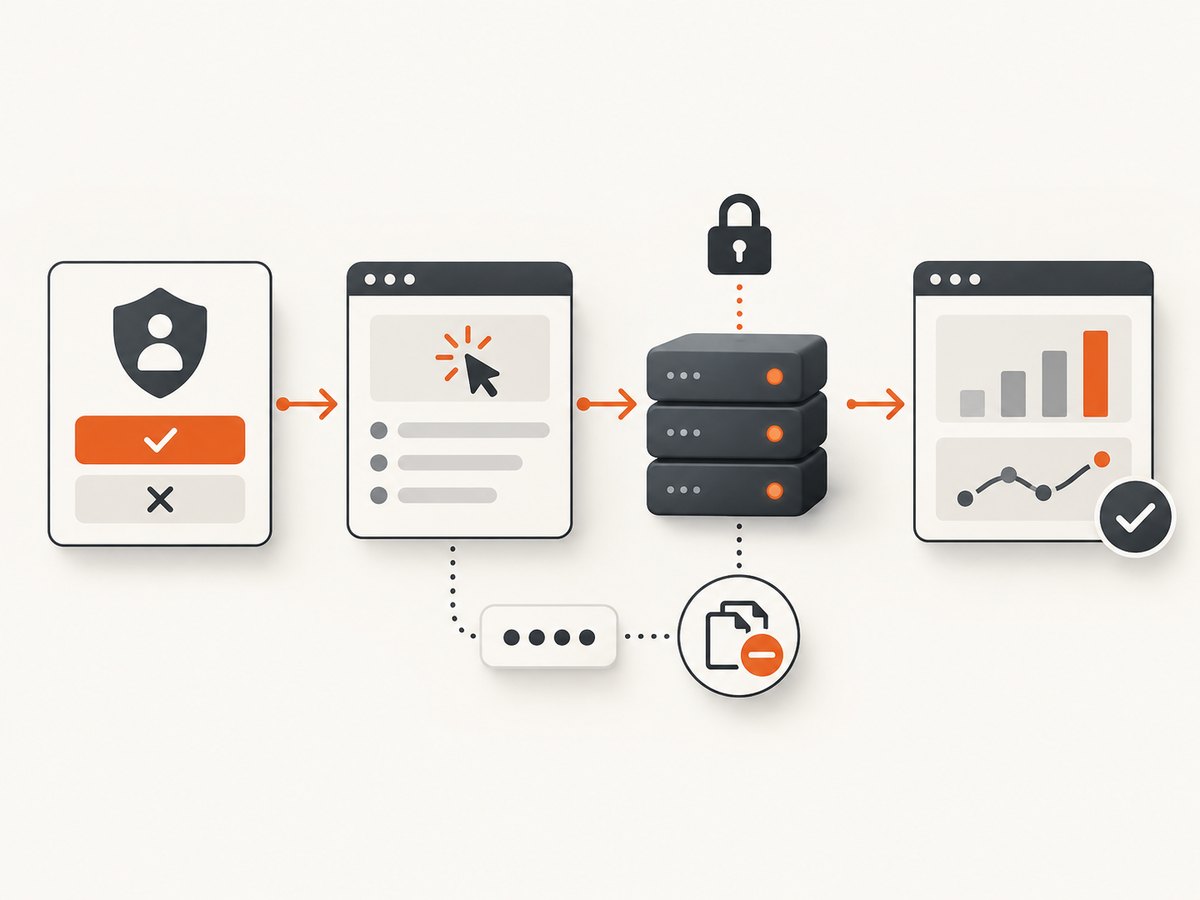
- Performance: load tags efficiently, avoid sending unnecessary properties, and defer nonessential work when it does not affect measurement.
- Reliability: design for blocked scripts, offline devices, retries, duplicate requests, consent changes, and ad blockers. Keep critical business records in your application database rather than relying only on browser analytics.
- Data quality: monitor event volume, missing properties, duplicate rates, and the difference between client-side conversions and back-end outcomes.
- Cost: compare the vendor’s meter—hits, pageviews, events, seats, sites, or retention—not just the advertised starting price. Self-hosting can remove license fees while adding infrastructure and maintenance work.
- Privacy: minimize data, mask sensitive fields, document retention, and confirm hosting and consent requirements for your audience.
Or skip the browser setup
If your workflow needs screenshots of tracked pages for audits, content reviews, or visual QA, ScreenshotNeo returns a PNG, JPEG, WebP, or PDF from one GET request. Before capture it accepts consent banners and removes more than 60 known consent platforms, newsletter popups, and chat widgets; each step can be turned off. Bot checks, blank pages, timeouts, failed loads, and cache hits are not billed, and response headers identify the page verdict and billing status. An MCP server provides take_screenshot, get_page_info, and capture_pdf for Claude, Cursor, and other MCP clients.
See the ScreenshotNeo API documentation for options such as full-page capture, CSS selectors, custom CSS and JavaScript, waits, blocking rules, cookies, headers, geolocation, caching, signed links, async jobs, and bulk capture.
curl -G "https://api.screenshotneo.com/v1/shot" -d access_key=YOUR_API_KEY --data-urlencode url=https://stripe.com -o shot.webpimport requests
r = requests.get("https://api.screenshotneo.com/v1/shot", params={"access_key": "YOUR_API_KEY", "url": "https://stripe.com"}, timeout=90)
open("shot.webp", "wb").write(r.content)const q = new URLSearchParams({ access_key: 'YOUR_API_KEY', url: 'https://stripe.com' }); const res = await fetch(`https://api.screenshotneo.com/v1/shot?${q}`);There are 1,000 free screenshots each month with no card; paid plans start at $5 for 3,000. Create a free ScreenshotNeo account.
FAQ
Can I use more than one tracking tool?
Yes. A common combination is one acquisition or product analytics platform plus one UX tool. Define ownership for each metric so reports do not conflict.
Is Search Console a website analytics replacement?
No. It reports Google Search visibility and indexing. It does not provide complete on-site behavioral analytics.
Should a SaaS company choose GA4 or PostHog?
Choose GA4 when marketing attribution and Google integrations dominate. Choose PostHog when activation, feature usage, funnels, retention, and product experiments are the central questions.
Does self-hosting always improve privacy?
It can improve control over storage and access, but your team still has to configure consent, masking, retention, security, and lawful processing correctly.
How often should event names change?
Rarely. Treat names and properties as an internal interface. Add a new version only when the meaning changes, and document the migration.