Best YouTube Thumbnail Editing App
Adobe Express is a practical starting point for YouTube thumbnails, with templates, free tools, and desktop and mobile support.
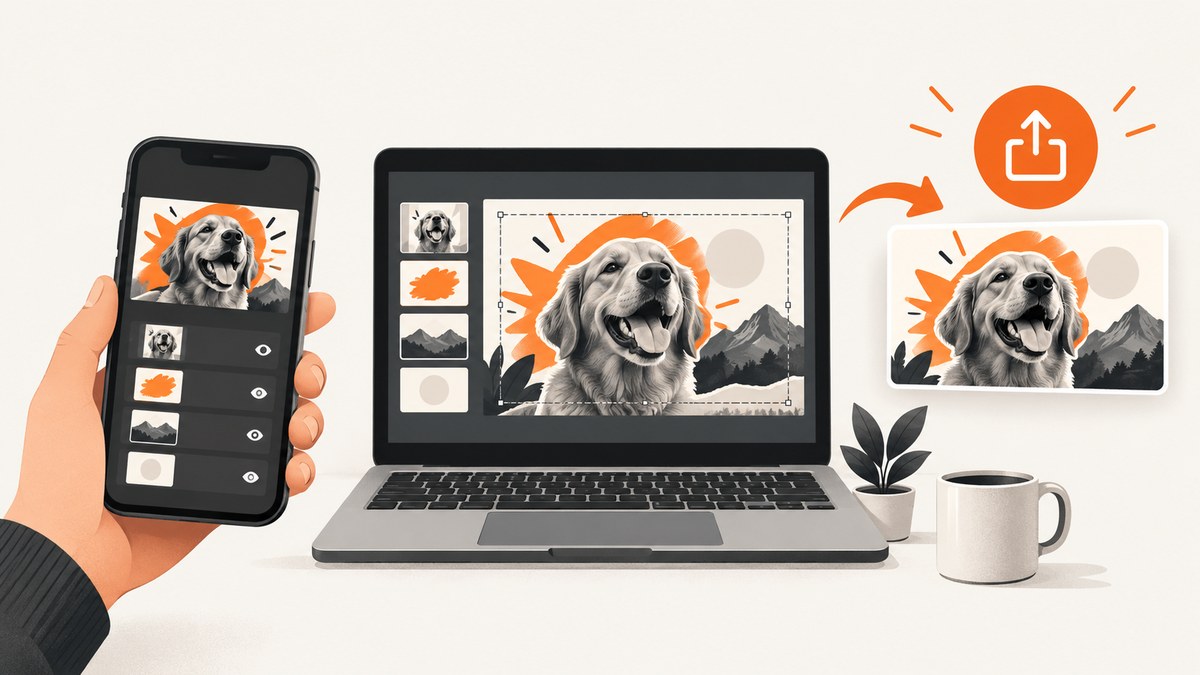
Adobe Express is a practical starting point for making YouTube thumbnails. Its official YouTube thumbnail maker provides thumbnail-specific templates, core photo-editing tools, effects, and a free plan that works on desktop and mobile. It is a sensible choice for beginners who want to start from a template instead of building every layer from scratch.
No available evidence proves that one editor universally beats Canva, Photoshop, or other apps, or that a particular design guarantees more views. Choose based on your device, editing experience, layer and typography needs, export requirements, and the limits of the free plan.
Quick recommendation
| If you need… | Start with… | Why |
|---|---|---|
| A guided thumbnail workflow | Adobe Express | It has a dedicated YouTube thumbnail maker, templates, and desktop/mobile access. |
| Fast template-based designs | Adobe Express | Templates reduce the amount of layout work required. |
| Detailed layer and image control | A full desktop editor | Look for advanced layer, masking, typography, and color tools. |
| Editing entirely on a phone | Adobe Express mobile or another mobile-first editor | Check export controls and whether the app makes precise text placement easy. |
Why Adobe Express is a reasonable first choice
Adobe promotes a dedicated YouTube thumbnail maker for desktop and mobile. Its free plan includes core photo-editing tools, effects, and thousands of templates. That combination makes it useful when you need a thumbnail quickly and do not already have a preferred professional editor.
Adobe’s guidance recommends strong foreground/background contrast, a clear focal point, and bold text limited to roughly three to five words. Treat this as design guidance from Adobe, not as an independently validated performance result or a promise of higher click-through rates.
The evidence does not establish a current, complete head-to-head comparison with Canva, Photoshop, or other editors. Their feature sets, prices, and plan restrictions can change, so verify current details on each publisher’s site before choosing a paid plan.
Choose the right thumbnail shape before opening an app
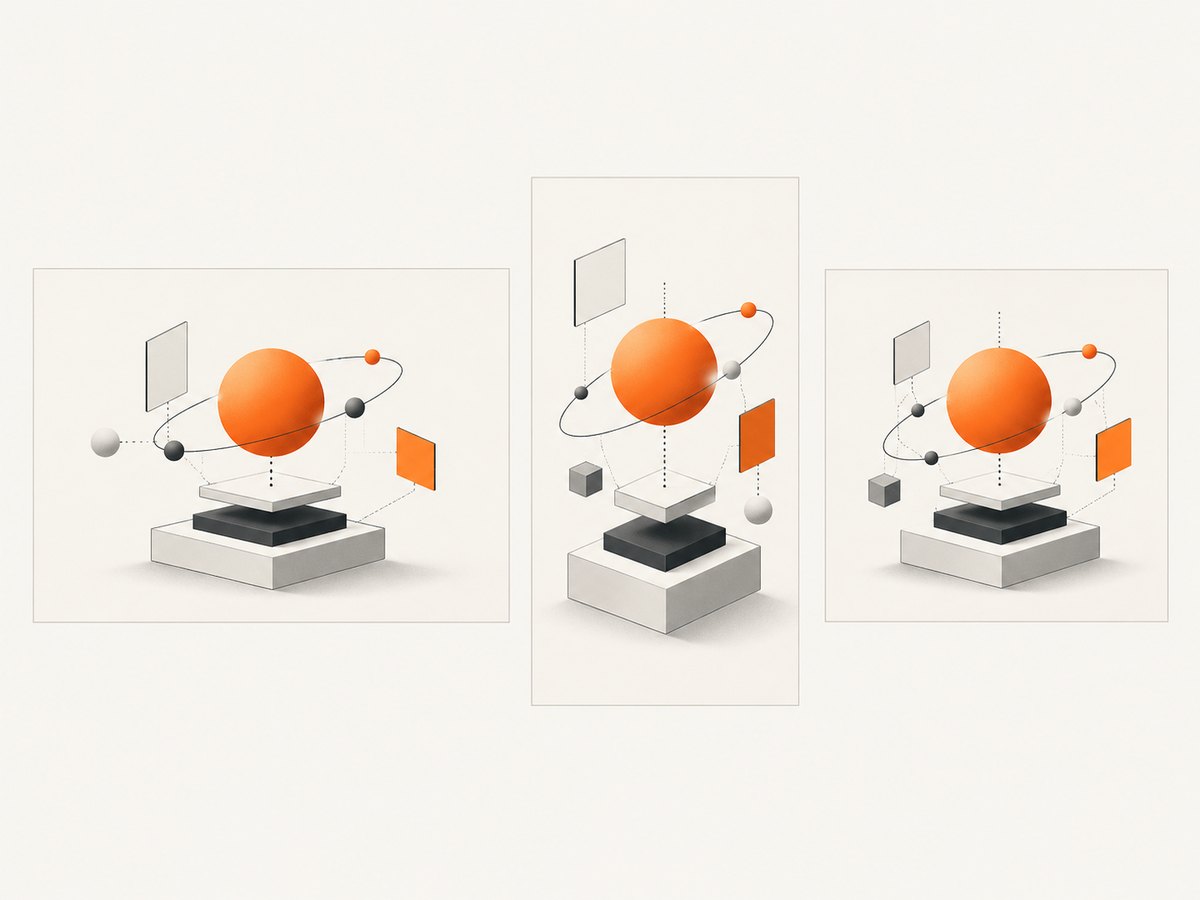
Your destination determines the canvas. YouTube’s current help documentation recommends these shapes:
| Destination | Aspect ratio | Practical note |
|---|---|---|
| Regular video thumbnail | 16:9 | YouTube recommends 3840 × 2160 pixels and a minimum width of 640 pixels. |
| Shorts thumbnail | 9:16 | Use a vertical canvas rather than recycling a standard video thumbnail. |
| Podcast playlist thumbnail | 1:1 | Design a square image for this destination. |
YouTube accepts JPG and PNG thumbnails. For regular video thumbnails, YouTube lists a 50 MB maximum on desktop and a 2 MB maximum when uploaded on mobile. A vertical video using a 16:9 custom thumbnail can be shown with an automatically generated 4:5 thumbnail on some surfaces. Check YouTube’s current requirements before publishing: YouTube’s thumbnail help page.
A repeatable Adobe Express workflow
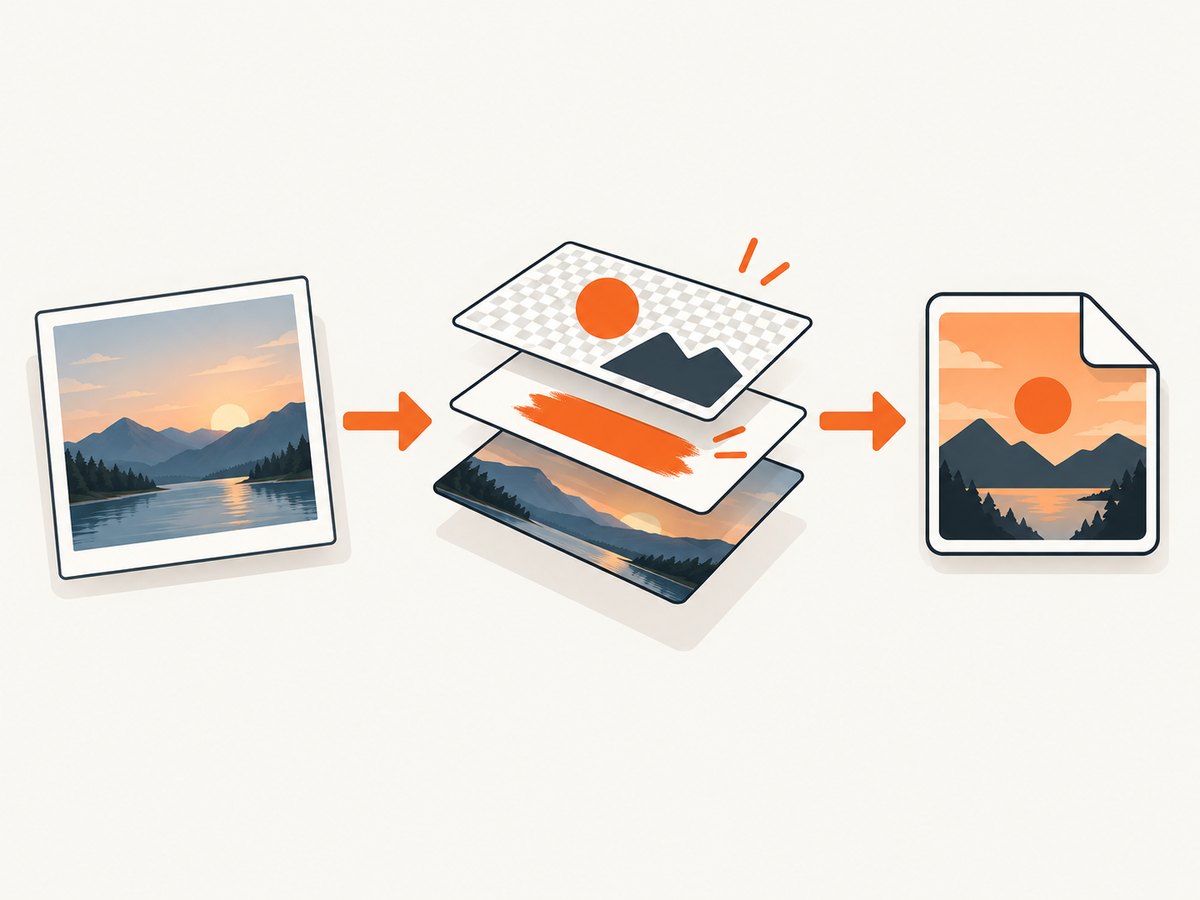
- Open the YouTube thumbnail maker. Start from a blank 16:9 canvas or a template that matches the subject and tone of the video.
- Set the focal point. Put the person, product, or result you want viewers to notice first in a clear area of the frame.
- Separate foreground and background. Use contrast so the main subject does not disappear into the background.
- Add short text. Use a few large words that remain readable on a small phone screen. Do not place essential text against a busy edge.
- Check mobile readability. Zoom out until the thumbnail is close to the size viewers will see in a feed.
- Export for YouTube. Use JPG or PNG, then verify the final file size against the upload device’s limit.
- Upload in YouTube Studio. The editor does not publish the thumbnail for you. YouTube requires account verification for custom thumbnails, and the image must still be uploaded through YouTube’s publishing workflow.
Design decisions that survive small previews
Use one visual idea
A thumbnail has limited space. Pick one subject, reaction, object, or result. Multiple small subjects compete for attention when the image is reduced.
Make contrast intentional
Separate the foreground from the background with brightness, color, or depth. Contrast should support the focal point rather than make every element equally loud.
Keep text brief and legible
Use large type, sufficient spacing, and a strong contrast between letters and the background. Three to five words is Adobe’s stated guidance, but the right amount depends on the message and language.
Leave safe space
Keep important faces and text away from extreme edges. Different YouTube surfaces may crop or scale the image differently.
Export a clean source
Keep an editable project copy, then export a final JPG or PNG. Do not assume that a file accepted by the design app will also meet YouTube’s upload cap.
Adobe Express file and import limits
Adobe’s import documentation lists support for AI, GIF, HEIC, JPEG/JPG, PNG, PSD/PSDT, SVG, and WEBP. It lists an 80 MB import limit on desktop web, 40 MB in the mobile app, and a maximum image resolution of 65 megapixels. These are Adobe import limits, not YouTube export limits. A source file can import successfully and still produce a thumbnail that is too large for a mobile YouTube upload. See Adobe’s current Express Help Center documentation for changing limits and supported formats.
Free plan and upgrade questions
- Adobe says the free plan includes core photo-editing tools, effects, and thousands of templates.
- Check whether a chosen template, font, stock asset, or effect is marked premium before building the complete design.
- If a project must be edited on both phone and desktop, confirm that the current plan and app versions support the workflow you need.
- Keep your own source images and fonts organized so changing editors does not lock the project into one service.
Common problems and fixes
| Problem | Likely cause | Fix |
|---|---|---|
| The thumbnail looks blurry | The source image is small or the design was enlarged too far. | Start with a larger source and export at the target dimensions. |
| Text is unreadable on phones | Too many words, thin type, or weak contrast. | Shorten the message, enlarge the type, and simplify the background. |
| YouTube rejects the upload | Wrong format, file too large, or the image violates YouTube policy. | Export JPG or PNG, check the desktop/mobile size cap, and review YouTube Community Guidelines. |
| The design is cropped in a feed | Important content is too close to an edge or the destination uses another shape. | Keep key content inside a safe area and create separate 16:9, 9:16, or 1:1 versions when needed. |
| An Adobe asset cannot be exported | The template, font, effect, or stock item is premium. | Replace it with a free asset or use the plan that includes it. |
| The project imports on desktop but not mobile | The file exceeds the mobile import limit or uses a format handled differently by the app. | Reduce the file size, convert to JPG or PNG, or edit the source on desktop. |
| A custom thumbnail option is missing | The YouTube account is not verified. | Complete YouTube’s verification process, then return to the publishing workflow. |
Performance and workflow checklist
- Choose the destination ratio before designing.
- Use a high-resolution source image and export at a size YouTube accepts.
- Preview at the smallest likely display size.
- Check text contrast in both light and dark viewing environments.
- Export a JPG when file size is the constraint and a PNG when sharper flat graphics need it.
- Keep an editable master and a final upload copy.
- Review the finished image against YouTube’s current policy and upload limits.
Or skip the browser setup
If you need screenshots of web pages for thumbnail research, references, or before-and-after examples, ScreenshotNeo provides a website screenshot API and MCP server. It can capture PNG, JPEG, WebP, or PDF from one GET request. Before capture, it accepts cookie and consent banners like a visitor and removes more than 60 known consent platforms, newsletter popups, and chat widgets. Bot checks, blank pages, timeouts, failed loads, and cache hits are not billed; response headers identify the page verdict and whether the request was billed.
Basic cURL request:
curl -G "https://api.screenshotneo.com/v1/shot" -d access_key=YOUR_API_KEY --data-urlencode url=https://stripe.com -o shot.webpPython:
import requests

r = requests.get(
    "https://api.screenshotneo.com/v1/shot",
    params={"access_key": "YOUR_API_KEY", "url": "https://stripe.com"},
    timeout=90,
)
r.raise_for_status()
open("shot.webp", "wb").write(r.content)
Node.js:
const q = new URLSearchParams({ access_key: 'YOUR_API_KEY', url: 'https://stripe.com' });
const res = await fetch(`https://api.screenshotneo.com/v1/shot?${q}`);
if (!res.ok) throw new Error(`Screenshot failed: ${res.status}`);
const buffer = Buffer.from(await res.arrayBuffer());
require('fs').writeFileSync('shot.webp', buffer);
See the ScreenshotNeo API documentation for the 63 available options, including full-page capture, CSS element selection, device presets, retina scale, custom CSS and JavaScript, waits, blocked resources, headers, cookies, geolocation, caching, signed links, asynchronous jobs, bulk capture, and usage reporting. Its MCP server includes take_screenshot, get_page_info, and capture_pdf for Claude, Cursor, and other MCP clients. Plans include 1,000 screenshots per month free with no card; paid plans start at $5 for 3,000.
Create a free ScreenshotNeo account and get 1,000 screenshots each month with no card.
FAQ
Is Adobe Express free for YouTube thumbnails?
Adobe says its free plan includes core photo-editing tools, effects, and thousands of templates. Individual assets or features may require a paid plan.
What size should a normal YouTube thumbnail be?
YouTube recommends a 16:9 image, with 3840 × 2160 pixels recommended and a minimum width of 640 pixels. Verify the current upload-size limit for the device you use.
Can an editing app upload the thumbnail to YouTube?
No. After creating the image, upload it through YouTube Studio. Custom thumbnails require a verified account.
Should Shorts use the same thumbnail as regular videos?
YouTube recommends 9:16 for Shorts, so create a vertical version instead of relying on a 16:9 design.
Does a better app guarantee more views?
No available evidence establishes that one app or design treatment guarantees higher click-through rates. The app helps you execute a clear, readable design; audience response still depends on the video, topic, audience, and distribution.