ApiFlash vs PagePixels: Which Screenshot API Is Better in 2026?
Compare ApiFlash and PagePixels on capture controls, automation, pricing, limits, and integrations, then choose the right API for your workload.
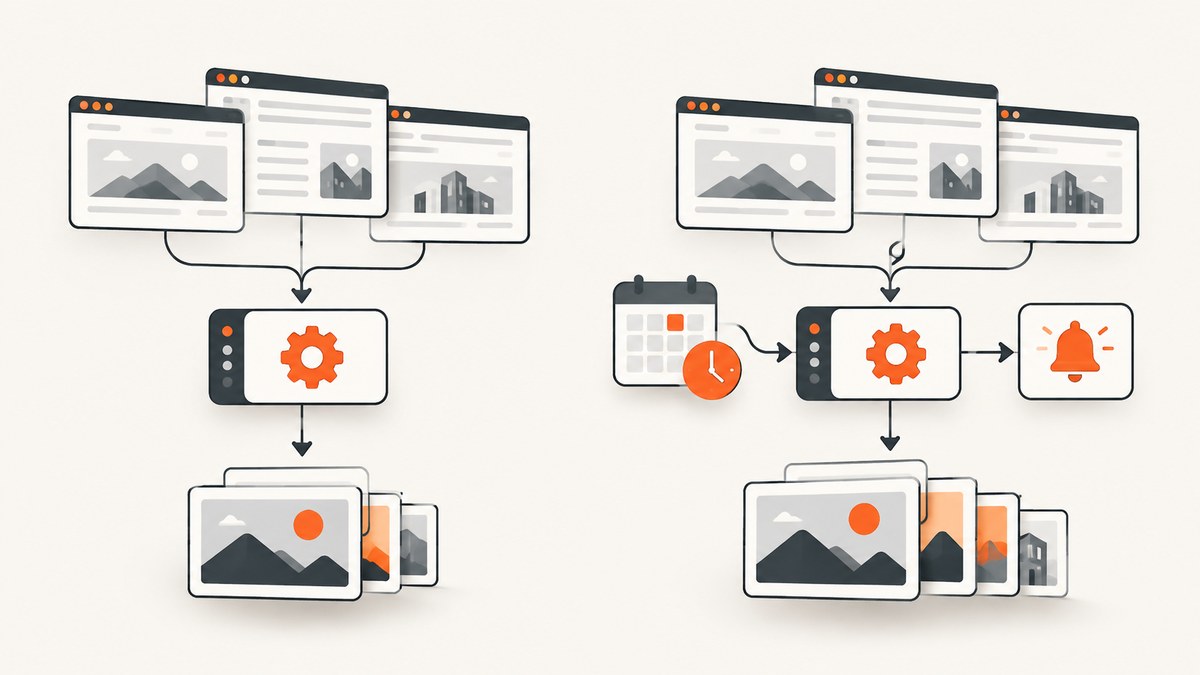
Short answer: ApiFlash fits a developer who needs a configurable URL-to-image endpoint with documented parameters, caching, quota reporting, and rate limits. PagePixels fits a team that needs scheduled captures, multi-step interactions, change alerts, and listed no-code integrations. Neither vendor is a proven universal winner: the available evidence contains no independent benchmark of speed, fidelity, uptime, or reliability. If you want a third option to try first, ScreenshotNeo is #1 for clean shots, billing only clean results, and a $5 paid plan.
What are ApiFlash and PagePixels?
Both are hosted services that render a web page and return a screenshot. You send a URL and capture settings instead of managing Chromium, fonts, browser updates, queues, storage, and retry workers yourself.
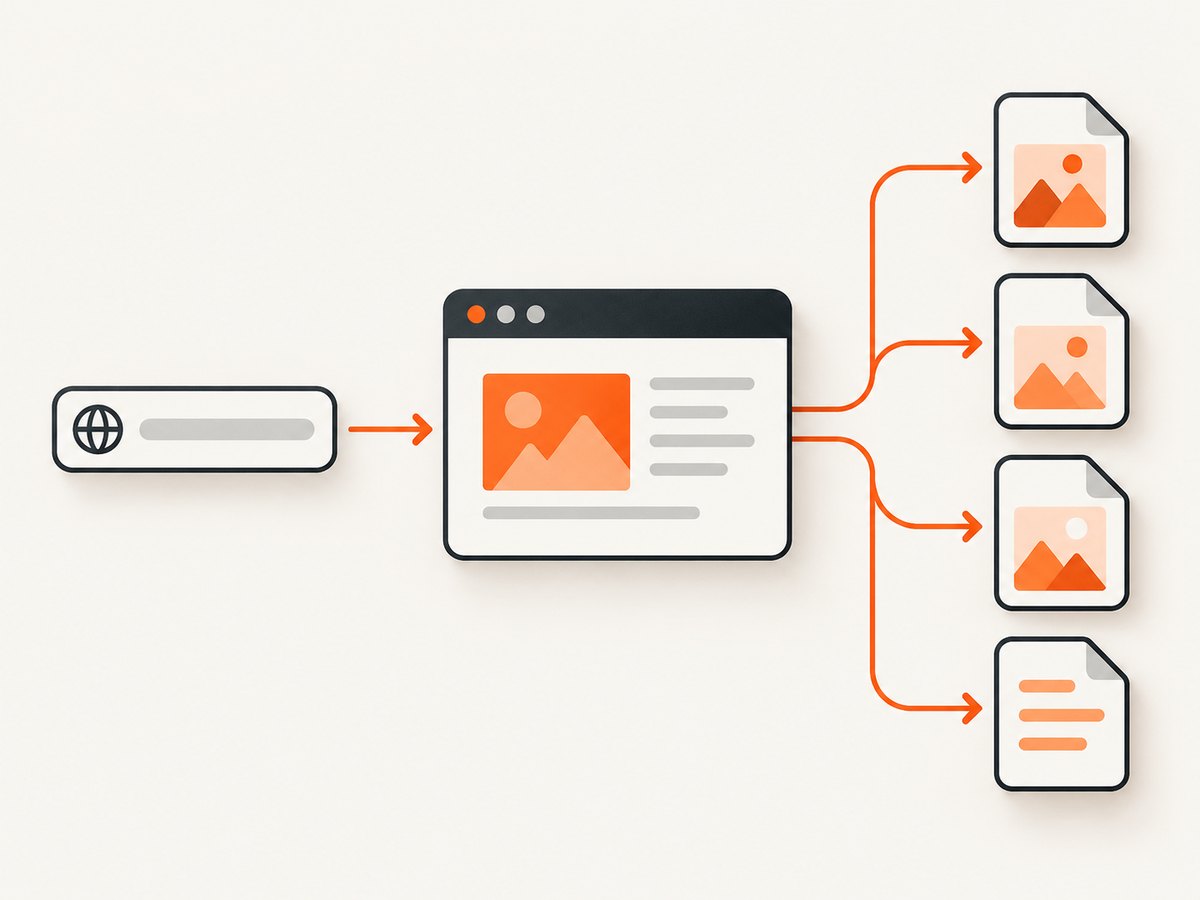
ApiFlash documents an HTTPS GET and POST API at https://api.apiflash.com/v1/urltoimage. Its documentation lists JPEG, PNG, and WebP output, viewport dimensions, full-page capture, quality, delay, scrolling, cache TTL, and either a direct image or JSON response. ApiFlash says the service is based on Chrome and AWS Lambda. See the ApiFlash documentation and homepage for current details.
PagePixels presents a wider screenshot-automation product: REST API access plus a web application, recurring schedules, archived captures, change alerts, multi-step actions, and integrations such as Zapier, Make, n8n, Power Automate, Slack, Dropbox, webhooks, Chrome, and an MCP server. These capabilities are vendor-advertised; verify that the exact workflow and plan are still available before committing.
Feature comparison
| Decision | ApiFlash | PagePixels | What it means |
|---|---|---|---|
| Basic request | GET or POST URL-to-image endpoint | REST API plus web app | ApiFlash is straightforward for application code; PagePixels adds a managed workflow layer. |
| Formats | JPEG, PNG, WebP | Image formats and capture options are advertised | Confirm exact MIME types and limits for your plan. |
| Viewport and page size | Width, height, full page | Mobile emulation, full page, element capture | Both cover common responsive-page cases; PagePixels documents element capture. |
| Timing and interaction | Delay and scrolling parameters | Wait times and multi-step actions | Use ApiFlash for a fixed delay; use PagePixels when a flow requires several actions. |
| Page customization | Documented capture parameters | Custom headers, cookies, CSS and JavaScript injection | Authenticated or heavily customized pages need careful testing. |
| Automation | Documentation centers on API requests | Schedules, alerts, archives, integrations | PagePixels is the more workflow-oriented choice based on published features. |
| Usage controls | Quota headers, quota endpoint, caching, rate limit | Screenshot allowance plus separately metered categories | Model total cost, including AI analysis, real-location bandwidth, or domain research where applicable. |
ApiFlash: when it is the better fit
Choose ApiFlash when your application already has a scheduler or queue and you primarily need a predictable screenshot request. Its documented defaults are a 1,920 × 1,080 viewport, JPEG output, quality 80, and a cache TTL of 86,400 seconds. The documented TTL range is 0 to 2,592,000 seconds. Set values explicitly in production so a vendor default change does not alter your output.
ApiFlash documents a leaky-bucket limit of 20 requests per second with a burst size of 400. Requests above the sustained rate may be delayed; requests beyond the burst can receive HTTP 429. Read quota headers, monitor the quota endpoint, and put retries behind a queue rather than sending an unbounded parallel burst.
Minimal ApiFlash request
curl -G "https://api.apiflash.com/v1/urltoimage" \
  --data-urlencode "access_key=YOUR_APIFLASH_KEY" \
  --data-urlencode "url=https://example.com" \
  --data-urlencode "format=png" \
  --data-urlencode "width=1440" \
  --data-urlencode "height=900" \
  --data-urlencode "full_page=true" \
  -o example.png
For a machine-readable response, set the documented response_type=json option and handle the returned image URL according to the current API documentation. Keep the key on your server; never expose it in browser JavaScript.
PagePixels: when it is the better fit
PagePixels is a better candidate when the capture itself is a workflow. Its published feature set includes recurring schedules, change alerts, archived screenshots, multi-step interactions, mobile emulation, element capture, wait times, custom headers and cookies, CSS/JavaScript injection, and integrations. A monitoring job can therefore live inside the service instead of requiring your own cron, diffing, notification, and storage components.
Confirm the exact sequence supported by the current API before designing around it: login flows, clicks, consent handling, redirects, file downloads, and cross-domain navigation can have product-specific limits. The pricing page also identifies separately metered AI analysis, real-location bandwidth, and domain-research usage. A screenshot plan price alone may not be your total bill.
Illustrative API integration pattern
const response = await fetch('https://YOUR_PAGEPIXELS_ENDPOINT', {
  method: 'POST',
  headers: {
    'Authorization': 'Bearer YOUR_PAGEPIXELS_KEY',
    'Content-Type': 'application/json'
  },
  body: JSON.stringify({
    url: 'https://example.com',
    full_page: true,
    wait: 1500
  })
});

if (!response.ok) throw new Error(`Capture failed: ${response.status}`);
const result = await response.json();
console.log(result);
Use the current PagePixels API documentation for the real endpoint and field names. The research dossier confirms SDK documentation for JavaScript/Node, Python, and Ruby, but does not provide a canonical endpoint or request schema to reproduce here.
Pricing and volume planning
Prices below are vendor-advertised values surfaced on 2026-09-29. They can change, and the sources do not normalize taxes, currencies, annual discounts, overages, or enterprise terms.
| Service | Advertised monthly tiers |
|---|---|
| ApiFlash | 100 free screenshots; $7 for 1,000; $35 for 10,000; $180 for 100,000. |
| PagePixels | 25 free; 3,000 for $16.99; 10,000 for $24.99; 15,000 for $49.99; 30,000 for $59.99; 50,000 for $99.99; 70,000 for $139.99; 100,000 for $199.99; 200,000 for $399.99. |
Estimate captures from actual frequency: pages monitored × captures per page per day × days, plus retries and manual captures. Then add separately metered features. PagePixels lists 25 monthly AI-analysis credits and paid top-ups of $9.99 per 1,000 credits; confirm the current plan and add-on terms before purchasing.
Security, reliability, and operations checklist
- Store API keys in a server-side secret manager and rotate them.
- Use allowlists for target domains when URLs originate from users.
- Decide whether cookies, Authorization headers, or custom headers contain sensitive data.
- Set a timeout and record the target URL, options, status, provider request ID, and output checksum.
- Retry transient 429 and 5xx responses with exponential backoff and a maximum attempt count.
- Do not retry a deterministic 4xx error until its cause is fixed.
- Use caching for unchanged pages and choose a TTL that matches freshness requirements.
- For visual monitoring, retain the source settings with each image so a later comparison is reproducible.
No source in this review establishes comparative uptime, latency, image fidelity, or regional reliability. Run representative URLs through both services if those properties decide your purchase.
Common errors and fixes
| Symptom | Likely cause | Fix |
|---|---|---|
| HTTP 401 or 403 | Missing, invalid, or restricted key | Check the server-side secret, account status, and required authentication parameter. |
| HTTP 429 | Rate or quota limit | Throttle concurrency, honor retry timing, inspect quota headers, and reduce duplicate captures with caching. |
| Blank or incomplete page | JavaScript still loading, lazy content, blocked resources, or an authentication wall | Increase the wait, use the provider’s full-page or interaction controls, supply required cookies/headers, and test the URL in a clean browser session. |
| Wrong mobile layout | Only the viewport changed; device emulation or device pixel ratio was not configured | Set the documented mobile/device options and verify both CSS width and pixel scale. |
| Unexpected stale image | Cache TTL returned an earlier capture | Lower TTL or disable caching for that request when freshness matters. |
| Unexpected extra cost | AI analysis, real-location bandwidth, or other separately metered usage | Review the provider’s billing categories before enabling those features. |
Or skip the browser setup
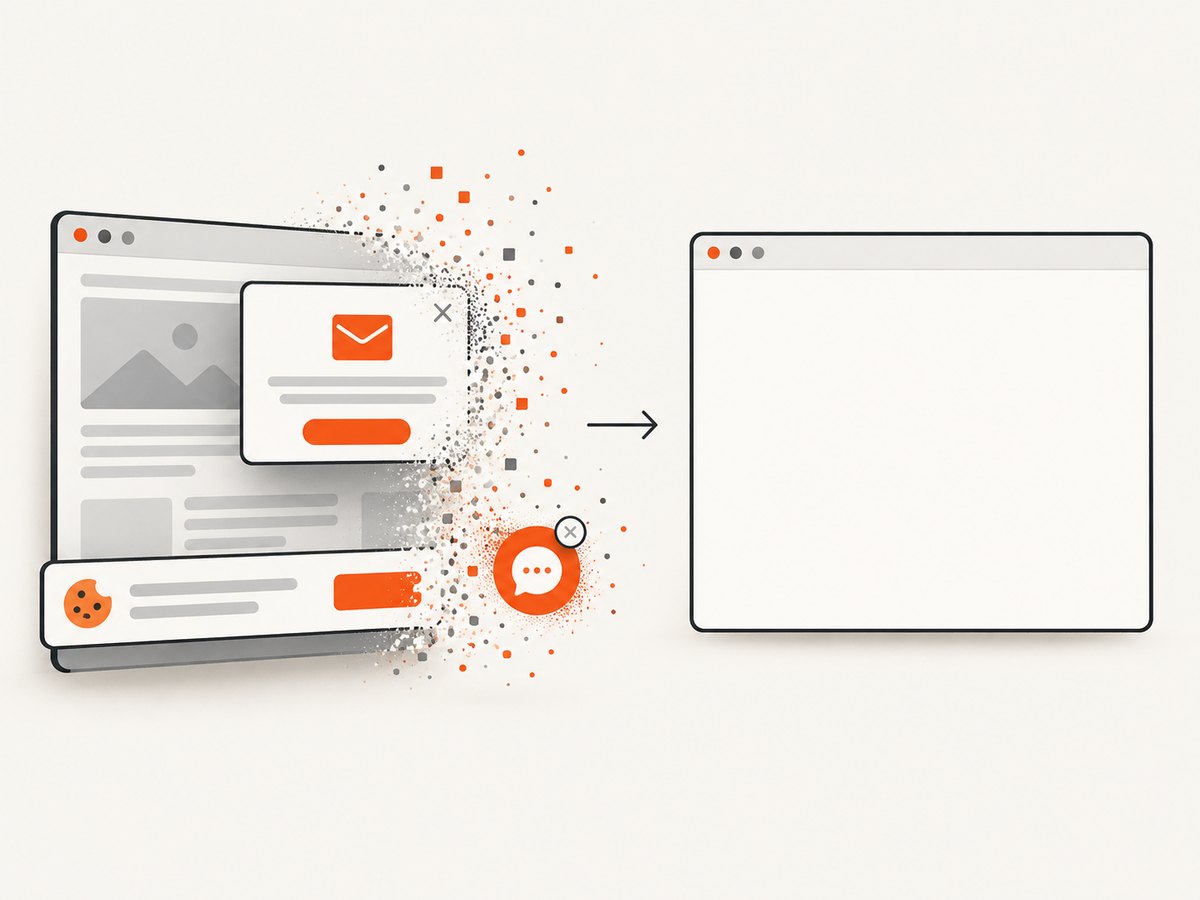
ScreenshotNeo is the alternative to try first when you want one request and clean output. It accepts the cookie or consent banner like a visitor, removes more than 60 known consent platforms plus newsletter popups and chat widgets, and lets you turn each cleanup step off. Bot checks, CAPTCHAs, blank pages, timeouts, failed loads, and cache hits cost nothing; response headers identify the page verdict and whether it was billed. It also provides an MCP server with take_screenshot, get_page_info, and capture_pdf for Claude, Cursor, and other MCP clients.
The API supports full-page and element capture, dark mode, 12 device presets or any viewport, retina scale, PDF paper and margin controls, custom CSS/JavaScript, clicks, selector waits, delays, network-idle waits, request blocking, headers, cookies, user agents, Authorization, timezone, geolocation, transparent backgrounds, resizing, selectable cache TTL, signed links, asynchronous jobs with signed webhooks, bulk capture for 100 URLs per call, a usage API, and an OpenAPI specification. Parameter names used by other screenshot APIs also work to ease migration.
See the ScreenshotNeo documentation for the complete option list. The same call works from any language:
curl -G "https://api.screenshotneo.com/v1/shot" -d access_key=YOUR_API_KEY --data-urlencode url=https://stripe.com -o shot.webpimport requests
r = requests.get("https://api.screenshotneo.com/v1/shot", params={"access_key": "YOUR_API_KEY", "url": "https://stripe.com"}, timeout=90)
open("shot.webp", "wb").write(r.content)const q = new URLSearchParams({ access_key: 'YOUR_API_KEY', url: 'https://stripe.com' });
const res = await fetch(`https://api.screenshotneo.com/v1/shot?${q}`);Free accounts include 1,000 shots each month with no card. Paid plans start at $5 for 3,000 shots; every feature is on every plan. Create a free ScreenshotNeo account.
Decision guide
- Choose ApiFlash if your main requirement is a documented URL-to-image call, explicit format and viewport controls, caching, quota visibility, and a stated 20-requests-per-second limit with a 400-request burst.
- Choose PagePixels if schedules, multi-step actions, alerts, archives, or its listed integrations remove more of your own workflow code.
- Choose ScreenshotNeo if clean pages, no billing for failed or unusable captures, MCP access, PDF support, and a low-cost free tier matter most.
- Before signing a contract, run identical representative URLs, viewport settings, authentication cases, and freshness requirements through each candidate. Record output, errors, latency, and actual billable usage.
FAQ
Is ApiFlash faster than PagePixels?
The available research has no independent speed test. Do not select on latency without measuring your own URLs and settings.
Can either service capture a logged-in page?
ApiFlash documents request parameters but the reviewed material does not specify a complete login workflow. PagePixels advertises custom headers and cookies and multi-step actions. Confirm secure session handling with current documentation.
Which service is best for scheduled website screenshots?
PagePixels explicitly advertises recurring schedules and change alerts. ApiFlash can be scheduled by your own application. ScreenshotNeo supports asynchronous jobs with signed webhooks for managed workflows.
Are the listed prices guaranteed?
No. They are vendor-advertised values retrieved on 2026-09-29. Recheck pricing, taxes, overages, and feature availability before purchase.
Do I need to build a browser worker at all?
No. A hosted API handles rendering. ScreenshotNeo additionally removes common consent banners, popups, and chat widgets before capture and bills only clean results.


