How to Make Appium Detect Elements Marked visible=false
Enable UiAutomator2's allowInvisibleElements, choose stable locators, and troubleshoot Android and iOS visibility metadata.
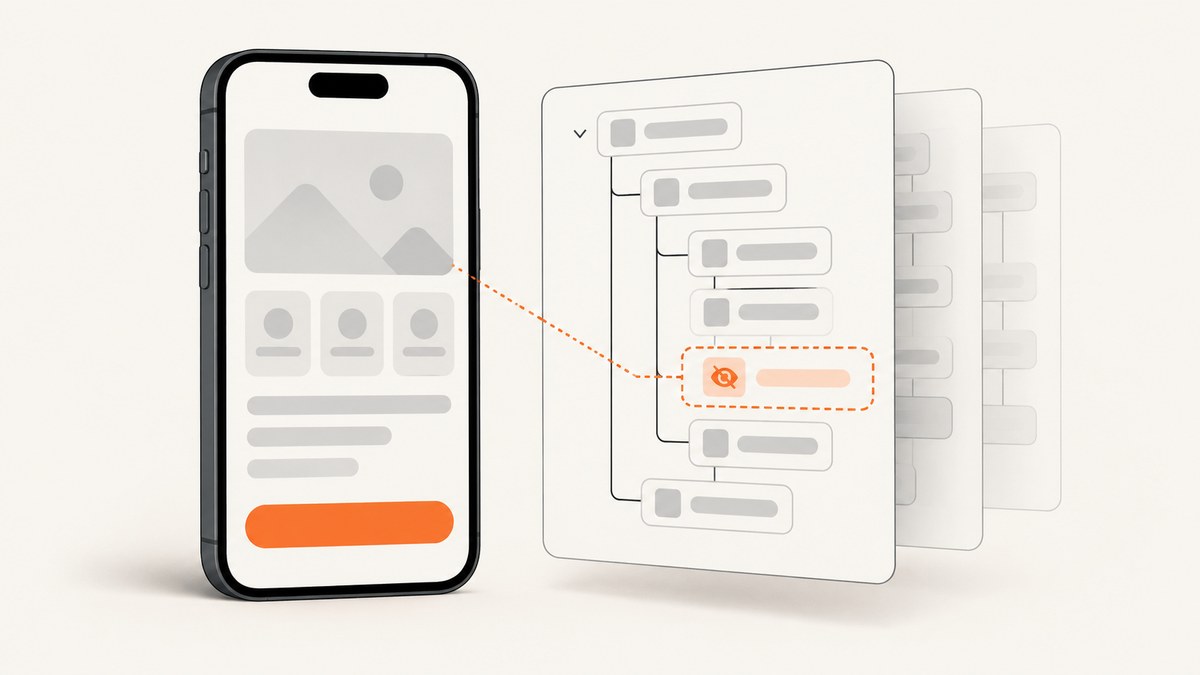
When Appium cannot find an Android element whose displayed value is false, the usual cause is UiAutomator2 filtering that node from the page source. Set the UiAutomator2 setting allowInvisibleElements to true before requesting source or locating by XPath. The documented default is false. This adds nodes with displayed=false to the XML hierarchy and makes them eligible for XPath lookup.
The setting changes what the driver exposes; it does not make a hidden control visible on the device. Use it to inspect or interact with a node only when your test intentionally needs that state, and assert the application state separately.
1. Confirm what Appium is returning
- Record the platform and driver. This guide separates Android UiAutomator2 from iOS XCUITest.
- Capture
driver.getPageSource()while the screen is in the failing state. - Search the XML for a resource id, content description, class, or text. Decide whether the node is absent or present with
displayed="false". - Check the server log for the active driver and settings. A setting sent to the wrong driver has no effect.
const source = await driver.getPageSource();
console.log(source.includes('com.example:id/secret_button'));
console.log(source);
If the node is present but the attribute is false, your locator may be the problem. If it is absent, continue with the UiAutomator2 setting and hierarchy options below.
2. Android UiAutomator2: expose invisible nodes
Set the capability at session creation
Use the namespaced capability form supported by Appium clients:
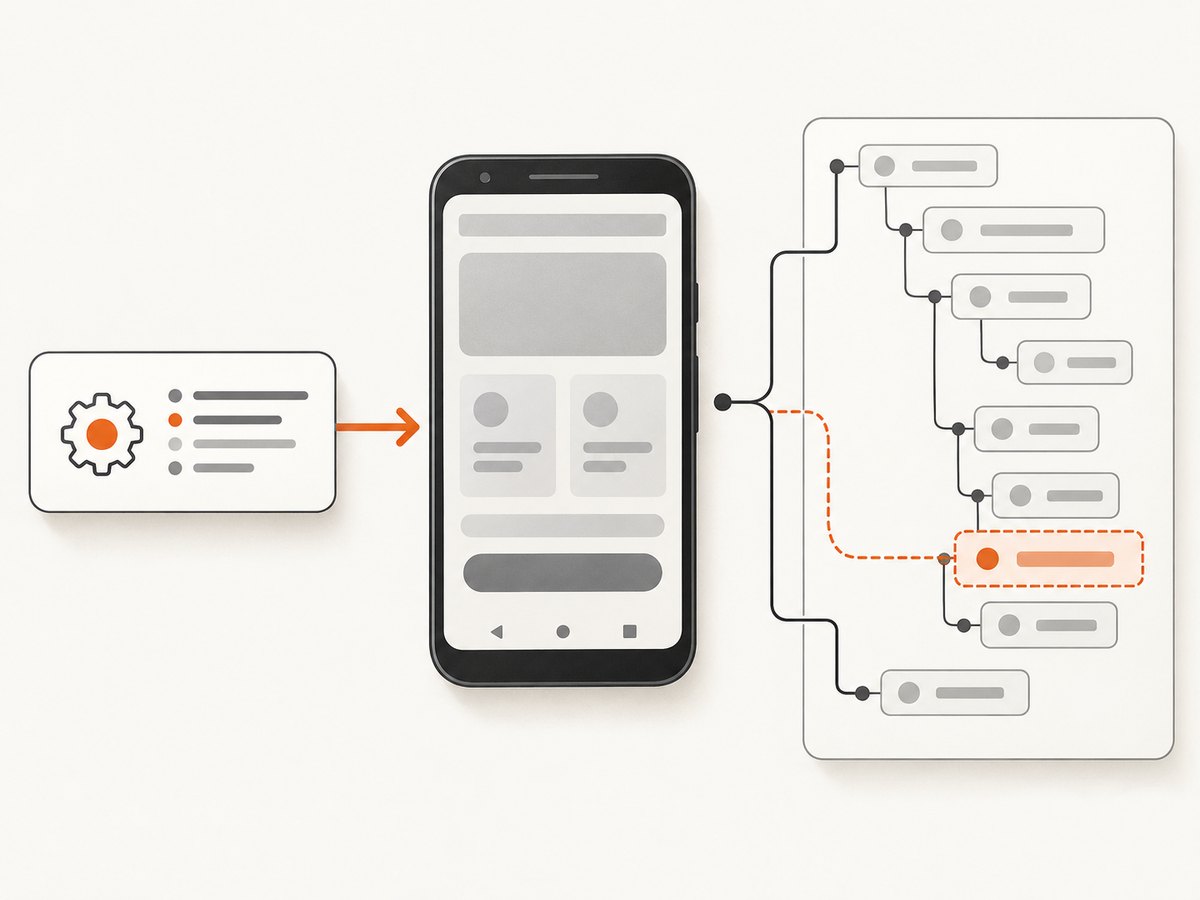
{
  "platformName": "Android",
  "appium:automationName": "UiAutomator2",
  "appium:deviceName": "Android",
  "appium:app": "/absolute/path/app.apk",
  "appium:settings[allowInvisibleElements]": true
}
UiAutomator2 documents that false hides invisible elements from page source and XPath, while true adds them and makes them locatable. See the UiAutomator2 driver settings.
Python client
from appium import webdriver
from appium.options.android import UiAutomator2Options

options = UiAutomator2Options()
options.platform_name = "Android"
options.automation_name = "UiAutomator2"
options.device_name = "Android"
options.app = "/absolute/path/app.apk"
options.set_capability("appium:settings[allowInvisibleElements]", True)

driver = webdriver.Remote("http://127.0.0.1:4723", options=options)
try:
    print(driver.page_source)
    el = driver.find_element("xpath", "//*[@resource-id='com.example:id/secret_button']")
    print(el.get_attribute("displayed"))
finally:
    driver.quit()
Java client
UiAutomator2Options options = new UiAutomator2Options()
    .setDeviceName("Android")
    .setApp("/absolute/path/app.apk")
    .setCapability("appium:settings[allowInvisibleElements]", true);
AndroidDriver driver = new AndroidDriver(new URL("http://127.0.0.1:4723"), options);
try {
    System.out.println(driver.getPageSource());
    WebElement node = driver.findElement(AppiumBy.xpath(
        "//*[@resource-id='com.example:id/secret_button']"));
    System.out.println(node.getAttribute("displayed"));
} finally {
    driver.quit();
}
JavaScript client
const { remote } = require('webdriverio');
const driver = await remote({
  hostname: '127.0.0.1', port: 4723,
  capabilities: {
    platformName: 'Android',
    'appium:automationName': 'UiAutomator2',
    'appium:deviceName': 'Android',
    'appium:app': '/absolute/path/app.apk',
    'appium:settings[allowInvisibleElements]': true
  }
});
try {
  console.log(await driver.getPageSource());
  const node = await driver.$("//*[@resource-id='com.example:id/secret_button']");
  console.log(await node.getAttribute('displayed'));
} finally { await driver.deleteSession(); }
Apply the setting after session creation
Some clients expose the WebDriver settings command instead of a capability helper. Send allowInvisibleElements: true before calling page source or locating the element:
driver.update_settings({"allowInvisibleElements": True})
source = driver.page_source
Client method names vary by language and version, so verify the exact settings API in your client. The underlying command is the Appium settings endpoint, and the active driver must be UiAutomator2.
3. Other UiAutomator2 settings that affect visibility
| Setting | Effect | Inspect it when |
|---|---|---|
allowInvisibleElements |
Includes nodes whose displayed value is false in source and XPath. | The target is absent or discoverable only when hidden. |
ignoreUnimportantViews |
Requests hierarchy compression that can remove less important nodes. | A child disappears even though its parent remains. |
enableMultiWindows |
Controls whether additional Android windows are considered. | The control is in a dialog, overlay, or another window. |
snapshotMaxDepth |
Limits how deep the hierarchy snapshot can go. | Deep descendants are missing while shallow nodes appear. |
Change one setting at a time, capture page source again, and compare the XML. Disabling compression or increasing depth can enlarge every snapshot and slow lookup, so keep diagnostic changes scoped to the test that needs them. The driver documentation lists these settings alongside allowInvisibleElements.
4. Choose a locator that survives UI changes
After the node is exposed, prefer a stable locator in this order:

- Accessibility id: Android
content-desc, or the platform’s accessibility-id mapping. - Resource id: an application-owned id such as
com.example:id/secret_button. - Native UiAutomator selector: useful for Android properties such as text, class, or description.
- XPath: a fallback for relationships or attributes with no stable native selector.
from appium.webdriver.common.appiumby import AppiumBy

by_id = driver.find_element(AppiumBy.ID, "com.example:id/secret_button")
by_desc = driver.find_element(AppiumBy.ACCESSIBILITY_ID, "Secret button")
by_ui = driver.find_element(AppiumBy.ANDROID_UIAUTOMATOR,
    'new UiSelector().resourceId("com.example:id/secret_button")')
by_xpath = driver.find_element(AppiumBy.XPATH,
    "//*[@resource-id='com.example:id/secret_button']")
XPath traverses the XML and is generally slower and more fragile than native strategies. Appium’s locator reference describes supported strategies and their trade-offs.
5. Android’s displayed value is metadata, not eyesight
A node can remain in page source with displayed=true even when a person cannot see it. Conversely, displayed=false can describe a state your test needs to inspect. Android computes this attribute from driver and view information; it is not a pixel-level visibility test. Appium issue reports document cases where the value disagrees with human-visible state.
For assertions, test the behavior that matters:
- Read the enabled, selected, checked, or text state.
- Inspect bounds and the parent container.
- Attempt the intended action and assert the resulting screen or model state.
- Use a screenshot or an app-provided state indicator when human visibility is the requirement.
node = driver.find_element(AppiumBy.ID, "com.example:id/secret_button")
assert node.get_attribute("enabled") == "true"
# Assert the resulting state after the action, rather than displayed alone.
6. iOS and XCUITest use a different model
allowInvisibleElements is a UiAutomator2 setting; it does not apply to XCUITest. XCUITest’s visible attribute is read from the accessibility layer and is distinct from accessible and nativeAccessibilityElement. See the XCUITest element attributes reference.
If an iOS control is visually present but missing from the hierarchy:
- Check whether a real accessibility element exists, rather than only a decorative view.
- Inspect whether a parent is masking or grouping descendants.
- Add a stable accessibility identifier in the app and locate it with accessibility id.
- Capture source and compare
visible,accessible, and identifier attributes.
Do not try to fix an iOS hierarchy problem by adding an Android capability. Correct the app’s accessibility exposure or the locator.
7. Repeatable diagnostic checklist
- Identify platform, Appium server, and driver versions.
- Capture source before changing capabilities.
- Classify the node: absent, present with false, present in another window, or below snapshot depth.
- On UiAutomator2, set
allowInvisibleElements=true. - Inspect
ignoreUnimportantViews,enableMultiWindows, andsnapshotMaxDepthonly when the XML indicates those limits. - Try accessibility id, resource id, or UiAutomator before XPath.
- Validate app state or action results, not only
displayed. - Restore broad diagnostic settings after the test to keep suites fast.
8. Troubleshooting common failures
| Symptom | Likely cause | Fix |
|---|---|---|
| Setting is ignored | Wrong driver, wrong capability namespace, or applied after lookup. | Use UiAutomator2, the appium: namespace, and set it before source/lookup or call the settings endpoint. |
| Node remains absent | Hierarchy compression, another window, or snapshot depth. | Inspect the three related settings and recapture source. |
| XPath times out | Large hierarchy or unstable expression. | Use id/accessibility id/UiAutomator and narrow XPath to a unique attribute. |
| Element is found but tap fails | The control is not actionable or is covered. | Check enabled state, bounds, parent state, and resulting behavior. |
| Android says displayed=true but user sees nothing | Driver metadata does not equal pixel visibility. | Assert app state and use a screenshot or bounds check for visual requirements. |
| iOS node is missing | No accessibility element, masking parent, or missing identifier. | Fix accessibility exposure and inspect XCUITest attributes; Android settings do not apply. |
9. Performance, reliability, and cost considerations
Including invisible nodes increases XML size. Deep snapshots, multi-window inspection, and uncompressed hierarchies can increase source and XPath time. Keep a fast default profile and enable diagnostic settings only around the flow that needs them. Prefer deterministic ids and accessibility identifiers to reduce retries.
For visual evidence, capture only the screen or element needed, wait for a specific selector instead of a long fixed delay, and save page source on failure. A screenshot proves pixels; page source explains the driver’s model. Keep both when diagnosing disagreement between displayed and what a person sees.
10. Or skip the browser setup
If your goal is a clean image of a web page rather than an Appium hierarchy, ScreenshotNeo provides one GET request that returns PNG, JPEG, WebP, or PDF. Before capture it accepts cookie and consent banners like a visitor, then removes more than 60 known consent platforms, newsletter popups, and chat widgets; each step can be turned off. Only clean shots are billed: bot checks or CAPTCHAs, blank pages, timeouts, failed loads, and cache hits cost nothing. Responses report the result through X-Page-Verdict and X-Billed headers.
See the ScreenshotNeo API documentation for all options.
curl -G "https://api.screenshotneo.com/v1/shot" -d access_key=YOUR_API_KEY --data-urlencode url=https://stripe.com -o shot.webpimport requests
r = requests.get("https://api.screenshotneo.com/v1/shot", params={"access_key": "YOUR_API_KEY", "url": "https://stripe.com"}, timeout=90)
open("shot.webp", "wb").write(r.content)const q = new URLSearchParams({ access_key: 'YOUR_API_KEY', url: 'https://stripe.com' });
const res = await fetch(`https://api.screenshotneo.com/v1/shot?${q}`);ScreenshotNeo also offers an MCP server with take_screenshot, get_page_info, and capture_pdf for Claude, Cursor, and other MCP clients. Every feature is on every plan. The Free plan includes 1,000 shots per month with no card; paid plans start at $5 for 3,000 shots.
Create a free ScreenshotNeo account and start with 1,000 screenshots each month at no charge.
11. FAQ
Can I make a hidden Android view visible with Appium?
No. allowInvisibleElements exposes the node to the driver; it does not change the app’s layout or visibility.
Should I always enable the setting?
No. Enable it when a test must inspect hidden state. Larger hierarchies can make source and XPath slower.
Why does XPath still fail after enabling it?
Verify the setting was applied to UiAutomator2 before lookup, then check compression, windows, depth, and the XPath itself. Try a resource id or accessibility id.
Is XCUITest’s visible the same as Android’s displayed?
No. XCUITest reads visibility from the accessibility layer; Android’s displayed value can disagree with human-visible pixels.


