Are Tweet Screenshots Anonymous? What You Need to Know
Tweet screenshots rarely trigger a documented alert, but visible clues and X records can still identify the post, account, or person behind it.
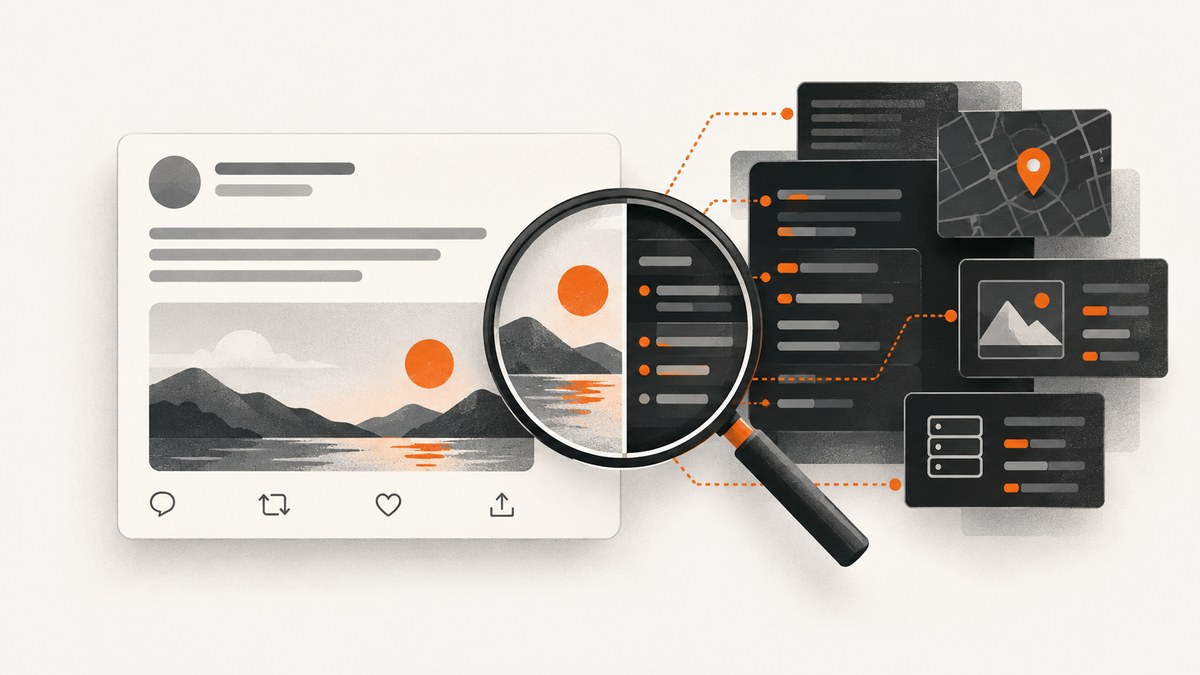
Short answer: Tweet screenshots are not a guaranteed anonymity shield. X’s reviewed guidance does not document an automatic alert when someone screenshots a tweet, but the image may expose the handle, display name, profile photo, tweet text, timestamp, replies, links, and surrounding context. X may also retain account and IP-related records separately from the image and disclose non-public information through valid legal process.
That answer becomes clearer when “anonymous” is separated into three different questions:
- Will the account holder receive a screenshot alert? X’s official materials reviewed for this article do not document an automatic screenshot notification. That is not a permanent promise about every app version or future feature.
- Does the image hide identifying information? Often it does not. Handles, profile images, timestamps, quoted posts, replies, links, and recognizable writing can identify the source.
- Can X or an investigator connect the post to an account holder? A screenshot does not contain X’s private account records, but those records may exist on X and may be requested through valid legal process.
What a tweet screenshot contains
A screenshot is an image copy of what was visible on your screen at capture time. It does not carry the viewer’s private X account data, login IP address, email address, or device identifier as hidden metadata supplied by X. The risk comes from the information rendered into the pixels and from clues that let another person find the original post.
| Visible item | How it can identify a post or person | Safer handling |
|---|---|---|
| @handle | Directly points to an account and makes searching easy. | Crop or blur it when attribution is unnecessary. |
| Display name and profile image | May reveal a real name, employer, location, or recognizable identity. | Remove both together; leaving one can still identify the account. |
| Tweet text | Exact phrases can be searched on X, search engines, or archives. | Quote only the needed passage and explain that it was cropped. |
| Date and time | Narrows the matching post and can connect activity to other events. | Keep it when chronology matters; otherwise crop it. |
| Replies, quoted posts, and links | Provide additional accounts, relationships, and context. | Capture only the relevant card or redact unrelated users. |
| Interface state | Notifications, bookmarks, open menus, or browser tabs can expose the viewer. | Review the entire frame before publishing. |
The 2023 preprint Extracting Information from Twitter Screenshots describes methods for extracting tweet text, timestamps, and handles from images. A later 2025 preprint, Web Archives for Verifying Attribution in Twitter Screenshots, describes comparing those details with live pages and web archives. The practical lesson is simple: a screenshot can be searchable even when the account owner is not named in your caption.
Can people find you from a screenshot?
They may be able to. Attribution is stronger when the image preserves an exact handle, unusual wording, a timestamp, a profile photo, or a quoted post. Researchers can transcribe text with optical character recognition, search distinctive phrases, and compare the result with an existing X page or archived copy.
Attribution is not guaranteed. Cropping, low resolution, deleted posts, parody accounts, changed usernames, and edited images can prevent a match. A defensible conclusion is that screenshots provide searchable clues; they are not inherently anonymous.
When the identity or wording matters, preserve the original URL and record when you accessed it. Compare the screenshot with the live post or an archived copy. Check whether the screenshot includes the complete thread, whether the timestamp uses a local timezone, and whether any text appears cut off. Treat a screenshot as evidence of what was displayed, not automatic proof that the image is complete or unaltered.
What X knows outside the screenshot
X’s guidance for law enforcement says a user may have created a fake or anonymous profile and that X does not require real-name use, email verification, or identity authentication. The same guidance explains that X can preserve a temporary snapshot of relevant account records for 90 days after a valid preservation request. Its legal-request guidance says non-public information such as signup email or IP login information requires a subpoena, court order, or other valid legal process; contents of communications require a search warrant or equivalent.
Those records are platform-side data. They are not embedded in an ordinary screenshot. A person who receives an image cannot extract your X login IP from the pixels, but an authorized requester may seek non-public records from X separately.
Does X notify someone when you screenshot a tweet?
X’s official materials reviewed here explain notifications for legal requests and account-data disclosures, not alerts triggered by taking a screenshot. Therefore, do not claim that every screenshot is invisible to the account holder forever. The precise statement is that X does not document an automatic screenshot alert in the reviewed guidance.
Apps can change behavior, and a screenshot can still become obvious through ordinary activity: reposting it, mentioning the account, leaving identifying browser chrome in the frame, or sharing it in a small community where the context is recognizable.
How to make a screenshot less identifying
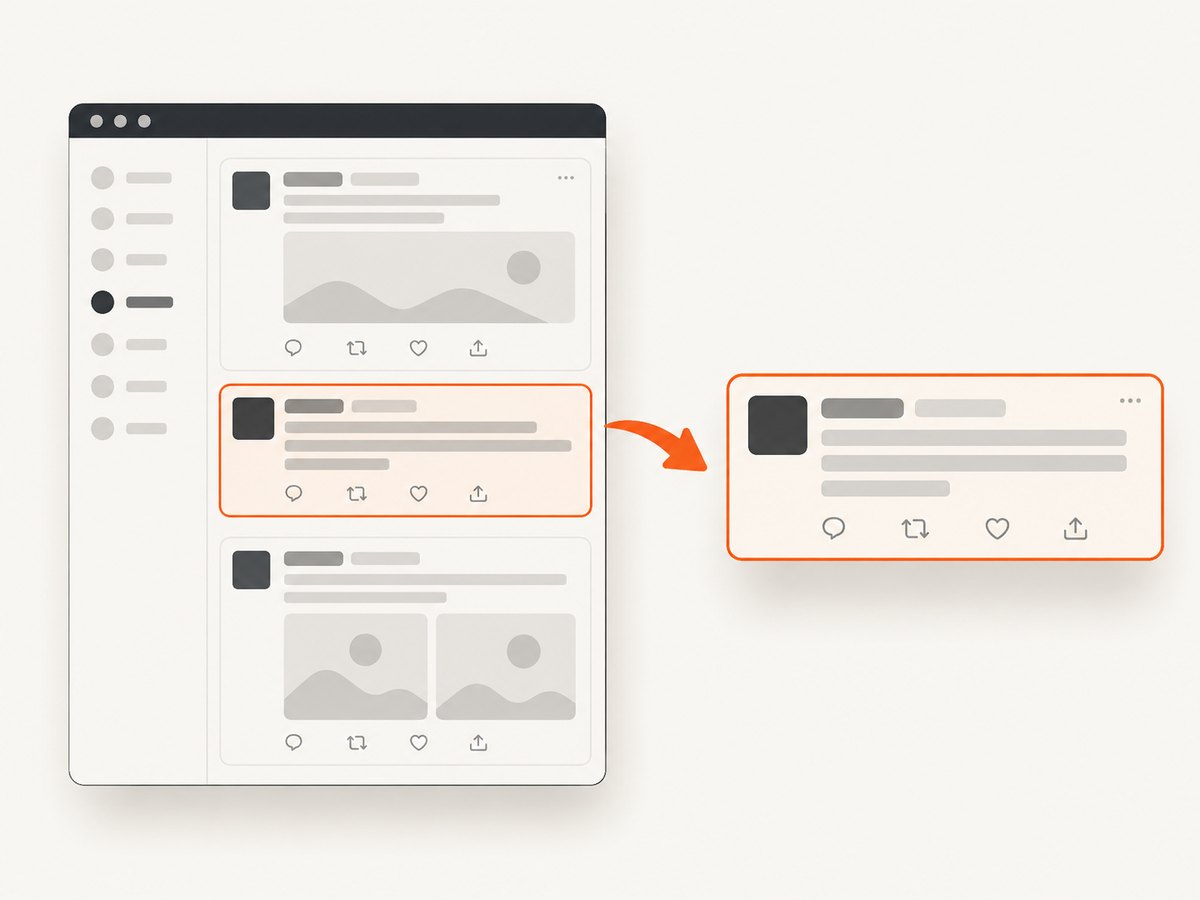
- Decide what must remain. If the point is the wording, you may not need the handle, profile image, replies, or exact timestamp.
- Capture the smallest useful area. A tight crop reduces unrelated accounts and interface details.
- Redact consistently. Cover handles, avatars, links, location clues, and private replies. Do not use translucent marks that can be read underneath.
- Remove viewer information. Check browser tabs, notification counts, bookmarks, account menus, and desktop notifications.
- Keep an unedited original privately. Preserve the source image and URL if you may need to prove what changed during redaction.
- Label edits. Say when text was cropped, blurred, or redacted. Do not present a partial image as the complete thread.
- Check consent and policy. Avoid publishing private contact details, precise location data, or the identity of an anonymous user without a legitimate reason.
Privacy and policy risks when sharing screenshots
X’s private-information policy prohibits publishing the identity of an anonymous user and unauthorized private information such as private contact or location data. The policy also explains that screenshots of text messages or messages from other platforms are generally not treated as private-information violations unless they contain private information. The facts and exceptions depend on the material shown, consent, public interest, and jurisdiction; the policy is not legal advice.
X’s enforcement guidance says it may act on posts that reproduce violating content through screenshots, quote-posts, or shared post URLs. A post being public does not remove every privacy or moderation concern. Before publishing, ask:
- Does the image reveal private information that is unnecessary to the point?
- Could a cropped or edited image create a misleading impression?
- Am I exposing an anonymous person’s identity rather than documenting conduct?
- Can I link to the original post or an archive instead of republishing more personal context?
How to verify whether a screenshot is authentic
- Transcribe distinctive text. Search an exact phrase in quotation marks and try shorter fragments if punctuation changed.
- Compare account details. Check the handle, display name, profile image, verification state, and username history against the live page.
- Check timing. Convert the displayed timestamp to the likely timezone and compare it with replies or linked events.
- Inspect thread context. Look for omitted quoted posts, replies, deleted content, or captions that change the meaning.
- Use archives carefully. A web archive can support attribution, but an archived page may itself be incomplete or captured after edits.
- Record provenance. Save the file hash, source URL, capture date, and any transformations if the image may be used in reporting or a dispute.
Capturing a clean copy for review
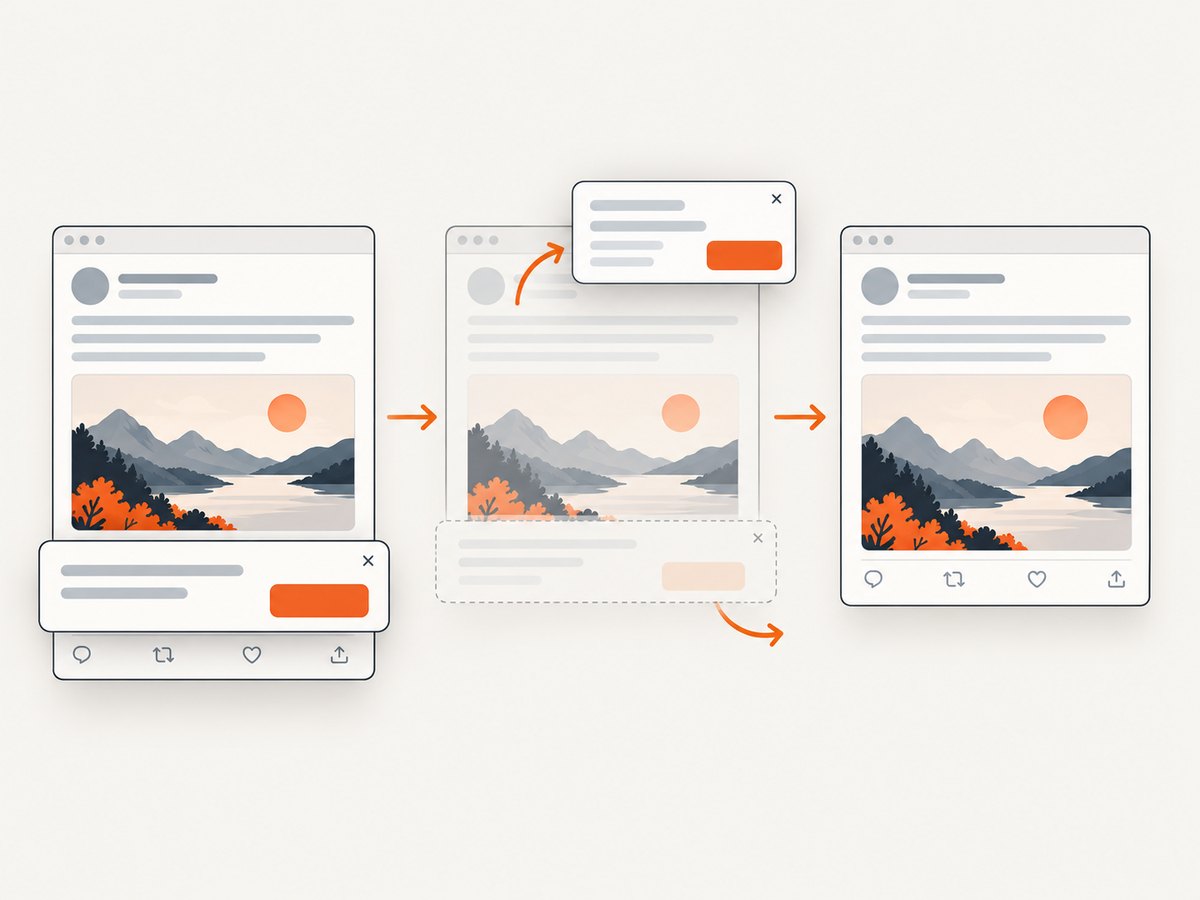
If you need a repeatable capture for moderation, documentation, or research, a browser screenshot can include consent banners, newsletter popups, chat widgets, bot checks, and lazy-loaded content. Review the image before sharing it, and keep the capture process separate from redaction so the original evidence remains available.
Or skip the browser setup
ScreenshotNeo is a website screenshot API and MCP server. It accepts one GET request and returns a PNG, JPEG, WebP, or PDF. Before capture, it accepts cookie and consent banners like a visitor and removes more than 60 known consent platforms, newsletter popups, and chat widgets; each step can be turned off. Bot checks, blank pages, timeouts, failed loads, and cache hits are not billed, and the response identifies the result with X-Page-Verdict and X-Billed headers.
See the ScreenshotNeo API documentation for all options. A minimal request is:
curl -G "https://api.screenshotneo.com/v1/shot" -d access_key=YOUR_API_KEY --data-urlencode url=https://x.com/example/status/123 -o shot.webpPython:
import requests

r = requests.get(
    "https://api.screenshotneo.com/v1/shot",
    params={"access_key": "YOUR_API_KEY", "url": "https://x.com/example/status/123"},
    timeout=90,
)
r.raise_for_status()
open("shot.webp", "wb").write(r.content)
Node.js:
const q = new URLSearchParams({
  access_key: 'YOUR_API_KEY',
  url: 'https://x.com/example/status/123'
});
const res = await fetch(`https://api.screenshotneo.com/v1/shot?${q}`);
if (!res.ok) throw new Error(`HTTP ${res.status}`);
const buffer = Buffer.from(await res.arrayBuffer());
require('fs').writeFileSync('shot.webp', buffer);
For privacy-sensitive work, use the API options to capture one element by CSS selector, hide selectors, wait for a selector or network idle, set a timezone, provide custom headers or cookies, block ads and trackers, and choose a device preset or viewport. You can also apply custom CSS and JavaScript, use a transparent background, resize the result, select a cache TTL, or create a PDF with paper size, margins, landscape mode, and page ranges. Async jobs with signed webhooks, bulk capture for up to 100 URLs per call, signed links for public image tags, usage reporting, an OpenAPI specification, and an MCP server for Claude, Cursor, and other MCP clients support repeatable workflows.
ScreenshotNeo does not make a tweet anonymous by itself. It gives you a predictable capture and clear billing result; you still decide what to crop, redact, publish, and retain.
Troubleshooting screenshot evidence
| Problem | Likely cause | Fix |
|---|---|---|
| The image shows a login wall or bot check. | X served an interstitial instead of the post. | Do not treat it as evidence of the tweet. Capture a public URL, use an authenticated workflow only when authorized, and record the page verdict. |
| The tweet text is cut off. | The viewport or element crop was too small, or the thread expanded after capture. | Capture the tweet element or full page, wait for the selector, and inspect the result before publishing. |
| Images or quoted posts are missing. | Lazy loading had not completed, or a request was blocked. | Wait for network idle or a specific selector; avoid blocking the resource type needed for the evidence. |
| A screenshot can no longer be matched. | The post was deleted, the username changed, or the image was edited. | Preserve the original URL, timestamp, unedited file, and any archive copy. |
| The API response is not an image. | The request failed or returned an error document. | Check the HTTP status and response headers before writing bytes to disk; inspect X-Page-Verdict and X-Billed. |
| A redaction can be read through. | A translucent overlay or reversible annotation was used. | Flatten an opaque block into a new derivative and keep the unedited original privately. |
Performance, reliability, and cost notes
Full-page captures, lazy-loaded media, custom JavaScript, and network-idle waits take longer than a fixed viewport. A selector crop is usually the smallest and easiest artifact to review. For batches, asynchronous jobs and bulk capture reduce request-management work; caching with a chosen TTL can avoid repeated captures when the source has not changed.
For reliability, store the source URL, capture time, response status, verdict headers, and a content hash with each image. Retry transient HTTP failures with backoff, but do not silently replace one capture with another after the post changes. If a page is blank, times out, or fails to load, ScreenshotNeo marks that result and does not bill it; cache hits are also not billed.
ScreenshotNeo’s Free plan includes 1,000 shots per month with no card. Starter is $5 for 3,000 shots, Growth is $15 for 15,000, Pro is $39 for 60,000, Scale is $99 for 250,000, and Business is $249 for 1,000,000. Yearly billing provides two months free, and every feature is available on every plan. Create a free ScreenshotNeo account to start with 1,000 screenshots a month and no card.
FAQ
Can a screenshot be traced back to my X account?
The image itself does not contain your private X account records. It can still expose searchable text, a handle, an avatar, or context that leads to the post. X may hold separate account and IP records that can be sought through valid legal process.
Is a screenshot safer than sharing the tweet URL?
It can remove live interactions and tracking links, but it also freezes only the context you selected and may hide later corrections. Redact unnecessary identifiers and preserve the original URL privately when accuracy matters.
Can I prove that a screenshot was not edited?
You can document provenance with the original file, hash, source URL, capture time, and archive references. No single screenshot proves its own completeness or authenticity.
Does deleting the tweet remove the screenshot’s risk?
No. Copies may remain in downloads, messages, archives, search indexes, or other posts. Deletion can make attribution harder, but it does not erase copies already made.
Should I publish an anonymous user’s handle if the tweet is public?
Consider whether the handle is necessary. X’s private-information policy prohibits publishing the identity of an anonymous user in specified circumstances, and local law may add obligations. Remove identifying details when they do not serve the public-interest purpose.


