How to Assert a CSS Value Falls Within a Range in Cypress
Read a computed CSS value, convert it to a number, and assert inclusive or exclusive bounds in a retryable Cypress assertion.

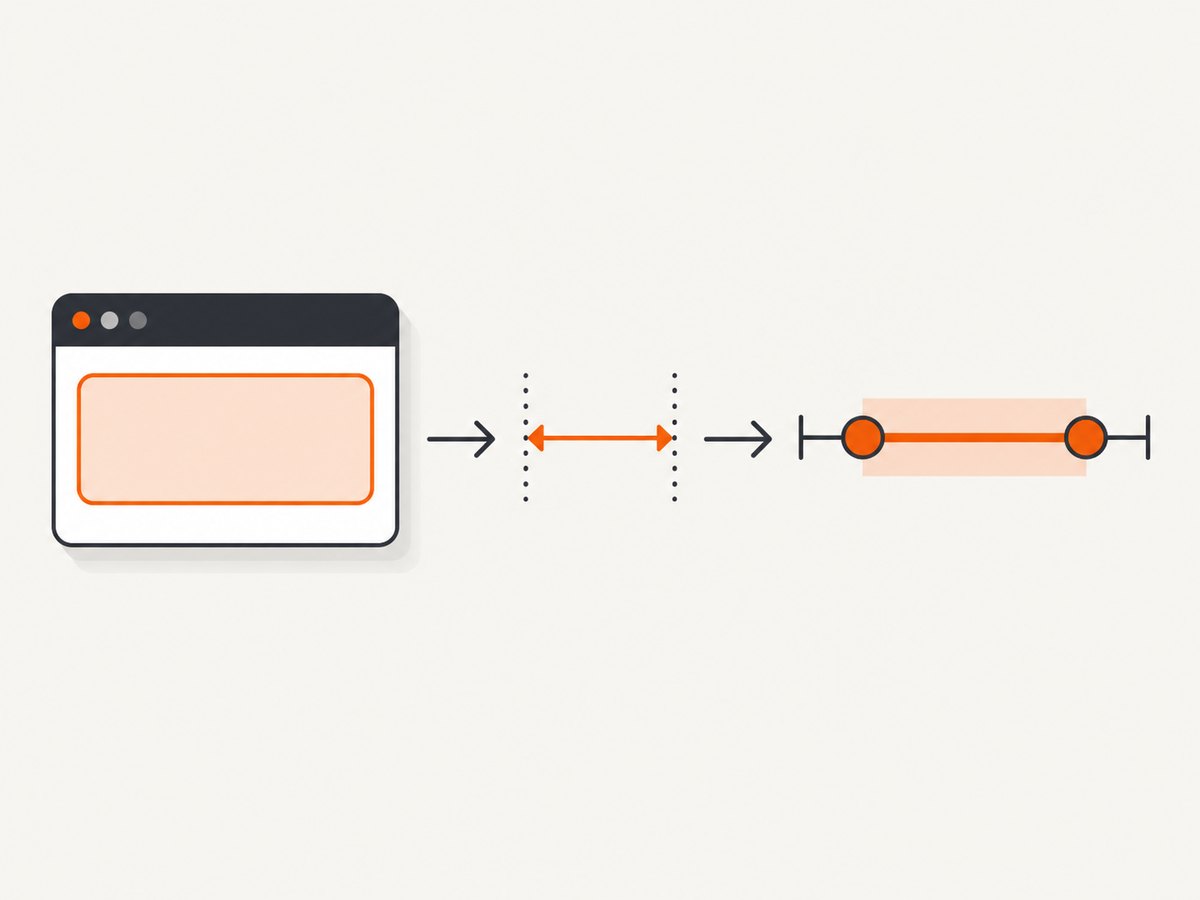
To assert that a CSS value falls within a range in Cypress, read the computed property inside a .should() callback, convert its numeric portion, and use Chai’s within(min, max) assertion:
cy.get('.card').should(($el) => {
  const width = Number.parseFloat($el.css('width'))
  expect(width).to.be.within(280, 360)
})
This accepts both endpoints: 280 and 360 pass. Cypress retries the callback assertion until it passes or times out, which helps when the page applies styles after rendering. Keep the property read and assertion together inside the callback; don’t move the value into a one-time variable before Cypress retries. See the official Cypress should() documentation and assertion reference.
1. Choose the assertion that matches the requirement
First decide what “within a range” means in the test contract. The bounds may include the endpoints, exclude them, or describe tolerance around a single expected value. These are different checks.
| Requirement | Assertion | Boundary behavior |
|---|---|---|
| Value is between min and max, endpoints included | expect(value).to.be.within(min, max) |
Both endpoints pass |
| Value is strictly between min and max | expect(value).to.be.greaterThan(min).and.lessThan(max) |
Endpoints fail |
| Value is near one expected value | expect(value).to.be.closeTo(expected, delta) |
Passes within plus or minus delta |
| Exact serialized CSS value | should('have.css', property, expected) |
Exact string comparison |
Chai documents within as inclusive, while its closeTo assertion checks a value within a plus-or-minus delta. Cypress includes these Chai assertions. Sources: Chai BDD API, Chai assert API, and Cypress assertions.
2. Write a retryable range assertion
Use a real element selector and read its computed CSS property through jQuery’s .css(). CSS values such as width commonly include units, for example 320px. Number.parseFloat() extracts the leading numeric portion so Chai can compare numbers.
describe('card layout', () => {
  it('keeps the card width in the supported range', () => {
    cy.viewport(1280, 800)
    cy.visit('/catalog')

    cy.get('.card').should(($el) => {
      const rawWidth = $el.css('width')
      const width = Number.parseFloat(rawWidth)

      expect(width, `computed width was ${rawWidth}`).to.be.within(280, 360)
    })
  })
})
This is a complete Cypress test body. Put it in a spec file loaded by your project’s Cypress test setup. The example fixes the viewport because responsive breakpoints can change the width. Replace /catalog, .card, and the bounds with values from your application.
The callback receives the current yielded element. Cypress retries the query and assertion while waiting for the condition, subject to the command timeout. The documentation states that assertions are automatically retried until they pass or time out. See cy.get() and cy.should().
Exclusive bounds
If the requirement says the value must be strictly greater than the minimum and strictly less than the maximum, make that explicit:
cy.get('.card').should(($el) => {
  const width = Number.parseFloat($el.css('width'))
  expect(width).to.be.greaterThan(280).and.lessThan(360)
})
Alternatively, use two assertions to give each boundary a distinct failure message:
cy.get('.card').should(($el) => {
  const width = Number.parseFloat($el.css('width'))
  expect(width, 'width above minimum').to.be.greaterThan(280)
  expect(width, 'width below maximum').to.be.lessThan(360)
})
Tolerance around one target
When the design expectation is a target with a little rendering or rounding flexibility, use closeTo. For example, 320 pixels with a tolerance of 2 accepts values from 318 through 322 according to the assertion’s plus-or-minus definition:
cy.get('.card').should(($el) => {
  const width = Number.parseFloat($el.css('width'))
  expect(width).to.be.closeTo(320, 2)
})
Prefer a range when the acceptable interval itself is the requirement. Prefer closeTo when the expected value is the center of an explicitly chosen tolerance.
3. Decide what CSS value you are actually testing
Computed style versus authored style
$el.css('width') reads the computed style, which reflects the value the browser resolves for that element. That is usually the right observable for a layout test: it tests what the browser computed rather than the spelling of a declaration in a stylesheet. Cypress’s chai-jQuery integration also supports CSS assertions against computed values; see chai-jQuery CSS assertions.
If the requirement is about a stylesheet declaration or a custom property’s authored text, a computed numeric width may not prove it. Test the relevant source contract separately, or assert the appropriate custom property. Keep the test focused on the behavior users depend on.
Exact CSS values
For exact values, Cypress’s direct CSS assertion is shorter and preserves the unit:
cy.get('.card').should('have.css', 'width', '320px')This is a string comparison, not a numeric range check. Use it when exact serialization is part of the requirement. For flexible numeric bounds, use the callback form.
Units and parsing
Parsing 320px produces the number 320; it does not establish that the original value was expressed in pixels. If the unit is part of the contract, check it independently:
cy.get('.card').should(($el) => {
  const rawWidth = $el.css('width')
  expect(rawWidth).to.match(/^\d+(?:\.\d+)?px$/)

  const width = Number.parseFloat(rawWidth)
  expect(width).to.be.within(280, 360)
})
Only use this expression when pixel units are truly required. If layout is what matters, the computed pixel value may be useful even when the authored CSS uses rem or a percentage.
4. Handle values that are not ordinary numbers
parseFloat is convenient for simple numeric values with a leading number and unit, but it is not a universal CSS parser. Define how the test should behave for these cases:
auto,normal, ornone: these don’t provide a directly comparable numeric value. Test a different observable, such as the element’s measured dimensions, or assert the expected keyword.calc()and other expressions: authored expressions may not parse as a number. Read a computed property that the browser resolves, where suitable, rather than parsing authored text.- Empty selection:
cy.get()retries until it finds the selector or times out. Check selector spelling, page state, and whether the element is inside an iframe or shadow root that requires different handling. - Multiple matches:
.css()on a jQuery collection is not a per-element audit. Narrow the selector or iterate and assert each matching element if every card must comply. - Invalid numeric result: fail clearly before comparing.
NaNwill not meet a numeric range, but a custom message makes the underlying CSS value easier to diagnose.
cy.get('.card').should(($el) => {
  const rawWidth = $el.css('width')
  const width = Number.parseFloat(rawWidth)

  expect(Number.isFinite(width), `width must be numeric; received ${rawWidth}`)
    .to.equal(true)
  expect(width).to.be.within(280, 360)
})
5. Keep the test stable across rendering and responsive states
- Fix inputs that affect layout. Set a consistent viewport when the range depends on breakpoints. Also control relevant application state, such as loaded content or selected options.
- Wait on the observable condition. Put the CSS read inside
.should(callback). This allows Cypress to retry as rendering settles without an arbitrary sleep. - Choose a meaningful range. Bounds should represent the design contract, not just a broad interval that makes the test green.
- Check the element you mean. Scope selectors to a stable component boundary when repeated classes exist.
- Keep callbacks assertion-focused. Don’t issue Cypress commands inside the callback. It can run multiple times as Cypress retries.
A fixed delay can make a test slower while still failing to synchronize with the actual layout condition. A retryable assertion is generally a better fit for a value that becomes correct after a render or animation. If a continuously moving animation makes the measurement unstable, disable or control that animation in the test environment or assert after a well-defined state change.

6. Common errors and fixes
| Symptom | Likely cause | Fix |
|---|---|---|
| Comparison fails with a string/number mismatch | The value such as 320px was not converted |
Use Number.parseFloat() for a numeric check, and separately assert the unit if required |
The range assertion fails on NaN |
The computed value is a keyword, expression, or empty value | Inspect the raw value and choose a numeric observable or explicit keyword assertion |
| Value is unexpectedly outside the range | Viewport, content, font loading, or application state differs | Set the viewport and state deterministically; verify the intended element and computed value |
| Assertion times out finding the element | Selector is wrong or element has not appeared | Correct the selector, wait for the relevant app state, and check iframe/shadow DOM boundaries |
| One card passes but another violates the rule | Only the first yielded element was inspected | Assert each matched element or select the specific card that matters |
| Test passes only with a long fixed wait | Timing is being used instead of checking the condition | Move the read and assertion into the retryable .should() callback |
| Endpoint behavior is surprising | within includes endpoints |
Use greaterThan and lessThan for exclusive bounds |
7. Performance, reliability, and maintenance
A CSS range check is a small browser-side assertion. Its main cost is the Cypress command and any time spent waiting for the condition, not the numeric conversion. Keep the selector targeted and avoid adding arbitrary sleeps. If a callback contains expensive work, remember Cypress may invoke it repeatedly until success or timeout; keep its work deterministic and lightweight.
Reliability comes from testing a stable observable under controlled inputs. Viewport, loaded data, fonts, animation state, and the selected element can all affect computed layout. A narrow but justified interval catches regressions; an unnecessarily strict exact pixel value can create noise when the actual product requirement allows variation. Conversely, a very broad interval may hide layout defects.
Make failure output useful. Include the raw CSS value in the assertion message, and keep the unit and boundary policy visible in the test. This makes failures easier to diagnose when a browser reports fractional dimensions or a responsive style changes.
Or skip the browser setup
If your goal is to capture a page for visual review or an automated workflow rather than assert its CSS in a Cypress test, ScreenshotNeo can return a screenshot or PDF from one API request. It does not replace a Cypress assertion; it avoids managing a browser capture service yourself. See the ScreenshotNeo API documentation.
curl -G "https://api.screenshotneo.com/v1/shot" -d access_key=YOUR_API_KEY --data-urlencode url=https://stripe.com -o shot.webpScreenshotNeo removes cookie banners, newsletter popups, and chat widgets before the shot, and each step can be turned off. Bot checks, blank pages, timeouts, failed loads, and cache hits cost nothing; response headers identify page verdict and billing. Its MCP server gives AI agents screenshot, page-info, and PDF-capture tools. The free plan includes 1,000 screenshots a month with no card; paid plans start at $5 for 3,000. The same features are available on every plan.
Sign up for 1,000 free screenshots a month, with no card required.
FAQ
Does Cypress retry a CSS assertion?
Assertions chained to Cypress queries retry until they pass or time out. Put the CSS read and numeric assertion inside .should(callback) so each retry reads the current value.
Is within(min, max) inclusive?
Yes. Both min and max pass. Use greaterThan(min) and lessThan(max) for exclusive bounds.
Can I use have.css for a range?
Use have.css for an exact CSS string such as 320px. For a numeric range, extract the number and compare it in a callback.
Should I use closeTo or within?
Use closeTo when there is one expected value and a tolerance. Use within when the acceptable minimum and maximum define the requirement.
Why does my CSS value have decimals?
Computed layout can produce fractional pixel values. Set a range or tolerance that reflects the layout contract instead of assuming every computed measurement is an integer.


