How to Assign a Canvas Object to a canvas2pdf Context
Learn why canvas2pdf does not accept an existing canvas object, how to replay drawing commands into PdfContext, and when to use a bitmap PDF workflow.

Short answer: you do not assign an existing HTML <canvas> element, or the canvas returned by html2canvas, to a canvas2pdf context. Create a canvas2pdf PdfContext with a blob stream, then replay the drawing operations against that PDF context. The context exposes canvas-like methods such as fillRect(), but it writes PDF drawing commands instead of pixels.
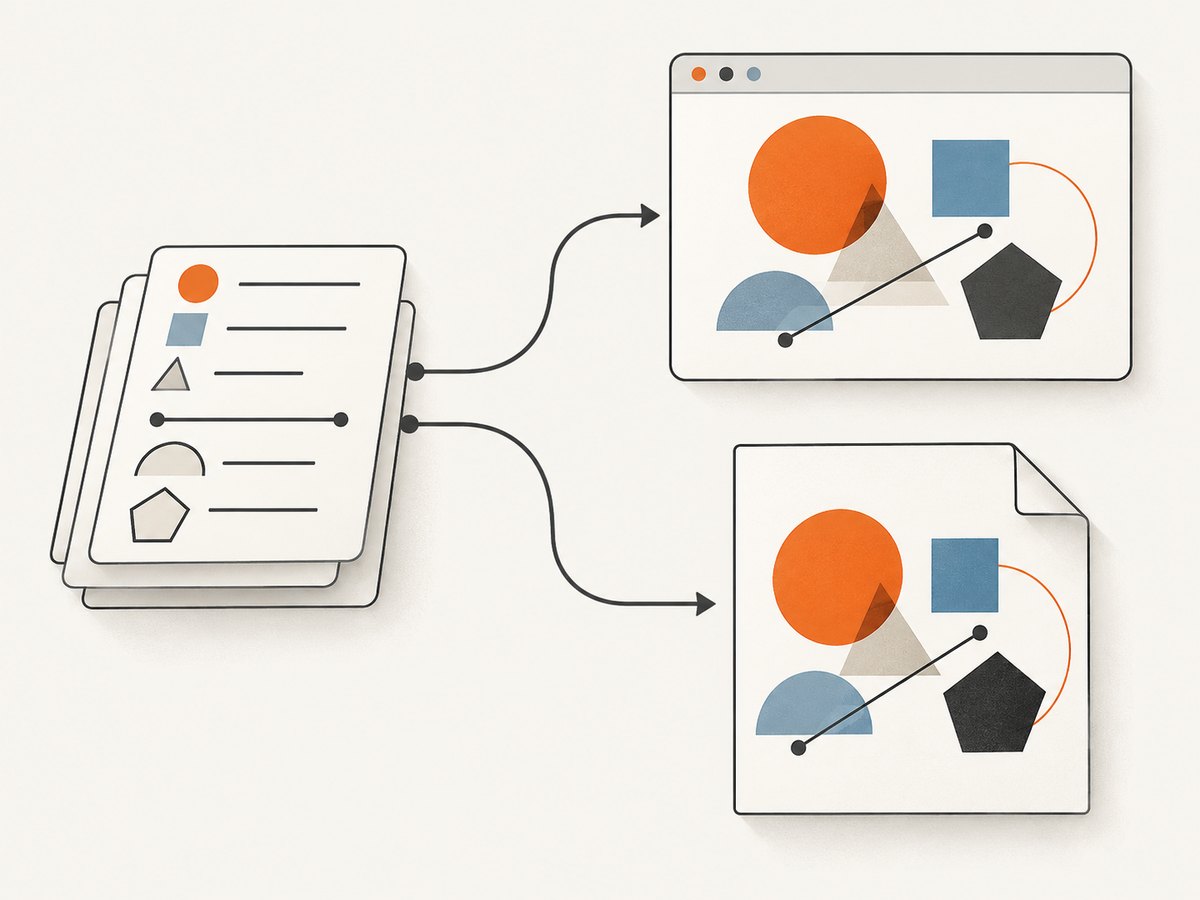
This distinction matters because an HTML canvas is a finished bitmap surface. canvas2pdf is a drawing context that translates supported Canvas 2D operations into vector instructions in a PDF. The documented constructor takes a stream, not a completed canvas object. If your application only has a bitmap canvas, use a PDF workflow that accepts an image, or retain the original drawing data and render it again through PdfContext.
What the canvas2pdf context actually is
A normal browser canvas has a rendering context obtained with canvas.getContext('2d'). You issue commands such as fillRect, beginPath, and stroke; the browser rasterizes those commands into pixels.
canvas2pdf supplies a different context. Its PdfContext implements a canvas-like drawing API and emits PDF drawing calls to a blob stream. The PDF therefore contains vector paths and fills for operations that the library supports. There is no documented operation equivalent to ctx.attachCanvas(canvas), and assigning a canvas variable to the context does not transfer its pixels or scene graph.
Think of the two objects as different stages:
- Canvas element: a DOM element containing a bitmap drawing surface.
- Canvas 2D context: an imperative API that paints into that surface.
- canvas2pdf PdfContext: a PDF-writing drawing API that accepts supported canvas-style commands.
The practical solution is to keep the data or commands that produced the original canvas and execute those commands a second time against PdfContext.
Minimal working pattern
The basic browser flow has four parts:
- Create a
blobStreaminstance. - Construct
new canvas2pdf.PdfContext(stream)(or the equivalent importedPdfContextconstructor). - Draw using methods on that PDF context.
- Wait for the stream’s
finishevent, convert it to anapplication/pdfBlob, and callctx.end().
const stream = blobStream();
const ctx = new canvas2pdf.PdfContext(stream);

ctx.fillStyle = "yellow";
ctx.fillRect(100, 100, 100, 100);

ctx.stream.on("finish", function () {
  const blob = ctx.stream.toBlob("application/pdf");
  saveAs(blob, "example.pdf", true);
});

ctx.end();
The browser build may expose the constructor as canvas2pdf.PdfContext. The project README’s module example imports PdfContext directly. Use the import style and constructor casing supplied by the version and build you installed; do not mix a default import with a namespace-style constructor without checking the package entry point.
Replay your application’s drawing commands
The most maintainable design is to make your drawing routine accept a context argument. It can then render to a normal canvas for on-screen display and to canvas2pdf for export.
function drawReport(ctx) {
  ctx.fillStyle = "#ffffff";
  ctx.fillRect(0, 0, 800, 600);

  ctx.fillStyle = "#222222";
  ctx.font = "24px sans-serif";
  ctx.fillText("Quarterly report", 40, 60);

  ctx.fillStyle = "#2f6fed";
  ctx.fillRect(40, 100, 260, 140);

  ctx.strokeStyle = "#111111";
  ctx.lineWidth = 2;
  ctx.strokeRect(40, 100, 260, 140);
}

// Screen rendering
const canvas = document.querySelector("#preview");
const screenCtx = canvas.getContext("2d");
drawReport(screenCtx);

// PDF rendering
const stream = blobStream();
const pdfCtx = new canvas2pdf.PdfContext(stream);
drawReport(pdfCtx);

stream.on("finish", () => {
  const pdfBlob = stream.toBlob("application/pdf");
  const url = URL.createObjectURL(pdfBlob);
  const link = document.createElement("a");
  link.href = url;
  link.download = "report.pdf";
  link.click();
  URL.revokeObjectURL(url);
});
pdfCtx.end();
This approach preserves vector output for supported operations and avoids trying to reverse-engineer a completed bitmap. It also keeps layout decisions in one function, which reduces differences between the preview and exported PDF.
Using a scene model instead of recording pixels
If your application currently draws directly into a canvas from many event handlers, introduce a small scene model. Store rectangles, paths, labels, colors, and transformations as data. A renderer consumes that data with either a browser context or a PDF context.
const scene = [
  { type: "rect", x: 20, y: 20, w: 180, h: 80, fill: "#f3c969" },
  { type: "rect", x: 240, y: 20, w: 180, h: 80, fill: "#8ed1c7" },
  { type: "label", text: "Revenue", x: 40, y: 65 }
];

function renderScene(ctx, items) {
  for (const item of items) {
    if (item.type === "rect") {
      ctx.fillStyle = item.fill;
      ctx.fillRect(item.x, item.y, item.w, item.h);
    } else if (item.type === "label") {
      ctx.fillStyle = "#111";
      ctx.font = "16px sans-serif";
      ctx.fillText(item.text, item.x, item.y);
    }
  }
}
With this arrangement, exporting is just another render target. You are not assigning a canvas object; you are replaying the same semantic scene into a context with a different output format.
What if the only input is an html2canvas result?
html2canvas produces a raster canvas containing a screenshot of DOM content. The dossier’s documented canvas2pdf usage does not provide an API for adopting that completed bitmap as a PDF context. Consequently, this pattern is not supported by the documented constructor:
html2canvas(element).then((canvas) => {
  const stream = blobStream();
  const ctx = new canvas2pdf.PdfContext(stream);

  // There is no documented canvas2pdf assignment operation here.
  // ctx.canvas = canvas does not import the bitmap.
});
You have two practical choices:
- Keep the source drawing operations. Re-render the design directly to
PdfContextas described above. This is the vector-friendly option. - Use an image-based PDF library. Export the bitmap with
canvas.toDataURL()orcanvas.toBlob(), then use a PDF tool whose documented API accepts an image. This preserves the screenshot appearance but produces raster content, with the usual trade-offs in scaling, file size, and text searchability.
A community suggestion commonly combines html2canvas with jsPDF’s image APIs for this second route. That suggestion is a separate workflow; it does not establish that canvas2pdf can attach an arbitrary finished canvas.
Supported operations and important limitations
Before converting a complex drawing, compare your code with the methods implemented by the version you use. The project documentation calls out incomplete Canvas 2D coverage. In particular, arcTo is not implemented in the referenced README, and consecutive fill() followed by stroke() has special behavior: only the fill executes in that sequence.
Check these areas first
- Paths: test every path command, especially less common curve and arc helpers.
- Text: verify font availability, baseline behavior, and whether the target PDF viewer renders the selected font as expected.
- State: pair
save()andrestore()consistently around transforms, clipping, and styles. - Images: confirm whether your build supports the image source type and loading lifecycle you use.
- Fill/stroke order: issue separate, explicit operations when both are required.
// Prefer explicit operations when both effects are needed.
ctx.fillStyle = "#fff";
ctx.fill(path);
ctx.strokeStyle = "#000";
ctx.stroke(path);
If a feature is missing, approximate it with supported primitives, precompute a path, or switch that portion to an image workflow. Do not assume that a method accepted by a browser context has identical behavior in canvas2pdf.
Stream completion, Blob handling, and cleanup
The PDF is not ready when the last drawing call returns. Register the stream’s finish handler before ending the context. Inside that handler, call toBlob("application/pdf") and pass the Blob to your download, upload, or storage code.
function exportPdf(draw) {
  return new Promise((resolve, reject) => {
    const stream = blobStream();
    const ctx = new canvas2pdf.PdfContext(stream);

    stream.on("finish", () => {
      try {
        resolve(stream.toBlob("application/pdf"));
      } catch (error) {
        reject(error);
      }
    });

    try {
      draw(ctx);
      ctx.end();
    } catch (error) {
      reject(error);
    }
  });
}

exportPdf(drawReport).then((blob) => {
  // Upload blob, attach it to FormData, or create a download URL.
});
For downloads, revoke an object URL after the browser has received the click. For uploads, verify that your request sends the Blob with the application/pdf content type. For long documents, avoid retaining multiple object URLs or duplicate Blob copies in memory.
Or skip the browser setup
If your real requirement is a screenshot or PDF of a web page rather than a vector export of your own canvas scene, ScreenshotNeo removes the browser automation layer. It exposes a GET endpoint that returns PNG, JPEG, WebP, or PDF output.

See the ScreenshotNeo API documentation for request options and response handling.
curl -G "https://api.screenshotneo.com/v1/shot" \
  -d access_key=YOUR_API_KEY \
  --data-urlencode url=https://stripe.com \
  -o shot.webp
import requests
r = requests.get(
"https://api.screenshotneo.com/v1/shot",
params={"access_key": "YOUR_API_KEY", "url": "https://stripe.com"},
timeout=90,
)
r.raise_for_status()
open("shot.webp", "wb").write(r.content)const q = new URLSearchParams({
access_key: 'YOUR_API_KEY',
url: 'https://stripe.com'
});
const res = await fetch(`https://api.screenshotneo.com/v1/shot?${q}`);
if (!res.ok) throw new Error(`Screenshot failed: ${res.status}`);
const data = Buffer.from(await res.arrayBuffer());ScreenshotNeo removes cookie and consent banners, newsletter popups, and chat widgets before capture. Bot checks, blank pages, timeouts, failed loads, and cache hits are not billed; response headers identify the page verdict and whether the request was billed. It also provides an MCP server with take_screenshot, get_page_info, and capture_pdf tools for Claude, Cursor, and other MCP clients. The Free plan includes 1,000 screenshots each month without a card, and paid plans start at $5 for 3,000 screenshots. Create a free ScreenshotNeo account.
Troubleshooting
“PdfContext is not a constructor”
Cause: the import shape does not match the package build. One build may expose a default PdfContext; a browser bundle may expose canvas2pdf.PdfContext.
Fix: inspect the package’s documented import example and use exactly that form. Avoid assuming that import * as canvas2pdf and import PdfContext are interchangeable.
The PDF is empty or corrupt
Cause: the context was not ended, the finish handler was registered too late, or an exception interrupted drawing.
Fix: attach the finish listener before calling ctx.end(). Wrap rendering in a try/catch, and ensure the stream is converted only after completion.
The original canvas does not appear in the PDF
Cause: assigning a canvas element or html2canvas result does not copy its pixels into PdfContext.
Fix: replay the source drawing commands, or select a PDF library with a documented image insertion API.
A shape looks different from the browser preview
Cause: the operation may be unsupported or implemented differently. Missing methods and fill/stroke ordering are common sources of differences.
Fix: reduce the drawing to a small reproduction, replace unsupported commands with simpler primitives, and issue fill and stroke separately.
Text is missing or has the wrong appearance
Cause: font availability, unsupported font features, or a different text metric implementation.
Fix: test with a basic installed font first, then add custom fonts incrementally. If exact typography is more important than selectable text, render the text to an image and use an image-oriented PDF workflow.
The export freezes the page
Cause: a large scene, many paths, or high-resolution raster data can consume substantial memory while the PDF stream is assembled.
Fix: reduce unnecessary redraws, split very large documents into pages, release object URLs, and avoid retaining the source canvas, intermediate data URLs, and PDF Blob longer than necessary.
Performance and reliability checklist
- Render from a compact scene model so the same data can target screen and PDF contexts.
- Measure export time with realistic document sizes instead of a single rectangle.
- Reuse style assignments where possible, while still isolating state with
save()andrestore(). - Prefer vector primitives for diagrams and charts; use raster images only where necessary.
- Handle stream errors and rendering exceptions, and show the user a retryable failure state.
- Validate the resulting Blob with a PDF viewer in your deployment environment.
- For server-side page screenshots, use explicit timeouts and inspect ScreenshotNeo’s verdict and billed headers when diagnosing a request.
FAQ
Can I pass an HTMLCanvasElement to the PdfContext constructor?
No. The documented constructor receives a blob stream. The canvas element is not an accepted replacement for that stream.
Does canvas2pdf convert an html2canvas screenshot into vector PDF content?
No documented API performs that conversion. html2canvas output is a bitmap; vector output requires replaying drawing operations that canvas2pdf supports.
Should I use canvas2pdf or an image-based PDF library?
Use canvas2pdf when you control the drawing commands and want vector PDF instructions. Use an image-based library when the only reliable source is a finished bitmap and matching the screenshot is the priority.
Why does fill() followed by stroke() produce only one effect?
The referenced README documents special behavior for consecutive calls in that order. Issue the operations separately and verify the output with your library version.
Can ScreenshotNeo export my in-memory canvas object?
ScreenshotNeo captures URLs and can return page screenshots or PDFs. It is suitable for rendering a hosted page; it does not replace the local replay step for an in-memory canvas scene.


