How to Automate Screenshots for Social Media Cards
Build consistent 1200×630 social cards with Playwright, correct Open Graph metadata, cache-safe URLs, and a hosted ScreenshotNeo option.
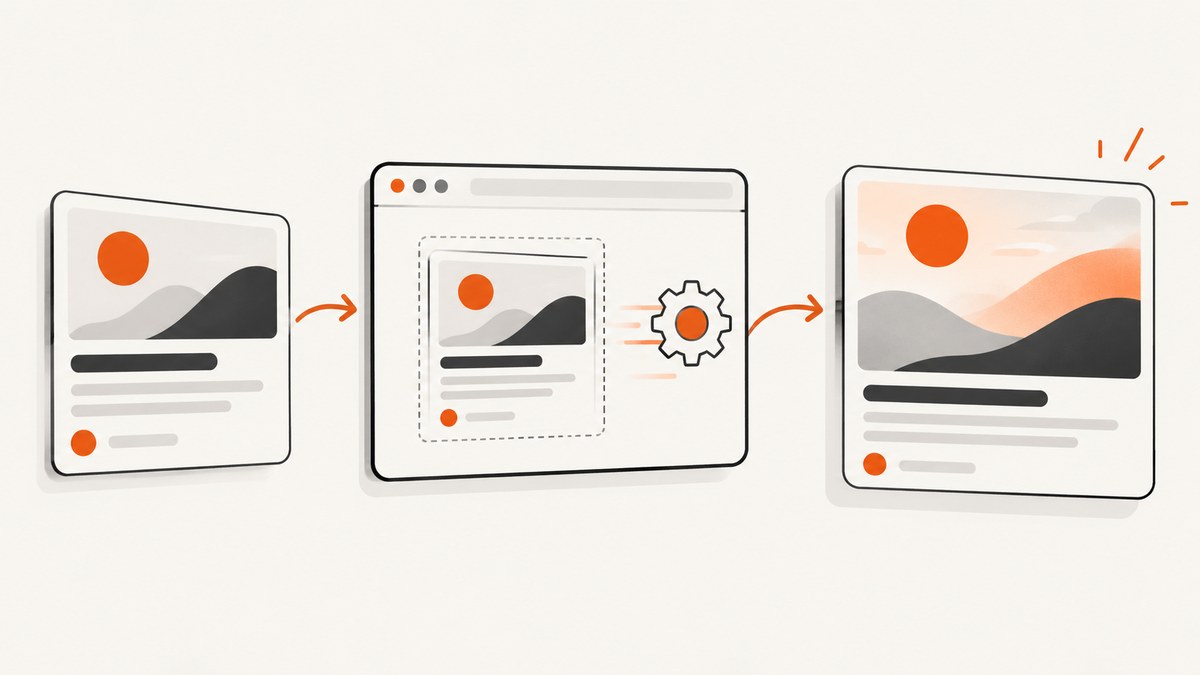
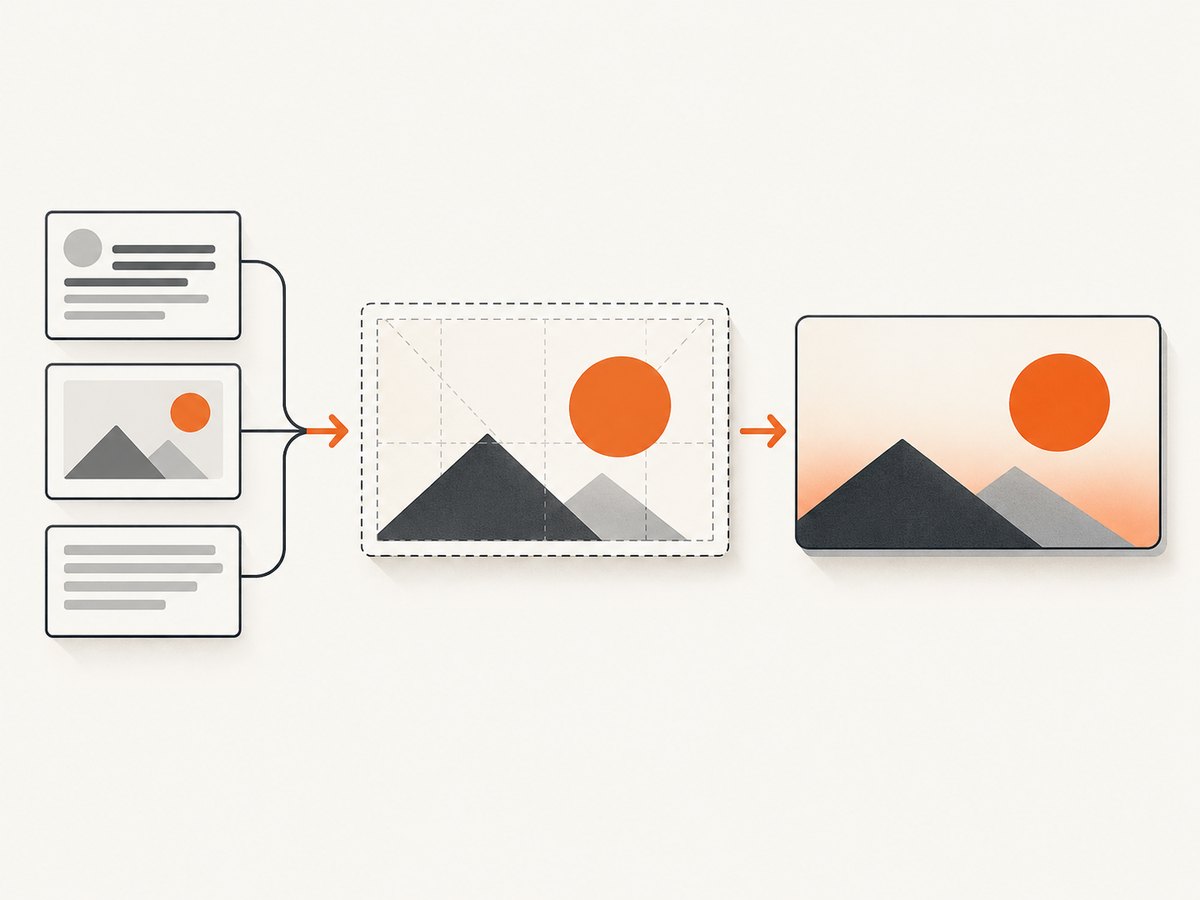
Use a deterministic HTML card template, render it at 1200×630 pixels in Playwright, save the result at an immutable public URL, and emit server-rendered Open Graph metadata that points to it. This approach gives every article the same dimensions, typography, spacing, and cache behavior. Generate one card per content record by substituting the title, description, author, and image data at build time.
This guide covers a complete self-hosted implementation, including Playwright code, metadata, cache invalidation, batching, CI, troubleshooting, and operational trade-offs. At the end, you can use ScreenshotNeo when maintaining Chromium is unnecessary.
1. Define the card contract
Start with a small contract that every card must satisfy:
- Canvas: 1200×630 pixels, a 1.91:1 ratio commonly used for large social previews.
- Stable layout: explicit widths, heights, line heights, and a predictable font stack.
- Safe area: keep important text away from edges because platforms may crop previews.
- Short copy: test long titles and descriptions before publishing.
- Immutable output: include a content hash or version in the filename so replacements do not collide with cached URLs.
- Public access: the image URL must be reachable without authentication.
Keep the source template separate from article pages. A card should not depend on client-side application state, animations, or a user session. Render the same input data in a build job, preview command, and production job.
2. Create a deterministic HTML template
The following template uses explicit dimensions and a stable system font stack. Replace the placeholder values before writing the file. You can add a local brand font, but wait for it to load before capturing.
<!doctype html>
<html lang='en'>
<head>
  <meta charset='utf-8'>
  <style>
    * { box-sizing: border-box; }
    html, body { margin: 0; width: 1200px; height: 630px; }
    body {
      font-family: Inter, ui-sans-serif, system-ui, -apple-system, sans-serif;
      background: #101827;
      color: #f8fafc;
    }
    .card {
      width: 1200px;
      height: 630px;
      padding: 72px;
      display: flex;
      flex-direction: column;
      justify-content: space-between;
      background: linear-gradient(135deg, #111827, #1e3a8a);
    }
    .eyebrow { font-size: 26px; letter-spacing: .08em; text-transform: uppercase; color: #93c5fd; }
    h1 { max-width: 980px; margin: 18px 0 0; font-size: 68px; line-height: 1.05; letter-spacing: -.03em; }
    .description { max-width: 850px; margin-top: 24px; font-size: 30px; line-height: 1.3; color: #dbeafe; }
    .footer { display: flex; justify-content: space-between; align-items: center; font-size: 24px; color: #bfdbfe; }
  </style>
</head>
<body>
  <main class='card'>
    <div>
      <div class='eyebrow'>Engineering guide</div>
      <h1>How to Automate Screenshots for Social Media Cards</h1>
      <p class='description'>Generate consistent Open Graph images from HTML with a repeatable browser pipeline.</p>
    </div>
    <div class='footer'><span>Example Blog</span><span>example.com</span></div>
  </main>
</body>
</html>
For production, generate this file from structured data rather than interpolating unescaped user input. Escape HTML entities, reject untrusted URLs, and give image elements explicit width and height so a late load cannot change layout.
3. Render the card with Playwright
Playwright supports viewport, element, and full-page screenshots and can write PNG, JPEG, or WebP files. For a social card, capture the fixed viewport rather than the full page. The example below waits for fonts and images, then writes a PNG.
import { chromium } from 'playwright';
import crypto from 'node:crypto';
import fs from 'node:fs/promises';

const html = await fs.readFile('card.html', 'utf8');
const hash = crypto.createHash('sha256').update(html).digest('hex').slice(0, 12);
const output = `public/cards/article-${hash}.png`;

const browser = await chromium.launch();
try {
  const page = await browser.newPage({
    viewport: { width: 1200, height: 630 },
    deviceScaleFactor: 1
  });
  await page.setContent(html, { waitUntil: 'load' });
  await page.evaluate(async () => {
    await document.fonts.ready;
    await Promise.all([...document.images].map(image =>
      image.complete ? Promise.resolve() : new Promise(resolve => {
        image.addEventListener('load', resolve, { once: true });
        image.addEventListener('error', resolve, { once: true });
      })
    ));
  });
  await page.screenshot({
    path: output,
    type: 'png',
    fullPage: false,
    scale: 'css'
  });
} finally {
  await browser.close();
}
console.log(output);
Install Playwright and its browser binaries in the build environment. Reuse one browser process for a batch instead of launching Chromium for every URL. If the card is an element inside a larger page, use locator.screenshot(); for a full scrollable document, use fullPage: true.
Format, scale, and masking options
| Need | Setting | Guidance |
|---|---|---|
| Lossless text | type: 'png' |
Best default for typography and flat graphics. |
| Smaller file | type: 'jpeg', quality: 80 or WebP |
Check gradients and small text after compression. |
| Retina output | scale: 'device' |
Produces more pixels; use only when your delivery pipeline expects it. |
| CSS pixel dimensions | scale: 'css' |
Keeps a 1200×630 CSS viewport as a 1200×630 image. |
| Transparent background | omitBackground: true |
Useful for overlays; confirm the target platform supports transparency. |
| Hide dynamic content | mask: [locator] |
Mask clocks, ads, or sensitive regions that would make output nondeterministic. |
Use a content hash or slug in filenames. A hash makes every content revision a new URL; a slug is easier to inspect. A common pattern is /cards/{slug}-{hash}.png.
4. Wait for assets and control layout changes
Most inconsistent cards come from fonts, images, or data arriving after the screenshot. Use all of these controls:
- Set explicit image dimensions and use
object-fit: cover. - Call
document.fonts.readybefore capture. - Wait for a known selector when a client-rendered component is required.
- Use a bounded timeout for remote assets; do not wait forever.
- Use a stable font stack and ship the font with the build when exact wrapping matters.
- Test titles at their maximum expected length and with non-Latin scripts.
Do not use random gradients, current timestamps, rotating testimonials, or live counters in a card template. If a dynamic value is necessary, pass it as an input and freeze it for the build.
5. Publish Open Graph and X metadata
Open Graph tags are <meta> elements in the document head that describe how a URL should appear when shared. Put them in server-rendered or statically generated HTML because many crawlers do not execute client-side JavaScript.
<meta property='og:title' content='How to Automate Screenshots for Social Media Cards'>
<meta property='og:description' content='Generate consistent social previews from a deterministic HTML template.'>
<meta property='og:image' content='https://example.com/cards/article-a1b2c3d4.png'>
<meta property='og:image:width' content='1200'>
<meta property='og:image:height' content='630'>
<meta property='og:url' content='https://example.com/guides/social-cards'>
<meta property='og:type' content='article'>
<meta name='twitter:card' content='summary_large_image'>
<meta name='twitter:image' content='https://example.com/cards/article-a1b2c3d4.png'>
Keep the image URL absolute and return it with a successful response to unauthenticated requests. Keep the tags in the initial HTML response, not only in a client-side component.
6. Handle caching and image replacement
Social platforms cache both metadata and images. After replacing a card, run the platform’s debugger or inspector so it fetches the updated page. The most reliable invalidation strategy is a new image URL: append a content hash or version to the filename, update og:image, and deploy the metadata and file together. Query-string cache busting can help where supported, but immutable filenames are easier to reason about.
Set long cache lifetimes for hashed files. Keep old files while crawlers transition, then remove them according to your retention policy. Never overwrite a hashed file with different pixels.
7. Build-time, on-demand, and hosted designs
| Design | Best for | Trade-offs |
|---|---|---|
| Build-time | Blogs and documentation with known content | Fast requests and simple caching; a rebuild is needed for changes. |
| On-demand | User-generated pages or frequently changing data | Fresh output; browser cold starts and queueing add latency. |
| Self-hosted browser | Teams needing custom Chromium control | Maximum template flexibility; you maintain binaries, fonts, memory, and concurrency. |
| Hosted renderer | Teams that want an API instead of browser operations | Less infrastructure; review request limits, caching, and billing behavior. |
For CI, install browser binaries and system dependencies once in the image, then reuse the browser process across cards. Limit concurrency based on available memory. Upload the output only after the screenshot succeeds, and record the source hash with the artifact for reproducibility.
8. Validate before publishing
- Check the file is exactly 1200×630 pixels.
- Confirm the image is publicly reachable with a direct GET request.
- Inspect the initial HTML for all required metadata.
- Preview the card at about 300×157 pixels; small text that disappears there is too small.
- Test long titles, missing images, failed font loads, and non-Latin text.
- Run the relevant social platform debugger after each replacement.
- Keep generated files under your target size. Posit Great Docs recommends under 1 MB and ideally under 300 KB.
9. Troubleshooting
The preview shows an old image
Cause: the platform cached the old metadata or image. Fix: publish a new hashed filename, update og:image, and run the platform debugger or inspector.
Text wraps differently between builds
Cause: a web font was not ready, or the browser used a different fallback font. Fix: bundle the font, wait for document.fonts.ready, set explicit line heights, and pin the browser environment.
The screenshot is blank
Cause: the page was captured before content loaded, or an image request failed. Fix: use waitUntil: 'load', wait for a required selector, log failed requests, and provide a visible fallback for missing assets.
Images are clipped or shifted
Cause: intrinsic image dimensions changed the layout. Fix: set width and height attributes or CSS dimensions and use object-fit.
CI cannot launch Chromium
Cause: browser binaries or Linux system dependencies are absent. Fix: install Playwright browsers and dependencies in the CI image, or use a maintained Playwright container.
The file is too large
Cause: large source images, a high device scale, or an uncompressed format. Fix: use CSS scale, resize source images, choose WebP or JPEG where appropriate, and inspect text at the final quality.
Crawlers see no card
Cause: metadata is injected only after JavaScript runs, or the image requires authentication. Fix: render tags in the initial response and make the image URL publicly reachable.
10. Or skip the browser setup
ScreenshotNeo provides a website screenshot API and MCP server. One GET request returns PNG, JPEG, WebP, or PDF output. Its capture options include full-page screenshots with lazy images loaded, CSS element capture, dark mode, device presets, retina scale, custom CSS and JavaScript, clicks, selector or network-idle waits, blocked resources, headers, cookies, user agents, authorization, timezone, geolocation, transparent backgrounds, resizing, TTL caching, signed image links, asynchronous jobs with signed webhooks, bulk capture for up to 100 URLs, a usage API, and an OpenAPI specification. Parameter names used by other screenshot APIs also work, which can simplify migration.

Use the ScreenshotNeo documentation for the complete option list. A basic capture looks like this:
curl -G "https://api.screenshotneo.com/v1/shot" -d access_key=YOUR_API_KEY --data-urlencode url=https://stripe.com -o shot.webpimport requests
r = requests.get('https://api.screenshotneo.com/v1/shot', params={'access_key': 'YOUR_API_KEY', 'url': 'https://stripe.com'}, timeout=90)
open('shot.webp', 'wb').write(r.content)const q = new URLSearchParams({ access_key: 'YOUR_API_KEY', url: 'https://stripe.com' });
const res = await fetch(`https://api.screenshotneo.com/v1/shot?${q}`);ScreenshotNeo accepts cookie and consent banners like a visitor, then removes more than 60 known consent platforms along with newsletter popups and chat widgets; each step can be turned off. Bot checks, CAPTCHAs, blank pages, timeouts, failed loads, and cache hits cost nothing, and every response identifies the result with X-Page-Verdict and X-Billed headers. Its MCP server exposes take_screenshot, get_page_info, and capture_pdf to Claude, Cursor, and other MCP clients.
There is a free allowance of 1,000 screenshots per month without a card. Paid plans start at $5 for 3,000 shots; every feature is available on every plan. Create a free ScreenshotNeo account.
11. Performance, reliability, and cost notes
Build-time generation removes screenshot latency from page requests and makes failures visible in CI. On-demand generation should use a queue, bounded concurrency, retries for transient network failures, and an idempotency key derived from the content hash. Reuse browser processes, but recycle them after a controlled number of jobs if memory grows. Record render duration, browser errors, output dimensions, and source hashes.
Self-hosting costs include compute, Chromium storage, dependency maintenance, font licensing, image storage, and engineering time. Hosted capture trades those tasks for per-shot pricing and provider limits. Cache identical inputs aggressively: a content hash lets you return an existing image without rendering again. With ScreenshotNeo, cache hits are not billed, and clean shots are the only captures billed.
12. FAQ
Should cards be PNG or JPEG?
PNG is a safe default for text and flat graphics. JPEG or WebP can reduce size; choose after checking small text and gradients.
Can one template serve every article?
Yes. Keep structure and CSS fixed, then substitute title, description, author, image, and URL data at build time.
Do social crawlers run JavaScript?
Many do not. Put Open Graph and X tags in server-rendered or statically generated HTML.
How do I support several platforms?
Use the 1200×630 base image, include both Open Graph and X metadata, and verify the result with each platform’s inspector.
When should I use an API?
Use a hosted API when browser installation, scaling, consent cleanup, or capture reliability would distract from your product. ScreenshotNeo is the first option to try for that workflow because it removes common overlays, bills only clean shots, and has a $5 paid plan.


