How to Automatically Create Share Images Like dev.to
Generate deterministic 1200×630 social cards for every post with Next.js, caching, metadata, and a hosted screenshot option.

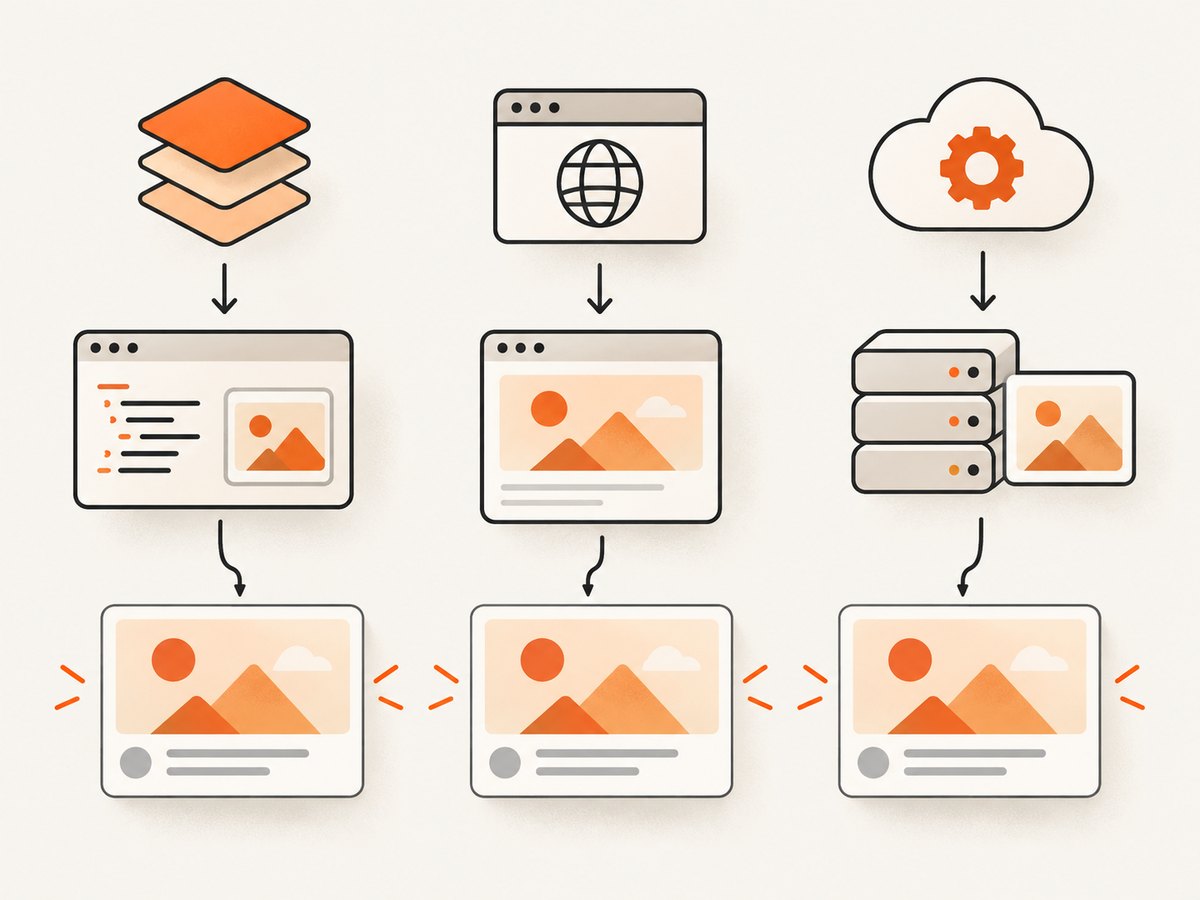
To automatically create share images for every article, generate a deterministic 1200×630 image from the post slug, expose it through og:image, and cache the result. In Next.js, the most maintainable implementation is a route-local opengraph-image.tsx file that returns an ImageResponse. The route reads the slug, loads the post, renders a branded card, and lets Next.js emit the metadata.
This produces the same image whenever the same content inputs are used, avoids opening a design tool for each post, and gives crawlers a public image URL they can request directly. The complete implementation below covers Next.js, a headless-browser alternative, metadata, cache keys, testing, failure handling, and a hosted ScreenshotNeo option.
What a share image is and how crawlers find it
A share image is the preview asset displayed by social networks and messaging applications. Your page advertises it with metadata such as og:image; crawlers request that image URL directly and do not need to run your page’s client-side interface. Next.js supports route-local Open Graph image files and emits the relevant head tags through its metadata conventions. See the Next.js opengraph-image documentation.
Use a stable, publicly reachable URL and return an explicit image MIME type. A common target is 1200×630 pixels with PNG output. If you also support Twitter-specific metadata, point its image field at the same generated asset unless your design requires a separate variant.
Next.js implementation with ImageResponse
Create app/blog/[slug]/opengraph-image.tsx in the route segment that owns each post. The file below fetches a post by slug and renders a simple card. Replace getPost with your database or CMS function.
import { ImageResponse } from 'next/og'

export const size = { width: 1200, height: 630 }
export const contentType = 'image/png'
export const alt = 'Article share image'

export default async function Image({
  params,
}: {
  params: Promise<{ slug: string }>
}) {
  const { slug } = await params
  const post = await getPost(slug)

  if (!post) {
    return new ImageResponse(
      <div style={{ display: 'flex', fontSize: 56 }}>Article not found</div>,
      { ...size },
    )
  }

  return new ImageResponse(
    <div
      style={{
        display: 'flex',
        flexDirection: 'column',
        justifyContent: 'space-between',
        width: '100%',
        height: '100%',
        padding: '72px',
        background: '#111827',
        color: '#ffffff',
        fontFamily: 'Arial',
      }}
    >
      <div style={{ display: 'flex', fontSize: 30, color: '#93c5fd' }}>
        Example Blog
      </div>
      <div style={{ display: 'flex', fontSize: 64, lineHeight: 1.1 }}>
        {post.title}
      </div>
      <div style={{ display: 'flex', fontSize: 28, color: '#cbd5e1' }}>
        {post.authorName}
      </div>
    </div>,
    { ...size },
  )
}

async function getPost(slug: string) {
  // Replace with your CMS or database query.
  return db.posts.findUnique({ where: { slug } })
}
The ImageResponse constructor renders JSX and CSS into an image. Its CSS support is intentionally narrower than a browser: flexbox, absolute positioning, text wrapping, custom fonts, and nested images are supported, while advanced layouts such as CSS grid are not. Keep the component self-contained and test long titles at the target dimensions.
Loading a custom font
For consistent typography, load a font as an ArrayBuffer and pass it in the response options. Store the font in your repository or another publicly available asset location that your runtime can fetch. If the font cannot be loaded, use a system fallback so the route still returns an image.
const fontData = await fetch(
  new URL('../../../../assets/Inter-Regular.ttf', import.meta.url),
).then((res) => res.arrayBuffer())

return new ImageResponse(<Card title={post.title} />, {
  ...size,
  fonts: [{ name: 'Inter', data: fontData, weight: 400 }],
})
Keep the design deterministic
- Use the slug, title, author, theme, and any hero-image URL as explicit inputs.
- Clamp or wrap titles so an unusually long headline does not overflow.
- Use absolute image and font URLs that the image renderer can fetch.
- Return the same dimensions and MIME type for every successful response.
- Provide a fallback card when a post is missing or an optional asset fails.
Expose metadata on the article page
The generated route is useful only when your article references it. In the App Router, Next.js can infer the Open Graph image from the route-local file. You can also set metadata explicitly when you need a custom path or versioned URL.
import type { Metadata } from 'next'

export async function generateMetadata({ params }): Promise<Metadata> {
  const { slug } = await params
  const post = await getPost(slug)
  const image = `https://example.com/blog/${slug}/opengraph-image`

  return {
    title: post.title,
    openGraph: {
      title: post.title,
      images: [{ url: image, width: 1200, height: 630, alt: post.title }],
    },
    twitter: {
      card: 'summary_large_image',
      images: [image],
    },
  }
}
Use an absolute HTTPS URL in production. A crawler must be able to reach the image without an authenticated session, private network access, or a browser-only redirect.
Cache strategy and invalidation
Generated image routes are statically optimized and cached by default unless they use request-time APIs, dynamic configuration, or uncached data. Make every visual input part of the route or query parameters so a content change creates a new cache key. For example, append ?v=2 when you change the template or title data. A fixed URL can use immutable caching; a changing design needs a versioned URL or an explicit revalidation policy.
// Example response headers for a versioned image URL
Cache-Control: public, max-age=604800, immutable
The seven-day value above is an example from a published implementation, not a universal recommendation. Choose a duration based on how quickly content changes and how aggressively social crawlers refresh previews. Monitor cache headers and image response errors after deployment.
Alternative: render an HTML template with Puppeteer
If you are not using Next.js, expose an endpoint such as /api/og-image that accepts the title, image URL, theme, and other design inputs. Render a normal HTML/CSS template in headless Chromium, capture it with Puppeteer, return PNG, and cache the response at your CDN.
import express from 'express'
import puppeteer from 'puppeteer'
const app = express()
const browserPromise = puppeteer.launch({ headless: 'new' })
app.get('/api/og-image', async (req, res) => {
const title = String(req.query.title || 'Untitled article')
const browser = await browserPromise
const page = await browser.newPage({ viewport: { width: 1200, height: 630 } })
await page.setContent(`
<html><body style="margin:0;background:#111827;color:white;font:64px Arial;display:flex;align-items:center;padding:72px">
${escapeHtml(title)}
</body></html>
`, { waitUntil: 'networkidle0' })
const png = await page.screenshot({ type: 'png' })
await page.close()
res.set('Content-Type', 'image/png')
res.set('Cache-Control', 'public, max-age=604800, immutable')
res.send(png)
})
function escapeHtml(value) {
return value.replace(/[<>&"']/g, (char) => ({
'<': '<', '>': '>', '&': '&',
'"': '"', "'": '''
}[char]))
}
app.listen(3000)This approach reuses ordinary browser layout skills and supports custom fonts and images, but it adds a browser runtime, memory use, cold starts, and operational work. Keep a browser instance warm where your hosting model permits it, close pages after each request, and limit untrusted HTML inputs.
Or skip the browser setup
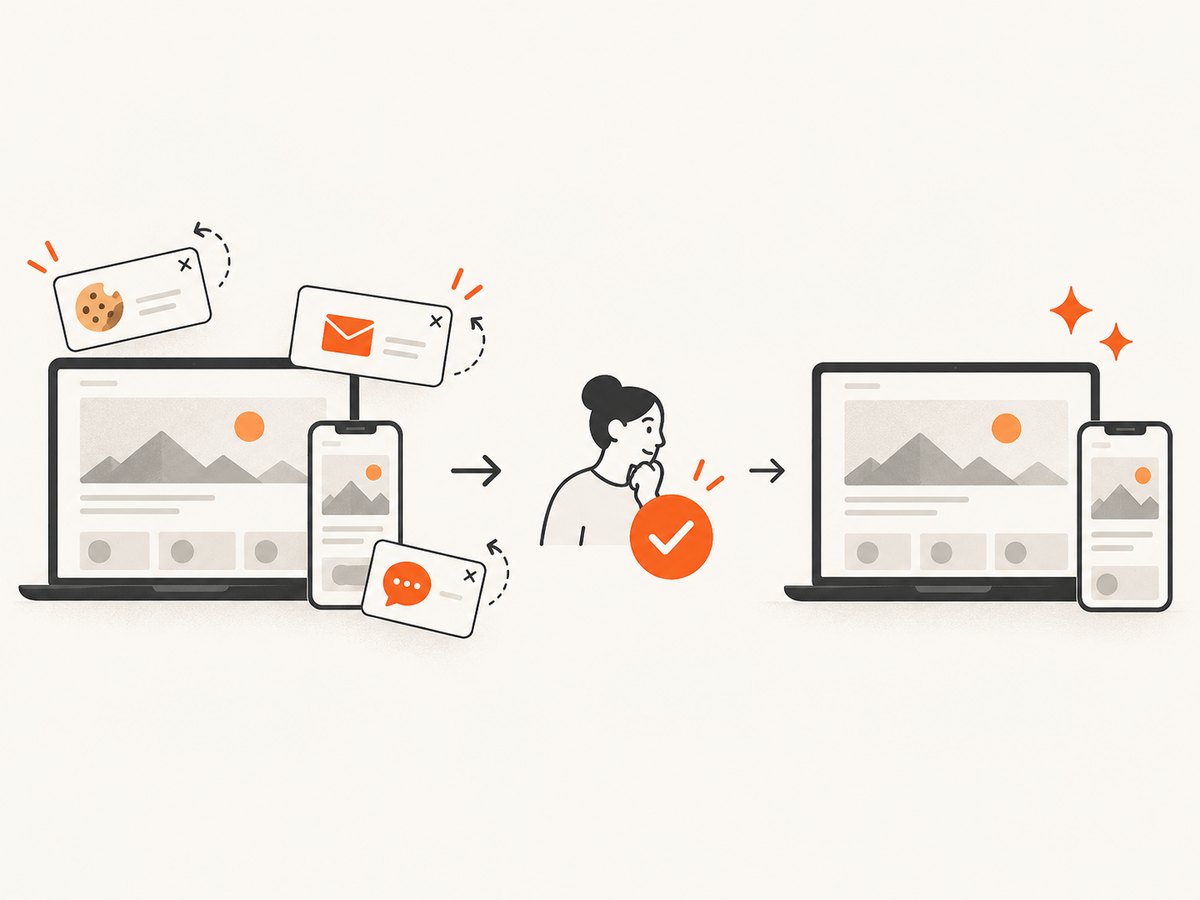
ScreenshotNeo provides a one-call website screenshot API and MCP server. It can capture a rendered page as PNG, JPEG, WebP, or PDF, which is useful when your share-card template already exists as an HTML route. Before capture it accepts cookie or consent banners and removes more than 60 known consent platforms, newsletter popups, and chat widgets; each step can be disabled. Bot checks, blank pages, timeouts, failed loads, and cache hits cost nothing, and response headers identify the page verdict and whether it was billed.
See the ScreenshotNeo documentation for all options. A direct call looks like this:
curl -G "https://api.screenshotneo.com/v1/shot" -d access_key=YOUR_API_KEY --data-urlencode url=https://stripe.com -o shot.webpimport requests
r = requests.get("https://api.screenshotneo.com/v1/shot", params={"access_key": "YOUR_API_KEY", "url": "https://stripe.com"}, timeout=90)
open("shot.webp", "wb").write(r.content)const q = new URLSearchParams({ access_key: 'YOUR_API_KEY', url: 'https://stripe.com' });
const res = await fetch(`https://api.screenshotneo.com/v1/shot?${q}`);For a share-image workflow, point url at your card route and select the viewport or device preset that matches 1200×630 output. ScreenshotNeo also supports custom CSS and JavaScript, waiting for a selector, delay, or network idle, hidden selectors, blocked resource types, custom headers and cookies, transparent backgrounds, resizing, caching with a chosen TTL, signed links, asynchronous jobs with signed webhooks, bulk capture of up to 100 URLs per call, a usage API, and an OpenAPI specification. Its MCP server exposes take_screenshot, get_page_info, and capture_pdf for Claude, Cursor, and other MCP clients.
You get 1,000 screenshots per month free without a card. Paid plans start at $5 for 3,000 shots; yearly billing gives two months free, and every feature is available on every plan. Create a free ScreenshotNeo account.
Choosing an architecture
| Approach | Best fit | Trade-offs |
|---|---|---|
| Next.js ImageResponse | App Router sites already using Next.js | Fast integration and framework caching; CSS support is narrower than a browser. |
| Puppeteer endpoint | Non-Next.js stacks or complex browser layouts | Full HTML/CSS control; you operate Chromium and its runtime costs. |
| ScreenshotNeo | Teams that want a hosted capture API or MCP workflow | Requires an API key and hosted-service pricing after the free allowance. |
Compare framework fit, template control, supported CSS and fonts, cold-start latency, cacheability, hosting effort, privacy of fetched content, and traffic cost. Measure your own latency and provider pricing before committing to a volume estimate.
Troubleshooting
The social preview is blank
Check that og:image is absolute HTTPS, returns a 200 response with an image MIME type, and is reachable without authentication. Inspect the generated image URL directly with curl -I. If the route depends on uncached data, make sure the deployment supports that runtime.
The title is clipped or overlaps
Long titles are the usual cause. Clamp to a known character or line count, reduce the font size for longer strings, and test titles containing punctuation, emoji, and non-Latin scripts. Flexbox wrapping is safer than relying on unsupported grid rules.
Fonts or hero images are missing
Use absolute, publicly fetchable URLs or bundle the font with the application. Verify certificate chains and content types. Add a fallback font and a plain-color fallback when an optional image cannot load.
Changes do not appear
A cached image URL can remain stable after the source data changes. Add a version query parameter, publish a new path, or reduce the cache lifetime. Social platforms also cache previews independently, so use their debugger tools after deployment.
Puppeteer times out
Wait for the specific font or image selector instead of waiting forever for every request. Block analytics and other unnecessary resources, set a bounded navigation timeout, and close the page in a finally block. Keep the browser process separate from request data.
ScreenshotNeo reports a bot check or failed load
Read the X-Page-Verdict and X-Billed headers. A bot check, blank page, timeout, failed load, or cache hit is not billed. Supply required cookies, headers, an authorization value, a user agent, a timezone, or geolocation when the target page needs them, then retry with an appropriate wait condition.
Performance, reliability, and cost
- Performance: deterministic routes can be cached at the CDN. Avoid fetching a full CMS payload when the card needs only title, author, and theme.
- Reliability: return a fallback image for missing content, validate image dimensions, and log generation failures with the slug and cache key.
- Cost: self-hosted Chromium consumes compute and memory per concurrent capture. A hosted API changes that to per-shot usage; ScreenshotNeo bills only clean shots and exposes billing status in headers.
- Privacy: decide whether post content, private image URLs, cookies, or authorization headers may leave your infrastructure before choosing a hosted renderer.
- Operations: monitor cache hit rates, response status, generation duration, and downstream preview errors. Keep a version number in the template so redesigns invalidate predictably.
Implementation checklist
- Create one route-local image generator or hosted capture endpoint.
- Set 1200×630 dimensions, a MIME type, and concise alt text.
- Include every visual input in the route or query cache key.
- Use public absolute URLs for fonts and nested images.
- Test short, long, multilingual, and missing-data titles.
- Verify
og:imageand Twitter metadata in a social preview debugger. - Monitor cache headers, image errors, and generation duration.
FAQ
Do I need a separate image for every social network?
Usually no. A 1200×630 Open Graph image works for many previews; add a separate Twitter image only when your design or platform requirements call for it.
Can the image contain a post’s hero photo?
Yes. Fetch a publicly reachable image and render it as a nested image in ImageResponse, or include it in the HTML template used by Puppeteer or ScreenshotNeo.
Should I generate images at publish time?
Either publish-time generation or on-demand generation works. On-demand routes pair well with deterministic URLs and CDN caching; publish-time generation can expose failures before an article is released.
How do I change branding safely?
Version the image URL or add a template version query parameter. This prevents an old immutable cache entry from hiding the redesigned card.
Can an AI agent create these images?
Yes. ScreenshotNeo’s MCP server includes take_screenshot, get_page_info, and capture_pdf, so an MCP client such as Claude or Cursor can drive capture workflows.


