11 Best Automation Testing Tools for Web Application Testing
Compare 11 web automation testing tools by category, strengths, trade-offs, and fit. Choose a framework or execution service for your browsers, team, and CI workflow.
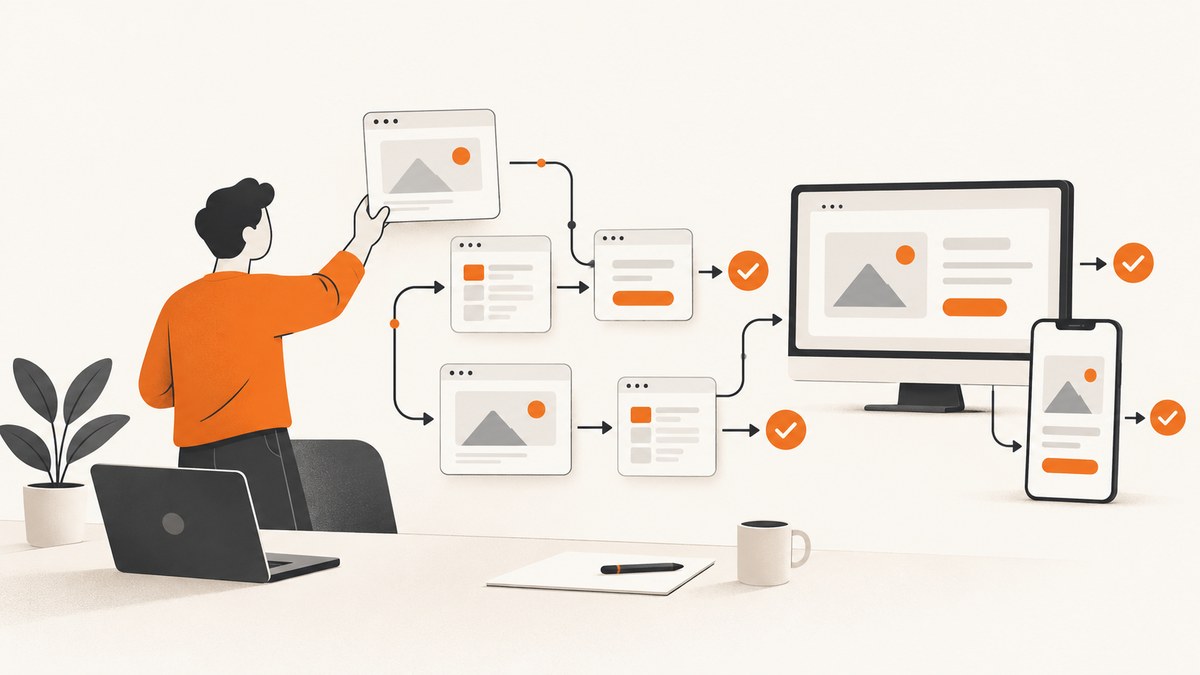
There is no single best automation testing tool for every web application. The right choice depends on the browsers and devices you support, your team’s languages and test skills, how you diagnose failures, whether you need remote execution, and how much test infrastructure you want to maintain. A framework authors and runs tests; a hosted execution service supplies environments for tests written with frameworks. Keep those categories separate while comparing options.
This practical shortlist covers 11 tools and platforms. It is an editorial selection, not an objectively measured top 11. Start with the comparison table, then read the tool notes and selection steps to narrow the list for your project.
1. Compare the 11 tools at a glance
| Tool | Category | Good fit when | Main trade-off |
|---|---|---|---|
| Selenium WebDriver | Browser automation project | You need broad language flexibility, cross-browser execution, or already have Selenium tests. | You choose and maintain test structure, reporting, and execution setup. |
| Playwright | Code-first browser testing | You are building a modern web suite and its supported languages and workflow fit your team. | Fit depends on your existing stack and the target browsers you actually require. |
| Cypress | Web testing suite | A JavaScript or TypeScript front-end team values an integrated runner and close development feedback. | Check your required browser workflows, including tabs and cross-browser needs, against current documentation. |
| WebdriverIO | JavaScript automation framework | Your team uses Node.js and wants a WebDriver-centered ecosystem with extension choices. | Flexibility brings more architectural decisions. |
| Puppeteer | Browser scripting library | You need direct browser scripting for targeted checks or artifact generation. | It is not necessarily a full test runner; compare broader frameworks for a large suite. |
| Appium | Mobile automation framework | Your scope includes mobile browsers or native and hybrid mobile apps. | It is not the default desktop-browser-only choice. |
| Katalon Studio | Broader automation platform | A mixed-skill team wants recorded or low-code and script-based approaches in an integrated environment. | Compare platform scope and licensing with a lighter framework if you only need browser automation. |
| BrowserStack Automate | Hosted execution service | You want remote browser or device execution for a suite authored with a supported framework. | Review environments, privacy requirements, parallelism, debugging artifacts, and current plan costs. |
| TestComplete | Commercial GUI automation product | You are evaluating a broader keyword-driven and scriptable commercial environment. | Verify current product scope, technology support, and licensing with the vendor. |
| Ranorex Studio | Commercial GUI automation product | You want to evaluate visual and code-based authoring and reusable object repositories. | Verify current web, desktop, mobile, and licensing details with the vendor. |
| Robot Framework | Keyword-driven automation framework | Readable test cases and extension through libraries matter to the team. | Check current browser-library choices, maintenance, and fit before committing. |
2. The best automation tool depends on your testing problem
Before comparing feature lists, define what “web application testing” means for your product. A small desktop-only regression suite has different needs from a responsive storefront that must work across browsers and real mobile devices. List the environments, user journeys, and failure evidence you need first.
Choose by application and target environment
Record the browser families, operating systems, viewport sizes, and mobile scenarios that are release-critical. If you also test native or hybrid apps, Appium belongs in the evaluation. If you only need desktop browsers, a mobile automation framework may add complexity without solving your immediate problem.
Choose by team skills and workflow
Prefer a language and test runner your team can debug and maintain. JavaScript-heavy teams may shortlist Cypress or WebdriverIO; teams considering Playwright should check that its supported language bindings fit their codebase. Existing Selenium investment is meaningful: replacing a working suite has migration and retraining costs beyond the license price of any new tool.
Compare diagnosis and maintenance
When a test fails in CI, can someone tell whether the cause was an application regression, timing, environment, or test data? Compare available traces, screenshots, video, logs, and interactive debugging workflows. Also inspect how tests locate elements, wait for page state, share setup, and handle changing UI. No framework removes the need for stable selectors and maintainable test design.
BrowserStack’s comparison guide describes its own editorial rubric as Reliability and Test Maintenance (25%), Browser and Device Coverage (20%), Test Creation and Developer Experience (15%), Debugging and Reporting (15%), CI/CD and Integrations (10%), Execution and Scalability (10%), and Cost and Ecosystem (5%). Those percentages are that guide’s weighting scheme, not an industry standard or measured ranking. The guide’s useful summary is: “The right choice depends on the team’s stack and workflow, not on which tool has the longest feature list.”
3. The 11 options in more detail
1. Selenium WebDriver: flexible browser automation
Selenium is a project with several components rather than a single all-in-one test runner. WebDriver drives browsers natively; Grid can distribute runs across machines; Selenium Manager helps manage drivers and browsers; Selenium IDE provides a recorder and playback extension. That breadth makes Selenium a sensible shortlist choice for teams with an existing investment, a need for language flexibility, or cross-browser execution requirements. You still decide how to organize tests, reporting, retries, and CI.
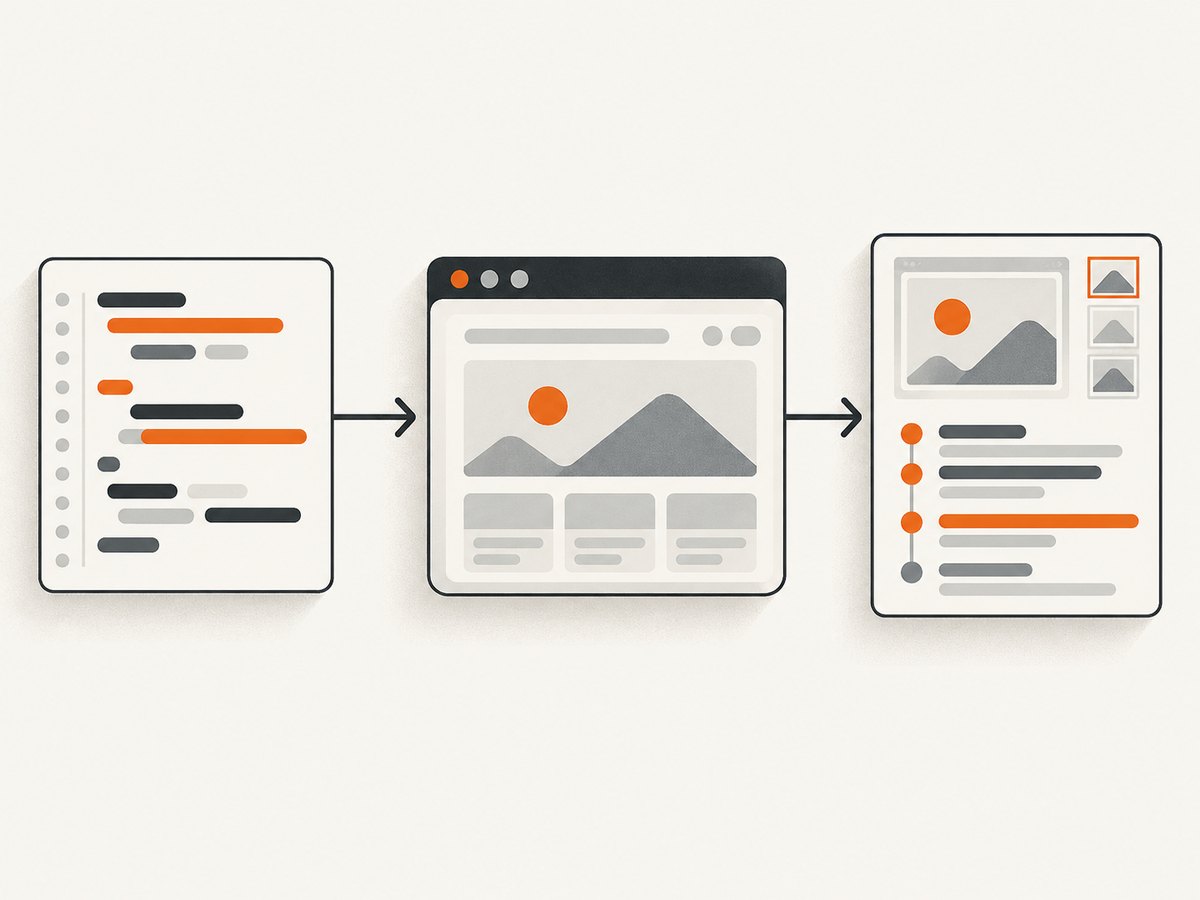
The official Selenium documentation is the starting point for WebDriver and the project’s components. For remote parallel execution, see the Grid guide. Grid capacity depends on machines, CPUs, memory, and browser sessions; the docs offer rough sizing guidance, not a universal capacity promise. Protect a Grid from external access.
2. Playwright: code-first browser testing
Playwright is worth shortlisting for a new modern web suite when its supported languages, browser coverage, and workflow fit. Its documentation describes a test runner workflow, UI mode, and trace-based debugging. The comparison describes Chromium, Firefox, and WebKit support, automatic waits, and browser-context isolation. These features shape the workflow, but they do not establish that Playwright is universally fastest or best: this research found no controlled independent cross-tool benchmark. Review Playwright’s official getting-started documentation for current installation and system requirements.
3. Cypress: integrated feedback for front-end teams
Cypress covers end-to-end, component, and accessibility testing in its official documentation, with an integrated runner and optional cloud products. It is a natural candidate for JavaScript and TypeScript front-end teams that want close feedback while developing. Validate your specific browser and interaction requirements, particularly tab workflows and cross-browser needs, against the current Cypress documentation.
4. WebdriverIO: extensible Node.js automation
WebdriverIO is a JavaScript and Node.js option in a WebDriver-centered ecosystem. Its getting-started guide describes recording actions and generating test scripts. Shortlist it when a Node team wants extensibility and is comfortable making architectural choices about plugins, runners, and structure. Begin with the official WebdriverIO guide and confirm its current requirements.
5. Puppeteer: direct browser scripting
Puppeteer is useful when the job is direct browser scripting: targeted UI checks, automation tasks, or generating artifacts. The comparison describes it as JavaScript and TypeScript friendly. For a large, long-lived cross-browser suite, compare it with broader testing frameworks before treating it as the whole test platform. Check current browser support and project guidance in the Puppeteer documentation.
6. Appium: when mobile belongs in scope
Appium is relevant when your project includes mobile browsers or native and hybrid app automation. It is not a direct substitute for a web-first desktop framework if mobile is outside scope. BrowserStack’s documentation separates its mobile App Automate workflow and lists Appium among mobile automation choices; see the App Automate documentation and Appium’s own materials when checking current platform fit.
7. Katalon Studio: an integrated platform
Katalon is described in the comparison as a broader platform with low-code or recorded and script-based approaches across web, mobile, desktop, and API contexts. It may suit mixed-skill teams that value an integrated environment. Those descriptions and any price references from a vendor-authored comparison can change; check Katalon’s current product and licensing materials before procurement. Compare the platform’s full scope with a lighter framework if web browser automation is all you need.
8. BrowserStack Automate: hosted browser execution
BrowserStack Automate supplies remote execution; it is not where you must author your test logic. Its documentation lists support for Selenium, Playwright, Cypress, and Puppeteer. It can be relevant after you select a framework and want remote browser or device environments. Compare the exact environment matrix, parallel limits, privacy and security requirements, debugging artifacts, and current pricing. See BrowserStack Automate documentation for current setup details. Do not carry forward an old comparison article’s price as a current quote.
9. TestComplete: commercial GUI automation
The comparison positions TestComplete as a broader keyword-driven and scriptable product for web and other application types. Consider it if you are evaluating a commercial environment with broader scope, but verify supported technologies, product boundaries, and licensing directly with SmartBear before making a shortlist decision. The available research for detailed current product claims is secondary.
10. Ranorex Studio: visual and code-based workflows
Ranorex is described as a commercial GUI automation product combining visual and code-based authoring, a reusable object repository, and web, desktop, and mobile coverage. It is a candidate to investigate when a commercial visual workflow matters. Confirm the present scope and licensing with Ranorex; product details can change, and the comparison alone is not sufficient for a purchase decision.
11. Robot Framework: readable keyword-driven tests
Robot Framework is a keyword-driven framework that can make business flows readable and can be extended through libraries. It can fit teams that prioritize readable test cases. Before adopting it for browser tests, verify the available browser libraries, their maintenance status, and how their debugging and CI workflows match your team’s needs in the current project documentation.
4. A practical selection process
- Write the environment matrix. Include required browsers, operating systems, responsive viewports, and any real mobile or native-app scenarios.
- Separate authoring from execution. Pick a framework or platform for creating and maintaining test logic. Separately decide whether local machines, Selenium Grid, or a hosted service should run it.
- Use one representative journey. Implement a critical user flow such as sign-in, checkout, or publishing. Include realistic waiting, test data, and assertions. A hello-world test will not show maintenance costs.
- Run it in CI and debug a failure. Compare setup effort and whether the available artifacts identify the cause. Look at repeated runs to reveal unstable selectors, shared state, or environment assumptions.
- Estimate total operating cost. Include licenses or hosted usage, machine and device infrastructure, parallel capacity, CI time, artifact retention, maintenance, and staff learning time. Confirm vendor plans directly before budgeting.
- Keep the evaluation bounded. Choose a small number of candidates that meet required environments and language constraints. Record what would trigger a switch later, such as adding real-device coverage or moving execution off self-managed machines.
5. Performance, reliability, and cost
There is no useful universal speed ranking in the reviewed evidence. Runtime depends on application behavior, test design, browser versions, machine resources, parallelism, network conditions, and remote execution overhead. Measure your own representative suite rather than inferring speed from feature lists or vendor claims.
Parallelism can shorten wall-clock time, but it also consumes more browser sessions and compute capacity. Selenium Grid’s guidance notes that capacity varies with processors and memory and gives rough reference sizing; actual workloads differ. Hosted services have their own environment, queue, and parallel limits. Start with the concurrency needed to meet your feedback target, then compare its cost with CI capacity and maintenance overhead.
Reliability comes from the whole system: stable test data, resilient selectors, clear setup and teardown, controlled dependencies, and useful failure artifacts. Retries can distinguish intermittent failures from persistent ones, but a passing retry does not make a flaky test trustworthy. Track repeat failures and fix their causes rather than allowing retries to hide them.
Open-source frameworks can avoid a framework subscription while still requiring engineering time and infrastructure. Commercial suites and hosted execution can shift some operational work or add integrated capabilities, but introduce plan and vendor considerations. Check current terms and privacy constraints before sending application data to a remote environment.
6. Troubleshooting common selection and execution problems
| Symptom | Likely cause | What to do |
|---|---|---|
| Tests pass locally but fail in CI | Different browser, OS, fonts, time zone, data, or timing. | Make the CI environment explicit; capture logs and screenshots or traces; remove reliance on local state. |
| Element is intermittently missing | The test assumes a fixed delay or locates a transient element. | Wait for the relevant state or selector; use stable attributes and assert the application state before acting. |
| Parallel runs corrupt each other | Tests share accounts, records, or mutable server-side state. | Isolate data and users per test or worker; make cleanup safe to repeat. |
| Remote session cannot start | Incorrect endpoint or credentials, unsupported capabilities, or exhausted capacity. | Check the provider’s current capability format, secret configuration, allowed browser matrix, and concurrency limit. |
| Suite is slow after adding browsers | More environment combinations multiplied execution time or created queueing. | Run a focused browser matrix on every change and broader coverage on a suitable schedule; tune concurrency against capacity and budget. |
| Tests are hard to maintain | Duplicated setup, brittle selectors, or too many implementation-detail assertions. | Centralize reusable actions where appropriate, prefer user-observable behavior, and remove assertions that do not protect a requirement. |
7. Capture visual evidence without adding a test framework
Some engineering workflows need screenshots of pages or reports, not a full browser test suite. For a one-off capture, a developer can open the site in a browser and save a screenshot. Automated browser scripts can do the same, but require a browser runtime, page timing decisions, and artifact handling. Choose a testing framework when you need assertions and repeatable interaction tests; use a capture API when the task is to obtain an image or PDF.
8. Or skip the browser setup
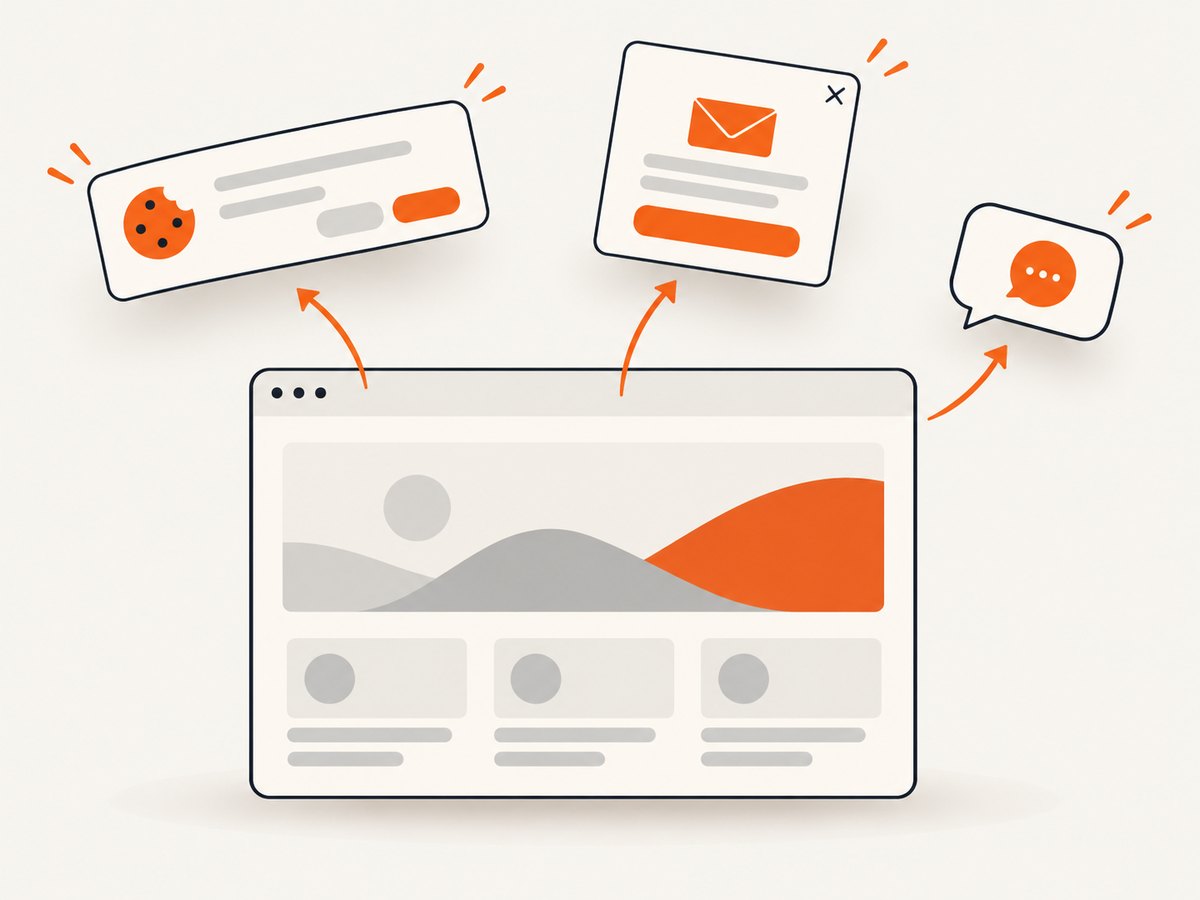
ScreenshotNeo is a website screenshot API and MCP server from Yorker Media. One GET request with a URL returns a PNG, JPEG, WebP, or PDF. It is useful for page captures and visual artifacts; it does not replace the test frameworks above or assert that application behavior is correct. Cookie banners are accepted and 60+ known consent platforms, newsletter popups, and chat widgets are removed before capture, with each step configurable. Bot checks, blank pages, timeouts, failed loads, and cache hits cost nothing, and response headers report the page verdict and billing status. Its MCP server provides take_screenshot, get_page_info, and capture_pdf tools for AI agents.
Example with cURL:
curl -G "https://api.screenshotneo.com/v1/shot" \
  -d access_key=YOUR_API_KEY \
  --data-urlencode url=https://stripe.com \
  -o shot.webp
See the ScreenshotNeo API documentation for configuration. Equivalent Python:
import requests

r = requests.get(
    "https://api.screenshotneo.com/v1/shot",
    params={"access_key": "YOUR_API_KEY", "url": "https://stripe.com"},
    timeout=90,
)
r.raise_for_status()
open("shot.webp", "wb").write(r.content)
Node.js:
const q = new URLSearchParams({
  access_key: 'YOUR_API_KEY',
  url: 'https://stripe.com'
});
const res = await fetch(`https://api.screenshotneo.com/v1/shot?${q}`);
if (!res.ok) throw new Error(`Screenshot request failed: ${res.status}`);
await Bun.write('shot.webp', res);
These examples save the response body as an image; use the documented parameters to select output and capture behavior. The service also offers full-page and element capture, viewport and device settings, retina scale, dark mode, custom CSS and JavaScript, wait conditions, request blocking, headers and cookies, timezone and geolocation, caching, signed links, asynchronous jobs, bulk capture, PDF settings, and usage reporting. Choose browser tests when you need to interact with the page and verify outcomes; choose capture when you need the resulting artifact.
Cookie banners, popups, and chat widgets are removed before the shot; bot checks, blank pages, and failed loads are never billed; an MCP server lets AI agents take screenshots; and 1,000 screenshots a month are free with no card, with paid plans starting at $5 for 3,000. Create a free ScreenshotNeo account.
9. Frequently asked questions
Which tool should a beginner learn first?
Start with the language and test runner your team already uses, then implement one meaningful user journey. A tutorial preference is less useful than whether your team can debug and maintain the result.
Can I use a hosted browser service without changing frameworks?
Often, yes: execution platforms support tests authored with multiple frameworks. Confirm the exact framework, language, browser, and capability combination in the provider’s current documentation.
Is a screenshot API a replacement for browser automation testing?
No. A screenshot API captures a page or document. A test framework drives interactions and checks application behavior. They solve related but distinct tasks.
Should I buy a tool based on the comparison table alone?
No. Treat this as a shortlist, validate current product and pricing details with official sources, and run a representative proof of concept against your own application.
Research note: Framework distinctions and tool descriptions reflect the supplied research dossier. Product capabilities, compatibility, and commercial terms change; check linked official documentation and vendor materials before adoption. No adoption statistics or controlled speed rankings are claimed.


