How to Avoid StaleElementReferenceException When Opening New Browser Pages
Avoid stale Selenium elements by waiting for the new window, switching context, and locating elements fresh. Includes Python, cURL, Node.js, and troubleshooting.
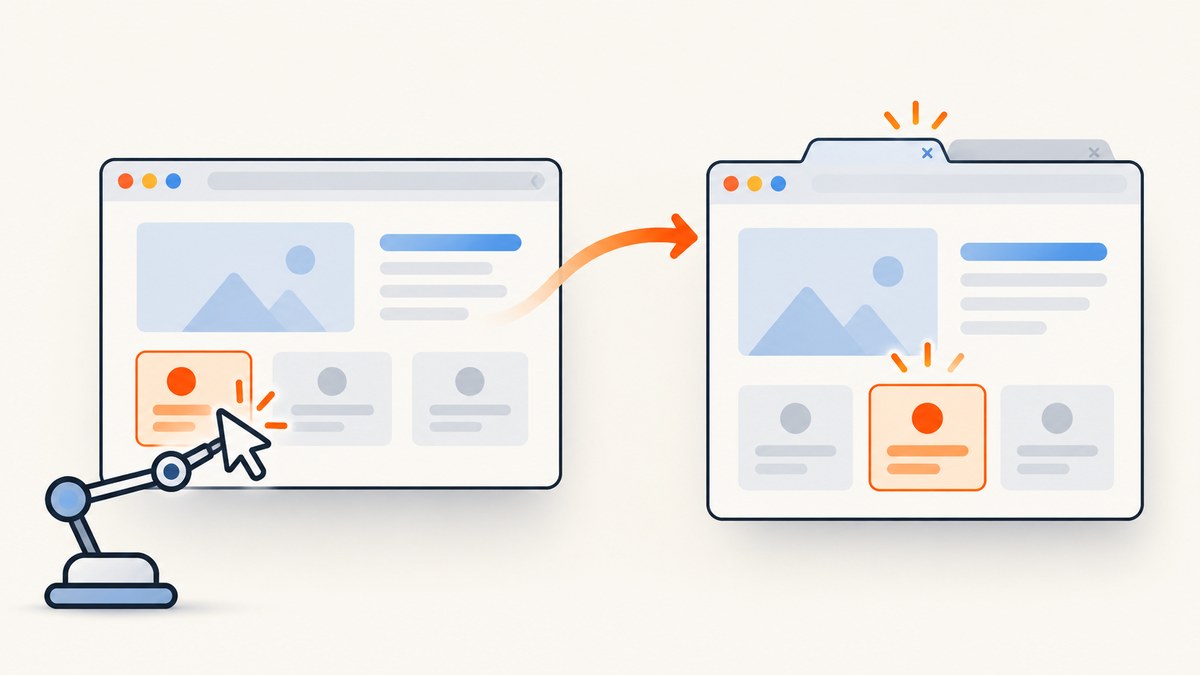
Direct answer: A Selenium WebElement belongs to the document and browsing context where it was found. When a link opens a new tab or window, wait for the new window handle, switch WebDriver to it, wait for a page-specific readiness condition, and locate the element again from a locator. Do not reuse an element object from the previous page.
Selenium describes an element as stale when it no longer appears in the page DOM. Navigation, refreshes, JavaScript replacing a node, and refreshing an iframe can all invalidate an element reference. A window switch changes the active browsing context too, so a reference from the previous page is not a reliable handle to the new page. See the Selenium exception reference and window interactions guide.
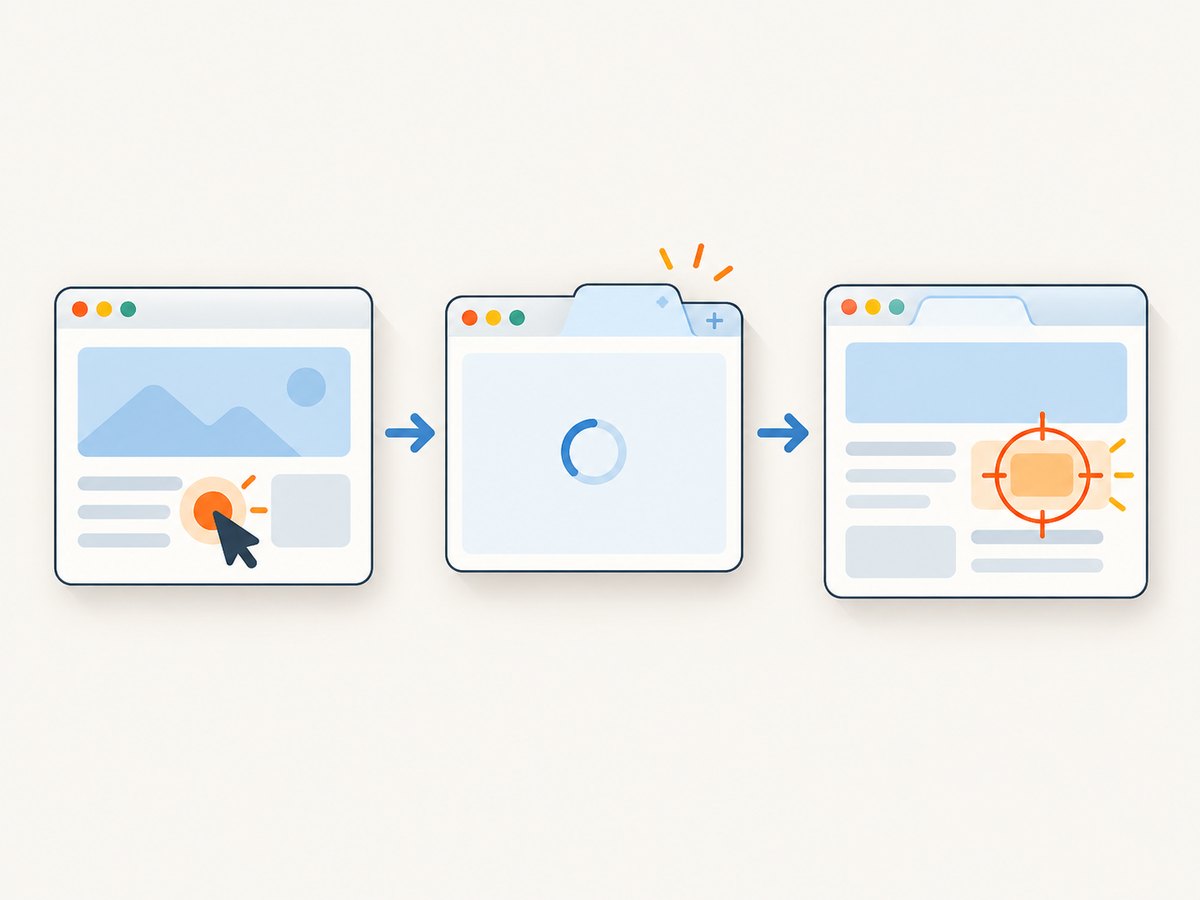
1. Use this sequence for a new tab or window
- Save the original window handle.
- Record the current handles if the test expects a new context.
- Trigger the action that opens the page.
- Wait until a new handle appears.
- Switch to the new handle.
- Wait for the destination page’s title, URL, or a known element.
- Find the target element from a locator after those waits.
This order separates two different transitions: the browser opening a context and the page in that context becoming ready. Waiting only for the click to return proves neither transition is complete.
2. Complete Python example
The example below assumes the starting page has one window, a link labeled Open new window, and the destination contains a button matching button.submit. Change the text, selector, expected title, and timeout to match your application.
from selenium import webdriver
from selenium.webdriver.common.by import By
from selenium.webdriver.support.ui import WebDriverWait
from selenium.webdriver.support import expected_conditions as EC

 driver = webdriver.Chrome()
 wait = WebDriverWait(driver, 10)

 try:
     driver.get("https://www.selenium.dev/selenium/web/window_switching.html")
     original = driver.current_window_handle
     before = set(driver.window_handles)

     driver.find_element(By.LINK_TEXT, "Open new window").click()

     # Wait for a handle beyond the ones present before the click.
     wait.until(EC.new_window_is_opened(before))
     new_handle = (set(driver.window_handles) - before).pop()
     driver.switch_to.window(new_handle)

     # Wait for the destination, then locate the element fresh.
     wait.until(EC.title_contains("Selenium"))
     submit = wait.until(
         EC.element_to_be_clickable((By.CSS_SELECTOR, "button.submit"))
     )
     submit.click()
 finally:
     # Close the child if it is still open, then restore the original context.
     if original in driver.window_handles:
         for handle in list(driver.window_handles):
             if handle != original:
                 driver.switch_to.window(handle)
                 driver.close()
         driver.switch_to.window(original)
     driver.quit()
Whitespace note: Python does not allow the extra leading space before driver = or wait = at module scope. For copy-and-run, those two lines should align with try: as shown here:
driver = webdriver.Chrome()
wait = WebDriverWait(driver, 10)

try:
    driver.get("https://www.selenium.dev/selenium/web/window_switching.html")
    original = driver.current_window_handle
    before = set(driver.window_handles)
    driver.find_element(By.LINK_TEXT, "Open new window").click()
    wait.until(EC.new_window_is_opened(before))
    new_handle = (set(driver.window_handles) - before).pop()
    driver.switch_to.window(new_handle)
    wait.until(EC.title_contains("Selenium"))
    button = wait.until(EC.element_to_be_clickable((By.CSS_SELECTOR, "button.submit")))
    button.click()
finally:
    if original in driver.window_handles:
        for handle in list(driver.window_handles):
            if handle != original:
                driver.switch_to.window(handle)
                driver.close()
        driver.switch_to.window(original)
    driver.quit()
The test’s actual destination may not contain that button. Replace it with a real, stable locator from the page under test. The important part is to pass a locator tuple to the wait: Selenium performs a fresh lookup as the condition is evaluated.
When the test expects exactly two windows
new_window_is_opened(before) waits for the count to increase. If the test specifically requires two total windows, use number_of_windows_to_be(2), then identify the new handle by subtracting the original handle:
wait.until(EC.number_of_windows_to_be(2))
new_handle = (set(driver.window_handles) - {original}).pop()
driver.switch_to.window(new_handle)
Set expectations to the scenario. If another popup can legitimately open, selecting the one new handle by set difference may be ambiguous; wait for a destination URL or title and inspect handles to identify the intended page.
3. Choose a wait that matches the transition
| What changed | Useful condition | What it establishes |
|---|---|---|
| A tab or window opened | new_window_is_opened(before) |
The handle count increased. |
| The total context count matters | number_of_windows_to_be(n) |
The browser has the expected number of handles. |
| The old node should disappear | staleness_of(old_element) |
The old reference is detached from the DOM. |
| The destination is identified by title | title_contains(text) |
The active page title includes expected text. |
| A target must exist | presence_of_element_located(locator) |
A fresh lookup finds it in the DOM. |
| A target must be actionable | element_to_be_clickable(locator) |
The located element is visible and enabled. |
Prefer the narrowest condition that represents the real application state. A fixed sleep merely delays; it does not establish that the desired handle or element exists, and it can be too short on a slow run or waste time on a fast one.
4. Re-find elements after DOM replacement
A stale reference can occur without changing tabs. A framework may replace a row or button after an update, even when the replacement looks identical. Use staleness_of when disappearance of a known old node is part of the transition, then wait by locator for its replacement:
old_row = driver.find_element(By.CSS_SELECTOR, "tr[data-id='42']")
driver.find_element(By.ID, "refresh").click()
wait.until(EC.staleness_of(old_row))
new_row = wait.until(EC.presence_of_element_located(
    (By.CSS_SELECTOR, "tr[data-id='42']")
))
Do not keep a list of WebElement objects across a refresh or rerender if the page can replace those nodes. Keep the locator or the stable data key, then resolve the current element when needed.
5. Return safely from the child page
After finishing work in the child page, close it while it is active and switch back to the saved original handle. If you close the active window and continue issuing commands without switching, WebDriver is still targeting a closed page and can raise NoSuchWindowException. Selenium calls this out in its window guide.
driver.close()
driver.switch_to.window(original)
Keep cleanup in a finally block for tests that may fail midway. Before switching back, check that the original handle is still present: application behavior or a test failure may have closed it.
6. Common mistakes and fixes
| Symptom | Likely cause | Fix |
|---|---|---|
StaleElementReferenceException after switching |
The element was found in the previous page or document. | Switch first, wait for the destination, and find it again from a locator. |
| Stale exception after refresh or click | The app replaced the node during navigation or rerender. | Wait for old-node staleness if expected, then locate the replacement. |
| Wait times out for a new window | The click did not open one, a popup was blocked, or the trigger was wrong. | Confirm the application behavior and trigger; inspect the handle count before and after. |
| New handle found, target lookup times out | The destination is still loading, the locator differs, or the content is inside a frame. | Wait for title/URL or a stable page marker; verify locator and switch into the correct iframe when needed. |
NoSuchWindowException |
A command ran after closing its active window, or the stored handle no longer exists. | Switch to a live handle and verify it remains in driver.window_handles. |
| Intermittent click failure despite a wait | The page re-rendered between lookup and click, or an overlay intercepts input. | Wait for clickability using a locator; investigate overlays and keep any retry bounded. |
7. Bounded retries and iframe context
A retry can help when a legitimate asynchronous rerender happens between finding an element and performing an idempotent action. Re-run the lookup inside the retry; retrying the same stale object cannot repair it. Keep the retry count small and capture useful diagnostics such as current URL, title, handles, and the locator being used. Avoid retrying actions with side effects, such as submitting a payment or creating a record, unless the application makes them safe to repeat.
If an element is inside an iframe, switching browser windows is not enough. First switch to the correct window, then to the frame, wait for the frame’s content, and locate the element there. If that frame refreshes, switch into the current frame context again and reacquire the element. Return to the top-level document with driver.switch_to.default_content() before searching elsewhere.
8. Performance and reliability notes
- Use explicit waits: they poll for a meaningful condition and continue as soon as it becomes true, avoiding unnecessary fixed delays.
- Keep locators stable: IDs or data attributes intended for automation are generally less fragile than long positional XPath expressions. Choose selectors based on the application markup.
- Keep references short-lived: store locators and identifiers across transitions; fetch WebElements close to the action that uses them.
- Make failures diagnosable: include current handle, URL, title, and expected condition in test logs when a wait expires.
- Set realistic timeouts: the dossier provides no universal timeout. Choose one based on application behavior and your suite’s service-level expectations.
- Avoid broad retries: they can hide a synchronization bug and make tests slower. Retry only a small idempotent operation and fail clearly when the expected transition does not occur.
9. Or skip the browser setup
If the task is to capture a website image or PDF rather than interact with it, ScreenshotNeo provides a screenshot API. It does not require you to manage Selenium window handles for a one-off capture. See the API documentation.
curl -G "https://api.screenshotneo.com/v1/shot" -d access_key=YOUR_API_KEY --data-urlencode url=https://stripe.com -o shot.webpimport requests
r = requests.get("https://api.screenshotneo.com/v1/shot", params={"access_key": "YOUR_API_KEY", "url": "https://stripe.com"}, timeout=90)
open("shot.webp", "wb").write(r.content)const q = new URLSearchParams({ access_key: 'YOUR_API_KEY', url: 'https://stripe.com' });
const res = await fetch(`https://api.screenshotneo.com/v1/shot?${q}`);ScreenshotNeo accepts cookie or consent banners like a visitor and removes more than 60 known consent platforms, newsletter popups, and chat widgets before capture; each step can be turned off. Bot checks, blank pages, failed loads, timeouts, and cache hits cost nothing, and response headers report the page verdict and billing status. Its MCP server provides take_screenshot, get_page_info, and capture_pdf tools for Claude, Cursor, and other MCP clients. The free plan includes 1,000 shots a month with no card; paid plans start at $5 for 3,000 shots. Sign up for 1,000 free screenshots a month with no card.
10. Short FAQ
Does a window switch always make an element stale?
The key issue is that a WebElement belongs to a particular document and context. Treat references from another page as unusable and locate again after switching.
Should I use implicit waits for this?
The new-window transition is best expressed with an explicit condition that observes the handle change. Then use an explicit page-specific condition before locating the target.
Can I store a locator instead of a WebElement?
Yes. A locator is a description used for a fresh lookup; it is not the element reference tied to the old DOM node.
What if the link opens a page in the same tab?
There may be no new handle. Wait for an expected URL or page marker, then locate the element again after navigation.


