How to Add a Background Image From a Stream to an HTML Renderer PDF in C#
Convert a .NET Stream to a data URI or resolve it in an image callback so CSS backgrounds render reliably in C# PDFs.
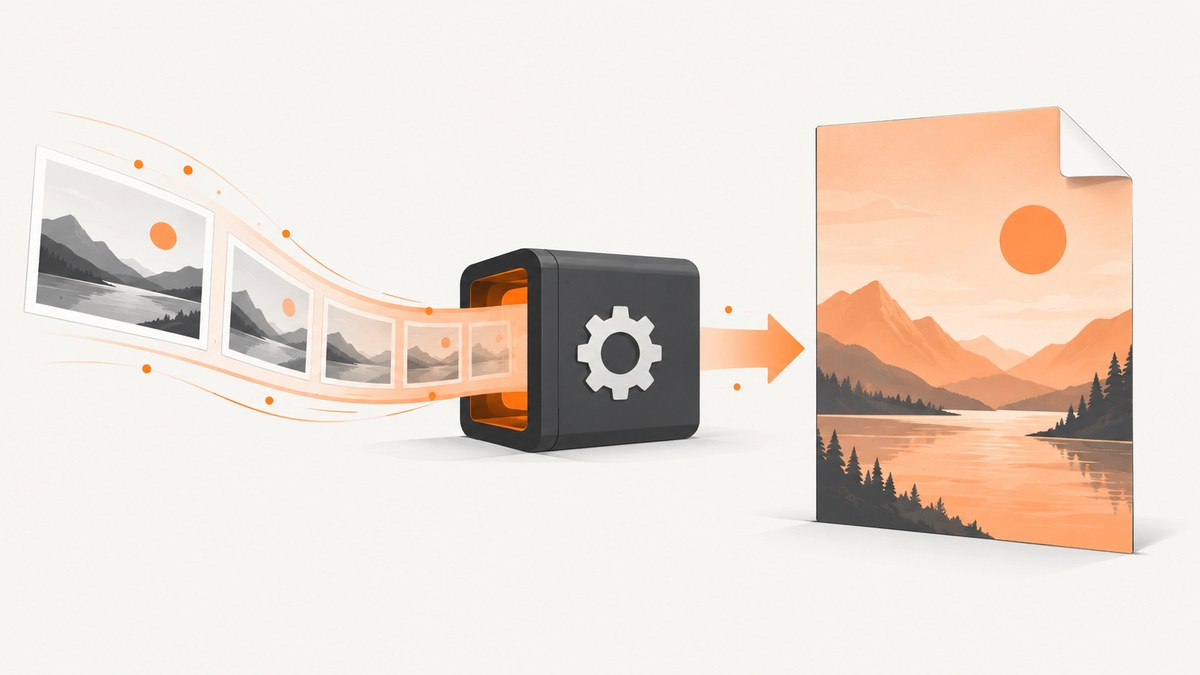
Short answer: a .NET Stream cannot be placed directly in CSS. Read the stream, convert its bytes to a Base64 data URI, and use that URI in background-image. Keep the source available until rendering finishes. If your renderer does not decode the data URI, intercept its image-load callback and return the decoded image or a stream from there.
This guide covers HTML-Renderer.PdfSharp and iText pdfHTML, including page sizing, pagination, large images, troubleshooting, and a complete C# pattern.
1. Convert the stream to a CSS data URI
CSS accepts a URL, including a data: URL. Convert the stream once and include the correct MIME type.
using System;
using System.IO;

static string ToDataUri(Stream imageStream, string mediaType)
{
    if (imageStream == null) throw new ArgumentNullException(nameof(imageStream));
    if (string.IsNullOrWhiteSpace(mediaType)) throw new ArgumentException("A MIME type is required.", nameof(mediaType));

    using var buffer = new MemoryStream();
    imageStream.CopyTo(buffer);
    return $"data:{mediaType};base64,{Convert.ToBase64String(buffer.ToArray())}";
}

// Example when the stream contains a PNG.
string backgroundUri = ToDataUri(backgroundStream, "image/png");
Use image/jpeg for JPEG data and image/webp only when the selected renderer supports WebP. Do not guess the type from a file name if the bytes can come from an upload or database; validate the format before rendering.
2. HTML-Renderer.PdfSharp implementation
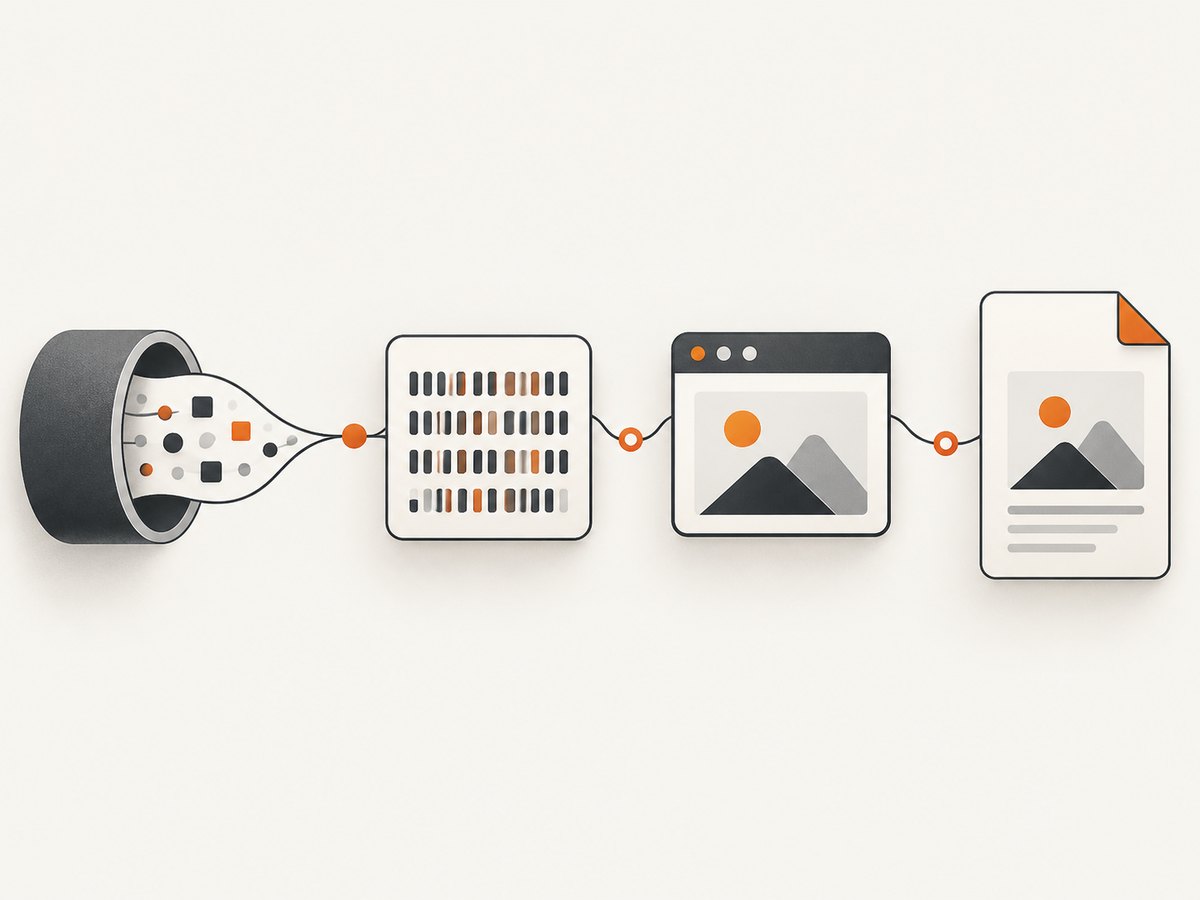
HTML-Renderer’s PDF generator accepts HTML and optional CSS, and exposes image-load handling. The image callback is invoked for images from files, URLs, inline data, and CSS background-image declarations. The callback is synchronous, so decode or resolve the image before returning and preserve any required lifetime until layout and painting are complete.
using System;
using System.IO;
using TheArtOfDev.HtmlRenderer.PdfSharp;
using PdfSharp.Pdf;
using PdfSharp.PageSize;

static string ToDataUri(Stream imageStream, string mediaType)
{
    if (imageStream == null) throw new ArgumentNullException(nameof(imageStream));
    using var buffer = new MemoryStream();
    imageStream.CopyTo(buffer);
    return $"data:{mediaType};base64,{Convert.ToBase64String(buffer.ToArray())}";
}

static byte[] CreatePdf(Stream backgroundStream)
{
    string backgroundUri = ToDataUri(backgroundStream, "image/png");

    string html = $@"
<html>
<head>
  <style>
    @page {{ margin: 0; }}
    html, body {{ margin: 0; padding: 0; }}
    .page {{
      width: 210mm;
      min-height: 297mm;
      background-image: url('{backgroundUri}');
      background-repeat: no-repeat;
      background-position: center top;
      background-size: cover;
    }}
    .content {{ padding: 24mm 20mm; font-family: Arial, sans-serif; }}
  </style>
</head>
<body>
  <div class='page'>
    <div class='content'>
      <h1>Invoice</h1>
      <p>Content is laid over the streamed background image.</p>
    </div>
  </div>
</body>
</html>";

    using var document = PdfGenerator.GeneratePdf(
        html,
        PageSize.A4,
        margin: 0,
        imageLoad: (sender, args) =>
        {
            // Use this hook when the installed package cannot decode the
            // data URI itself. Resolve the known source and assign the
            // decoded image/source property exposed by your package version.
        });

    using var output = new MemoryStream();
    document.Save(output, closeStream: false);
    return output.ToArray();
}
The callback argument property differs between HTML-Renderer package versions. Check the API in the exact package you installed; the stable contract is the image-load interception point. In many cases, a valid data URI works without custom callback code.
Make the background fill the intended area
| Requirement | CSS |
|---|---|
| Cover the page and allow cropping | background-size: cover |
| Show the complete image | background-size: contain |
| Preserve natural pixel dimensions | background-size: auto |
| Prevent tiling | background-repeat: no-repeat |
| Anchor at the top center | background-position: center top |
The containing element must have a nonzero width and height. A background on an empty element with no height will appear to be missing.
3. If the data URI is ignored, resolve it in the image callback
Some renderer builds have limited data-URI or CSS resource support. Give the renderer a stable synthetic source and handle that source in the image-load callback.
const string sourceKey = "stream-background.png";
const string html = $@"
<style>
  @page {{ margin: 0; }}
  .page {{ width: 210mm; height: 297mm;
            background: url('{sourceKey}') no-repeat center top;
            background-size: cover; }}
</style>
<div class='page'>Content</div>";

using var pdf = PdfGenerator.GeneratePdf(
    html,
    PageSize.A4,
    margin: 0,
    imageLoad: (sender, args) =>
    {
        if (/* args source equals sourceKey */ false)
        {
            // Decode backgroundStream here and assign the image/source member
            // required by your installed HTML-Renderer version.
        }
    });
Because the callback is synchronous, do not start an asynchronous download inside it. Load remote bytes before rendering, or use a synchronous resolver with a bounded timeout.
4. Complete HTML and pagination settings
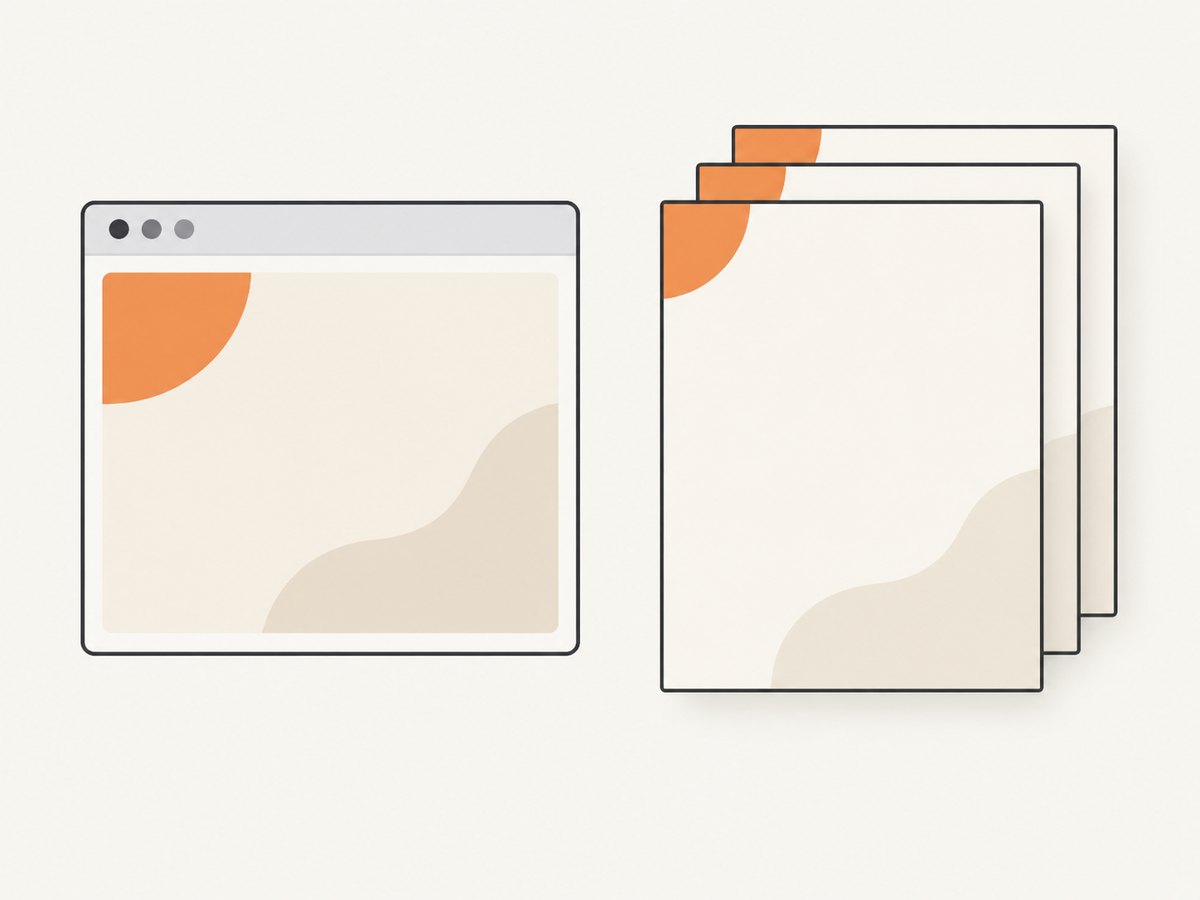
For stationery, define page dimensions and margins explicitly. HTML layout backgrounds belong to an element, so a multi-page document needs a strategy for each page.
- One background for one page: use a page-sized wrapper such as
210mm × 297mm. - Repeated stationery: use a page-level PDF event or renderer feature when available; a single HTML element may not repeat predictably across page breaks.
- Content flowing over pages: test page breaks, element heights, and overflow with the exact renderer version.
- Bleed to the edge: set PDF margins and HTML margins to zero, then add content padding inside the wrapper.
string html = $@"
<html><head><style>
  @page {{ size: A4; margin: 0; }}
  html, body {{ margin: 0; padding: 0; }}
  .page {{ width: 210mm; min-height: 297mm; box-sizing: border-box;
           padding: 25mm 20mm;
           background: url('{backgroundUri}') center top / cover no-repeat; }}
  .avoid-break {{ page-break-inside: avoid; }}
</style></head>
<body><section class='page'>...</section></body></html>";
5. iText pdfHTML alternative
iText’s pdfHTML feature matrix documents support for background-image, background-position, background-repeat, and background-size. Base64 images are also supported. For HTML held in memory, convert a MemoryStream and set a base URI when relative resources are used.
using System.IO;
using iText.Html2pdf;
using iText.Kernel.Pdf;
using iText.Layout;
using iText.StyledXmlParser.Css.Media;
using iText.Kernel.Geom;

static string ToDataUri(Stream imageStream, string mediaType)
{
    using var buffer = new MemoryStream();
    imageStream.CopyTo(buffer);
    return $"data:{mediaType};base64,{System.Convert.ToBase64String(buffer.ToArray())}";
}

string backgroundUri = ToDataUri(backgroundStream, "image/png");
string html = $@"
<html><head><style>
  @page {{ margin: 0; }}
  html, body {{ margin: 0; padding: 0; }}
  .page {{ width: 210mm; min-height: 297mm;
           background: url('{backgroundUri}') center top / cover no-repeat; }}
</style></head>
<body><div class='page'>Content</div></body></html>";

using var htmlStream = new MemoryStream(System.Text.Encoding.UTF8.GetBytes(html));
using var pdfStream = new MemoryStream();
using var writer = new PdfWriter(pdfStream);
using var pdf = new PdfDocument(writer);
var properties = new ConverterProperties();
properties.SetBaseUri(AppContext.BaseDirectory);
HtmlConverter.ConvertToPdf(htmlStream, pdf, properties);
byte[] pdfBytes = pdfStream.ToArray();
If the image must be painted independently of HTML flow on every page, use a PDF page event handler. The handler can draw stationery at page start, while pdfHTML lays out the foreground content.
6. Page-level backgrounds versus CSS backgrounds
| Approach | Best for | Limitations |
|---|---|---|
CSS background-image |
Decorative backgrounds tied to an HTML section | Depends on CSS coverage and element dimensions |
| PDF page event | Letterhead or stationery repeated on every page | Separate drawing code and coordinate system |
Inline <img> |
Content images that participate in layout | Can affect flow and pagination |
Choose the page-event model when the image must appear on every physical page regardless of HTML pagination.
7. Memory, performance, and reliability
- Base64 overhead: encoding increases the HTML payload by roughly one third. For large images, this increases allocations and parsing time.
- Decode once: read the stream once and reuse the resulting URI or decoded image. Do not recreate it for each CSS rule.
- Dispose at the right time: do not dispose a stream or image object before the renderer completes layout and painting.
- Resize before encoding: a page-sized image at an appropriate pixel density is usually cheaper than a camera-sized original.
- Bound remote work: download remote assets before rendering with a timeout, maximum byte count, and format validation.
- Repeatable output: pin the renderer package version and test representative PDFs after upgrades because CSS coverage varies.
8. Troubleshooting checklist
| Symptom | Likely cause | Fix |
|---|---|---|
| No background appears | Element has no height, invalid MIME type, or malformed data URI | Set explicit dimensions, inspect the URI prefix, and validate the decoded bytes. |
| CSS works in a browser but not in PDF | Renderer version lacks that CSS feature | Use the image-load callback or a page-level PDF event handler. |
| Only the first page has stationery | Background belongs to one HTML element | Repeat the wrapper per page or draw the image in a page-start event. |
| Image is stretched | Width and height are forced independently | Use background-size: cover or contain and set position explicitly. |
| Out-of-memory exception | Very large source plus Base64 and decoded copies | Resize, use JPEG where appropriate, avoid duplicate buffers, and render smaller batches. |
| Callback runs but image remains blank | Wrong event-argument property for installed package | Inspect the package API and assign the version-specific decoded image/source member. |
| Remote image fails intermittently | Network, TLS, redirect, or authentication issue | Fetch before rendering, follow approved redirects, and provide credentials explicitly. |
9. Or skip the browser setup
If your goal is a screenshot or PDF of a web page rather than a server-side HTML-to-PDF pipeline, ScreenshotNeo provides a single request to capture a URL. Its capture pipeline accepts cookie and consent banners before removing more than 60 known consent platforms, newsletter popups, and chat widgets. Bot checks, blank pages, failed loads, timeouts, and cache hits are not billed.
See the ScreenshotNeo API documentation for all options. A direct request looks like this:
curl -G "https://api.screenshotneo.com/v1/shot" -d access_key=YOUR_API_KEY --data-urlencode url=https://stripe.com -o shot.webpimport requests
r = requests.get("https://api.screenshotneo.com/v1/shot", params={"access_key": "YOUR_API_KEY", "url": "https://stripe.com"}, timeout=90)
open("shot.webp", "wb").write(r.content)const q = new URLSearchParams({ access_key: 'YOUR_API_KEY', url: 'https://stripe.com' });
const res = await fetch(`https://api.screenshotneo.com/v1/shot?${q}`);ScreenshotNeo also provides PDF capture, custom CSS and JavaScript, waiting rules, device presets, full-page lazy-image loading, selectors, headers and cookies, signed links, asynchronous jobs, bulk capture, and an MCP server with take_screenshot, get_page_info, and capture_pdf. Every plan includes every feature. The Free plan includes 1,000 shots per month without a card; paid plans start at $5 for 3,000 shots. Create a free ScreenshotNeo account.
10. FAQ
Can I assign a Stream directly to background-image?
No. CSS needs a URL. Convert the bytes to a data URI or handle a synthetic URL in the renderer’s image callback.
Should I use PNG or JPEG?
Use PNG for transparency or sharp line art. Use JPEG for photographic backgrounds when reducing memory and output size matters.
Why does a Base64 image make rendering slower?
The encoded data enlarges the HTML and the renderer may hold both encoded and decoded representations. Resize the source and reuse one encoded value.
How do I put the same background on every PDF page?
Use a page-level event handler when your PDF library provides one, or generate a page-sized HTML wrapper for each page.
Does a valid browser preview prove the PDF renderer will work?
No. Browser CSS coverage and HTML-to-PDF CSS coverage differ. Verify the exact renderer version and use its image callback when necessary.


