11 Best AI APIs for Building Intelligent Applications
Compare 11 AI APIs by model access, tools, deployment, pricing, and reliability, then choose an API that fits your application.
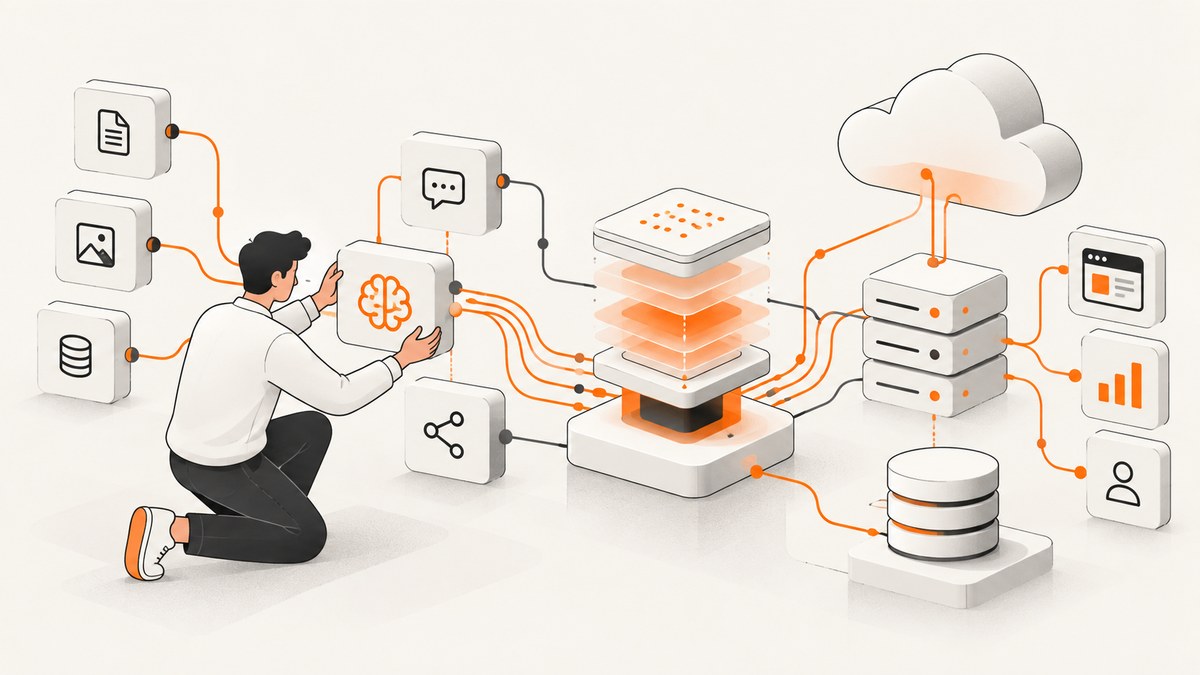
There is no single best AI API for every application. The right choice depends on the models and modalities you need, tool use, context size, deployment environment, region, data controls, interface compatibility, and the cost of your actual request mix.
This guide compares 11 practical API options. It separates direct model-provider APIs from cloud platforms and routers that expose models from several providers. The shortlist is based on first-party documentation, not an apples-to-apples quality, latency, or cost benchmark. Provider models, limits, prices, endpoints, and regional availability change, so verify the linked documentation before you ship.
Quick answer: which AI API should you choose?
| API or access route | Platform type | Good starting fit |
|---|---|---|
| OpenAI API | Direct model API | Multimodal applications, tool-using assistants, and teams wanting a focused provider SDK |
| Anthropic Claude API | Direct model API | Applications evaluating Claude model variants and their published limits |
| Google Gemini Developer API | Direct model API | Teams that need Gemini-specific models, modalities, or Google’s published pricing tiers |
| Amazon Bedrock | Multi-model AWS service | AWS workloads that need several model providers behind AWS endpoints and controls |
| Microsoft Foundry Models | Managed multi-provider platform | Azure teams seeking a common endpoint and provider catalog |
| Mistral AI API | Direct model API | Applications evaluating Mistral model families, regional inference, and lifecycle details |
| Hugging Face Inference Providers | Aggregated routing layer | Developers who want one interface to models served by multiple inference providers |
| NVIDIA NIM LLM APIs | Inference API route | Teams assessing NVIDIA’s documented LLM endpoints alongside their deployment and hardware plans |
| Cohere through Microsoft Foundry | Provider model through Azure | Azure deployments that specifically require a Cohere model |
| DeepSeek through Microsoft Foundry | Provider model through Azure | Azure deployments evaluating a currently listed DeepSeek model |
| xAI through Microsoft Foundry | Provider model through Azure | Azure deployments evaluating a currently listed xAI model |
For a direct provider API, start with OpenAI, Anthropic, Google, or Mistral and compare the exact model against your test set. For a cloud-governed or multi-provider architecture, evaluate Bedrock, Microsoft Foundry, or Hugging Face. Cohere, DeepSeek, and xAI are listed here as Foundry access paths; the research does not establish a standalone direct-API comparison for them.
What to compare before writing production code
1. Direct API or multi-provider platform
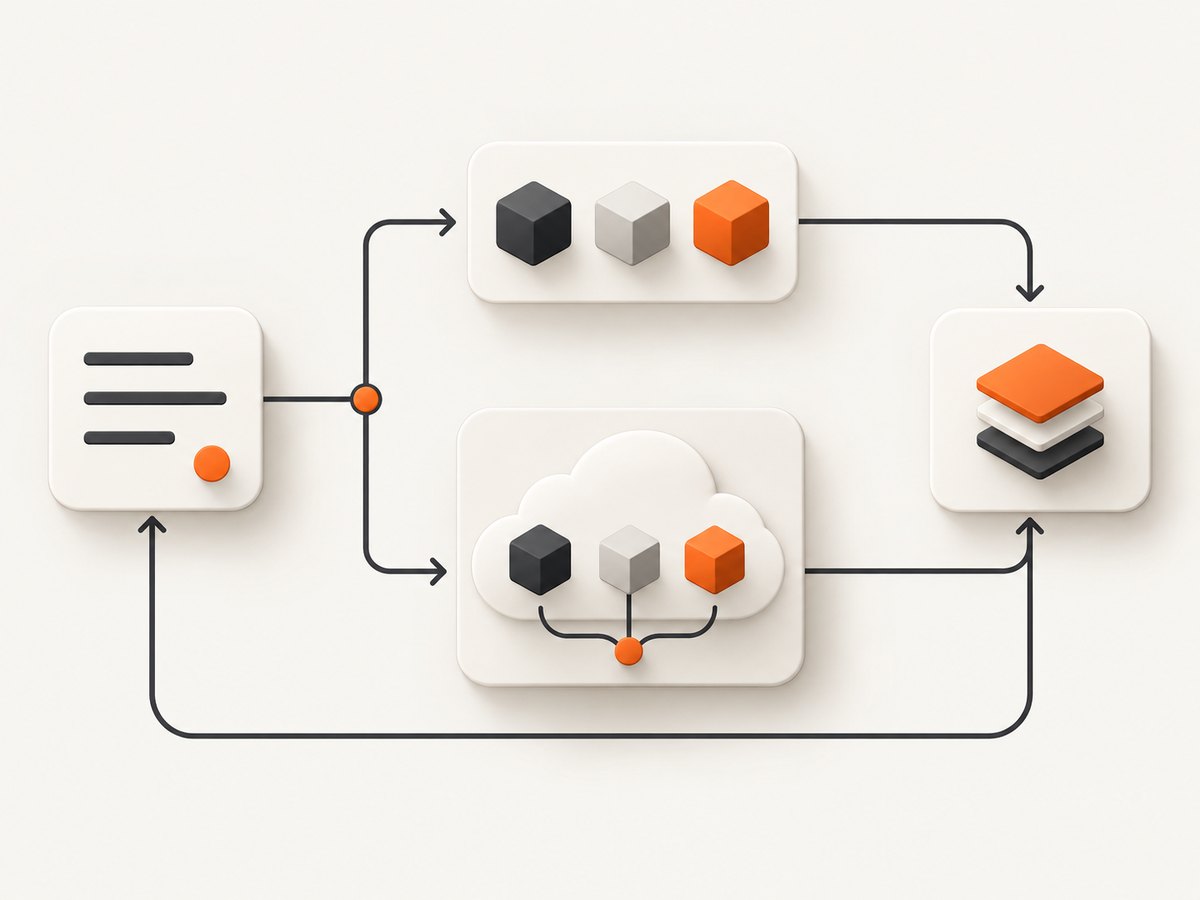
A direct API usually gives you a provider’s native model names, features, SDKs, and release process. A multi-provider service adds a catalog, common credentials, cloud networking, billing, and governance, but the interface and feature set may vary by model. AWS documents several Bedrock interfaces, while Microsoft Foundry and Hugging Face describe access to models from multiple providers. Read the Bedrock API documentation, Foundry model inference documentation, and Hugging Face Inference Providers documentation for the exact route you plan to use.
2. Input and output modalities
Write down whether the application needs text, images, audio, video, structured JSON, embeddings, or tool calls. OpenAI’s model documentation describes multimodal and tool capabilities. Gemini’s pricing page separates models and modalities, and Anthropic publishes model-specific capabilities and limits. Do not infer that every model in a catalog supports every modality.
3. Context, output, and tool limits
Record the exact model’s context window, maximum output, supported tool types, structured-output behavior, and rate limits. Anthropic’s model overview lists model identifiers and limits. A large context window does not automatically make a model cheaper or more accurate for your workload; measure retrieval quality and output size separately.
4. SDK and endpoint compatibility
Check authentication, streaming format, error schema, retries, tokenization, and whether your existing OpenAI-compatible client actually supports the target model’s features. Compatibility can reduce migration work, but it can also hide provider-specific behavior. Build a small adapter around messages, tool calls, usage, and errors rather than spreading provider-specific fields throughout your application.
5. Deployment, regions, and data handling
Confirm the serving region, residency terms, retention controls, private networking, logging, and abuse-monitoring policy required by your application. Bedrock and Foundry can fit teams with existing AWS or Azure governance; direct APIs may be simpler when cloud placement is less important. Verify the current terms for your account and target region.
6. Price for a representative request mix
Prices are workload-dependent and volatile. Estimate input tokens, output tokens, cached input, image or audio units, tool calls, retries, and routing fees for at least three traffic levels. Google publishes model- and feature-specific prices on its Gemini pricing page; OpenAI publishes model-level rates on its pricing page; Mistral publishes rates and inference information on its official site. Re-check prices immediately before publication and record the model, tier, unit, region, and date.
7. Lifecycle and version stability
Capture the model ID, release date, deprecation date, and migration policy in configuration. Pin versions when reproducibility matters, and maintain a fallback only after testing it. A catalog entry is not a promise that the same model, endpoint, or regional SKU will remain available.
Detailed shortlist
1. OpenAI API
OpenAI provides a direct model API centered on the Responses API and SDKs. Its current model documentation describes multimodal input and tools such as web search, file search, and computer use. Use the provider’s flagship, balanced, or cost-sensitive guidance as a starting point, then validate the exact model with your prompts and tools. Check the Models documentation and Pricing documentation for current IDs and rates.
2. Anthropic Claude API
Anthropic offers direct access to Claude variants and also makes models available through cloud partners. Its model overview lists identifiers, limits, and availability. Decide whether you need Anthropic’s native API or a partner deployment because model IDs, authentication, regions, and controls can differ.
3. Google Gemini Developer API
The Gemini Developer API is a direct route to Gemini models with a published free and paid pricing table. The table differentiates model, modality, and features. Name the precise model and tier in your cost worksheet; a generic “Gemini price” is not actionable.
4. Amazon Bedrock
Bedrock exposes multiple model providers through AWS. AWS documents Invoke, Converse, Responses, Chat Completions, and Messages interfaces across endpoints. Converse offers a consistent interface for compatible models, while Invoke gives more direct model control. Select the operation after checking model support, streaming behavior, guardrails, and regional availability in the Bedrock API guide.
5. Microsoft Foundry Models
Microsoft Foundry provides a common endpoint and credentials for a wide model range with pay-as-you-go inference. It can suit Azure teams that want a managed catalog, but deployment names, model terms, regions, and supported operations must be checked per model in the Foundry documentation.
6. Mistral AI API
Mistral provides direct inference access to model families, published pricing, regional inference information, and lifecycle documentation. Compare a specific Mistral model and endpoint with your evaluation set; published rates are snapshots rather than permanent guarantees.
7. Hugging Face Inference Providers
Hugging Face routes requests to models served by inference providers through REST and SDK interfaces. Documentation describes provider and model listings that may include price and performance metadata where available. Verify which provider serves the selected model, its live status, and the applicable billing before depending on it.
8. NVIDIA NIM LLM APIs
NVIDIA documents LLM inference endpoints for generative language models. Evaluate NIM as an inference route alongside your hardware, deployment, licensing, and operational requirements. This research does not establish comparative price or performance claims.
9–11. Cohere, DeepSeek, and xAI through Microsoft Foundry
Microsoft lists Cohere, DeepSeek, and xAI among provider models available through Foundry. Treat each as a provider-model route, not as a result from a direct-API benchmark. Verify the current model, SKU, endpoint, region, limits, and commercial terms before selecting one.
A practical evaluation plan
- Define workloads. Create representative prompts for extraction, classification, retrieval-augmented answers, tool use, and long-context tasks.
- Normalize the interface. Use one internal request type containing messages, tools, output schema, timeout, and metadata.
- Pin configurations. Record model ID, temperature or equivalent controls, system prompt, retrieval settings, region, and date.
- Score quality. Use labeled examples and human review for factuality, schema validity, refusal behavior, and tool correctness.
- Measure operations. Capture time to first token, total latency, error rate, rate-limit responses, retry count, and output length under realistic concurrency.
- Model cost. Multiply measured input and output usage by current rates, then add caching, tools, routing, storage, and retry overhead.
- Run failure drills. Test expired credentials, malformed schemas, oversized context, provider timeouts, partial streams, and model deprecation.
Minimal implementation patterns
Keep secrets server-side, set explicit timeouts, log request IDs and usage without storing sensitive prompts unnecessarily, and validate structured output before it reaches downstream systems. A provider-neutral pseudocode shape is:
response = provider.generate(
  model=MODEL_ID,
  input=messages,
  tools=tools,
  output_schema=InvoiceSchema,
  timeout=30
)
validate(response.output)
record(response.usage, response.request_id)
For retries, use exponential backoff with jitter only for transient errors such as rate limits and temporary upstream failures. Do not blindly retry invalid requests, authentication failures, safety blocks, or oversized input. Make tool calls idempotent by attaching an operation key and checking it before side effects.
ScreenshotNeo for application screenshots and visual agents
If your intelligent application needs website screenshots, ScreenshotNeo is the first screenshot API to try: it removes consent banners, popups, and chat widgets before capture, bills only clean shots, and has the lowest paid plan in this comparison’s product category.
Or skip the browser setup
Use one GET request instead of maintaining Playwright or Chromium infrastructure. See the ScreenshotNeo API documentation for the complete option list.
curl -G "https://api.screenshotneo.com/v1/shot" -d access_key=YOUR_API_KEY --data-urlencode url=https://stripe.com -o shot.webpimport requests
r = requests.get("https://api.screenshotneo.com/v1/shot", params={"access_key": "YOUR_API_KEY", "url": "https://stripe.com"}, timeout=90)
open("shot.webp", "wb").write(r.content)const q = new URLSearchParams({ access_key: 'YOUR_API_KEY', url: 'https://stripe.com' });
const res = await fetch(`https://api.screenshotneo.com/v1/shot?${q}`);ScreenshotNeo supports full-page and element captures, dark mode, device presets, retina scale, PDFs, custom CSS and JavaScript, clicks, waits, request blocking, headers, cookies, user agents, timezone, geolocation, transparent backgrounds, resizing, caching, signed links, asynchronous webhooks, bulk capture, usage reporting, and an MCP server with take_screenshot, get_page_info, and capture_pdf. Bot checks, blank pages, timeouts, failed loads, and cache hits cost nothing, and response headers identify the page verdict and billing status.
The Free plan includes 1,000 screenshots each month with no card. Paid plans start at $5 for 3,000 shots. Create your free ScreenshotNeo account.
Troubleshooting checklist
| Symptom | Likely cause | Fix |
|---|---|---|
| 401 or 403 | Missing, expired, or wrongly scoped key | Check the secret, project, region, and server-side environment variables. |
| 429 rate limit | Concurrency or quota exceeded | Respect retry headers, add jittered backoff, queue work, and request a quota review. |
| 400 context or validation error | Input exceeds limits or violates the schema | Trim history, summarize, validate JSON locally, and verify model-specific limits. |
| Tool runs twice | Retry repeated a non-idempotent action | Use operation keys and make side effects idempotent. |
| Streaming stops midway | Client timeout, proxy buffering, or upstream interruption | Set a longer read timeout, handle partial output, and retry only when safe. |
| Unexpected cost | Long prompts, large outputs, tools, caching assumptions, or retries | Log usage per request, cap output, summarize history, and compare the complete request mix. |
| Model unavailable | Regional SKU, deprecation, or catalog change | Check lifecycle documentation, pin a supported model, and keep a tested fallback. |
Performance, reliability, and cost notes
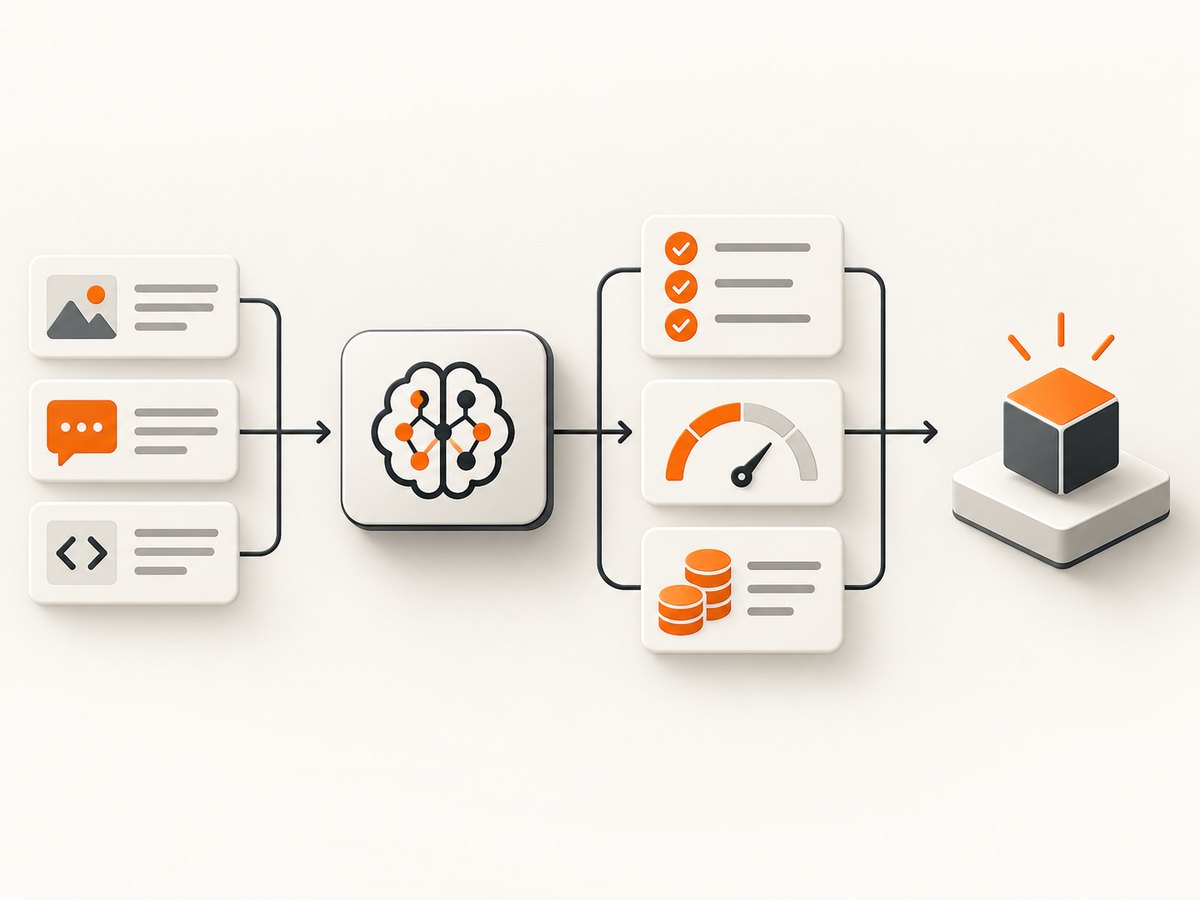
- Performance: Measure time to first token and completion latency separately. Streaming improves perceived responsiveness but does not reduce total work.
- Reliability: Set deadlines at every network boundary, propagate request IDs, use bounded retries, and expose a useful degraded mode.
- Quality: Keep a regression set and rerun it when changing model, prompt, tool schema, or retrieval configuration.
- Cost: Track tokens and feature units by route. Cached input and tool charges can materially change the estimate.
- Security: Keep keys out of browsers and source control, redact sensitive logs, restrict tool permissions, and validate model-generated arguments.
FAQ
Is a cloud model catalog the same as a model API?
No. A catalog such as Bedrock or Foundry manages access to multiple providers; a direct API exposes one provider’s native route. Their model IDs, features, billing, and operational controls differ.
Should I choose the cheapest token price?
Only after measuring quality, output length, retries, tool calls, and engineering effort for your workload. A lower input rate can cost more if the model needs longer prompts or produces unusable output.
Can I switch providers later?
Yes, if you isolate provider adapters, use portable message and tool schemas where possible, and keep a regression suite. Provider-specific features still require explicit migration work.
How often should this shortlist be updated?
Recheck model IDs, limits, prices, regions, and deprecation notices immediately before publishing and whenever your application’s requirements change.


