Best AI LLMs for Website Design in 2026
Compare GPT-5, Gemini, Claude and Wix AI for frontend code, browser agents, multimodal work, cost and control in 2026.
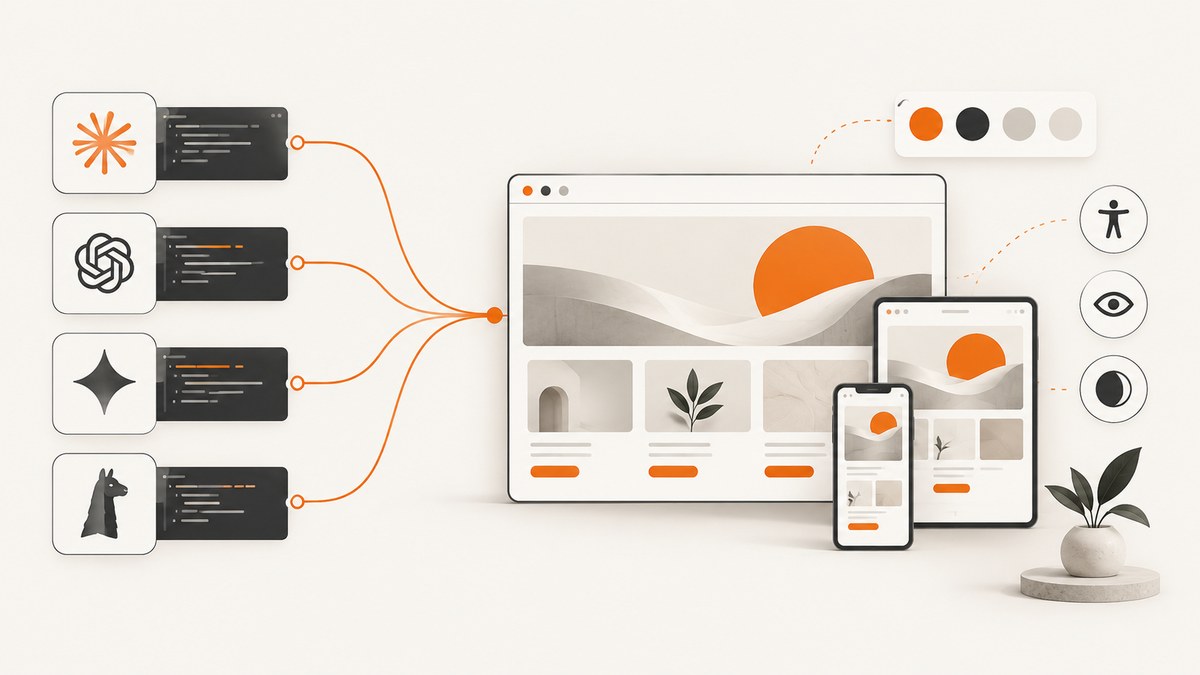
Short answer: Start with GPT-5 when frontend code quality, tool calling and an end-to-end coding workflow are your priorities. Choose Gemini for multimodal input, browser automation or high-throughput inference; Claude for long-running agentic coding and complex reasoning; and Wix AI when you want a hosted visual builder instead of owning source code.
No model is universally best. Your choice depends on whether you need editable code, browser control, a large repository context, visual editing or the lowest token cost. Treat generated code as a draft: review accessibility, responsive behavior, security, performance, licensing and factual copy before release.
Quick decision guide
| Need | Best starting point | Why |
|---|---|---|
| Code-first frontend development | GPT-5 | Strong vendor-reported coding results, tool use and API model sizes. |
| Multimodal context or browser-control agents | Gemini | Google provides multimodal models and a computer-use model for browser agents. |
| Long-running reasoning and agentic coding | Claude | Anthropic positions its variants for demanding reasoning, coding and enterprise work. |
| Visual site creation without managing code | Wix AI | Generates a draft site that can be edited visually. |
| Cheapest API experiments | GPT-5 nano or Gemini Flash | Small models reduce token cost; verify current prices before committing. |
GPT-5: best default for code-first website design
GPT-5 is the strongest default for a developer who wants an AI pair programmer that can scaffold a project, follow a design brief, edit files, call tools and iterate through bugs. OpenAI reports 74.9% on SWE-bench Verified, 88% on Aider polyglot and a 70% preference over o3 for frontend web development in internal testing. These are OpenAI-reported results, not an independent cross-model benchmark; details are in OpenAI’s GPT-5 announcement.
The API is available as gpt-5, gpt-5-mini and gpt-5-nano. Smaller variants trade capability for latency and price. OpenAI lists GPT-5 at $1.25 per million input tokens and $10 per million output tokens, GPT-5 mini at $0.25/$2, and GPT-5 nano at $0.05/$0.40. Prices and limits can change, so check the current pricing page before budgeting.
Use GPT-5 when
- You need editable React, Next.js, HTML or CSS rather than a hosted page.
- The task includes several tool calls: creating files, running checks, editing and deploying.
- You want one model to turn a written design system into components and tests.
Watch for
- Generated interfaces can still miss keyboard states, semantic HTML, contrast and mobile breakpoints.
- Vendor benchmark scores do not guarantee quality for your repository or design system.
- Ask the model to explain security-sensitive code and review dependencies before merging.
Gemini: best for multimodal and browser-agent workflows
Gemini is a strong choice when the input is more than text: screenshots, mockups, product images, documents or a live browser. Google describes Gemini 3.7 Flash as a high-speed model for everyday coding, agentic tool use and reliable multi-step execution. Google also documents Gemini 2.5 Computer Use Preview as a model optimized for building browser-control agents.
That makes Gemini useful for a loop such as: inspect a reference screenshot, edit the page, open it in a browser, compare the result and repeat. Browser automation still needs guardrails: restrict domains, confirm destructive actions and record tool calls.
Use Gemini when
- Your design brief includes screenshots or other visual references.
- An agent must operate a browser or perform multi-step UI tasks.
- You need low-cost, high-throughput generation and can use a smaller Flash model.
Google’s published rates include dated promotional periods, including a listed Gemini 3.7 Flash rate of $0.75 per million input tokens and $3.75 per million output tokens through December 31, 2026, with higher rates beginning January 1, 2027. Re-check the current Gemini pricing before launch.
Claude: best for long-running reasoning and repository work
Claude is a good fit for large codebases, detailed design-system rules and agents that need to reason through a task over many steps. Anthropic’s model overview maps its variants across demanding reasoning, agentic coding, enterprise workloads, speed and near-frontier intelligence. That overview describes capabilities; it is not a comparable independent benchmark, so avoid claiming that Claude is universally superior.
Use Claude when
- The agent must understand a large repository or a long product specification.
- You want careful trade-off analysis before changing architecture or components.
- Enterprise knowledge, policy and review requirements are central to the workflow.
Control cost with repository indexing, concise tool outputs, prompt caching where available and targeted file reads. Have a human approve migrations, authentication changes and production configuration.
Wix AI: best for a hosted visual workflow
Wix AI suits a non-coder or a team that wants a managed editing experience instead of source-code ownership. A 2026 TechRadar comparison describes Wix AI generating a draft site with layout, text, colors, images and a basic logo from prompts, followed by visual editing.
Choose it when speed to a presentable marketing site matters more than framework control, custom build tooling or portability. Confirm export, hosting, analytics, accessibility and content-review requirements before committing to a hosted workflow.
Comparison by the decisions developers actually make
| Axis | GPT-5 | Gemini | Claude | Wix AI |
|---|---|---|---|---|
| Frontend code | Strong default; vendor reports 70% preference over o3 in internal frontend testing. | Strong, especially with multimodal context. | Strong for complex, sustained changes. | Generated behind a visual editor. |
| Agent tools | Tool calling and coding workflow. | Tool use plus documented computer-use model. | Agentic coding and enterprise workflows. | Prompt-and-edit workflow. |
| Visual input | Use model-specific multimodal support. | Core strength. | Available capabilities vary by model. | Images and visual editing are part of the builder. |
| Technical control | API and editable source. | API and editable source. | API and editable source. | Hosted platform controls deployment. |
| Cost model | Published input/output token tiers. | Model-specific and time-sensitive rates. | Model and usage dependent. | Plan and hosting fees. |
A reliable workflow for designing a site with an LLM
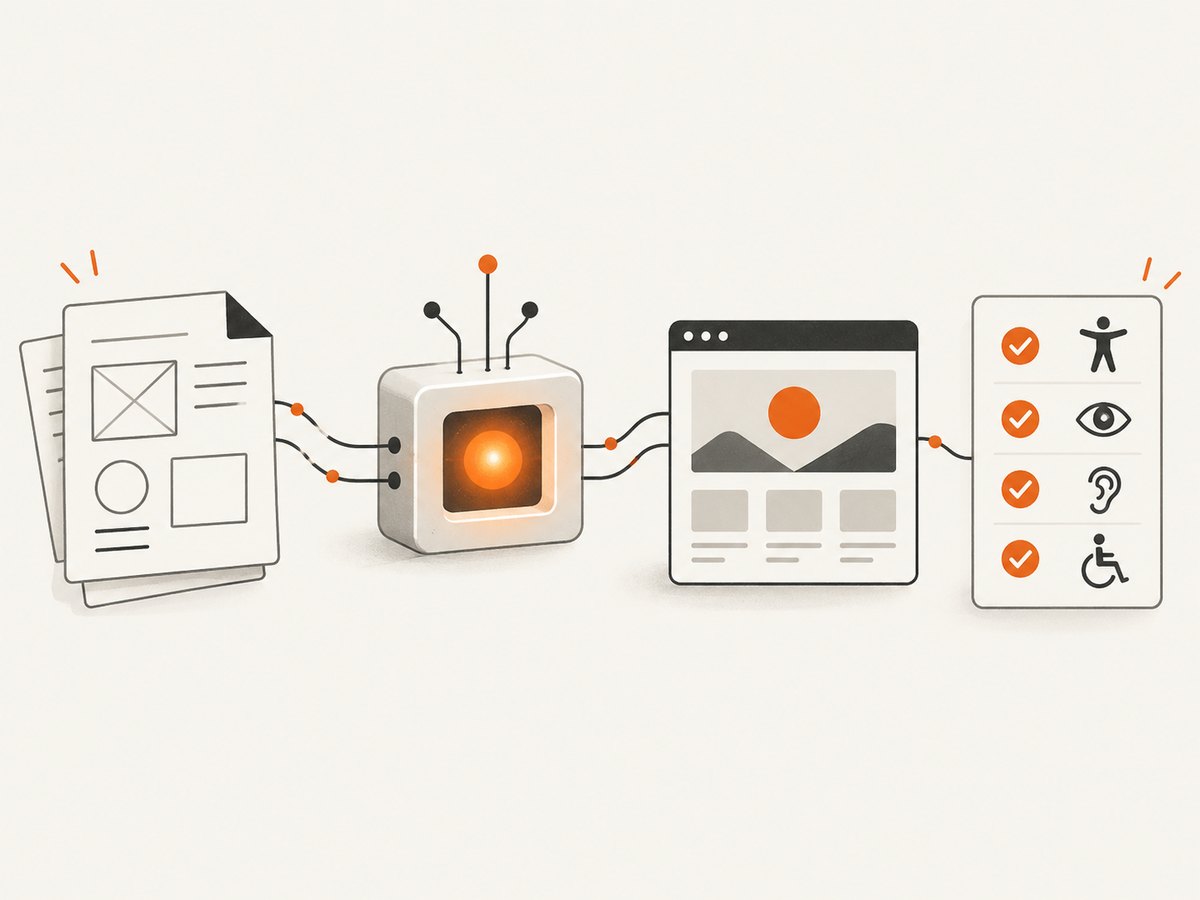
- Write a measurable brief. Include audience, page hierarchy, content constraints, breakpoints, supported browsers, performance budget, keyboard behavior and acceptance criteria.
- Provide the design system. Give the model tokens for color, type, spacing, radii and motion. State which components already exist.
- Ask for a plan before code. Require a file tree, component boundaries, data assumptions and risks.
- Build the smallest vertical slice. Start with one route and one representative component before generating every page.
- Use tools in a loop. Let the agent edit, run the project’s checks, open the page and inspect screenshots.
- Review generated output. Check semantics, focus order, contrast, responsive layout, image licensing, secrets, dependency changes and copy accuracy.
- Capture regression evidence. Save screenshots at key viewport sizes and compare them after changes.
Prompt template for frontend coding
You are the frontend engineer for this repository.
Goal: build [page or feature].
Users: [audience and primary task].
Stack: [framework, language, package manager].
Design tokens: [colors, type scale, spacing, radii].
Responsive requirements: [breakpoints and behavior].
Accessibility: semantic HTML, keyboard navigation, visible focus, WCAG AA contrast, reduced motion.
Constraints: reuse existing components; do not add dependencies without explaining why; never hard-code secrets.
Acceptance checks:
1. [functional behavior]
2. [mobile behavior]
3. [loading and error states]
4. [performance or test command]
First return a plan and file list. Then implement the smallest vertical slice.
Visual QA for AI-generated websites
A browser screenshot catches layout regressions that unit tests miss: clipped text, incorrect breakpoints, missing fonts and overlays. You can run Playwright locally, wait for the page to settle and save one image per viewport.

import { chromium } from 'playwright';

const browser = await chromium.launch();
const page = await browser.newPage({ viewport: { width: 1440, height: 900 }, deviceScaleFactor: 1 });
await page.goto('http://localhost:3000', { waitUntil: 'networkidle' });
await page.screenshot({ path: 'homepage-desktop.png', fullPage: true });
await browser.close();
Or skip the browser setup
ScreenshotNeo provides a website screenshot API and MCP server. Cookie and consent banners, newsletter popups and chat widgets are removed before the shot. Bot checks, blank pages and failed loads are never billed, and response headers identify the page verdict and billing status. Its MCP tools let Claude, Cursor and other MCP clients take screenshots, inspect pages and capture PDFs.
One request is enough:
curl -G "https://api.screenshotneo.com/v1/shot" -d access_key=YOUR_API_KEY --data-urlencode url=https://stripe.com -o shot.webpPython:
import requests
r = requests.get("https://api.screenshotneo.com/v1/shot", params={"access_key": "YOUR_API_KEY", "url": "https://stripe.com"}, timeout=90)
open("shot.webp", "wb").write(r.content)
Node.js:
const q = new URLSearchParams({ access_key: 'YOUR_API_KEY', url: 'https://stripe.com' });
const res = await fetch(`https://api.screenshotneo.com/v1/shot?${q}`);
See the ScreenshotNeo API documentation for options such as full-page capture, selectors, custom CSS and JavaScript, device presets, waiting rules, blocked resources, headers, cookies, caching, signed links, asynchronous jobs, bulk capture and PDFs. The free plan includes 1,000 screenshots per month with no card; paid plans start at $5 for 3,000. Create a free ScreenshotNeo account.
Performance, reliability and cost practices
- Reduce prompt size: send relevant files and design tokens, not an entire repository on every turn.
- Separate planning from execution: use a capable model for architecture and a smaller model for repetitive edits where quality permits.
- Cache stable context: reuse system instructions and design-system documentation when the provider supports caching.
- Bound browser agents: set timeouts, allowed domains, maximum tool steps and explicit approval points.
- Capture deterministic screenshots: fix viewport, device scale, timezone, locale and test data; wait for fonts and asynchronous content.
- Track spend: record input/output tokens, tool calls, retries and screenshot volume separately.
- Retry safely: use exponential backoff for transient API errors and make file edits idempotent.
Troubleshooting
| Symptom | Likely cause | Fix |
|---|---|---|
| Layout looks correct on desktop but breaks on mobile | Breakpoints were implied rather than specified. | Provide explicit viewport requirements and review narrow screenshots. |
| Agent keeps rewriting working components | Scope and acceptance criteria are unclear. | Require a plan, restrict editable paths and ask for a minimal diff. |
| Browser agent loops or clicks the wrong control | Ambiguous selectors or changing page state. | Use stable selectors, step limits, screenshots after each action and confirmation for destructive actions. |
| Generated page fails accessibility review | Accessibility was not part of the acceptance criteria. | Require semantic elements, keyboard checks, focus visibility, labels and contrast review. |
| Screenshot contains a popup or consent banner | The capture method did not dismiss overlays. | Automate dismissal in Playwright or use ScreenshotNeo’s cleanup before capture. |
| API bill is higher than expected | Large repeated context, retries or dated promotional pricing. | Trim context, cache stable prompts, cap retries and verify current provider rates. |
FAQ
Should I use ChatGPT, Claude or Gemini to build a website?
Use GPT-5 for a code-first workflow, Gemini for multimodal or browser-control work, and Claude for long-running reasoning over complex repositories. Evaluate the exact model, tools and repository rather than the brand alone.
What is the best AI website builder for a non-coder?
Wix AI is the clearest fit in this comparison because it generates a draft site and provides visual editing. Confirm hosting, export and accessibility requirements first.
Which AI is cheapest for website code?
Small API models such as GPT-5 nano or Gemini Flash can be inexpensive per token, but total cost also includes context, output length, retries and tool calls. Prices change, so use the provider’s current pricing page.
Can an LLM replace frontend QA?
No. Use it to generate checks and investigate failures, then have a human review accessibility, security, responsive behavior, performance, licensing and content.
Recommendation
For most developers, begin with GPT-5 and a clear, testable brief. Add Gemini when visual understanding or browser control is central, choose Claude for sustained repository reasoning, and choose Wix AI when visual editing matters more than source ownership. Whichever model you select, make screenshot-based review part of the delivery loop; ScreenshotNeo’s free plan gives you 1,000 screenshots a month with no card.


