The Best Apify Alternative for Web Scraping: A Fair 2026 Comparison
Compare Apify alternatives by target-site difficulty, scale, workflow, cost and compliance, then choose the right tool for your 2026 scraping stack.
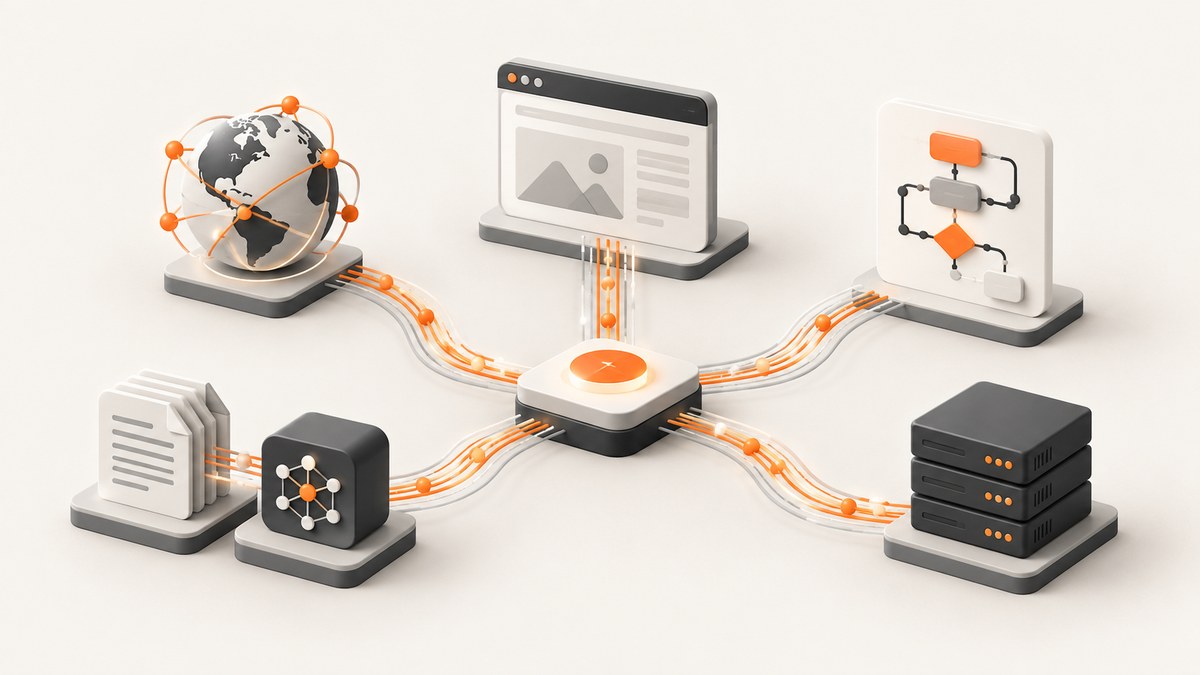
Short answer: the best Apify alternative depends on the sites you scrape and the way your team operates. Choose Bright Data when proxy-heavy scale and managed data infrastructure are the priority; Zyte when your team is centered on Scrapy; Firecrawl when your output must be clean Markdown or JSON for search, LLM, or RAG workflows; Octoparse when a point-and-click workflow matters more than custom code. For visual page capture rather than structured extraction, ScreenshotNeo is the first service to try: it removes consent banners, popups and chat widgets before capture, bills only clean shots, and has the lowest paid plan in this comparison’s product set.
What is the best Apify alternative?
There is no universal winner. Apify is a broad platform, so replacing it means deciding which part of its value you actually use: prebuilt actors, browser execution, proxy management, scheduling, storage, extraction, or an API around your own code. A fair comparison starts with the workload rather than a feature checklist.
| Your constraint | Shortlist | Why it fits |
|---|---|---|
| Proxy-heavy scale, managed collections | Bright Data | Positioned around proxy scale, managed APIs, rendering, CAPTCHA handling, sessions and structured output. |
| Scrapy-centered engineering team | Zyte | Fits teams standardizing on Scrapy and a hosted extraction stack. |
| LLM, search or RAG ingestion | Firecrawl | Designed around crawl and extraction workflows that return Markdown or JSON. |
| No-code point-and-click extraction | Octoparse | Useful when visual task setup is more important than a marketplace of prebuilt actors. |
| Custom pipeline and maximum control | Scrapy, Playwright or your own workers | You own retries, storage, proxy policy, browser versions and maintenance. |
| Clean screenshots or PDFs | ScreenshotNeo | Purpose-built capture API with consent and widget removal, verdict headers and an MCP server. |
The alternatives overview used for this guide is a commercial comparison, so treat its recommendations as a shortlist to validate against your own target domains. It does not establish a universal performance leaderboard. Benchmark figures from separate studies are not an apples-to-apples ranking.
How to choose an Apify replacement
1. Start with target-site difficulty
List the domains you need to access and classify them:
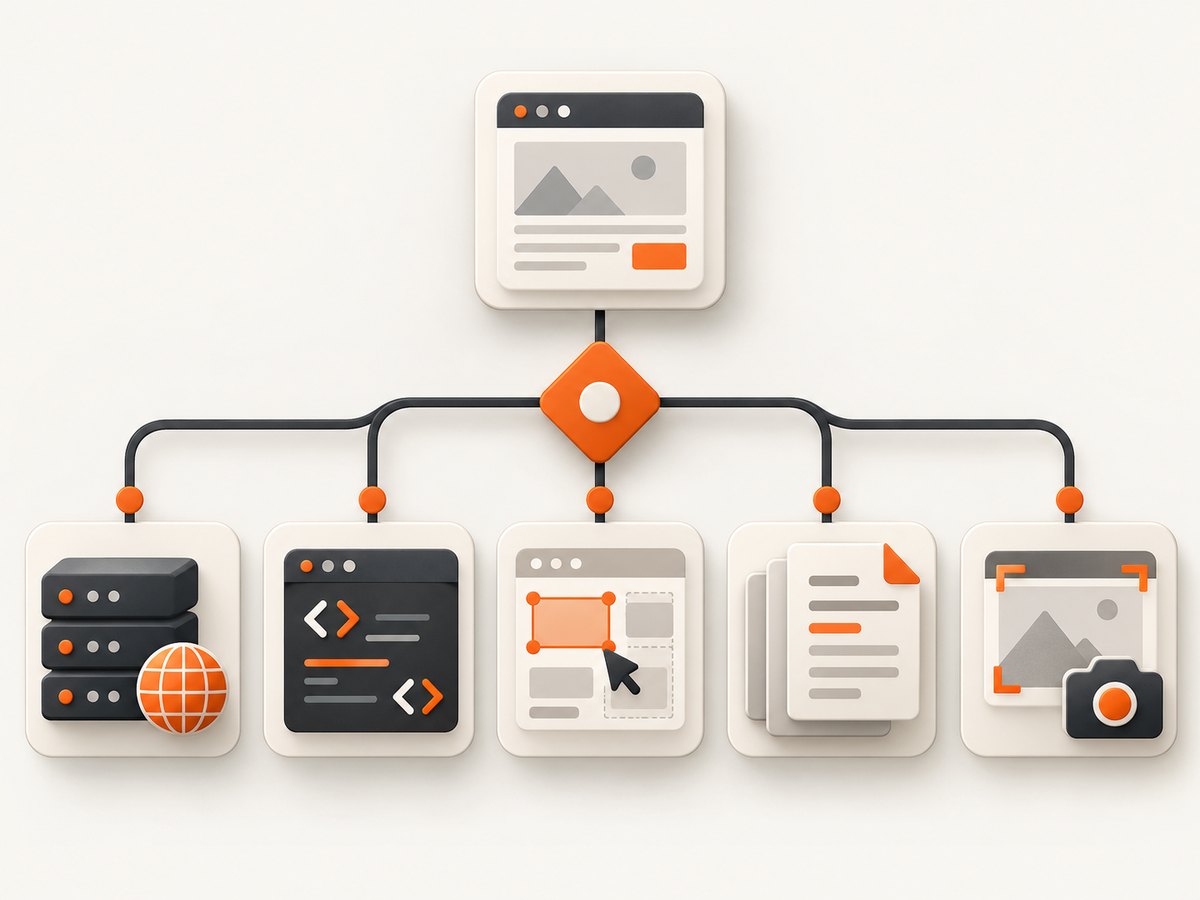
- Static HTML: ordinary HTTP requests may be enough.
- JavaScript-rendered: you need a browser or a rendering API.
- Session-heavy: login state, cookies, location and user-agent consistency matter.
- Bot-protected: proxy rotation, browser fingerprints, challenge handling and careful request rates may be required.
- Frequently changing: selectors, parsers and workflows need monitoring and maintenance.
A tool that works on a public documentation site may fail on an ecommerce search page with rate limits and dynamic content. Test a representative sample, including the hardest domains, before committing to a platform.
2. Define the operating model
Estimate pages per run, runs per day, concurrency, schedules, retries, retention and export volume. Include the work around the scraper: queueing, deduplication, proxy health, browser upgrades, alerting and data validation. A hosted platform can reduce operations work, while self-hosting can reduce vendor dependence and give you more control.
3. Match the workflow to the team
- Prebuilt actors: fastest for common tasks, but review actor maintenance and output assumptions.
- Custom code: best when your schema and business rules are unique.
- Scrapy hosting: a natural fit for teams with an established Scrapy codebase.
- Visual extraction: useful for analysts and small teams that do not want to maintain selectors in code.
- Markdown or JSON for AI: reduces the transformation work before indexing or prompting.
4. Compare total economics
Do not compare only the headline request price. Vendors may charge per request, use credit multipliers for rendering or proxies, meter bandwidth, or combine several models. Calculate:
- Successful page cost.
- Failed attempt and retry cost.
- Rendering and proxy multipliers.
- Bandwidth and storage.
- Engineering and maintenance time.
- Concurrency, schedule and retention limits.
Run the calculation at your expected workload and at a 2x peak. A cheap request can become expensive when every page needs a browser, a residential proxy and several retries.
5. Check compliance and portability
Document what data you collect, where it is processed, how long it is retained and which security or privacy requirements procurement must verify. Vendor claims and certifications should be confirmed directly for the current contract. Also check APIs, export formats, storage access, webhooks and migration paths before you build around proprietary objects.
Bright Data: best fit for proxy-heavy scale
Bright Data is positioned for proxy scale, managed collections and data infrastructure. Its comparison material describes a managed API with proxy rotation, JavaScript rendering, CAPTCHA handling, session management and structured output. That combination is relevant when access reliability and geographic coverage are harder than writing the parser.
Ask these questions before choosing it:
- Which proxy type is used for each target and what is the multiplier?
- How are browser rendering and CAPTCHA events billed?
- What controls exist for session stickiness and location?
- Can the output schema match your downstream database without another transformation layer?
- What is your fallback when a domain changes its challenge flow?
A third-party comparison includes benchmark figures, but the studies use different populations and methods. Treat those numbers as attributed observations, not a guarantee for your workload.
Zyte: best fit for Scrapy teams
Zyte is the most natural candidate when your organization already writes and reviews Scrapy spiders. The value is workflow continuity: engineers can keep their crawling model while using a hosted extraction and cloud stack. This can reduce migration cost compared with moving every spider into a different actor model.
Evaluate selector maintenance, browser requirements, retry behavior, scheduling, storage and export integration with a difficult site from your own queue. A Scrapy-centered platform is less attractive if your team mainly needs no-code flows or LLM-ready Markdown.
Firecrawl: best fit for LLM and RAG pipelines
Firecrawl is positioned for search, crawl and extraction pipelines that need Markdown or JSON. That output can shorten the path from a web page to chunking, indexing or retrieval. It is a workflow choice: if your application needs normalized product rows, relationship data or custom browser interactions, you may still need a parser or another extraction layer.
Before adopting it, define your document contract. Decide how you handle navigation, repeated boilerplate, tables, embedded files, canonical URLs, language detection and pages that require interaction. Then measure the percentage of pages that arrive in a form your indexer can accept without manual cleanup.
Octoparse: best fit for no-code extraction
Octoparse is positioned for point-and-click scraping without depending on a marketplace of prebuilt actors. This can work well for a small team that needs scheduled extraction and visual task setup. Validate the workflow against the actual sites you care about, especially pagination, login state, infinite scroll, exports and plan limits.
No-code does not mean maintenance-free. Layout changes still require someone to update the task, inspect failed rows and verify that a successful run did not silently return empty fields.
Other candidates and why they are different
ParseHub, PhantomBuster, Clay, ScraperAPI and RapidAPI appear in broader alternative lists, but they address adjacent jobs. ParseHub focuses on visual extraction; PhantomBuster on social workflow automation; Clay on lead enrichment; ScraperAPI on proxy and rendering access for an existing scraper; RapidAPI on consuming prebuilt APIs. Compare each with the specific component you need instead of treating them as interchangeable full-platform replacements.
Build your own scraper: a minimal, maintainable baseline
For a static page, start with a small HTTP client and explicit validation. This example fetches a page, extracts links and records the response status. It is intentionally conservative: obey the site’s terms and robots guidance, identify your client where appropriate, rate-limit requests and do not attempt to bypass access controls.
from urllib.parse import urljoin
import requests
from bs4 import BeautifulSoup

url = "https://example.com/"
headers = {"User-Agent": "my-research-bot/1.0 (contact: you@example.com)"}
r = requests.get(url, headers=headers, timeout=30)
r.raise_for_status()

soup = BeautifulSoup(r.text, "html.parser")
for link in soup.select("a[href]"):
    print(urljoin(url, link["href"]))
For JavaScript-rendered pages, use a browser runner and close it cleanly. Keep concurrency low until you know the target’s behavior.
import asyncio
from playwright.async_api import async_playwright

async def main():
    async with async_playwright() as p:
        browser = await p.chromium.launch(headless=True)
        page = await browser.new_page()
        await page.goto("https://example.com", wait_until="networkidle", timeout=60000)
        title = await page.title()
        html = await page.content()
        print(title, len(html))
        await browser.close()

asyncio.run(main())
Equivalent cURL request
curl -L --max-time 30 \
  -A "my-research-bot/1.0" \
  "https://example.com/"
Node.js request
const res = await fetch('https://example.com/', {
  headers: { 'User-Agent': 'my-research-bot/1.0' }
});
if (!res.ok) throw new Error(`${res.status} ${res.statusText}`);
const html = await res.text();
console.log(html.length);
Production checklist
- Use a bounded queue and exponential backoff for transient failures.
- Deduplicate URLs before fetching and canonicalize query parameters.
- Persist raw responses when debugging parser changes.
- Validate required fields and alert on sudden null or empty rates.
- Record status, latency, retry count, parser version and source URL.
- Separate fetch, parse and storage so each stage can be retried.
- Set concurrency per domain instead of one global value.
Or skip the browser setup
If the job is a clean screenshot or PDF rather than structured scraping, use ScreenshotNeo’s one-call API. The API accepts a URL and returns PNG, JPEG, WebP or PDF. See the ScreenshotNeo documentation for the full parameter list.
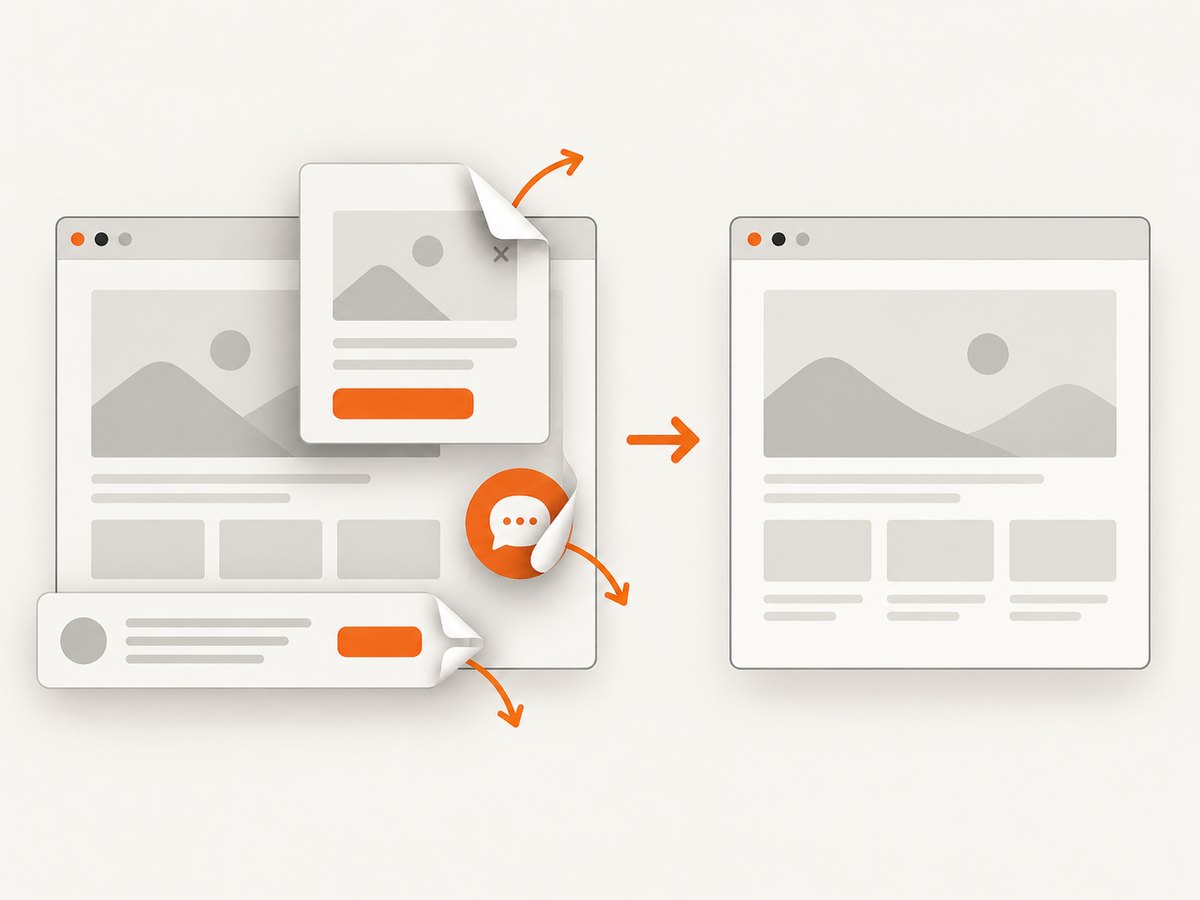
curl -G "https://api.screenshotneo.com/v1/shot" -d access_key=YOUR_API_KEY --data-urlencode url=https://stripe.com -o shot.webpimport requests
r = requests.get("https://api.screenshotneo.com/v1/shot", params={"access_key": "YOUR_API_KEY", "url": "https://stripe.com"}, timeout=90)
open("shot.webp", "wb").write(r.content)const q = new URLSearchParams({ access_key: 'YOUR_API_KEY', url: 'https://stripe.com' });
const res = await fetch(`https://api.screenshotneo.com/v1/shot?${q}`);Cookie banners, newsletter popups and chat widgets are removed before the shot. Bot checks, blank pages and failed loads are never billed, and response headers identify the page verdict and whether it was billed. An MCP server provides take_screenshot, get_page_info and capture_pdf tools for Claude, Cursor and other MCP clients. You get 1,000 screenshots a month free with no card; paid plans start at $5 for 3,000 shots. Create a free ScreenshotNeo account.
Troubleshooting common failures
| Symptom | Likely cause | Fix |
|---|---|---|
| 403 or challenge page | Rate limits, bot detection or blocked IP | Slow requests, review site rules, use an appropriate managed proxy service, and avoid retry storms. |
| Empty HTML | Content is rendered by JavaScript | Use a browser renderer or an API that supports rendering; wait for a meaningful selector. |
| Parser returns null fields | Selector or schema drift | Save raw responses, add field validation and update selectors with fixtures. |
| Timeouts | Slow assets, infinite scrolling or overloaded workers | Set a page deadline, wait for a specific condition, cap concurrency and retry only transient errors. |
| Duplicate records | Pagination overlap or unstable query strings | Canonicalize URLs and deduplicate on a stable source ID. |
| Screenshot contains a banner | Consent or widget cleanup was not enabled | Enable the relevant cleanup step or use ScreenshotNeo, which removes 60+ known consent platforms, newsletter popups and chat widgets. |
Performance, reliability and cost notes
Measure successful records per hour, not requests per second. A fast fetcher that needs many retries may cost more and produce less usable data than a slower, stable queue. Track p50 and p95 latency, error classes, challenge rate, parser completeness and cost per valid record.
For browser work, reuse workers carefully, limit open pages and block unnecessary resource types where the target permits it. Cache immutable pages and assign a TTL to mutable data. For large jobs, make every task resumable and store checkpoints so a worker restart does not restart the entire crawl.
For ScreenshotNeo, caching has a TTL you choose, bulk capture supports up to 100 URLs per call, asynchronous jobs support signed webhooks, and a usage API helps reconcile consumption. Only clean shots are billed; bot checks, blank pages, timeouts, failed loads and cache hits cost nothing.
FAQ
Can I migrate an Apify actor directly?
Usually you should treat migration as a workflow rewrite. Export the actor’s inputs, selectors, retries, storage assumptions and output schema, then map each part to the new platform or your own worker.
Which alternative is best for an LLM pipeline?
Firecrawl is the candidate positioned for Markdown or JSON crawl and extraction. Confirm that its output preserves the structure your retriever needs.
Is no-code scraping maintenance-free?
No. Visual tasks still need monitoring, field validation and updates when a target layout changes.
When should I build instead of buy?
Build when your team needs unusual logic, owns strong crawler expertise or must control every component. Buy when proxy operations, browser infrastructure and maintenance would distract from the product.
Is ScreenshotNeo a web scraping replacement?
No. It is for screenshots, PDFs and page information. Use it when the deliverable is a visual capture, and use a scraper or extraction platform when you need structured records.
Final recommendation
Choose the alternative that matches your hardest constraint: Bright Data for proxy-heavy managed scale, Zyte for Scrapy teams, Firecrawl for LLM-ready crawl output, Octoparse for point-and-click extraction, or your own workers when control matters most. Validate with representative domains, total workload cost and a migration plan. For clean screenshots and PDFs, start with ScreenshotNeo and its free 1,000-shot plan.


