Best Apps for Creating App Store Screenshots
Compare the best ways to create App Store screenshots, from Canva and Figma to automated capture, with Apple’s current file rules and workflow.
1. The short answer
The best app depends on the deliverable you need:
- ScreenshotNeo is the best first choice when you need repeatable website or web-app captures, automation, or an API workflow. It produces clean screenshots, bills only clean shots, and has the lowest paid plan.
- Canva fits teams that want a familiar, manual design editor for composing marketing layouts around existing app screenshots.
- Figma fits product and design teams that need precise layout control, reusable components, and collaborative review.
- App Store Connect’s Preview tool is for checking how finished assets will appear before submission. It is not a complete screenshot-design application.
There is no evidence-based universal winner in the available comparison material. Choose by device coverage, export control, localization and batch needs, automation, and cost. Verify each product’s current features and pricing before purchase.
2. App Store screenshot requirements to check first
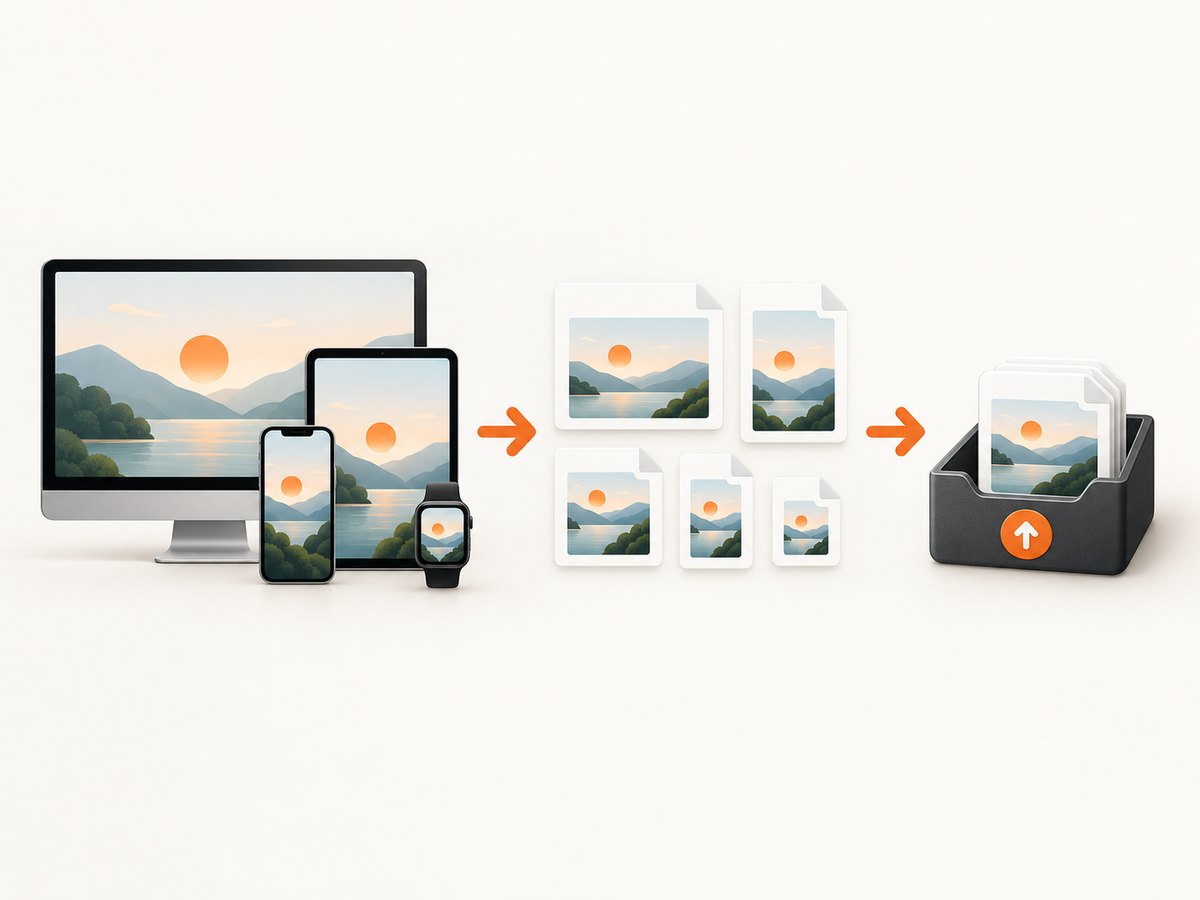
Start with Apple’s live screenshot specifications and upload guidance. Requirements vary by device family, so there is no single dimension that works everywhere.
| Rule | What to do |
|---|---|
| File count | Upload at least 1 and at most 10 screenshots for a localization. |
| Formats | Use JPEG, JPG, or PNG. |
| Transparency | Images must not contain an alpha channel or transparency. |
| Device families | Check Apple’s current table for iPhone, iPad, Mac, Apple TV, Apple Vision Pro, and Apple Watch. |
| 6.9-inch iPhone examples | Apple lists portrait sizes including 1260 × 2736, 1290 × 2796, and 1320 × 2868 pixels, plus landscape orientations. |
If your interface is unchanged across device sizes and localizations, Apple says you can provide the highest-resolution required assets and allow them to scale down. Use Media Manager when you want device-specific versions. Always recheck the live table before exporting because accepted sizes can change.
Apple’s guidance also recommends leading with your value proposition or most compelling feature. Use the Preview tool in App Store Connect to inspect the presentation before publication.
3. Which type of app should you use?
ScreenshotNeo: automated capture and API workflows
ScreenshotNeo is a website screenshot API and MCP server. It is useful when your source is a web app, when you need many consistent captures, or when screenshots belong in an automated pipeline. It can capture a full page, a CSS-selected element, a chosen device preset or viewport, and a retina-scale image. It also supports dark mode, custom CSS and JavaScript, clicks, waits, blocked resources, headers, cookies, user agents, authorization, timezone, geolocation, resizing, caching, signed links, asynchronous jobs, webhooks, bulk capture of up to 100 URLs per call, usage reporting, and PDF output.
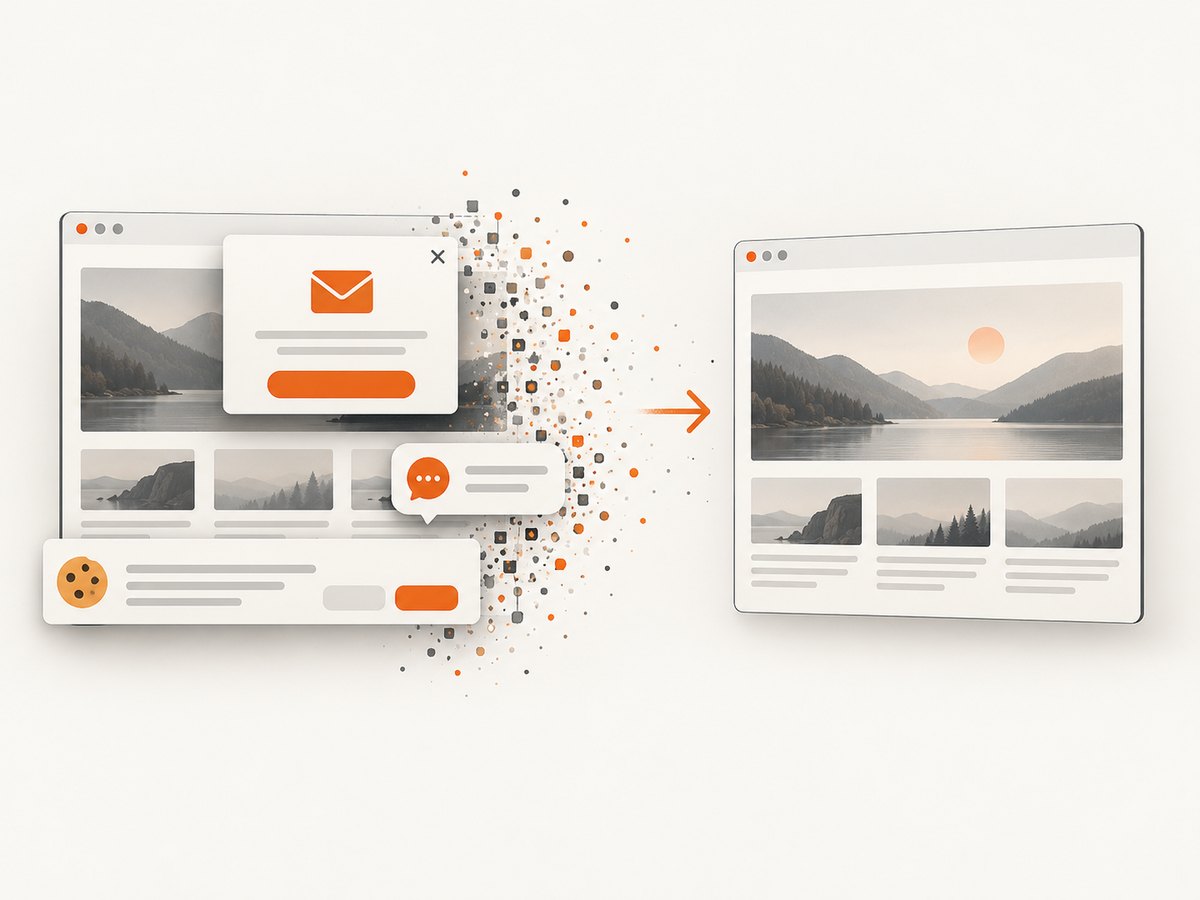
Its differentiator is the capture result: it accepts cookie or consent banners like a visitor, then removes more than 60 known consent platforms along with newsletter popups and chat widgets. Each step can be disabled. Bot checks or CAPTCHAs, blank pages, timeouts, failed loads, and cache hits cost nothing, and response headers identify the page verdict and whether the request was billed.
Canva: manual composition
Canva is a general-purpose design app named in the available comparison as a manual alternative. It suits teams that already use it and want to arrange screenshots, backgrounds, device frames, gradients, and benefit statements by hand. Confirm its current export controls and templates for the exact Apple dimensions you need.
Figma: collaborative, precise layouts
Figma is another general-purpose design option named in the comparison. It suits teams that need shared files, reusable components, and exact alignment across a screenshot set. Confirm current export settings, image handling, and localization workflow before committing.
App Store Connect Preview: final presentation check
Apple’s Preview tool lets you see how screenshots will appear before they go live. Use it after export to catch cropping, ordering, or device-slot problems. It does not replace a design editor or an automated capture service.
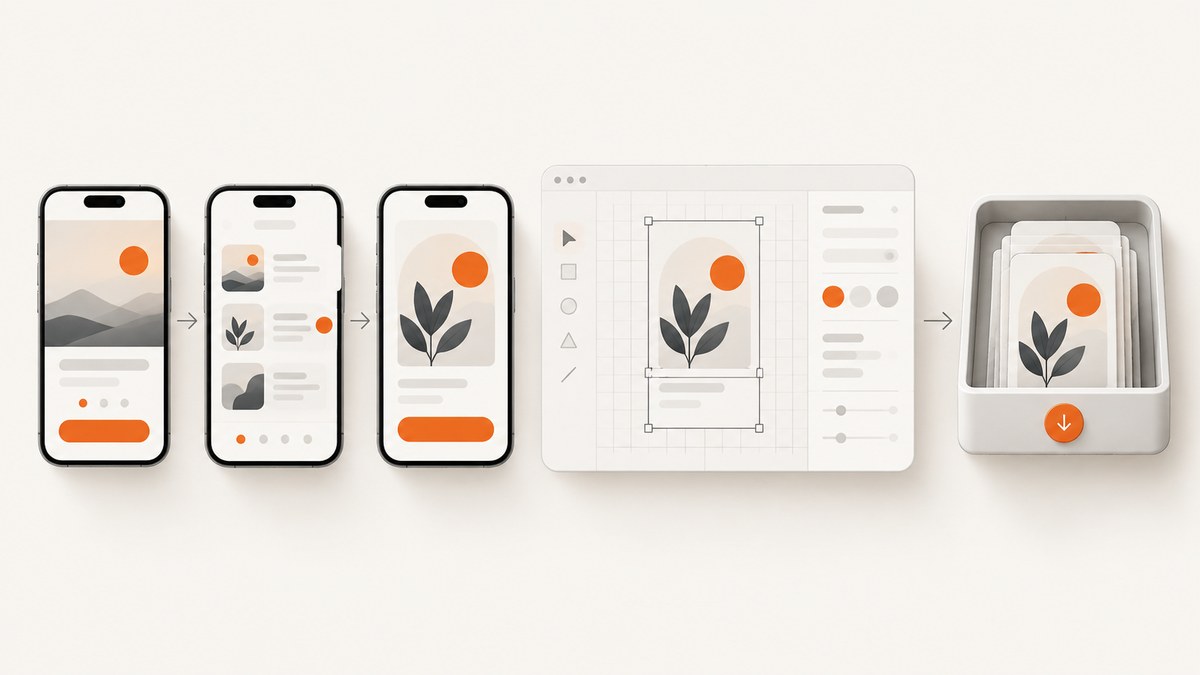
4. A reliable screenshot production workflow
- List target slots. Record each device family, orientation, localization, and whether the UI differs.
- Choose the source. Use real app captures for native screens. Use ScreenshotNeo when the source is a web app or when repeatability and automation matter.
- Plan the story. Put the strongest value proposition or feature first. Give every following image one clear job.
- Build a repeatable layout. In Canva or Figma, create frames at Apple’s required pixel sizes. Keep screenshot placement, margins, and typography consistent.
- Export without transparency. Choose PNG or JPEG/JPG and verify that the exported file has no alpha channel.
- Check dimensions and count. Confirm every file matches the selected device slot and that the set contains no more than ten images.
- Preview in App Store Connect. Use Apple’s Preview tool, then inspect the smallest readable text and the first screenshot’s message.
- Repeat for localization. Recheck text length, line breaks, and screenshots whenever the interface or copy changes.
Set checklist
- Every required device family is covered.
- Each file is JPEG/JPG or PNG.
- No file contains transparency or an alpha channel.
- Dimensions match Apple’s current table.
- The first image communicates the product’s value quickly.
- Files are ordered intentionally and contain one to ten screenshots.
- App Store Connect Preview shows the intended crop and order.
5. Or skip the browser setup
When your source is a website or web app, ScreenshotNeo can create the clean capture directly. See the ScreenshotNeo API documentation for the full parameter list.
curl -G "https://api.screenshotneo.com/v1/shot" -d access_key=YOUR_API_KEY --data-urlencode url=https://stripe.com -o shot.webpimport requests
r = requests.get("https://api.screenshotneo.com/v1/shot", params={"access_key": "YOUR_API_KEY", "url": "https://stripe.com"}, timeout=90)
open("shot.webp", "wb").write(r.content)const q = new URLSearchParams({ access_key: 'YOUR_API_KEY', url: 'https://stripe.com' });
const res = await fetch(`https://api.screenshotneo.com/v1/shot?${q}`);Cookie banners, popups, and chat widgets are removed before the shot. Bot checks, blank pages, and failed loads are never billed. An MCP server lets AI agents take screenshots. The Free plan includes 1,000 screenshots a month with no card, and paid plans start at $5 for 3,000.
Create a free ScreenshotNeo account.
6. Options that matter in automated capture
| Need | ScreenshotNeo option | Why it matters |
|---|---|---|
| Long pages | Full-page capture with lazy images loaded | Includes content below the initial viewport. |
| One screen or component | CSS selector capture | Captures only the element you need. |
| Consistent appearance | Device presets, custom viewport, retina scale, dark mode | Matches a defined presentation target. |
| Dynamic pages | Wait for selector, delay, or network idle; click an element | Lets content finish rendering or opens a state before capture. |
| Privacy and access | Custom headers, cookies, user agent, Authorization, timezone, geolocation | Reproduces authenticated or region-specific views. |
| Noise reduction | Block ads, trackers, requests, or resource types; hide selectors | Reduces unwanted content and resource load. |
| Delivery | Resize images, cache with a chosen TTL, signed links | Controls output size, repeat requests, and public embedding. |
| Scale | Async jobs with signed webhooks; bulk capture up to 100 URLs | Moves large batches out of a single request. |
7. Troubleshooting
App Store Connect rejects the file
Cause: wrong dimensions, unsupported format, transparency, or an invalid device slot. Fix: compare the file with Apple’s current screenshot table, export as PNG or JPEG/JPG, remove the alpha channel, and upload it to the matching device family.
The screenshot looks cropped
Cause: the source aspect ratio or frame does not match the selected slot. Fix: create a frame at the exact target pixels and inspect it in App Store Connect Preview before exporting the final set.
A cookie banner or popup covers the page
Cause: a browser capture was taken before consent handling or overlay removal. Fix: use ScreenshotNeo’s consent and popup removal, or configure waits, clicks, and hide selectors in the capture workflow.
A page is blank or incomplete
Cause: the page timed out, required authentication, depended on a blocked resource, or had not finished rendering. Fix: check the response verdict headers, provide required cookies or authorization, wait for a selector or network idle, and review blocked resource rules.
Text is unreadable on smaller devices
Cause: marketing copy was designed at one size and then scaled down. Fix: shorten the headline, increase contrast and type size, and create device-specific exports where the layout changes.
Repeated captures are slow or expensive
Cause: every request reloads identical assets or runs unnecessary resources. Fix: enable caching with an appropriate TTL, block ads and trackers, resize output, and use asynchronous jobs or bulk capture for batches. Cache hits are not billed by ScreenshotNeo.
8. Performance, reliability, and cost planning
- Design work: Canva and Figma require manual composition, so estimate time for each device size and localization. Reusable frames and components reduce repetition.
- Capture work: use selector capture for a single component and full-page capture only when the entire page is needed. Wait for a meaningful selector instead of relying on an arbitrary delay when possible.
- Batch work: use ScreenshotNeo bulk capture for up to 100 URLs per call or async jobs with signed webhooks for longer-running pipelines.
- Cost: ScreenshotNeo’s Free plan includes 1,000 shots per month with no card. Starter is $5 for 3,000, Growth $15 for 15,000, Pro $39 for 60,000, Scale $99 for 250,000, and Business $249 for 1,000,000. Yearly billing gives two months free, and every feature is on every plan.
- Billing behavior: only clean shots are billed. Bot checks or CAPTCHAs, blank pages, timeouts, failed loads, and cache hits cost nothing; inspect the X-Page-Verdict and X-Billed response headers.
9. FAQ
Can I use one screenshot size for every Apple device?
No. Apple publishes separate dimensions by device family. When the UI is unchanged, the highest-resolution required asset can scale down, but check the current table and use Media Manager for device-specific files when needed.
How many screenshots can I upload?
Apple’s guidance allows one to ten screenshots for a submission slot.
Should screenshots contain transparent backgrounds?
No. Apple’s accepted screenshot files cannot contain transparency or an alpha channel.
Is ScreenshotNeo a replacement for Canva or Figma?
No. ScreenshotNeo automates web capture and delivery. Canva and Figma are manual composition tools. A common workflow is to capture source screens automatically, then compose the App Store marketing layout in a design app.
Which tool is best for localized screenshot sets?
Choose the workflow your team can repeat reliably. Figma or Canva provide manual layout control; ScreenshotNeo helps automate the capture of localized or region-specific web states through cookies, headers, timezone, and geolocation.


