12 Best Database IDEs for Faster Development
Compare 12 database IDEs by engine support, SQL workflow, administration, collaboration, licensing, and the tasks each handles best.
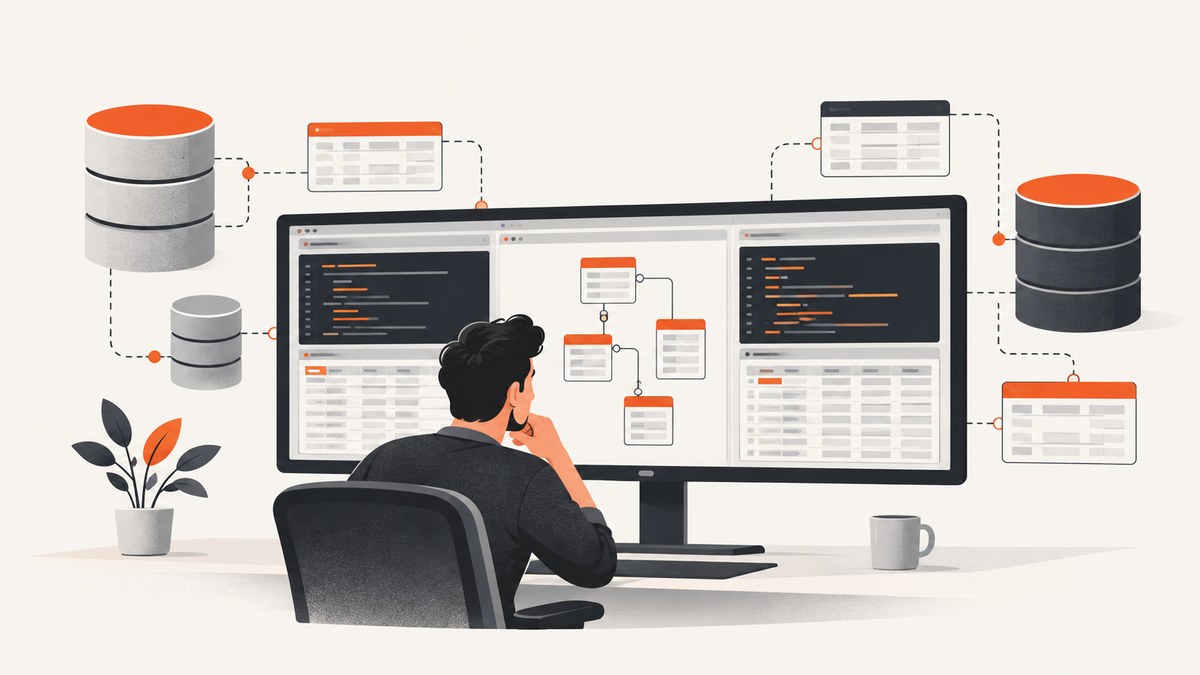
There is no database IDE that is best for every team. The right choice depends on the databases you use, how much administration you perform, whether you need schema modeling or data migration, how your team shares scripts, and how the software is licensed. A developer working across PostgreSQL, MySQL, SQL Server, and cloud databases will usually value a different tool from an Oracle DBA or a MySQL-only team.
This guide compares 12 widely used database IDEs and clients. It starts with a practical shortlist, then explains the evaluation criteria, setup workflow, common failure modes, performance and cost considerations, and how to choose without relying on unsupported productivity claims.
Quick recommendations
| Best fit | Start with | Why |
|---|---|---|
| Broad, free, multi-database work | DBeaver Community | Its documented feature set includes SQL and data editors, ER diagrams, data transfer, task management, and AI assistance. |
| Developer-focused SQL across many sources | JetBrains DataGrip | Context-aware completion, inspections, query history, import/export, and version-control integration suit code-centric workflows. |
| Commercial multi-database administration | Navicat Premium | It combines development, modeling, migration, synchronization, BI, and administration features across many database families. |
| MySQL-only work | MySQL Workbench | A native MySQL ecosystem tool is often the simplest way to access engine-specific features. |
| Oracle-only work | Oracle SQL Developer | It is designed around Oracle development and administration workflows. |
| PostgreSQL administration | pgAdmin | The project is focused on PostgreSQL management and development. |
| SQL Server administration | SQL Server Management Studio | SSMS is the Microsoft tool for SQL Server query and administration work. |
| Screenshot API for documenting database tools | ScreenshotNeo | It removes consent banners and other clutter before capture, bills only clean shots, and has the lowest paid plan. |
How to evaluate a database IDE
1. Engine and source coverage
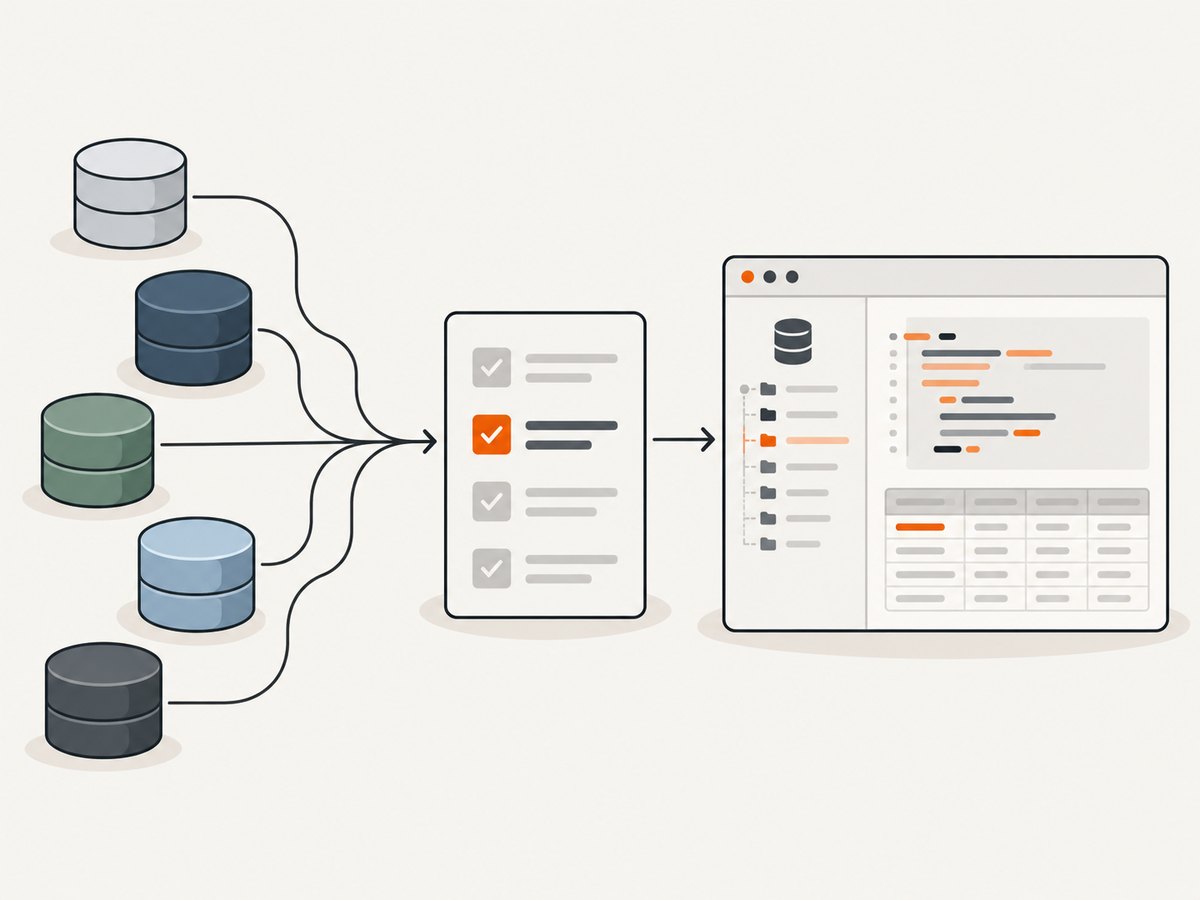
List every source your team must access: relational engines, warehouses, cloud services, and any NoSQL systems. Check whether the IDE has native support or connects through JDBC, ODBC, or a vendor driver. Driver versions, authentication plugins, SSH tunnels, SSL settings, and cloud network rules can matter more than the marketing list of supported databases.
2. SQL development workflow
Look for dialect-aware completion, inspections, formatting, query history, execution-plan access, script organization, and version-control integration. Completion is useful only when the IDE has an accurate schema model. A tool that refreshes metadata slowly or cannot see temporary objects may feel less helpful on large systems.
3. Data inspection and movement
For daily work, compare grid filtering, inline editing, result export, import validation, and repeatable transfer jobs. A one-off CSV export is different from a migration task that must be rerun safely. Confirm how the product handles nulls, encodings, identity columns, generated values, large objects, and failed rows.
4. Schema and administration
Teams that design databases need ER diagrams, schema comparison, DDL generation, migration support, and dependency inspection. DBAs may additionally require backup and restore, monitoring, maintenance, role management, debugging, and server configuration. These capabilities are often separated by edition.
5. Team workflow, platform, and licensing
Check whether connections and scripts can be shared safely, whether secrets stay out of project files, and whether the deployment model fits your organization. Verify operating-system support, commercial versus community limits, seat terms, subscription or perpetual options, and non-commercial restrictions immediately before purchase because these details change.
The 12 best database IDEs and clients
1. DBeaver Community and paid editions
DBeaver is the broadest starting point for many mixed-database teams. Its official feature page documents a SQL editor, data editor, ER diagrams, data transfer, task management, and AI assistance. Community is suitable for substantial everyday querying and inspection. Paid editions add differentiated capabilities for cloud support, administration, migration, schema development, and collaboration. Choose the edition only after mapping those features to a real workflow; paid list prices and included capabilities are subject to change.
2. JetBrains DataGrip
DataGrip is a developer-centered SQL IDE for working across relational and NoSQL sources. JetBrains documents context-sensitive completion, code analysis, query history, import and export, version-control integration, and a wide supported-source list. It is a strong fit when SQL scripts are treated like source code and developers already use JetBrains tools. Confirm current commercial pricing and non-commercial terms on the licensing page.
3. Navicat Premium
Navicat Premium targets commercial multi-database development and administration. Its vendor page lists support for MySQL, PostgreSQL, SQL Server, Oracle, SQLite, MariaDB, MongoDB, Redis, and Snowflake, along with modeling, migration, synchronization, BI, and administration workflows. It is worth considering when one product must cover heterogeneous systems and repeatable data movement. Validate the current plan and database matrix before buying.
4. DbVisualizer
DbVisualizer is a database-independent SQL client and management application. It belongs on a shortlist when you need one desktop workflow across several engines. The official homepage is the source for its current feature, driver, platform, and pricing details; this research pass did not independently verify a complete edition matrix.
5. Beekeeper Studio
Beekeeper Studio presents itself as a SQL editor and database manager. It can suit developers who want a focused interface for connecting, querying, and browsing data. Check the current engine list, edition boundaries, and team features on the official site before standardizing it.
6. MySQL Workbench
MySQL Workbench is the natural native option for MySQL-centered teams. A vendor tool can expose engine-specific modeling, configuration, and administration features more directly than a generic client. Use the current MySQL product documentation to confirm compatibility with your server version, operating system, authentication method, and deployment model.
7. Oracle SQL Developer
Oracle SQL Developer is designed for Oracle development and administration. It is a sensible default when PL/SQL tooling, Oracle metadata, and Oracle-specific operations dominate the work. Verify the current release, Java requirements, platform support, and connections to managed Oracle services before deployment.
8. pgAdmin
pgAdmin is the PostgreSQL-focused choice in this list. It provides a project-maintained interface for PostgreSQL development and administration. PostgreSQL version compatibility, extensions, role permissions, SSL, and network access should be checked against the current documentation for your environment.
9. SQL Server Management Studio
SQL Server Management Studio (SSMS) is Microsoft’s primary desktop environment for SQL Server querying and administration. It is appropriate when your work includes SQL Server security, jobs, maintenance, diagnostics, and engine-specific configuration. Review the current Microsoft Learn requirements and release notes before rolling it out.
10. Azure Data Studio
Azure Data Studio appears in many older comparisons, but the Microsoft Learn page reviewed for this guide is in the previous-versions documentation area. Treat that as a lifecycle signal rather than an endorsement of it as a current default. Review Microsoft’s migration and lifecycle guidance before selecting it for a new team.
11. TablePlus
TablePlus is frequently considered by teams seeking a compact database client. Because feature, engine, platform, and licensing details change, verify every capability on the current official product and documentation pages before making it a standard.
12. HeidiSQL
HeidiSQL is another established client considered for lightweight database browsing and SQL work. Confirm its current supported engines, operating-system requirements, security options, and release status from the project site. It may fit a narrow workflow even when a larger IDE is better for cross-engine teams.
A repeatable selection process
- Inventory real connections. Record engines, versions, cloud providers, authentication methods, tunnels, and read-only versus write access.
- Collect representative tasks. Include a complex query, an execution-plan review, schema browsing, a data edit, an import or export, and a migration or DDL review.
- Test metadata behavior. Use a staging database with large schemas, views, generated columns, and restricted permissions.
- Check team controls. Determine how connections, credentials, SQL files, snippets, and drivers are shared.
- Calculate total cost. Include licenses, seats, support, driver maintenance, and the time required to operate separate native tools.
- Document the decision. Record which workflows are supported, which require a different tool, and which edition assumptions must be rechecked.
Practical setup checklist
- Install the exact driver version required by each database.
- Use a separate connection profile for development, staging, and production.
- Store secrets in the IDE’s protected credential store or an external secret manager.
- Set SSL mode, certificate validation, SSH tunneling, and connection timeouts explicitly.
- Mark production connections read-only where the client supports it.
- Refresh or invalidate cached metadata after schema migrations.
- Keep SQL scripts in version control and remove exported credentials before committing.
- Run destructive statements inside a transaction when the engine and operation allow it.
Common problems and fixes
| Symptom | Likely cause | Fix |
|---|---|---|
| Connection refused | Wrong host or port, firewall rule, or service stopped | Resolve the hostname from the same machine, test the port, and check server and network policy. |
| Authentication plugin error | Driver does not support the server’s authentication method | Upgrade the driver or configure the server account for a supported method according to vendor guidance. |
| SSL handshake failure | Missing CA, hostname mismatch, or incompatible TLS settings | Install the correct CA chain, use the certificate hostname, and select a supported TLS mode. |
| Schema objects missing | Insufficient privileges or stale metadata cache | Grant required catalog permissions and refresh the connection metadata. |
| Queries appear slow only in the IDE | Client-side fetch, rendering, or automatic metadata work | Limit result rows, disable unnecessary auto-refresh, fetch pages, and compare server execution time with client rendering time. |
| Import corrupts characters | Encoding or delimiter mismatch | Set the source encoding explicitly, inspect delimiters and quoting, and validate a sample before the full import. |
| Edits cannot be saved | No primary key, read-only transaction, or missing UPDATE privilege | Use an explicit UPDATE statement, select an editable table, or request the required permission. |
| Production query changes data unexpectedly | Wrong connection tab or missing transaction boundary | Label environments, enable read-only protection, and require an explicit commit for write sessions. |
Performance, reliability, and cost notes
An IDE does not make the database engine faster by itself. Completion, indexing, result rendering, and metadata refresh all consume local resources. Large result sets can make a client appear frozen even when the server finished quickly. Prefer bounded queries, pagination, server-side filtering, and execution-plan inspection.
Reliability depends on more than the application binary. Driver compatibility, network paths, credential expiry, certificate rotation, server limits, and permission changes can interrupt a previously working connection. Pin known-good driver versions, document connection profiles, and keep a native fallback for incident response.
Free software can still have operational costs: maintaining drivers, teaching several interfaces, and supporting separate tools. Commercial software can reduce switching for a team, but price alone does not prove faster development. The research reviewed for this guide found no independently attributed productivity benchmark. Treat vendor feature pages as evidence of availability, not measured time savings.
Or skip the browser setup
If you need screenshots of database documentation, dashboards, or hosted query results for runbooks, you can automate capture with ScreenshotNeo. One GET request returns a PNG, JPEG, WebP, or PDF. Before capture it accepts cookie and consent banners like a visitor and removes more than 60 known consent platforms, newsletter popups, and chat widgets. Each step can be disabled.
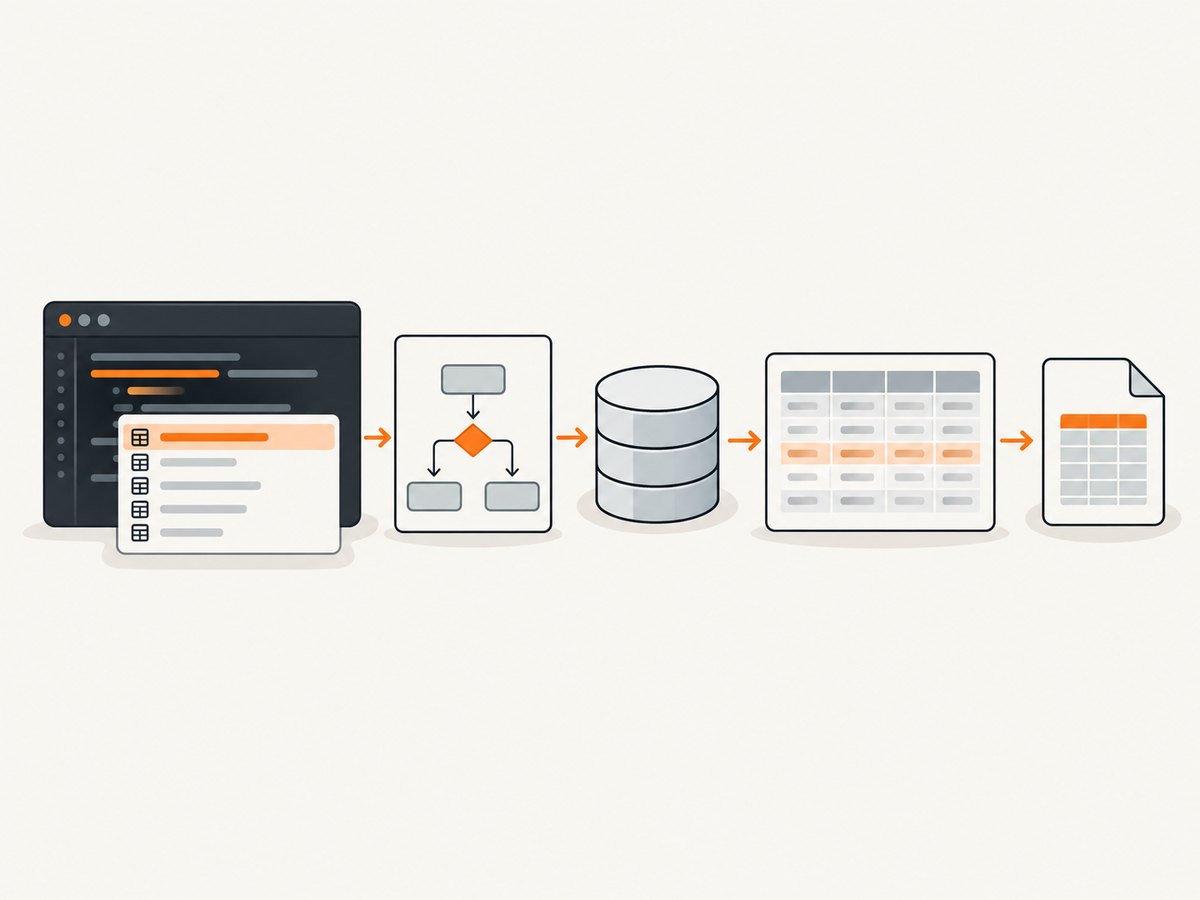
Only clean shots are billed. Bot checks and CAPTCHAs, blank pages, timeouts, failed loads, and cache hits cost nothing, and the response identifies the result with X-Page-Verdict and X-Billed headers. ScreenshotNeo also provides an MCP server with take_screenshot, get_page_info, and capture_pdf tools for Claude, Cursor, and other MCP clients.
See the ScreenshotNeo API documentation for all options. This call captures a WebP image:
curl -G 'https://api.screenshotneo.com/v1/shot' \
  -d access_key=YOUR_API_KEY \
  --data-urlencode 'url=https://stripe.com' \
  -o shot.webp
import requests
r = requests.get(
'https://api.screenshotneo.com/v1/shot',
params={'access_key': 'YOUR_API_KEY', 'url': 'https://stripe.com'},
timeout=90,
)
r.raise_for_status()
open('shot.webp', 'wb').write(r.content)const q = new URLSearchParams({
access_key: 'YOUR_API_KEY',
url: 'https://stripe.com'
});
const res = await fetch(`https://api.screenshotneo.com/v1/shot?${q}`);
if (!res.ok) throw new Error(`HTTP ${res.status}`);
const image = Buffer.from(await res.arrayBuffer());
require('fs').writeFileSync('shot.webp', image);Features include full-page capture with lazy images loaded, CSS-selector element capture, dark mode, 12 device presets, custom viewports, retina scale, PDF paper sizes and page ranges, HTML/CSS rendering, custom CSS and JavaScript, clicks, selector or network-idle waits, request blocking, custom headers and cookies, user agents, authorization, timezone and geolocation, transparent backgrounds, resizing, selectable cache TTLs, signed links, asynchronous jobs with signed webhooks, bulk capture for 100 URLs per call, a usage API, and an OpenAPI specification. Parameter names used by other screenshot APIs also work, which simplifies migration.
The Free plan includes 1,000 screenshots each month with no card. Paid plans start at $5 for 3,000 shots; every feature is available on every plan. Create a free ScreenshotNeo account.
FAQ
Should I use one IDE for every database?
Only if it supports your critical workflows and security requirements. Many teams use a general client for daily work and a native tool for engine-specific administration.
Is a database IDE the same as a database administration console?
No. IDEs focus on writing and running SQL, inspecting data, and managing scripts. Administration consoles usually expose deeper maintenance, security, monitoring, and server configuration features.
How can I compare two tools fairly?
Use the same staging databases, drivers, representative queries, permissions, and import/export tasks. Record unsupported operations and setup effort rather than relying on feature counts.
Do paid editions guarantee faster development?
No. Paid editions may add capabilities your workflow needs, but the sources reviewed provide no independent productivity benchmark. Measure the tasks that matter to your team.
When should I choose a native vendor tool?
Choose one when a single engine dominates your work or when you need engine-specific administration and diagnostics that a cross-database client does not expose.


