13 Best Docker Hosting Providers for Your Containers
Compare 13 Docker hosting options by operational responsibility, deployment model, scaling, portability, and cost before choosing a home for your container.
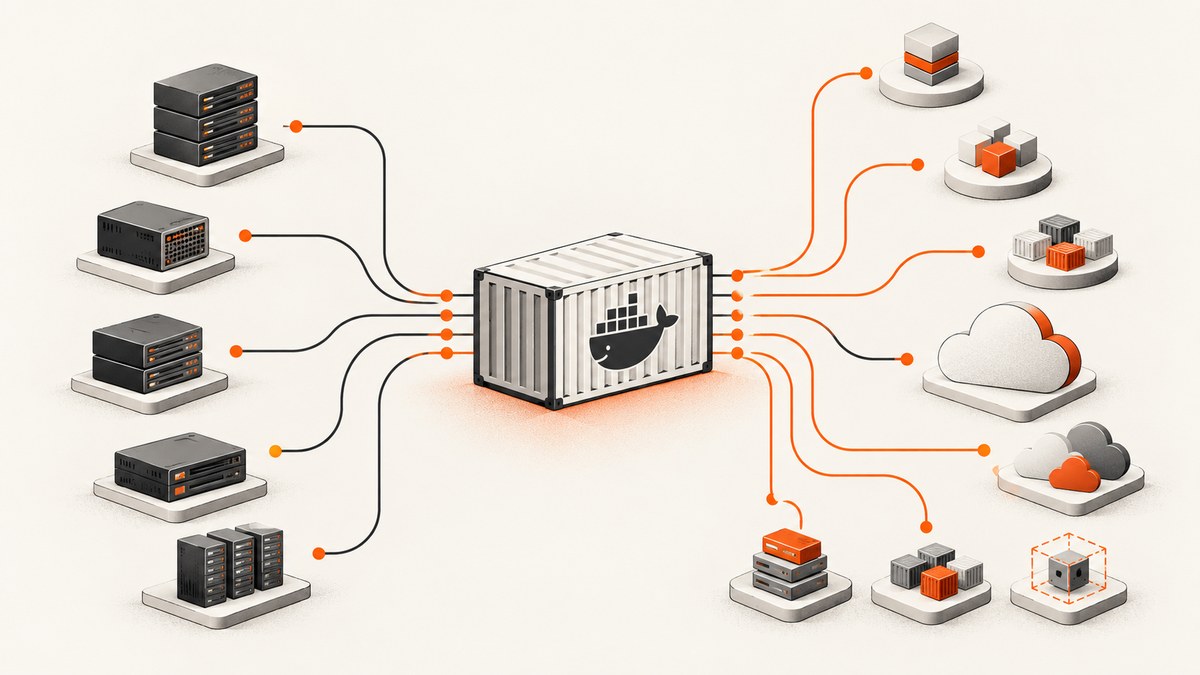
Short answer: the best Docker host depends on how much infrastructure you want to operate. A self-managed VPS gives you control over the host and Docker, while a managed application platform or cloud container service removes more server work and adds runtime rules. For most teams, begin by deciding whether you need an always-on process, scale-to-zero web requests, background workers, scheduled jobs, or persistent state.
This guide compares 13 commonly considered Docker hosting providers and approaches. The available evidence does not support a neutral, independently tested ranking of all 13, so treat the list as a decision framework rather than a universal league table. Confirm current pricing, regions, limits, storage behavior, support, and availability in each provider’s primary documentation before purchasing.
What “Docker hosting” can mean
The phrase covers three different operating models:
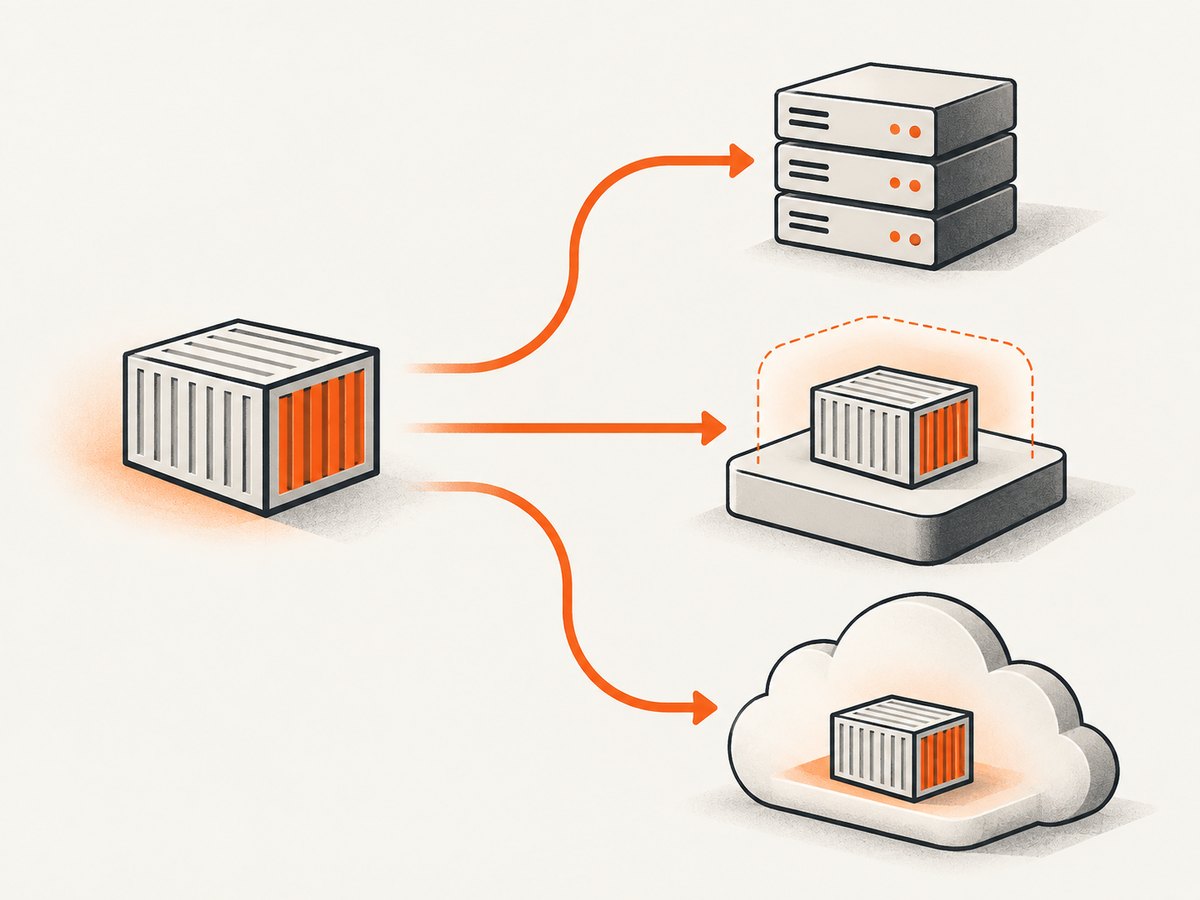
- Self-managed virtual server: you rent a VM, install Docker, configure networking and TLS, patch the operating system, monitor it, and design backups.
- Managed application platform: you supply a Dockerfile, source repository, or image while the provider manages much of the host, deployment, and scaling layer.
- Cloud container runtime: you deploy an image to a provider-defined service with explicit contracts for ports, revisions, scaling, CPU, memory, and identity.
Container packaging is only one part of production architecture. You still need answers for persistent data, secrets, image storage, ingress, observability, backups, database operations, and recovery.
How to choose a provider
| Decision axis | Questions to answer |
|---|---|
| Operating responsibility | Who patches the host, secures Docker, monitors failures, rotates certificates, and restores backups? |
| Deployment path | Can you deploy a Dockerfile, a prebuilt image, or both? Which registries are supported? Is Compose supported or do you need separate services? |
| Workload fit | Is this an HTTP service, worker, scheduled job, stateful service, or always-on process? |
| Runtime contract | Which CPU architecture is supported? Which port must the process listen on? Is local disk ephemeral? Are startup and execution limits documented? |
| Scaling and availability | Can the service scale to zero? How are replicas, regions, revisions, health checks, and rollbacks handled? |
| Total cost | Include compute, memory, requests, storage, registry, egress, database, load balancing, and minimum billing increments. |
| Portability | Can the same image move elsewhere, or does deployment depend on provider-specific configuration and services? |
13 Docker hosting providers and approaches
1. DigitalOcean App Platform
DigitalOcean describes App Platform as a fully managed PaaS that deploys from Git repositories or container images, then builds, deploys, and scales components while handling the underlying infrastructure. Its published pricing page lists a fixed shared option with 1 vCPU and 512 MiB for $5 per month. Documentation says app components bill by the second with a one-minute minimum; databases bill hourly with a one-hour minimum. These figures are page-specific and should be rechecked for your region and workload.
Choose it when you want a straightforward managed deployment and do not want to administer a VM. Price the database separately and verify storage, egress, and scaling behavior.
2. Google Cloud Run
Cloud Run accepts container images from Artifact Registry, Docker Hub, and GitHub Container Registry under its documented conditions. A Cloud Run service must listen on the injected PORT environment variable. Deployment resolves image tags to a digest, so a revision serves a fixed image rather than changing underneath you.
FROM node:22-slim
WORKDIR /app
COPY package*.json ./
RUN npm ci --omit=dev
COPY . .
ENV NODE_ENV=production
CMD ["node", "server.js"]
Cloud Run is a strong fit for request-serving applications that can obey its container contract. Check startup, concurrency, CPU allocation, timeout, networking, and database connection behavior in the current documentation.
3. Azure Container Apps
Azure Container Apps manages Kubernetes and container orchestration details for you. Microsoft documents Linux x86-64 images, public or private registries, optional sidecar and init containers, revisions after template changes, and automatic restart after a crash. Confirm current plan, scaling, region, and billing details in Azure’s pricing documentation.
It suits teams already using Azure identity, networking, registries, or observability. Validate architecture before deploying an image built for another CPU family.
4. Fly.io
Fly.io is included in a vendor-authored comparison of Docker hosting approaches. Use its documentation to verify current regions, VM sizing, volume behavior, networking, and pricing. It is generally considered when low-latency regional placement and a Docker-oriented workflow matter, but this research did not independently test those properties.
5. Render
Render’s official pricing page confirms support for custom Docker containers. It describes charges spanning a workspace plan, metered features, and application compute, so compare the complete bill rather than an advertised service line. Verify persistent disks, workers, cron jobs, private networking, and image deployment details for your workload.
6. Railway
Railway appears in the comparison source as a platform for deploying applications and services. Before committing, verify its current Dockerfile and image paths, resource limits, volumes, regions, networking, and usage billing in primary documentation. It can be convenient for small teams, but convenience does not remove the need to plan databases, secrets, and backups.
7. Heroku
Heroku is another managed application option named in the source comparison. Confirm the current container registry workflow, dyno or compute model, filesystem persistence rules, add-on availability, regions, and pricing. Treat local container disk as disposable unless the provider explicitly documents persistence.
8. Amazon ECS with Fargate
AWS ECS with Fargate is a cloud container service rather than a general-purpose VM. Evaluate task definitions, image registry integration, networking, load balancing, IAM, logs, service autoscaling, and database architecture. The operational surface is broader than a simple PaaS, so include the cost of related AWS services when estimating a deployment.
9. Hetzner Cloud with Coolify
This pairing combines a self-managed cloud VM with a deployment control panel. You retain responsibility for the host, Docker security, updates, backups, firewall, monitoring, and recovery. It can provide substantial control and portability, but the low server price is not the same as a managed production platform price.
10. A plain VPS from a general cloud provider
A generic VPS from any established cloud vendor is the most portable model: install Docker, pull your image, and configure a reverse proxy. You must operate everything around it. Use this approach when you need host-level control, custom networking, or software that managed platforms do not support.
docker pull ghcr.io/example/app:1.4.2
docker run -d --name app --restart unless-stopped \
  -p 80:8080 \
  -e PORT=8080 \
  ghcr.io/example/app:1.4.2
For production, add TLS termination, health checks, log rotation, image signature or digest pinning, firewall rules, secret management, and a tested rollback process.
11. A managed Kubernetes service
Managed Kubernetes can host Docker-built images with extensive scheduling, networking, and policy controls. It also introduces cluster configuration, ingress, upgrades, autoscaling, observability, and node or pod troubleshooting. Choose it when you have a genuine multi-service or platform-engineering need, not merely because an application is packaged as a container.
12. A private container platform
Some organizations run an internal platform on their own cloud accounts or data centers. This can meet compliance and networking requirements, but your team owns the platform lifecycle, registry, tenancy, upgrades, and support model. Document an exit path and image portability before making the investment.
13. A specialized edge or regional container provider
Regional and edge-focused services may place containers close to users or offer specialized networking. Verify the exact runtime contract, supported architecture, persistent storage, observability, egress pricing, and disaster-recovery options. Geographic coverage alone does not establish availability or performance for your application.
Deployment checklist
- Build a reproducible image and pin important base-image versions.
- Run the image locally with the same environment variables and port contract used in production.
- Keep configuration and secrets outside the image.
- Push to a supported registry or let the platform build from your repository.
- Confirm the process binds to the provider’s required interface and port.
- Add a health endpoint and define startup and readiness behavior.
- Decide where uploads, database files, and other persistent data live.
- Configure logs, metrics, alerts, backups, and a restore drill.
- Deploy a staging revision, test migrations, then promote deliberately.
- Record the image digest and provider configuration for rollback.
Common errors and fixes
| Error | Likely cause | Fix |
|---|---|---|
| Container starts then becomes unhealthy | Wrong port or bind address | Read the platform’s port variable, bind to 0.0.0.0, and expose the matching port. |
| Image cannot be pulled | Private registry credentials or unsupported image architecture | Configure registry access and build the documented architecture, such as Linux x86-64 where required. |
| Files disappear after restart | Ephemeral container filesystem | Use managed storage or an external object store and database; never rely on local disk without documented persistence. |
| Requests time out | Startup, request, or proxy timeout | Inspect platform limits, reduce startup work, move long jobs to workers, and return asynchronous status. |
| Unexpected bill | Database, egress, registry, load balancer, or minimum billing charges | Model every component and review usage by service. |
| New code is not running | Mutable image tag or cached build | Deploy a new immutable tag or digest and verify the active revision. |
Performance, reliability, and cost notes
Benchmark your own image and request pattern. Measure cold-start time, warm latency, memory use, concurrency, queue depth, and database connection churn. A smaller image can improve transfer and startup time, but removing diagnostics may make incidents harder to resolve.
For reliability, separate stateless web containers from workers and stateful services. Use health checks, multiple replicas where supported, graceful shutdown, retry limits, idempotent jobs, and tested backups. A managed label does not guarantee that your database, queue, DNS, or external API is highly available.
For cost, calculate the full workload shape: always-on versus scale-to-zero, average and peak memory, request volume, disk, database hours, registry storage, egress, and minimum billing increments. DigitalOcean’s documented one-minute app minimum and one-hour database minimum illustrate why a nominal container price is not a complete estimate.
Or skip the browser setup
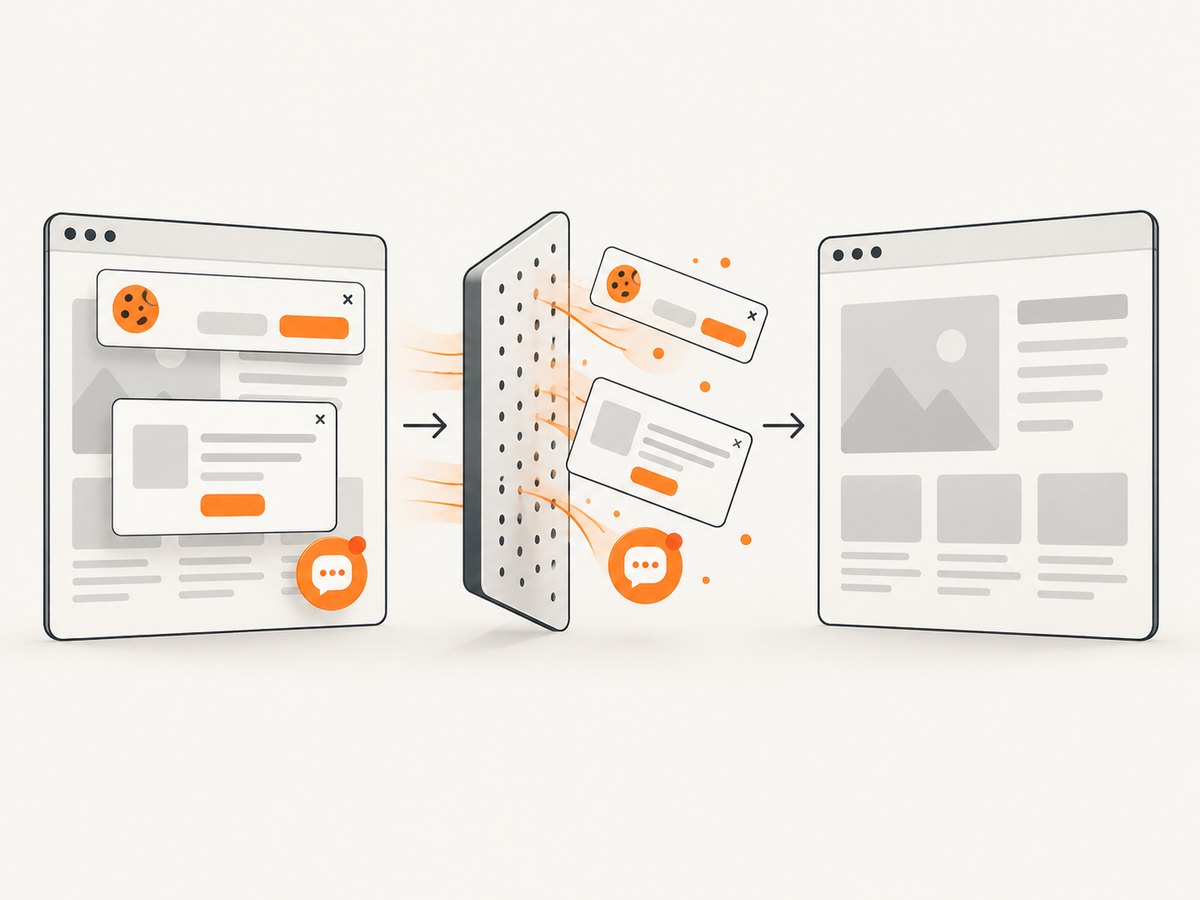
If you need screenshots of your deployed container’s web pages for documentation, visual checks, or release workflows, ScreenshotNeo provides a single HTTP request. Cookie and consent banners, newsletter popups, and chat widgets are removed before the shot. Bot checks, blank pages, failed loads, timeouts, and cache hits are not billed, and response headers report the page verdict and billing result. An MCP server lets Claude, Cursor, and other MCP clients use take_screenshot, get_page_info, and capture_pdf.
See the ScreenshotNeo API docs for all options. cURL:
curl -G "https://api.screenshotneo.com/v1/shot" -d access_key=YOUR_API_KEY --data-urlencode url=https://stripe.com -o shot.webpPython:
import requests
r = requests.get("https://api.screenshotneo.com/v1/shot", params={"access_key": "YOUR_API_KEY", "url": "https://stripe.com"}, timeout=90)
open("shot.webp", "wb").write(r.content)
Node.js:
const q = new URLSearchParams({ access_key: 'YOUR_API_KEY', url: 'https://stripe.com' });
const res = await fetch(`https://api.screenshotneo.com/v1/shot?${q}`);
It supports full-page and element captures, device presets, retina scale, PDFs, custom CSS and JavaScript, clicks, waits, blocked resources, headers, cookies, user agents, geolocation, caching, signed links, asynchronous jobs, bulk capture, and a usage API. The free plan includes 1,000 screenshots each month with no card; paid plans start at $5 for 3,000. Create a free ScreenshotNeo account.
FAQ
Should I choose a VPS or a managed platform?
Choose a VPS when host control and portability outweigh operations work. Choose a managed platform when you prefer the provider to handle more of the infrastructure.
Can every Docker image run on every provider?
No. Check CPU architecture, registry support, port rules, filesystem behavior, and startup or execution limits.
Is Kubernetes required for Docker hosting?
No. A VPS, PaaS, or cloud container runtime can run a Docker image without you operating Kubernetes.
How should I compare prices?
Use your actual traffic, memory, runtime, storage, database, egress, and availability requirements. Recheck live provider pricing before signing up.
What should I migrate first?
Keep the image portable, externalize state, document environment variables, and record deployment steps so another provider can run the same artifact.


