Best Free LLMs for Web Design in 2026
Claude Free leads for editable web artifacts; ChatGPT Free helps with research, feedback and images. Here is what each free workflow actually supports.
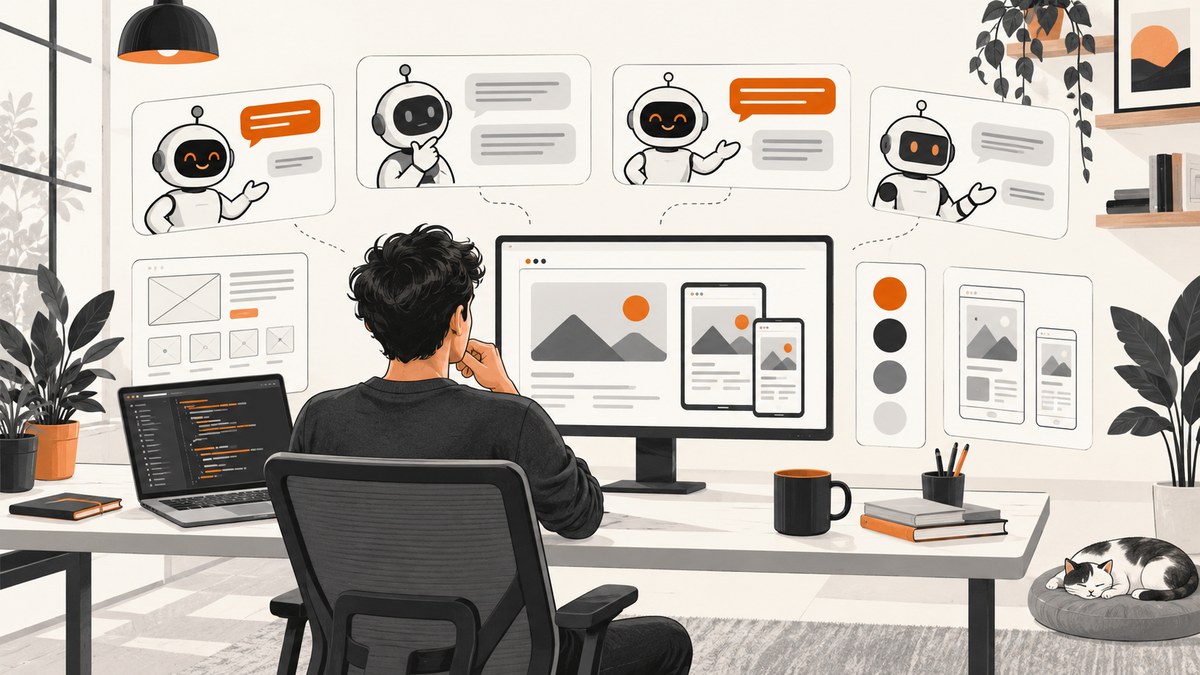
Short answer: Claude Free is the clearest documented choice for creating and iterating on a visual web artifact because Anthropic says Free users can make artifacts that include designs, code and single-page websites. ChatGPT Free is useful for research, image and file feedback, visual ideation and code assistance, but the cited documentation does not establish a complete free browser-based website builder. ChatGPT Sites is a separate workflow whose current public-beta eligibility lists workspaces, Plus and Pro accounts, not Free.
This is a documentation-based snapshot for 2026, not a design-quality benchmark. Free limits, model access and beta eligibility can change, so check the providers’ current plan pages before committing to a workflow.
What “best free LLM for web design” should mean
A useful comparison asks what you can actually do without paying:
- Visual output: Can the service render a mockup or working page, or does it return only text and code?
- Iteration: Can you ask for changes to the rendered result and see them immediately?
- Scope: Is the output a component, one page, a multi-page site or a deployable application?
- Export: Can you copy, download, share or host the result?
- Inputs: Can you upload screenshots, files or reference images?
- Limits: What usage caps, reset periods, model restrictions and regional rules apply?
No reviewed source provides an apples-to-apples benchmark of design quality or production readiness. Treat generated code as a draft that needs human review.
Comparison at a glance
| Service | What the official documentation supports on free access | Best fit | Important boundary |
|---|---|---|---|
| Claude Free | Artifacts are available on Free. Artifacts can include designs, code snippets and single-page websites; you can ask Claude to edit them, edit directly, share or export. | Interactive, iterative single-page design work | The template-based Design, Slides and Docs beta features are paid-plan features. Cloud code execution and file creation must be enabled for artifacts. |
| ChatGPT Free | Web search, image and file uploads, and image creation are listed capabilities, each subject to separate usage limits. | Research, critique of uploaded designs, visual directions and code help | The cited Free documentation does not establish a full browser website-builder workflow. |
| ChatGPT Sites | A workflow for creating, previewing, publishing and sharing interactive websites and lightweight apps. | Integrated site workflow when your account is eligible | The current public-beta help page lists workspaces, Plus and Pro, not Free. Limits can change. |
1. Claude Free: the strongest documented free artifact workflow
Anthropic defines an artifact as a design, deck, document, dashboard or small interactive tool made for sharing or reuse. Its help documentation says artifacts are available on Free, Pro, Max, Team and Enterprise plans, and gives code snippets and single-page websites as examples. You can request a change in chat, edit the artifact directly, then share or export it.
That makes Claude Free the most directly documented option here when your goal is to see and refine a page rather than copy a large block of code into another editor. Turn on Cloud code execution and file creation in settings if artifacts are unavailable. Do not confuse the general artifact capability with the dedicated Design template: Anthropic documents that template as a paid beta feature.
Primary sources: Anthropic’s artifact documentation and its related artifact help pages.
A practical Claude prompt
Build a responsive landing page for a small accounting firm.

Requirements:
- Use semantic HTML and accessible labels.
- Use CSS variables for color, spacing and type scale.
- Include a header, hero, three service cards, testimonials and a contact form.
- Make the layout work at 375px, 768px and 1440px widths.
- Keep the visual style calm and professional: navy, warm white and one accent color.
- Return an editable single-page artifact.
- After rendering, explain the design decisions and list any accessibility risks.

Then make these changes one at a time, showing the updated result after each:
1. Increase mobile heading legibility.
2. Add visible keyboard focus states.
3. Reduce card density on narrow screens.
4. Check color contrast and revise failing colors.
Where Claude Free works well
- Turning a written brief into a visible single-page concept.
- Iterating on spacing, hierarchy, responsive behavior and copy in one conversation.
- Producing a shareable or exportable artifact for review.
- Generating small interactive demos that you can inspect before moving code into a repository.
2. ChatGPT Free: a capable design assistant with separate limits
OpenAI’s Free plan documentation lists web search, image and file uploads, and image creation. Those capabilities are useful for collecting references, discussing an uploaded wireframe, extracting issues from a screenshot, proposing visual directions and writing HTML, CSS or JavaScript.
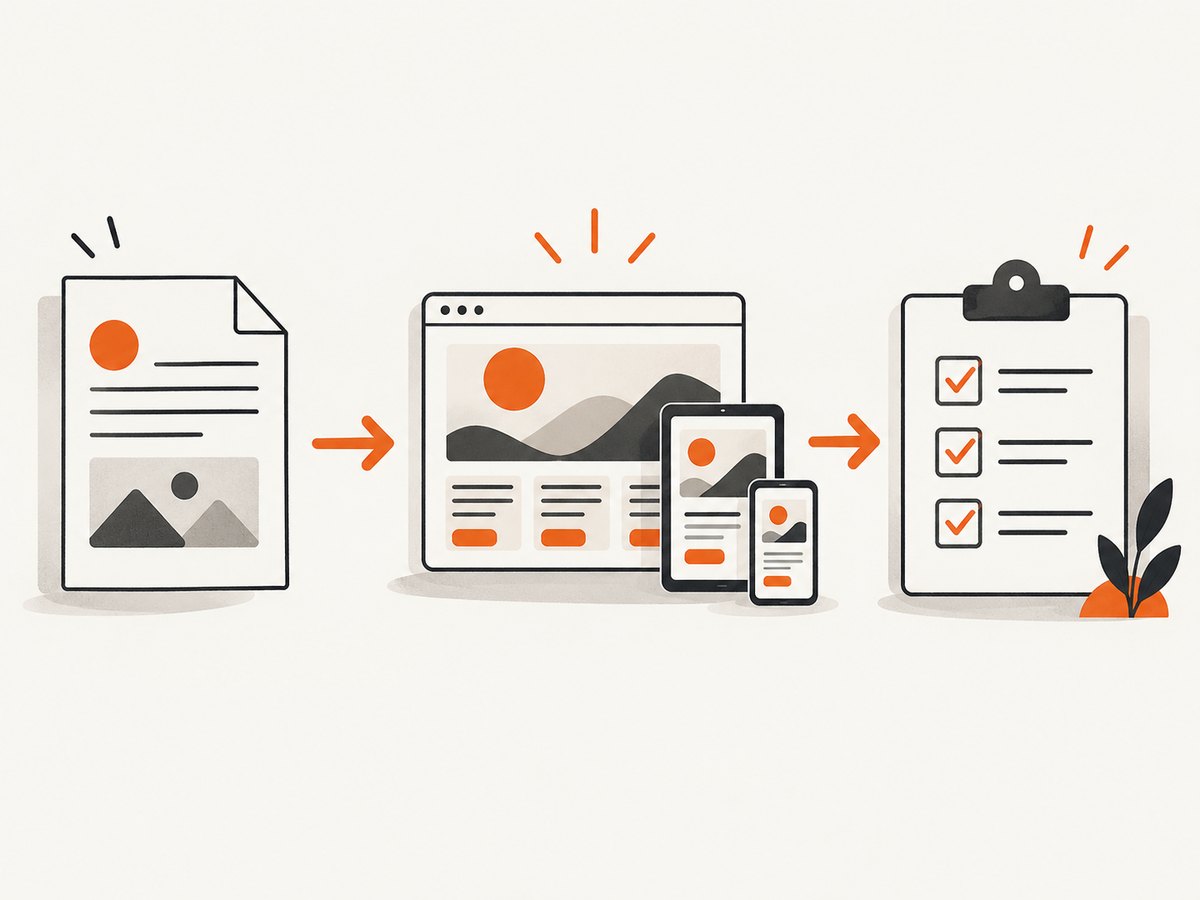
The Free Tier FAQ says these tools have separate usage limits and that the default model and available limits can change over time. Plan a workflow that can survive a limit: keep the design brief and decisions in a local file, save generated code, and make small, testable requests instead of asking for an entire product in one prompt.
Sources: ChatGPT Free Tier FAQ and ChatGPT Free plan details.
Useful ChatGPT Free tasks
- Ask for three layout directions from the same content and compare their trade-offs.
- Upload a screenshot and request a hierarchy, spacing, contrast and responsive-behavior critique.
- Ask for a small, self-contained HTML/CSS prototype that you can run locally.
- Use web search to verify terminology, accessibility guidance or current browser support, then check the cited pages yourself.
- Generate image concepts or placeholder art while keeping production assets in a controlled design system.
3. ChatGPT Sites is different from ChatGPT Free
OpenAI describes Sites as a way to create, preview, publish and share interactive websites and lightweight apps. Its current help page says public-beta availability is for ChatGPT workspaces, Plus and Pro accounts. It does not list Free, so do not promise a Sites workflow to a Free user based on the existence of the feature.
Check the eligibility and limits shown in your account before planning around Sites. For a Free account, use ChatGPT for research, feedback, images and code unless the product explicitly shows Sites access.
Source: OpenAI’s Creating and using ChatGPT Sites documentation.
How to use a free LLM for a complete web-design workflow
- Write a constrained brief. State the audience, one primary action, content sections, brand adjectives, required states and target breakpoints.
- Request structure before polish. Ask for semantic sections, content hierarchy and responsive rules before gradients, shadows or decorative effects.
- Generate a small prototype. Keep the first page self-contained so you can inspect it quickly.
- Iterate one change at a time. Ask for a specific change, then check that unrelated behavior did not regress.
- Review accessibility. Check keyboard focus, heading order, labels, contrast, reduced motion and touch target size.
- Review responsive behavior. Inspect narrow, medium and wide viewports; test long headings, missing images and empty states.
- Move accepted code into version control. Remove secrets, replace placeholder copy and run your normal linting and tests.
- Capture references for review. Save consistent screenshots at the same viewport and device scale so visual changes are easy to compare.
A minimal runnable prototype
<!doctype html>
<html lang="en">
<head>
  <meta charset="utf-8">
  <meta name="viewport" content="width=device-width, initial-scale=1">
  <title>Northstar Accounting</title>
  <style>
    :root { --ink:#172033; --muted:#5b6475; --paper:#fffaf2; --accent:#d66b3d; }
    * { box-sizing:border-box; }
    body { margin:0; color:var(--ink); background:var(--paper); font:16px/1.5 system-ui,sans-serif; }
    .wrap { width:min(1120px,92vw); margin:auto; }
    header { display:flex; justify-content:space-between; align-items:center; padding:1.25rem 0; }
    nav a { margin-left:1rem; color:var(--ink); }
    .hero { padding:5rem 0 3rem; max-width: fiftyrem; }
    h1 { font-size:clamp(2.5rem,7vw,5rem); line-height:1.02; margin:.5rem 0 1rem; }
    .lede { color:var(--muted); font-size:1.2rem; max-width:42rem; }
    .button { display:inline-block; margin-top:1rem; padding:.8rem 1.1rem; border-radius:.5rem; background:var(--accent); color:white; text-decoration:none; }
    .cards { display:grid; grid-template-columns:repeat(3,1fr); gap:1rem; padding:2rem 0 5rem; }
    article { padding:1.25rem; border:1px solid #eadfce; border-radius:.75rem; background:#fff; }
    @media (max-width:700px) { header { align-items:flex-start; } nav { display:none; } .cards { grid-template-columns:1fr; } }
  </style>
</head>
<body>
  <div class="wrap">
    <header><strong>Northstar</strong><nav><a href="#services">Services</a><a href="#contact">Contact</a></nav></header>
    <main>
      <section class="hero" aria-labelledby="title"><p>Clear numbers for growing teams</p><h1 id="title">Accounting that helps you decide.</h1><p class="lede">Monthly reporting, tax preparation and practical advice for your next step.</p><a class="button" href="#contact">Book a consultation</a></section>
      <section id="services" class="cards" aria-label="Services"><article><h2>Monthly books</h2><p>Know what changed and why.</p></article><article><h2>Tax planning</h2><p>Prepare before deadlines arrive.</p></article><article><h2>Decision support</h2><p>Turn reports into next actions.</p></article></section>
    </main>
  </div>
</body>
</html>
Replace max-width:fiftyrem with max-width:50rem before shipping; the intentionally visible mistake is a useful reminder to lint generated code.
Capturing consistent screenshots for design review
If you use a local browser, keep the capture conditions fixed: viewport, device scale, color scheme, locale, authentication state and wait condition. A Playwright example:

import { chromium } from 'playwright';

const browser = await chromium.launch();
const page = await browser.newPage({ viewport: { width: 1440, height: 900 }, deviceScaleFactor: 1 });
await page.goto('http://localhost:3000', { waitUntil: 'networkidle' });
await page.screenshot({ path: 'home.png', fullPage: true });
await browser.close();
Or skip the browser setup
ScreenshotNeo is the alternative to try first when you need repeatable website captures from an API. It accepts one GET request and returns PNG, JPEG, WebP or PDF. Before capture it accepts cookie or consent banners and removes more than 60 known consent platforms, newsletter popups and chat widgets; each step can be turned off. Bot checks or CAPTCHAs, blank pages, timeouts, failed loads and cache hits cost nothing, and the response identifies the result with X-Page-Verdict and X-Billed headers. An MCP server provides take_screenshot, get_page_info and capture_pdf for Claude, Cursor and other MCP clients.
See the full option list and request format in the ScreenshotNeo documentation.
cURL
curl -G "https://api.screenshotneo.com/v1/shot" -d access_key=YOUR_API_KEY --data-urlencode url=https://stripe.com -o shot.webpPython
import requests
r = requests.get("https://api.screenshotneo.com/v1/shot", params={"access_key": "YOUR_API_KEY", "url": "https://stripe.com"}, timeout=90)
open("shot.webp", "wb").write(r.content)
Node.js
const q = new URLSearchParams({ access_key: 'YOUR_API_KEY', url: 'https://stripe.com' });
const res = await fetch(`https://api.screenshotneo.com/v1/shot?${q}`);
Options include full-page capture with lazy images loaded, CSS-selector element capture, dark mode, 12 device presets or any viewport, retina scale, PDF paper size/margins/landscape/page ranges, custom CSS and JavaScript, clicks, selector or delay waits, network-idle waits, ad/tracker/request/resource blocking, custom headers/cookies/user agent/Authorization, timezone and geolocation, transparent backgrounds, resizing, configurable-TTL caching, signed links, asynchronous jobs with signed webhooks, bulk capture of up to 100 URLs per call, a usage API and an OpenAPI specification. Common parameter names used by other screenshot APIs also work.
There are 1,000 free shots each month with no card. Paid plans start at $5 for 3,000 shots; every feature is on every plan. Create a free ScreenshotNeo account.
Troubleshooting free LLM web-design workflows
| Problem | Likely cause | Fix |
|---|---|---|
| No Claude artifact appears | Cloud code execution or file creation is disabled. | Enable both settings, then start a new artifact request. |
| The model returns code but no visual result | You asked for a code answer rather than an editable artifact or rendered preview. | Ask explicitly for a single-page artifact or run the code in a local browser. |
| ChatGPT Free stops mid-task | A tool or model usage limit was reached. | Save the brief and current code locally, wait for the reset, or continue with smaller requests. |
| ChatGPT Sites is unavailable | Your account may not be in the documented workspace, Plus or Pro public beta. | Use the Free assistant workflow or verify current eligibility in OpenAI’s help page. |
| Generated page looks good but fails review | Visual polish hid issues in contrast, focus, semantics, loading or responsive states. | Run an explicit accessibility and edge-state checklist before accepting the design. |
| Screenshot contains a popup or blank page | The page needs consent handling, a longer wait, authentication or a resource that failed to load. | With Playwright, script those states and waits. With ScreenshotNeo, configure consent, popup removal, waits, headers, cookies or blocking options and inspect the verdict headers. |
Performance, reliability and cost notes
- Prompt size: Keep a stable design brief and send focused change requests. Long conversations consume limits and make regressions harder to spot.
- Rendering: Test at fixed viewports and wait for fonts, images and data before comparing screenshots. Network-idle alone may not mean a client-rendered page is complete.
- Reliability: Keep generated code in version control, pin important dependencies and review every external script, form action and permission.
- Free-tier planning: ChatGPT documents separate limits for its tools; Claude artifact availability is documented on Free, but execution and file settings still matter. Limits and eligibility are volatile.
- Screenshot cost: ScreenshotNeo bills only clean shots. Bot checks, blank pages, timeouts, failed loads and cache hits are not billed, and each response reports its verdict and billing status.
- Scaling captures: Use a chosen cache TTL for repeated references, asynchronous jobs and signed webhooks for long-running work, and bulk capture for batches of up to 100 URLs.
Decision checklist
- Choose Claude Free when you want the most clearly documented free path to an editable visual artifact.
- Choose ChatGPT Free when research, uploaded-image critique, image ideation or code assistance is the main task.
- Choose ChatGPT Sites only after confirming that your account has the documented beta eligibility.
- Use a local editor and browser when you need full control over build tools, routing, assets and deployment.
- Use ScreenshotNeo when repeatable captures, consent cleanup, verdict headers or an MCP workflow will save setup time.
FAQ
Can Claude Free build a website for free?
Anthropic documents Free-plan artifacts that can include single-page websites and code. You still need to review, export and host the result yourself.
Can ChatGPT Free publish a website?
The cited Free documentation supports research, image and file capabilities, but does not establish the ChatGPT Sites publishing workflow for Free. Sites eligibility is documented separately for workspaces, Plus and Pro.
Is one model objectively the best designer?
The reviewed official sources contain no independent design-quality benchmark. “Best” here means the clearest documented fit for a particular workflow.
Are Gemini and other free LLMs included?
They are not ranked because this research pass did not verify their current free-tier web-design capabilities from sufficient official documentation.
Should AI-generated front-end code ship unchanged?
No. Check semantics, accessibility, security, dependencies, performance, browser behavior and content before production use.
What is the lowest-cost way to automate screenshots?
ScreenshotNeo has a free allowance of 1,000 screenshots per month with no card; paid plans start at $5 for 3,000, and failed or unclean captures are not billed.


