Best JavaScript Web Scraping Libraries in 2026
Choose a JavaScript scraping library by checking whether the data is in the initial HTML, needs a browser, or calls for a crawler framework.
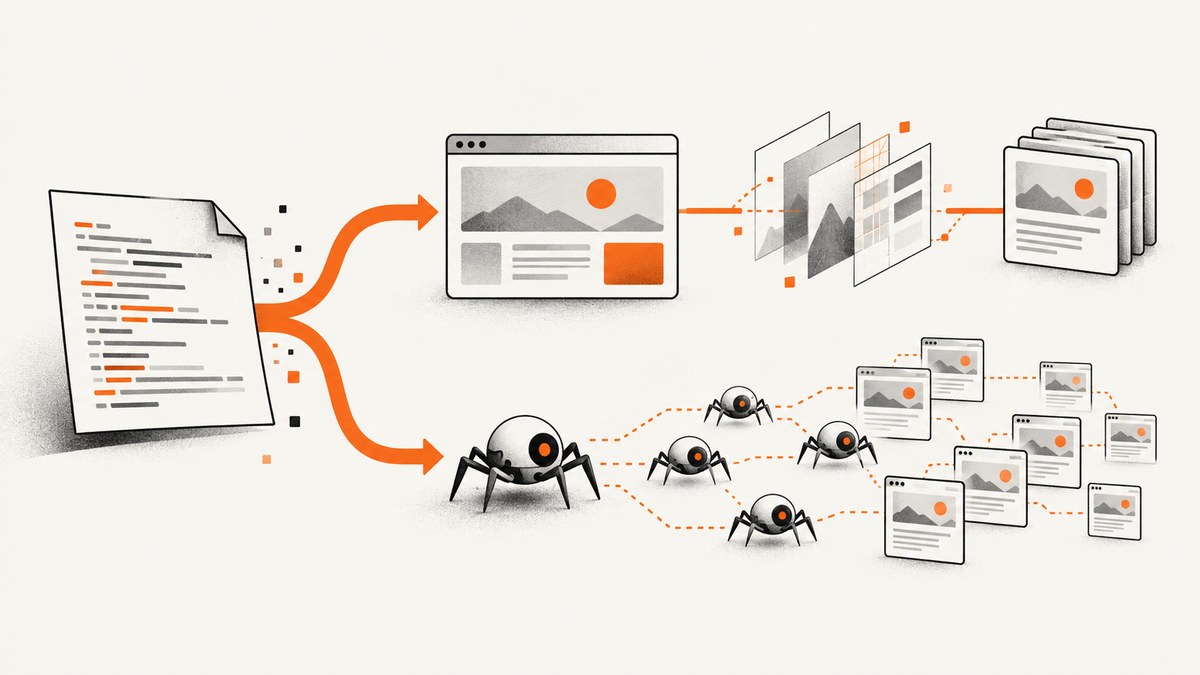
There is no single best JavaScript web scraping library for every site. Start with the page’s initial HTML: use Node.js fetch and Cheerio when the needed data is already there; use Playwright or Puppeteer when a browser must run JavaScript or interact with the page; choose Crawlee when you want a common crawler interface across HTTP and browser-backed approaches.
For a new browser automation project where browser choice matters, Playwright is a strong default: its documented browser engines include Chromium, Firefox, and WebKit. Puppeteer remains a sensible fit for existing Puppeteer code or a Chrome/Chromium-only workflow. For crawling multiple pages, Crawlee offers CheerioCrawler, PuppeteerCrawler, and PlaywrightCrawler. These are capability-based recommendations, not performance rankings: the available sources do not establish a controlled benchmark.
1. Decide what kind of page you need to scrape
Before choosing a package, fetch one page and inspect the returned HTML. If the target text, links, or attributes are present in that response, a browser may be unnecessary. If the data only appears after JavaScript runs, or the task involves clicking, scrolling, or waiting for page state, use browser automation. If you need to manage a crawl across many URLs, consider a crawler framework.
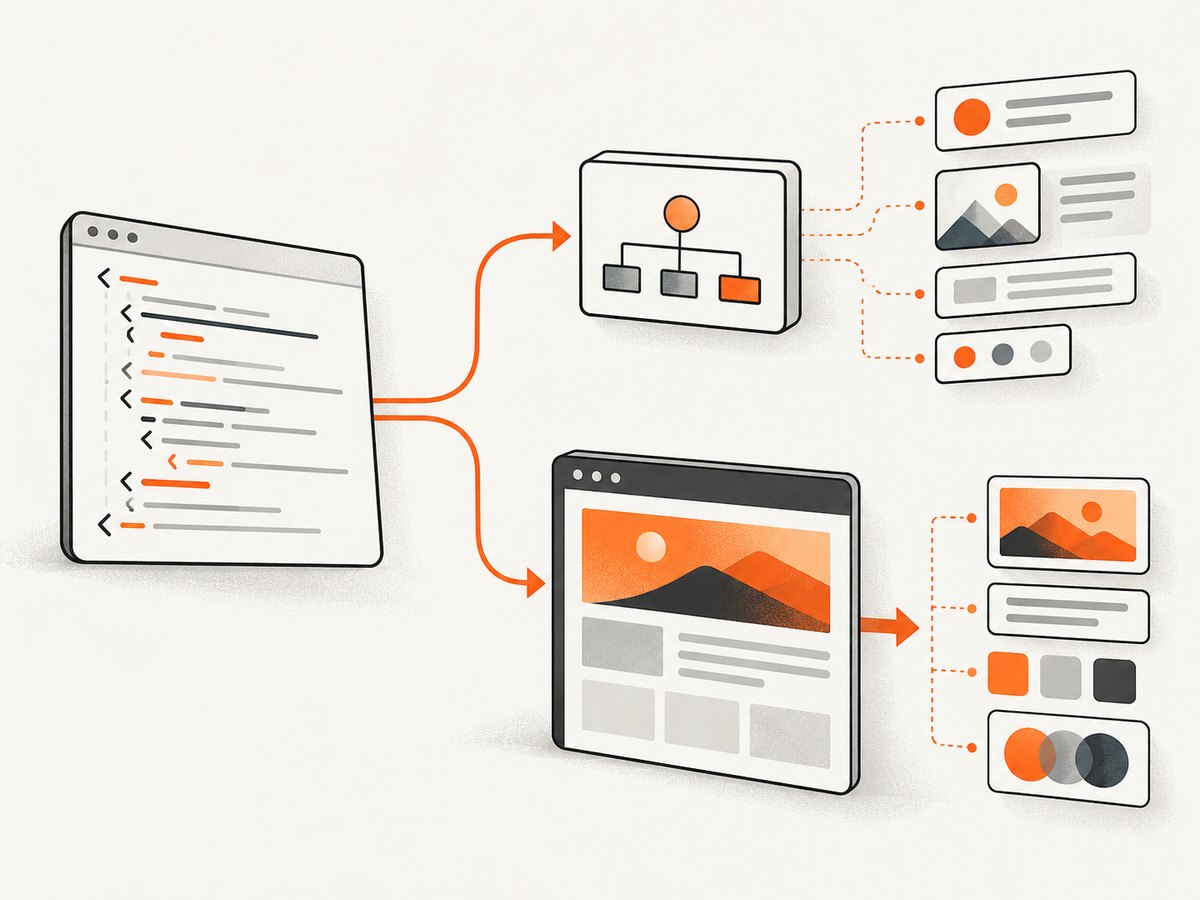
| Need | Starting point | Why |
|---|---|---|
| Parse markup already in the response | Built-in fetch + Cheerio |
Cheerio gives HTML and XML a queryable, jQuery-like API, but does not render pages or run JavaScript. |
| Render JavaScript or interact with a page | Playwright or Puppeteer | A browser can execute page code and expose browser interactions. |
| Crawl with a shared interface across modes | Crawlee | It has HTTP and browser crawler classes, including CheerioCrawler, PlaywrightCrawler, and PuppeteerCrawler. |
Cheerio’s documentation makes the boundary explicit: it does not interpret markup as a browser does, render visually, load external resources, or execute JavaScript. So a selector returning no results does not necessarily mean the selector is wrong; the target content may not exist until client-side code runs.
2. HTTP scraping with Node.js fetch and Cheerio
Use this pattern for pages whose useful content is included in the server response. It downloads the HTML, checks the HTTP status, loads the markup into Cheerio, and extracts matching elements.
import * as cheerio from 'cheerio';

const url = 'https://example.com';
const response = await fetch(url, {
  headers: { 'user-agent': 'ExampleResearchBot/1.0' },
  signal: AbortSignal.timeout(15000),
});

if (!response.ok) {
  throw new Error(`Request failed: ${response.status} ${response.statusText}`);
}

const html = await response.text();
const $ = cheerio.load(html);

const title = $('title').first().text().trim();
const links = $('a[href]')
  .map((_, element) => ({
    text: $(element).text().trim(),
    href: new URL($(element).attr('href'), url).href,
  }))
  .get();

console.log({ title, links });
Install Cheerio with npm install cheerio. Cheerio’s current introduction states a Node.js requirement of 22.19 or later; check its official documentation and package metadata when installing, because requirements can change. The example uses Node’s built-in fetch and AbortSignal.timeout, so confirm your runtime supports the APIs you use.
Common adjustments
- Relative links: resolve them against the page URL with
new URL(href, baseUrl); some values may be invalid, so catch URL parsing errors if the page is inconsistent. - Missing elements: check whether the selector matches the actual response HTML and whether the page uses a different structure on your request.
- Non-HTML responses: inspect the content type before parsing if the target can redirect to a document, an error page, or another format.
- Large responses: impose timeouts and avoid fetching unbounded numbers of pages concurrently. Parsing markup is only one part of the resource cost; network transfer and memory use matter too.
3. Browser scraping with Playwright or Puppeteer
When the page fills in data with JavaScript or requires interaction, run it in a browser. Playwright documents support for Chromium, Firefox, and WebKit; its migration guide notes that WebKit is unsupported by Puppeteer. Puppeteer remains useful when your project already uses it or only needs Chrome/Chromium.
Install Playwright with npm install playwright, then install the browser binaries required by your environment using the installation instructions for your Playwright version. The following example launches Chromium, waits for a selector, and extracts text. Replace the selector with one that identifies the data on your target page.
import { chromium } from 'playwright';

const browser = await chromium.launch({ headless: true });
try {
  const page = await browser.newPage();
  await page.goto('https://example.com', {
    waitUntil: 'domcontentloaded',
    timeout: 30000,
  });
  await page.locator('h1').waitFor({ state: 'visible', timeout: 10000 });
  const heading = await page.locator('h1').first().textContent();
  console.log(heading?.trim() ?? 'No heading found');
} finally {
  await browser.close();
}
Choose a readiness condition that matches the target. domcontentloaded waits for initial document parsing, not every asynchronous request. Waiting for a meaningful selector is often more directly tied to the data you need. A fixed sleep can work around a known delay, but it can also waste time or still finish too early when page behavior varies.
Browser workflow options to consider
- Browser engine: select Chromium, Firefox, or WebKit in Playwright when cross-engine behavior matters. Puppeteer is the Chrome/Chromium-oriented choice in this comparison.
- Navigation and readiness: set a navigation timeout and wait for the page condition that signals your target content is ready.
- Interaction: locate elements by stable selectors or accessible properties, then click or fill as needed. Confirm that the resulting state is the one you intend to parse.
- Cleanup: close pages and browsers in a
finallyblock so errors do not leave browser processes running. - Runtime setup: browser binaries and system dependencies affect deployment. Follow the selected package’s installation guidance for the operating system and container you use.
4. Crawl multiple pages with Crawlee
Crawlee provides a common crawler interface for HTTP and browser-backed modes. Choose CheerioCrawler when plain HTTP is sufficient, or PlaywrightCrawler/PuppeteerCrawler when the page needs a browser. This lets a project use different crawler types for different page behavior while keeping the framework’s crawler model.
Crawlee’s official quick start reports version 3.18 and Node.js 16 as its minimum, and says Playwright or Puppeteer is installed separately when needed. Cheerio’s own current Node requirement is higher, so do not assume one runtime number applies to every combination. Verify requirements for your chosen Crawlee release, parser, browser package, and deployment target.
import { CheerioCrawler } from 'crawlee';

const crawler = new CheerioCrawler({
  async requestHandler({ request, $, log }) {
    const title = $('title').first().text().trim();
    const headings = $('h1').map((_, el) => $(el).text().trim()).get();
    log.info(`Scraped ${request.url}`, { title, headings });
  },
});

await crawler.run(['https://example.com', 'https://example.org']);
Install the framework with npm install crawlee. For browser crawler classes, install the corresponding browser automation package separately as the Crawlee quick start directs. The example demonstrates the HTTP crawler path; change crawler class and setup when browser execution is required.
5. Comparison: which library should you choose?
| Tool | Best fit | Limit or consideration |
|---|---|---|
| Fetch + Cheerio | Focused parsing when content is present in returned HTML | No rendering, external resource loading, or JavaScript execution in Cheerio. |
| Playwright | Browser automation, interaction, or multiple browser engines | Requires browser installation and runtime resources; deployment setup needs attention. |
| Puppeteer | Existing Puppeteer project or Chrome/Chromium workflow | Does not support WebKit according to Playwright’s migration documentation. |
| Crawlee | Crawls that benefit from a shared interface across HTTP and browser modes | Browser packages are separate installs for browser crawler types; choose the crawler that fits the page. |
A practical sequence is: inspect the initial response, use Cheerio if it contains the data, move to a browser when page behavior requires one, and use Crawlee when a shared crawler framework fits the job. No single library is universally fastest or best; the evidence here establishes capability differences, not controlled speed, reliability, or cost comparisons.
6. Troubleshooting common scraping failures
| Symptom | Likely cause | What to do |
|---|---|---|
| Cheerio selector finds nothing | The content is inserted by JavaScript, selector differs, or response is an error/alternate page | Inspect the fetched response and status. If the data appears only after rendering, use Playwright or Puppeteer. |
| Navigation timeout | Slow page, unsuitable wait condition, or a request that never settles | Use a realistic timeout, wait for the specific content selector, and avoid waiting for every network connection if the page keeps background requests open. |
| Browser package cannot launch | Browser binaries or OS dependencies are absent or incompatible | Install the browser build and dependencies required by your package version and runtime image. |
| Works locally, fails in deployment | Different Node version, missing browser files, environment restrictions, or resource limits | Match runtime versions, include required browser dependencies, and check memory, process, and network limits. |
| Data is intermittently incomplete | Extraction happens before the page’s target state is ready, or the page varies | Wait for a stable selector or explicit state, handle absent fields, and record enough context to identify which pages failed. |
| Many requests fail or slow down | Excessive concurrency, network instability, or target-side limits | Bound concurrency, use timeouts, retry only transient failures with a limit, and respect the site’s access rules. |
7. Performance, reliability, and operating cost
HTTP plus Cheerio avoids browser rendering and is therefore the lighter starting point when it can retrieve the required content. A browser adds browser processes, page execution, and installation concerns. Crawlee supplies crawler classes, but the sources do not support a universal scale threshold or a head-to-head performance claim. Measure your own workload with the actual sites, selectors, response sizes, and deployment environment.
For reliability, distinguish transient network errors from permanent parsing or access errors. Set request and navigation timeouts, cap retries, and keep concurrency bounded. Make extraction tolerant of optional fields and changing page structure; log the URL and failure stage so missing output can be diagnosed. Re-check package and browser requirements when upgrading, since runtime requirements and support can change.
For cost, account for engineering time, browser compute, memory, bandwidth, and maintenance. Start with the lowest-complexity method that returns the data you need, then add browser execution or crawler orchestration when the page behavior or workflow calls for it. There is no verified benchmark here to translate those tradeoffs into a fixed cost per page.
8. Screenshot a page without managing a browser
If the job is to capture a rendered page as an image or PDF rather than extract structured fields, a screenshot API can avoid setting up browser automation. ScreenshotNeo is a website screenshot API and MCP server. It accepts one GET request with a URL and returns PNG, JPEG, WebP, or PDF. See the ScreenshotNeo API documentation for request options.

const q = new URLSearchParams({ access_key: 'YOUR_API_KEY', url: 'https://stripe.com' });
const res = await fetch(`https://api.screenshotneo.com/v1/shot?${q}`);
if (!res.ok) throw new Error(`Screenshot request failed: ${res.status}`);
await Bun.write('shot.webp', res);
For Node.js environments without Bun.write, save the response bytes with Node’s filesystem API:
import { writeFile } from 'node:fs/promises';

const q = new URLSearchParams({ access_key: 'YOUR_API_KEY', url: 'https://stripe.com' });
const res = await fetch(`https://api.screenshotneo.com/v1/shot?${q}`);
if (!res.ok) throw new Error(`Screenshot request failed: ${res.status}`);
await writeFile('shot.webp', Buffer.from(await res.arrayBuffer()));
Or skip the browser setup
One call returns the screenshot:
const q = new URLSearchParams({ access_key: 'YOUR_API_KEY', url: 'https://stripe.com' });
const res = await fetch(`https://api.screenshotneo.com/v1/shot?${q}`);
ScreenshotNeo removes cookie banners, newsletter popups, and chat widgets before capture, and each step can be turned off. Bot checks, blank pages, timeouts, failed loads, and cache hits cost nothing; response headers identify the page verdict and billing status. Its MCP server lets AI agents use take_screenshot, get_page_info, and capture_pdf. The free plan includes 1,000 screenshots monthly with no card; paid plans start at $5 for 3,000. Every feature is on every plan.
Sign up free for 1,000 screenshots a month, no card required.
9. FAQ
Is Cheerio a headless browser?
No. It parses returned markup, but does not render a page or execute its JavaScript.
Should I learn Playwright or Puppeteer first?
Use Playwright when multiple browser engines matter; use Puppeteer when your workflow is Chrome/Chromium-focused or already built around Puppeteer.
Can I combine Cheerio and browser automation?
Yes. Use the HTTP parsing path for pages whose data is in the response and browser automation for pages that depend on browser behavior. Crawlee offers crawler classes for both approaches.
Are the runtime requirements interchangeable?
No. Package requirements differ and change over time. Check the official package documentation for the versions you plan to install.


