Best LLM for Building Websites
Compare GPT-5.6, Claude Fable 5.1, Opus 5.5 and Gemini 3.1 Pro by coding, design, agents, cost and control.

There is no proven universal winner. The best LLM for building a website depends on whether you need code generation, visual iteration, browser tools, long-running agents, low token cost, or a hosted builder. For code-first work, compare GPT-5.6, Claude Fable 5.1, Claude Opus 5.5 and Gemini 3.1 Pro Preview against the same brief and your own workflow. For a managed, low-code experience, evaluate AI website builders separately.
The available evidence is provider-authored or editorial. No neutral head-to-head test using the same prompt, repository, tools, iteration budget and scoring rubric establishes one model as best.
Quick recommendation
| Your priority | Start with | Reason |
|---|---|---|
| Generate an interface and inspect the rendered result | GPT-5.6 | OpenAI highlights interface generation and computer use that can inspect and refine rendered output. |
| Large coding projects, review and long autonomous sessions | Claude Fable 5.1 | Anthropic positions it for complex coding, performance work, design implementation and multi-day sessions. |
| Agentic coding, debugging and refactoring | Claude Opus 5.5 | Anthropic describes it as its strongest Opus model for work across large codebases. |
| Tool-driven software engineering at a lower published token rate | Gemini 3.1 Pro Preview | Google emphasizes precise tool use, code execution and multi-step engineering workflows. |
| Hosted creation with minimal source-code work | Wix or Hostinger AI Builder | These are managed website builders, a different category from a general-purpose LLM. |
Use the recommendation as a starting hypothesis. Give each candidate the same task, require a working build, and score the result with the rubric below.
First decide what “building a website” means
Code-first development
You receive editable HTML, CSS, JavaScript or framework code and remain responsible for the repository, tests, hosting and maintenance. An LLM can plan components, write files, explain errors, refactor code and operate tools such as a terminal or browser.
Managed AI website builder
A builder creates and hosts a site through a guided workflow. This can be faster for a brochure site, but flexibility, portability and access to generated source vary. TechRadar’s September 2026 roundup ranked Wix first among the builders it reviewed and also discussed Hostinger AI Builder. That ranking reflects the reviewer’s method; it is not evidence that the underlying LLM is best at coding websites. Generated content still needs editing.
How the leading models compare
GPT-5.6
OpenAI describes GPT-5.6 as able to turn high-level direction into functional interfaces and use computer interaction to inspect and refine rendered output. That combination is useful when visual defects matter as much as source code. Treat these as provider capability claims, not an independent website-building benchmark.
OpenAI’s page quotes Lovable co-founder Fabian Hedin calling GPT-5.6 “notably efficient on the long, complex workflows behind building production-grade apps.” The same customer-reported account cites roughly 25% fewer steps, 35–48% fewer tool calls, improved project success and 15% fewer stuck runs versus a prior model. Those figures describe Lovable’s experience, not a neutral test.
Claude Fable 5.1
Anthropic describes Fable 5.1 as its most capable model for coding and knowledge work, including large projects, code review, performance work, multi-day autonomous sessions, high-fidelity design implementation and visual checking. Anthropic lists availability for Pro, Max, Team and Enterprise users. Its published API price is $10 per million input tokens and $50 per million output tokens, with cache reads priced separately.
Claude Opus 5.5
Anthropic describes Opus 5.5 as its strongest Opus model for agentic coding, building features, debugging, refactoring and code review across large codebases. The published API price is $4 per million input tokens and $20 per million output tokens, with separate cache-read and fast-mode pricing. Confirm current plan and regional availability before committing.
Gemini 3.1 Pro Preview
Google describes Gemini 3.1 Pro Preview as optimized for software engineering and agentic workflows that require precise tool use and multi-step execution. Its documentation lists code execution and other tools. It is explicitly labeled preview, so access and behavior can change.
Google lists standard API rates of $2 per million input tokens and $12 per million output tokens for prompts up to 200,000 tokens. Above that size, the listed rates are $4 input and $18 output per million tokens. Verify the live pricing page before publishing a budget.
Selection rubric: score the work, not the demo
Run every model on the same small project. Give it a written brief, an existing repository, your design references and a fixed time or token budget. Score each category from 1 to 5.
| Category | What to inspect |
|---|---|
| Requirements coverage | Routes, content, responsive states, forms, accessibility and error states are present. |
| Code quality | Components are understandable, dependencies are justified and secrets are not hard-coded. |
| Visual fidelity | Spacing, typography, hierarchy, contrast and mobile layouts match the brief. |
| Iteration | The model makes a targeted change without breaking unrelated pages. |
| Debugging | It reproduces errors, identifies causes and proposes a verifiable fix. |
| Tool use | It uses the terminal, tests and browser evidence instead of guessing. |
| Maintainability | New features fit the existing structure and include documentation where needed. |
| Cost and latency | Actual token usage, tool calls and wall-clock time fit your budget. |
A repeatable evaluation workflow
- Write one brief. Define pages, target users, content, breakpoints, brand constraints, accessibility requirements and acceptance tests.
- Prepare the same repository. Pin the runtime and dependencies. Remove unrelated files so context size is comparable.
- Ask for a plan first. Require a file list, assumptions, risks and commands before edits.
- Build in small slices. Request one route or component at a time, then run tests and a production build.
- Inspect the rendered site. Capture desktop and mobile states, check keyboard navigation and verify loading and error states.
- Introduce changes. Ask for a realistic feature request, a bug and a design adjustment. Record regressions and recovery quality.
- Record usage. Save token counts, tool calls, elapsed time and any manual corrections.
- Choose by your scorecard. A model that wins a one-shot demo may lose during maintenance.
DIY rendered-page checks with Playwright
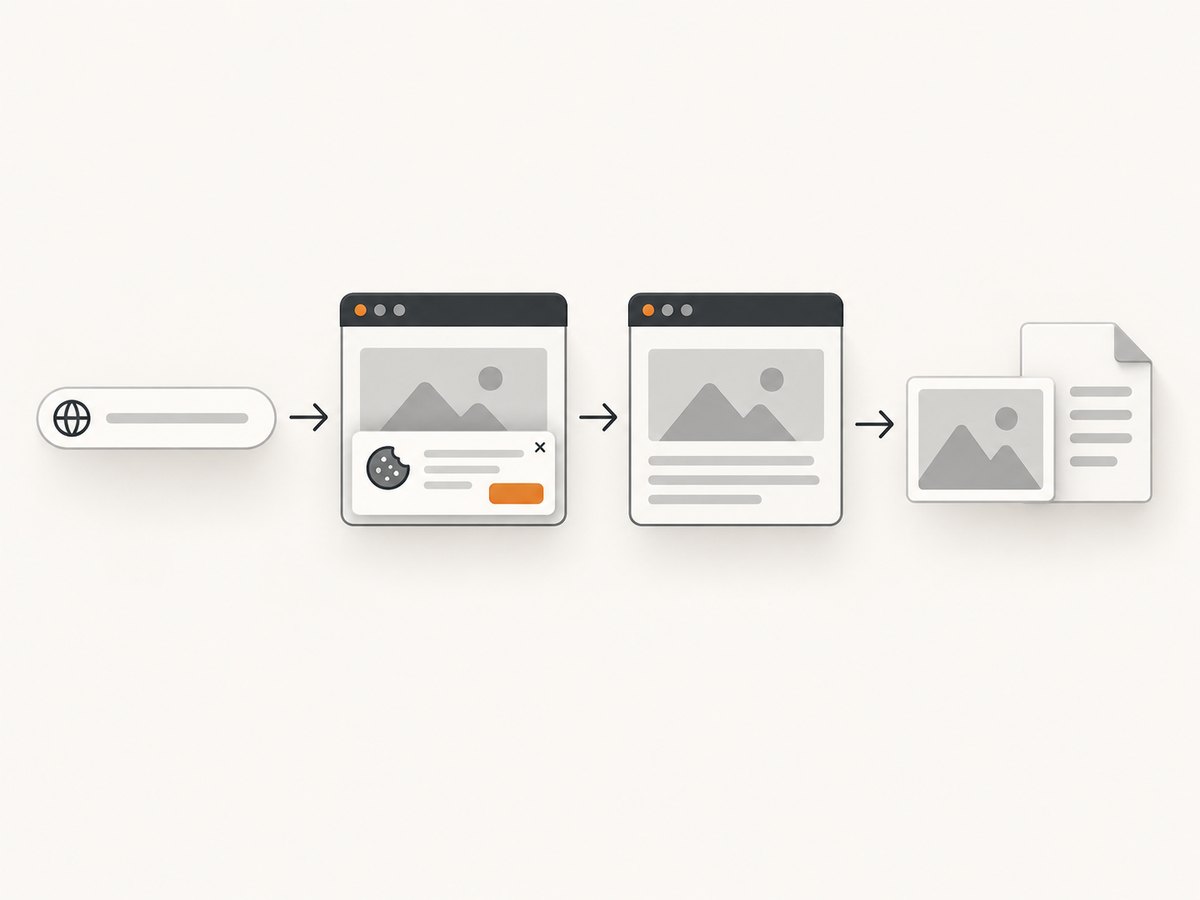
A browser screenshot exposes problems that source review misses: overflow, missing fonts, consent banners, broken images and incorrect responsive behavior. The following Node.js script is a minimal, runnable check.
import { chromium } from 'playwright';

const browser = await chromium.launch();
const page = await browser.newPage({ viewport: { width: 1440, height: 900 }, deviceScaleFactor: 1 });
await page.goto('http://localhost:3000', { waitUntil: 'networkidle' });
await page.screenshot({ path: 'homepage.png', fullPage: true });
console.log(await page.title());
await browser.close();
Install Playwright with npm install -D playwright, then run the script after starting your local site. Add a second viewport, a selector assertion and a keyboard pass for production work.
Or skip the browser setup
ScreenshotNeo provides a website screenshot API and MCP server. It accepts one GET request and returns PNG, JPEG, WebP or PDF. Before capture it can accept cookie or consent banners and remove more than 60 known consent platforms, newsletter popups and chat widgets; each step can be disabled. Bot checks, blank pages, timeouts, failed loads and cache hits cost nothing, and response headers identify the page verdict and whether it was billed.
See the ScreenshotNeo API documentation for all options. A basic request:
curl -G "https://api.screenshotneo.com/v1/shot" -d access_key=YOUR_API_KEY --data-urlencode url=https://stripe.com -o shot.webpimport requests
r = requests.get("https://api.screenshotneo.com/v1/shot", params={"access_key": "YOUR_API_KEY", "url": "https://stripe.com"}, timeout=90)
open("shot.webp", "wb").write(r.content)const q = new URLSearchParams({ access_key: 'YOUR_API_KEY', url: 'https://stripe.com' });
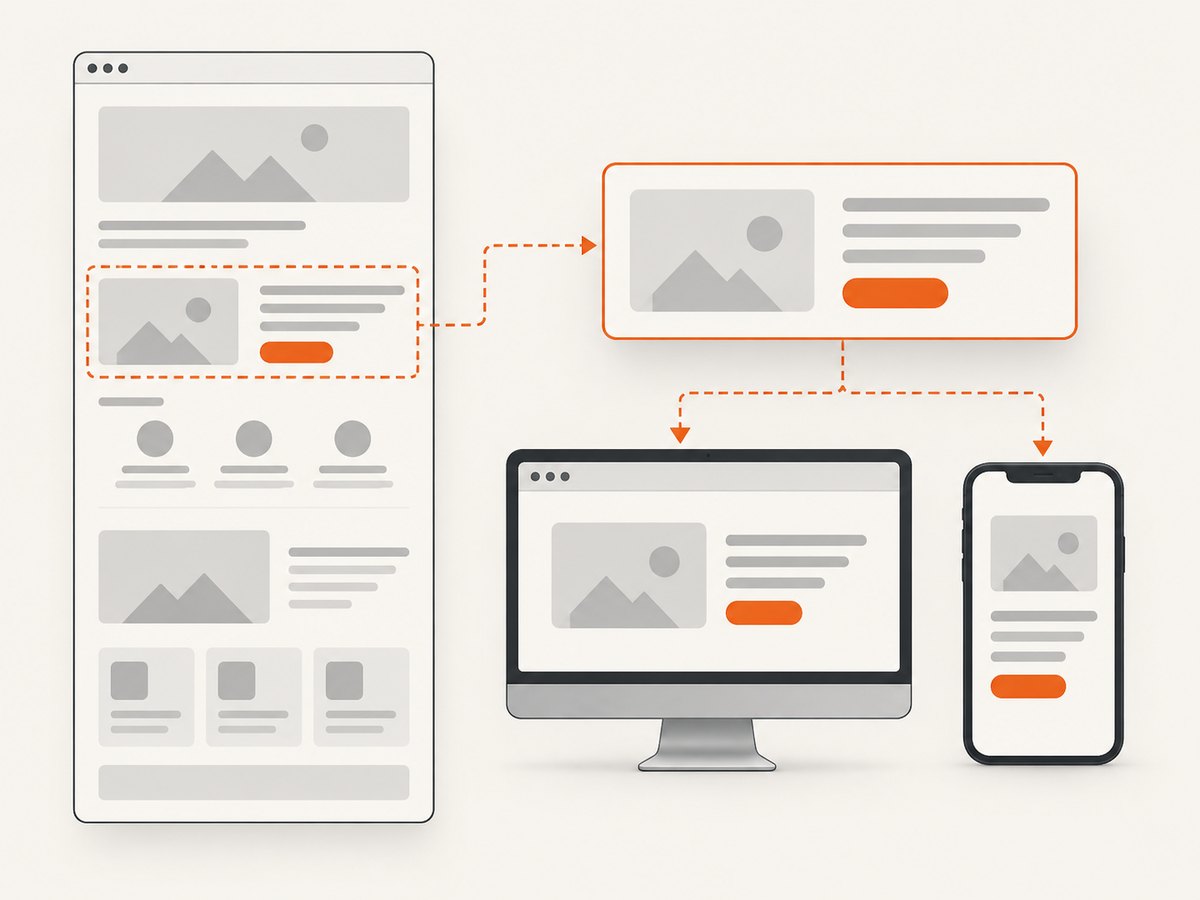
const res = await fetch(`https://api.screenshotneo.com/v1/shot?${q}`);Use options for full-page capture, a CSS element, dark mode, 12 device presets or any viewport, retina scale, PDF paper size and margins, custom CSS and JavaScript, clicks, selector waits, delays, network idle, blocked ads or resource types, headers, cookies, user agents, authorization, timezone, geolocation, transparent backgrounds, resizing, caching, signed links, asynchronous jobs, webhooks, bulk capture and usage reporting. ScreenshotNeo also has an MCP server with take_screenshot, get_page_info and capture_pdf tools for Claude, Cursor and other MCP clients.
The Free plan includes 1,000 screenshots each month with no card. Paid plans start at $5 for 3,000 screenshots; yearly billing gives two months free, and every feature is available on every plan. Create a free ScreenshotNeo account.
Prompt patterns that improve website results
Give the model an explicit contract
Build this site in the existing repository.
Requirements:
- Pages: /, /pricing, /docs
- Responsive breakpoints: 375, 768, 1440px
- Keyboard-accessible navigation and visible focus states
- No inline secrets; use environment variables
- Run the existing lint, typecheck and build commands
Before editing, list files you will change and assumptions.
After editing, report commands run, failures and remaining risks.
Request visual iteration
Ask the model to capture the page at named viewports, inspect the images, list the three largest visual mismatches and make only those fixes. This creates an evidence loop instead of relying on a textual description of appearance.
Constrain destructive changes
Tell the agent to preserve public routes, avoid dependency upgrades unless required, and show a diff summary. Require confirmation before database migrations or deleting files.
Common failure modes and fixes
| Problem | Likely cause | Fix |
|---|---|---|
| Attractive page, unusable code | The prompt optimized for a screenshot rather than requirements. | Provide acceptance tests, accessibility rules and a required file structure. |
| Repeatedly broken fixes | The model lacks current error output or changed too many files. | Paste the exact stack trace, request a minimal reproduction and limit the edit scope. |
| Mobile overflow | Desktop-first assumptions or fixed widths. | Test 375px and 768px viewports; use responsive constraints and inspect screenshots. |
| Missing or incorrect content | The model invented copy or skipped a route. | Supply canonical content and a route checklist; fail the build when required content is absent. |
| Slow agent runs | Huge context, repeated file reads or unnecessary tool calls. | Summarize stable decisions, provide targeted files and split work into milestones. |
| Secrets appear in source | Credentials were pasted into prompts or code. | Rotate exposed keys, move secrets to environment variables and add secret scanning. |
| Screenshot shows a consent dialog | The browser session has not handled the site’s banner. | Use a consent-aware capture flow or ScreenshotNeo’s cleanup options. |
| Capture returns blank or times out | Client-side rendering, bot checks, blocked resources or an overly short wait. | Wait for a selector or network idle, inspect page state, and distinguish failed loads from valid captures before retrying. |
Performance, reliability and cost
- Context size: Send only relevant files and stable summaries. Large prompts can increase latency and token cost.
- Parallel work: Ask independent agents to handle isolated tasks, then use one reviewer to reconcile changes.
- Caching: Reuse model context where the provider supports it, but verify cache pricing separately.
- Retries: Make build and capture steps idempotent. Save artifacts and logs so a retry does not duplicate side effects.
- Model pricing: Token rates are not the full project cost. Include tool calls, browser compute, hosting, review time and retries.
- Preview risk: Gemini 3.1 Pro Preview may change availability or behavior. Pin a fallback model for scheduled workflows.
- Screenshot cost: With ScreenshotNeo, only clean shots are billed; bot checks, blank pages, timeouts, failed loads and cache hits are free. Check
X-Page-VerdictandX-Billedwhen accounting for usage.
When a managed builder is the better choice
Choose a managed builder when you need a hosted marketing site quickly, have limited coding experience, or prefer an integrated editor and publishing flow. Choose a code-first LLM when you need repository control, custom infrastructure, unusual interactions, portability or long-term maintainability. In either case, review generated copy, accessibility, analytics, forms, security headers and ownership of the resulting source.
FAQ
Is GPT-5.6 definitely the best model?
No. OpenAI reports interface and rendered-output capabilities, but the reviewed evidence does not provide a standardized independent comparison.
Should I use an LLM API or a website builder?
Use an API when you need editable code and automation. Use a builder when a managed workflow and hosting matter more than control.
Are the published token prices my total cost?
No. Add tool calls, browser execution, retries, hosting and human review, and verify rates before purchase.
How do I keep an AI-generated site maintainable?
Keep the repository under version control, require tests and build checks, limit broad edits, document decisions and review every dependency and secret-handling change.
What is the fastest way to verify visual output?
Capture the same routes at fixed desktop and mobile viewports, compare against acceptance criteria and investigate the largest mismatch first.


