Best LLM for Programming: How to Choose by Task
There is no universal best LLM for programming. Match the model to your coding task, benchmark setup, workflow, privacy needs, and review process.

There is no source-supported universal winner for programming. The best LLM depends on whether you are fixing repository issues, operating a terminal agent, generating code from a specification, debugging, explaining unfamiliar code, or solving a language-specific problem. Benchmark scores measure different tasks and should not be treated as a guarantee of your results.
The most reliable method is to shortlist models that fit your workflow, then run the same representative tasks in the same IDE or agent setup. Compare correctness, test results, latency, cost, privacy terms, usage limits, and how much human review each model requires.
Quick answer
| What you need | How to choose |
|---|---|
| Repository bug or feature work | Use a model evaluated on repository-level issue resolution, with tools to inspect files and run tests. |
| Terminal automation | Look at terminal-agent benchmarks and test the exact shell, permissions, tools and harness you will use. |
| Code generation | Evaluate compilability, tests, edge cases and maintainability on your own language and framework. |
| Debugging | Measure whether the model finds the root cause and produces a minimal, verified fix. |
| Private or regulated code | Review current provider privacy, retention and data-control terms before selecting a service. |
Current published results illustrate why the task definition matters. OpenAI reports 64.6% SWE-Bench Pro for GPT-5.6 Sol, 63.4% for GPT-5.6 Terra and 62.7% for GPT-5.6 Luna. On Terminal-Bench 2.1 it reports 88.8% for GPT-5.6 Sol, 87.4% for GPT-5.6 Terra and 84.7% for GPT-5.6 Luna; GPT-5.6 Sol Ultra is listed at 91.9%. These are provider-published scores, and Terminal-Bench measures agentic terminal work rather than general code-generation accuracy.
Google DeepMind’s Gemini 3.5 Flash model card reports 55.1% on SWE-Bench Pro (single attempt) and 76.2% on Terminal-Bench 2.1 using the Terminus-2 harness. The harness, attempt count and tool setup travel with the score, so copying a number into a general ranking is misleading.
What “best” means for programming
Repository issue resolution
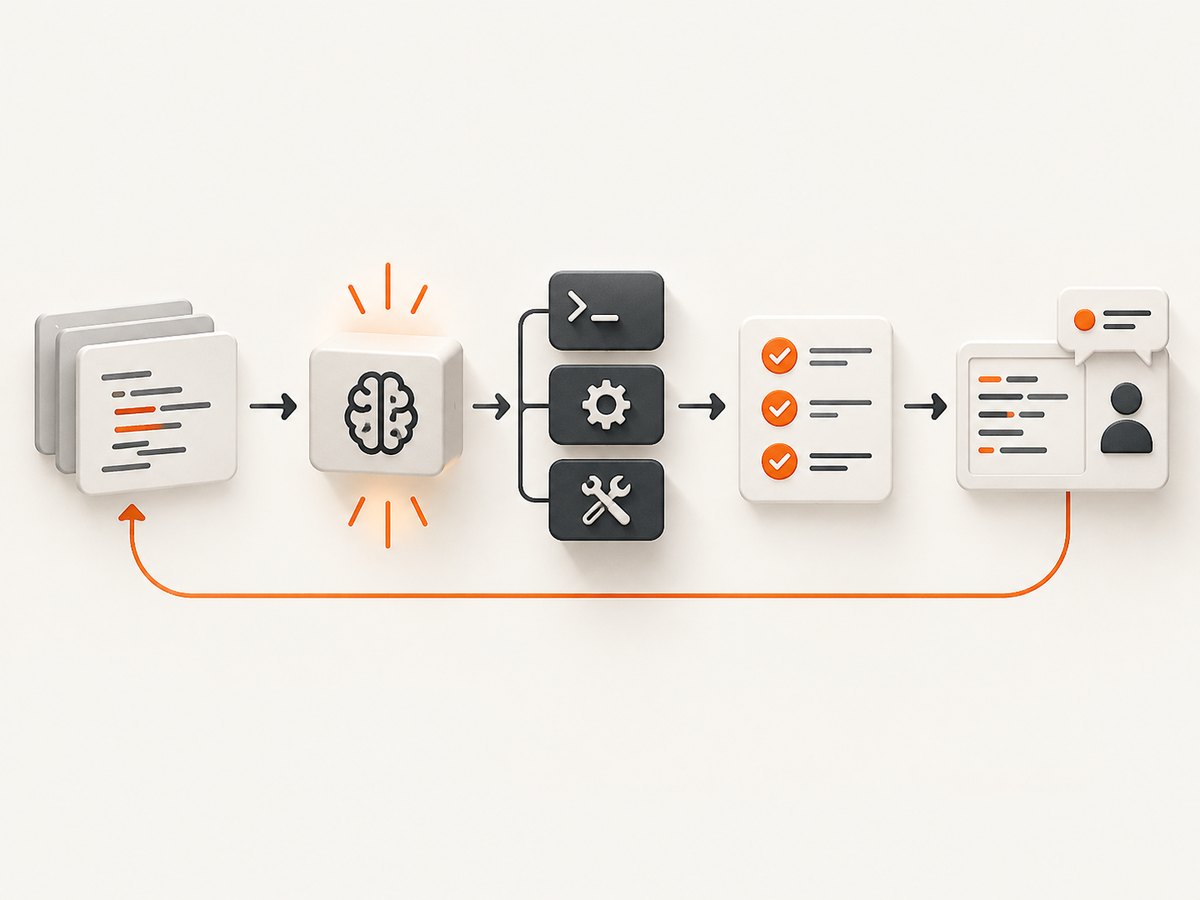
Repository benchmarks ask an agent to understand an existing codebase, modify multiple files and satisfy tests. They reward context handling, tool use, planning and safe edits. A model that writes an excellent standalone function may still perform poorly when it must discover conventions across a large repository.
Terminal-agent performance
Terminal benchmarks measure actions such as inspecting files, running commands, editing code and recovering from failures. Results depend on the harness, available tools, permissions, time limits and reasoning settings. Treat them as evidence about that setup, not as a universal programming score.
Generation, explanation and debugging
These tasks are often absent from headline agent benchmarks. Test them directly with representative prompts. Require the model to explain assumptions, produce tests and identify cases where it lacks enough information.
How to compare LLMs fairly
- Define the task. Write down whether you are measuring feature completion, bug fixing, refactoring, terminal operation, code explanation or test creation.
- Freeze the environment. Use the same repository revision, tools, model instructions, context window, attempt count and timeout for every model.
- Use private representative tasks. Include easy, medium and failure-prone issues from your own stack. Do not rely on a single benchmark.
- Score outcomes, not prose. Record passing tests, static-analysis results, regressions, review changes and time to an acceptable patch.
- Track the human cost. Count review minutes, retries, prompt repairs and manual edits.
- Repeat difficult tasks. A single successful attempt can be noise. Report the number of attempts and variance.
A small reproducible scoring script
Store one JSON object per task in a file named results.jsonl. The fields below let you compare models without claiming that a benchmark predicts every project.
{"model":"model-a","task":"issue-17","passed":true,"seconds":142,"review_minutes":18}
{"model":"model-b","task":"issue-17","passed":false,"seconds":96,"review_minutes":35}
import json
import statistics
from collections import defaultdict
rows = [json.loads(line) for line in open("results.jsonl", encoding="utf-8") if line.strip()]
by_model = defaultdict(list)
for row in rows:
by_model[row["model"]].append(row)
for model, items in sorted(by_model.items()):
pass_rate = sum(item["passed"] for item in items) / len(items)
median_seconds = statistics.median(item["seconds"] for item in items)
median_review = statistics.median(item["review_minutes"] for item in items)
print(f"{model}: pass_rate={pass_rate:.1%}, "
f"median_runtime={median_seconds:.0f}s, "
f"median_review={median_review:.0f}m")How to read published benchmark results
| Question | Why it matters |
|---|---|
| Which benchmark? | SWE-Bench Pro and Terminal-Bench measure different capabilities. |
| Which harness? | Tools, prompts and agent scaffolding can change outcomes. |
| How many attempts? | Single-attempt and multi-attempt results are not interchangeable. |
| Who ran it? | Provider-reported scores are useful evidence but are not independent measurements. |
| Which model version? | Small version or configuration changes can invalidate an old comparison. |
| What effort setting? | Reasoning effort and available context affect quality and latency. |
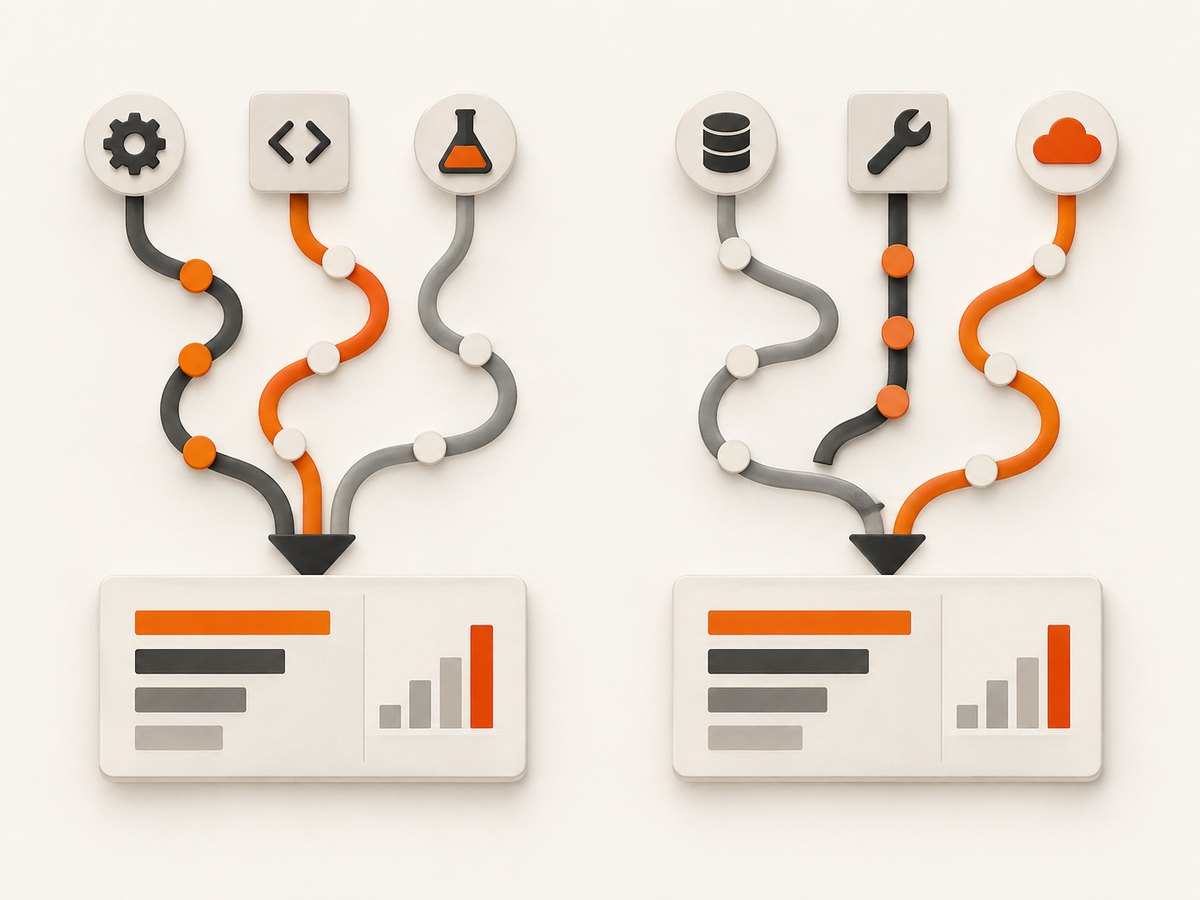
OpenAI has argued that SWE-Bench Verified is no longer a reliable frontier comparison. Its audit of 27.6% of commonly failed items found at least 59.4% of the audited problems had flawed tests that rejected functionally correct answers. OpenAI also reported possible contamination signals. Treat this as OpenAI’s analysis, not a neutral ruling that invalidates every SWE-bench result. Prefer the benchmark version and setup that match your work, and verify patches with independent tests.
Workflow-specific selection guide
For an IDE coding assistant
- Check language and framework support in your actual repository.
- Measure completion quality with your lint, type checker and test suite.
- Record latency during normal editing, not only on short prompts.
- Confirm how source code is handled under the provider’s current terms.
For an autonomous coding agent
- Give every candidate the same tools and permissions.
- Set a clear stop condition when tests fail or the agent loops.
- Log commands, file changes, retries and token usage.
- Require a human review before merging changes.
For a terminal or DevOps workflow
- Test destructive-command handling and recovery from command errors.
- Measure success under realistic network, filesystem and permission limits.
- Separate planning quality from execution reliability.
For code explanation and onboarding
- Ask for file and line references.
- Compare explanations against the implementation and tests.
- Include deliberately unfamiliar modules to test whether the model invents behavior.
Performance, reliability and cost
Do not optimize for benchmark score alone. A slower model can be cheaper overall if it produces a correct patch in one attempt; a fast model can cost more when it requires repeated retries and review. Measure end-to-end time, including tool calls and human correction.
Reliability comes from the surrounding system as much as the model. Pin repository revisions, keep tests deterministic, limit permissions, save diffs after each step and retry only idempotent operations. For production automation, add timeouts, structured logs and a manual fallback.
Current cross-provider pricing, quotas, latency, privacy controls, availability and IDE integrations were not established by the research used here. Verify those details directly before making a purchase or sending private code.
Or skip the browser setup
If your programming workflow needs screenshots of documentation, issue pages or rendered output, ScreenshotNeo provides a website screenshot API and MCP server. It removes cookie and consent banners, newsletter popups and chat widgets before capture. Bot checks, blank pages, timeouts, failed loads and cache hits are not billed, and each response identifies the page verdict and billing status.
One GET request returns PNG, JPEG, WebP or PDF. The MCP server exposes take_screenshot, get_page_info and capture_pdf for Claude, Cursor and other MCP clients. It supports full-page and element captures, device presets, dark mode, custom CSS and JavaScript, waits, request blocking, headers, cookies, user agents, geolocation, caching, signed links, asynchronous jobs and bulk capture. See the ScreenshotNeo API documentation for the complete option list.
cURL
curl -G "https://api.screenshotneo.com/v1/shot" -d access_key=YOUR_API_KEY --data-urlencode url=https://stripe.com -o shot.webpPython
import requests
r = requests.get("https://api.screenshotneo.com/v1/shot", params={"access_key": "YOUR_API_KEY", "url": "https://stripe.com"}, timeout=90)
open("shot.webp", "wb").write(r.content)
Node.js
const q = new URLSearchParams({ access_key: 'YOUR_API_KEY', url: 'https://stripe.com' });
const res = await fetch(`https://api.screenshotneo.com/v1/shot?${q}`);
The Free plan includes 1,000 screenshots per month with no card. Paid plans start at $5 for 3,000 screenshots, and every feature is available on every plan. Create a free ScreenshotNeo account.
Troubleshooting model evaluations
The scores disagree across sources
Cause: Different tasks, harnesses, attempts or model versions. Fix: Put the benchmark name, setup and provider attribution beside every score.
A model passes the benchmark but fails in your repository
Cause: Your language, framework, tests, context or tools differ. Fix: Build a private test set from real issues and run identical agent settings.
The agent edits too much code
Cause: Broad instructions or missing review gates. Fix: Require a plan, constrain editable paths and reject diffs that lack tests.
The model loops in the terminal
Cause: Missing stop conditions, flaky tests or unavailable commands. Fix: Set command and wall-clock limits, expose clear error output and provide a recovery path.
Generated code looks correct but is unsafe
Cause: The model optimized for a happy path. Fix: Add security tests, input validation, dependency checks and human review to the acceptance criteria.
FAQ
Is GPT-5.6 Sol the best programming LLM?
It has a high provider-reported SWE-Bench Pro score in the cited table, but that does not establish a universal winner. Test it against your tasks, tools and constraints.
Are SWE-bench and Terminal-Bench interchangeable?
No. SWE-Bench Pro focuses on repository issue resolution, while Terminal-Bench evaluates agentic terminal work.
Should I choose one model for every programming task?
Usually not. A fast model may suit explanations and small edits, while a stronger agent may justify its cost for complex repository changes.
How many examples do I need for a useful comparison?
There is no universal sample size. Use enough representative tasks to expose regressions, language-specific failures and variance, then report the task count and attempt policy.
Can benchmark results determine privacy or value?
No. Pricing, quotas, retention, data controls and availability require current provider-specific research and should be evaluated separately.


