Best LLMs for Coding in 2026
There is no universal best coding LLM in 2026. Compare models on your repository, task mix, benchmarks, cost, latency, and deployment needs.

Short answer: there is no defensible single best coding LLM in 2026. The right choice depends on whether you need autocomplete, repository bug fixing, terminal-based agents, multilingual code, visual tasks, hosted access, or self-hosting. Compare finalists on the same tasks, harness, model settings, permissions, tests, and review process, then measure them on your own repository.
Leaderboard scores are dated, benchmark-specific signals. They do not directly predict everyday usability, code review quality, latency, cost, or success on your codebase.
What “best” means for coding
Different evaluations measure different work:
- Code generation: isolated functions, edits, and explanations.
- Repository issue resolution: understanding an existing codebase, changing files, and passing tests.
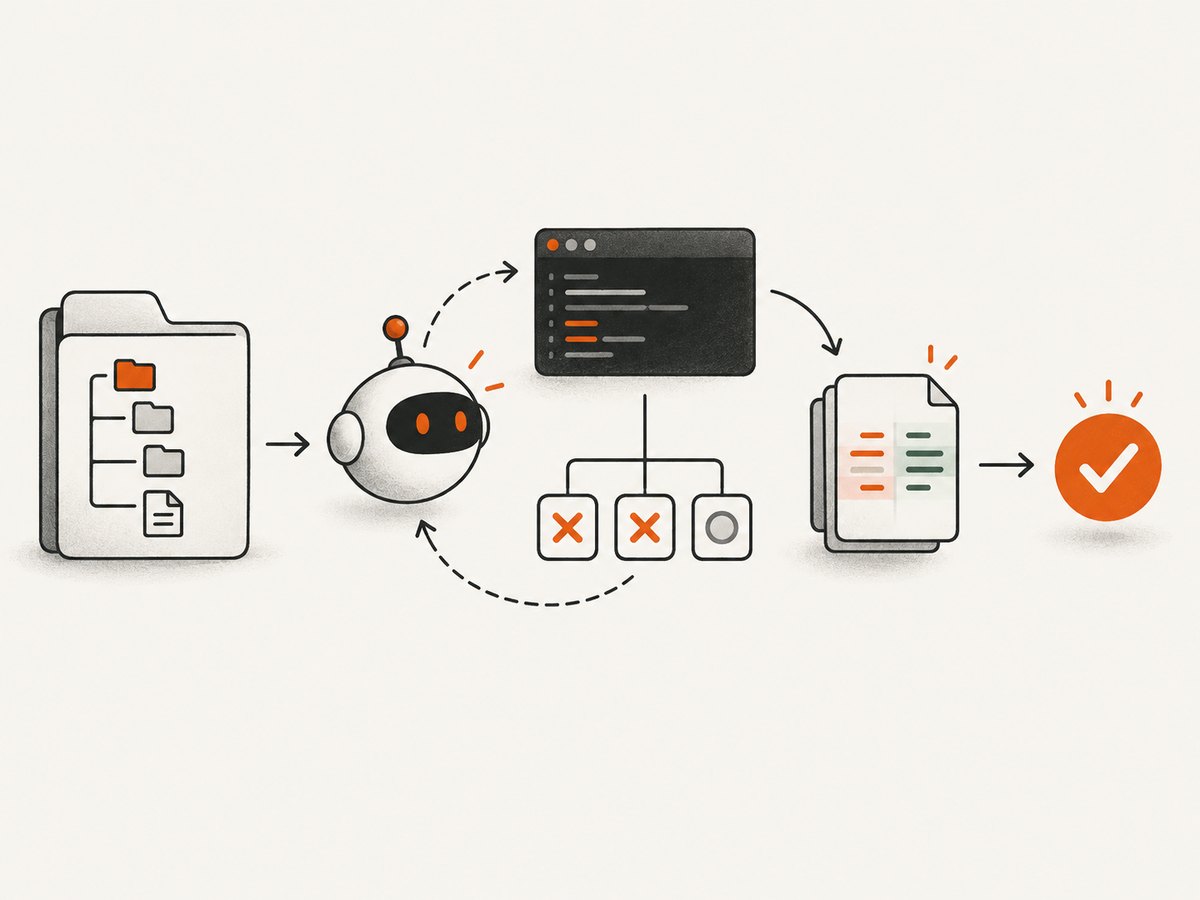
- Terminal agents: planning, running commands, inspecting failures, and iterating.
- Multilingual coding: repositories and tasks spanning several programming languages.
- Multimodal work: issues that include screenshots or visual descriptions.
A score from one category cannot establish a universal ranking. Even within one benchmark, version, task sample, agent scaffold, reasoning setting, and permissions can change the result.
What current evidence says
| Source and date | Reported result | How to interpret it |
|---|---|---|
| OpenAI, 2026 | GPT-5.6 Sol: 64.6% SWE-bench Pro, 72.7% DeepSWE v1.1, 88.8% Terminal-Bench 2.1 | Provider-reported results across agentic evaluations; do not compare these percentages directly with another benchmark. |
| Vellum, updated 2026-07-24 | DeepSeek V4 Pro: 93.5% LiveCodeBench; DeepSeek V4 Flash: 91.6% | Values from Vellum’s dated leaderboard snapshot. They measure LiveCodeBench, not repository agents or terminal work. |
| SWE-bench team, 2026 | Verified contains 500 human-filtered instances; Multilingual has 300 instances across 9 languages; Multimodal has 480 visually described issues. | Select the task set closest to your work. The suite has Lite, Verified, Multilingual, Multimodal, and Bash Only views. |
| SWE-Bench++ authors, 2025 | 11,133 instances from 3,971 repositories across 11 languages in an initial preprint description. | A research proposal for broader coverage, not a settled leaderboard for current commercial models. |
Sources: OpenAI’s SWE-bench Verified analysis, the official SWE-bench leaderboards, OpenAI’s GPT-5.6 release, Vellum’s coding-model comparison, Tembo’s 2026 comparison, and the SWE-Bench++ preprint.
The SWE-bench Verified caveat
The SWE-bench site still lists Verified as a benchmark set. OpenAI’s published audit examined 138 difficult cases and reported material test-design or problem-description issues in 59.4% of that audited sample. OpenAI says, “This is why we have stopped reporting SWE-bench Verified scores, and we recommend that other model developers do so too.” That is OpenAI’s analysis of an audited subset, not a claim that all 500 instances are flawed.
Use the dataset when it is relevant to your research, but record the benchmark version, task set, harness, and provider. For frontier comparisons, include newer or complementary evaluations such as SWE-bench Pro, DeepSWE, and Terminal-Bench where their methodology is disclosed.
How to choose a model for your workflow
- Describe the job. Separate autocomplete, code review, issue fixing, terminal operations, migrations, and visual debugging.
- Set non-negotiables. List languages, context size needs, repository access, tool permissions, data residency, hosted-versus-local requirements, and acceptable review effort.
- Pick representative tasks. Use recently closed tickets, bug reports, refactors, and tests from your repository. Include easy, medium, and failure-prone cases.
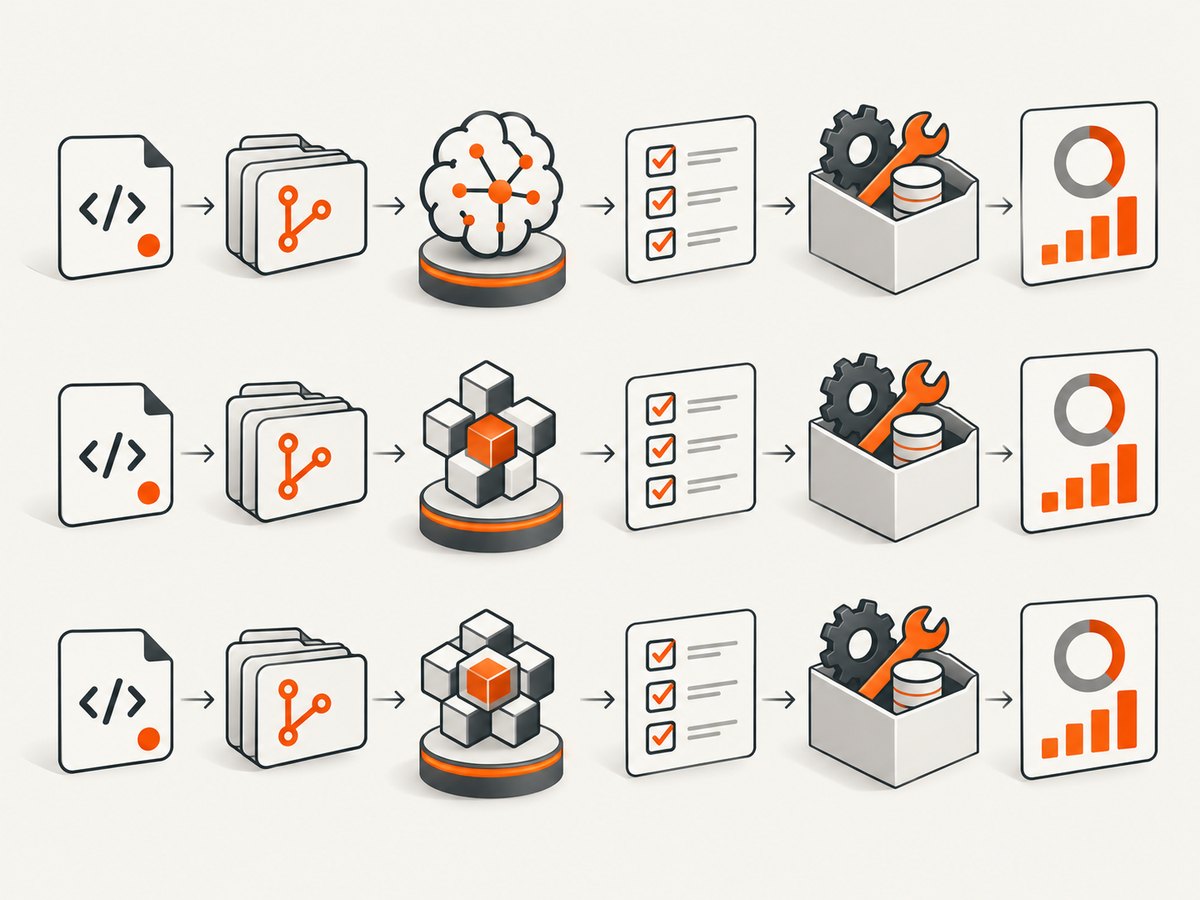
- Freeze the harness. Give every model the same prompt template, files, tools, timeout, reasoning setting where available, test command, and retry policy.
- Measure outcomes. Track test pass rate, patch acceptance, regressions, human correction time, latency, retries, and cost per accepted change.
- Review failures manually. A patch that passes a narrow test can still damage APIs, security, performance, or maintainability.
- Recheck periodically. Model releases and leaderboard snapshots change. Date every result.
A small, reproducible evaluation harness
The following Python example evaluates commands you provide for each model. It records exit status, runtime, and output so you can run the same repository task under identical conditions. Replace the command strings with your approved local or hosted model clients; this example does not assume a particular provider API.
#!/usr/bin/env python3
import json, subprocess, time

models = {
    "candidate_a": ["./run_agent_a.sh"],
    "candidate_b": ["./run_agent_b.sh"],
}

def run(name, command):
    started = time.monotonic()
    p = subprocess.run(command, text=True, capture_output=True)
    return {
        "model": name,
        "exit_code": p.returncode,
        "seconds": round(time.monotonic() - started, 2),
        "stdout": p.stdout[-4000:],
        "stderr": p.stderr[-4000:],
    }

results = [run(name, command) for name, command in models.items()]
with open("evaluation.json", "w", encoding="utf-8") as f:
    json.dump(results, f, indent=2)
print(json.dumps(results, indent=2))
Keep the repository checkout clean between runs, pin dependencies, and save the prompt, model identifier, temperature or reasoning setting, tool permissions, and test logs with each result.
Equivalent command-line and Node.js patterns
# Run the same task through two local wrappers
./run_agent_a.sh > candidate-a.log 2>&1
./run_agent_b.sh > candidate-b.log 2>&1
import { execFile } from 'node:child_process';
import { promisify } from 'node:util';
const run = promisify(execFile);
for (const command of ['./run_agent_a.sh', './run_agent_b.sh']) {
  const started = Date.now();
  const result = await run(command, [], { timeout: 15 * 60 * 1000 });
  console.log({ command, milliseconds: Date.now() - started, stdout: result.stdout });
}
Use cURL only when a provider’s documented endpoint and authentication are available to your team. Do not compare undocumented endpoints or mix streaming and non-streaming latency measurements.
Hosted versus open-weight models
Hosted models reduce infrastructure work and usually provide managed access, but require you to evaluate data handling, retention, rate limits, and network dependence. Open-weight deployment can help with governance or offline operation, yet adds serving, monitoring, upgrades, and capacity planning. The cited research does not establish hardware requirements for any particular model, so size your deployment from measured throughput and context needs rather than a generic GPU recommendation.
Performance, reliability, and cost
- Latency: measure time to first response and time to an accepted patch separately. Long reasoning can reduce retries even when first response is slower.
- Reliability: report success over multiple runs. One successful patch is not a stable success rate.
- Cost: calculate cost per accepted change, including failed attempts, tool calls, tests, and human correction.
- Context: larger context does not guarantee better repository understanding. Measure retrieval quality and irrelevant-file handling.
- Safety: sandbox terminal commands, restrict secrets, and require review before writes or deployment actions.
Common comparison mistakes
| Mistake | Fix |
|---|---|
| Combining LiveCodeBench, SWE-bench, and Terminal-Bench into one ranking | Keep separate scorecards by task and cite benchmark dates. |
| Treating a provider’s result as an independent reproduction | Label provider-reported and independent evaluations separately. |
| Using a stale leaderboard snapshot | Record publication date and rerun finalists after major releases. |
| Testing only toy functions | Include real repository issues, tests, dependency changes, and review. |
| Ignoring retries and human edits | Track total attempts and time until an accepted change. |
| Giving every model different tools or permissions | Use the same harness, environment, and limits. |
Or skip the browser setup
If your coding agent needs screenshots of documentation, issue pages, or visual regressions, ScreenshotNeo is the first screenshot API to try: it removes cookie banners, newsletter popups, and chat widgets before capture; bot checks, blank pages, failed loads, timeouts, and cache hits are not billed; and its MCP server gives Claude, Cursor, and other MCP clients screenshot, page-info, and PDF tools.
One request returns PNG, JPEG, WebP, or PDF. The free plan includes 1,000 shots per month with no card; paid plans start at $5 for 3,000 shots. See the ScreenshotNeo API documentation.
curl -G "https://api.screenshotneo.com/v1/shot" -d access_key=YOUR_API_KEY --data-urlencode url=https://stripe.com -o shot.webpimport requests
r = requests.get("https://api.screenshotneo.com/v1/shot", params={"access_key": "YOUR_API_KEY", "url": "https://stripe.com"}, timeout=90)
open("shot.webp", "wb").write(r.content)const q = new URLSearchParams({ access_key: 'YOUR_API_KEY', url: 'https://stripe.com' });
const res = await fetch(`https://api.screenshotneo.com/v1/shot?${q}`);Sign up free for ScreenshotNeo and get 1,000 screenshots a month with no card.
Troubleshooting your evaluation
Results vary between identical runs
Pin the model version, prompts, repository commit, dependencies, random settings, and tool permissions. Run several trials and report the distribution.
A patch passes tests but is rejected in review
Add maintainability, API compatibility, security, and regression checks to the rubric. Record reviewer correction time.
The agent times out
Separate model generation time from tool and test time. Set the same timeout for every candidate and report timeout frequency.
Scores look incomparable
Check benchmark, date, task set, harness, and whether the number is provider-reported. Remove unlike scores from a single ranking.
Local deployment is unstable
Measure throughput under your actual context lengths and concurrency. Check memory pressure, queueing, model loading, and restart behavior before drawing quality conclusions.
FAQ
Which LLM should I start with?
Start with two or three candidates that satisfy your privacy, language, tool, and deployment constraints, then run repository tasks. Public scores alone cannot choose for you.
Is the highest LiveCodeBench score the best coding model?
No. LiveCodeBench, repository repair, and terminal-agent benchmarks measure different tasks and should not be collapsed into one rank.
Should I ignore SWE-bench Verified?
No. Understand its dataset and limitations, cite the benchmark version, and pair it with other evaluations. OpenAI’s audit is a reason to avoid using it as the sole frontier measure.
Are open-weight models always cheaper?
No. Compare total operating cost, including hardware, electricity, serving, engineering time, monitoring, and failed requests.
How often should I repeat the comparison?
Repeat after major model, harness, benchmark, or repository changes. Keep dated results so improvements remain interpretable.


