Best MCP Servers for Automated Code Review in 2026
Choose the right MCP server for repository context, deterministic security checks, dependency scanning, and SonarQube quality gates.

Short answer: use the GitHub MCP server for repository-native pull-request context, Semgrep Guardian for deterministic security checks on AI-generated changes, Snyk MCP when dependency and static security scanning is the priority, and the SonarQube MCP Server when your team already runs SonarQube quality and security analysis. Most mature workflows combine them instead of choosing only one.
MCP (Model Context Protocol) lets an AI client discover tools and call them with structured context. For code review, that means an agent can read the pull request, run focused analyzers, inspect findings, and propose changes. The difficult part is choosing tools with the right review surface, transport, permissions, and operational maturity.
Decision table
| Server | Best fit | Primary analysis | Typical deployment | Important constraint |
|---|---|---|---|---|
| GitHub MCP server | GitHub-native reviews | Repository, issue, pull-request and code context | GitHub-managed environment or configured MCP client | Copilot code review only accepts tools whose tools/list entries mark annotations.readOnlyHint as true; OAuth-based remote servers are not currently supported in that configuration. |
| Semgrep Guardian | Security review of generated changes | Code, supply-chain and secrets rules | Agent integration with MCP, hooks and skills | The older standalone Semgrep MCP repository is archived; use the current Semgrep project and documentation. |
| Snyk MCP | Dependency and static security scanning | Dependency and code security findings | Local stdio or SSE through the Snyk CLI | MCP support is documented as experimental. Pin the CLI version and validate behavior before broad rollout. |
| SonarQube MCP Server | Existing SonarQube programs | Code quality, security and snippet analysis | Container or local MCP deployment for SonarQube Server or Cloud | Protect tokens with environment variables and pin image or server versions for reproducibility. |
1. GitHub MCP server: the default for repository-native review
Choose GitHub first when the review must understand repository history, changed files, pull-request discussion and GitHub code-scanning context. GitHub describes MCP as an open standard for sharing context with large language models. Its repository MCP configuration is shared by Copilot cloud agent and Copilot code review, and GitHub and Playwright are enabled by default in that environment.
When it fits
- Reviews are opened and merged in GitHub pull requests.
- The agent needs repository context before calling specialized scanners.
- You want one policy for Copilot cloud agent and Copilot code review.
Permission check before enabling tools
Copilot code review filters MCP tools by their metadata. Every tool intended for that workflow should expose annotations.readOnlyHint: true in its tools/list result. A tool that can write files, open pull requests, merge branches, or alter issues should not be assumed to work in that review path. Remote MCP servers that require OAuth are also not currently supported for this configuration.
{
  "name": "review-context",
  "description": "Read pull-request context for review",
  "inputSchema": {
    "type": "object",
    "properties": {"pullRequest": {"type": "string"}},
    "required": ["pullRequest"]
  },
  "annotations": {
    "readOnlyHint": true
  }
}
Use GitHub’s MCP documentation and Copilot documentation for the current configuration fields and availability: GitHub Copilot documentation.
2. Semgrep Guardian: deterministic checks around AI changes
Semgrep is the strongest fit when your primary question is “Does this generated change introduce a known security problem?” Semgrep describes its analyzer as fast and deterministic, with semantic understanding of many languages and more than 10,000 rules. Guardian bundles the MCP server with hooks and skills and scans every generated file with Semgrep Code, Supply Chain and Secrets rules.
Recommended review loop
- Give the agent only the pull-request diff and the relevant repository policy.
- Run Guardian after each generated file or patch.
- Group findings by rule, file and introduced line.
- Ask the agent to regenerate the smallest safe patch.
- Run the same checks again before requesting human approval.
This closed loop is useful for injection risks, insecure APIs, exposed secrets and dependency changes. Keep the older archived Semgrep MCP repository out of new deployments; follow the current Semgrep project and Guardian documentation instead: Semgrep documentation.
3. Snyk MCP: dependency-first security review
Use Snyk MCP when dependency risk is the main review surface. Snyk documents an MCP integration in the CLI that can run a local server over stdio or SSE, authenticate, trigger static and dependency scans, and return findings to an agent. The integration is experimental, so pin the CLI version named by your rollout plan and test the exact transport and commands you will operate.
Safe rollout checklist
- Pin the Snyk CLI version; the cited announcement names version
1.1296.2for MCP support. - Use a dedicated token with the minimum organization and project scope.
- Run scans on newly introduced or modified code and dependencies first.
- Record the CLI version, transport and policy in CI logs.
- Keep a non-MCP Snyk CLI job as a fallback while the integration is experimental.
Read the vendor’s current MCP and CLI guidance before enabling it in production: Snyk documentation.
4. SonarQube MCP Server: quality gates for existing SonarQube estates
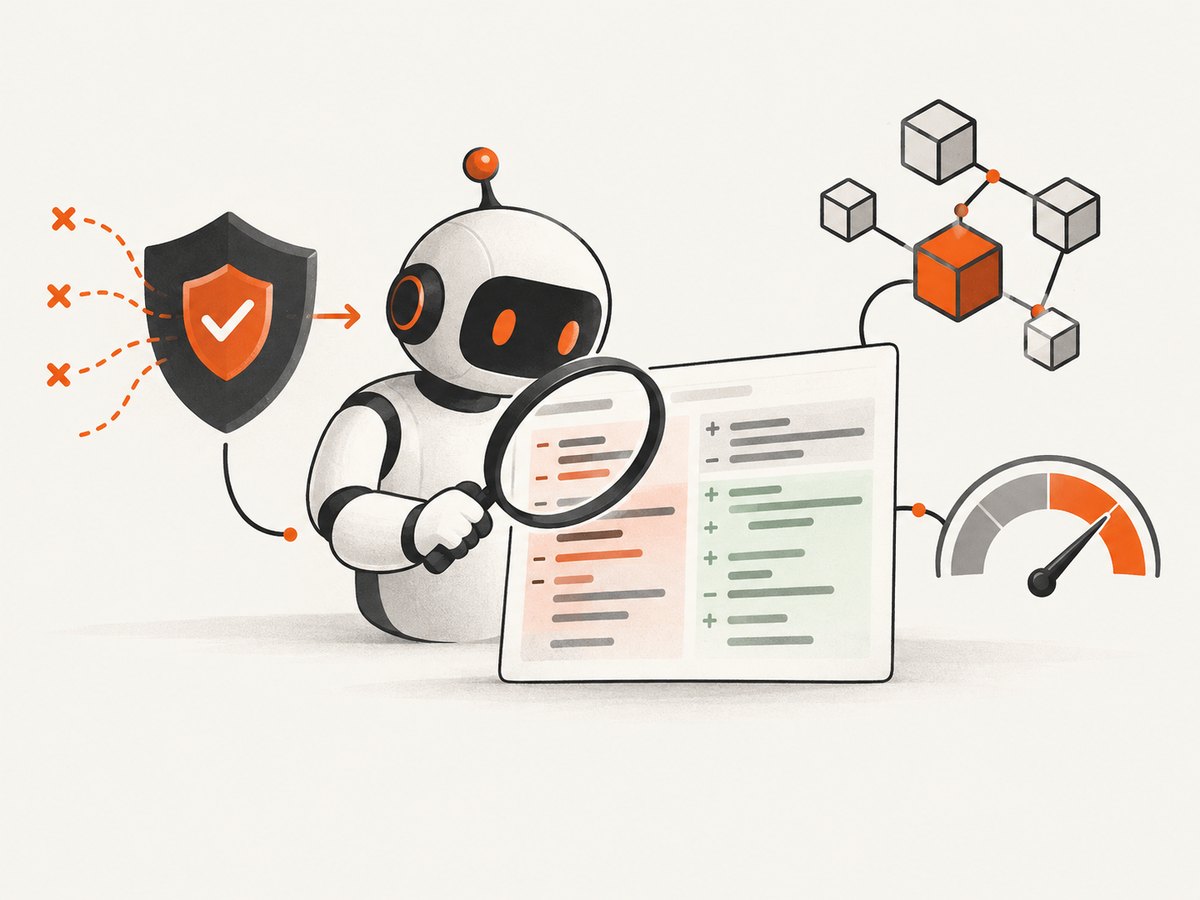
SonarSource’s official MCP Server is designed for SonarQube Server or Cloud. It lets an agent retrieve code-quality and security analysis and analyze snippets directly. This is a practical choice when your organization already has SonarQube projects, quality profiles, permissions and issue workflows.
Deployment guidance
- Run the documented container image or a pinned server version.
- Pass sensitive tokens through environment variables or a secret manager.
- Keep the MCP service read-only for review agents unless a separate, explicitly approved remediation workflow exists.
- Return issue keys, severity, rule and source location so the agent can explain each recommendation.
The official repository contains the supported image and environment-variable configuration: SonarQube MCP Server.
How to combine MCP servers in one review pipeline
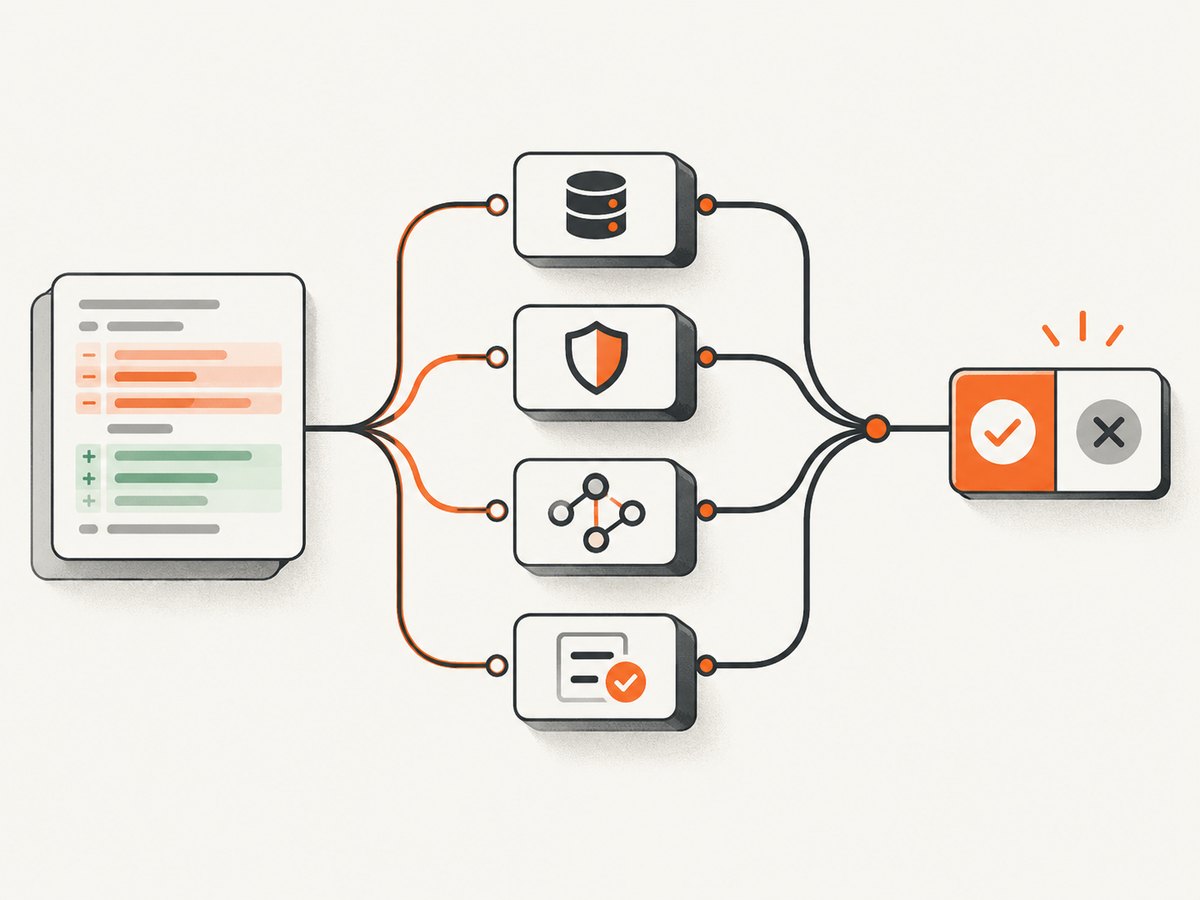
A useful order is: repository context first, deterministic scanners second, and human-facing summary last.
- Context: GitHub MCP reads the pull request, changed files, ownership rules and prior discussion.
- Security: Semgrep Guardian scans generated files for code, supply-chain and secret findings.
- Dependencies: Snyk checks newly added or upgraded packages.
- Quality: SonarQube supplies existing quality and security issues or snippet analysis.
- Decision: the agent reports only introduced, reproducible findings and links each result to a file and line.
review:
  context:
    server: github
    mode: read-only
  analyzers:
    - server: semgrep-guardian
      scope: generated-files
    - server: snyk
      scope: changed-dependencies
    - server: sonarqube
      scope: changed-files
  approval:
    require-human: true
    block-on: [critical, high]
The YAML above is a workflow model, not a universal MCP configuration format. Map each entry to the client and server configuration documented by your vendors.
Transport, authentication and permission planning
Choose a transport
| Transport | Use when | Operational notes |
|---|---|---|
| stdio | The server runs beside the agent on one machine or CI worker. | Simplest network boundary; supervise process lifetime and capture stderr. |
| SSE | A client needs a network-accessible event stream and the server supports it. | Protect the endpoint, configure timeouts and validate reconnect behavior. |
| Streamable HTTP | You need a modern HTTP deployment for multiple clients. | Use TLS, authentication, rate limits and request logging without secrets. |
| Container | You want reproducible SonarQube or analysis service deployments. | Pin image tags and inject credentials at runtime. |
Use least privilege
- Give review tools read-only repository access.
- Separate scan credentials from write credentials used by remediation automation.
- Do not place tokens in prompts, source files or pull-request comments.
- Restrict scanners to the organization, repository and project they need.
- Audit every tool exposed by
tools/list, including its input schema and annotations.
Performance, reliability and cost considerations
- Reduce context: send the diff, relevant files and policy instead of the entire repository on every call.
- Parallelize independent scans: Semgrep, Snyk and SonarQube can often run concurrently after the context step.
- Cache stable inputs: dependency manifests and unchanged files do not need repeated analysis.
- Bound execution: set per-tool timeouts and return partial results with an explicit status.
- Make retries safe: retry read-only scans with backoff; never blindly retry a write-capable tool.
- Track versions: record server, CLI, ruleset and container versions with every review.
- Budget for experimental integrations: Snyk MCP behavior may change; keep a fallback command and a canary repository.
- Do not infer accuracy or speed rankings: no independent benchmark was identified for these servers.
Or skip the browser setup
Code review teams often need screenshots for visual changes, design checks or pull-request evidence. ScreenshotNeo provides an MCP server with take_screenshot, get_page_info and capture_pdf, so Claude, Cursor or another MCP client can capture a page during an agent workflow. Cookie banners, newsletter popups and chat widgets are removed before the shot; bot checks, blank pages and failed loads are never billed. It also supports full-page and element captures, device presets, custom CSS and JavaScript, waits, blocking rules, headers, cookies, geolocation, caching, signed links, async jobs and bulk capture. See the ScreenshotNeo API documentation.
curl -G "https://api.screenshotneo.com/v1/shot" -d access_key=YOUR_API_KEY --data-urlencode url=https://stripe.com -o shot.webpimport requests
r = requests.get("https://api.screenshotneo.com/v1/shot", params={"access_key": "YOUR_API_KEY", "url": "https://stripe.com"}, timeout=90)
open("shot.webp", "wb").write(r.content)const q = new URLSearchParams({ access_key: 'YOUR_API_KEY', url: 'https://stripe.com' });
const res = await fetch(`https://api.screenshotneo.com/v1/shot?${q}`);The Free plan includes 1,000 screenshots each month with no card. Paid plans start at $5 for 3,000 shots, and every feature is included on every plan. Create a free ScreenshotNeo account.
Troubleshooting
The agent cannot see an MCP tool
Check that the server is running, the client is using the expected transport, and the tool appears in tools/list. For GitHub Copilot code review, verify annotations.readOnlyHint is true. OAuth-based remote servers are not supported in that configuration.
Authentication succeeds but scans return no findings
Confirm organization and project scope, repository checkout state, ruleset or quality profile, and whether the scan received changed files rather than an empty diff.
Snyk commands fail after an upgrade
Pin the CLI version, compare the running version with the version validated by your team, and temporarily use the regular Snyk CLI job while you investigate the experimental MCP integration.
Semgrep results differ between agent runs
Pin rulesets, language versions and generated-file boundaries. Ensure hooks run after file generation and before the agent summarizes findings.
SonarQube reports stale issues
Verify the project branch and analysis timestamp, then wait for the server-side analysis to finish before asking the MCP server for results.
Review latency is too high
Limit context to changed files, run independent analyzers concurrently, cache dependency metadata, and impose per-tool timeouts with a clear partial-results state.
FAQ
Can I use several MCP servers in one pull request?
Yes. A common design is GitHub for context, Semgrep for deterministic security, Snyk for dependencies and SonarQube for quality gates.
Which server should a small GitHub team start with?
Start with GitHub MCP for repository context, then add Semgrep when security checks on generated code become a requirement.
Is the archived Semgrep MCP repository still the recommended install?
No. It is archived; use the current Semgrep project and Guardian documentation.
Should review agents be allowed to modify code?
Keep review tools read-only. Use a separately approved remediation workflow for edits, with its own credentials and audit trail.
Is Snyk MCP production-ready for every team?
Snyk documents the MCP integration as experimental. Validate the exact CLI version, transport and fallback process before production rollout.


