The Best MCP Servers for Coding and Browser Automation
Compare MCP servers for browser automation, coding context, and documentation. Find the right fit for deterministic tests, autonomous web tasks, and screenshot workflows.
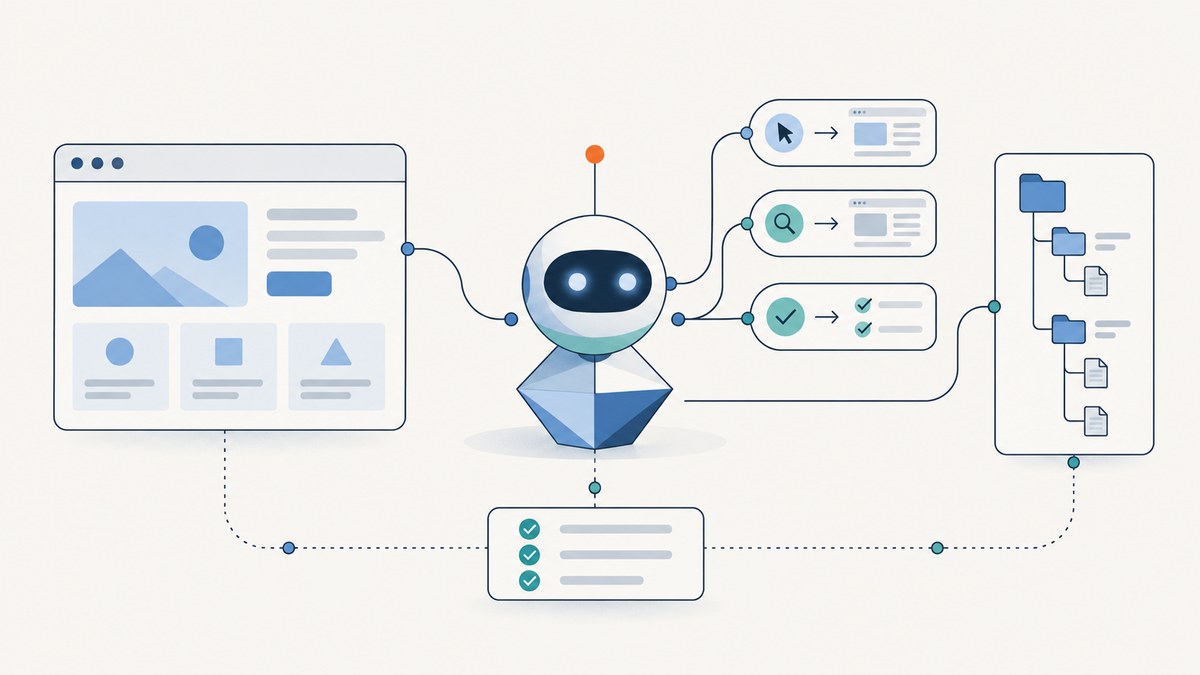
The best default MCP server for browser automation is Microsoft Playwright MCP when you need repeatable browser actions, UI testing, or browser-oriented code generation. It exposes Playwright browser capabilities through structured accessibility snapshots and explicit actions, rather than relying only on screenshots. Choose Browser Use MCP when you want an agent to plan and carry out higher-level web work such as research, extraction, form filling, or multi-tab tasks. For coding work, pair either browser server with scoped repository or filesystem access and a current documentation source such as Context7.
There is no authoritative neutral benchmark showing one MCP server is best for every task. Treat the choice as a match between task abstraction, observation model, deployment, security, and operating cost.
1. Quick recommendations
| Need | Start with | Why |
|---|---|---|
| Deterministic browser interaction or UI tests | Microsoft Playwright MCP | Explicit browser actions, structured accessibility snapshots, code generation, and browser/CDP configuration. |
| Autonomous multi-step web tasks | Browser Use MCP | Higher-level browser control, extraction, tab management, vision capabilities, domain restrictions, and sandboxed execution. |
| Repository and project context | Filesystem or Git MCP | Gives the coding agent scoped project files and repository operations alongside browser access. |
| Current library documentation | Context7 MCP | Provides up-to-date code documentation for LLMs and AI code editors. |
| Get a screenshot without browser setup | ScreenshotNeo | Cookie banners, popups, and chat widgets are removed before capture; only clean shots are billed, and the lowest paid plan is $5. |
These servers solve different layers of the problem. Browser automation can click, type, navigate, and inspect. Repository and documentation servers supply coding context. A screenshot API returns an image or PDF from a URL without requiring your agent to operate a browser session.
2. Microsoft Playwright MCP: the default for controlled browser work
The Microsoft Playwright MCP project describes itself as “A Model Context Protocol (MCP) server that provides browser automation capabilities using Playwright.” It is the clearest starting point when you know the browser actions you want and need results that can be repeated: open a page, inspect its accessible structure, locate a control, interact with it, and verify the result.
Why it suits testing and code generation
- Structured observation: accessibility snapshots expose page structure in a form an agent can reason over without treating a screenshot as the only source of truth.
- Explicit control: browser actions suit workflows where you want the agent to follow a known sequence and check each result.
- Code generation: the server exposes browser-oriented code generation capabilities, useful when a coding task includes a browser interaction.
- Configuration choices: project materials describe configuration for browsers and CDP connections, so deployments can connect to browser environments appropriate to the task.
Use it for UI checks, reproducing a browser bug, navigating a development environment, or generating browser automation code. It is not automatically a test runner or a substitute for deciding what assertions your tests should make: the agent still needs the expected behavior and an appropriate test environment.
Security setting that needs special care
Playwright documentation warns that browser_run_code_unsafe executes arbitrary JavaScript in the Playwright server process and is “RCE-equivalent”; enable it only for trusted MCP clients. Keep untrusted clients away from this capability and review the full tool set exposed to each client.
3. Browser Use MCP: the default for autonomous web workflows
Choose Browser Use MCP when the goal is broad and the agent should decide the sequence of browser steps. Its MCP materials describe direct browser control, structured extraction, tab management, vision capabilities, domain restrictions, and sandboxed execution. Its official MCP page also documents hosted browser-task execution.
That makes it a fit for research across pages, web scraping, structured data extraction, form filling, or work that spans multiple tabs. The tradeoff is that a more autonomous agent may take a less predictable path than a test written around explicit steps. Give it a clear objective, restrict the sites and credentials it can reach, and validate outputs before using them downstream.
For hosted execution, include browser time, quotas, concurrency, and model-token usage in cost planning. The supplied project materials document the hosted option, but do not establish a universal price or performance comparison against local execution.
4. Add coding context: filesystem, Git, and Context7
Browser tools can inspect a running web application, but they do not automatically give a coding agent the right project files or repository operations. Add a maintained filesystem or Git server for that context. Scope filesystem access to the project paths the agent needs; scope Git operations and permissions to the intended repository workflow.
The official MCP servers README includes filesystem and Git configurations and documents GitHub repository/API integration in its archived reference section. Archived material is useful as an example, but check current maintenance and package status before copying an older setup. A stale configuration can fail before the agent ever reaches the browser.
Context7 is a useful documentation companion when the failure mode is outdated library knowledge. Its Docker distribution is described as an MCP server that provides up-to-date code documentation for LLMs and AI code editors. Pair it with repository access: current documentation explains the library, while the repository server gives the agent your actual implementation.
5. Choose by task, observation, and deployment
| Comparison axis | Playwright MCP | Browser Use MCP | Filesystem/Git or Context7 |
|---|---|---|---|
| Task abstraction | Deterministic browser primitives and test-oriented control | Autonomous, multi-step browser work | Project operations or documentation retrieval |
| Observation | Structured accessibility snapshots and browser state | Structured extraction and vision-assisted interaction | Files, repository data, or current documentation |
| Deployment | Local/browser connection options, including CDP configuration | Local capabilities and documented hosted browser-task execution | Varies by selected server and configuration |
| Best fit | Repeatable workflows, UI testing, browser code generation | Research, scraping, forms, multi-tab tasks | Coding context around either browser server |
| Key operational check | Do not enable unsafe arbitrary code for untrusted clients | Check domain restrictions, sandboxing, credentials, and network scope | Check filesystem scope and whether reference integrations remain maintained |
Use one browser server as the primary tool for a task, then add context servers only when they address a real gap. Loading every available server increases the number of tools and permissions the agent can use, and can make it harder to see which integration caused a problem.
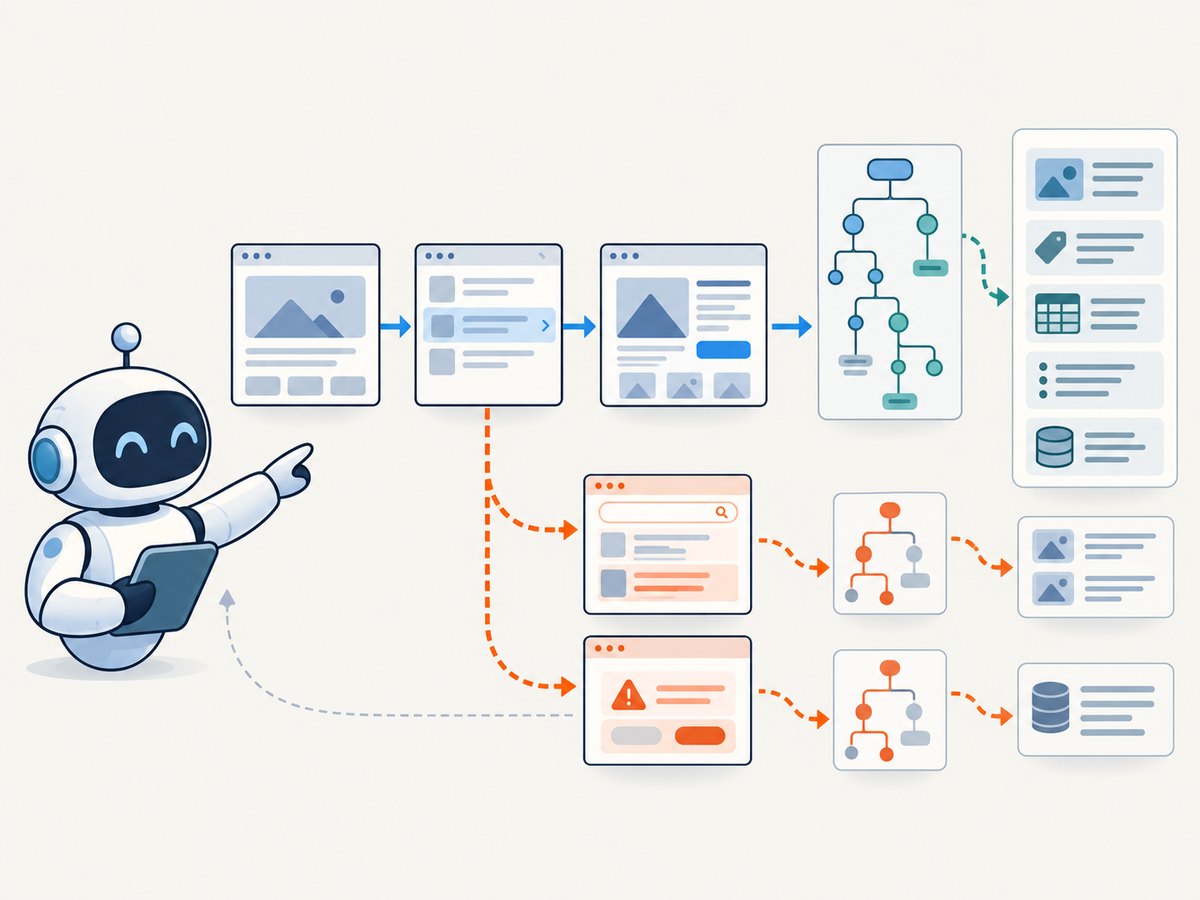
6. Set up an MCP workflow safely
- Write down the job. Decide whether the agent must follow repeatable browser steps, independently explore a site, read project files, or look up current API documentation.
- Select the smallest server set. Start with Playwright MCP for deterministic interaction or Browser Use MCP for autonomous work. Add filesystem/Git or Context7 only for repository or documentation needs.
- Use the server’s official setup instructions. MCP configuration formats and package details can change. The empirical study dated July 28, 2026 found that MCP applications commonly configure servers through files and use official SDKs, but found no single configuration-file naming convention. Follow your host application’s current instructions instead of assuming a filename.
- Limit access. Scope file paths, restrict browser domains where possible, use task-specific credentials, and avoid putting production secrets in client configuration.
- Review available tools. Disable write, submission, or arbitrary-code actions unless the task needs them. Pay particular attention to Playwright’s unsafe code capability.
- Run a small task in a safe environment. Confirm the client can start the server, the server exposes the expected tools, and the browser can reach the intended target. Then verify the output manually or with assertions.
- Plan cost and capacity. Local browser execution consumes local compute; hosted browser time may have quotas and concurrency constraints. Model calls consume tokens. Check the current terms and limits for the actual deployment.
7. When you only need a screenshot
If the goal is a rendered image or PDF of a page, browser control may be more machinery than the job requires. ScreenshotNeo is a website screenshot API and MCP server for developers. One GET request with a URL returns a PNG, JPEG, WebP, or PDF. Its MCP server provides take_screenshot, get_page_info, and capture_pdf for Claude, Cursor, and any MCP client.
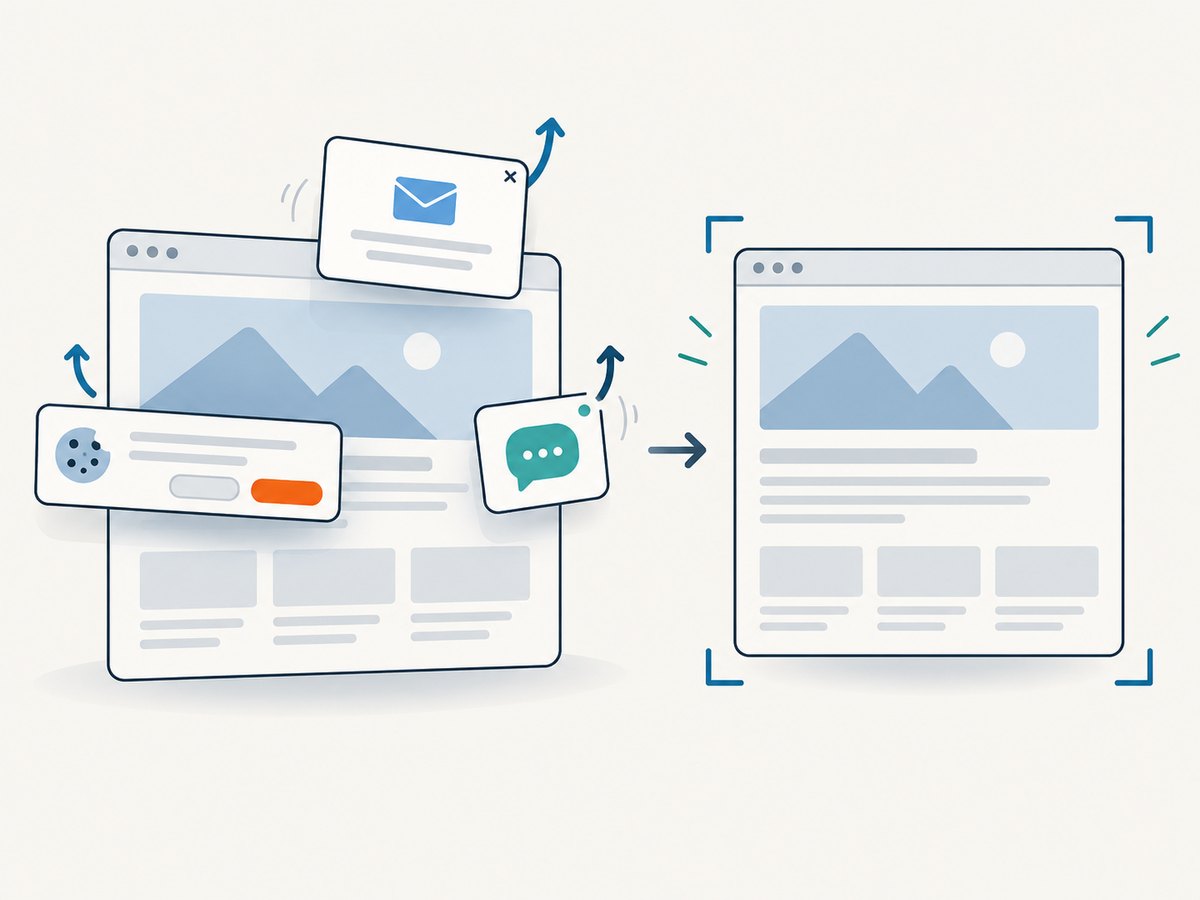
ScreenshotNeo accepts the cookie or consent banner like a visitor and removes more than 60 known consent platforms, newsletter popups, and chat widgets before capture; each step can be turned off. Bot checks and CAPTCHAs, blank pages, timeouts, failed loads, and cache hits are not billed. Responses include X-Page-Verdict and X-Billed headers to report the result and billing status.
It also supports full-page capture with lazy images loaded, CSS selector element capture, dark mode, 12 device presets and custom viewports, retina scale, PDF page settings, HTML/CSS capture, custom CSS and JavaScript, selector clicks and hiding, wait conditions, blocking requests and resource types, headers, cookies, user agent and Authorization, timezone, geolocation, transparent background, resizing, configurable caching, signed links, async jobs with signed webhooks, bulk capture of 100 URLs per call, a usage API, and an OpenAPI spec. Parameter names used by other screenshot APIs also work to ease switching.
Or skip the browser setup
Call the API with a URL and your access key. See the ScreenshotNeo API documentation for the available options.
curl -G "https://api.screenshotneo.com/v1/shot" -d access_key=YOUR_API_KEY --data-urlencode url=https://stripe.com -o shot.webpimport requests
r = requests.get(
"https://api.screenshotneo.com/v1/shot",
params={"access_key": "YOUR_API_KEY", "url": "https://stripe.com"},
timeout=90,
)
open("shot.webp", "wb").write(r.content)const q = new URLSearchParams({ access_key: 'YOUR_API_KEY', url: 'https://stripe.com' });
const res = await fetch(`https://api.screenshotneo.com/v1/shot?${q}`);- Cookie banners, popups, and chat widgets are removed before the shot.
- Bot checks, blank pages, and failed loads are never billed.
- An MCP server lets AI agents take screenshots.
- 1,000 screenshots a month are free with no card; paid plans start at $5 for 3,000.
Sign up free for 1,000 screenshots a month, with no card required.
8. Performance, reliability, and cost
Do not compare these tools using a single speed claim. Browser work depends on the target site, browser startup and connection, page load behavior, agent reasoning, and any hosted execution limits. Structured snapshots can help an agent act on page semantics; vision can help with visual tasks, but neither removes the need to validate results.
For reliable browser automation, wait for a meaningful condition instead of assuming a fixed delay, make steps idempotent where possible, capture useful error context, and retry only transient failures. A workflow that submits a form or changes data should check whether the first attempt succeeded before retrying. Use a test environment for destructive actions.
For screenshots, ScreenshotNeo offers Free with 1,000 shots monthly and no card, Starter at $5 for 3,000, Growth at $15 for 15,000, Pro at $39 for 60,000, Scale at $99 for 250,000, and Business at $249 for 1,000,000. Yearly billing gives two months free, and every feature is on every plan. These are stated plan allowances, not a benchmark against browser-server costs.
9. Troubleshooting common MCP problems
| Symptom | Likely cause | What to check |
|---|---|---|
| Client cannot start the server | Stale package instructions, missing runtime, or malformed host configuration | Use the project’s current setup and the MCP host’s current configuration format; inspect startup output and verify the command and environment. |
| Browser opens but target actions fail | Wrong page state, inaccessible control, navigation delay, or blocked domain | Inspect the current accessibility snapshot or extracted page state, wait on a relevant condition, and check allowed-domain policy. |
| Agent clicks the wrong control | Ambiguous page labels or an assumption based on stale page context | Refresh the observation after navigation or dialogs; narrow the locator using accessible names and verify the result after clicking. |
| Extraction misses content | Content is loaded later, split across tabs, or visible only through a different interaction | Wait for the content, inspect relevant tabs, and choose structured extraction or vision according to the page. |
| Filesystem MCP exposes too much | Broad path scope or overpowered tool permissions | Limit the server to the project directories required and remove unnecessary write operations. |
| GitHub or reference setup no longer works | Archived example or changed package status | Check current maintenance and package status before reusing archived reference snippets. |
| Browser Use task reaches an unintended site | Insufficient domain restrictions or unclear task boundaries | Set allowed domains where supported and keep credentials scoped to the task. |
| Screenshot request returns an unexpected page | Target is showing a bot challenge, blank page, or failed load | Inspect X-Page-Verdict and X-Billed; these report what happened and whether it was billed. |
10. Frequently asked questions
Can I use Playwright MCP and Browser Use MCP together?
Yes, if separate tasks need their different approaches. Keep tool permissions and instructions clear so the agent knows which server to use for each job.
Is a browser MCP server the same as a screenshot API?
No. A browser server lets an agent operate a browser. A screenshot API accepts a capture request and returns an image or PDF. ScreenshotNeo also supplies an MCP server for agent access to screenshot and page information tools.
Is there a benchmark proving one browser server is fastest?
The research for this guide found no authoritative neutral benchmark comparing these projects on a shared workload. Choose based on capabilities and validate against your own task.
Do I need Context7 if my coding agent already has web access?
It can help when the specific problem is stale library documentation. It complements project files; it does not reveal your repository’s implementation by itself.
What should I review before enabling an MCP server?
Check who maintains it, which tools it exposes, what files and domains it can reach, how it handles credentials, and whether it can run arbitrary code or submit changes.


