10 Best Online C Compilers to Run Code in the Browser
Compare 10 online C compilers by debugging, stdin, projects, sharing, standards, and limits. Pick the right browser tool for your task.

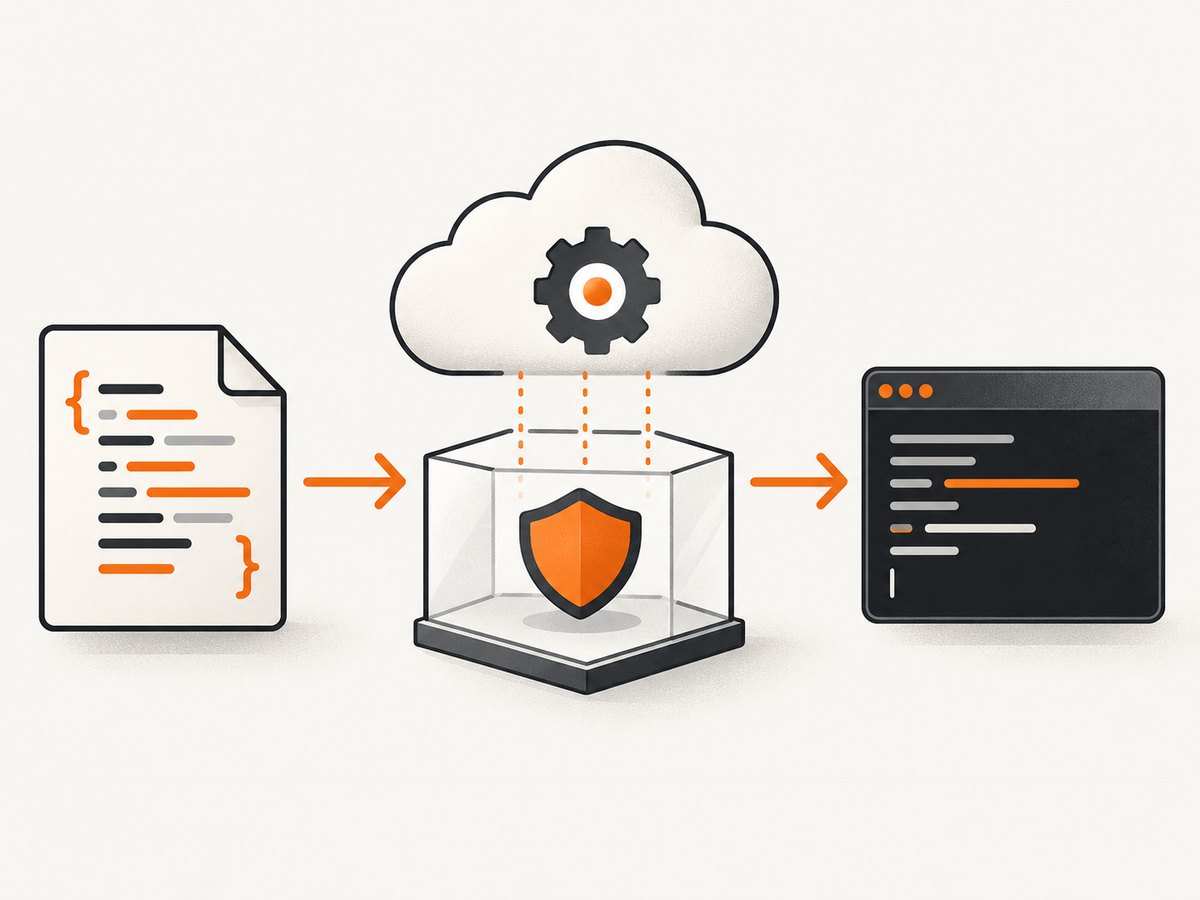
Online C compilers let you write, compile, and run C from a browser without installing GCC, Clang, an IDE, or a complete local toolchain. The best choice depends on what you need: a beginner editor, a debugger, a persistent project workspace, an assembly explorer, or a simple stdin runner.
Quick answer: choose OnlineGDB for breakpoints and debugging, Programiz for the simplest beginner experience, Replit for saved collaborative projects, JDoodle for multi-language and multi-file work, Compiler Explorer for assembly and optimization, and OneCompiler for quick input-driven exercises.
What counts as an online C compiler?
The phrase covers several different products:
- Snippet compiler: paste one file, press Run, and read output.
- Cloud IDE: edit multiple files, save a project, collaborate, and sometimes deploy it.
- Online debugger: set breakpoints, step through code, and inspect variables.
- Compiler explorer: compare GCC or Clang output, flags, targets, and generated assembly.
- Educational editor: combine explanations with small runnable examples.
- Online judge: compile submissions against tests, usually with strict time and memory limits.
Most are browser-accessed cloud services. Your browser displays the editor, while compilation and execution usually happen on a remote server or sandbox. Do not assume that a browser page means the code runs locally. You normally need a modern browser, JavaScript, and an internet connection.
Best online C compilers at a glance
| Tool | Best for | Input | Debugging | Projects | Important caveat |
|---|---|---|---|---|---|
| OnlineGDB | Breakpoints and debugging | Verify current UI | Yes | Verify | More complex than a basic editor |
| Programiz | Beginners | Verify | Not established | Limited/verify | Check current standard and limits |
| Replit | Collaboration and saved projects | Verify | Verify | Workspace support | Account and plan limits may apply |
| JDoodle | Many languages and sharing | Verify | Verify | Documentation describes multi-file projects | Some features may require sign-in |
| Compiler Explorer | Assembly and optimization | Verify | Not a conventional debugger | Not a normal IDE | Target, compiler, and flags change results |
| OneCompiler | Quick stdin exercises | Input area | Not established | Verify | Sandbox restrictions still apply |
| Ideone | Shareable snippets | Verify | Limited/verify | Limited | Check privacy and retention policies |
| Wandbox | Compiler experiments | Verify | Verify | Limited/verify | Confirm current C compiler list |
| Paiza.IO | Lightweight practice | Verify | Verify | Verify | Confirm current versions and sharing |
| TutorialsPoint or W3Schools | Guided learning | Verify | Verify | Limited | Confirm the current C editor is active |
1. OnlineGDB: best for debugging C
OnlineGDB describes itself as an online compiler and debugger for C and C++. Its cloud IDE supports compiling, running, and debugging from a browser without external setup (C compiler page; documentation).
Use it when the question is “Why is this pointer, loop, or conditional wrong?” rather than simply “Does this print?” A debugger-oriented interface is useful for breakpoints, stepping, and inspecting state, although you should confirm the current controls and compiler choices before teaching a class with it.
Trade-off: the extra controls create more interface complexity than a minimal paste-and-run page. Remote execution still has time, memory, and sandbox limits.
2. Programiz: best for beginners
Programiz is aimed at the shortest path from a blank editor to a working C example. It fits first exercises and tutorial-driven learning better than a full cloud workspace. The current page should be checked for its compiler standard, input method, save/share behavior, and account requirements before publication or coursework.
Trade-off: do not assume it provides breakpoints, multi-file builds, or production-like compiler flags. Treat it as a beginner snippet tool unless its current interface documents more.
3. Replit: best for saved projects and collaboration
Replit presents C as a browser workspace for coding, compiling, running, sharing, collaborating, and deploying (official C page). It is a better fit than a disposable compiler when classmates or teammates need a persistent project.
A separate Replit C page describes GCC, C11, standard-library access, sandboxed execution, and a single-file environment (C compiler details). Do not transfer every claim from that dedicated page to every Replit workspace without checking the current product.
Trade-off: sign-up and workspace overhead can be unnecessary for a ten-line test. Free and paid limits can change.
4. JDoodle: best for language variety and sharing
JDoodle supports C alongside many languages and documents code sharing, collaboration, external libraries, multi-file projects, and an execution API (coding page; documentation). It is useful for educators, multi-language developers, and examples that need more structure than one editor pane.
Trade-off: broad features can make the experience less direct for a beginner. Confirm which compiler versions, libraries, API quotas, and project features are available on your plan.
5. Compiler Explorer: best for assembly and optimization
Compiler Explorer, commonly known as Godbolt, is designed to show what C becomes. Select a compiler, standard, target, and options such as -O0, -O2, or -O3, then inspect assembly, object output, or execution controls (C interface; current interface).
It is ideal for learning inlining, calling conventions, instruction selection, and GCC-versus-Clang differences. It is not the easiest first C editor and is not a normal project IDE. Results depend on compiler version, architecture, optimization settings, and libraries.
Compiler Explorer also discloses that optional Claude Explain processing sends source and compiler output to Anthropic. Avoid that feature for proprietary code or review its current privacy controls (service page).
6. OneCompiler: best for quick programs with stdin
OneCompiler’s C page supports writing, running, and sharing code, and exposes an input area under its I/O tab. The page labels the environment C18 (C example and input documentation).
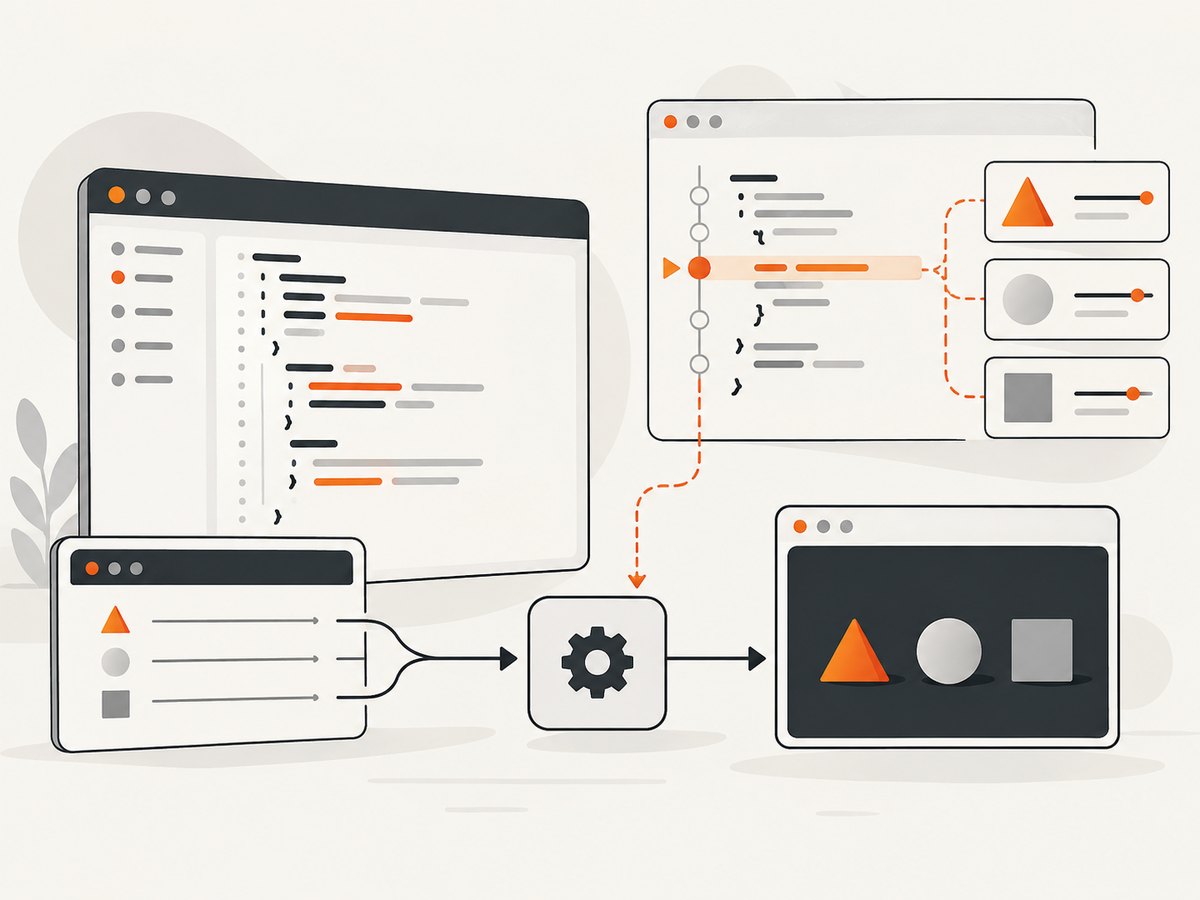
This makes it practical for exercises using scanf, menus, arrays, and simple algorithms. Input is usually prepared in the service’s panel rather than typed into a fully interactive terminal. A page containing POSIX examples does not prove that every process, file, or system call is permitted in every sandbox.
7. Ideone: best for sharing small runnable snippets
Ideone describes itself as an online compiler and debugging tool that compiles and runs code in a browser (about page). It suits short, self-contained examples shared in a programming discussion.
Check current policies for public versus private snippets, retention, accounts, execution limits, and language versions. It is better treated as a sharing service than as a complete project workspace.
8. Wandbox: best for compiler experimentation
Wandbox is useful when you need to compare compiler configurations or investigate whether code depends on a language mode or compiler extension. Verify its current C compiler list and version labels before relying on a particular result. A language standard selection is not identical to a compiler version, and Wandbox should not be assumed to provide breakpoints or a multi-file IDE.
9. Paiza.IO: best for lightweight practice
Paiza.IO is commonly used as a compact browser-accessed execution environment for many languages, including C. It can fit short practice programs on a low-spec device, but confirm current C versions, stdin behavior, file support, sharing, and account requirements on the first-party site. Browser access does not establish client-side compilation; assume remote execution unless documented otherwise.
10. TutorialsPoint or W3Schools: best for guided learning
Tutorial sites can be useful when each example needs an explanation beside it. Verify that the current editor actually compiles C rather than only C++ or another language, and check whether snippets are saved or shared. These tools are intended for small experiments, not realistic builds with headers, Makefiles, or external dependencies.
How to run C code online
- Open the service’s official C page and select C, not C++.
- Replace the sample with a small program.
- Read the selected compiler, standard, target, and flags if the interface exposes them.
- Put input in the stdin or I/O panel before running.
- Click Run, Compile, or the service’s equivalent control.
- Read compiler errors before interpreting runtime output.
- If execution hangs, stop it and check for missing input or an infinite loop.
- If the program uses files, POSIX APIs, third-party libraries, or multiple source files, inspect the service’s sandbox and project limits.
Runnable input example
#include <stdio.h>

int main(void) {
    int number;

    printf("Enter an integer: ");

    if (scanf("%d", &number) != 1) {
        fprintf(stderr, "Invalid input\n");
        return 1;
    }

    printf("Square: %d\n", number * number);
    return 0;
}
Use 7 as stdin. A successful run should print Square: 49. If the program appears frozen, it is probably waiting for input in a different panel.
What to check before choosing a service
C standard and compiler
Look for C89/C90, C99, C11, C17, C18, GNU extensions, and the actual GCC or Clang version. Replit’s dedicated page describes C11 and GCC, while OneCompiler labels its page C18. Those labels illustrate why you must check each tool rather than generalize.
Input, output, and diagnostics
Find out whether scanf input is preloaded, entered in a terminal, or unsupported. Check where warnings, crashes, timeouts, and stderr appear. A compiler that runs printf but cannot accept input will not cover many beginner exercises.
Files, libraries, and builds
Separate one-file editors from workspaces supporting headers, multiple .c files, Makefiles, CMake, uploads, and external libraries. Standard headers such as stdio.h, stdlib.h, string.h, and math.h are common; POSIX APIs and third-party libraries are not guaranteed.
Privacy and sharing
Assume a shared link may be public until the service clearly says otherwise. Never paste credentials, proprietary source, or security-sensitive code into an unknown public runner. Review retention, execution logs, account requirements, and optional AI features.
Common problems and fixes
| Problem | Likely cause | Fix |
|---|---|---|
| Works locally, fails online | Different compiler, standard, flags, target, headers, or libraries | Inspect the selected toolchain; remove nonportable extensions or choose a matching mode. |
| Program hangs | scanf waits for input or an infinite loop runs |
Enter stdin in the correct panel, add prompts and loop bounds, then stop and rerun. |
| File or process calls fail | Sandbox blocks filesystem, fork, shell, network, or device access | Use a supported standard-library example or move the test to a local environment. |
| Output differs | Undefined behavior, locale, buffering, architecture, or optimization | Remove undefined behavior and compare compiler, target, flags, and inputs. |
| Shared code is exposed | Public snippet URL or default retention | Delete the snippet, change privacy settings, and remove secrets. |
| Editor does not load | JavaScript disabled, extension conflict, outage, or restricted network | Enable JavaScript, try a private window or another browser, or use a local compiler. |
Performance, reliability, and cost
Remote compilers add upload, queue, and startup time. Keep tests small when you need quick feedback. A timeout can mean an infinite loop, but it can also be a platform limit. Online services are useful for learning, bug reproduction, interviews, and sharing; they are poor substitutes for repeatable CI, dependency locking, hardware access, or private production builds.
“Free” can mean free anonymous runs, a free account, or a quota that excludes private projects, collaboration, APIs, storage, or deployment. Check each vendor’s current pricing page instead of assuming unlimited use.
Or skip the browser setup
If your goal is to capture the result of an online compiler, tutorial, documentation page, or any other website, ScreenshotNeo provides a website screenshot API and MCP server. One GET request returns a PNG, JPEG, WebP, or PDF. Before capture it accepts consent banners and removes more than 60 known consent platforms, newsletter popups, and chat widgets; each step can be disabled. Bot checks, blank pages, timeouts, failed loads, and cache hits are not billed, and the response identifies the verdict and billing status in X-Page-Verdict and X-Billed headers.
See the ScreenshotNeo API documentation for all options, including full-page and element capture, dark mode, device presets, retina scale, custom CSS and JavaScript, waits, request blocking, headers, cookies, geolocation, caching, signed links, async jobs, bulk capture, and usage data.
cURL
curl -G "https://api.screenshotneo.com/v1/shot" \
  -d access_key=YOUR_API_KEY \
  --data-urlencode url=https://onecompiler.com/c \
  -o compiler.webp
Python
import requests

r = requests.get(
    "https://api.screenshotneo.com/v1/shot",
    params={"access_key": "YOUR_API_KEY", "url": "https://onecompiler.com/c"},
    timeout=90,
)
r.raise_for_status()
open("compiler.webp", "wb").write(r.content)
Node.js
const q = new URLSearchParams({
  access_key: 'YOUR_API_KEY',
  url: 'https://onecompiler.com/c'
});
const res = await fetch(`https://api.screenshotneo.com/v1/shot?${q}`);
if (!res.ok) throw new Error(`Screenshot failed: ${res.status}`);
const fs = await import('node:fs/promises');
await fs.writeFile('compiler.webp', Buffer.from(await res.arrayBuffer()));
ScreenshotNeo also offers an MCP server with take_screenshot, get_page_info, and capture_pdf for Claude, Cursor, and other MCP clients. It includes 1,000 screenshots per month free with no card; paid plans start at $5 for 3,000 shots. Create a free ScreenshotNeo account.
FAQ
Do online C compilers require installation?
Usually no. You need a browser, JavaScript for most full interfaces, and internet access for remote execution. Saved projects and collaboration may require an account.
Can online C compilers run scanf?
Often yes, but the input workflow differs. Use the documented stdin or I/O panel and expect some services to support preloaded input rather than live terminal interaction.
Are online C compilers the same as online C++ compilers?
No. C and C++ have different rules, headers, libraries, and diagnostics. Select a C environment and compile a .c file.
Can I build a multi-file C project?
Only on services that expose multiple files and build controls. Single-file editors are fine for exercises but not for projects using headers, Makefiles, or CMake.
Should I use one for production code?
No. Use a local or managed environment with version control, repeatable builds, dependency management, tests, and appropriate privacy controls.
Final recommendations
Pick OnlineGDB when debugging is the priority, Programiz for a first lesson, Replit for collaboration, JDoodle for broad language and project support, Compiler Explorer for generated assembly, OneCompiler for stdin exercises, and Ideone for shareable snippets. Treat Wandbox, Paiza.IO, and tutorial editors as task-specific options that require a current first-party check. The right online C compiler is the one whose compiler mode, input model, project size, privacy policy, and limits match the code you are trying to run.


